.svg)
Essential system for small business solutions in 2026

Small businesses are entering a new era, where technology isn't just an advantage, but a necessity. The right system for small business can make or break your ability to compete in 2026. Let’s break down the key trends, integration benefits, challenges, decision-making frameworks, and future-proofing essentials that are shaping the way business owners choose their systems.
What are the Key trends shaping small business technology?
The system for small business is being transformed by five major trends:
- AI and automation are now regular fixtures, powering everything from customer service to inventory.
- Cloud-based, mobile-friendly platforms let teams work from anywhere.
- Integration across sales, marketing, HR, and finance is the new norm.
- Cybersecurity and data privacy are top priorities, not afterthoughts.
- All-in-one, scalable solutions are in demand for their flexibility and value.
According to small business tech trends 2025-2026, businesses adopting these advancements are seeing measurable gains in productivity and resilience.
The business case for system integration
A unified system for small business is a game changer. Integrated systems cut manual work, boost efficiency, and deliver more accurate data. Industry research shows that companies using integrated platforms can see up to 25% higher productivity.
Consider a retail store owner who links their POS and ERP. Suddenly, sales data flows directly into inventory, reducing errors and freeing up time to focus on growth. Integration brings all the moving parts together, making business smoother and smarter.
What are the challenges faced by small businesses?
Adopting a new system for small business isn’t without obstacles. The biggest hurdles include:
- Limited budgets and stretched resources.
- Keeping pace with rapid tech advancements and a crowded vendor marketplace.
- Finding the right balance between customization and simplicity.
- Ensuring staff are onboarded, trained, and comfortable with new tools.
Overcoming these challenges means being strategic and realistic about what your business truly needs.
What's the best frameworks for selecting business systems?
Choosing the right system for small business requires a practical framework. Key criteria include:
- Scalability and adaptability as you grow.
- User experience and ease of onboarding.
- Quality of customer support and training resources.
- Realistic ROI calculations.
Don't skip trial periods, demos, and peer reviews. Tap into industry groups and expert guides to get unbiased feedback before making a commitment.
Future-proofing your business: What to look for in essential systems
To ensure your system for small business stands the test of time, prioritize:
- Flexibility for remote and hybrid teams.
- Real-time analytics and actionable reporting.
- Strong security, compliance features, and regular updates.
- A vendor with a solid reputation and transparent roadmap.
|
Característica |
Por qué es importante |
Example benefit |
|---|---|---|
|
Remote Team Support |
Enables flexible work |
Staff access tools anywhere |
|
Real-Time Analytics |
Informs fast decisions |
Spot trends before competitors |
|
Security & Compliance |
Protects data, avoids penalties |
Peace of mind, fewer breaches |
|
Vendor Reputation |
Reduces risk |
Reliable updates and support |
Staying proactive means you’ll be ready for whatever the future brings.
Essential systems for small business solutions in 2026
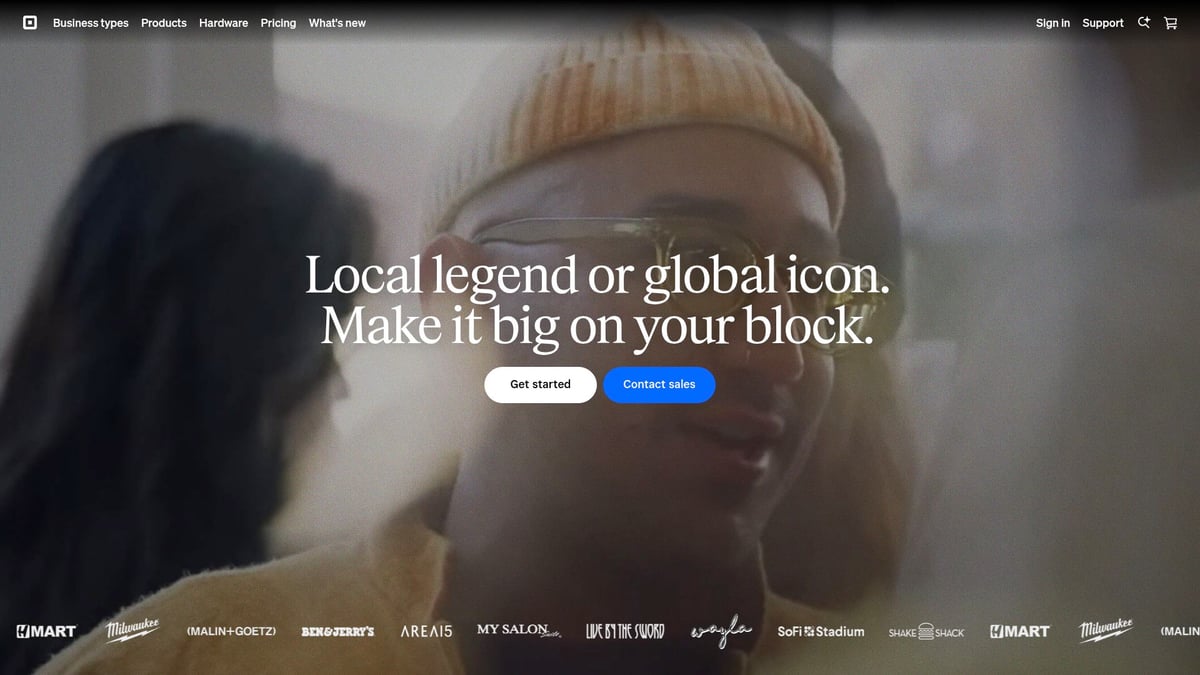
Square POS System
Square POS System has become synonymous with seamless transactions for small businesses. It offers a flexible pricing model: the free plan covers the essentials, while premium plans start at £69 per month for advanced features.
Características principales:
- Accepts in-person and online payments
- Real-time inventory management
- Customer insights and loyalty tracking
- Mobile-friendly interface
Key benefits: Square’s system for small business owners is built to unify sales channels. You can manage sales, inventory, and customer data from a single dashboard. Small retailers and service providers appreciate how quickly they can get set up and start selling.
Unique selling points:
- No monthly fees for basic use
- Expansive app marketplace to add new functionalities as you grow
- Robust analytics for smarter decision-making
Ventajas:
- User-friendly and intuitive
- Scalable as your business grows
- Sólida atención al cliente
Contras:
- Limited customization for complex business models
Who should use it? Retail shops, cafes, restaurants, and service-based businesses seeking a reliable, all-in-one system for small business transactions.
"Square's ability to bridge online and offline sales is a game changer for modern SMBs," says tech consultant Maria Lopez.
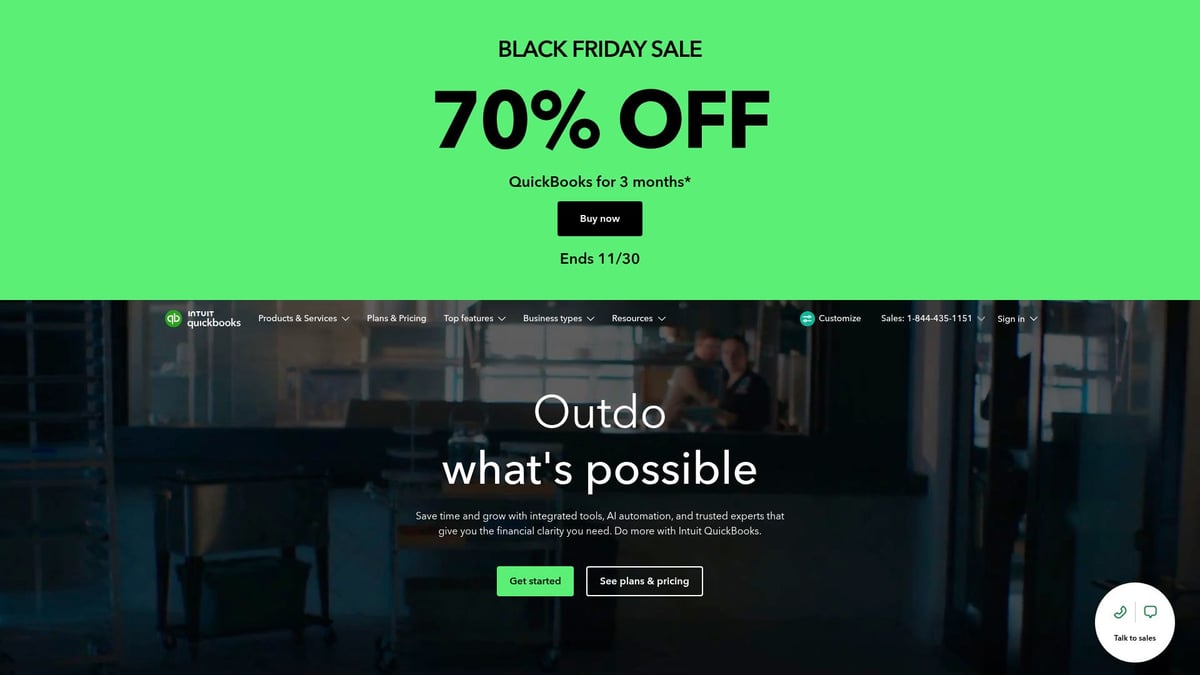
QuickBooks Online
QuickBooks Online remains the gold standard for small business accounting in 2026. Plans start at $16 per month, with optional payroll and payments add-ons.
Características principales:
- Automated bookkeeping and invoicing
- Expense tracking with real-time reporting
- Payroll integration for seamless HR management
Key benefits: This system for small business owners automates tedious financial tasks. It syncs with your bank accounts, POS, and ecommerce platforms, helping you stay tax-ready and make data-driven decisions.
Unique selling points:
- Deep integration with major banks and payment processors
- Mobile access for on-the-go business management
Ventajas:
- Trusted by millions of SMBs
- Scalable for growing companies
- Strong support and learning resources
Contras:
- Some features require extra payment
- Advanced capabilities have a learning curve
Who should use it? Freelancers, consultants, and small business owners who want to simplify finances without hiring a full-time accountant.
Square POS & QuickBooks Online comparison table:
|
Característica |
Square POS |
QuickBooks Online |
|---|---|---|
|
Precio |
Free/£69 monthly |
$16+ monthly |
|
Inventory |
Sí |
Limitado |
|
Payroll |
No |
Yes (add-on) |
|
Mobile App |
Sí |
Sí |
Zoho CRM
Zoho CRM is a powerhouse system for small business teams that prioritize customer relationships and sales automation. There’s a generous free tier, with paid plans starting at £12 per user monthly.

Características principales:
- Lead and pipeline management
- Automated workflows and tasks
- Customizable dashboards and analytics
Key benefits: Centralize all your customer data and sales activities in one platform. Zoho CRM’s automation helps you close deals faster and ensures no lead slips through the cracks.
Unique selling points:
- Affordable entry point
- Integrates with the full Zoho suite and third-party tools
Ventajas:
- Intuitive interface makes onboarding fast
- Flexible customization for various industries
Contras:
- Some advanced tools require higher-tier plans
- Support is limited on the free version
Who should use it? Sales-driven organizations, agencies, and distributed teams looking for a scalable system for small business customer management.
Tip: For cleaning, field service, or hospitality businesses, consider a sector-specific app for cleaning teams to complement your CRM and streamline team coordination.
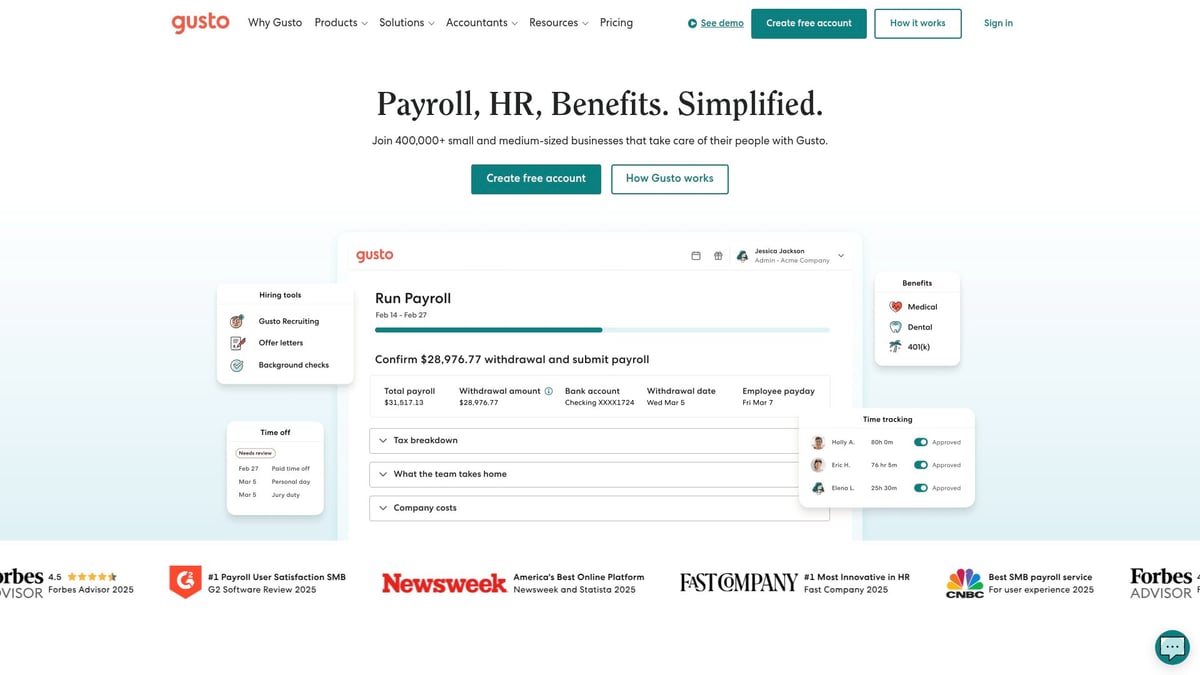
Gusto Payroll & HR
Gusto stands out as the system for small business payroll and HR tasks. Pricing starts at $49 per month plus $6 per employee.
Características principales:
- Full-service payroll processing
- Automated tax filings and compliance
- Employee onboarding and benefits management
Key benefits: Gusto simplifies legal compliance and automates payroll, so you spend less time on paperwork. The employee self-service portal empowers staff to manage their own details.
Unique selling points:
- All-in-one HR solution for SMBs
- Excellent customer support and transparency
Ventajas:
- Easy setup and onboarding
- Scalable as your team grows
- Comprehensive HR tools
Contras:
- Not tailored for very large organizations
- Primarily US-focused
Who should use it? Any small business with employees, especially those with remote or distributed teams who need a reliable system for small business HR functions.
"Automating payroll and HR is not a luxury, it's a necessity for SMBs to stay compliant and competitive," says HR strategist Kevin Tran.
Shopify Ecommerce
Shopify leads the charge for small businesses moving online. Pricing starts at £19 per month, with additional fees for transactions and apps.

Características principales:
- Drag-and-drop online store builder
- Secure payment processing
- Integrated inventory and shipping management
Key benefits: Launch your online store quickly and scale as your business grows. Shopify’s system for small business e-commerce is reliable, with built-in marketing tools and analytics.
Unique selling points:
- Vast app marketplace for customization
- In-person POS integration for omnichannel selling
Ventajas:
- Fast, intuitive setup
- Strong SEO and marketing features
- 24/7 support
Contras:
- Transaction fees can add up
- Cost increases with apps and add-ons
Who should use it? Retailers, direct-to-consumer brands, and brick-and-mortar stores expanding online.
Pro tip:
If you run a hospitality business, explore a dedicated app for hospitality businesses to manage bookings and guest experience alongside Shopify.
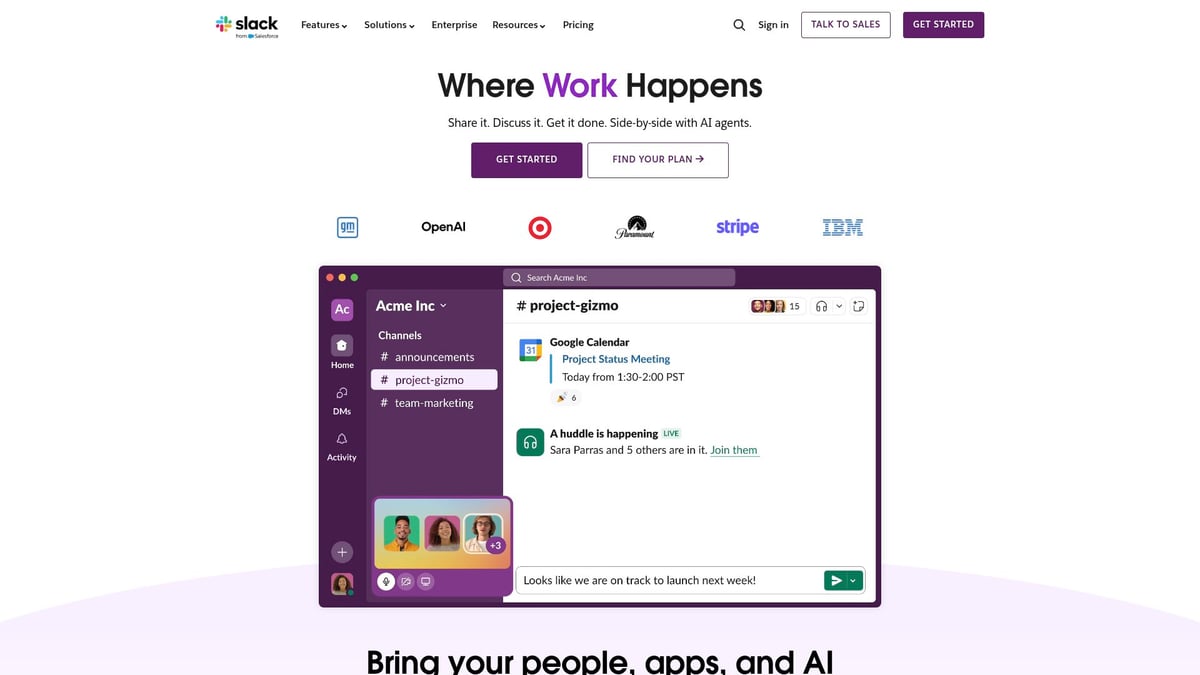
Slack Collaboration Platform
Slack is the go-to system for small business communication and collaboration. It offers a free tier, with paid plans starting at $7 per user per month.
Características principales:
- Organized channels for teams and topics
- Instant messaging and file sharing
- Integrations with Google Drive, Salesforce, and more
Key benefits: Centralize all conversations and documents, making remote and hybrid work smoother. Slack’s workflow automation can eliminate repetitive communication tasks.
Unique selling points:
- Powerful API for custom workflows
- Searchable message history
Ventajas:
- Rapid onboarding for new users
- Boosts productivity and accountability
- Extensive third-party integrations
Contras:
- Can get noisy if not managed well
- Advanced features require a paid plan
Who should use it? Teams of all sizes, especially those with remote or distributed staff who need a flexible, scalable system for small business collaboration.
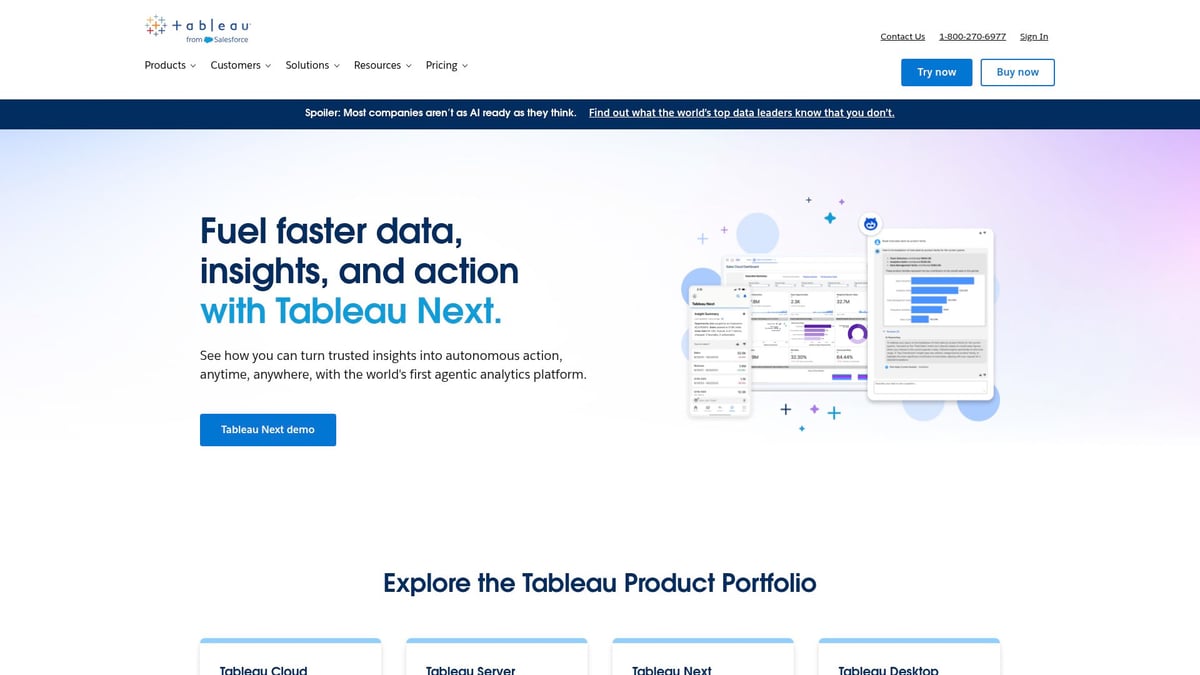
Tableau Analytics
Tableau Analytics is the premier system for small business data visualization and analytics. Pricing begins at $75 per user per month.
Características principales:
- Intuitive drag-and-drop dashboard creation
- Real-time analytics from multiple data sources
- Customizable reports for decision-making
Key benefits: Transform raw data into actionable insights. Tableau enables you to spot trends, measure KPIs, and make informed business decisions without needing a data science degree.
Unique selling points:
- Connects to a wide range of data sources
- Scalable from solo entrepreneurs to large teams
Ventajas:
- Industry-leading visualizations
- Active user community and support
- Grows with your business
Contras:
- Higher cost than some alternatives
- Requires some training to master
Who should use it? Managers, analysts, and any business owner committed to data-driven growth and looking for a robust system for small business analytics.
Tasa
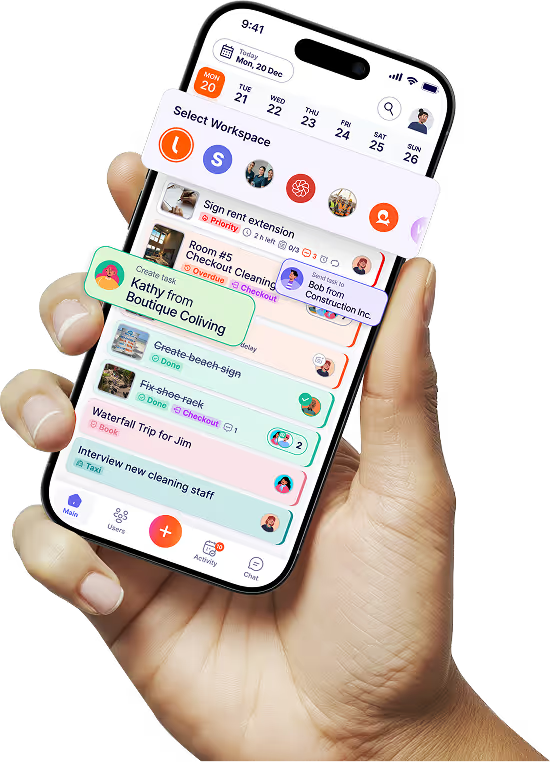
Tasa is the essential app for small business owners who manage hands-on, multilingual, or distributed teams in cleaning, maintenance, hospitality, or construction. Plans start with a free tier for personal use, with team plans beginning at $8/user/month.

Características principales:
- Picture-based tasks & checklists for crystal-clear instructions, eliminating language barriers.
- Send picture back for visual proof of work and remote quality control.
- In-app chat with AI real-time translation across 100+ languages.
- Separate workspaces to organize tasks by team, client, or location.
Key benefits: Tasa directly tackles the costly miscommunication and lack of oversight that plague field operations. It replaces chaotic WhatsApp groups and paper checklists with a structured, accountable workflow that any team member can follow, regardless of literacy or language.
Unique selling point: Get perfect task execution from any team, anywhere—without saying a word. Tasa visual app ensures everyone understands the work and proves it’s done right.
Ventajas:
- Drastically reduces training time and errors
- Provides auditable proof of work
- Perfect for fast-paced, multilingual environments.
Contras:
Specialized for task execution and team coordination.
Who should use it? Business owners in cleaning, home services, hospitality, construction, expats or any manager overseeing teams where visual proof and clear instructions are critical to quality and efficiency.
Essential system for small business solutions summary table
Últimas noticias
¿Tiene alguna pregunta?
.svg)
Gestión de equipos simplificada.

"Afecta mucho a mi vida personal. Puedo gestionar mi equipo y mi trabajo a distancia, así que tengo más tiempo para ser madre."
