












⚡ Tasa API, Webhooks & MCP

Connect Tasa to everything else

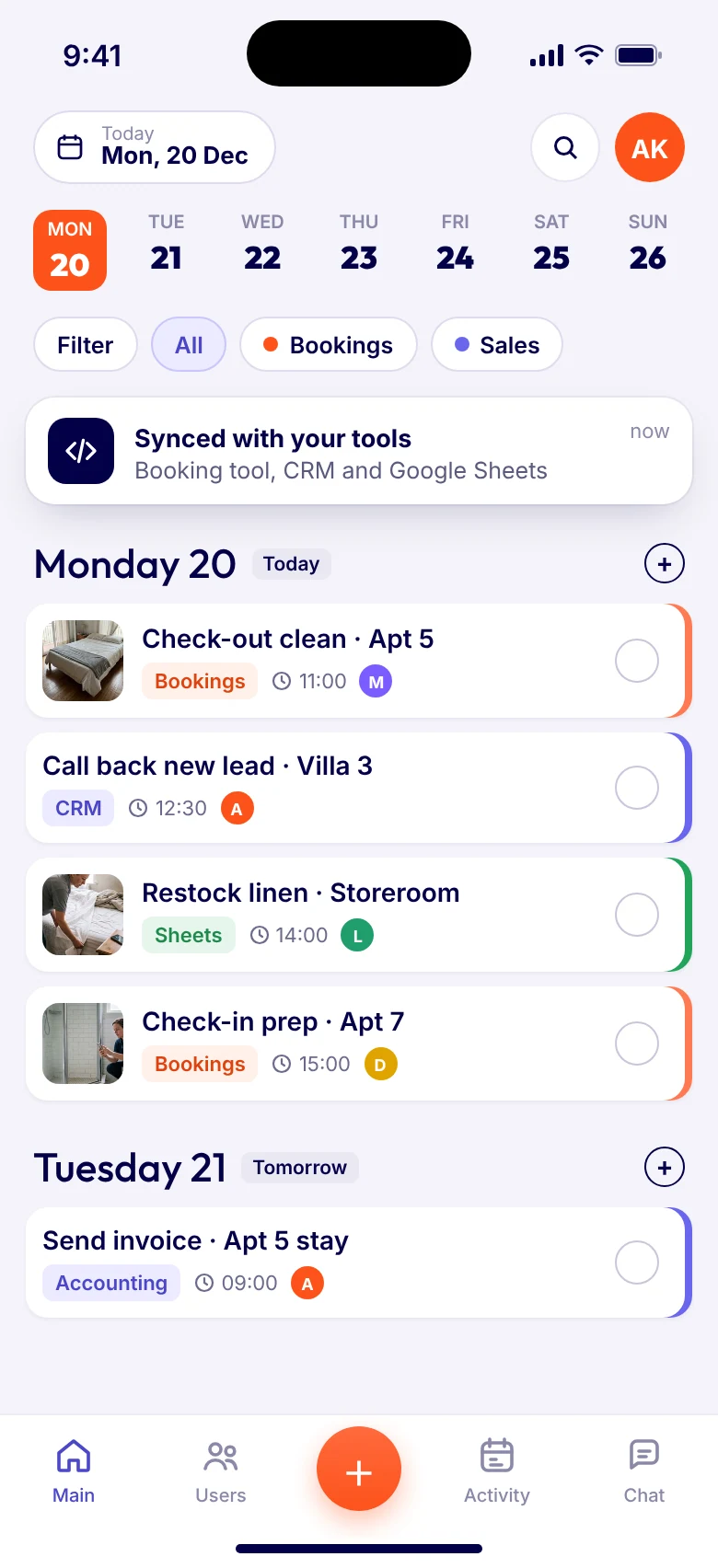
Tasa already turns work into clear picture tasks. With the API, webhooks and MCP it also talks to your booking tool, CRM, accounting or AI assistant. Work flows in, work flows out, and nobody copies anything by hand.
Tasa squirrel with a headset, connecting apps from a tablet
Your pocket
assistant
As Seen ON

Tasa works with your other apps

Your team keeps it simple in Tasa. Bookings, invoices, reports and AI assistants stay in sync on their own.
📅 Booking platforms
🏨 Channel managers
📇 CRM
🧾 Accounting and invoicing
📊 Google Sheets and BI tools
🗓️ Calendars you sync
⚡ Zapier, Make and n8n
🤖 AI agents
🛠️ Your own software
and much more...
For the whole team

Include every worker in your automated workflow

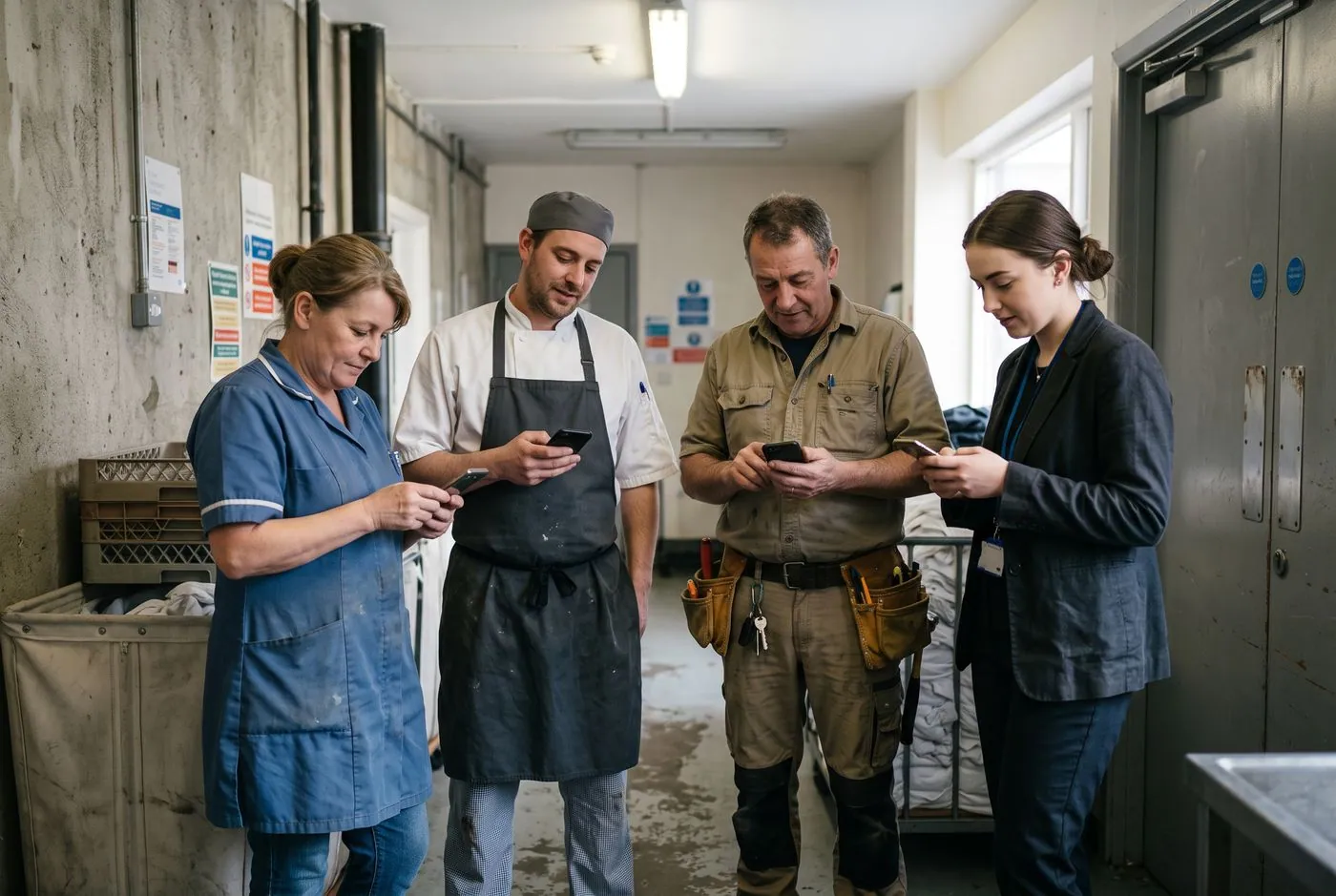
Most automations stop at the office computer. With Tasa they reach the cleaner, the cook and the technician too, with no laptop, no English and no training needed.
  • A picture task on their phoneAutomations create tasks people understand at a glance: photos and clear steps instead of long text.
  • In their own languageEvery task is translated automatically into Arabic, Burmese, English, French, German, Spanish, Indonesian, Italian, Portuguese, Polish, Russian, Thai, Ukrainian or Vietnamese. A booking that arrives in English reaches each person in their own language.
  • Their photo closes the loopWhen someone taps done and adds a photo, the webhook fires and the next step starts in your other tools.
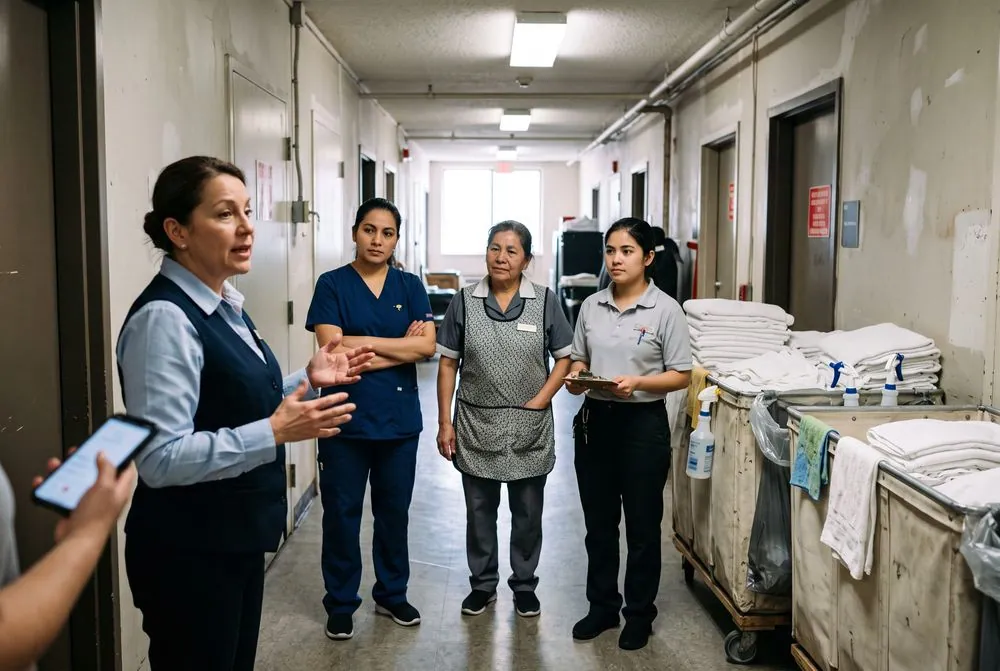
A housekeeper, a cook, a technician and a receptionist each checking their tasks on their phones
Booking #4821 becomes a task
ENClean apartment 5ESLimpiar el apartamento 5UKПрибрати апартаменти 5DEApartment 5 reinigen
Done with photo, invoice drafted
Three ways to connect
Tasa connects

Every hour spent re-typing a booking into a task list, or copying a finished job into an invoice, is an hour not spent on customers. Tasa already removes the explaining. Automation removes the typing.

REST API
Your data, your rules
Any tool that can make a web request can create, update and complete tasks, add subtasks and photos, and read tasks, categories and workspace members. Ideal for imports, reports and syncs that run on your schedule.
Webhooks
Tasa tells you the moment something happens
Register a web address once. Tasa calls it whenever a task is created, updated, completed, reopened or deleted, or someone comments or reacts. The proof photo comes with the completed event, so the next step can start right away.
zz
MCP
Let your AI assistant work in Tasa
Connect Claude, ChatGPT, Copilot or your own agent to the Tasa MCP server. Ask “was the coffee grinder cleaned today?” and get the answer from live tasks, or let it create a follow-up task for you, with the access you allow.
What each one can do

Tasa under the hood, in plain words

REST API
Read and write your workspace from any tool.
  • Create, update, complete and reopen tasks
  • Add subtasks and photos
  • Read tasks, assignees, categories and proof photos
  • Read and write task comments, replies and reactions
  • See who is in the workspace

User management stays in the app.

Open the API docs
Webhooks
Ten events, sent the moment they happen.
Tasks
CreatedUpdatedCompletedReopenedDeleted
Comments
CreatedUpdatedDeletedReaction addedReaction removed

Completed brings the proof photo link, assigning someone arrives as an update and a reply as a new comment. If your server does not answer, Tasa tries again up to 5 times.

See the event details
MCP
Your AI assistant, connected to real tasks.
  • Ask about tasks and photo proofs in plain words
  • Create follow-up tasks from the chat
  • Read, write and react to task comments
  • Plan and check work with agents, with the access you allow

Add the server in your assistant, sign in with Tasa and allow read or write access.

https://api.tasa.app/mcp
Most real workflows combine them
Checkout task completedwebhook
Your automation reads the detailsAPI
Invoice created in accounting
AI agent reviews, adds a follow-up if neededagent

Workflow ideas that save real hours

Real setups you can build this week. Each card shows the trigger, what happens next, the tools it uses and who it is for.
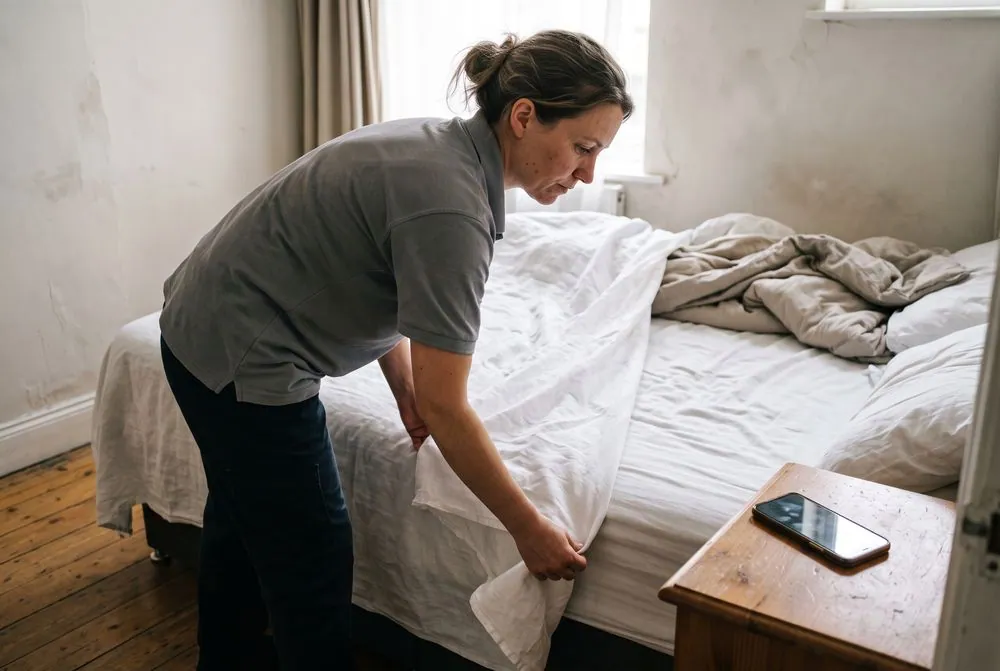

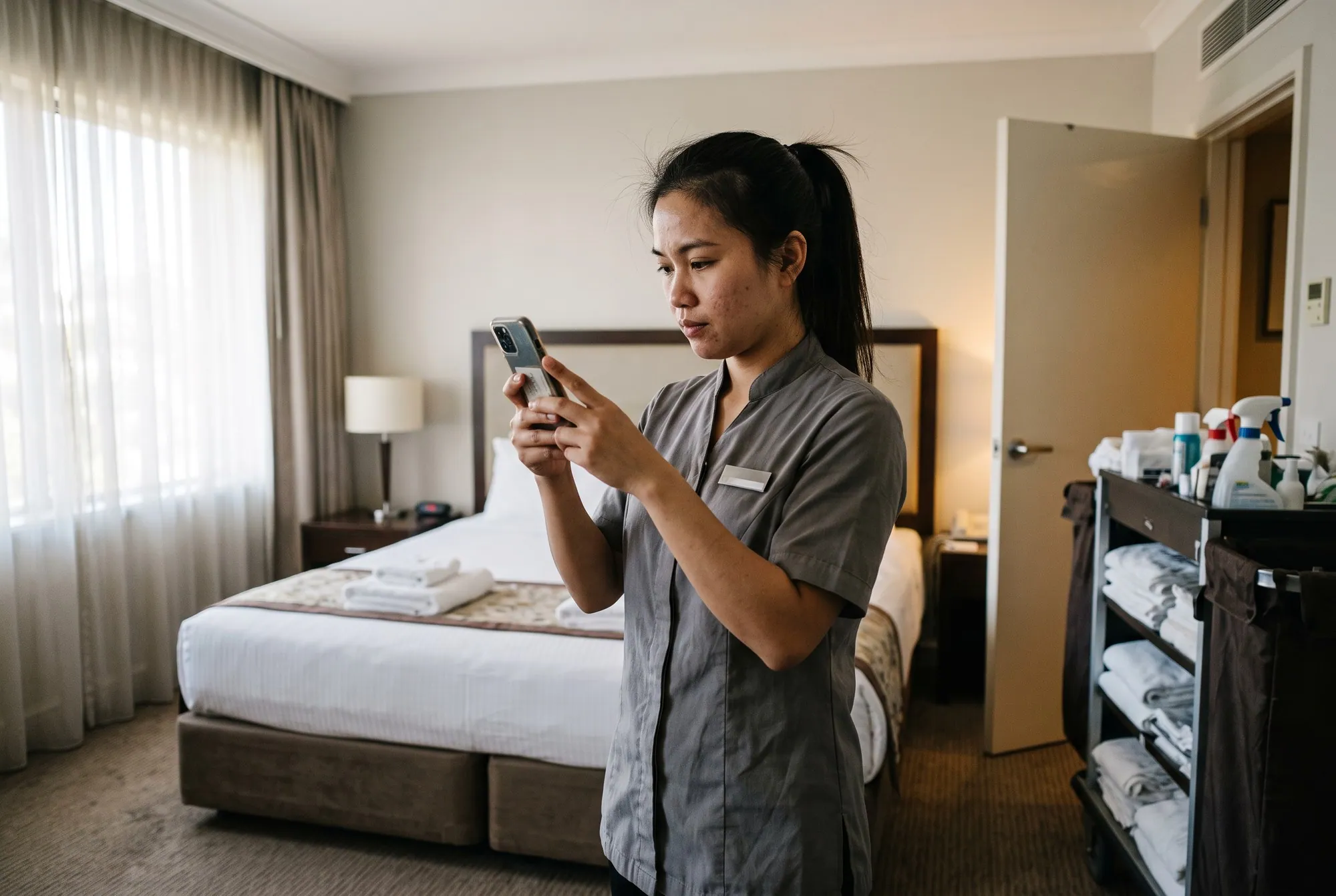
A cleaner making the bed in a holiday apartment
📅New bookingTask created🧹Cleaner sees it
Booking → check-in / check-out task
Your booking tool’s own webhook calls the Tasa API, and the cleaner gets a picture task for the exact unit.
API
For: Airbnb hosts, hotels, coliving
A property manager checking a finished job at his desk
Task done📸Proof photo📇CRM updated
Task finished → CRM updated
The completed event brings the proof photo. Your CRM record gets the status and the picture, and nobody asks “is it done?”.
Webhook
For: Property managers, agencies
A cleaning company owner going through the weekly numbers
Tasks📊Sheet📈Dashboard
Custom reports and dashboards
Pull tasks into Google Sheets, Power BI or Grafana and group them per person or workspace. Completion stats work best for one-off tasks.
API
For: Anyone running several workspaces
A supervisor sharing out the day’s rooms to housekeepers
🌙Nightly run⚖️Count tasksReassign
Workload balancer
A nightly script counts open tasks per person and moves tomorrow’s work, so nobody drowns while someone else waits.
API
For: Cleaning, maintenance, retail
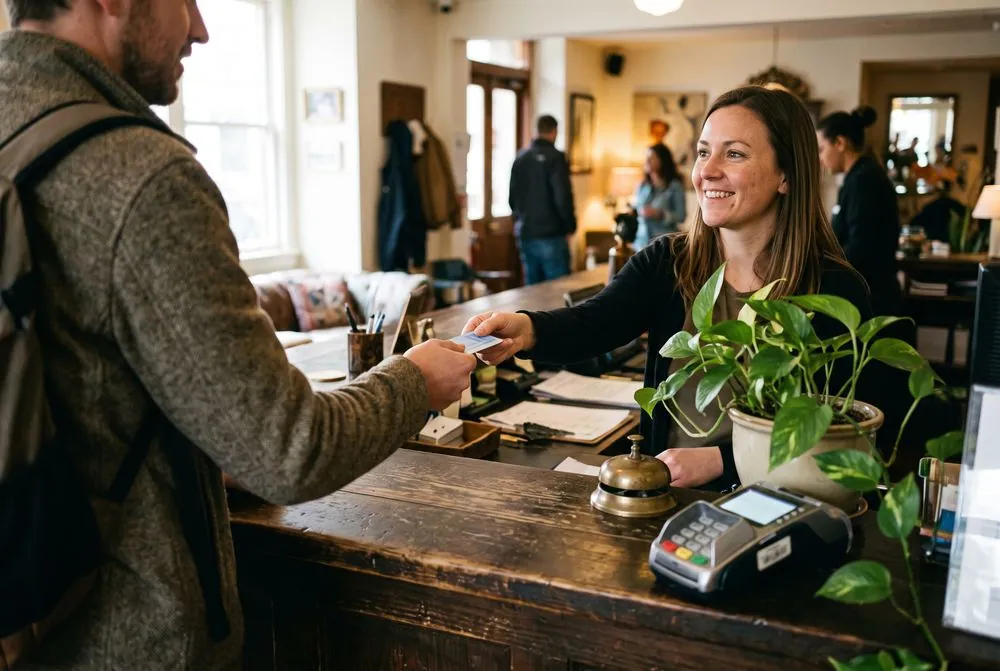
A guest checking out at a hotel front desk
Checkout done🔗Booking ref🧾Invoice draft
Checkout → invoice, automatically
A completed check-out task drafts the invoice in your accounting tool, with the booking reference attached.
WebhookAPI
For: Hospitality, rentals, B2B services
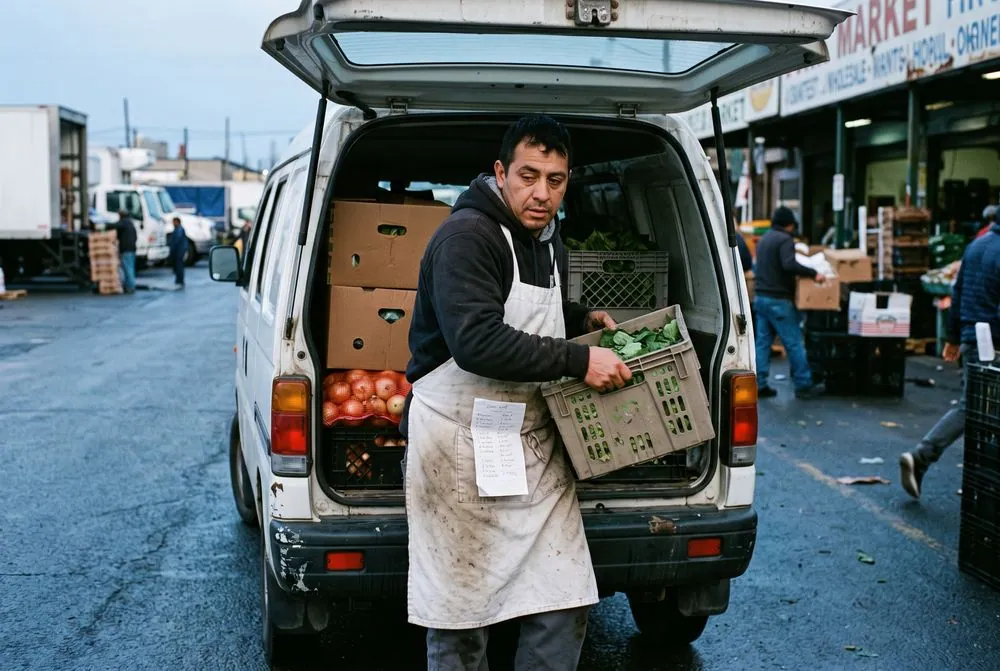
A cook loading supplies into a van at the market
🛒“Buy” category🚕“Taxi” category📄One list
Shopping and taxi lists for suppliers
Keep purchases in a “Buy” category and rides in “Taxi”, then export them as one clear list. No more WhatsApp chaos.
API
For: Supermarkets, farms, repairmen, restaurants
A coach checking her day on her phone in a cafe
Task + deadline🔄Your sync🗓️Calendar
Calendar sync you build
Build a sync so tasks with deadlines show up in Google or Outlook, and calendar events can create tasks.
API
For: Coaches, expats, agencies
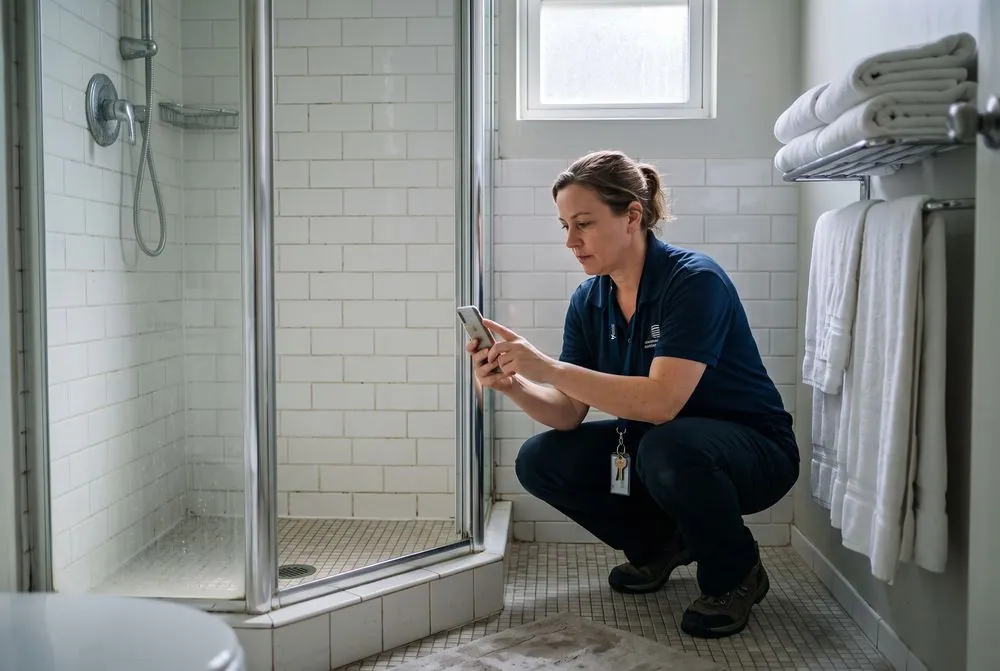
A supervisor photographing a cleaned bathroom to double-check it
Task done🤖AI agent🔁Double-check task
AI double-check
A completed-task webhook wakes your AI agent, for example in n8n. It reviews the job and adds a small “please double-check” task when something looks off.
WebhookAI agent
For: Quality-driven teams

Getting started in 3 steps

  1. 1
    Get your API key
    Admins and Managers create a key in the API settings of web.tasa.app. See how below.
  2. 2
    Pick your lane
    Fixed pipeline: webhooks and the API. A conversation: MCP. Not sure? Start with one webhook.
  3. 3
    Test in a sandbox workspace
    Try the flow with a few test tasks, then roll it out to your team.
For no-code tools and developers

How to get your API key

  1. 1
    Open web.tasa.appSign in as an Admin or Manager of your workspace. They can create keys by default.
  2. 2
    Go to API settingsCreate a new key and name it after the integration, for example “Booking sync”.
  3. 3
    Copy the key and keep it secretPaste it into Zapier, Make, n8n or your own code. It travels in the X-Api-Key header.
  4. 4
    Make your first requestThe API docs list every endpoint with examples you can try right away.
Top part of acorn

Stop typing. Start automating.

Download, create your first tasks, and enjoy!

Bottom part of acorn
Do I need to be a developer to use this?
Who can create API keys?
What exactly do webhooks send me?
Is my data safe when I connect other tools?
How do I connect my AI assistant?
Can Tasa build the integration for me?
Download Now
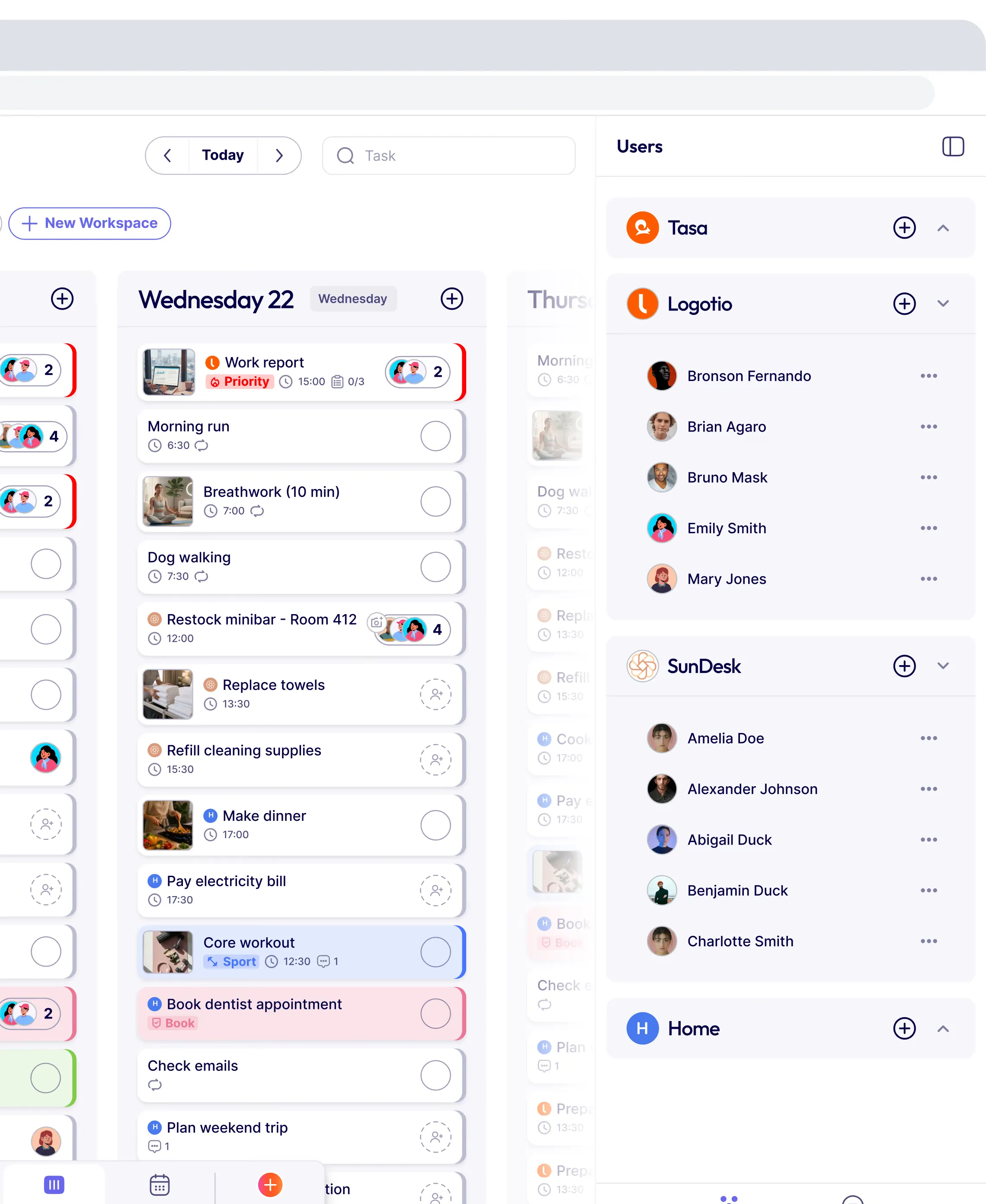
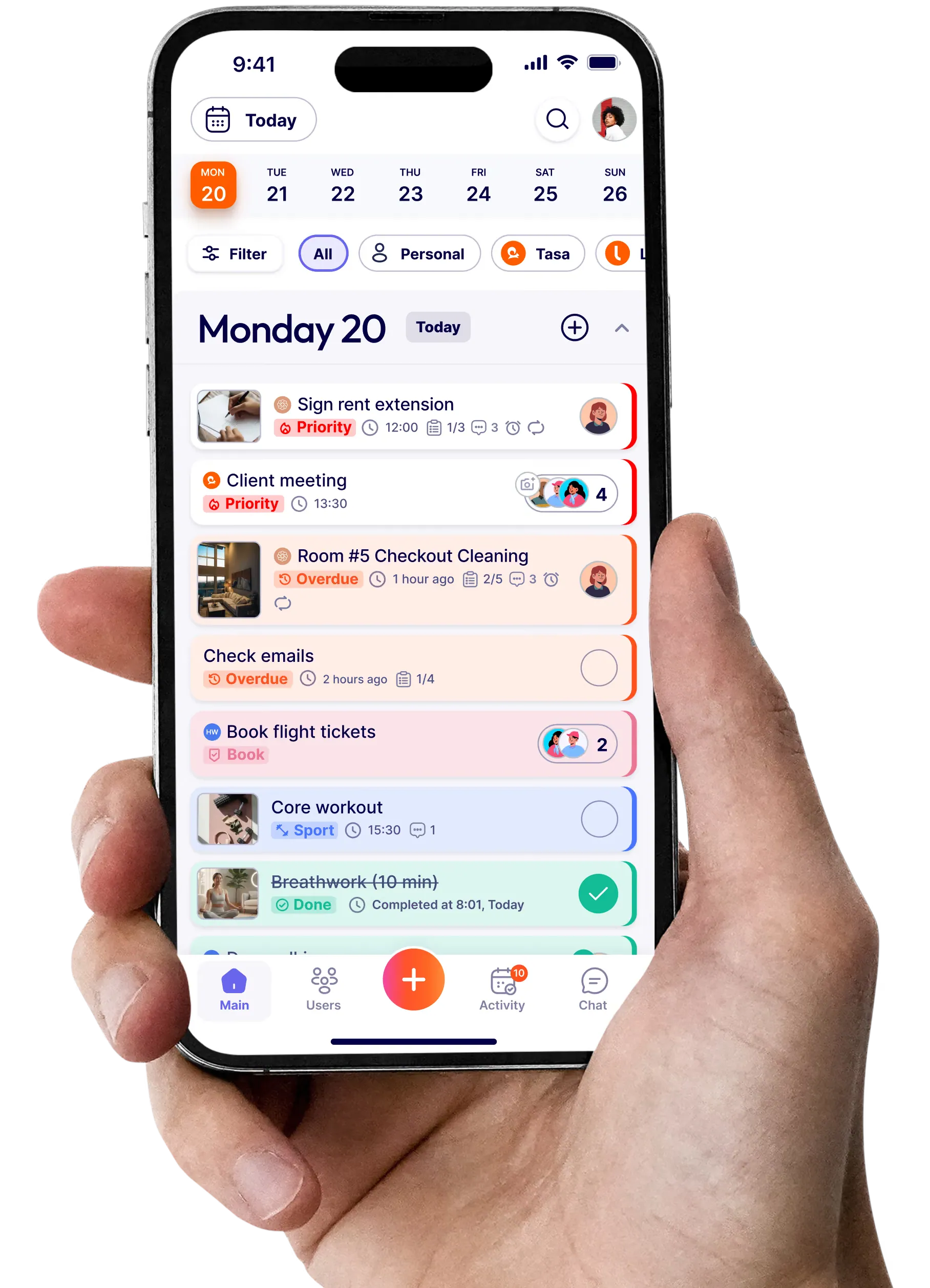
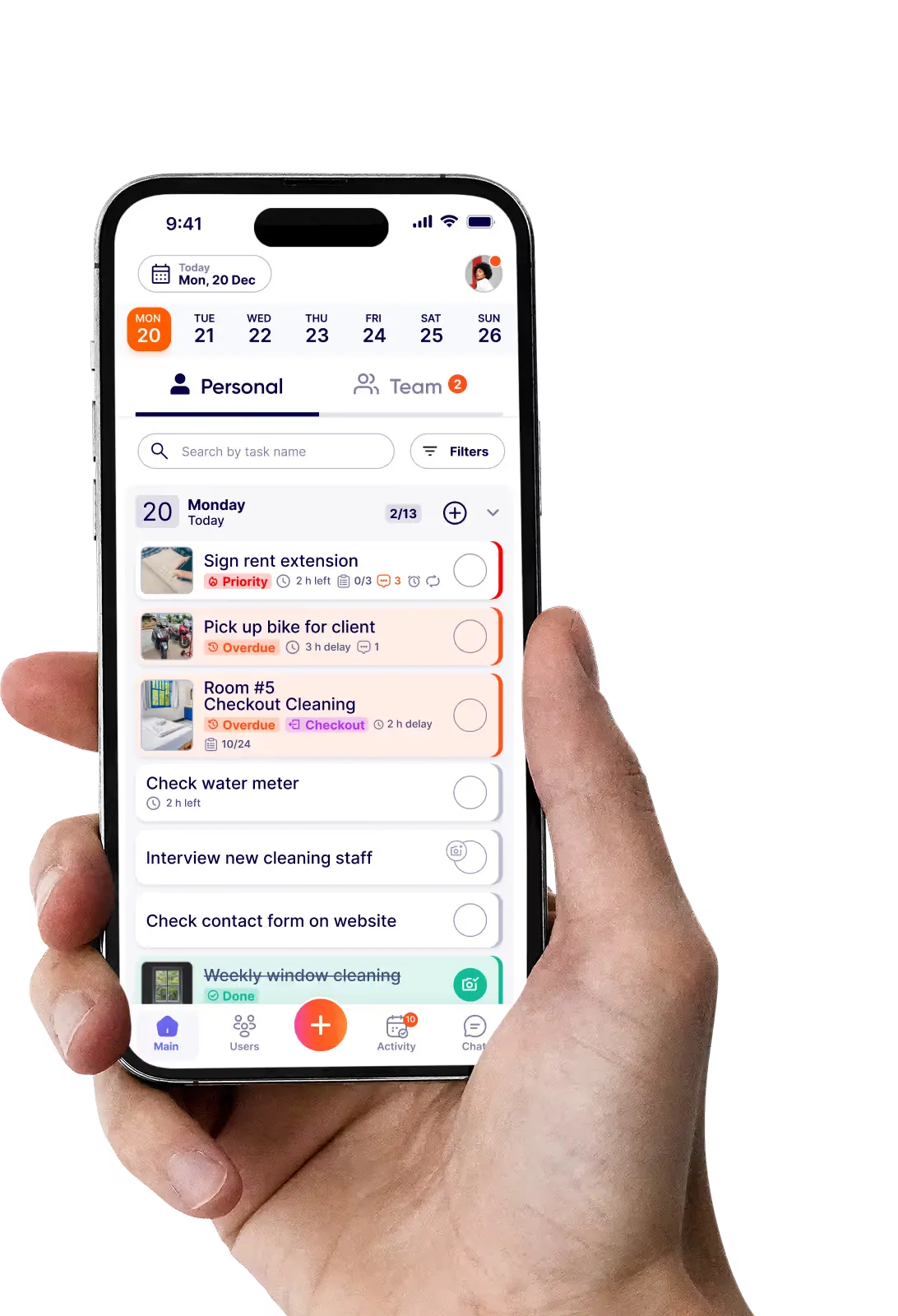
Tasa web based user interface viewTasa mobile task management tool preview
Tasa app

Get started in 60 seconds

Set up your workspace on the web, then bring your team in on iPhone or Android.

“It affects my personal life a lot. I can manage my team and my work remotely, so I have more time being a mother.”

Magdalena from Sundesk
Magdalena Herrmann
Founder of SunDesk

Book a demo

Contacts

Got questions?
We're all ears!
New to Tasa?
Not sure where to start?
Send us a message — we’ll help you set up your first workspace and invite your team.
Tasa squirrel in a headset waving hello