.svg)
Alternative to Motion in 2026: AI Calendars vs Work That Needs Hands
Motion made AI scheduling famous: an AI planner that reads your task list and deadlines, then auto-builds the calendar to schedule tasks around them, reshuffling everything when the day falls apart. For overloaded knowledge workers, that promise is real, and for many people it works.
But Reddit threads and search results tell a story. Alongside the fans there is a steady stream of people looking for a Motion alternative, and their reasons repeat: the price after the trial, the learning curve of an AI calendar that needs convincing, the per-seat cost for teams, and a growing suspicion that their real bottleneck is not how their calendar is arranged.
This guide covers both keywords and both audiences: the motion alternative shopper comparing AI scheduling tools, and the team that has realized its work does not happen inside a calendar at all. That second group is where Tasa, a picture-based task app for frontline teams, enters: different problem, different tool, honestly framed.
Key Takeaways:
- Motion has no free plan: Pro AI costs $19 per seat per month and Business AI $29 (billed annually, with a free trial, and monthly billing higher).
- The strongest free alternatives to Motion are Reclaim (a free-forever tier with AI agents) and FlowSavvy (a free tier, Pro at $10 per month billed yearly).
- Verified paid alternatives: Sunsama $25 per month ($20 yearly), Akiflow from $19 per month yearly, Reclaim Starter $8, Business $12.
- Motion optimizes a desk calendar. Tasa solves a different problem entirely: picture-based tasks with photo proof for teams whose work happens in physical locations at $6.80 per month.
Why people look for alternatives to Motion
- No free plan and a hard landing. After the free trial ends, the cheapest entry is Pro AI at $19 per seat per month, billed annually. Teams compare that against a free tier elsewhere and do the math per seat, per month, per year.
- The AI needs training before it helps. Auto-scheduling works best once you have fed it priorities, durations, and habits. Until then, users report fighting the scheduler as much as following it, and some people conclude they never needed an AI planner at all.
- It optimizes the wrong thing for some jobs. Motion schedules deep work, meetings, and focus time. It has nothing to say about a housekeeping crew, a construction site, or a store opening checklist, because that work is not calendar-blocked; it is executed, step by step, in a place.
- Integration dependence. The magic depends on sync with Google Calendar and task sources. Anyone whose stack sits outside those integrations gets a fraction of the value.
None of this makes Motion a bad product. It makes it a specialist: excellent for a specific kind of desk work, priced and shaped for exactly that.
Can I get Motion for free?
No free plan exists. Motion offers a free trial, after which Pro AI is $19 per seat per month and Business AI $29 per seat per month when billed annually (monthly billing runs higher). If free is the requirement, the honest answer is a different tool: Reclaim's free-forever plan, FlowSavvy's free tier, Google Calendar with manual time blocking, or ClickUp's free tier with basic scheduling features.
Is Motion better than Google Calendar?
For a solo knowledge worker with too many tasks and too little time, Motion's AI scheduling genuinely beats a manual calendar: it rebuilds your day when a meeting lands on it, protects focus time, and stops the nightly replanning ritual. Google Calendar is free, infinitely simpler, and depends on you to do the planning.
The comparison that matters is whether you want software that plans for you (Motion, or a cheaper alternative like Reclaim) or software that holds your plan (Google Calendar, free forever). Teams that answer "neither, we need our crew to follow a standard" are shopping in the wrong aisle entirely.
Tasa: the alternative when work is not a calendar block
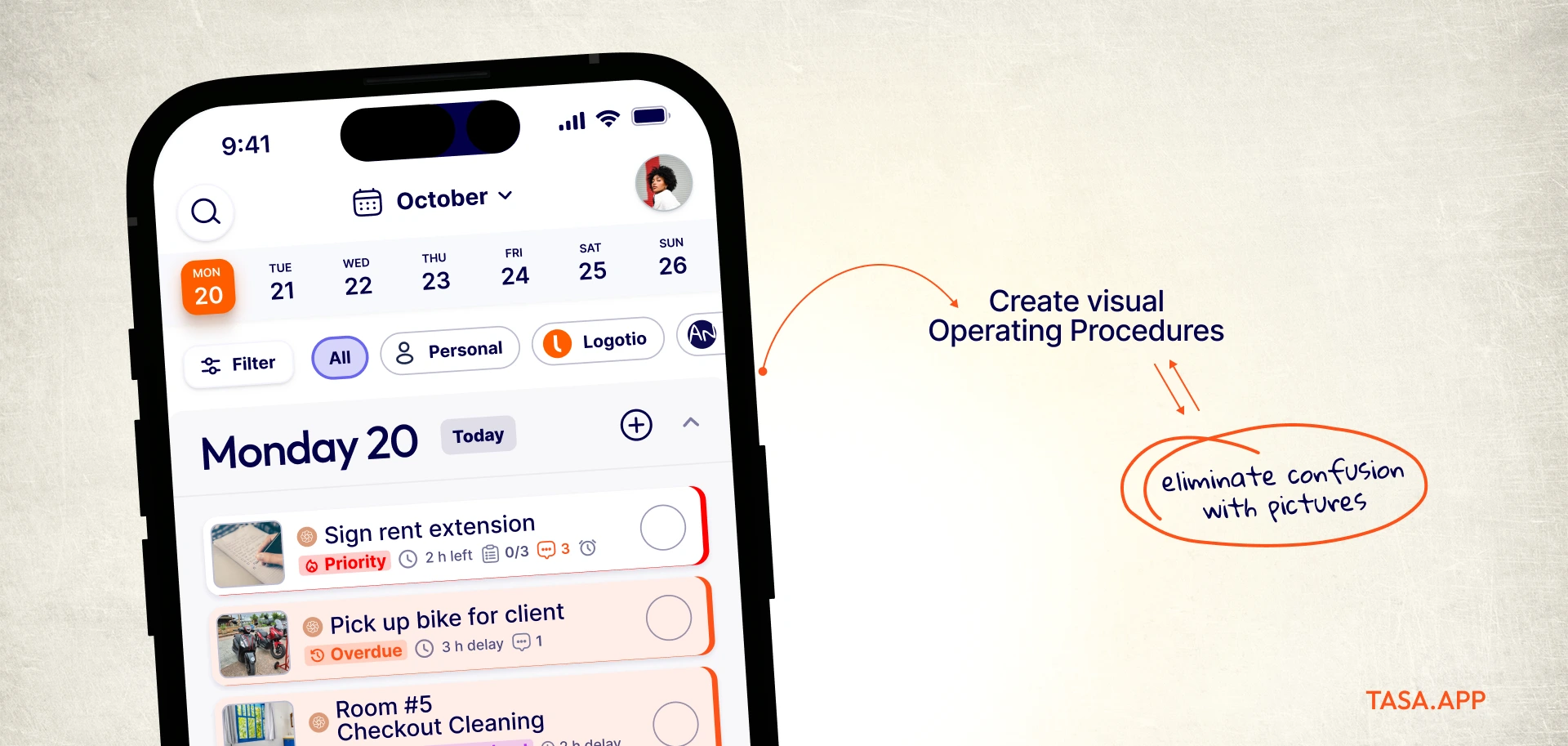
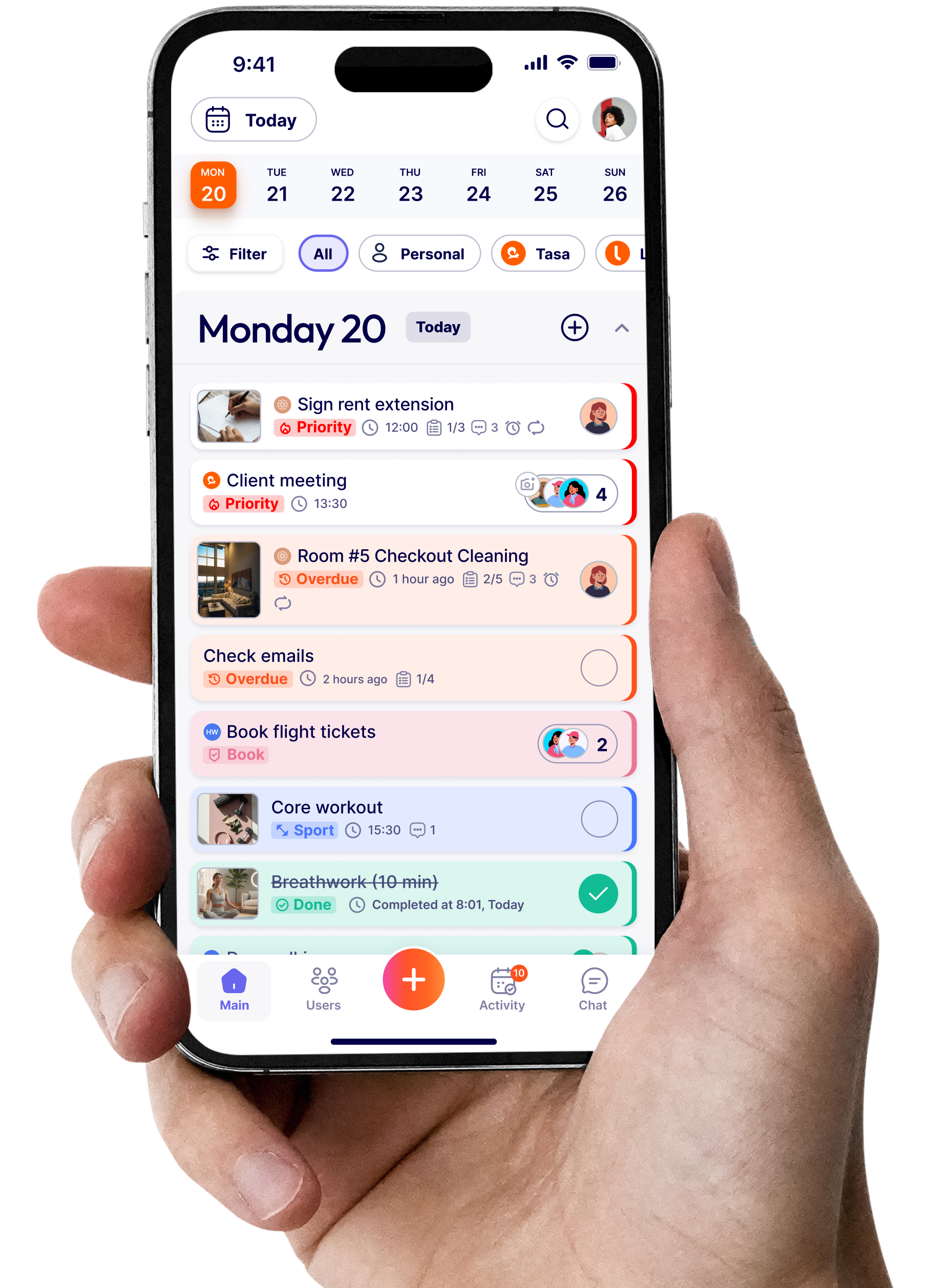
Tasa does not auto-schedule anything, and that is the point. Its unit of work is not a time block but a picture task with photo proof, designed for teams whose deliverable is a physical state: a cleaned room, a finished install, a restocked shelf, a passed inspection.
Picture tasks with completion evidence
Each task carries reference photos of the standard and returns photo evidence when done. Where Motion answers "when should I do this?", Tasa answers "was this done to standard?" Two different questions, and confusing them is why calendar tools keep disappointing operations teams.
Automatic translation for mixed-language crews
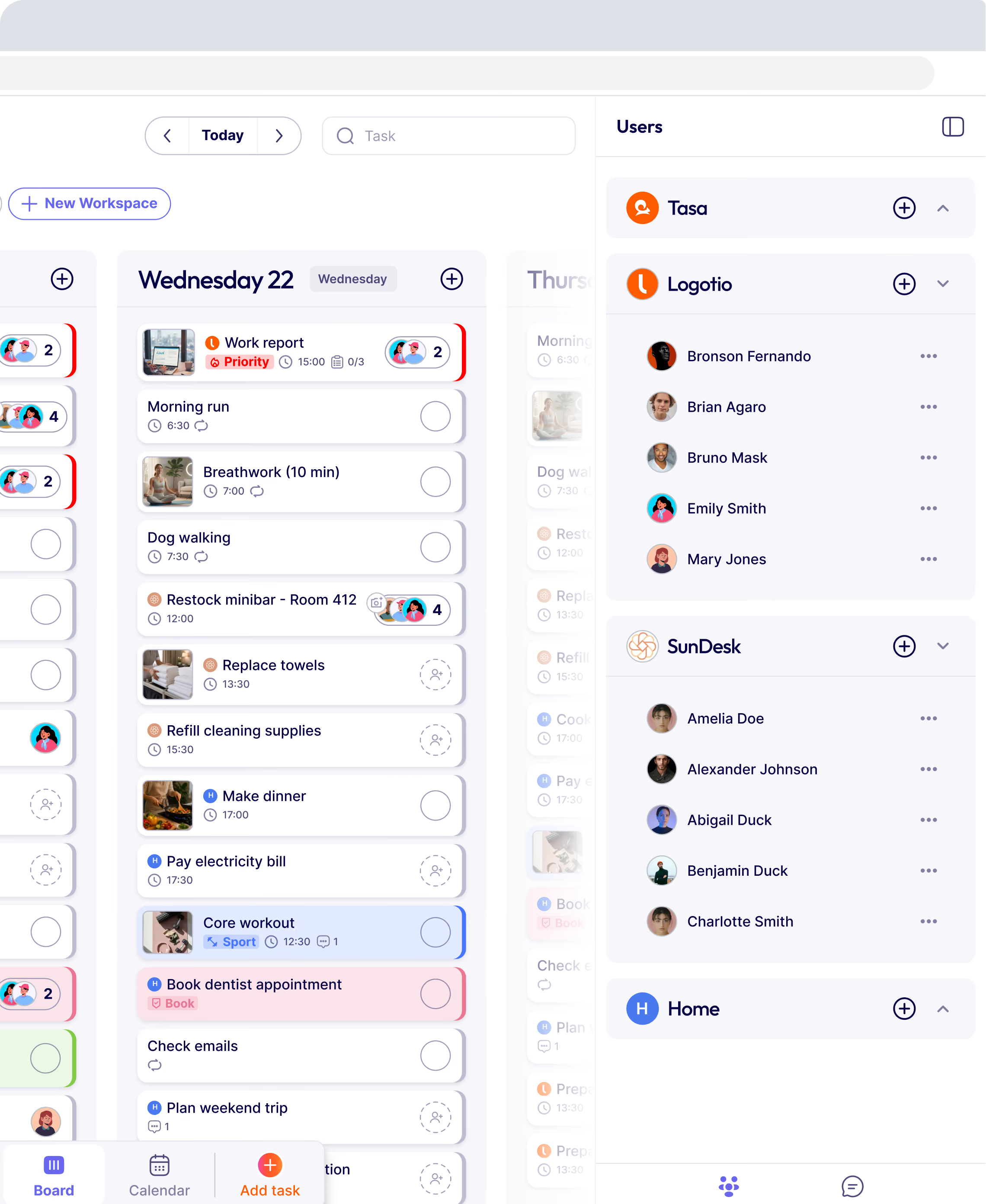
An AI planner assumes everyone reads the same language. Frontline teams rarely have that luxury. Tasa translates tasks and comments automatically, so a visual standard written once executes across any crew, with voice and video comments for people who prefer speaking.

Pricing built for whole teams
Free for personal use. Team requires a paid plan of $6.40 per user per month. No per-seat AI premium, because there is no AI credits meter to feed.

Where Motion still wins
For desk work, clearly Motion: deadline-aware auto-scheduling, AI project management, calendar sync, focus time protection. If your problems are meetings, priorities, and deep work, Tasa has nothing for you and will say so.
Tasa vs Motion at a glance
What features should I look for in a Motion alternative?
- Auto-scheduling quality: does the AI planner handle deadlines, dependencies, and reshuffling gracefully, or does it just draw blocks? Test it on your worst week, not your best.
- Calendar and task sync: Google Calendar two-way sync plus your task sources decide how much intelligence the tool actually has to work with.
- Free tier generosity: Reclaim and FlowSavvy both offer meaningful no-cost tiers; compare caps on AI actions, seats, and integrations.
- Daily planning workflow: tools like Sunsama trade automation for a guided daily planning ritual, which suits people who want intentionality over autopilot.
- Team vs solo pricing: per-seat AI pricing compounds; check what a 10-person team actually pays per year before committing.
The best Motion alternatives in 2026 (if Tasa is not your fit)
Reclaim: the free-forever AI scheduling entry
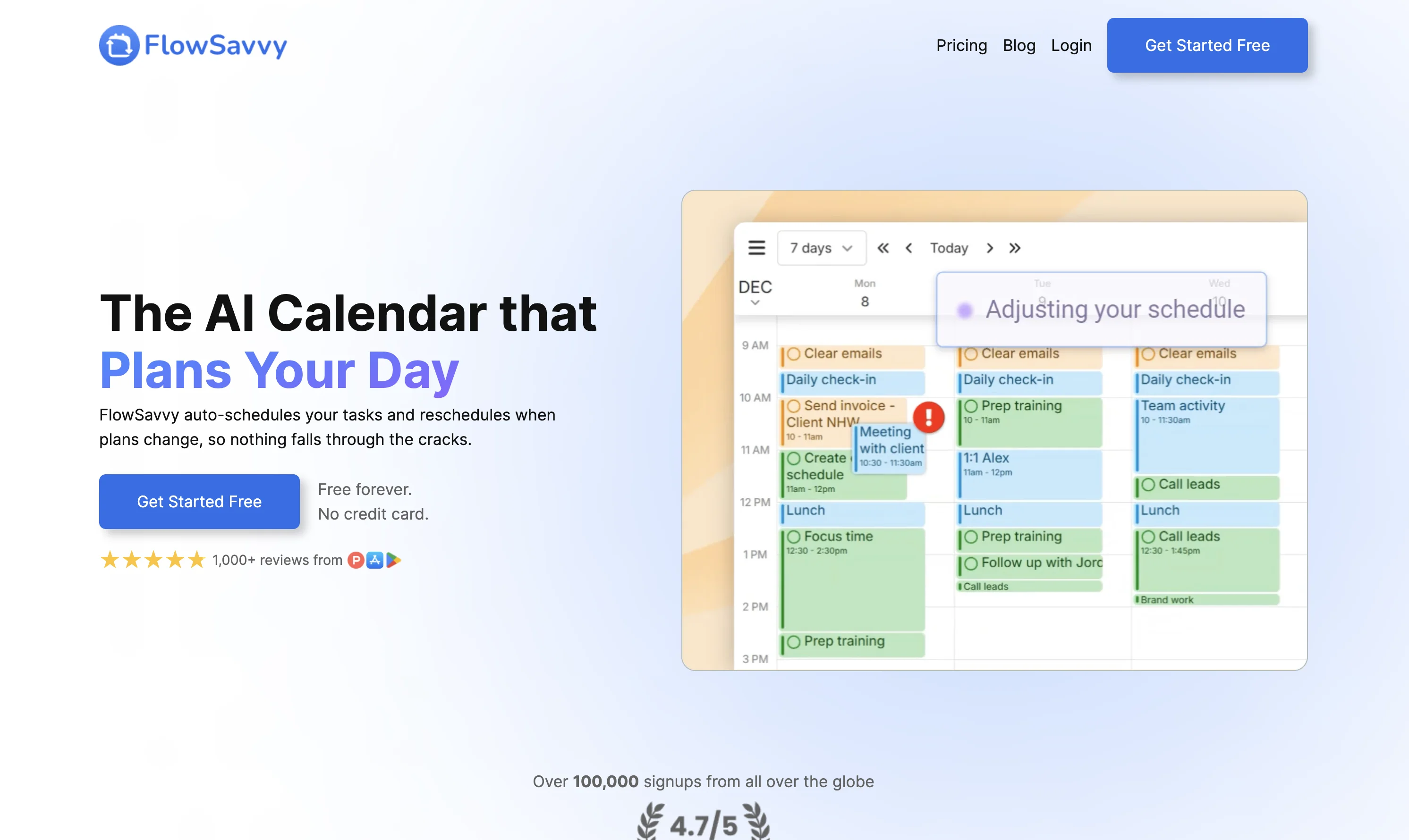
Free-forever tier with AI agents for habits and focus time; Starter at $8 per month and Business at $12. The closest feature match to Motion's auto-scheduling at a fraction of the price, with add-on AI units if you outgrow the base. reclaim.ai
FlowSavvy: auto-scheduling on a budget
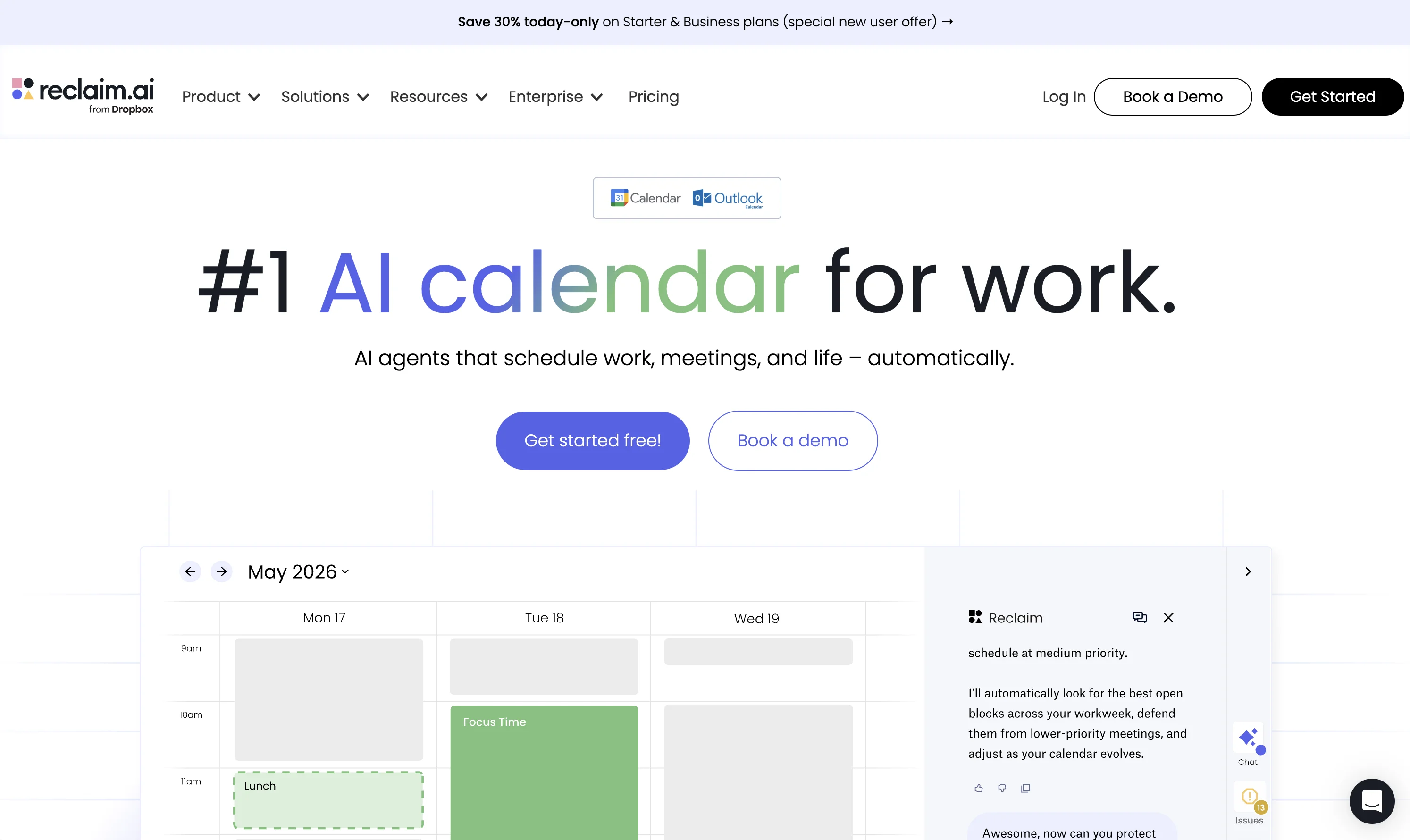
Free tier with repeating auto-scheduled tasks; Pro at $10 per month billed yearly ($14 monthly). Simpler than Motion, honest about it, and cheap enough to try against your real week. flowsavvy.app
Sunsama: the anti-autopilot daily planner
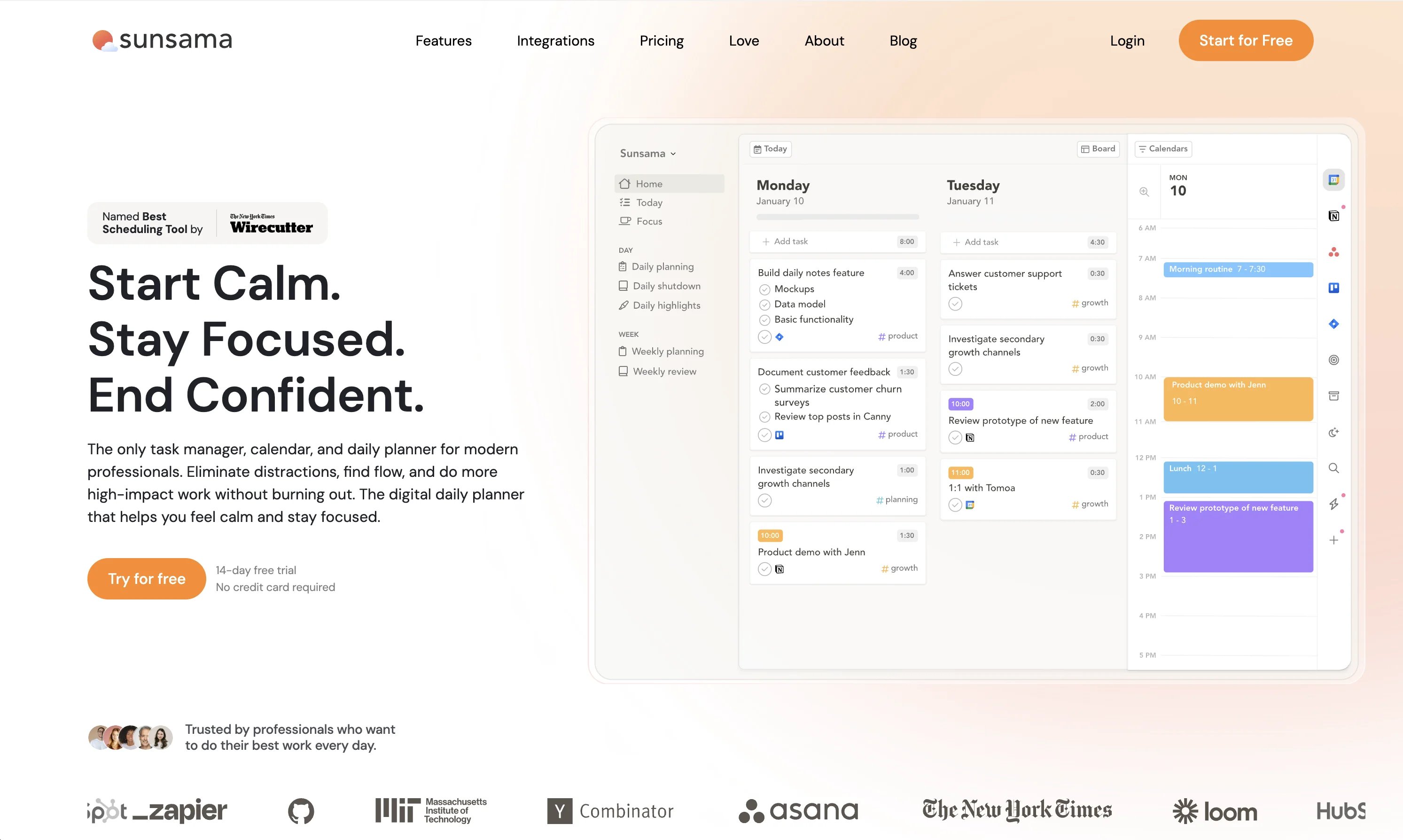
One plan at $25 per month ($20 billed yearly). Instead of an AI deciding your day, Sunsama guides you through planning it deliberately, with a hard shutdown ritual. For people who found scheduling apps like Motion slightly terrifying. sunsama.com
Akiflow: time blocking for meeting-heavy roles
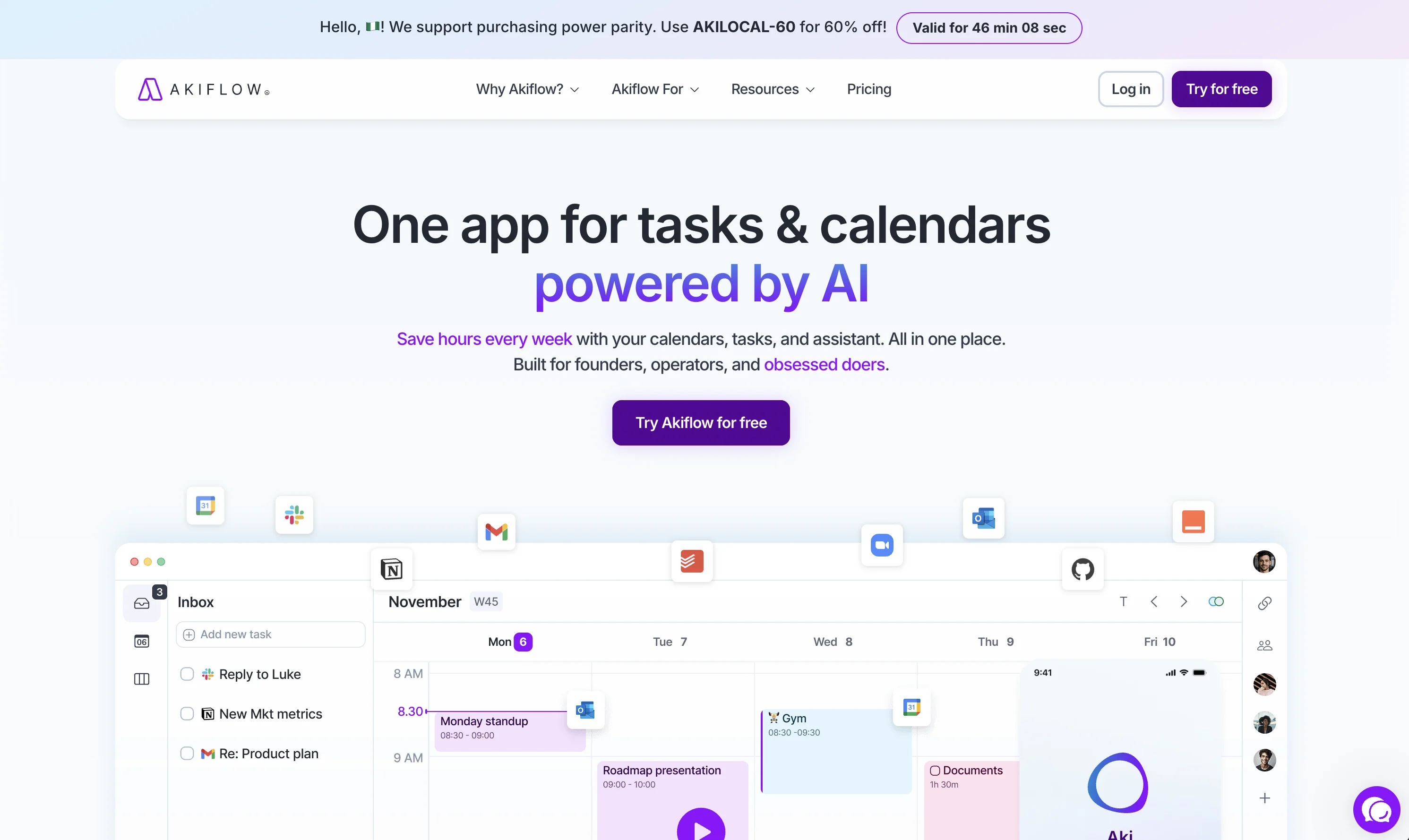
Pro at $19 per month billed yearly ($34 monthly) with a 7-day free trial. Fast natural-language time blocking and calendar consolidation for executives and founders who live in inboxes and calls. akiflow.com
ClickUp: project management with scheduling bolted on
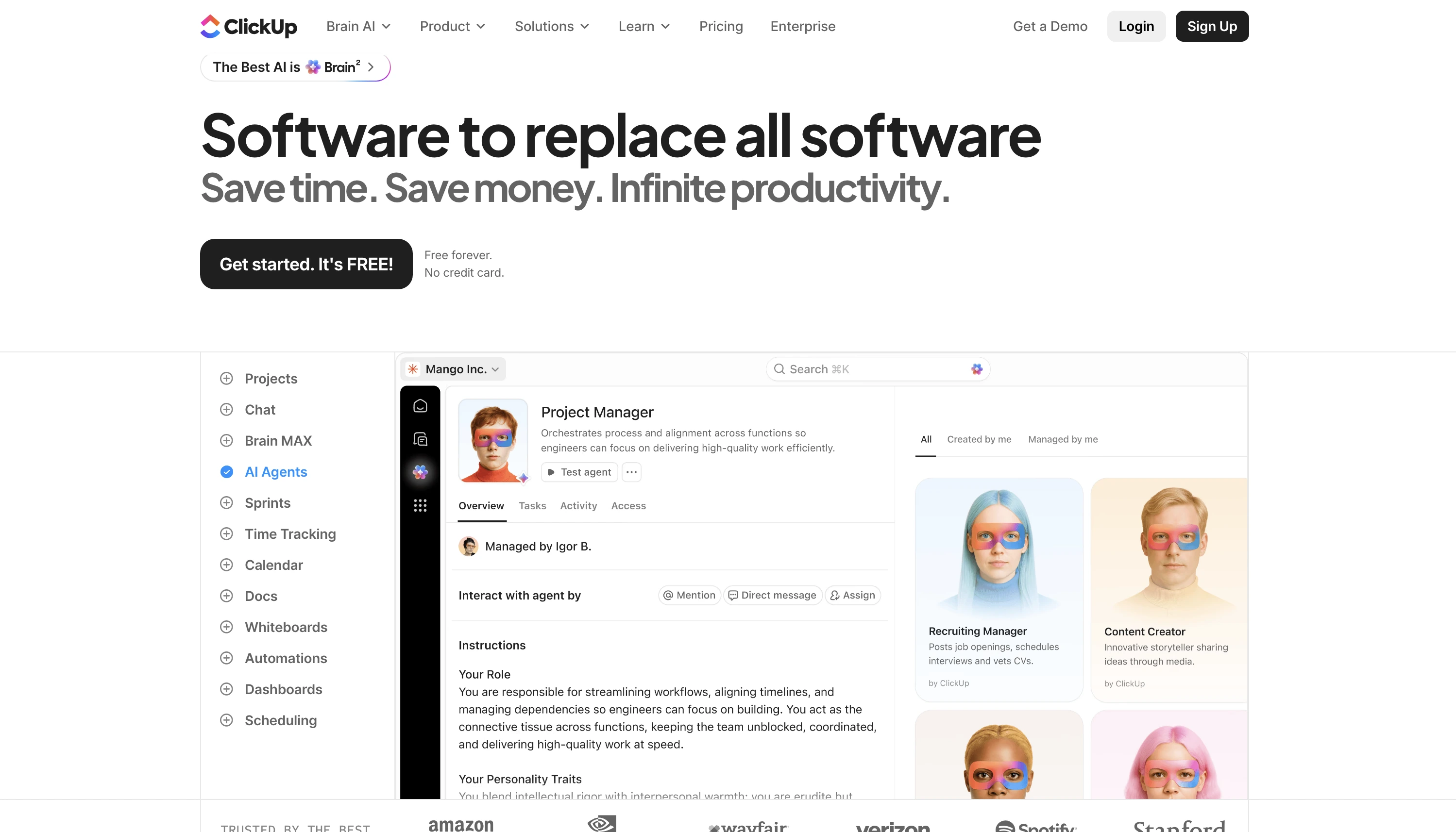
Free tier for small teams, paid plans with AI features from there. If your complaint about Motion is task management depth rather than scheduling, ClickUp flips the emphasis. clickup.com
Which Motion alternative should you choose?
If you want Motion's automation cheaper, Reclaim or FlowSavvy. If you want to plan yourself with help, Sunsama. If meetings are your chaos, Akiflow.
If your complaint is task depth, ClickUp. And if you manage a team whose work happens in physical locations, across languages, with standards that need photographic proof, no calendar app fixes that: run one crew on Tasa watch what photo evidence does to your followup load.
Stop scheduling work that needs doing.
Latest News


Have questions?
.svg)
Team management, simplified.


“It affects my personal life a lot. I can manage my team and my work remotely, so I have more time being a mother.”
