Try for free


.avif)

.avif)


Download, create your first tasks, and enjoy!

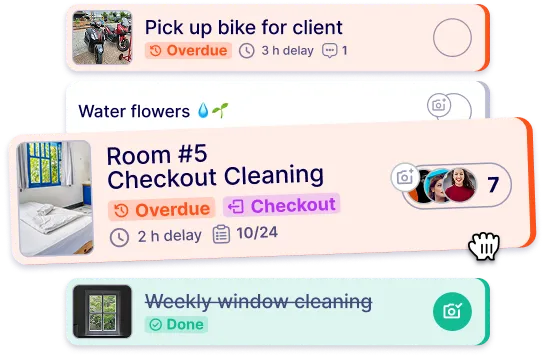
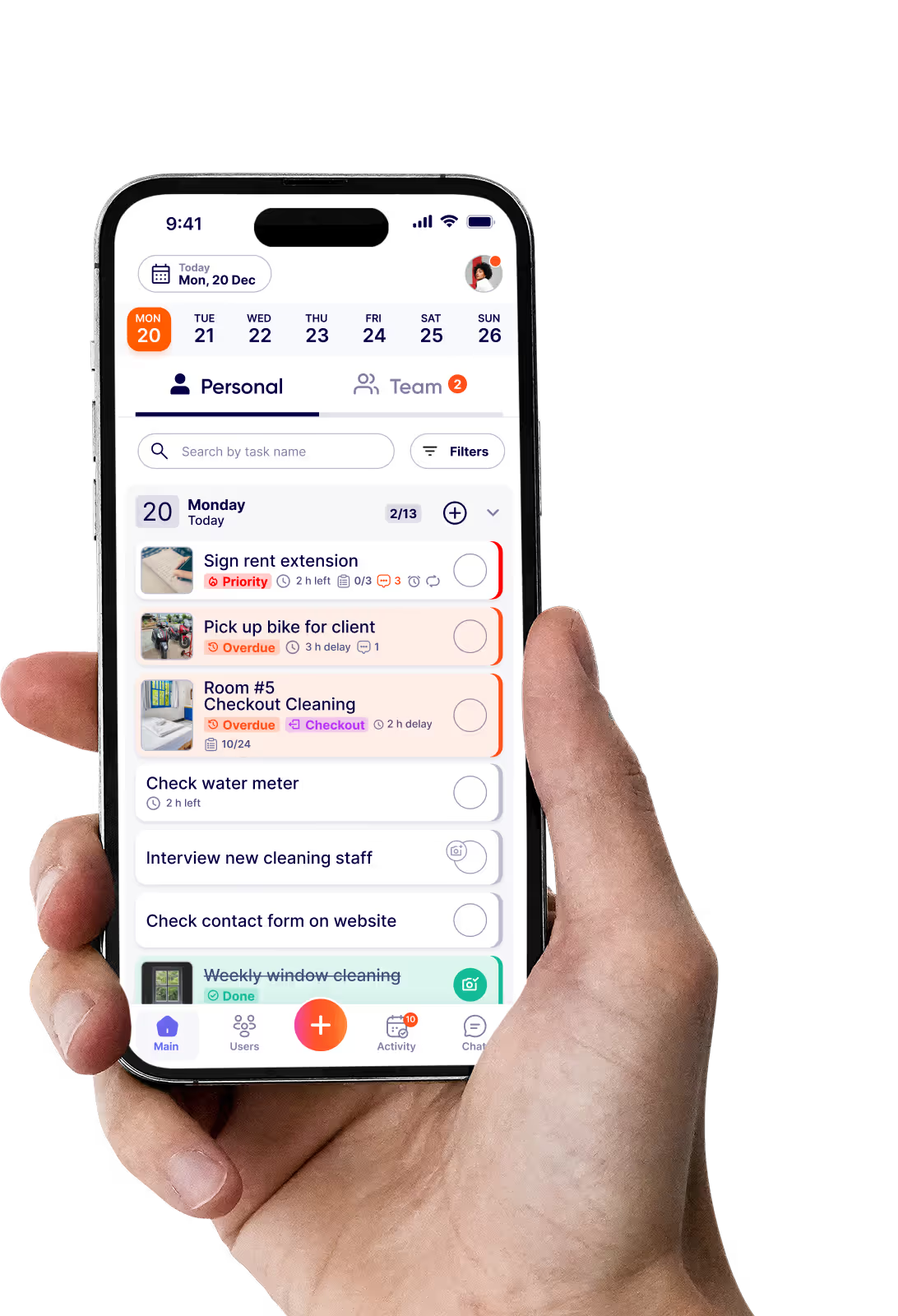
An app for housekeeping is a mobile tool that lets homeowners and housekeepers organize household cleaning tasks in one place. Instead of verbal instructions, sticky notes, and scattered text messages, every task lives in the app with a description, a due date, and a photo showing what the finished result should look like.
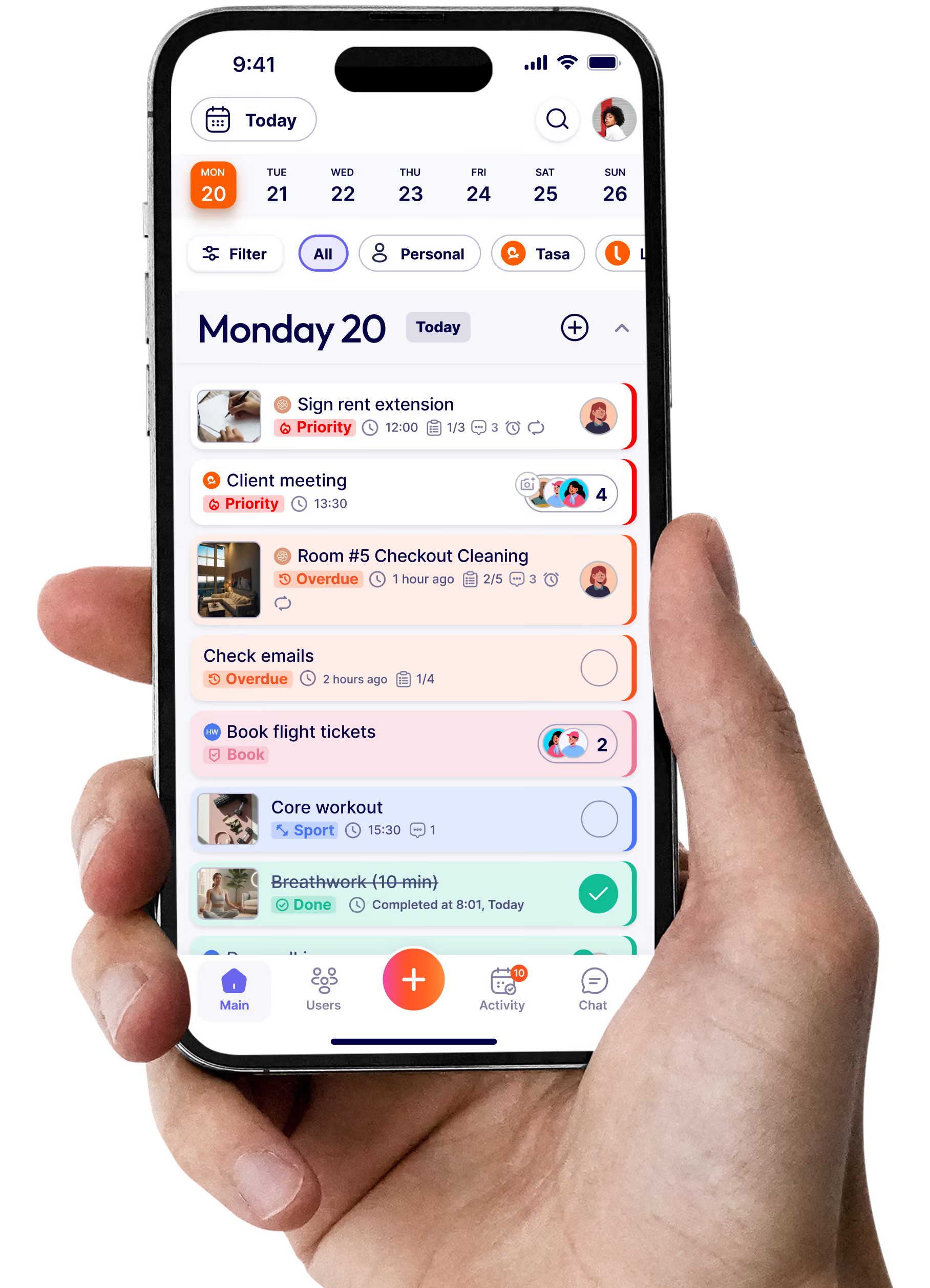
Tasa is built around this visual principle. Your housekeeper sees a picture of the standard, does the work, and sends a photo back. You get proof instead of promises, and your housekeeper gets clarity instead of guessing.
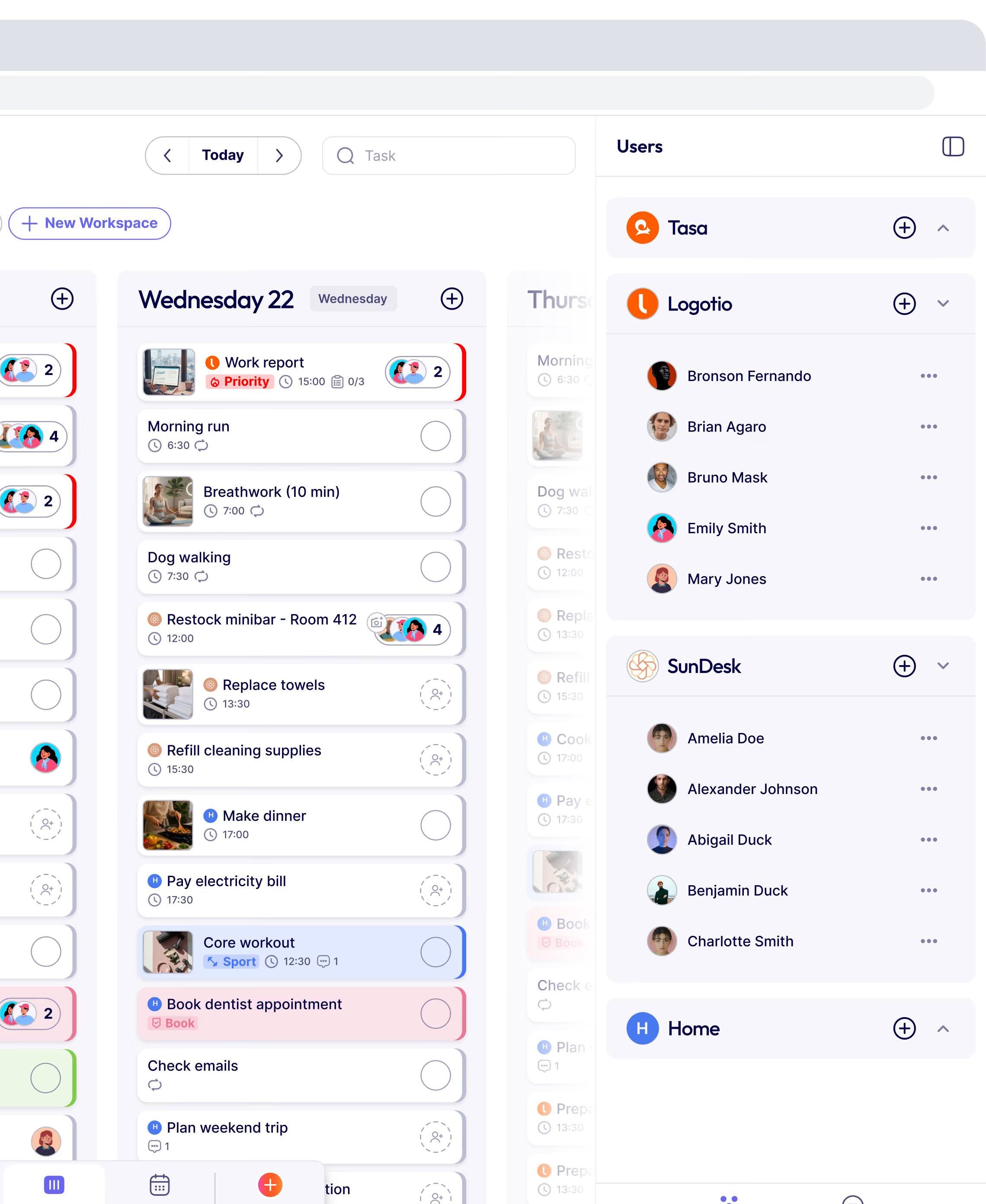
A home cleaning services app works by turning agreed cleaning routines into scheduled, trackable tasks. You define what needs to happen and how often, the app assigns it, and the person doing the work confirms completion. Good apps add photos so both sides see the same standard.
With Tasa, you photograph what done looks like once, for example a neatly made bed or an organized refrigerator. The task repeats on its schedule, your housekeeper follows the picture, and a confirmation photo arrives when it is finished.
A thorough house cleaning checklist covers bedrooms and linen changes, bathroom cleaning and restocking, kitchen surfaces and appliances, floors, dusting, and trash. Many homeowners add seasonal deep-clean items, plant watering, pet care, and handling deliveries.
The most important part is making the checklist visual. A written line like tidy the shelves means different things to different people. A photo of the shelf arranged your way means exactly one thing.
The most reliable way is to define the standard visually and confirm completion with photos. Systems beat reminders: when the expectation is a picture rather than a sentence, there is nothing to misinterpret, and a photo confirmation removes the need to inspect.
Tasa does both. Picture-based task instructions set the standard before the work starts, and photo confirmations prove it afterwards. Disagreements about what was agreed simply stop happening.
Remote household management works when completion is verifiable without you being present. That means tasks must be assigned, scheduled, and confirmed in a system both you and your housekeeper can see, not in messages that scroll away.
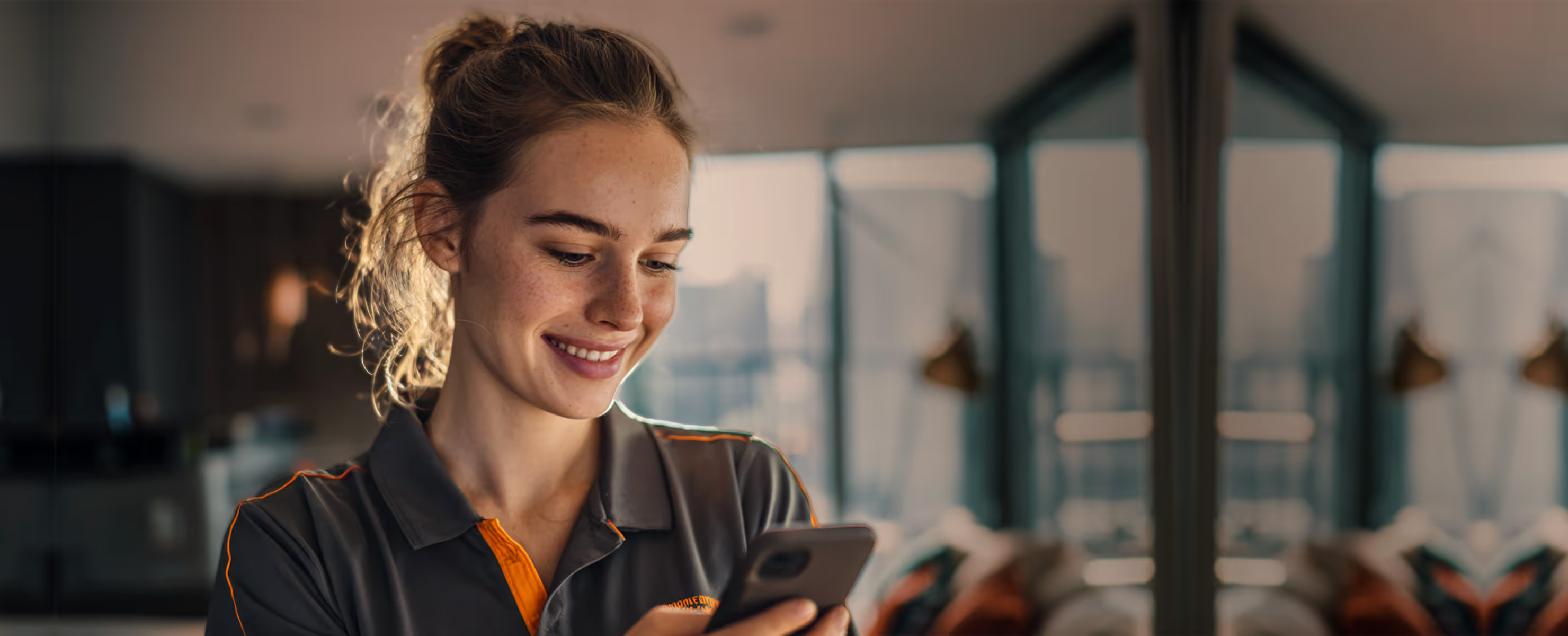
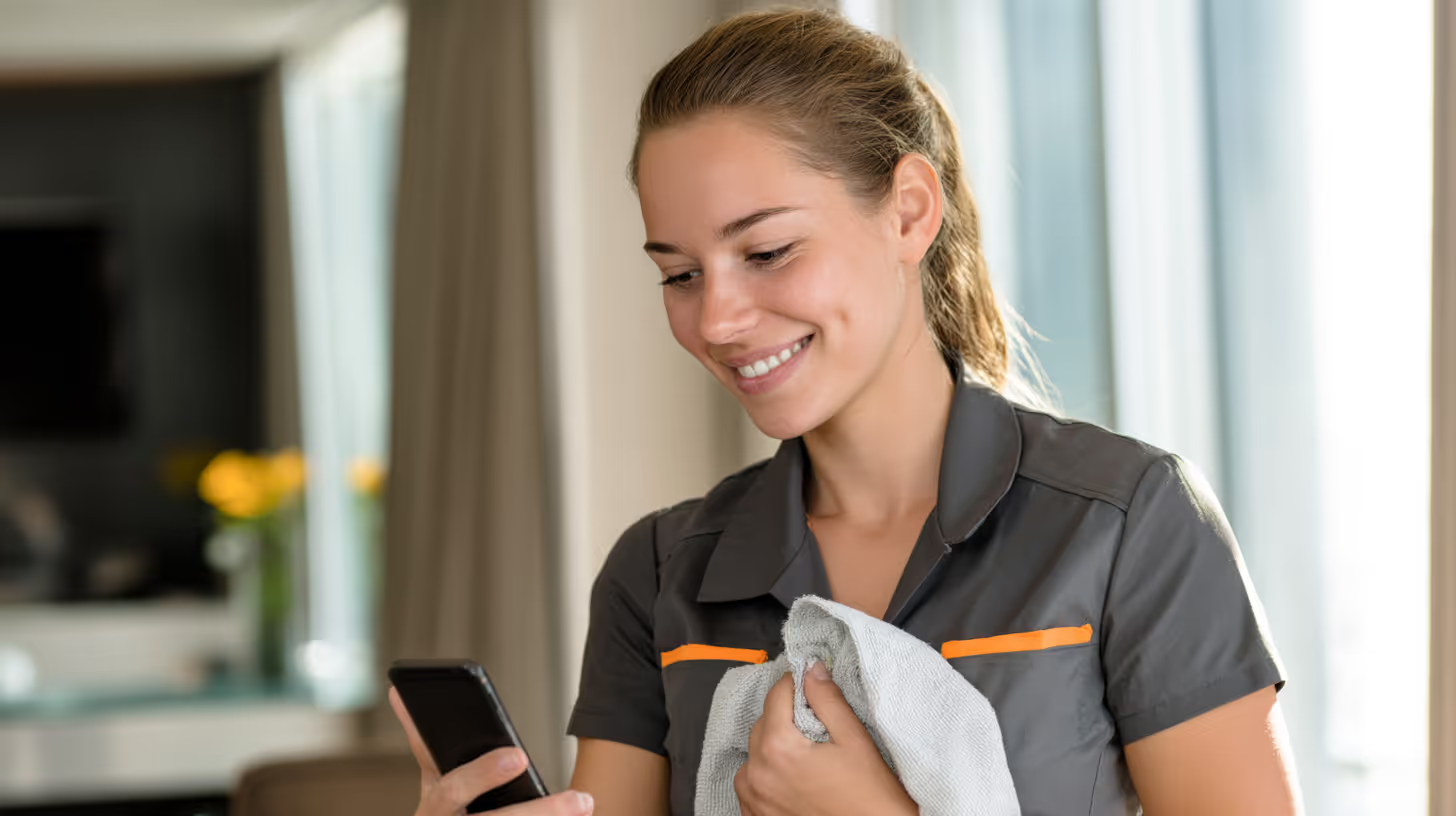
Tasa gives you that system on your phone. Your housekeeper works through the day's list, and each finished task arrives with a time-stamped photo. You could be in another time zone and still know exactly what state your home is in.
Yes. The interface is built for people who rarely use apps: tap a task, see a picture or short video of what to do, do the work, send a photo back. There is no training session and no manual.
Tasa also offers a simplified view for staff with limited reading and writing abilities, so the app works for everyone you employ.
Language barriers are one of the biggest sources of household friction. Written instructions fail when the reader's language is different from the writer's.
Tasa solves this two ways: tasks are picture-based, so instructions need no translation, and built-in chat translation covers 14 languages when a conversation is needed. You write in your language, your housekeeper reads in theirs.
Messaging apps are built for conversations, not for recurring work. Instructions scroll away, nothing repeats automatically, and there is no record of what was agreed or completed.
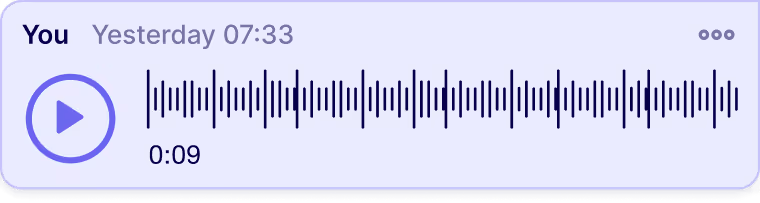
Tasa keeps every task structured with a photo standard, a schedule, and a photo confirmation. You can still message with audio, video, and text when needed, but the work itself runs on a system instead of on memory.
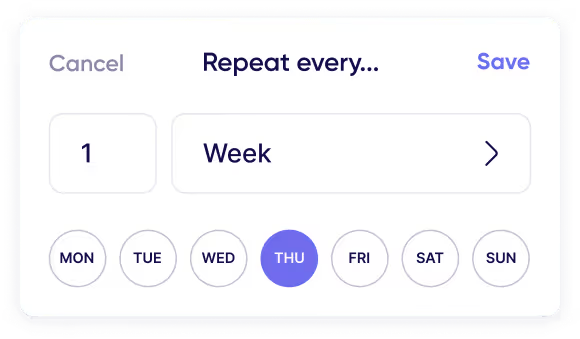
Yes. Daily, weekly, and monthly cycles are the core of housekeeping, and Tasa supports complex repeat patterns for them. Laundry every Tuesday, a deep clean on the first of the month, plant watering twice a week: each runs on its own schedule once set up.
Unfinished tasks roll over to the next day automatically, so nothing gets silently dropped.
Very little. Start with a handful of core routines, each with one photo of the standard. Most households are running within an hour.
From there the repeat patterns take over. The setup work shrinks over time while your routines keep running, which is the opposite of what managing by messages does.
Lorem ipsum dolor sit amet, consectetur adipiscing elit, sed do eiusmod tempor incididunt ut labore et dolore magna aliqua. Ut enim ad minim veniam, quis nostrud exercitation ullamco laboris nisi ut aliquip ex ea commodo consequat. Duis aute irure dolor in reprehenderit in voluptate velit esse cillum dolore eu fugiat nulla pariatur.
Block quote
Ordered list
Unordered list
Bold text
Emphasis
Superscript
Subscript
βIt affects my personal life a lot. I can manage my team and my work remotely, so I have more time being a mother.β