.svg)
The Best Asana Alternative for Frontline Teams in 2026: Why Tasa Comes First
Asana is one of the best work management tools ever built, for coordinators at desks. But if you are searching for an Asana alternative, you have probably hit one of its walls: per-seat pricing that multiplies with every hire, features gated behind higher tiers, or the simple fact that your team does not sit at desks reading comfortably.
If you run a frontline team or a small local business, a cleaning crew, a hotel housekeeping department, an Airbnb turnover operation, or a construction crew, this guide is written for you.
First we show why Tasa beats Asana for teams that work on their feet. Further down, we rank the other Asana alternatives for 2026, so you can compare honestly.
Key Takeaways:
- Asana's seat-based pricing is built for companies that bill for their people's time, not for crews paid by the hour they save.
- Its power features reward coordinators who live in the tool daily; occasional field users pay the learning tax every time.
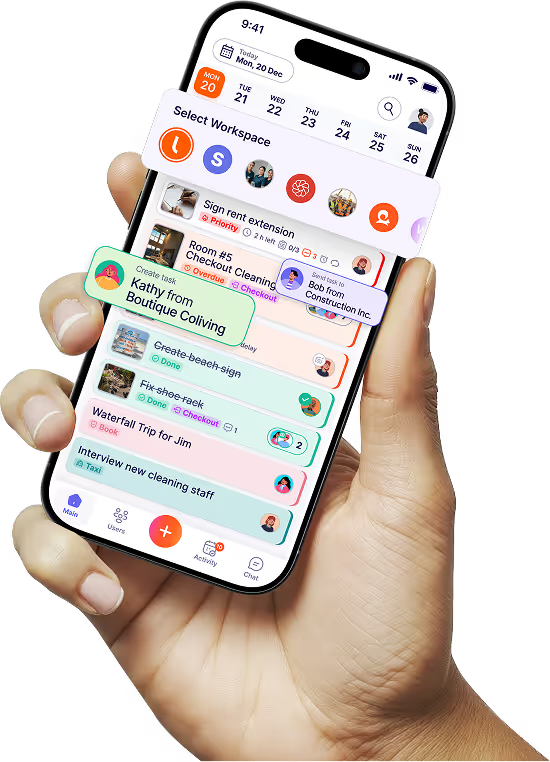
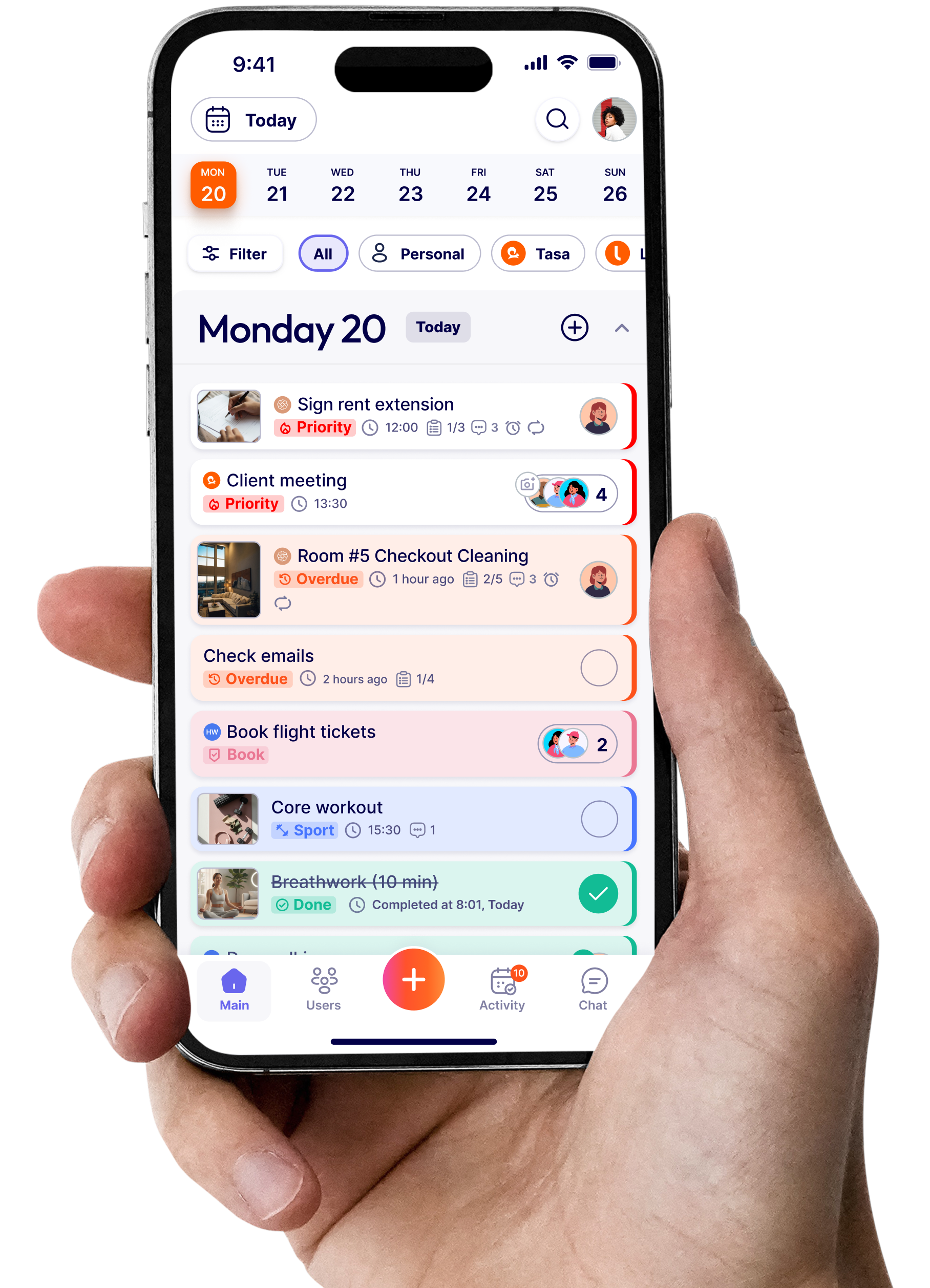
- Tasa treats the photo as the work order: one picture in, one live photo back, no forms to fill or read.
- Workspaces per property or client, voice replies on tasks, and translation into 14 in-app languages suit turnover-heavy operations.
- Need desk structure anyway? ClickUp and Monday.com undercut Asana's seat prices; Trello covers the simple end.
Why frontline teams outgrow Asana
Asana is built for people who sit at a desk, read comfortably, and manage projects with timelines and dependencies. That describes a PMO or a marketing department. It does not describe most crews:
- Per-seat costs multiply with crew size. Starter runs $10.99 per user per month billed yearly, with a 2-seat minimum. A 20-person crew is a ~$2,600 annual line item before Advanced features even enter the conversation.
- The interface rewards power users. Timelines, portfolios, workload views, and custom fields are excellent for coordinators who live in Asana daily. Field staff who open an app twice a day face a wall of text options instead of today's work.
- Language arithmetic Asana ignores. An Airbnb turnover team in Lisbon might mix Portuguese, Nepali, and Brazilian Portuguese dialects across three properties. Asana's answer to language is interface localization, not task comprehension.
- Not everyone on payroll reads. Per the UNESCO Institute for Statistics (2025), 739 million adults worldwide cannot read or write. Field teams include them, and text-first tools quietly lock them out.
- No proof of completion. A marked complete says someone clicked a button. It does not say the room was cleaned, the shelf was stocked, or the inspection happened at the site.
How Tasa runs a crew without a single form
Asana models work as objects: projects, sections, custom fields, dependencies. Tasa models work as evidence: here is the photo of done, now send me the photo of it done. For turnover-heavy operations, the second model ends arguments.
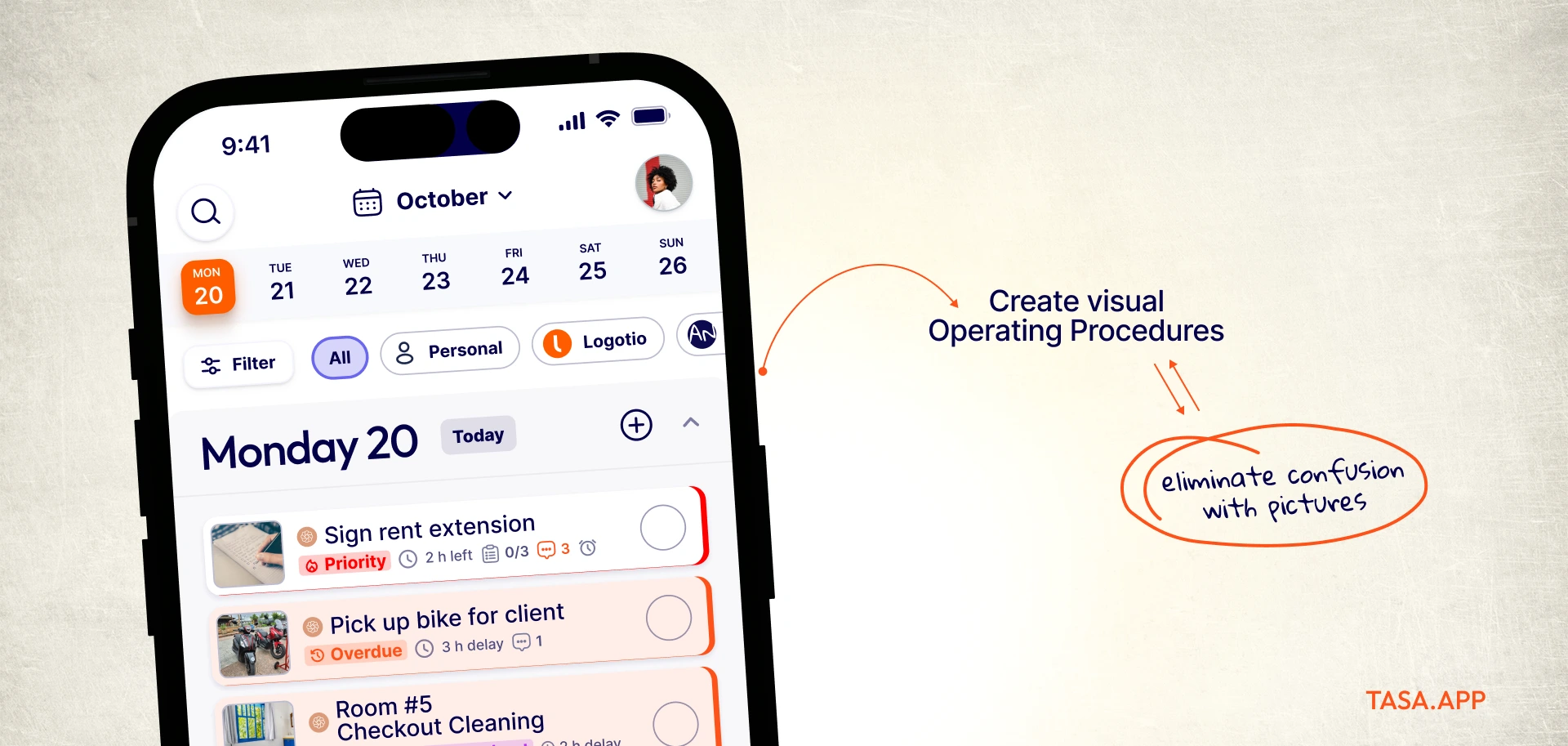
The reference photo is the spec
Instead of a task description field, upload the guest-ready photo: bed dressed to house standard, welcome card on the pillow, bathroom counters clear. Every cleaner sees the same target picture, so quality stops depending on who happened to read the instructions carefully that morning.
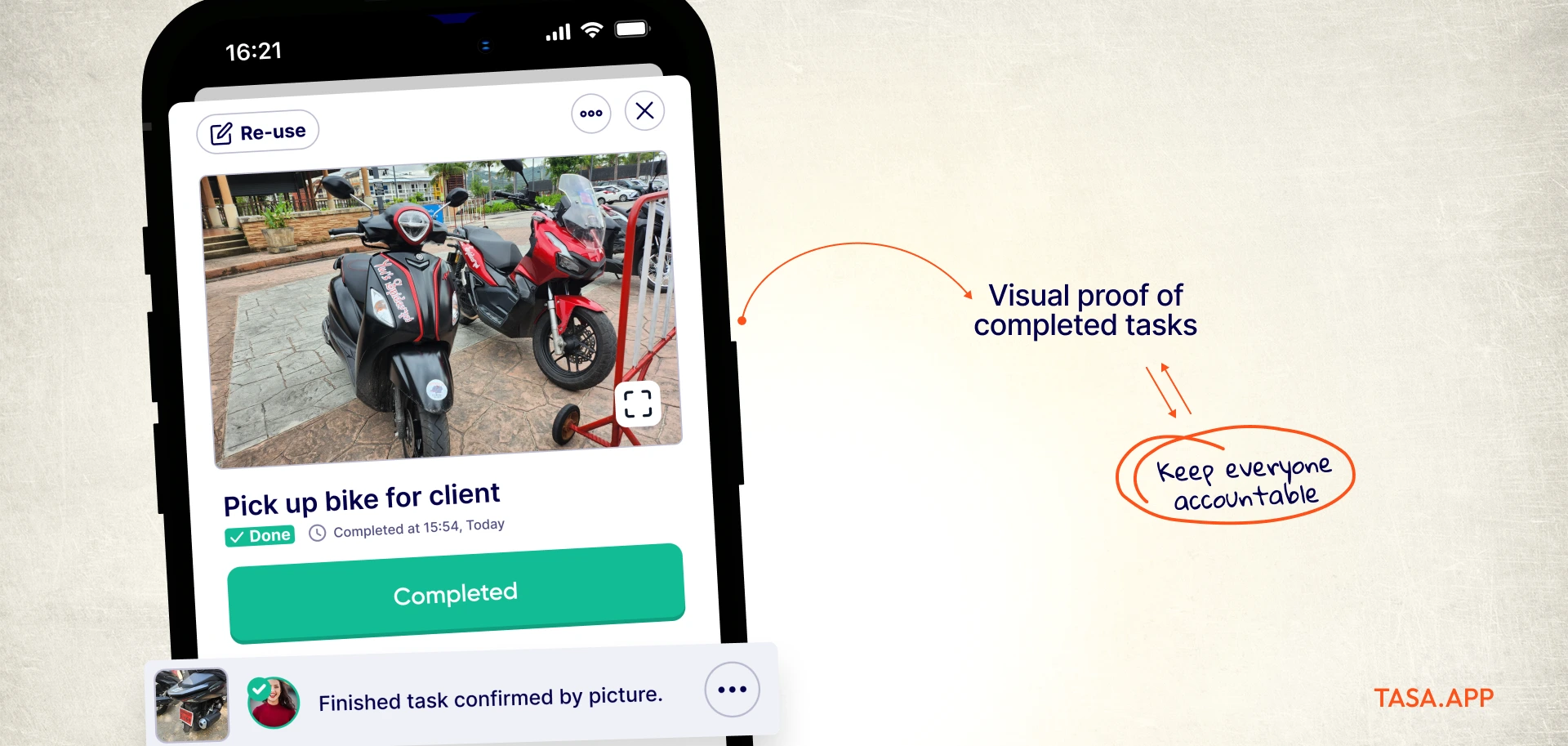
Turnover proof without site visits
Completion requires a live photo taken at the property, gallery uploads blocked, timestamp attached. A host running units in two cities stops scheduling inspection calls: the photos arrive, or they visibly do not. Compare that to a completed checkmark on a text task, which proves only that someone tapped a screen.
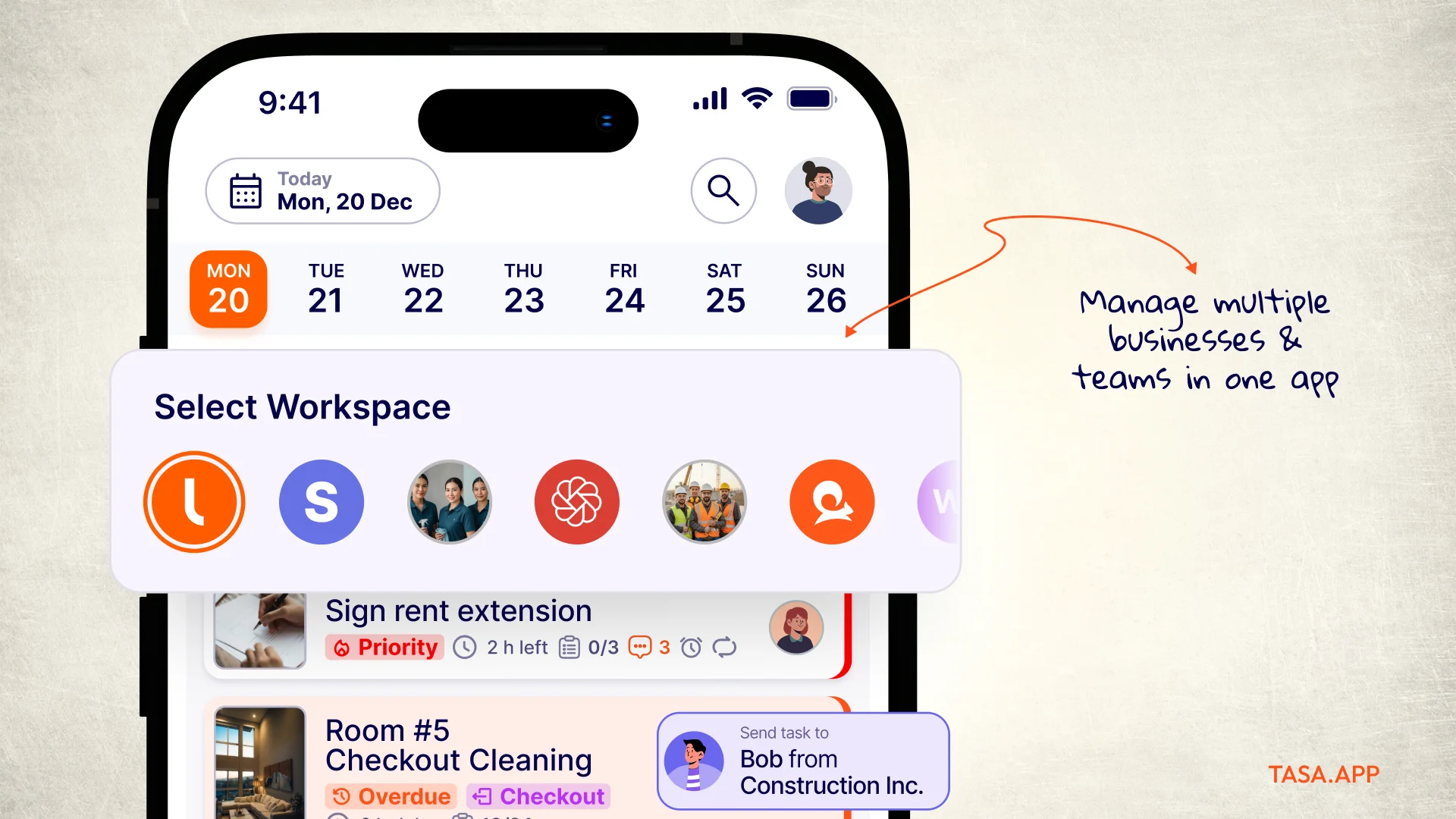
Property-sized workspaces
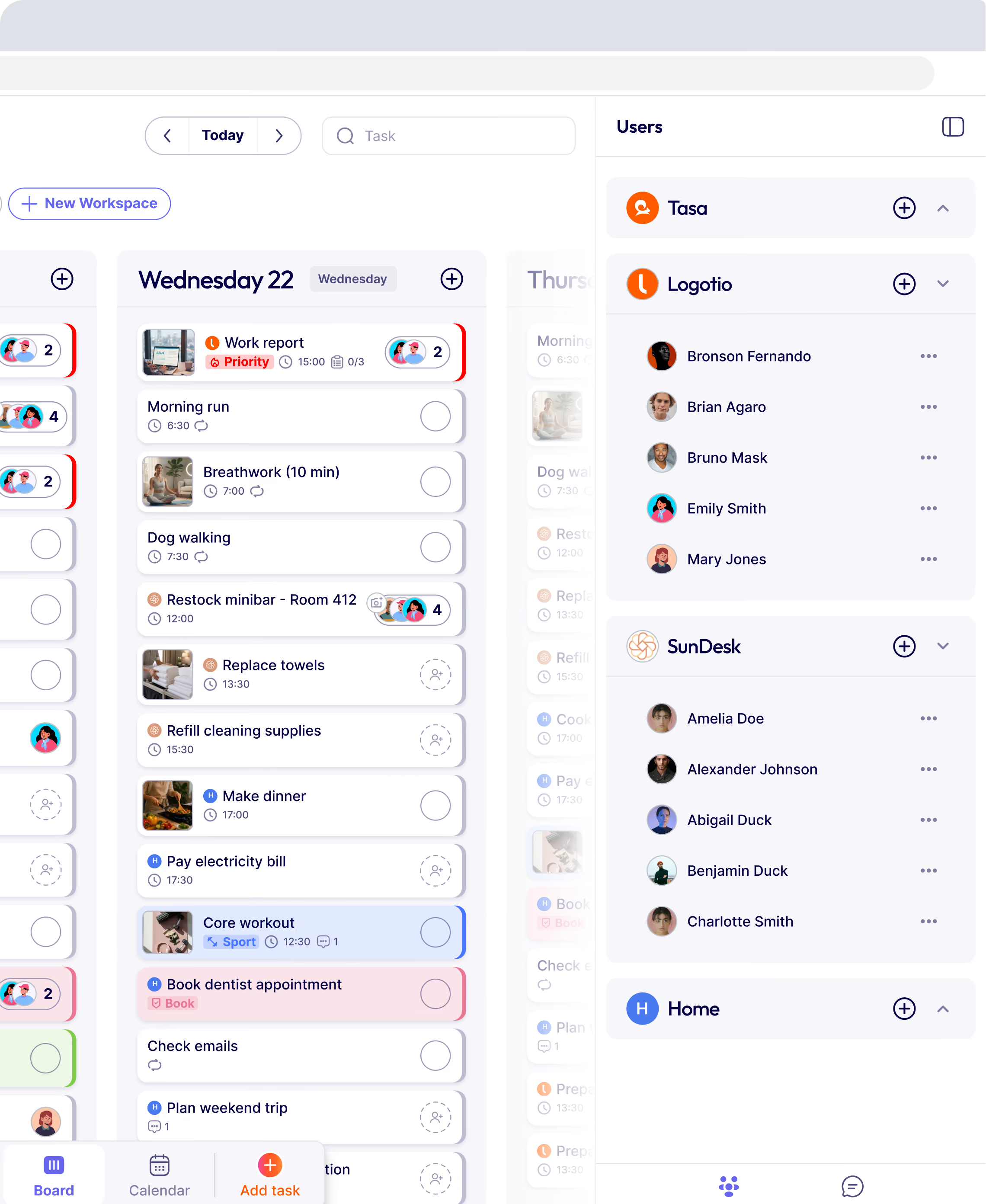
Each property or client becomes its own workspace: its turnovers, its maintenance quirks, its assigned team. Owners and agency managers switch between all of them; each cleaner's app shows only the units they work on. Asana's single company workspace with portfolios is built for reporting up, not for separating down.
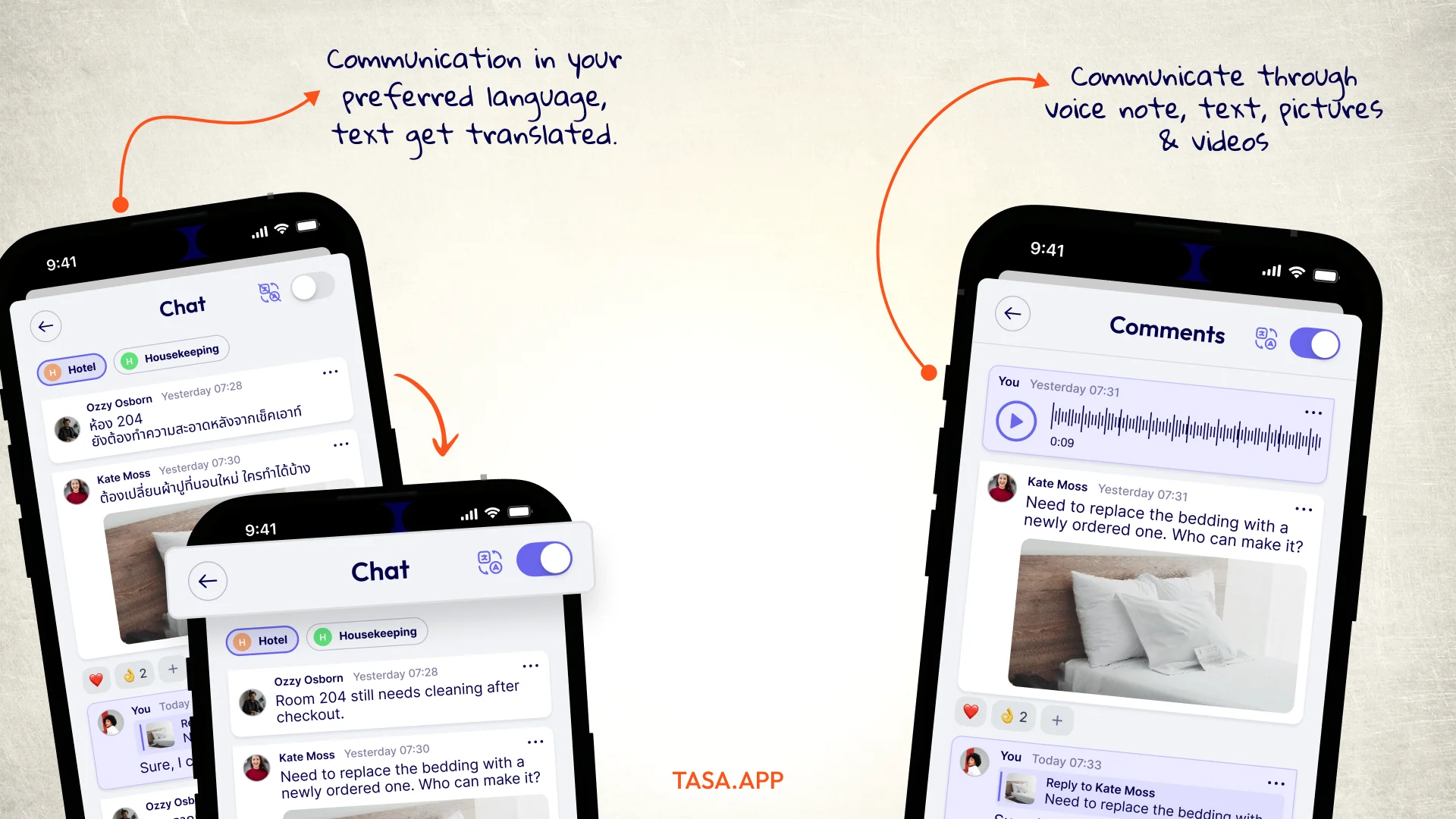
Reply by voice, read any language
A question about a broken blind lands as a comment on that turnover task, answered with a voice note in ten seconds. Tasa auto-translates 100+ source languages into 14 in-app languages, and the simplified view serves staff with limited reading skills. The company chat handles everything that is not task-specific.
Schedules that survive turnover season
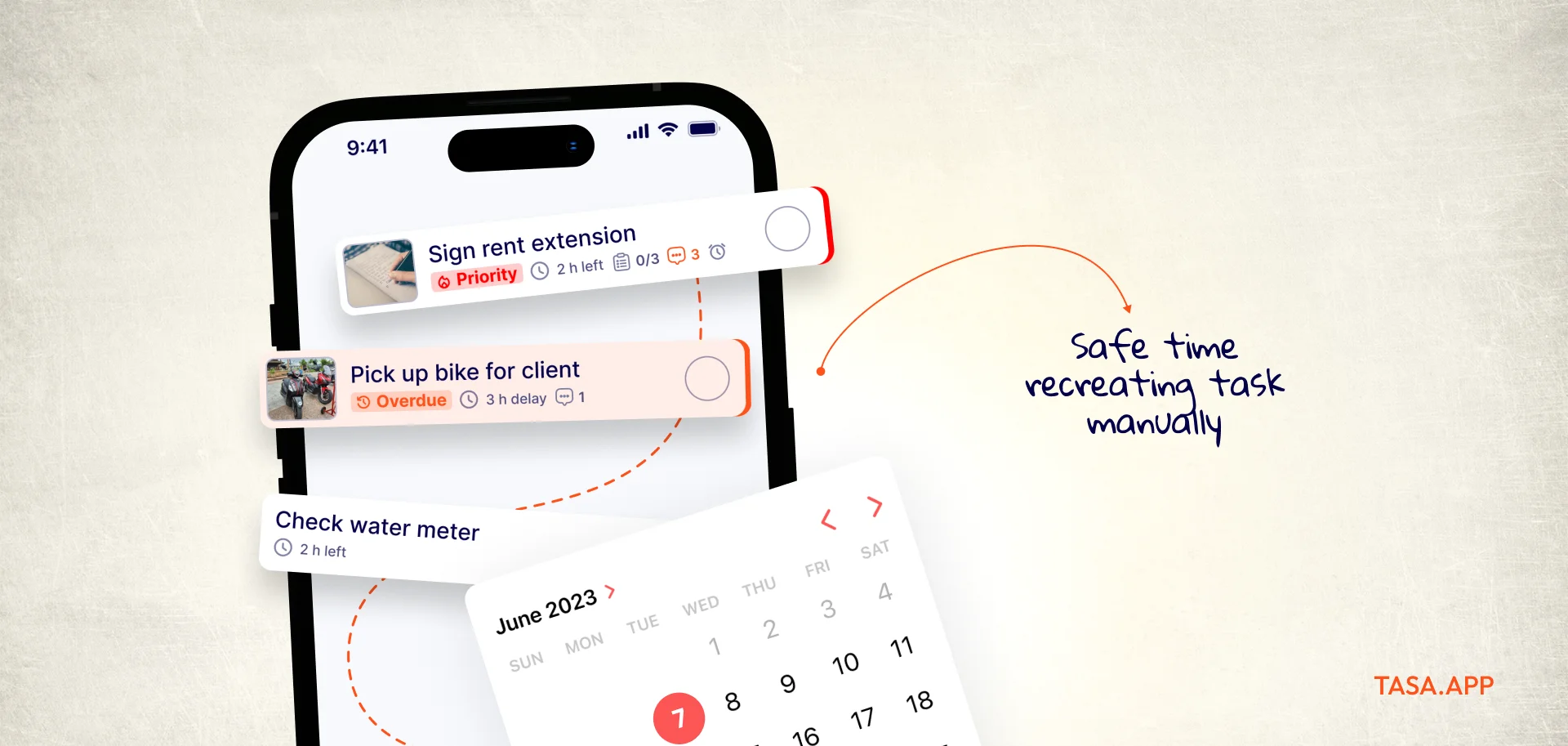
Repeat rules carry weekly turnovers and monthly deep cleans, subtasks break a 5-unit day into photographed steps, and categories separate turnovers from maintenance and restocking. Seasonal workers join by QR code and are productive before their first coffee break.
Simple money math
Personal plan free forever, teams start with 100 free tasks, then $8 per user per month ($6.40 yearly), no seat minimums. Against Asana Starter's $10.99 per seat with a 2-seat floor, the crew-size economics point one direction.
Where Asana remains the right choice
Portfolios, goals, workload balancing, and cross-functional reporting are genuinely good, and agencies with client-facing project structures get real value. If your day is timelines and stakeholder updates, stay. If your day is "did unit 4B actually get cleaned," Asana was never answering that question.
Asana vs Tasa comparison
One host, twelve units, zero check calls
A short-rental operator with twelve units across two buildings spent every changeover afternoon calling cleaners. With photo turnovers, each unit comes back as a live picture set: bed, bathroom, kitchen, all timestamped against checkout and check-in. The operator now approves from the sofa, and the two cleaners, who share no common language with the owner, follow the reference photos instead of written specs.
Hotels run the same loop for housekeeping boards, retail for opening and closing checklists, and cleaning companies across dozens of client sites: one workspace each, one photo feed, no calls.
Switching without a migration project
Asana projects are documents about work; Tasa tasks are pictures of work, so there is little to port. Photograph your ten most repeated jobs, set their schedules, invite the crew by QR code, and run both apps for a week. The invoice comparison finishes the argument: a 12-person team pays roughly $1,580 a year on Asana Starter versus $1,152 on Tasa after the free tasks, and the Tasa number comes with photo proof included.
Other Asana alternatives worth a look
If the desk structure matters more than the crew tool, prices checked September 2026:
ClickUp: more features per seat-dollar
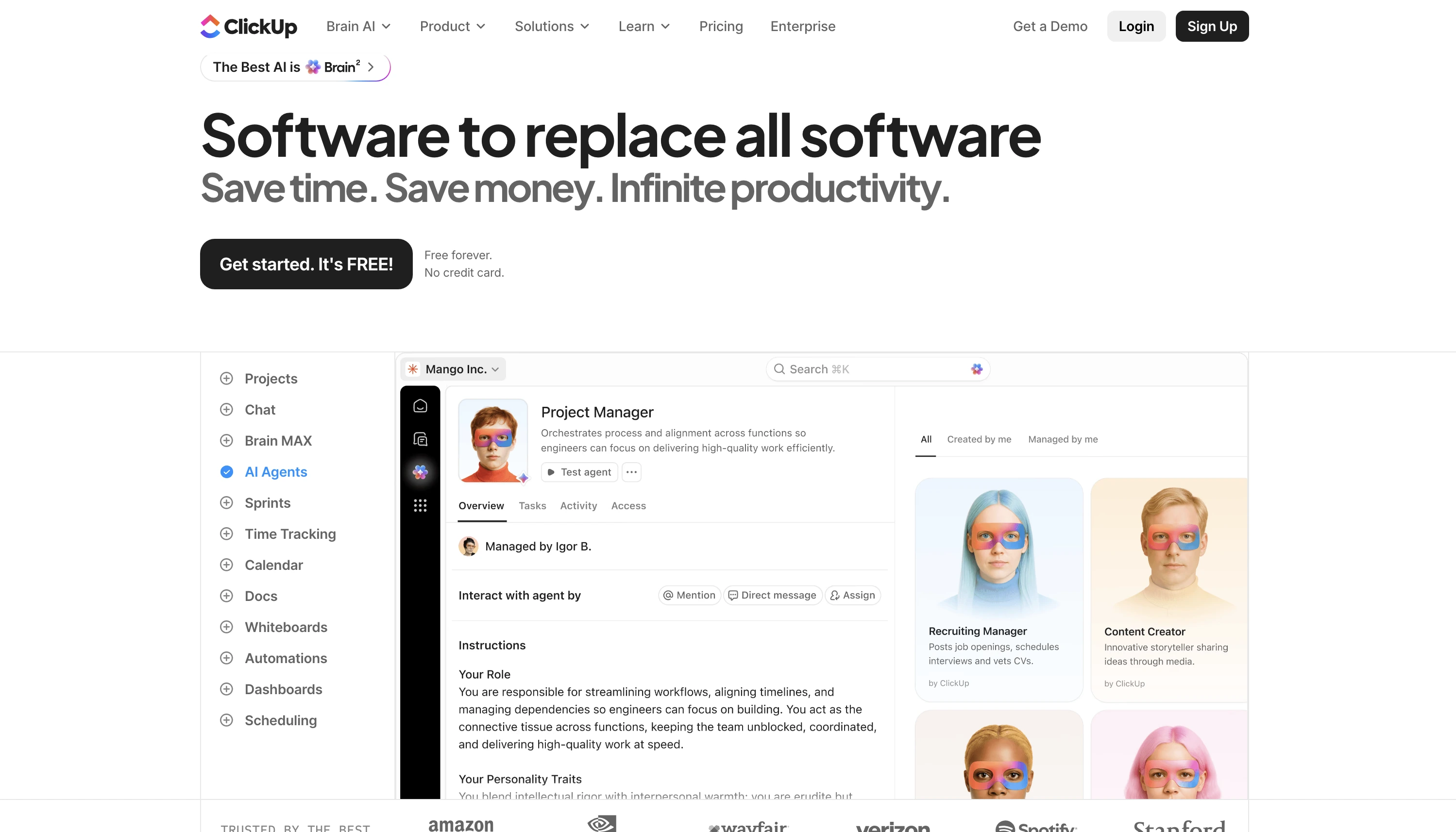
ClickUp matches Asana's toolkit and undercuts it: Unlimited at $7 per user per month billed yearly, Business at $12. Sprint boards, docs, and dashboards for teams that want density.
The trade is ClickUp's learning curve and load times, which is how some teams end up looking for their next alternative here too.
Monday.com: the visual middle ground
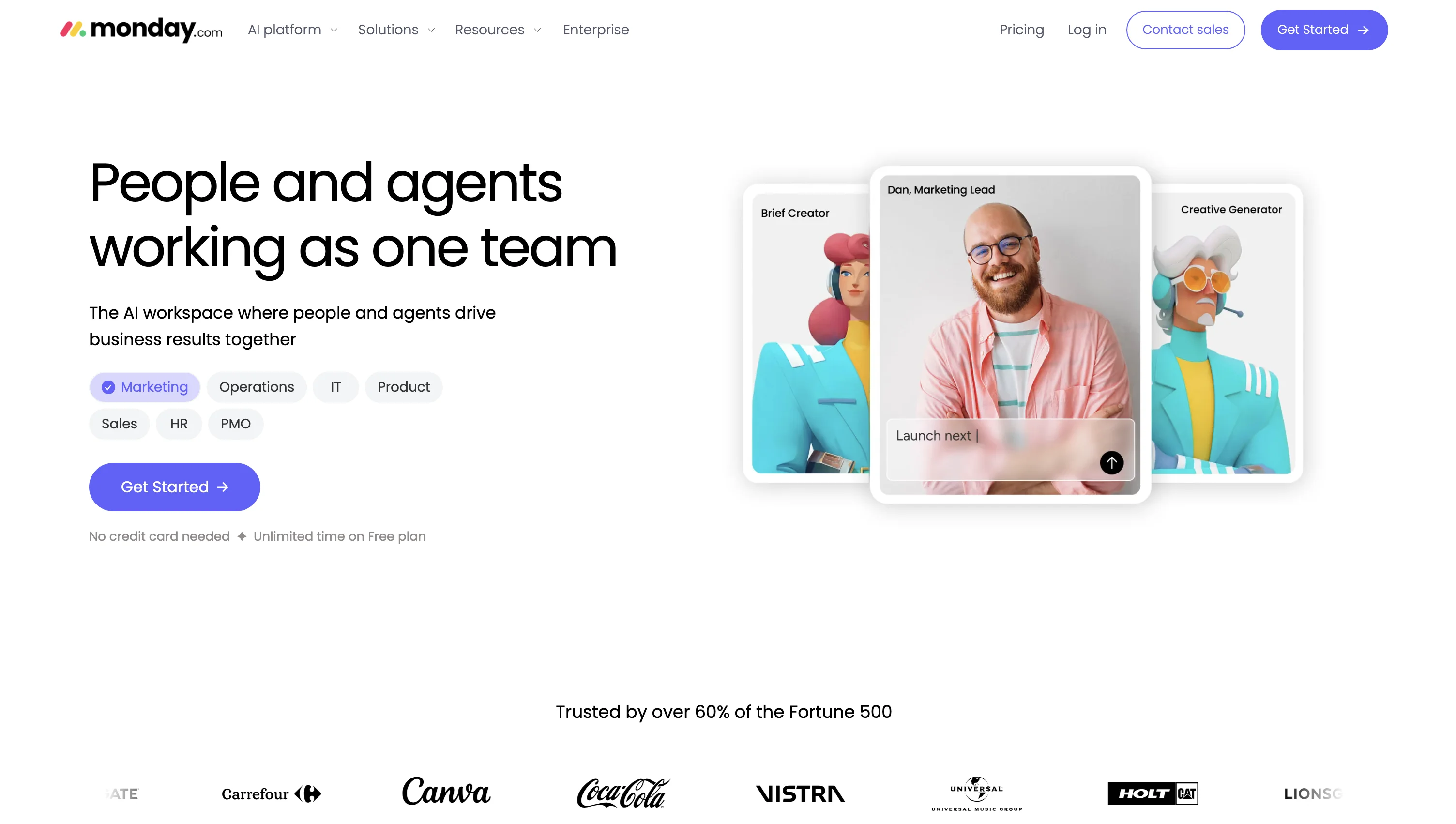
Monday.com splits the difference between Asana's structure and ClickUp's sprawl with colorful boards, dashboards, and no-code automations. Basic starts at $9 per user per month billed yearly.
Seat math still scales linearly with headcount, and field crews still meet walls of text.
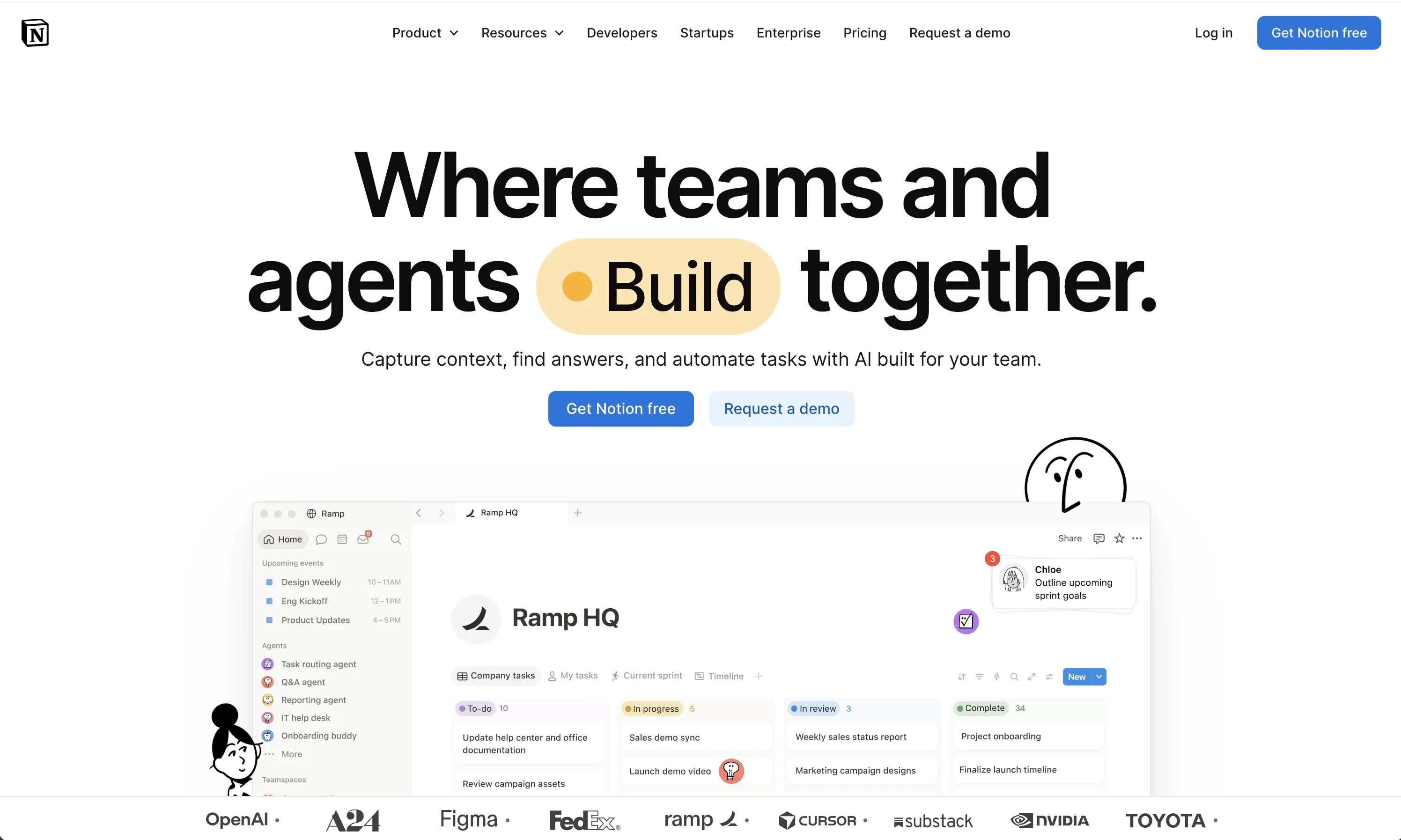
Notion: when the exit is about knowledge
Notion replaces Asana's project layer with linked docs and databases, ideal for SOPs and wikis alongside tasks. Free to start, Plus at $12 per user per month.
Someone must build it before it works, and builders are usually not on the cleaning roster.
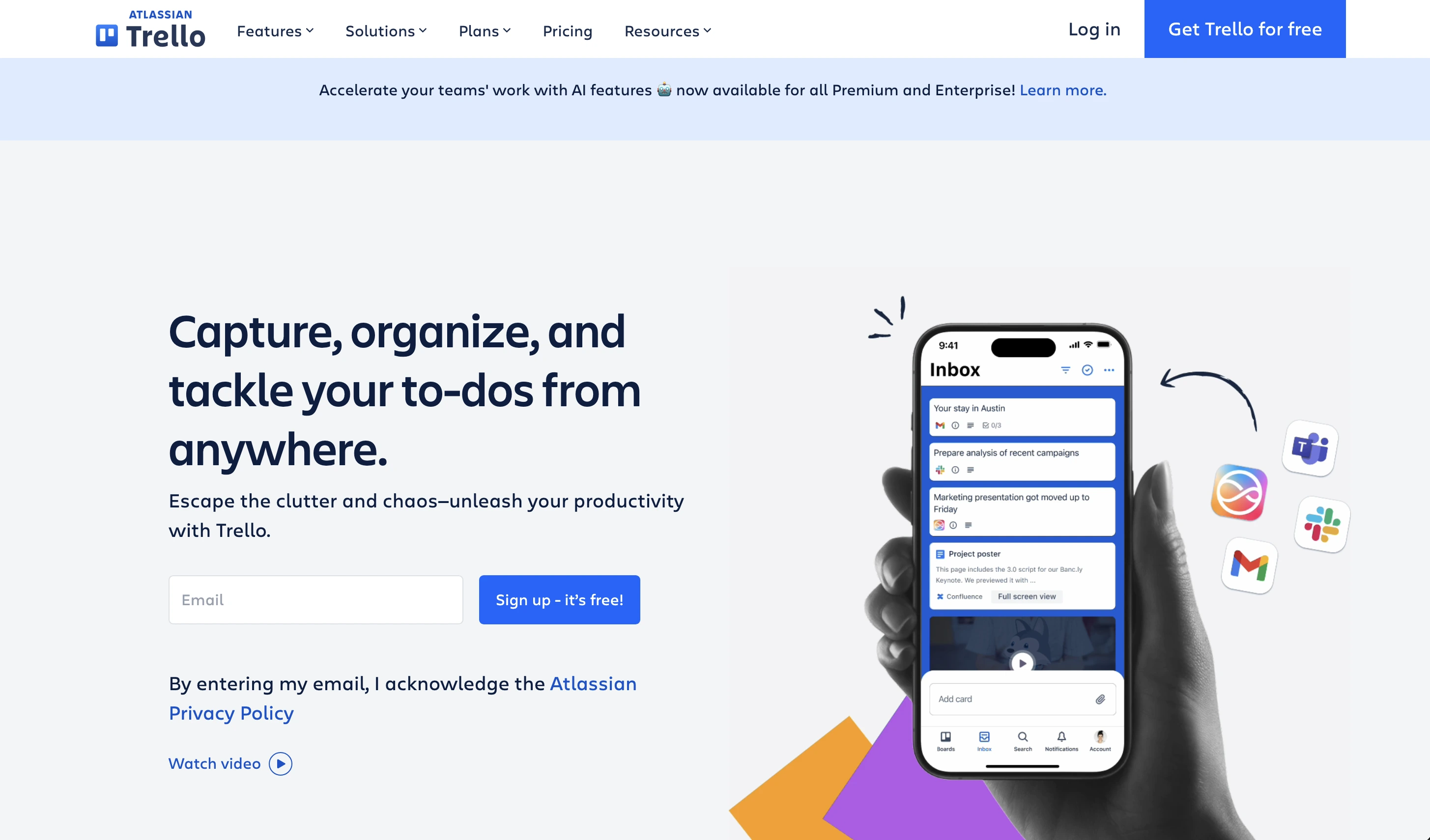
Trello: simple, cheap, honest
Trello keeps it to cards and lists at $5 per user per month Standard, with a free tier that covers tiny teams.
No proof of work, no language answer, but no training either.
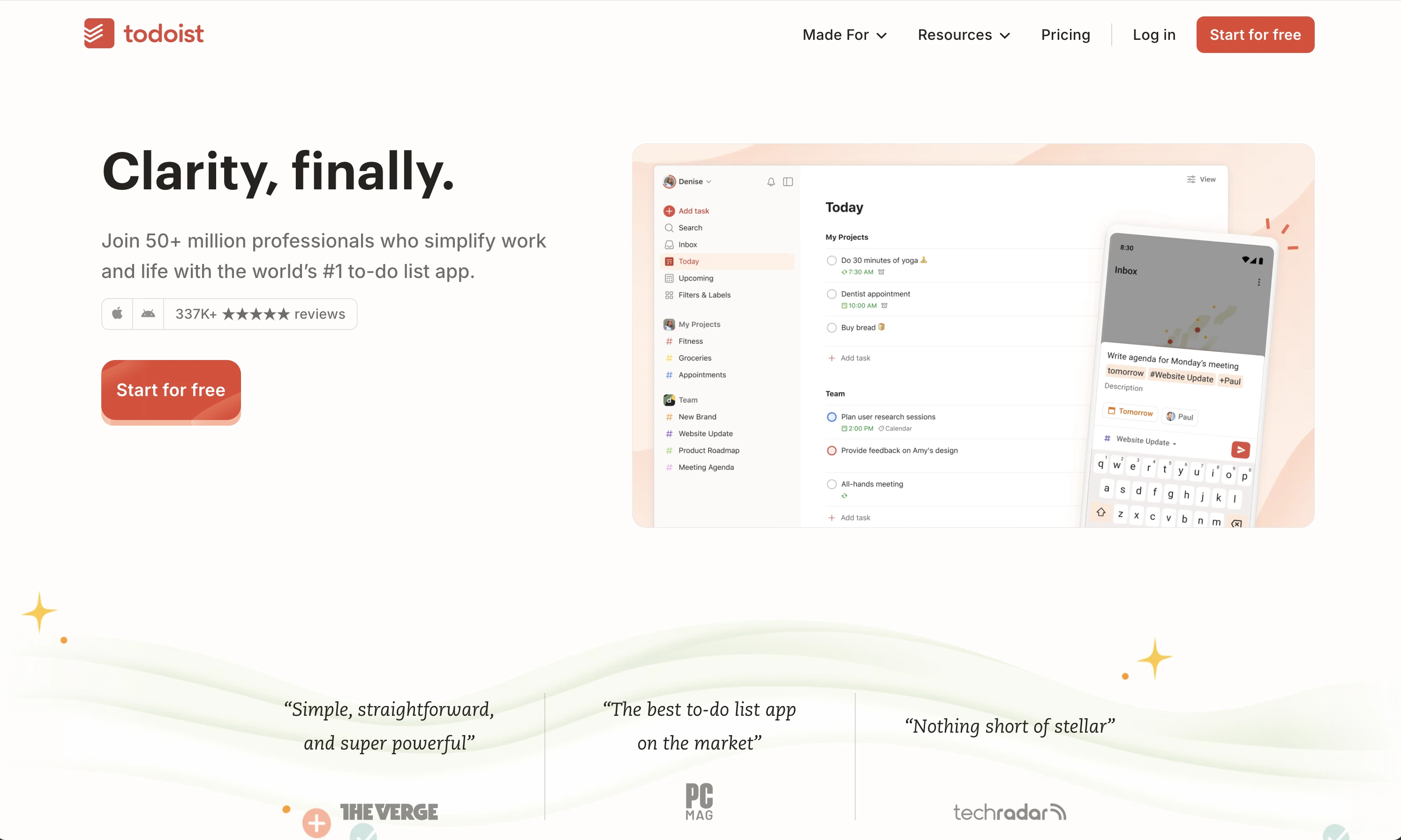
Todoist: the personal retreat
Todoist is where coordinators land when they realize they only needed their own list: free basics, Pro around $5 per month.
A personal tool, not an operations tool.
Decision shortcut
Bill for time and live in timelines: Asana, or ClickUp and Monday.com at lower seat prices. Run physical work through other people's hands: Tasa, where the first 100 team tasks are free and every completion arrives as a photo.
Latest News


Have questions?
.svg)
Team management, simplified.

“It affects my personal life a lot. I can manage my team and my work remotely, so I have more time being a mother.”