.svg)
The Best ClickUp Alternative for Frontline Teams in 2026: Why Tasa Comes First
ClickUp promises one app to replace them all: tasks, docs, whiteboards, dashboards, chat, goals, and an ever-growing AI layer. For a marketing team at desks, that power is real.
But if you are searching for a ClickUp alternative, you have probably met the other side: endless configuration, a learning curve your crew cannot afford, and a bill that grows with every seat and AI credit.
If you run a frontline team or a small local business, a cleaning crew, a hotel housekeeping department, an Airbnb turnover operation, or a construction crew, this guide is written for you.
First we show why Tasa beats ClickUp for teams that work on their feet. Further down, we rank the other ClickUp alternatives for 2026, so you can compare honestly.
Key Takeaways:
- ClickUp bills itself as one app for everything, and for desk teams it delivers, but the price is setup time, training, and patience with slow screens.
- The AI add-on at roughly $9 per user per month on top of seat prices is what pushes many small teams to look elsewhere.
- Tasa answers the opposite problem: no setup, no reading, no dashboard, just photo tasks and live photo proof for the crew.
- Separate workspaces per site or client, voice replies on tasks, and auto-translation into 14 in-app languages keep mixed crews on one page.
- If you need desk structure, Asana and Monday.com carry the load; if you need a crew tool, do not buy a desk tool.
Why frontline teams outgrow ClickUp
ClickUp is built for people who sit at a desk, read comfortably, and have time to configure a workspace before work can start. That describes an office. It does not describe most crews:
- Complexity before productivity. Lists, boards, custom fields, dashboards, and automations all compete for attention. Simple daily checklists need setup, and every new hire needs training before their first task.
- Slow load times. Long-running complaints about ClickUp's speed mean your housekeeper or foreman is staring at a spinner on a worksite, not doing work.
- Language mixes ClickUp cannot absorb. A Munich hotel's housekeeping roster can carry four languages in one week. ClickUp displays text; it cannot make text readable for someone who does not read it.
- Reading is a hard floor. The UNESCO Institute for Statistics (2025) puts the number of adults who cannot read or write at 739 million. No dashboard layout changes that.
- Per-seat costs climb fast. Unlimited at $7 per user per month billed yearly sounds modest until a 20-person crew and the AI add-on land on the same invoice.
Why Tasa is the best ClickUp alternative for frontline teams
ClickUp starts with a blank workspace waiting to be configured. Tasa starts with a camera. That single choice changes everything downstream.
The photo is the task
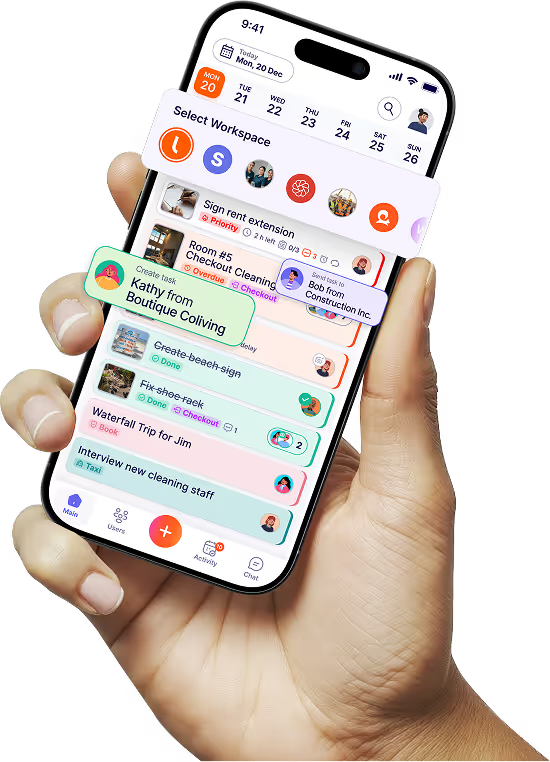
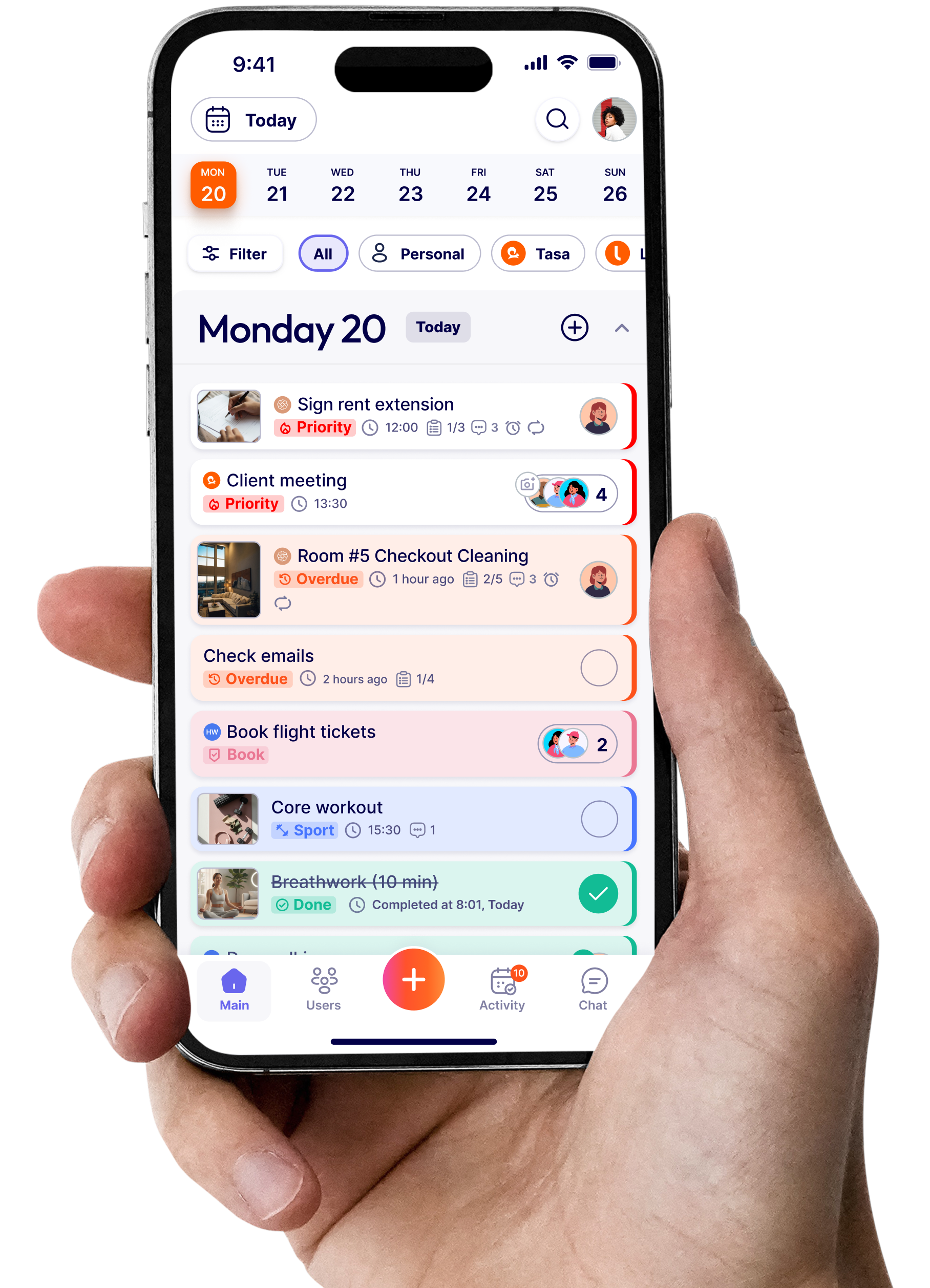
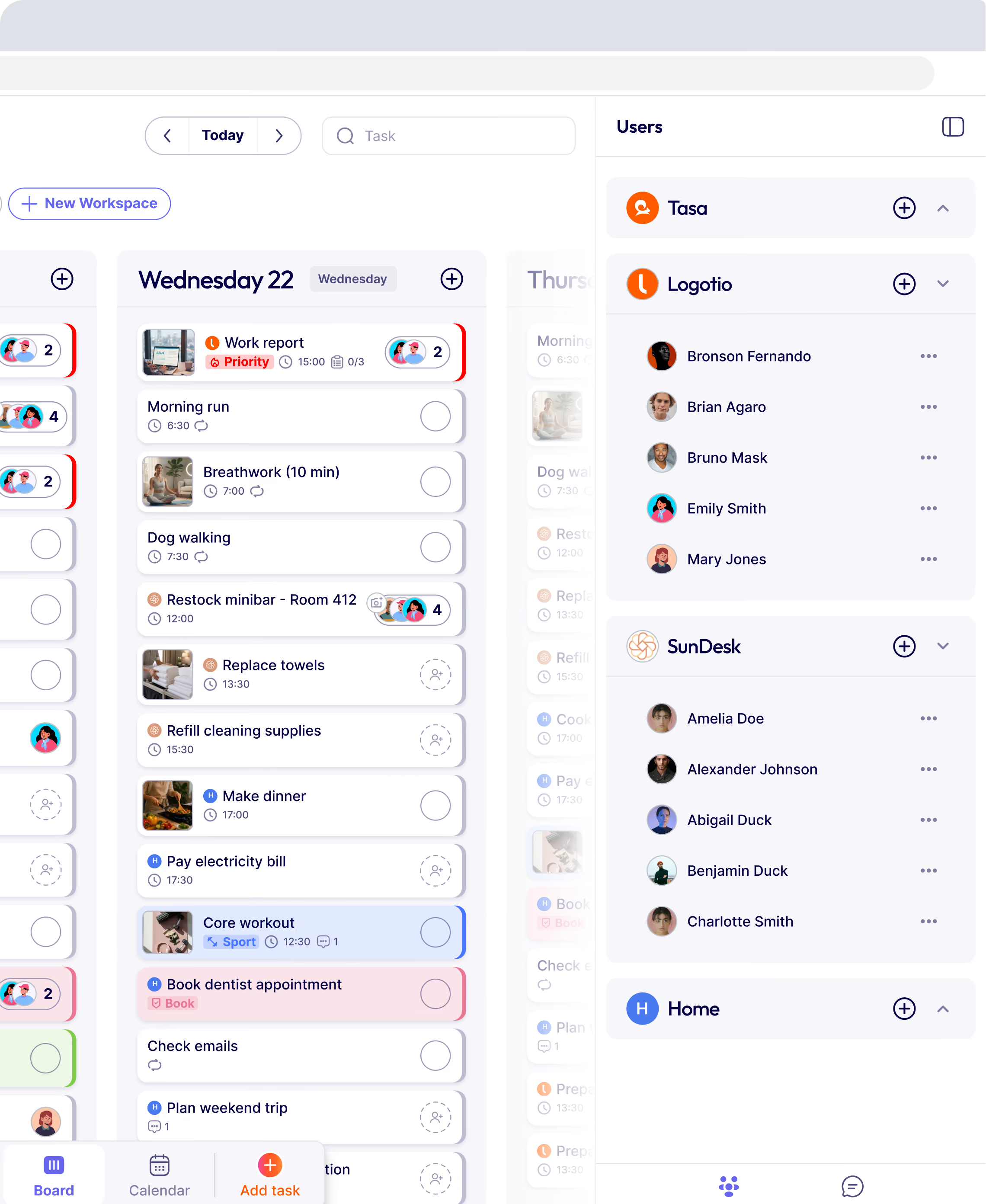
Photograph the finished bed, the cleared path to the fire exit, the shelf reset to planogram. That picture, with a due time and a person, is the entire task. There is nothing to configure before it is useful and nothing to train beyond "open the app, look at the picture, do the work, photograph it done."
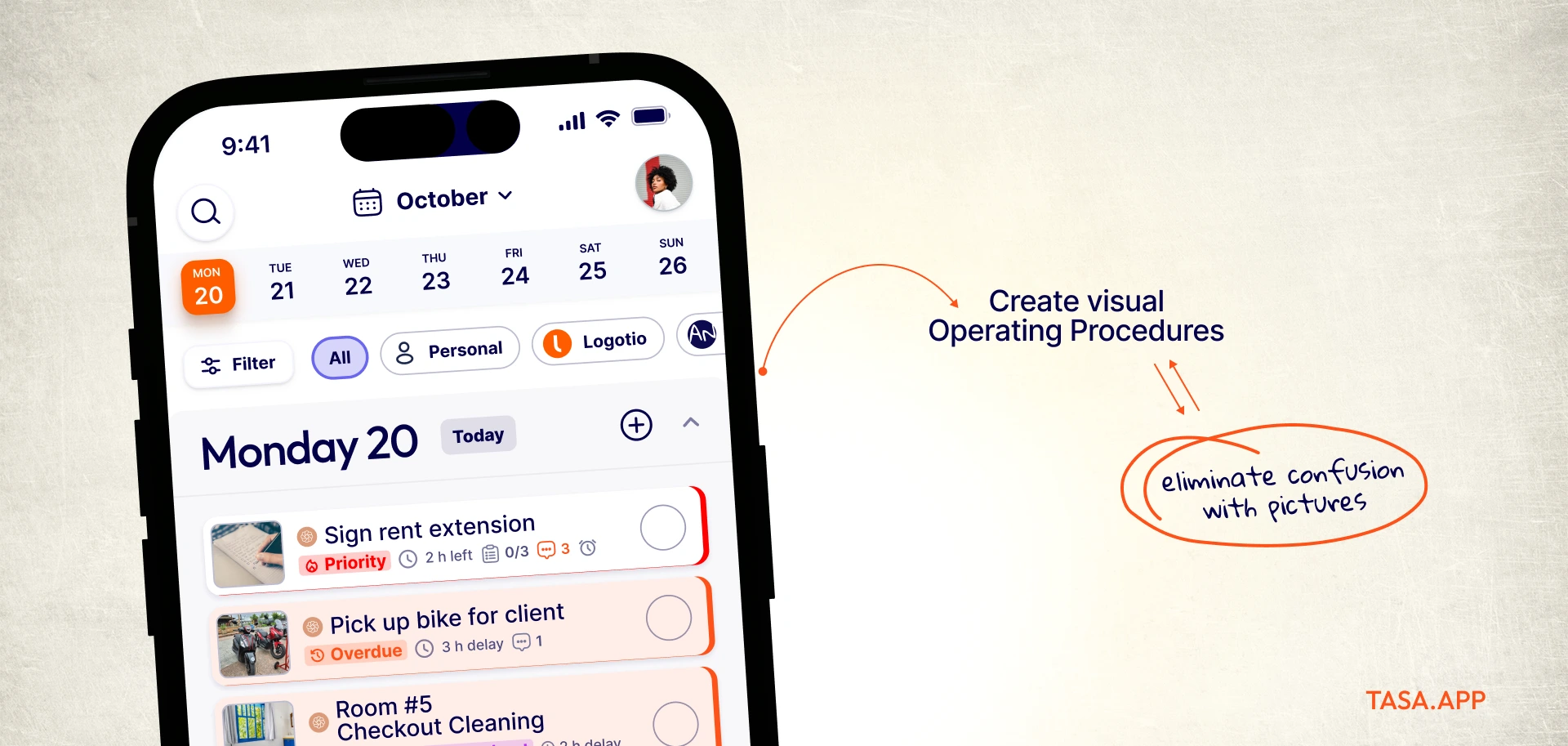
Live photo confirmation, not a checkbox
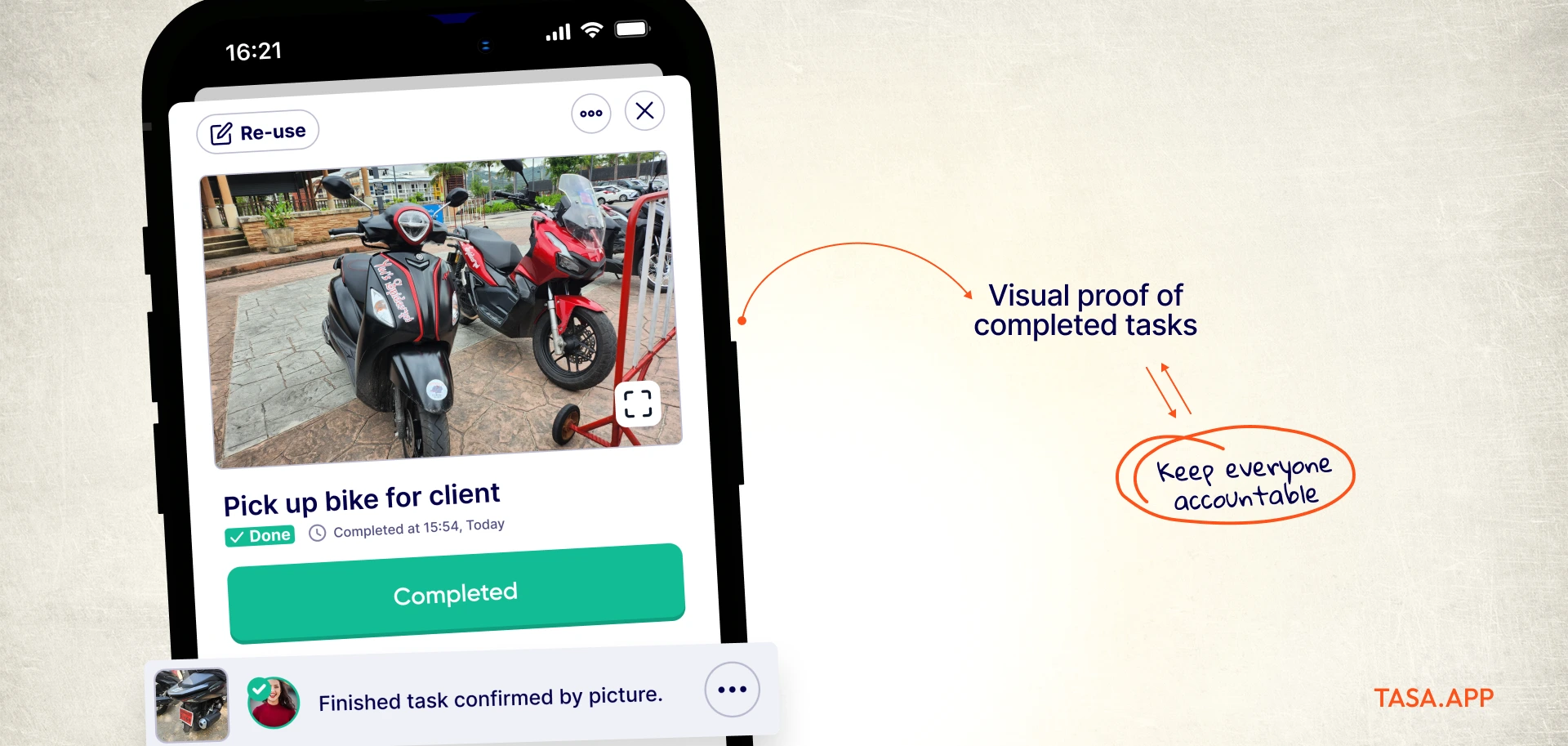
Because gallery uploads are blocked, every completion photo is taken at the scene. Site inspectors and owners stop spot-checking: the check comes to them, timestamped, before and after. A 20-person cleaning operation replaces its entire status-call routine with one feed.
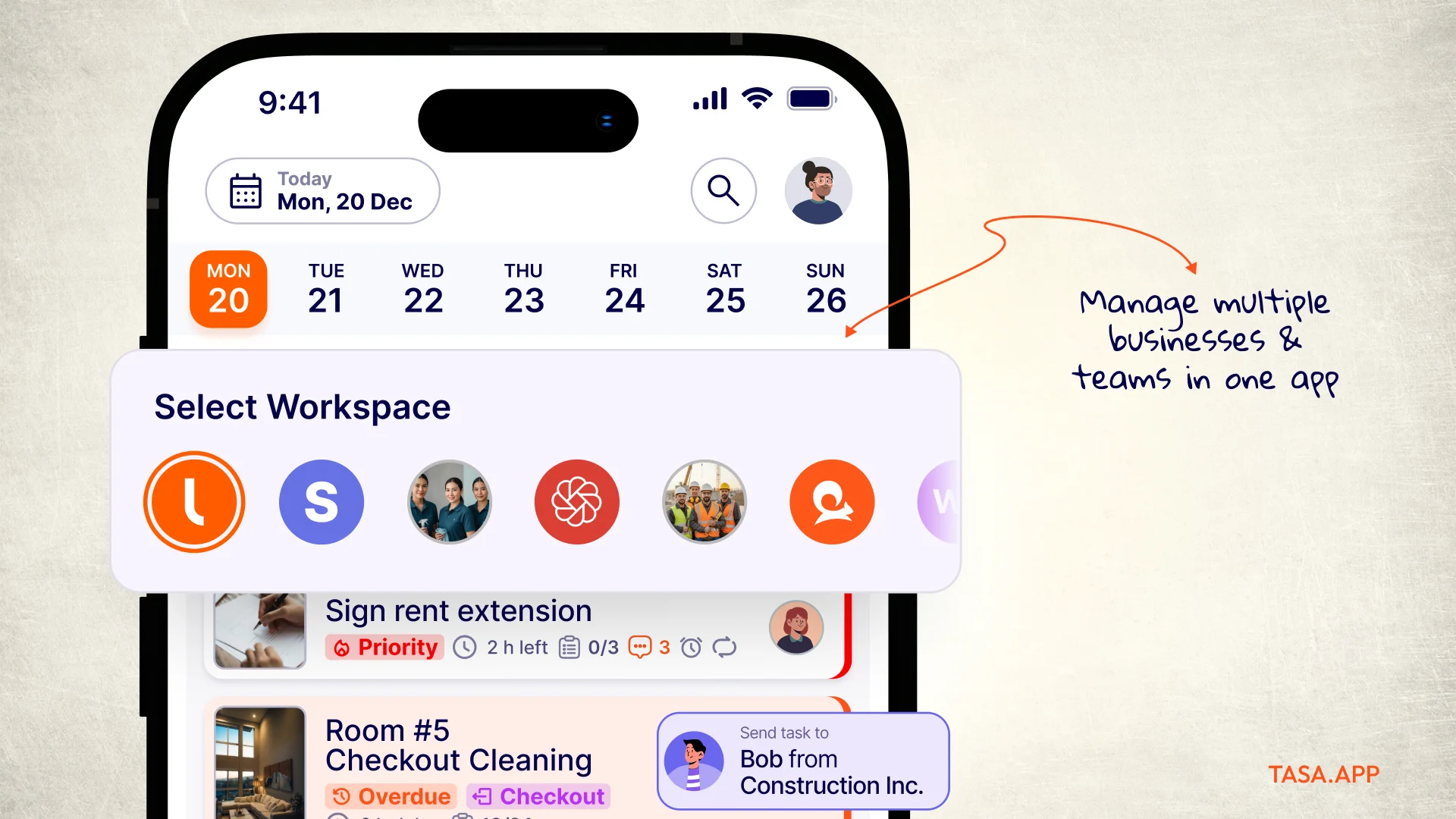
Every site in its own lane
Workspaces split operations cleanly: site A's crew never sees site B's list, a hospitality client's turnover tasks never mix with a retail client's resets. You switch between all of them from one account. ClickUp's folders-inside-one-workspace model works for a desk team's projects; crews need separation, not hierarchy.
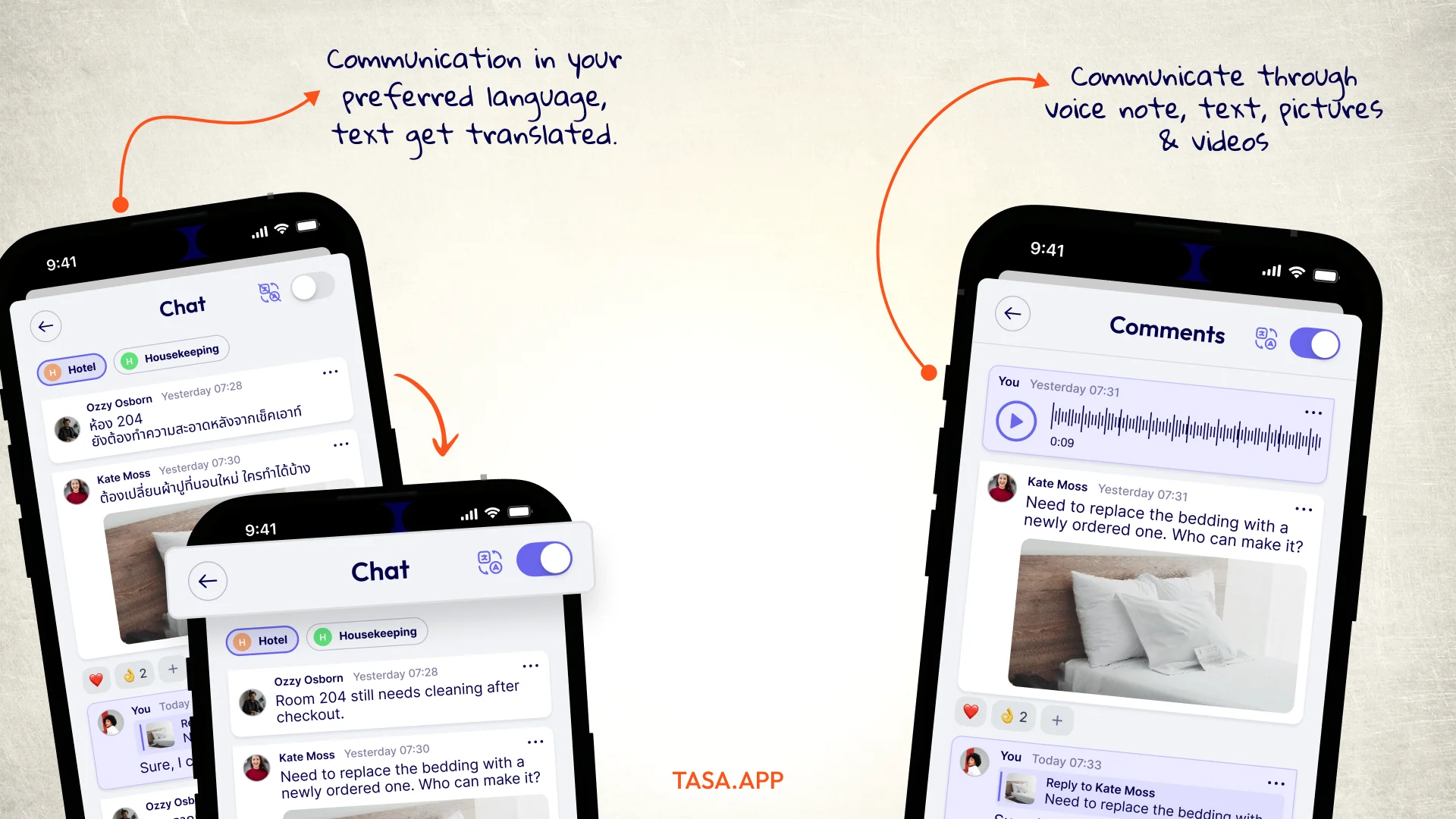
Talk on the task, in any mode
Questions land as comments directly on the task they concern, answered by text, voice, or video. For a Polish foreman coordinating Vietnamese and Arabic speakers, a ten-second voice note beats a paragraph of text, and the company chat carries everything else.
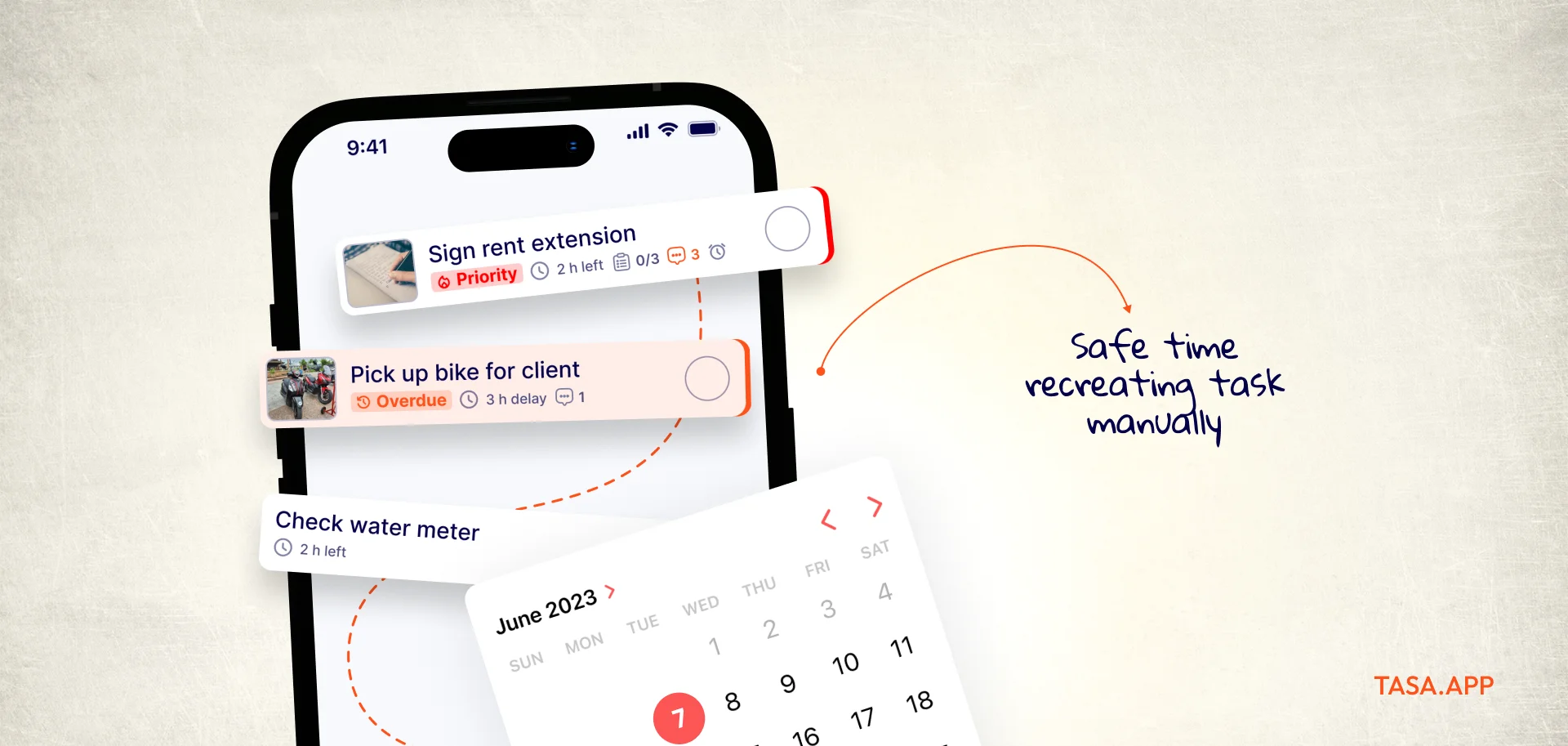
Set the schedule once
Repeats carry daily resets and weekly inspections without re-creation, subtasks break a checkout turnover into photographed steps, and categories keep work types apart. No automation builder, no templates gallery: the schedule just repeats.
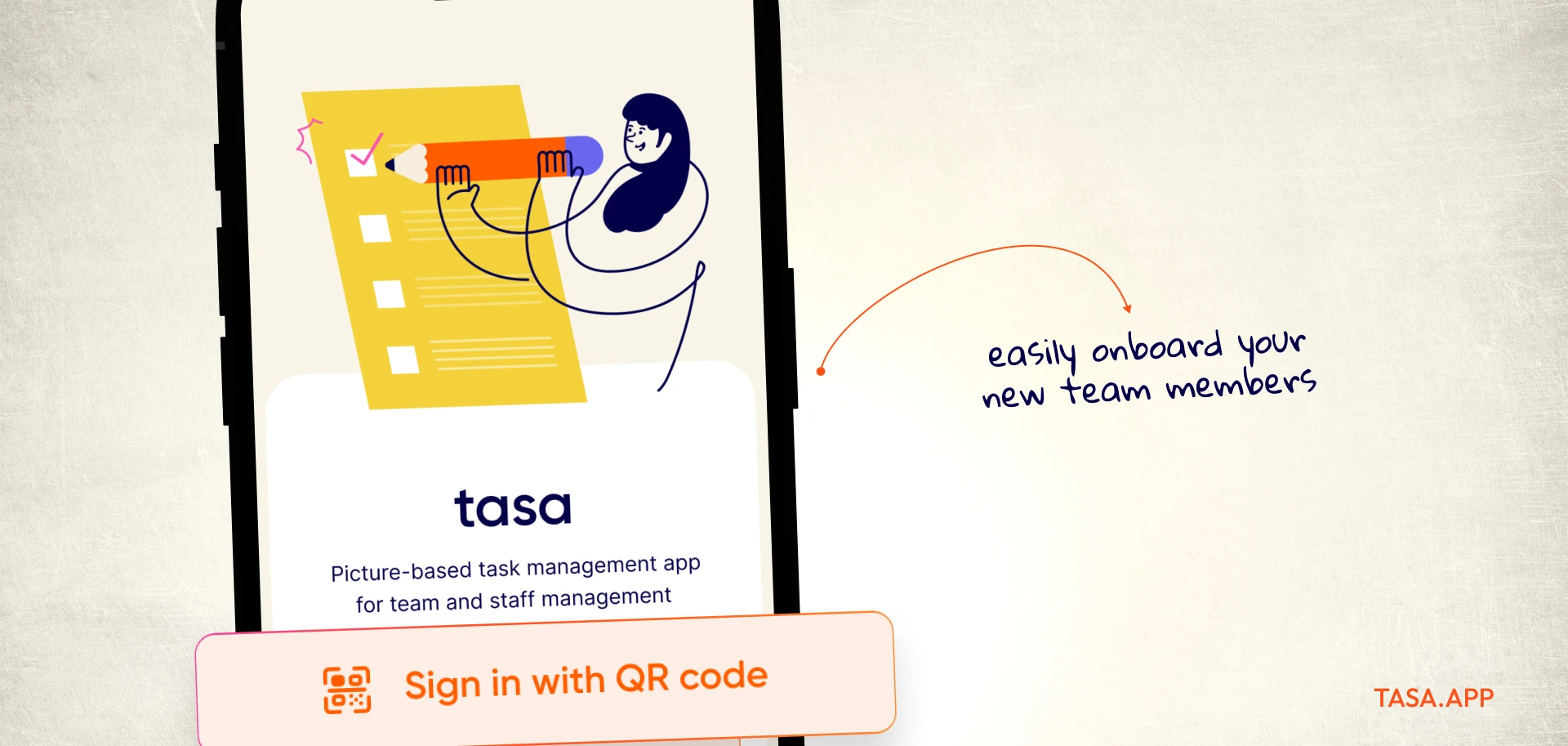
Flat, legible pricing
No tiers to decode and no AI meter: personal use is free forever, teams run their first 100 tasks free, then it is $8 per user per month ($6.40 yearly). A QR code replaces the onboarding webinar.
Where ClickUp genuinely wins
Software teams, agencies, and marketing departments should stay: sprint boards, Gantt views, docs, dashboards, deep API and GitHub integration, granular permissions, ClickUp is a serious platform for serious desk workflows. Tasa is not a smaller ClickUp. It is a different tool for people who were never ClickUp's users to begin with.
The two apps comparison
A crew that made the jump
A commercial cleaning company running nine client sites kept losing evenings to status calls. Supervisors texted, cleaners replied "done" from the road, and quality problems surfaced at the next client visit. They rebuilt in Tasa in one afternoon: photo checklists per site, before and after pictures on every clean, and a workspace per client. The status calls ended the first week.
The same pattern shows up in construction punch lists and hotel housekeeping boards: wherever proving the work matters more than charting it.
Leaving ClickUp without losing your work
Export what matters and let the rest go. Ninety percent of a crew's real workload is recurring, and recurring work is faster to photograph fresh than to migrate: five reference photos, five repeat rules, QR codes for the crew. Keep ClickUp open for the desk side during week one, then compare which system people actually open.
Five more ClickUp alternatives to consider
Desk teams comparing platforms, prices checked September 2026:
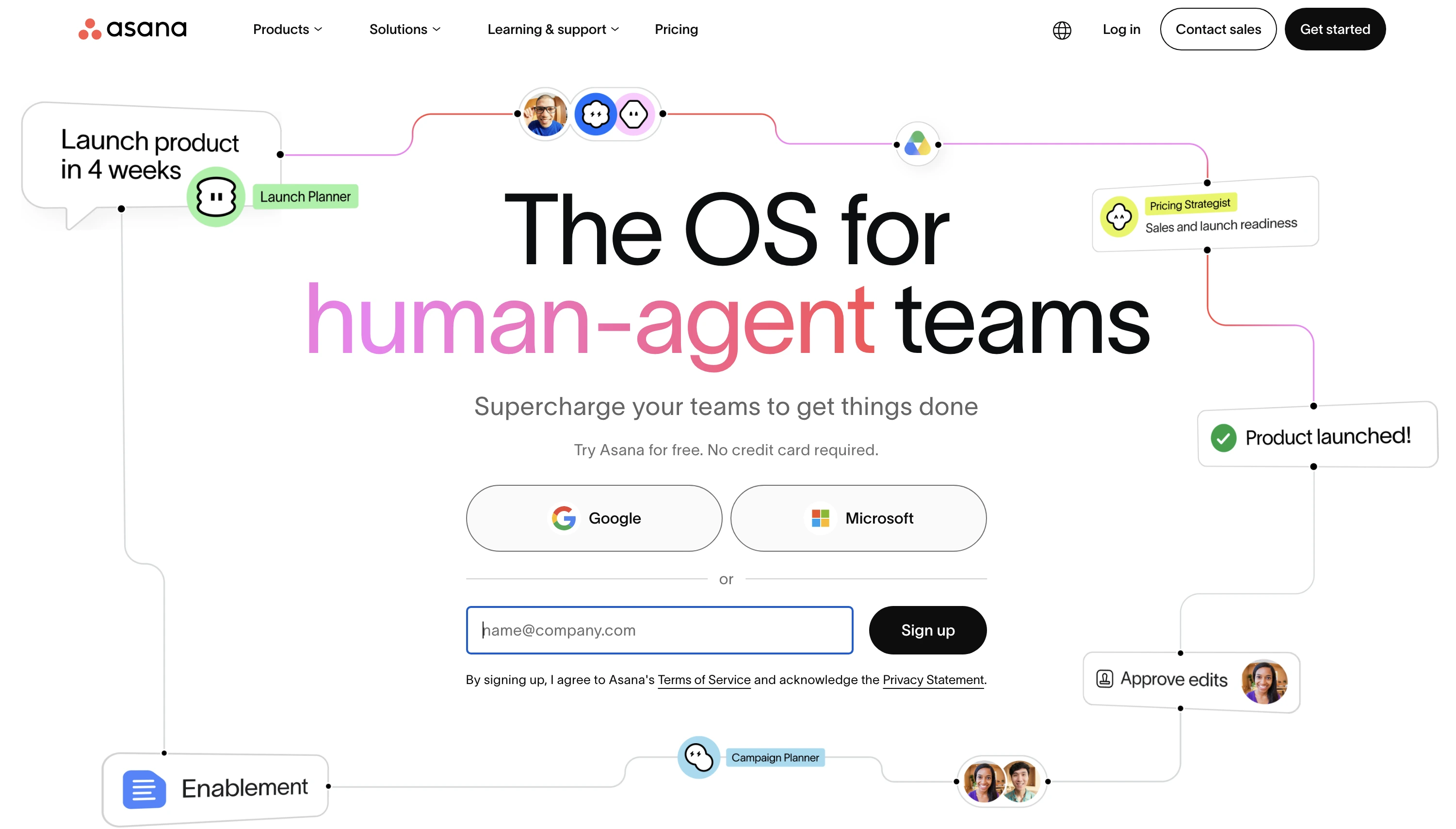
Asana: cleaner structure, same audience
Asana gives coordinators timelines, dependencies, and workload views without ClickUp's everything-at-once feel. Starter is $10.99 per user per month billed yearly, more than ClickUp's Unlimited but with less configuration overhead.
Still desk-first, still text-first, and seat costs still scale with headcount.
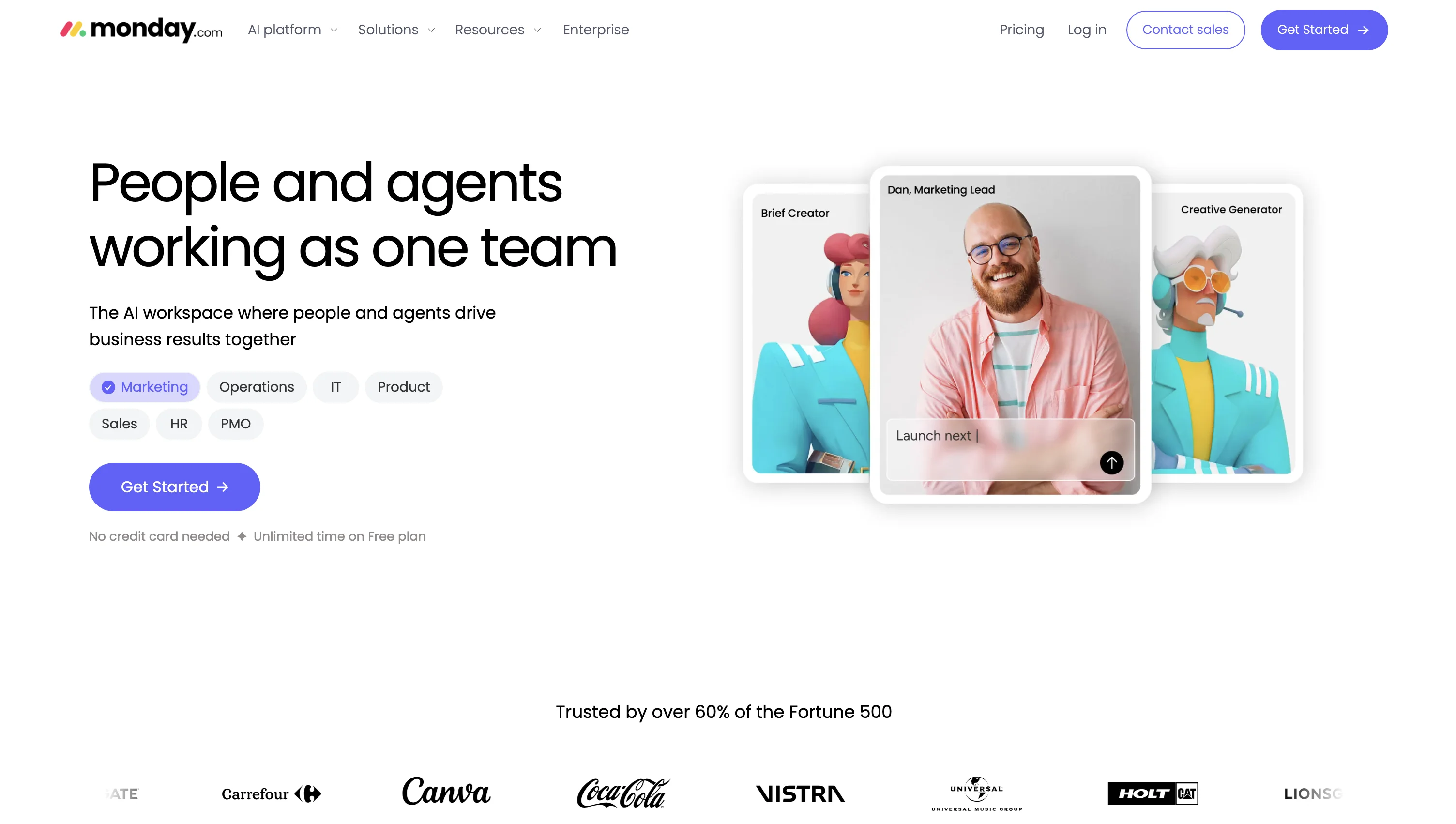
Monday.com: automation without the density
Monday.com trades ClickUp's density for colorful dashboards, no-code automations, and template libraries. Basic starts at $9 per user per month billed yearly.
Its own complexity emerges at scale, and field crews still face walls of text.
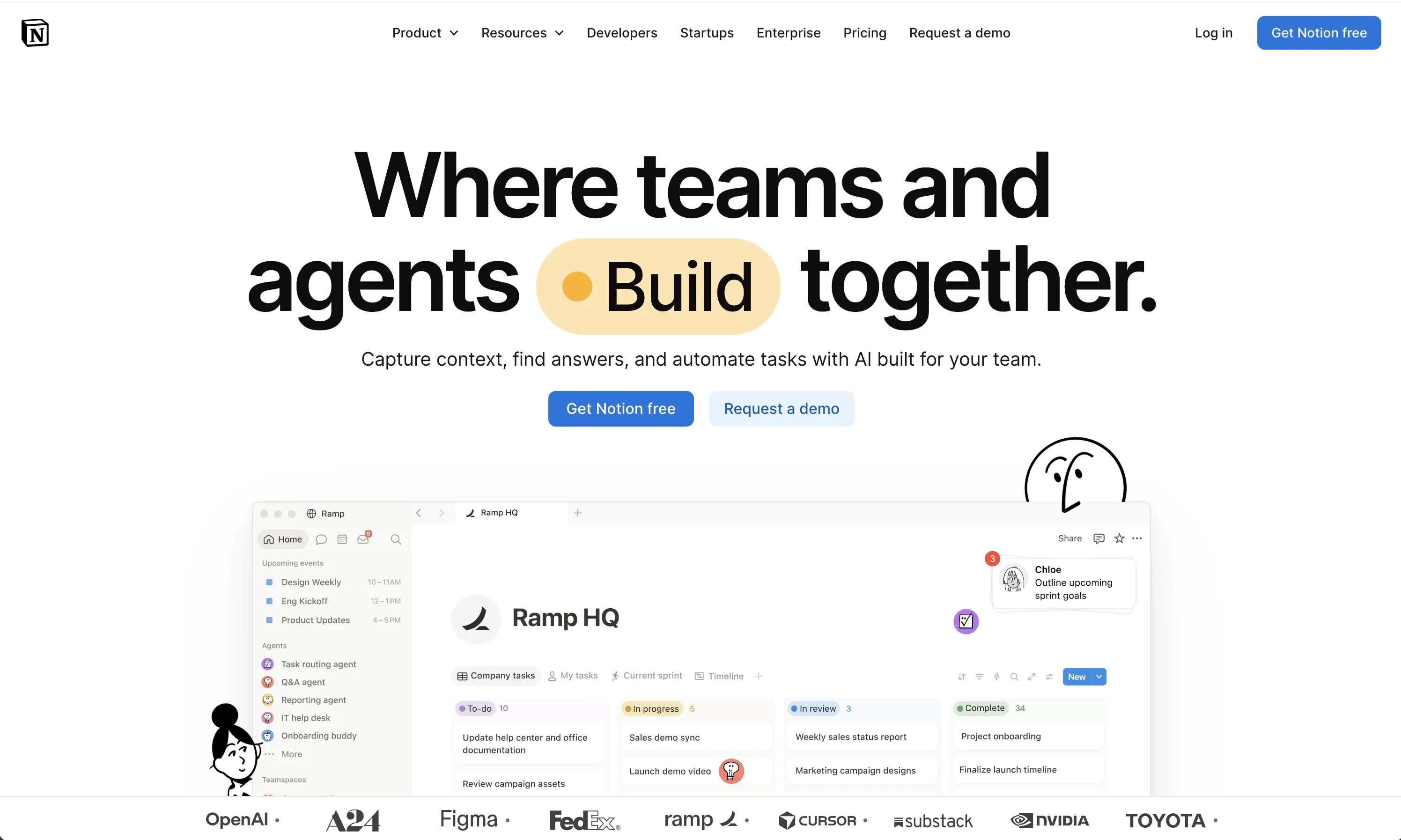
Notion: docs first, projects second
Notion is the pick when your ClickUp exit is really about knowledge: linked databases, docs, wikis, and templates in one place. Free to start, Plus at $12 per user per month.
It demands building before doing, and crews without a builder drift back to chat apps.
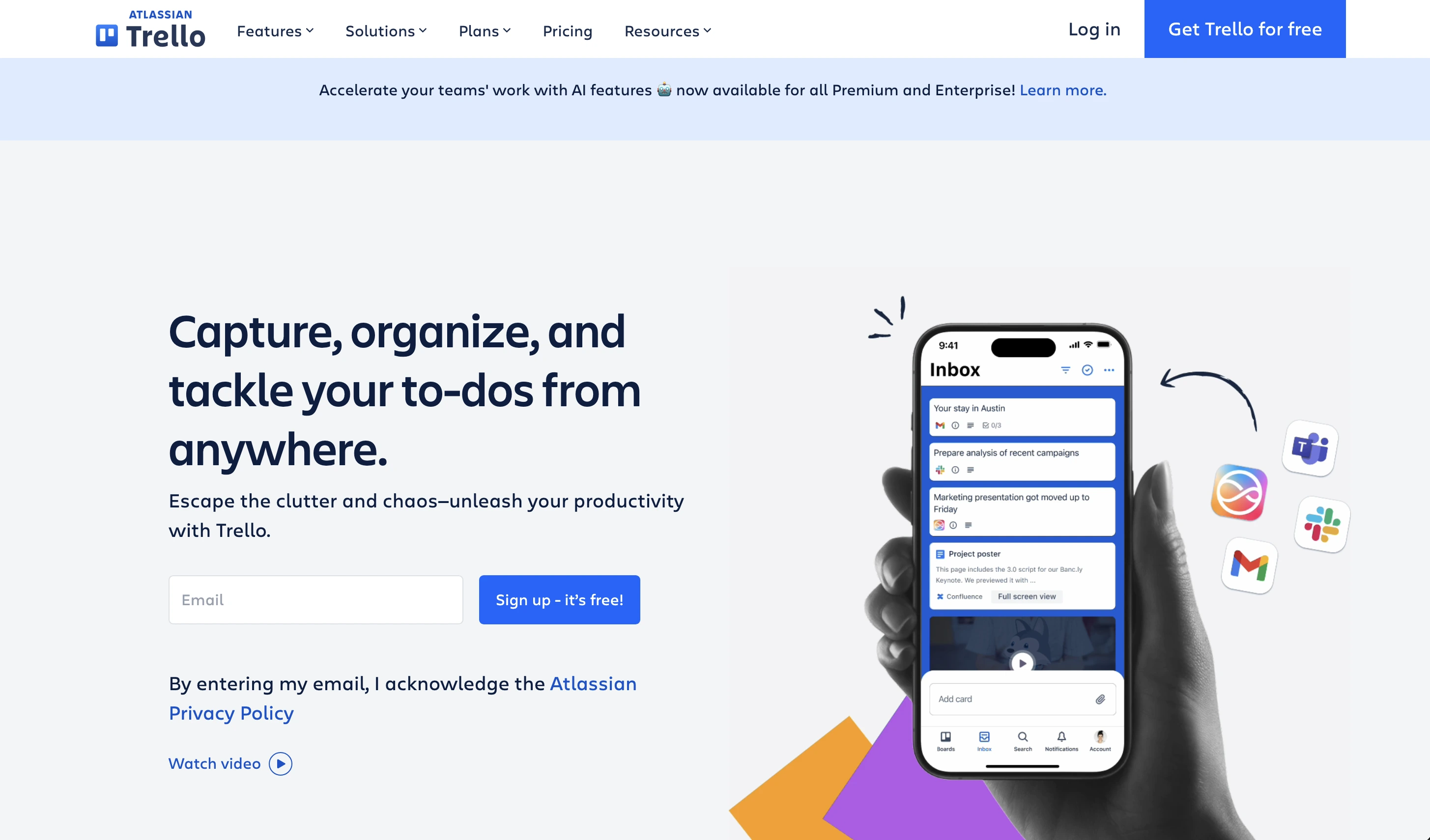
Trello: the anti-platform
Trello does one thing: cards on lists you drag forward. Standard at $5 per user per month, free tier fine for tiny teams.
No verification, and reading is still required, but if ClickUp overwhelm is the diagnosis, Trello is the minimal prescription.
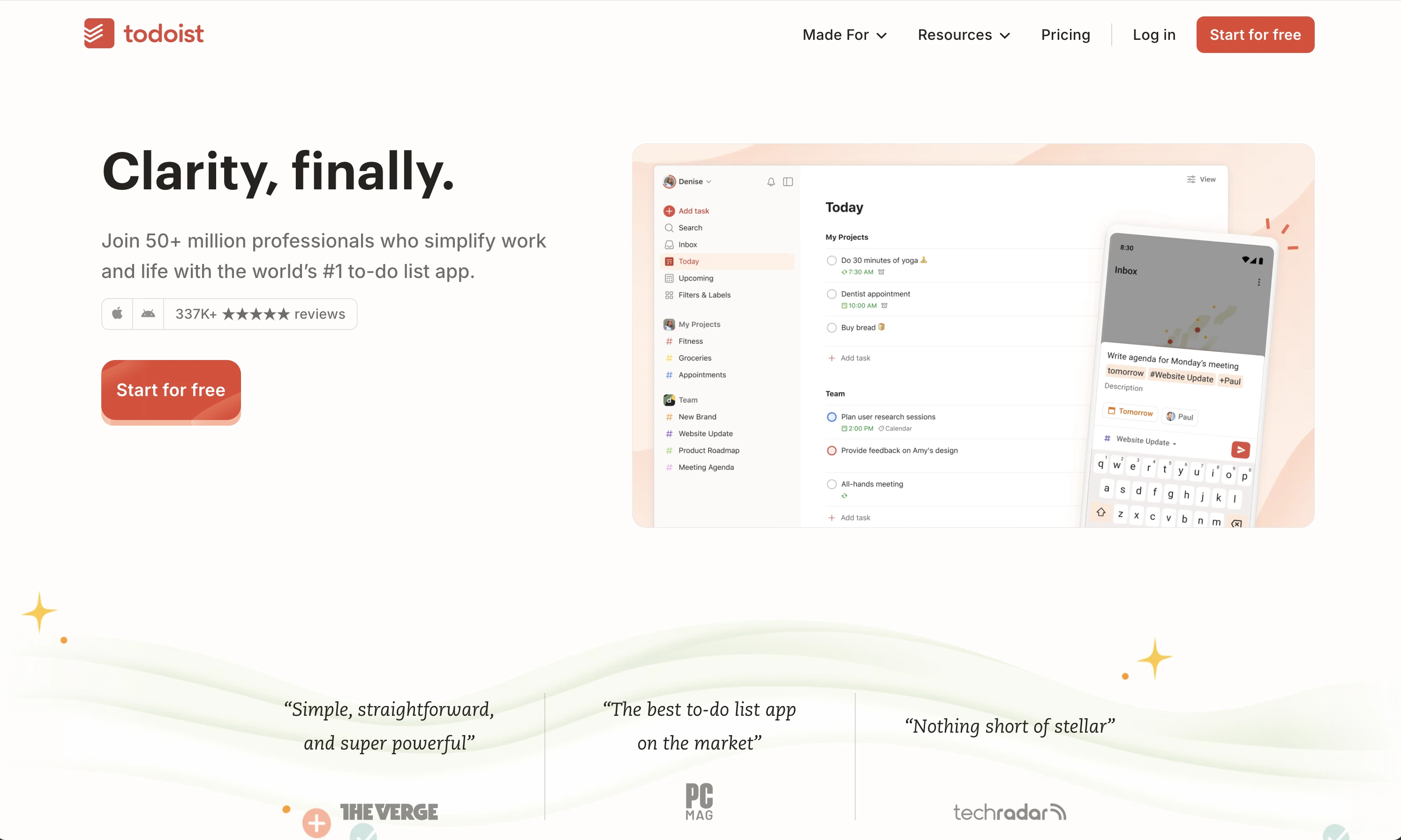
Todoist: just a list
Todoist strips work down to a personal list with natural language input and reminders. Free basics, Pro around $5 per month.
Right answer for one person, wrong answer for a crew.
The honest verdict
Keep a platform if your work is projects at desks: Asana and Monday.com are safe bets there. Choose Tasa when the work is physical, the crew is multilingual, and the missing piece was never features but proof. The first 100 team tasks are free, which is the whole business case for trying.
Latest News

Have questions?
.svg)
Team management, simplified.

“It affects my personal life a lot. I can manage my team and my work remotely, so I have more time being a mother.”