.svg)
The Best Connecteam Alternative for Frontline Teams in 2026 | Pitcure-based App
Connecteam is one of the most generous offers in frontline software: a free plan for up to 10 users, then a full suite covering scheduling, time tracking, forms, chat, and HR in one app. Thousands of teams run on it happily. So why are you reading an alternatives guide?
Usually because of one of four frictions: the suite is heavier than the problem you actually have, the pricing math changes once you pass 30 users, the app assumes reliable connectivity and comfortable reading, or your crew pushes back on a monitoring-flavored tool. This guide compares the honest field in 2026, including Tasa, the alternative built for multilingual frontline teams that only need execution, not a suite.
Key Takeaways:
- Connecteam pricing (September 2026): free for up to 10 users; Operations plans from $29/mo for the first 30 users, annual billing, plus per-user add-ons from $0.80.
- Connecteam does not work offline except clock-in punches that sync later; tasks and forms need internet.
- The suite's strengths, scheduling, HR, chat, forms, are overhead if what you need is simple, verifiable task execution.
- Verified alternatives: Buddy Punch $4.99/user + $19 base, Deputy $5-9/user, Homebase $24/location unlimited staff, 7shifts per-location from $29.99.
- Tasa covers the execution slice for multilingual crews: photo tasks, automatic translation, photo proof, free plan for small teams.
Why teams look beyond Connecteam
Connecteam deserves its reputation. The complaints come from a specific place instead:
- The suite tax. Scheduling, the workforce hub, chat, forms, and training modules arrive together. If your problem is "the cleaning checklist needs to actually happen", learning an operations platform is overhead, and staff see it too.
- The 30-user step. Free at 10 users is excellent. Past 30, per-user add-ons ($0.80 to $4.20 each depending on hub and billing) stack across every seat, and the invoice grows quietly.
- Monitoring posture. GPS tracking on clock-ins, activity monitoring, device controls: legitimate tools, and some crews accept them. Others don't. When verification feels like surveillance, adoption dies quietly and people go back to WhatsApp.
- One working language. The app supports multiple interface languages, but each task and form you build lives in one language. Mixed crews end up relaying through a bilingual supervisor.
If none of these describe you, Connecteam may be the right answer. If one of them does, the alternatives below beat it at exactly that dimension.
Tasa: execution depth instead of suite width
Tasa does one slice of what Connecteam bundles: getting recurring work done, verifiably, by people who don't share an office or a language.
Photos are the task
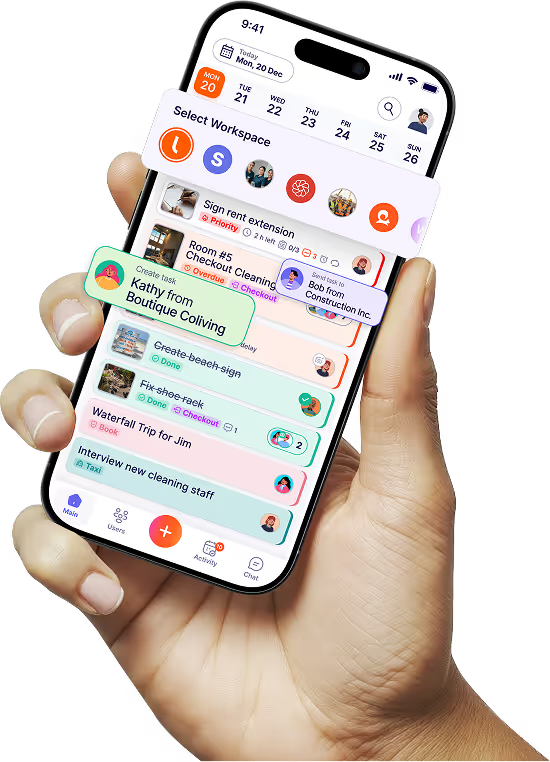
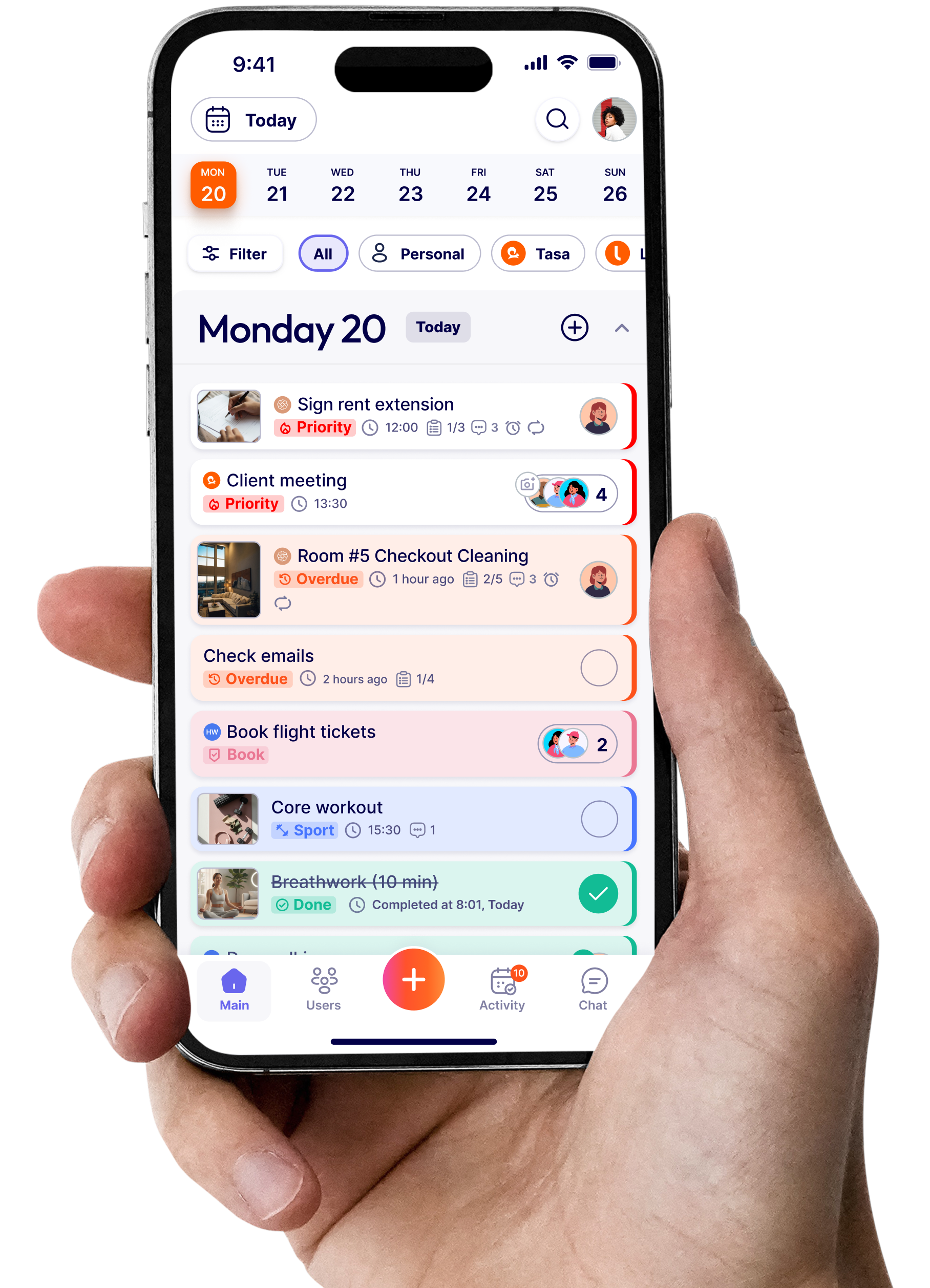
A Tasa task is pictures of the finished standard plus a few words. There is no form builder, no hub, no module to learn inside the mobile app. The new porter opens the app and sees what the lobby should look like at 7 a.m.

Translation built for mixed crews
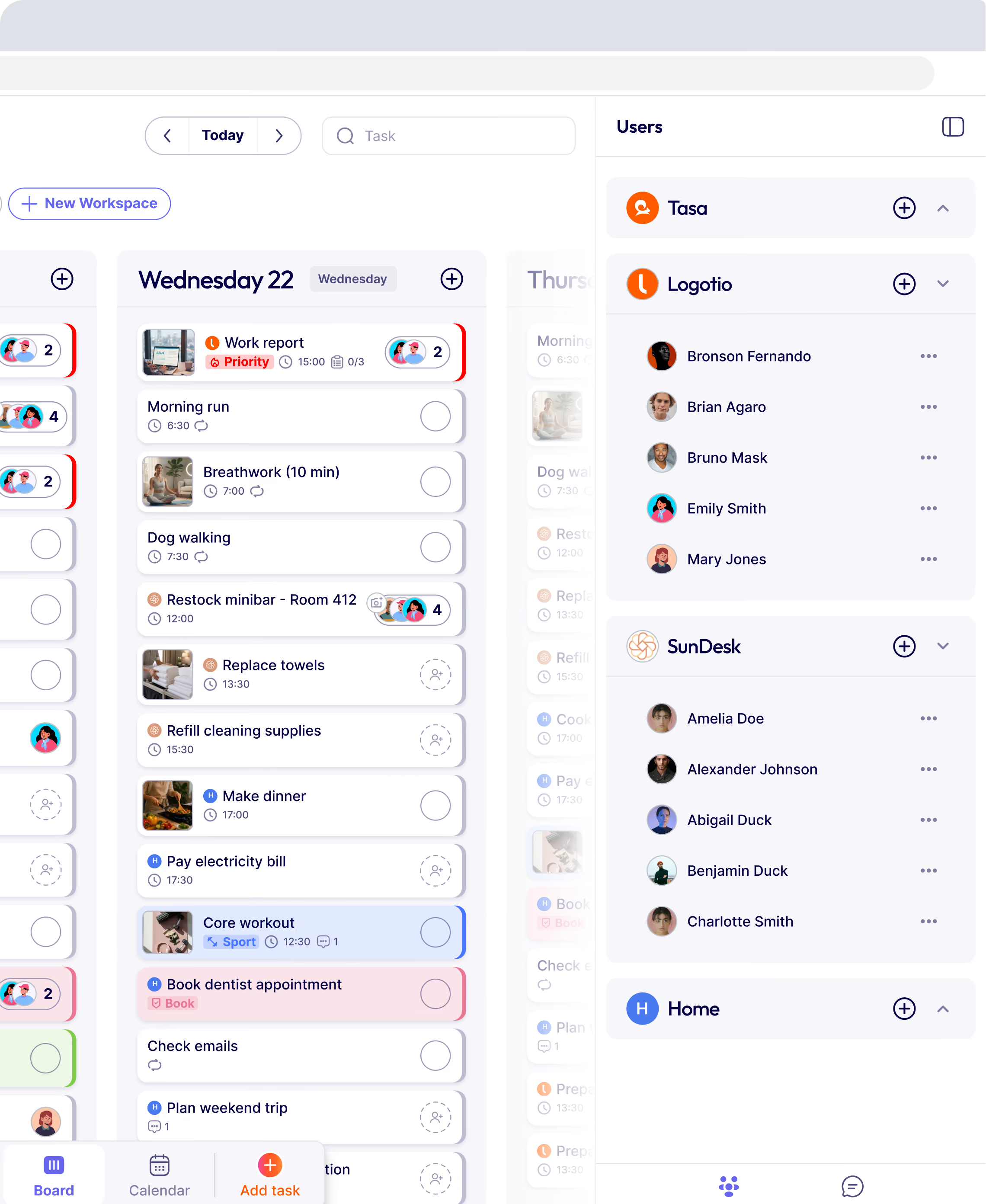
Tasks and comments translate automatically into each worker's preferred language, not just the interface. That is the practical answer for a crew spanning three languages where one shared operating language never quite arrives.

Proof by photo, not by GPS trail
Completion means a photo of the result attached to the task. It answers the question owners actually have, "was it done right?", without location tracking that reads as distrust. For audits and franchisor standards, the timestamped photos are the evidence.

Routines that repeat themselves
Smart repeats put each recurring routine on its schedule per location and per day: the turnover sequence, the open checklist, the weekly round. Nobody re-creates the schedule, and nobody forgets the quarterly filter change.

Where Connecteam still wins
Scheduling with labor compliance, HR onboarding, payroll integration, chat, training, forms: the suite is real and priced well at the low end.
A team that wants one app for everything administrative should shortlist Connecteam and not feel bad about it. Tasa is the choice when the "everything" keeps getting in the way of the work.
Tasa vs Connecteam at a glance
Connecteam pros and cons
Pros: genuinely free for 10 users, unusually complete suite, kiosk and desktop options, strong scheduling and time tracking, enterprise features like SSO and private branding at the top tier.
Cons: no offline use beyond clock-in queuing, per-user add-ons compound above 30 users, content lives in one language per item, monitoring features can sour adoption, and simple task execution requires navigating a platform built for everything else.
Switching from Connecteam
Export what matters first: schedules, timesheets, employee lists, and any forms your compliance depends on all leave as CSV or PDF from the admin side. Then decide which hub you were actually using. Teams that lived in the scheduler and its team message feed should move to a scheduler (below).
Teams that lived in tasks and forms usually find the alternative move is smaller than expected: recreate your recurring checklists as photo tasks, set the repeats per location, and onboard the crew by QR code. Keep both running for two weeks if you like; the Connecteam free tier makes a perfectly good safety net during the trial.
The best Connecteam alternatives in 2026 (if Tasa is not your fit)
Deputy: best for scheduling and labor compliance
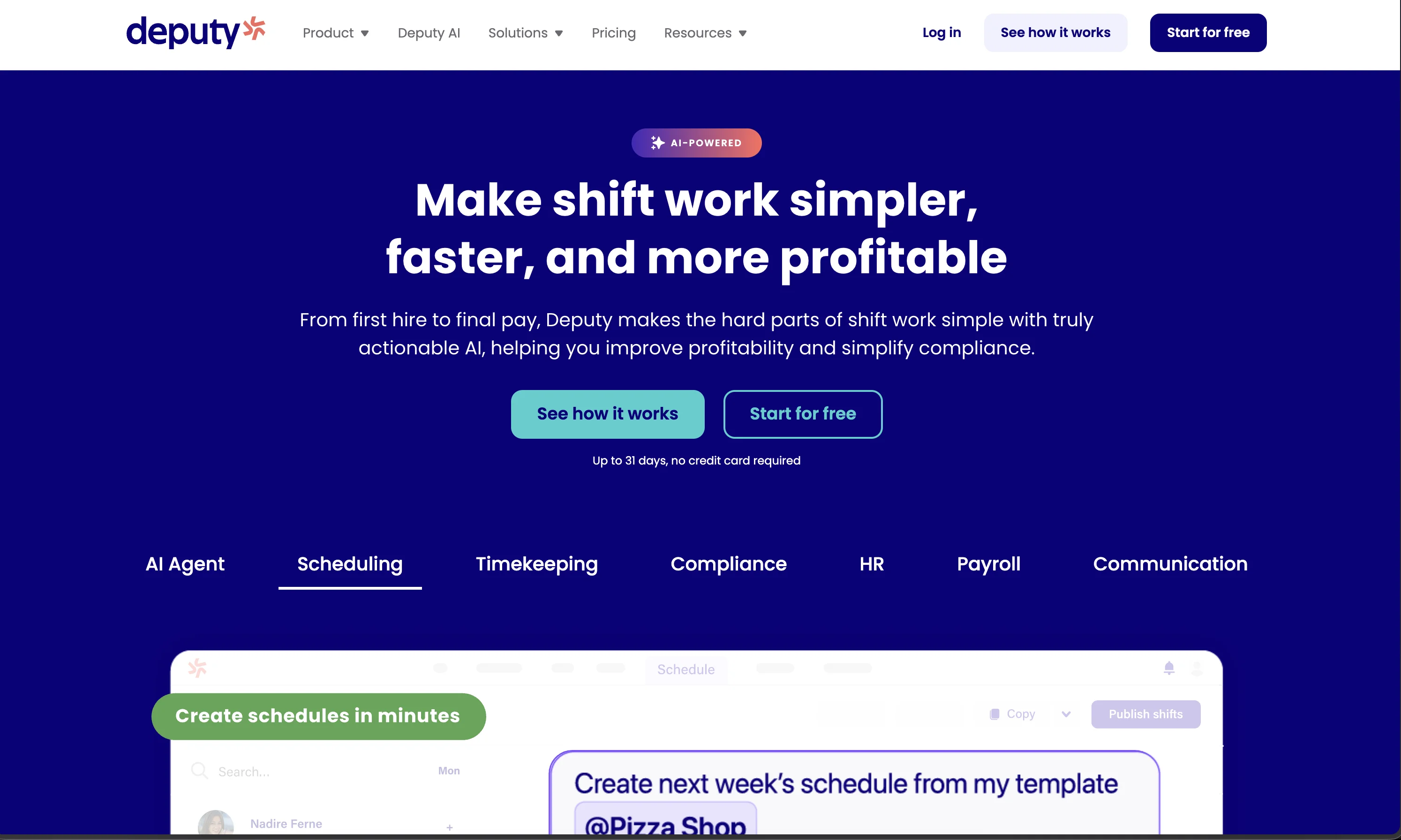
$5, $6.50, or $9 per user per month (US pricing) with scheduling, time tracking, fatigue rules, labor cost views, and a payroll add-on. If the scheduling hub was what you used in Connecteam, Deputy is the focused upgrade. deputy.com/pricing
Homebase: best per-location pricing for stable teams
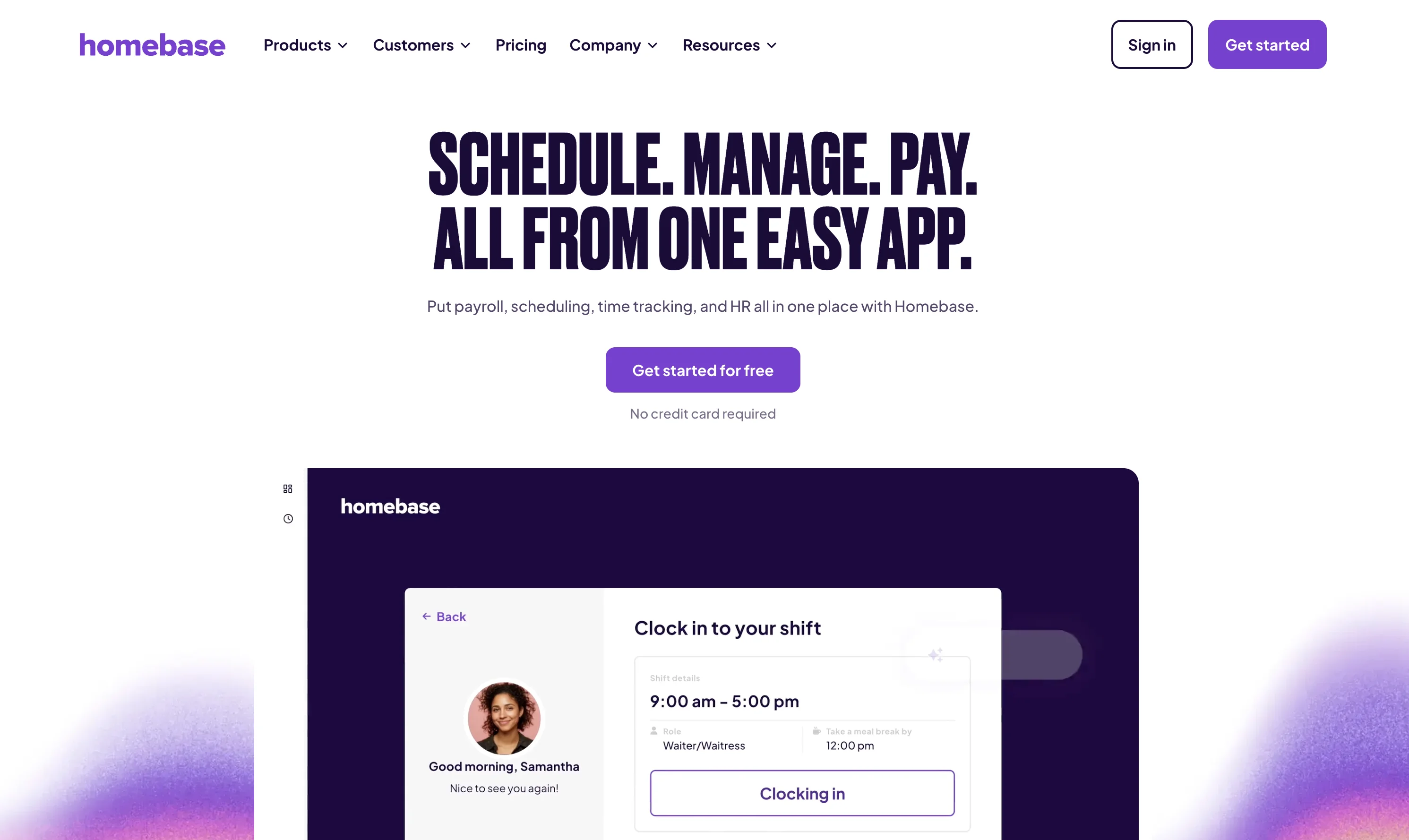
Free for one location up to 10 employees to track time and schedule, then $24 per location per month (annual billing) with unlimited employees, through Plus at $99. If the 30-user step is what hurts, per-location pricing is the structural cure. joinhomebase.com/pricing
Buddy Punch: best simple time clock
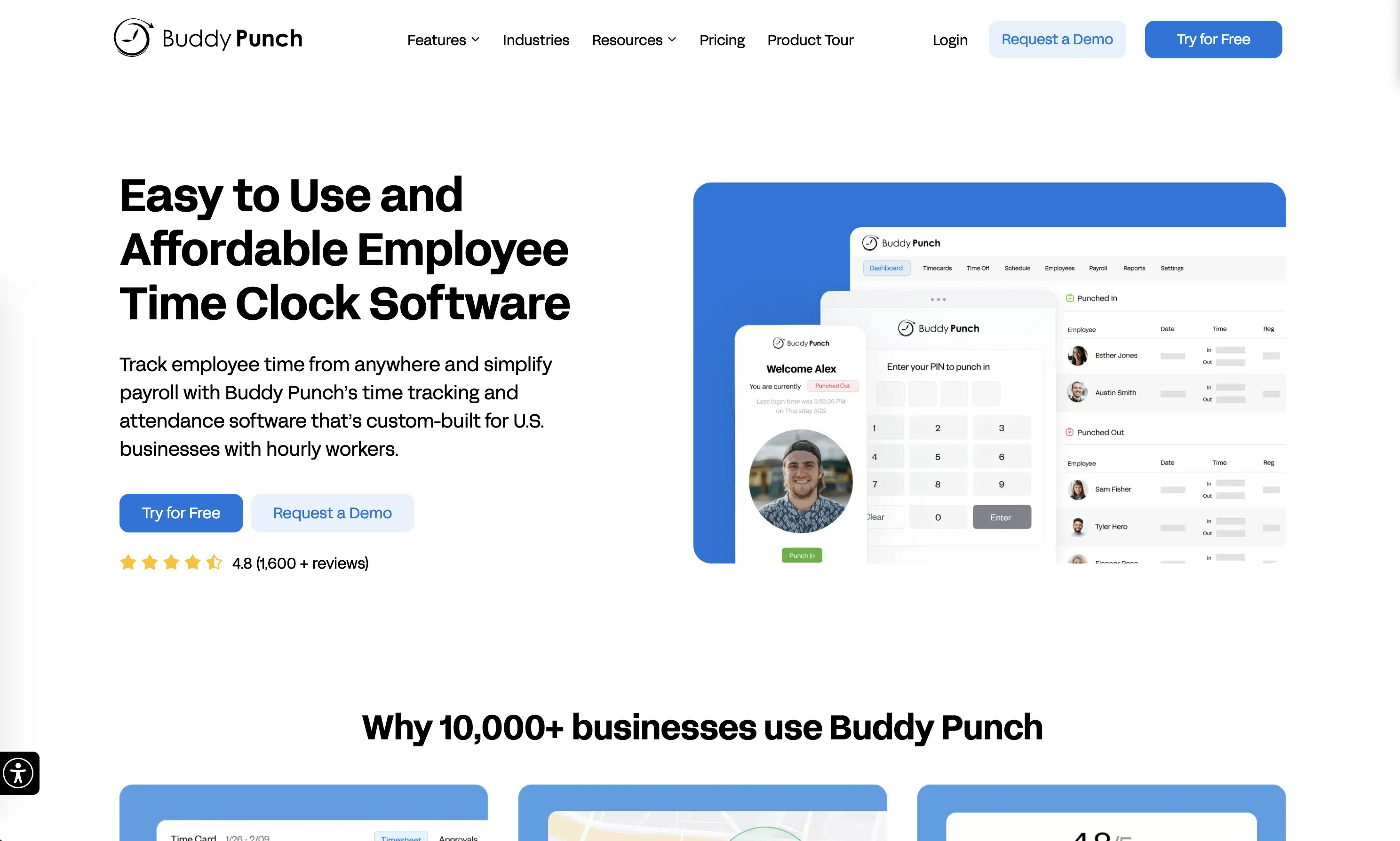
$4.99 per user per month plus a $19 monthly base fee, with GPS and facial recognition options on higher tiers ($6.99 Pro, $12.99 Elite as of September 2026). If what you kept from Connecteam was the time clock, this replaces it without a suite around it. buddypunch.com/pricing
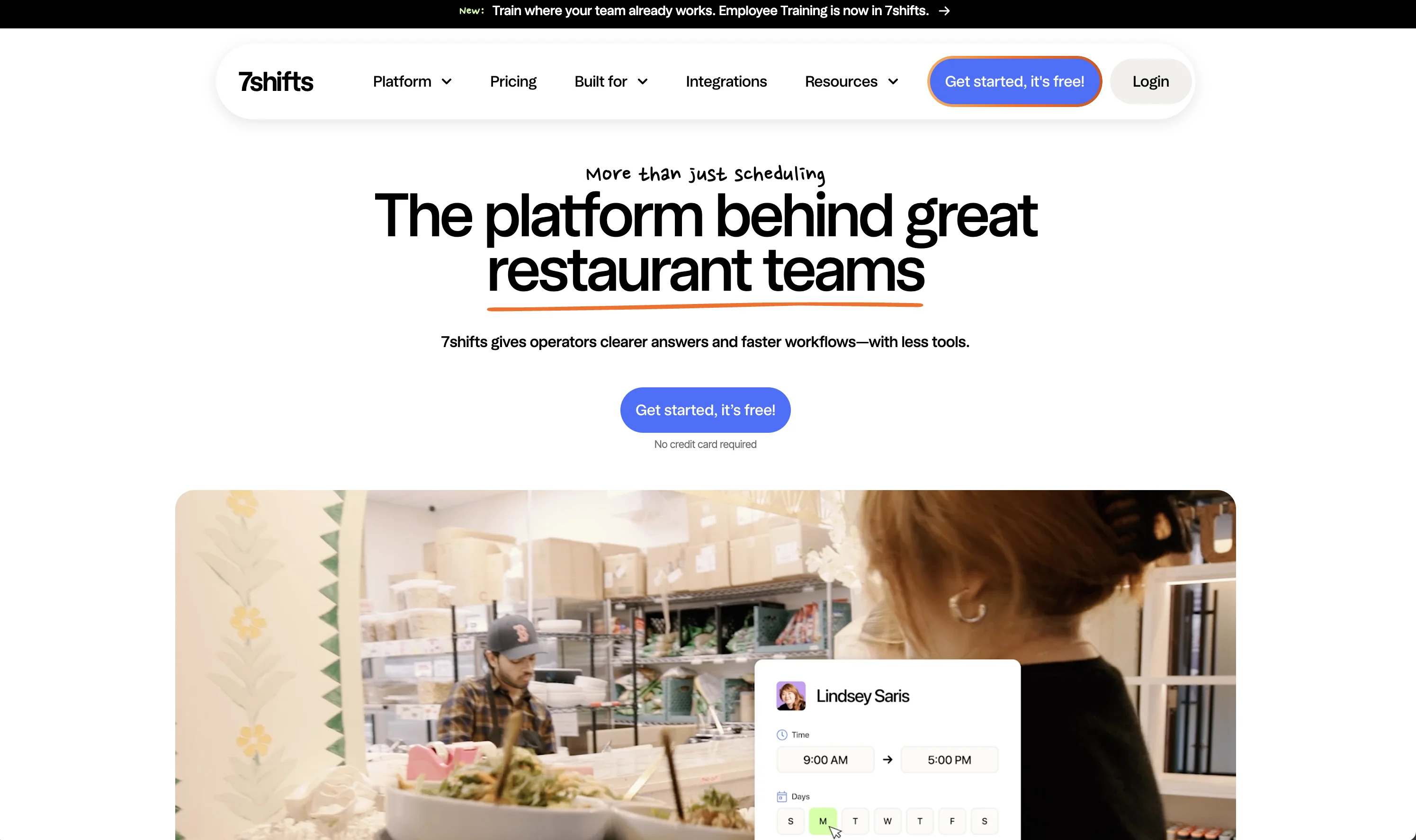
7shifts: best for restaurants
Free Comp tier, then per-location pricing from $29.99 per location per month with tip management and labor reporting against sales. Food service is its entire design brief. 7shifts.com/pricing
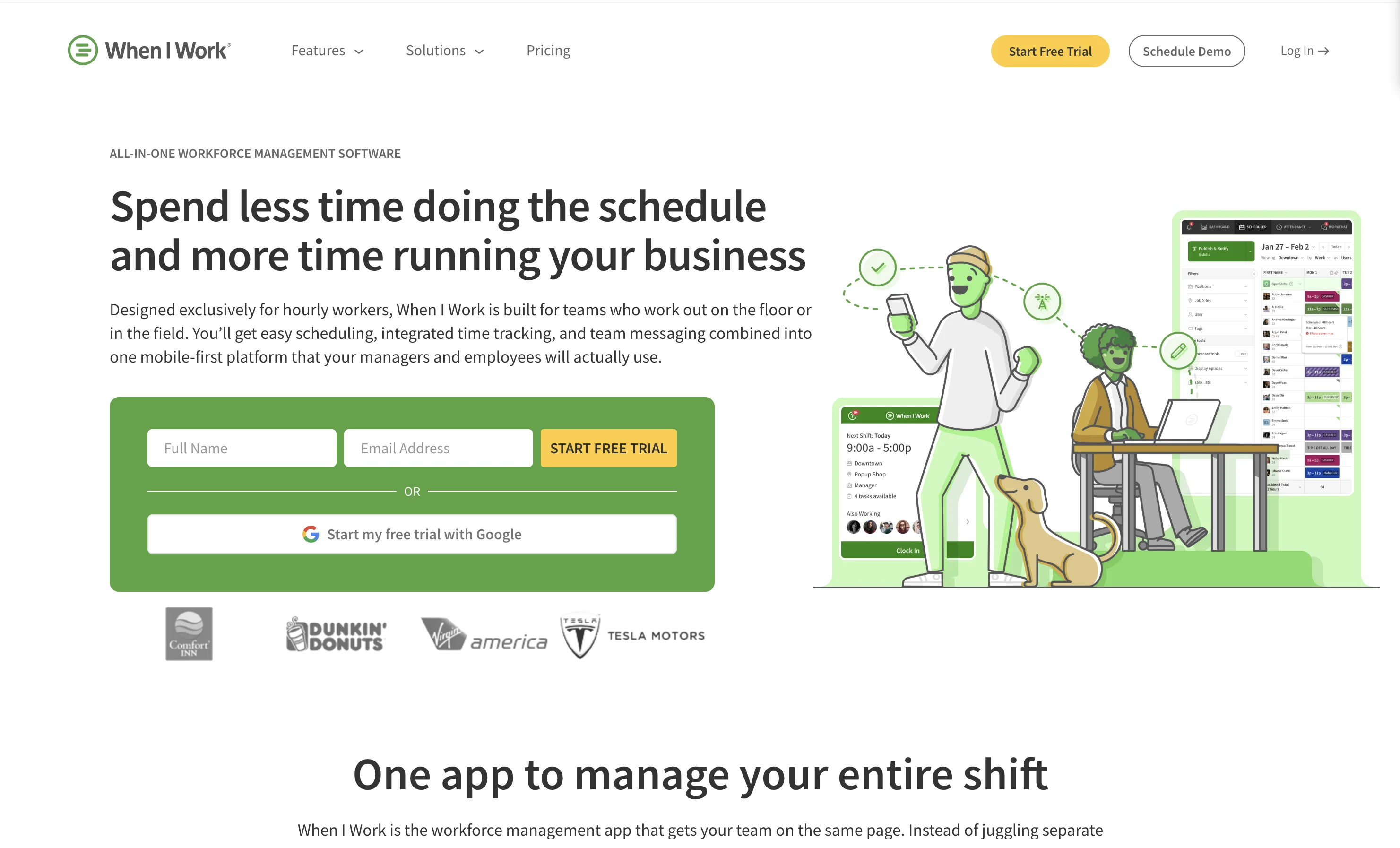
When I Work: best single-location scheduler on a budget
Essentials at $2.50 per user per month for single-location teams, Pro at $5 for multi-location. wheniwork.com/pricing
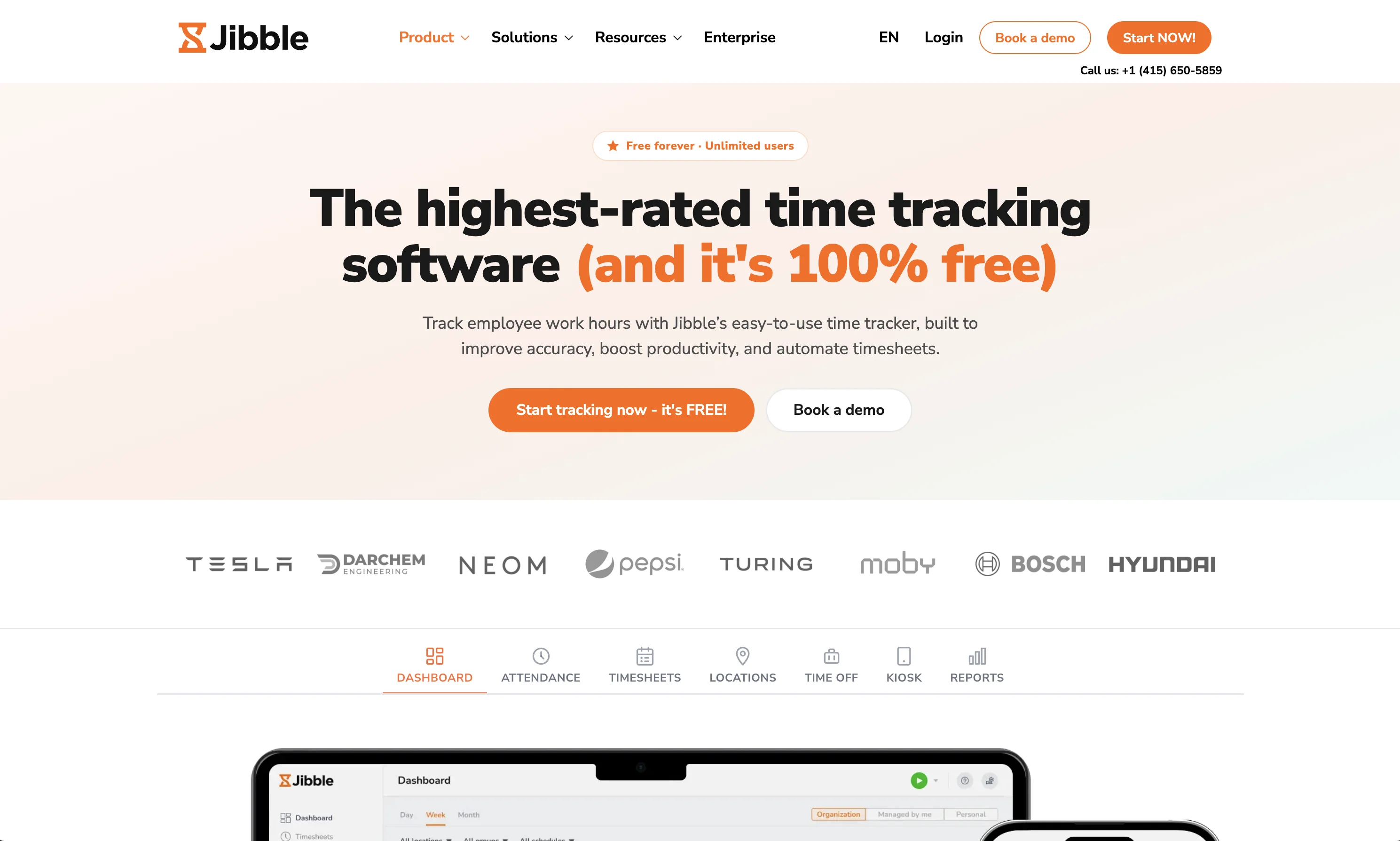
Jibble: best free time tracking
Free for unlimited users with facial-recognition clock-ins; Premium from around $4.49 per user per month. Zero-cost answer if time tracking was the whole need. jibble.io
Which Connecteam alternative should you choose?
Ten users or fewer and happy: stay on Connecteam free. Scheduling was the point: Deputy for compliance depth, When I Work or 7shifts by industry, Homebase when per-location pricing fits your growth. Time clock was the point: Buddy Punch or free Jibble.
And if the point was making the work happen, in the right language, with proof you can show an auditor without tracking anyone, that is Tasa: one site on the free plan, and let the photo evidence decide.
Latest News

Have questions?
.svg)
Team management, simplified.

“It affects my personal life a lot. I can manage my team and my work remotely, so I have more time being a mother.”