.svg)
Best Housecall Pro Alternative in 2026 for Field Crews: Why Tasa Comes First
Housecall Pro is one of the most recognized names in field service software, and for good reason: online booking, invoicing, dispatch, and review tools in one place. But plenty of a home service business's tools reach a point where the CRM fit stops where the fit stops being perfect.
Maybe the monthly stack keeps climbing as AI add-ons stack up. Maybe your crews nod at text checklists and still miss steps. Maybe your technicians speak three languages and the app speaks one.
This guide is for owner-operators and multi-crew operations evaluating a Housecall Pro alternative. It covers why teams switch, what the real costs look like, and where Tasa, a picture-based task app built for multilingual field teams, fits as either a replacement or the field half of your stack.
Key Takeaway
- Housecall Pro starts at $59 per month (billed annually) for 1 user; larger plans add $75-100 per additional user, so crew-based pricing compounds fast.
- The platform is strongest on the customer-facing funnel: bookings, invoicing, review requests, marketing. The weakest link for many teams is in-field execution and proof.
- Tasa covers the field slice: picture-based tasks, automatic translation, photo proof of completed work with free personal plan.
- Verified alternatives: Jobber from $29/month, Service Fusion from $208/month with unlimited users, Zenbooker from $29/month, Wave free for invoicing.
Why service businesses look for a Housecall Pro alternative
The reasons cluster into four patterns that show up again and again in owner forums and reviews:
- Pricing that stacks. The Basic plan at $59 per month covers one user. Essentials at $149 per month includes five users, then $100 per additional user. Max at $299 per month includes eight users, then $75 per additional user. Add-on services like marketing campaigns sit on top.
A growing crew can double its software bill in a single hiring season without changing anything about how it works. - Text-first checklists in multilingual crews. Housecall Pro job checklists are written text. If a technician reads English comfortably, that works. If your best people are stronger in Spanish, Polish, or Arabic, a wall of English instructions is where quality quietly leaks.
- Proof gaps between jobs. The office can see that a job was marked done, but not what done looked like. Disputes with customers over partial work come down to word against word.
- Feature depth you pay for but do not use. The higher tiers bundle marketing, reporting, and automation built for scaling operations. A solo operator or two-truck team can end up on a plan sized for a company it has not become yet.
None of this makes Housecall Pro a bad product. It makes it an office-first platform whose center of gravity is the customer funnel rather than the work itself.
Tasa: the field-first Housecall Pro alternative for crews
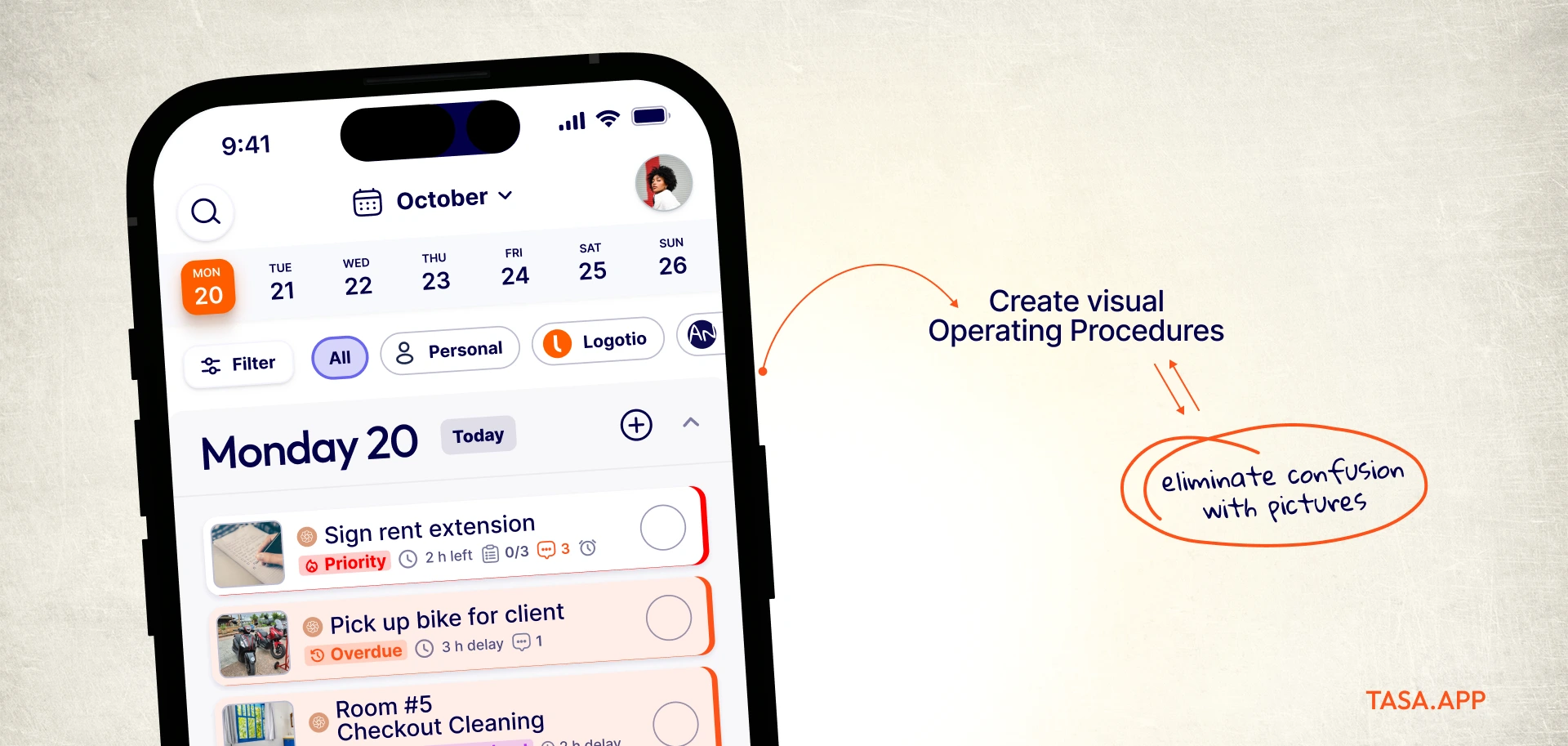
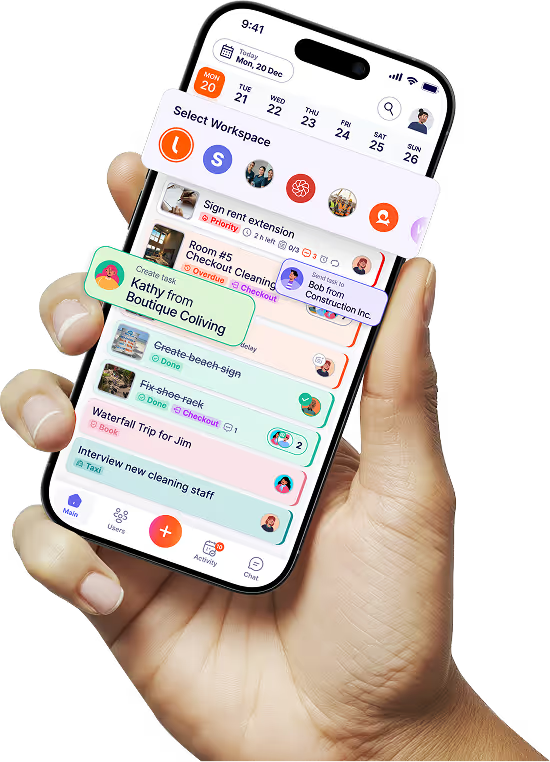
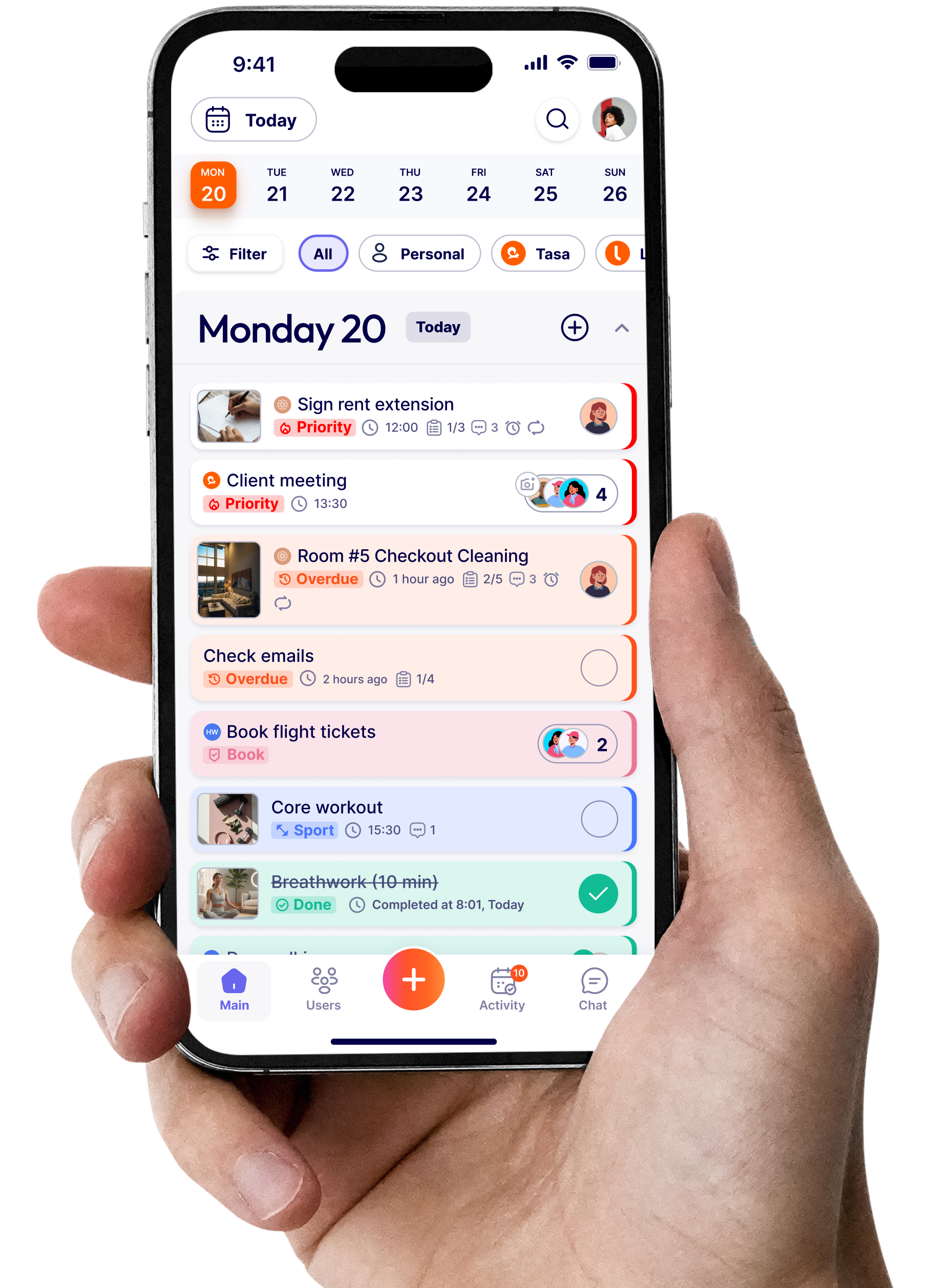
Tasa starts where the work actually happens: at the property, in the basement, on the roof. Instead of just text instructions, every task include a picture.
A technician opens the job, sees what finished looks like, does the work, and sends photo evidence back. No reading level required, no translation app open in a second window.
Picture tasks and photo proof
Each step carries a reference photo, so standards travel with the crew instead of living in a binder at the office.
Completed tasks return with photo evidence attached, which settles customer disputes in seconds and gives owners a real-time view of quality without driving to job sites.
Automatic translation for multilingual teams
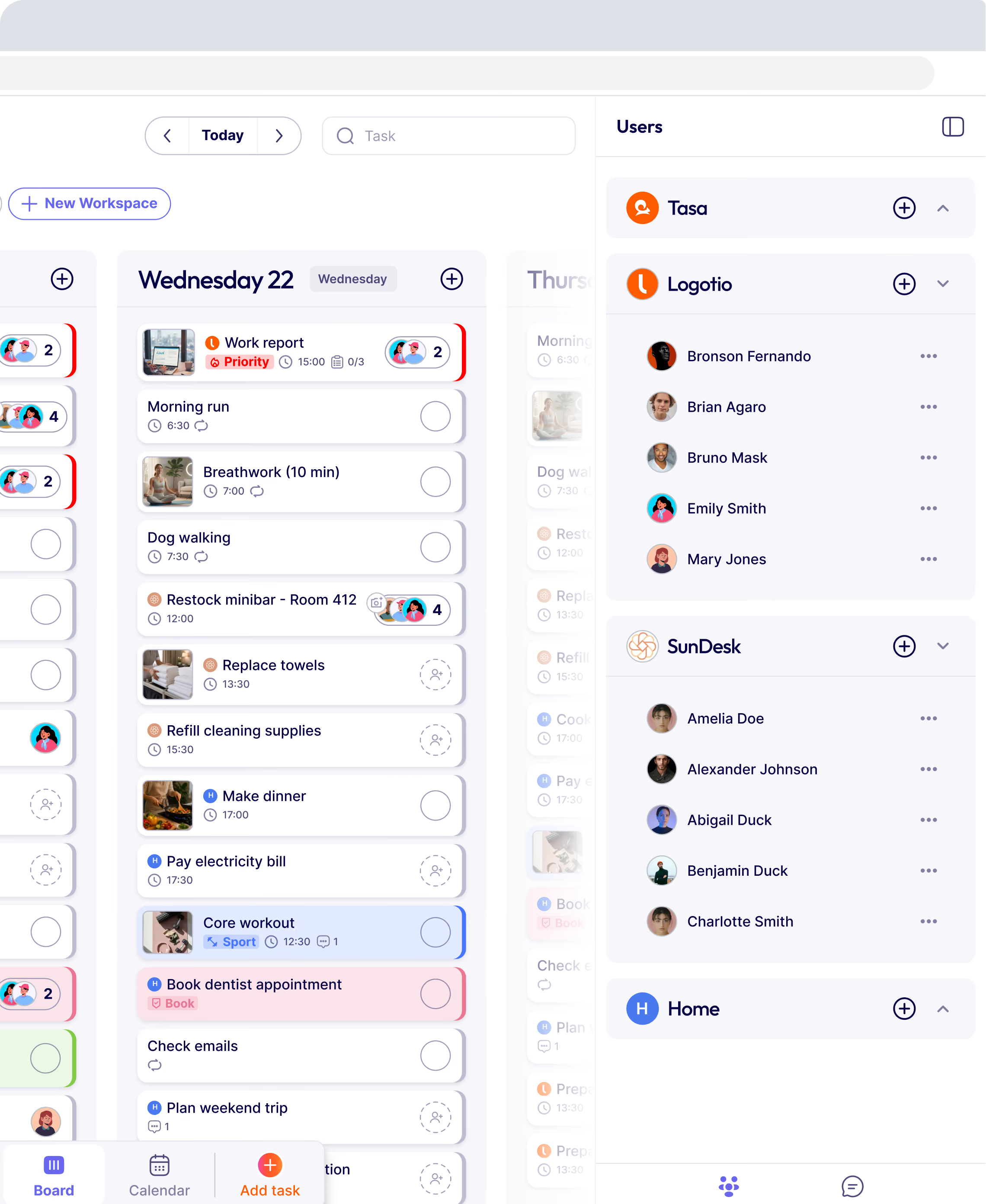
Crews mix languages in most growing service businesses. Tasa translates tasks and comments automatically, so a dispatcher writes in English, a technician replies in Spanish, and both understand each other.
Voice and video comments help for people who prefer talking to typing.

Pricing that scales with the team
Tasa is free for personal use, while team have a paid plan starting from $6.40 per user per month. For a five-person cleaning crew comparing invoices at the end of the quarter, that difference compounds the other direction.

Where Housecall Pro still wins
Housecall Pro is stronger on the money funnel. Online reservations from your website, invoicing and payments, QuickBooks integration, review campaigns, AI-assisted customer followup, and the built-in marketing suite are real capabilities Tasa does not replicate.
If quote-to-cash automation is your bottleneck, that is exactly what Housecall Pro is for.
Tasa vs Housecall Pro at a glance
How much does Housecall Pro cost in 2026?
Verified from the official pricing page: Basic costs $59 per month billed annually ($79 monthly) for one user. Essentials costs $149 per month billed annually ($189 monthly) with five users included and $100 per additional user. Max costs $299 per month billed annually ($329 monthly) with eight users included and $75 per additional user.
The pricing page also lists per-plan AI features (AI-driven summaries and an AI receptionist add-on), an offline-mode mobile app for technicians, and add-ons priced separately.
Here is the math that surprises teams: a nine-crew operation on Essentials pays $149 plus four additional users at $100 each, which is $549 per month before any add-on.
The same nine people on Tasa's paid tier pay $57.6 per month for the field layer. That is why many owners keep Housecall Pro for bookings and billing and run the work itself in Tasa.
What to look for in a Housecall Pro alternative
- Dispatch and scheduling depth: if routing is your bottleneck, look hard at whether the alternative handles dispatch, routes, and real-time technician tracking, or only calendars.
- Integration surface: QuickBooks sync, payment processing, and website booking integration save hours every week. Count what you would have to replace.
- Mobile app quality: technicians live in the mobile app. A great office CRM dashboard with a clumsy phone experience fails in the field.
- Pricing structure: per-user fees punish crew growth. Unlimited-user plans cost more upfront but cap the bill.
- Customer communication: automated followup, review requests, and notification templates keep customers informed without extra calls.
Switching without losing your data
Your customer database, job history, and invoice records live in Housecall Pro and can be exported. Before committing to any alternative, request your export, check what the new CRM's import supports, and run both systems in parallel for two weeks.
Start with one crew, one route, or one property portfolio, then move the rest once photo proof shows the workflow holds. Most teams keep invoicing where it is and move execution first, which is the lowest-risk path.
Other Housecall Pro alternatives in 2026 (if Tasa is not your best fit)
Jobber: closest like-for-like competitor
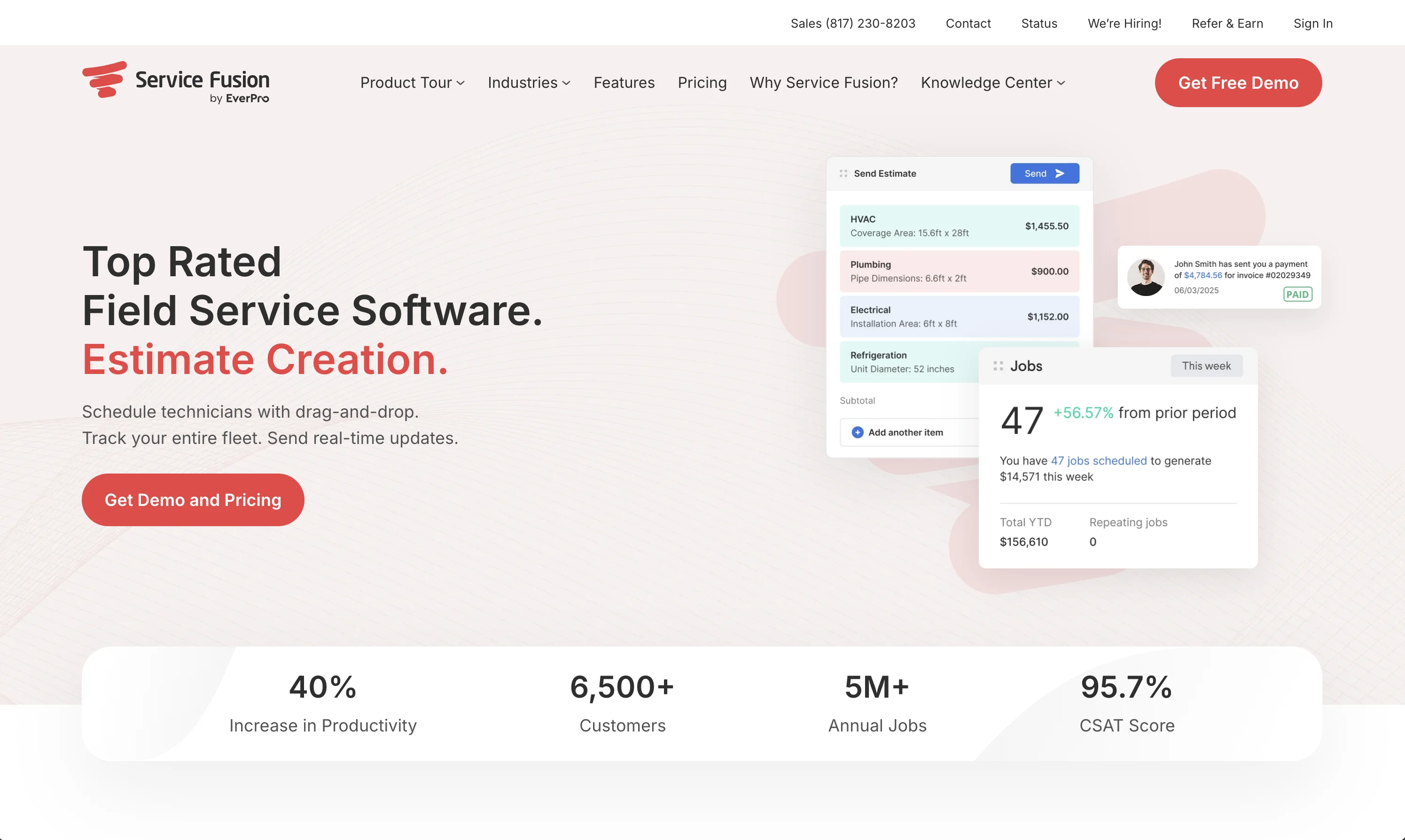
From $29 per month for a single user with additional users at $29 each, covering quoting, scheduling, invoicing, and QuickBooks. Strong for small teams that want the same office-first shape at a lower entry price. getjobber.com
Service Fusion: unlimited users, higher base
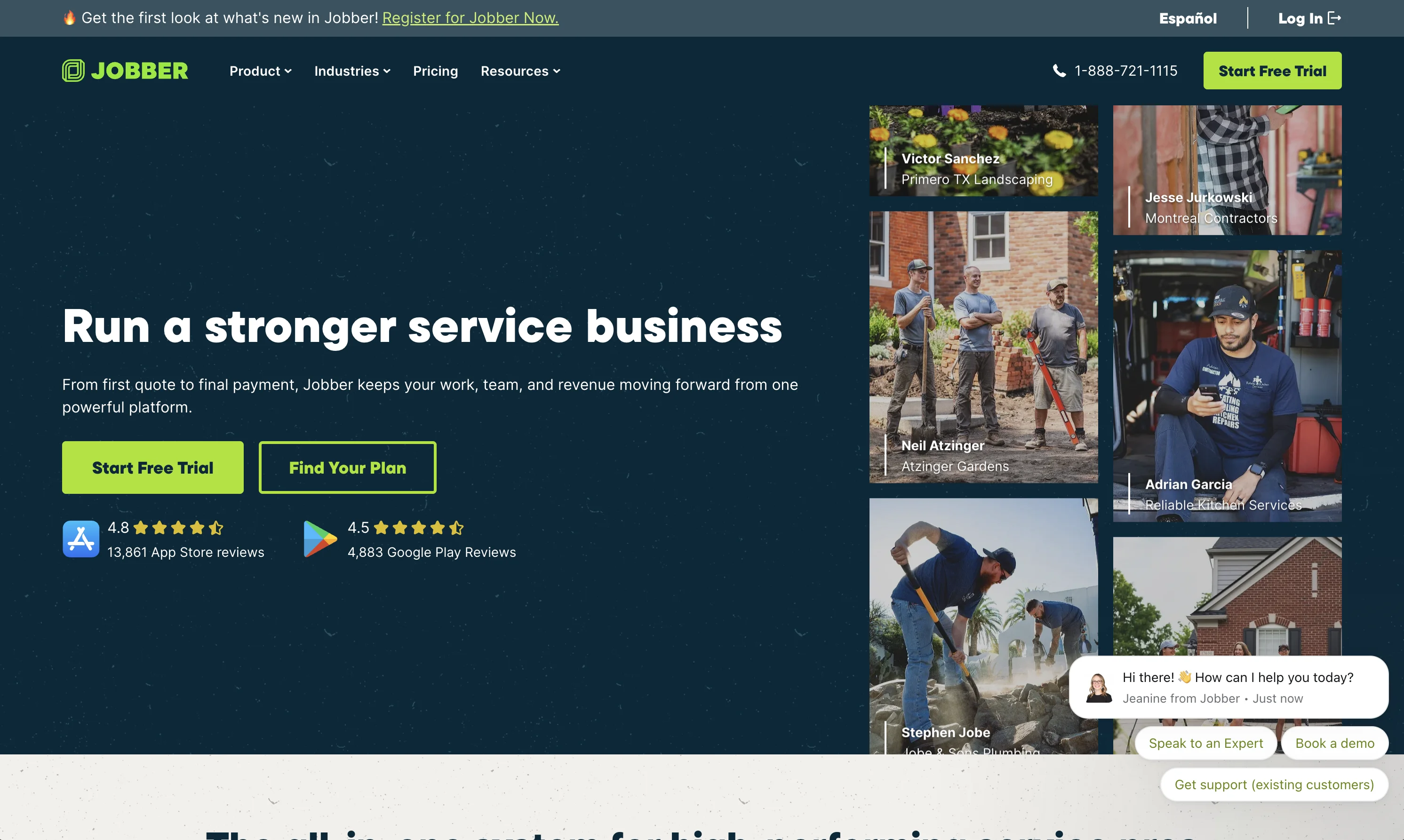
Starter at $208 per month with unlimited users, Plus at $325, Pro at $533 (all billed annually). The unlimited-user model flips the pricing problem: expensive for a solo operator, cheap for a fifteen-crew HVAC or appliance repair operation. servicefusion.com
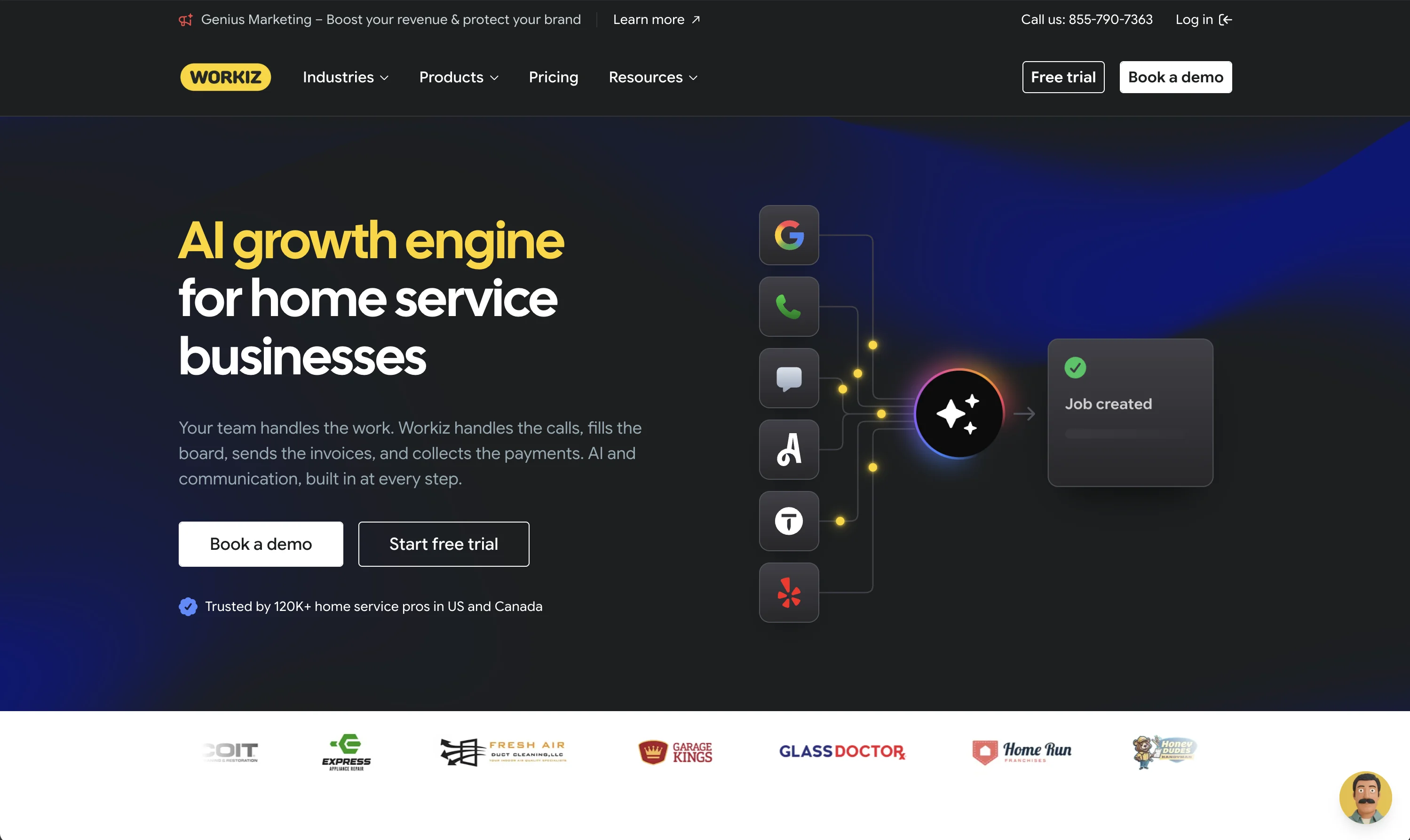
Workiz: phone-heavy service businesses
Priced by third-party reports around $200 to $350 per month depending on plan; built around call management, dispatch, and technician tracking for repair and home service teams. Their pricing is not disclosed, so treat those numbers as estimates. workiz.com
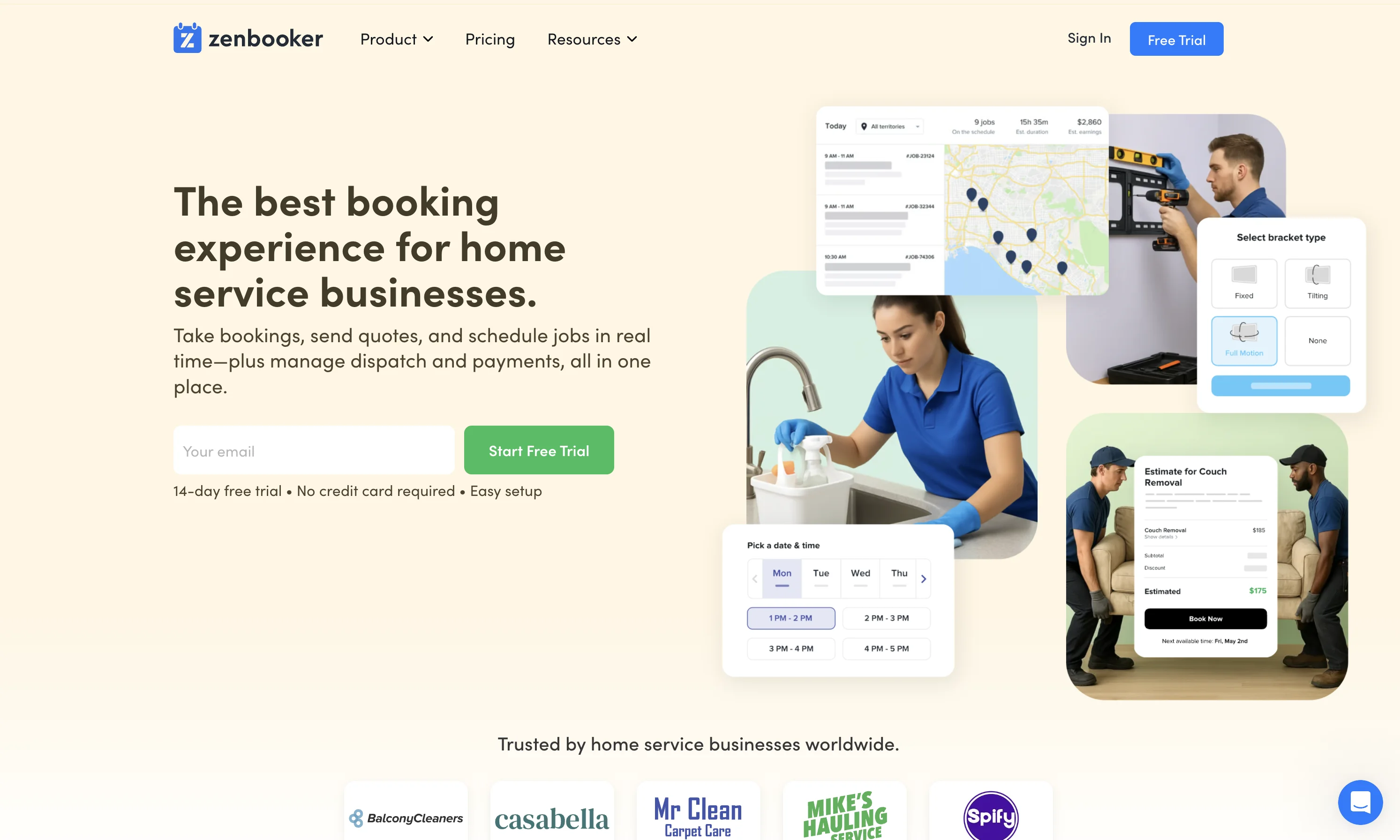
Zenbooker: booking-first teams
From $29 per month with unlimited team member accounts, priced by service territories rather than users. Best when growth demands online reservations and scheduling across areas rather than in-field execution. zenbooker.com
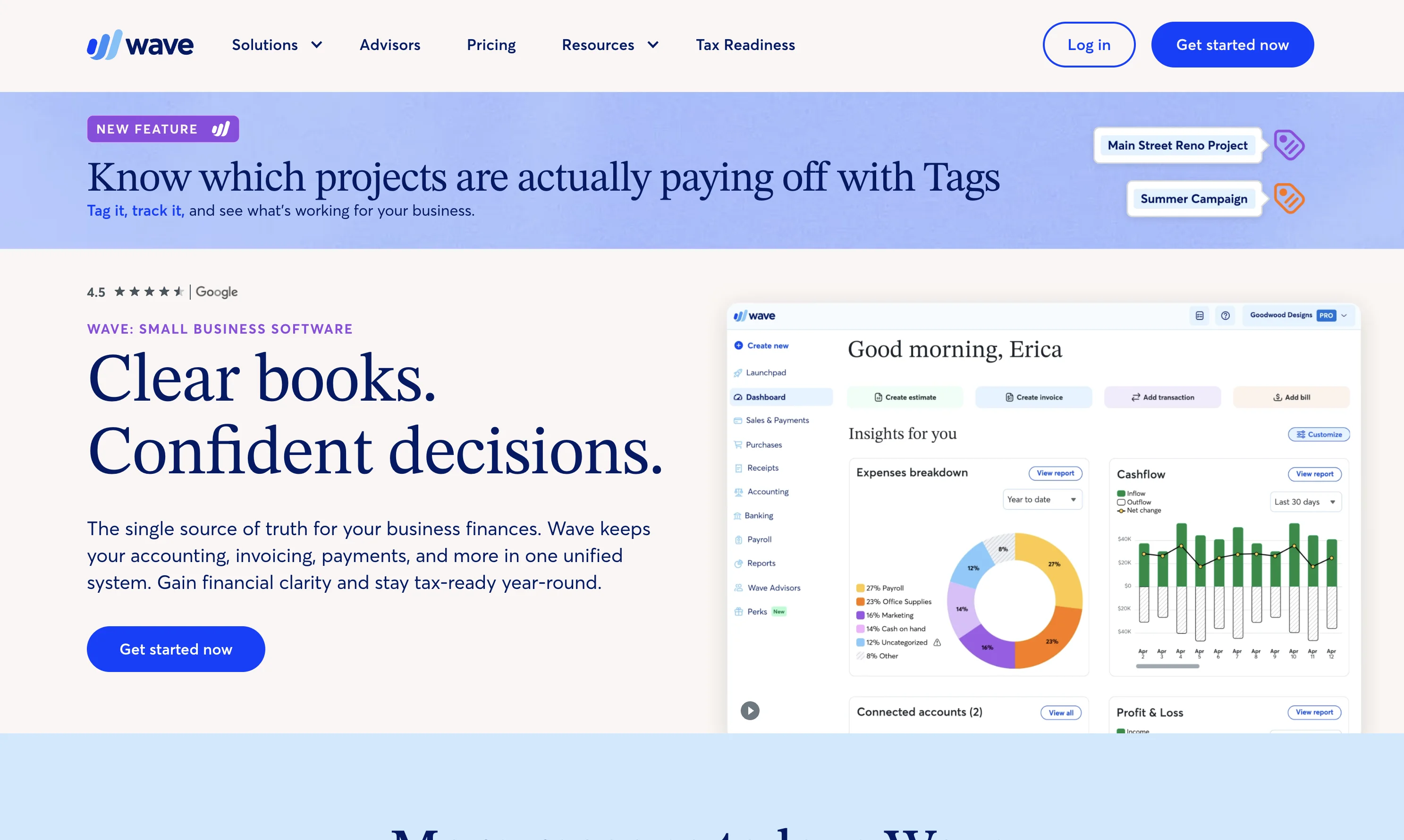
Wave: the free office baseline
Free invoicing and accounting. Paired with a lightweight scheduling tool and good customer support habits, it covers the money side for very small operations at zero cost. waveapps.com
Which Housecall Pro alternative should you choose?
If your day starts with the phone ringing, look at Workiz or Service Fusion. If reservations drive your business, Zenbooker. If you want the best Housecall Pro replacement overall at a lower entry price, Jobber.
And whichever office tool you keep, if your crews work across languages and your standards need proof, add Tasa for the field half: start with one crew today and let the photo evidence make the case.
Run the work, not just the calendar
Latest News

Have questions?
.svg)
Team management, simplified.

“It affects my personal life a lot. I can manage my team and my work remotely, so I have more time being a mother.”
