.svg)
Jobber Alternatives in 2026: What Contractors Switch To (and When Tasa Fits)
Jobber is the default recommendation in home services for a reason: quotes, scheduling, invoicing, and QuickBooks sync in one package a solo contractor can set up in an afternoon. If you run a cleaning company, a landscaping crew, or a home service business, it has probably earned its keep.
The search for a Jobber alternative usually starts at a specific moment: the invoice grows faster than the crew, the office half of the app does 90% of the work while the field half still runs on texts, or your technicians don't read English comfortably enough for text-first job details.
This guide walks through the honest field in 2026, and where Tasa fits as the execution layer for multilingual field teams.
Key Takeaways:
- Jobber pricing (September 2026): Core from $29/mo billed annually for one user, additional users $29/mo each; larger tiers run $149 to $529/mo depending on team size and billing commitment.
- The per-user add-on, not the base plan, is what compounds: a five-crew team pays it five times, every month.
- Jobber's strength is the office workflow (quote to invoice); field execution, photo-verified standards, and multilingual crews are thinner.
- Verified alternatives: Housecall Pro from $59/mo, Workiz roughly $200-350/mo, ServiceTitan per-technician with unpublished pricing at the enterprise end, Wave free for invoicing.
- Tasa covers the field slice: picture-based tasks, automatic translation, photo proof of completed work, for local businesses.
Why contractors look beyond Jobber
Jobber is a business-in-a-box, and that is both the praise and the complaint:
- The add-user meter. Every additional user costs $29 per month. For an office-heavy operation with two admins, fine. For a crew-based business where technicians come and go with the season, the invoice tracks headcount, not value.
- Office-first design. Quoting, invoicing, client reminders, and QuickBooks sync are the deep features. Field execution, making sure the visit happened to schedule and to standard, with proof, defaults to checklists and text notes that assume fluent reading.
- One language per workflow. Jobber displays in several languages, but each job, task, and form you build lives in one language. A crew mixing Spanish, Polish, and English needs a bilingual dispatcher in the loop forever.
- Proof gaps at the door. A completed visit in Jobber is a status change. If your standards matter, five-star reviews or franchise audits, you still need photos, and gathering them means a second system or chasing technicians for WhatsApp images.
If none of that bites, Jobber remains a good answer. The rest of this guide is for the teams it does.
Tasa: the field half of field service
Tasa deliberately does not quote, invoice, or sync with QuickBooks. It handles what happens between arrival and departure.
The job is a set of pictures
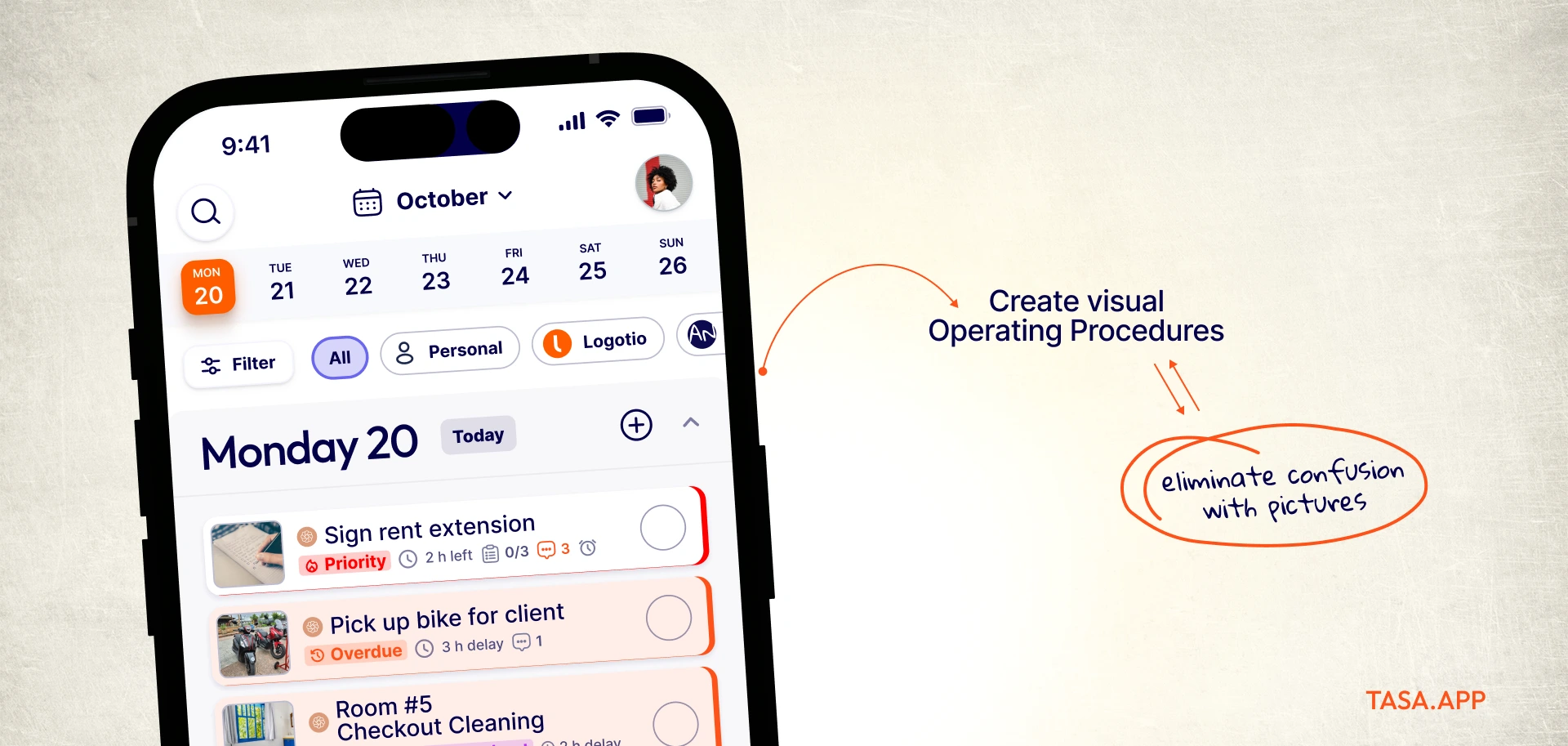
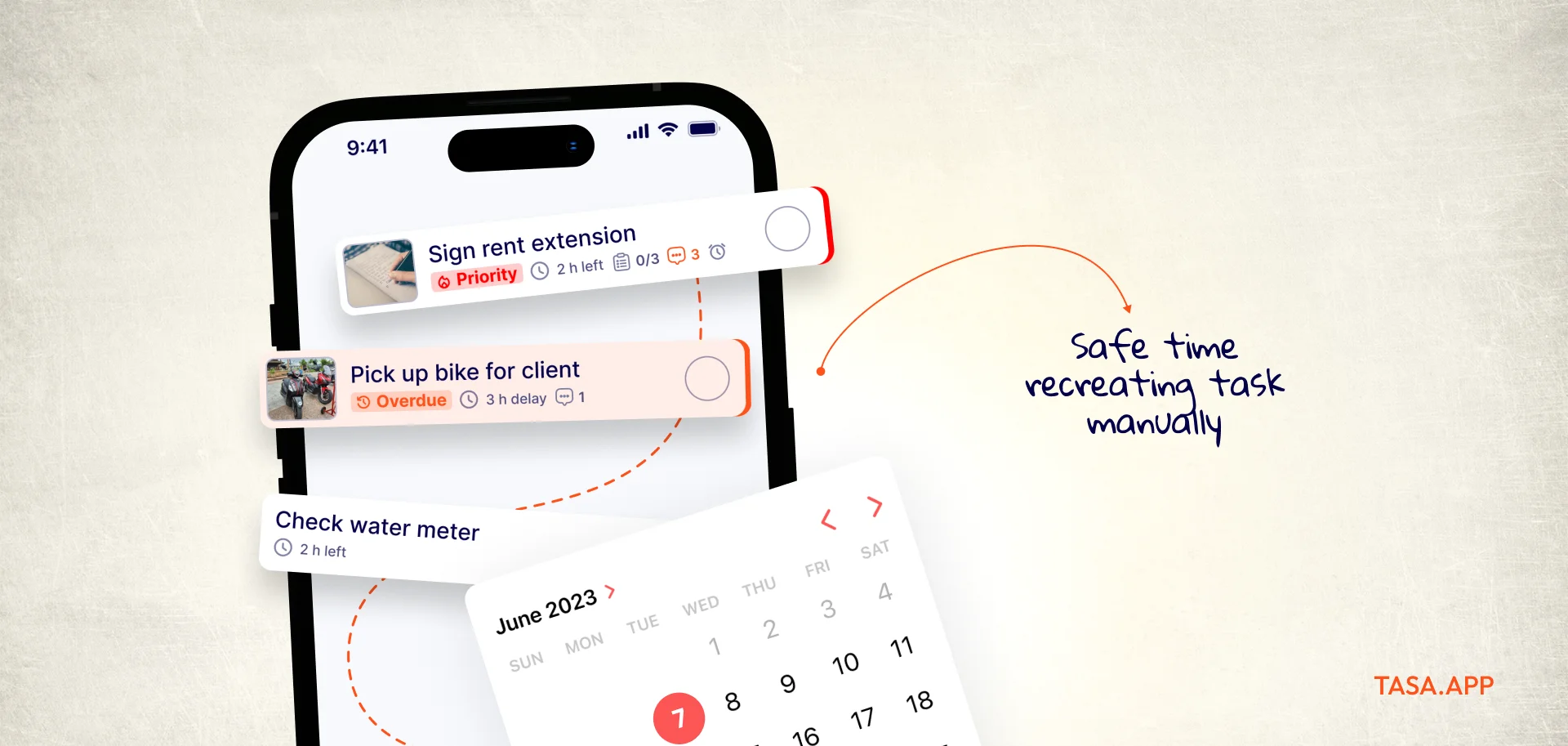
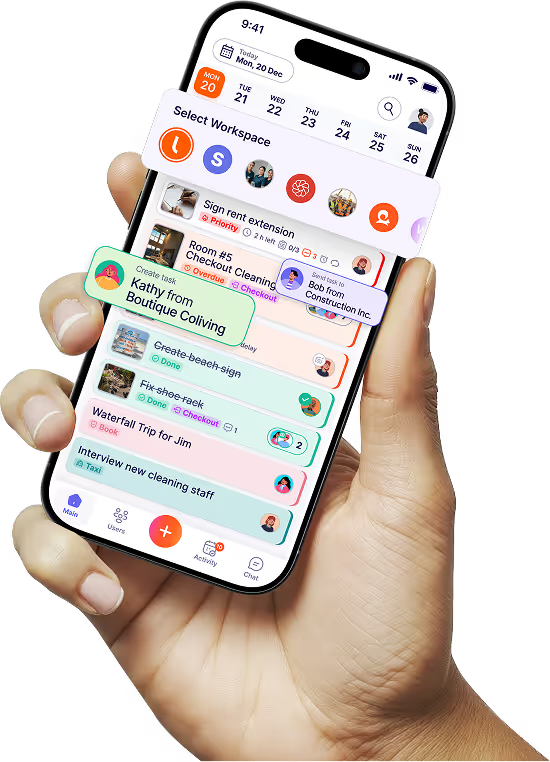
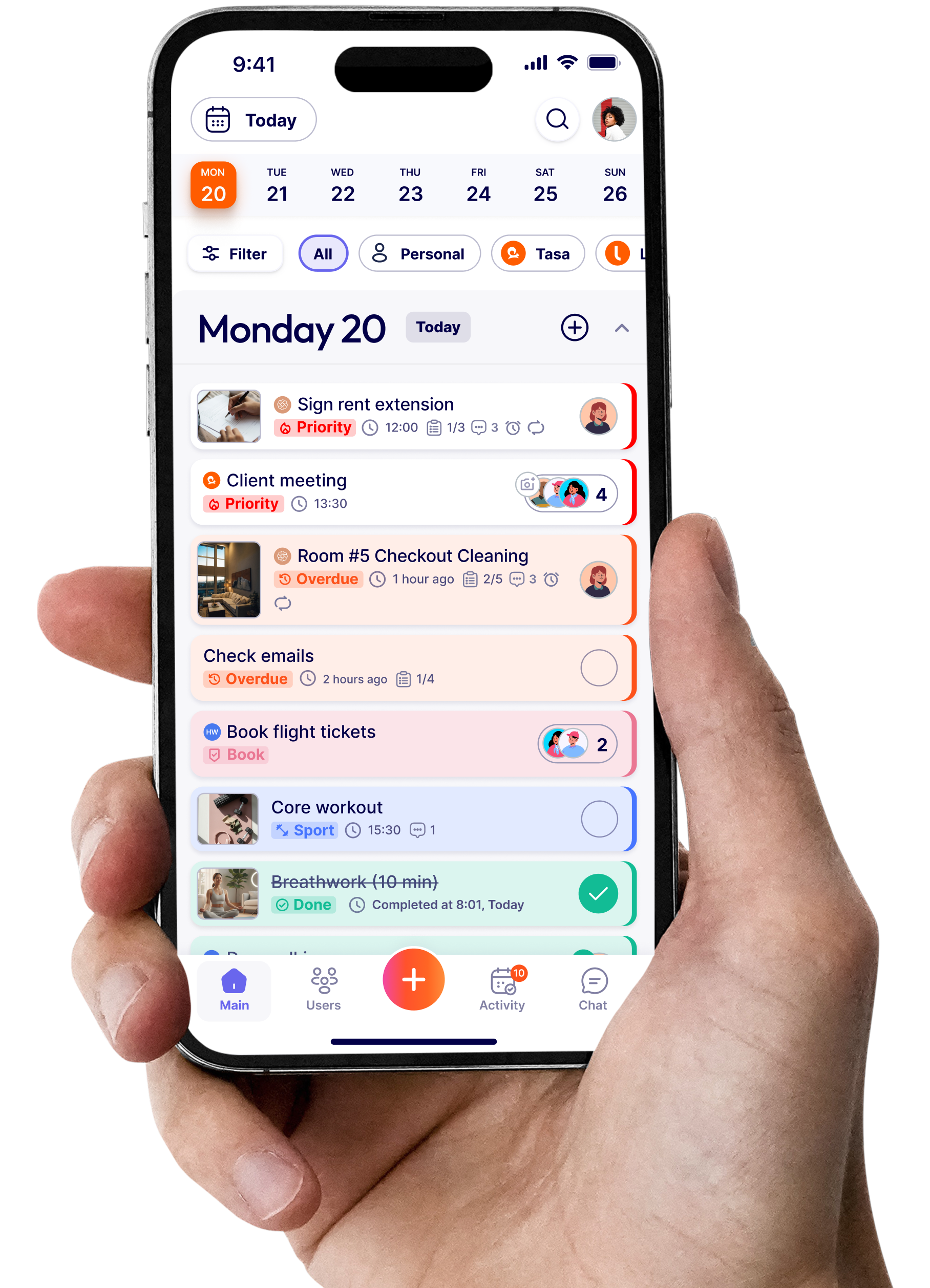
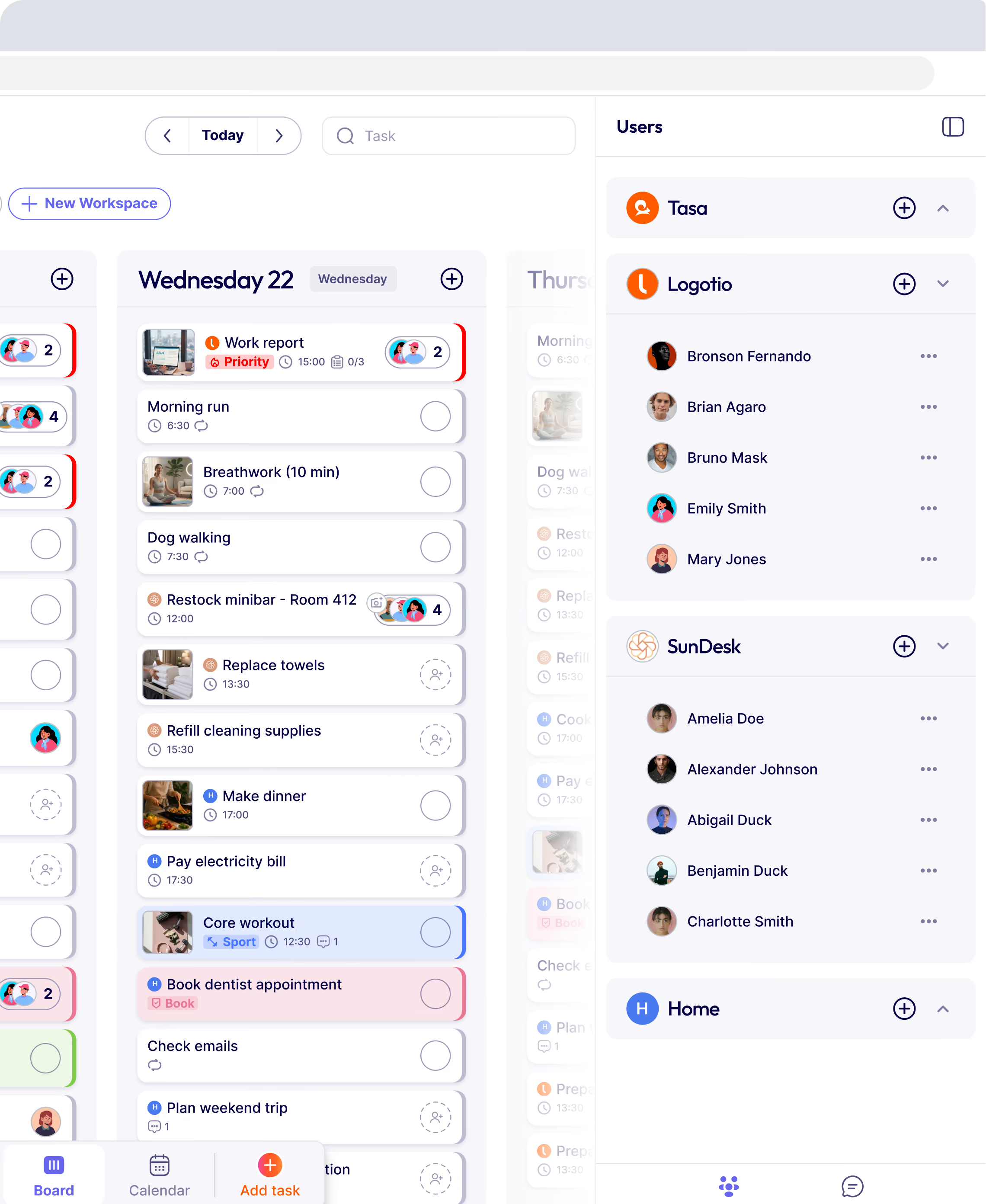
Each visit becomes picture-based tasks: photos of the finished standard plus short text. A technician sees what "pool serviced" means at this specific client, in this specific sequence. No reading level required, no guessing from a checklist title.
Every technician in their own language
Tasks and comments translate automatically into each worker's preferred language. The Spanish-speaking tech works from Spanish instructions, the Polish one from Polish, from the same system.
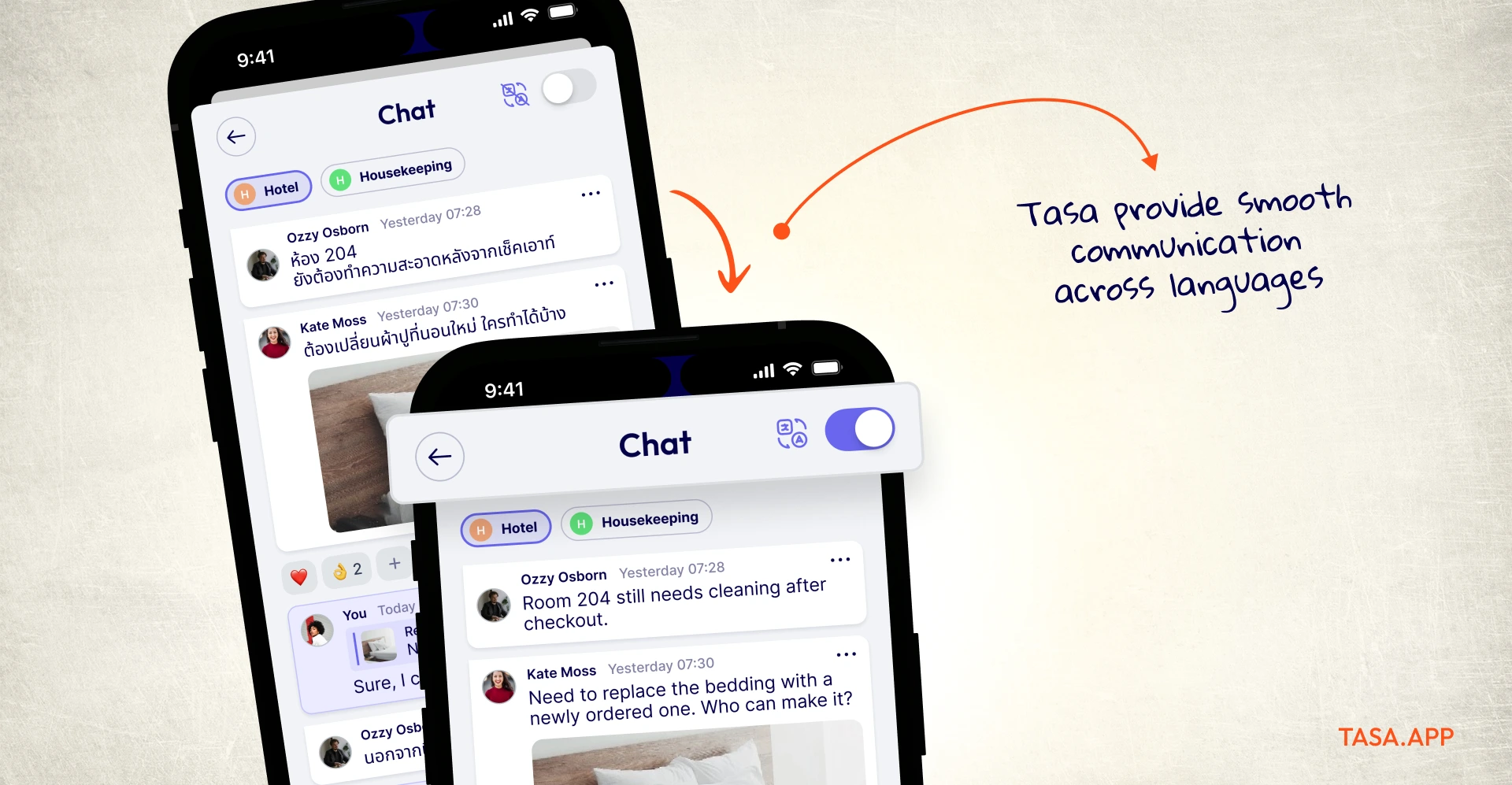
That is the structural fix for multilingual field crews that office-first software keeps missing.
Photo proof attached to the work
Completion arrives as timestamped photos of the result, visible from the office immediately.
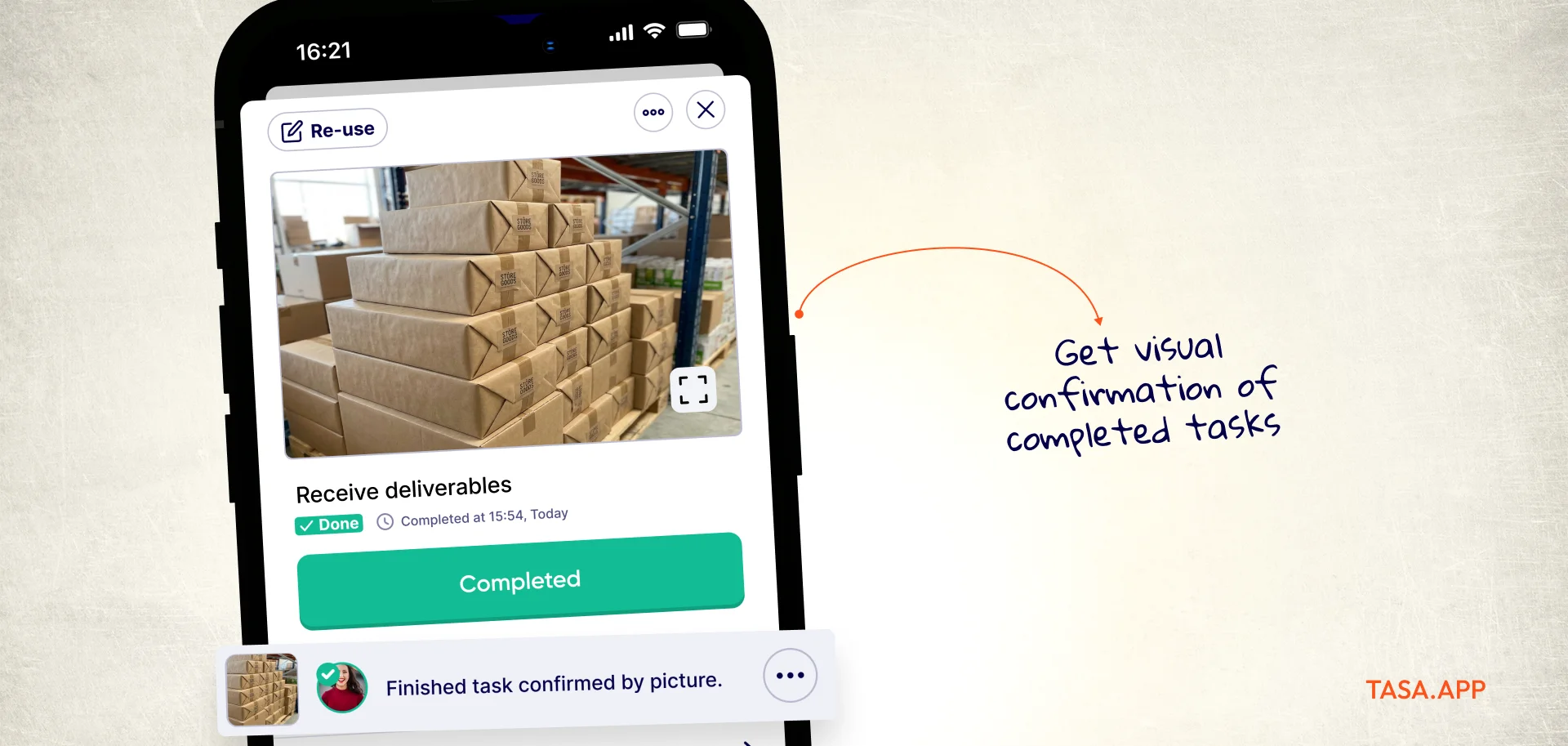
That is audit-grade evidence without chasing anyone, and it doubles as before/after material for your own marketing.
Routines that recur without anyone scheduling them
Weekly maintenance visits, monthly filter rounds, seasonal checks: smart repeats put each recurring job on its own calendar per client and per crew, so the routine side of a service business runs itself.
Where Jobber still wins
Quoting, invoicing, client communication, payments, and accounting integration are Jobber's core, and Tasa does none of them. A business whose bottleneck is turning calls into paid invoices should keep Jobber or an equivalent. Many service companies run both: the office tool runs the money, Tasa runs the work.
Tasa vs Jobber at a glance
Is Jobber worth the cost?
Worth-it math for Jobber in 2026, using their published figures: Core at $29 per month (billed annually) for one user is cheaper than the stack it replaces, a scheduling app plus an invoicing tool plus a CRM spreadsheet.
The break-even arrives when the fifth and sixth user come aboard at $29 each, or when you want job costing and automations that live on the higher tiers ($149 to $529 per month depending on team size and commitment). Solo operators and stable two-admin shops: yes.
Growing crews with seasonal technicians: run the per-user math against your average ticket before renewing.
Switching from Jobber
Jobber exports clients, quotes, and invoices cleanly, and QuickBooks holds your financial history either way, so the office half of a migration is low-risk. Split the decision: if the office workflow is the pain, move it to one of the alternatives below and keep QuickBooks as the spine.
If the field half is the pain, keep Jobber for money and stand the work up in Tasa: rebuild recurring visits as photo tasks with repeat schedules that follow each crew, onboard technicians by QR code in under a minute, and judge two weeks of photo evidence against two years of text checklists.
The best Jobber alternatives in 2026 (if Tasa is not your fit)
Housecall Pro: closest like-for-like competitor
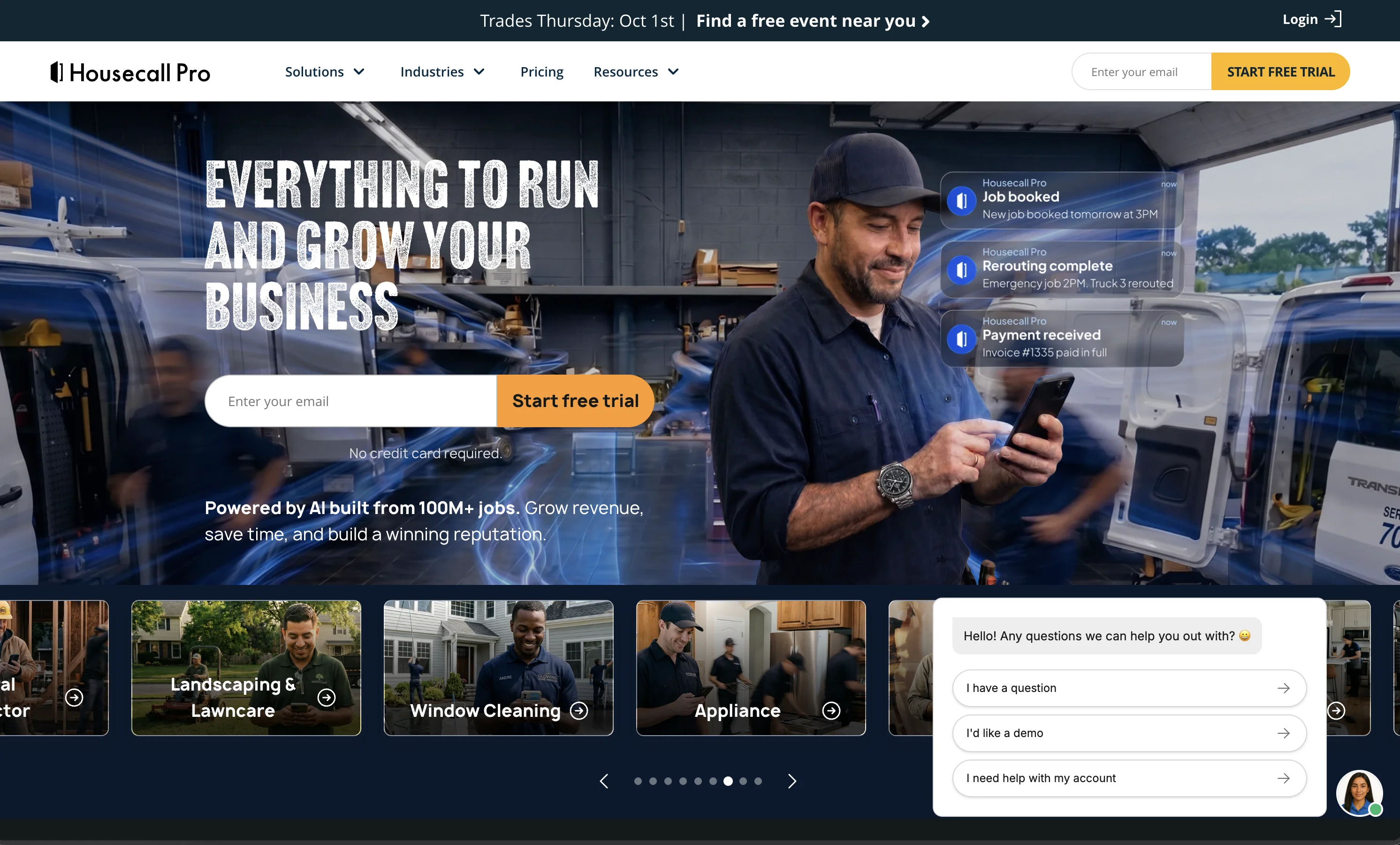
From $59 per month (billed annually, 14-day free trial) with higher tiers at $149 and up and additional users priced separately.
Scheduling, invoicing, payments, and a stronger marketing suite for home service businesses; the same office-first center of gravity, so it answers "different vendor" more than "different problem". housecallpro.com/pricing
Workiz: best for phone-heavy service businesses
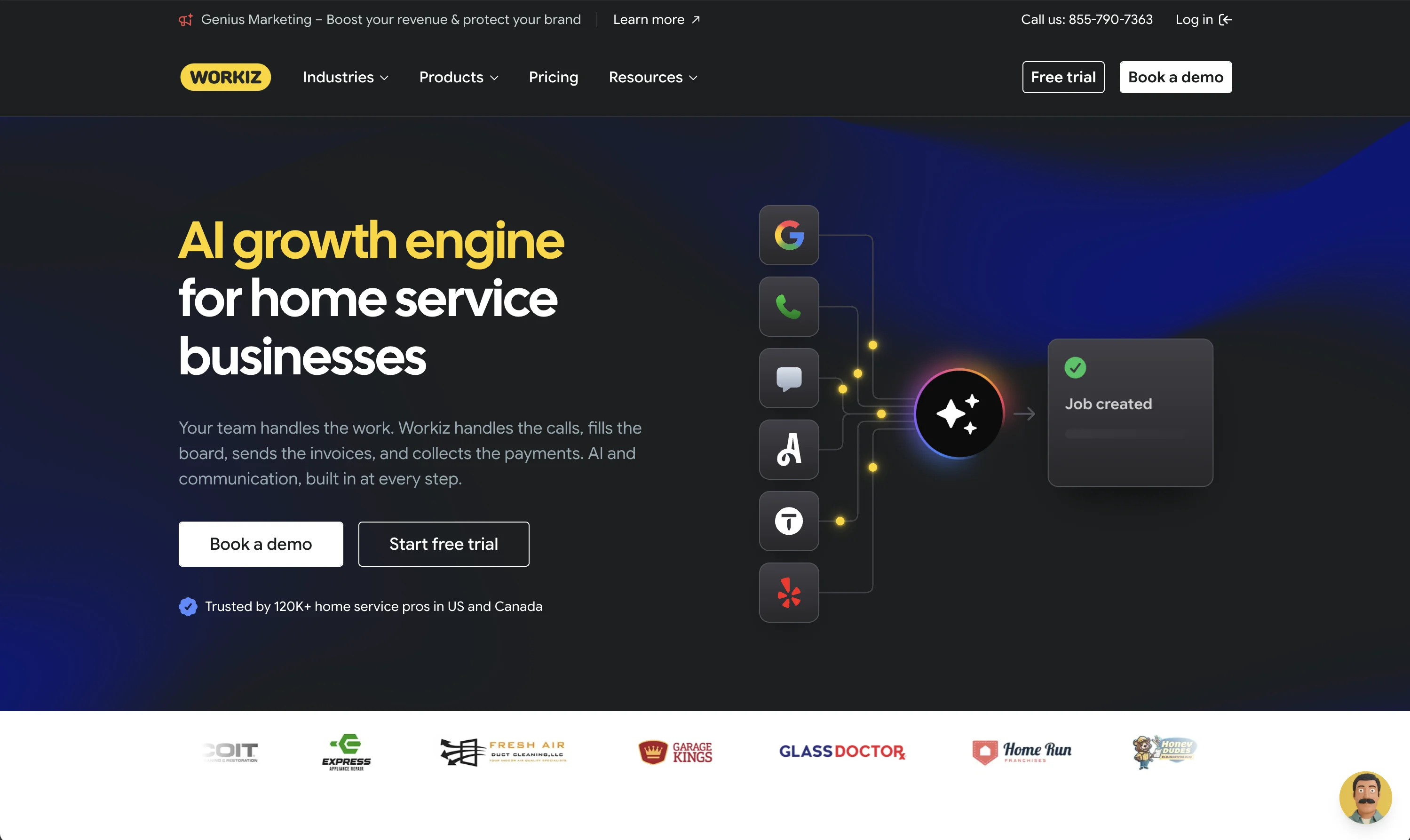
Priced by third-party reports around $200 to $350 per month depending on plan; built around call management, dispatch, and technician tracking for appliance repair and home service teams.
Worth a demo if your day starts with the phone ringing, not with a checklist. workiz.com
ServiceTitan: enterprise-grade for large operations
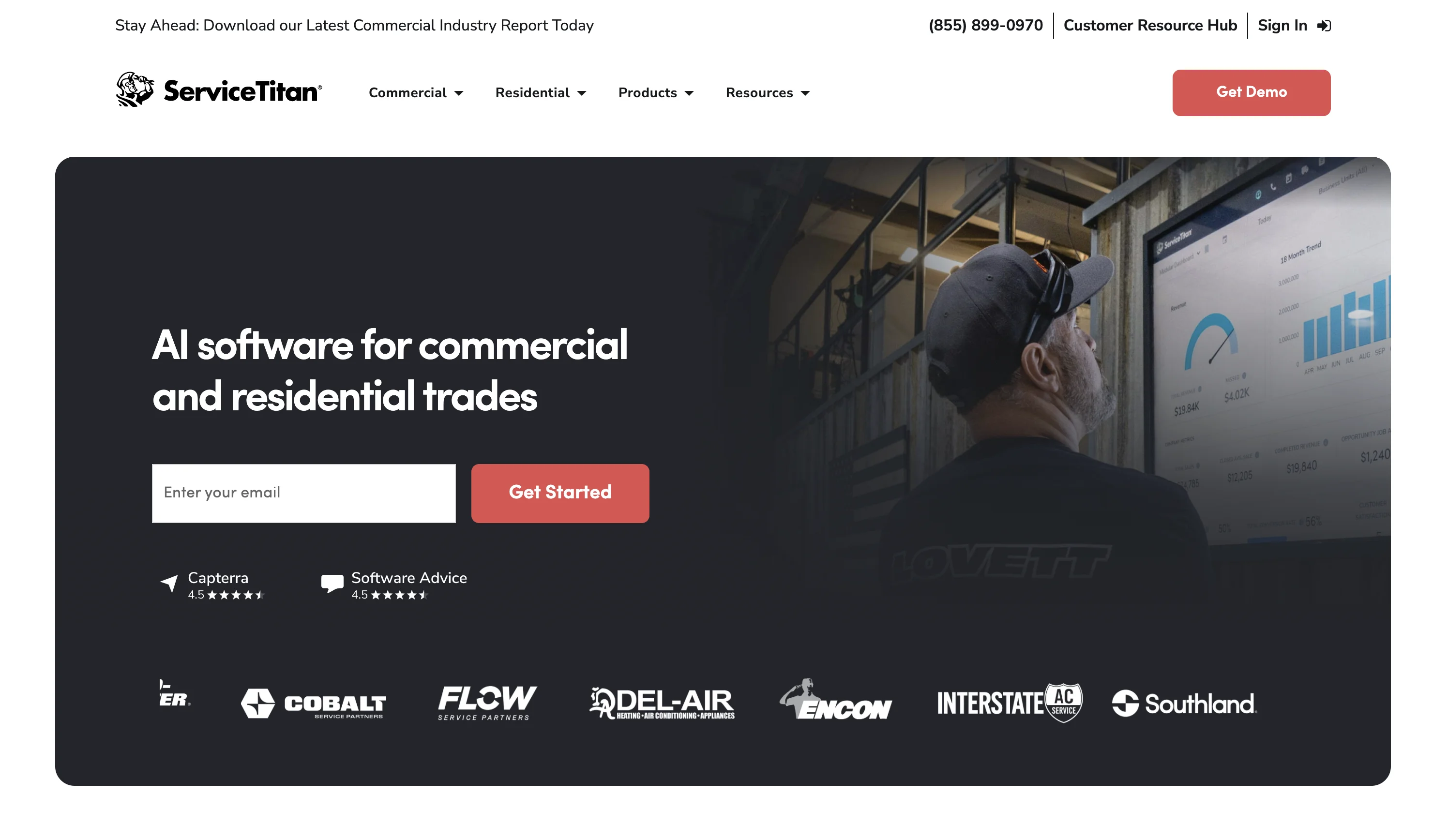
Per-technician pricing, not published; expect a sales process, implementation fees, and annual contracts.
It is the endgame field service software for multi-crew, multi-location contractors, and overkill below that scale, which is roughly the honest summary of every "is ServiceTitan worth it" thread. servicetitan.com
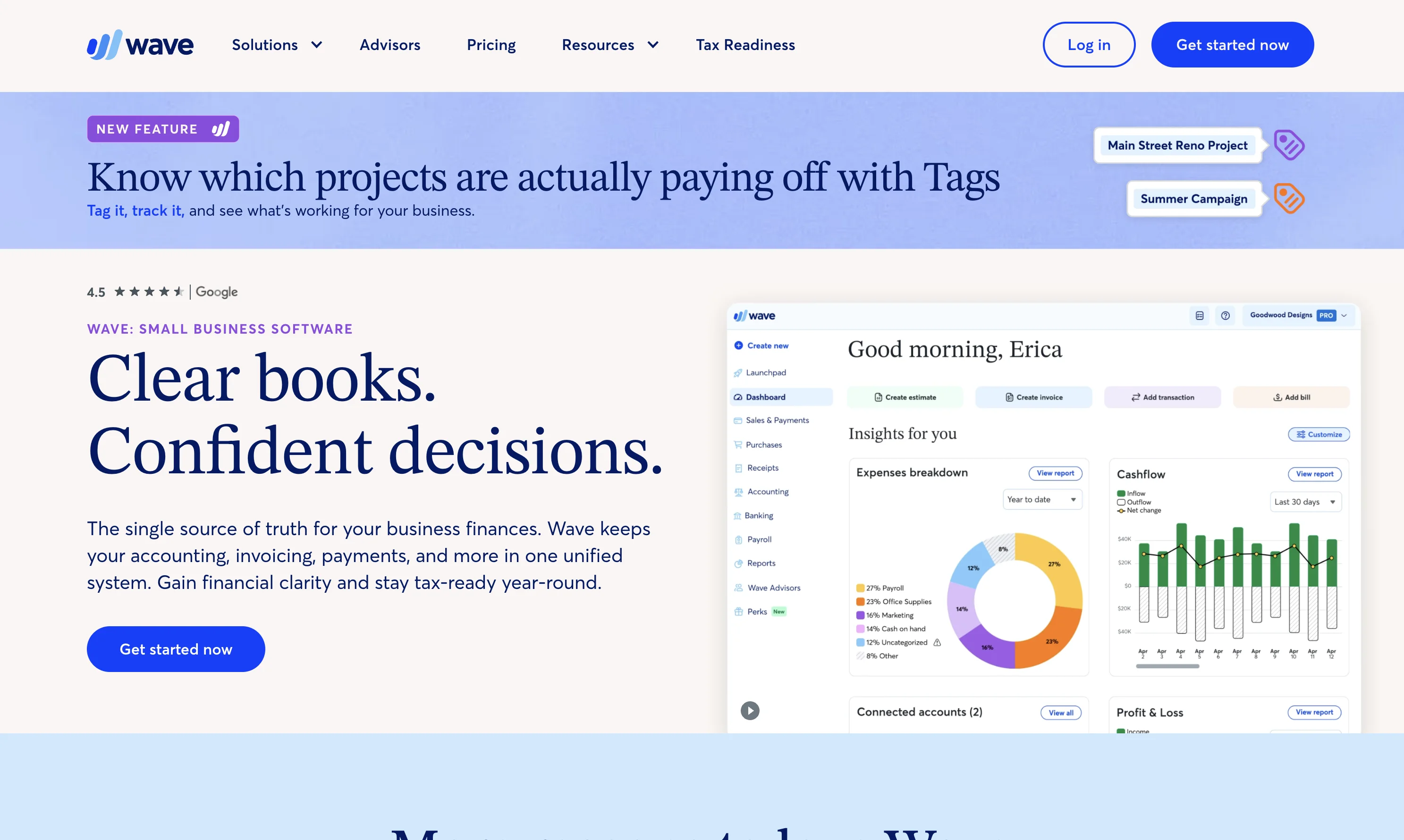
Wave: best free office baseline
Free invoicing and accounting, full stop. If Jobber's office features were 80% of what you used and the field half you need is execution rather than dispatch, Wave plus Tasa covers both halves for the price of one free tier and a small per-user fee. waveapps.com
When I Work or Deputy: best when scheduling is the real pain
If what you actually needed was crew scheduling and time tracking rather than client workflow, When I Work starts at $2.50 per user monthly and Deputy at $5, both far below Jobber's per-user add-on for that narrower job. wheniwork.com
Which Jobber alternative should you choose?
Solo contractor whose pain is paperwork: keep Jobber Core or pair Wave with Tasa. Established business outgrowing per-user billing: Housecall Pro on like-for-like, Workiz for call centers, ServiceTitan when you are big enough to need it and pay for it.
And whichever office tool you keep, if your crews work across languages and your standards need proof, add Tasa to your workflow and let the photo evidence make the case.
Latest News

Have questions?
.svg)
Team management, simplified.

“It affects my personal life a lot. I can manage my team and my work remotely, so I have more time being a mother.”