.svg)
The Best Microsoft To Do Alternative for Frontline Teams in 2026: Why Tasa Comes First
Microsoft To Do is free, simple, and already on every Windows machine. So why are you looking for an alternative? Usually for one of three reasons: it has no real team features, Microsoft is folding it into the new Planner in Teams, or your crew does not sit at desks reading comfortably. If you run a frontline team or a small local business, a cleaning crew, a hotel housekeeping department, an Airbnb turnover operation, or a construction crew, this guide is written for you. First we show why Tasa beats To Do for teams that work on their feet. Further down, we rank the other Microsoft To Do alternatives for 2026, so you can compare honestly.
Key Takeaways:
- To Do is a fine personal list, but it stops at one person: no team roles, no shared workflow, no proof a job actually happened.
- Team tasks now route through Planner and the new Planner in Teams, so standalone To Do is a dead end for growing teams.
- Tasa flips the model: the task is a photo of the finished work, and the crew confirms it with a live picture from the scene.
- Workspaces separate every site or client, and translation covers 100+ source languages, so nobody is left out of the loop.
- Already living in Google's world? Google Tasks and TickTick are honest picks for solo work, just not for crews.
Why frontline teams outgrow Microsoft To Do
Microsoft To Do is built for one person's workday: My Day, simple lists, reminders, a clean interface for someone who sits at a desk and reads comfortably. That describes an office worker with a Microsoft 365 account. It does not describe most crews:
- There is no real team layer. List sharing is basic, and actual team task management is pushed to Planner and the new Planner in Teams, which requires a Microsoft 365 subscription.
- One list app, many mother tongues. A cleaning company in Munich may have Romanian, Polish, and Thai cleaners on the same roster. To Do tasks are text, in one interface language per account, and shared lists only work if everyone reads that text.
- Literacy is not universal. According to the UNESCO Institute for Statistics (2025), 739 million adults worldwide cannot read or write. A checklist they cannot read is not a checklist.
- No proof of completion. A checked box says someone tapped a screen. It does not say the room was cleaned, the shelf was stocked, or the safety check happened at the site.
- An uncertain roadmap. To Do, Planner and Project for the web are being merged into the new unified Planner. Standalone To Do is a legacy app whose future investment is moving to Teams, where frontline staff without desk accounts lose out.
Why Tasa is the best Microsoft To Do alternative local businesses
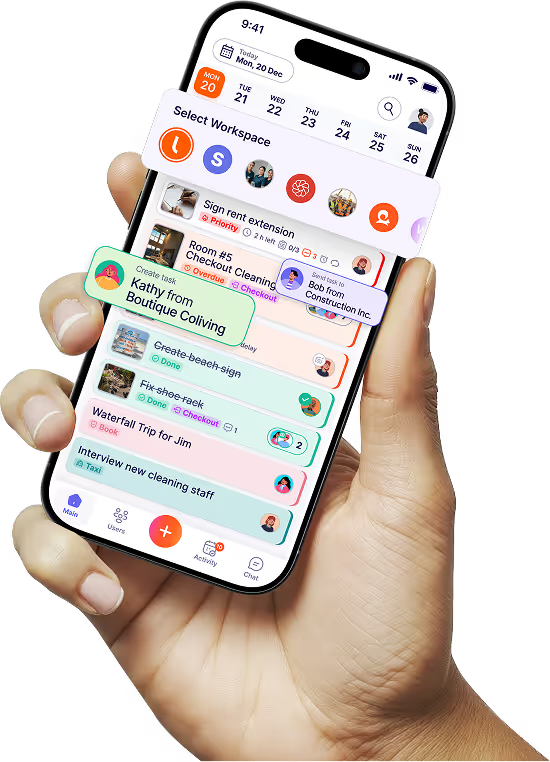
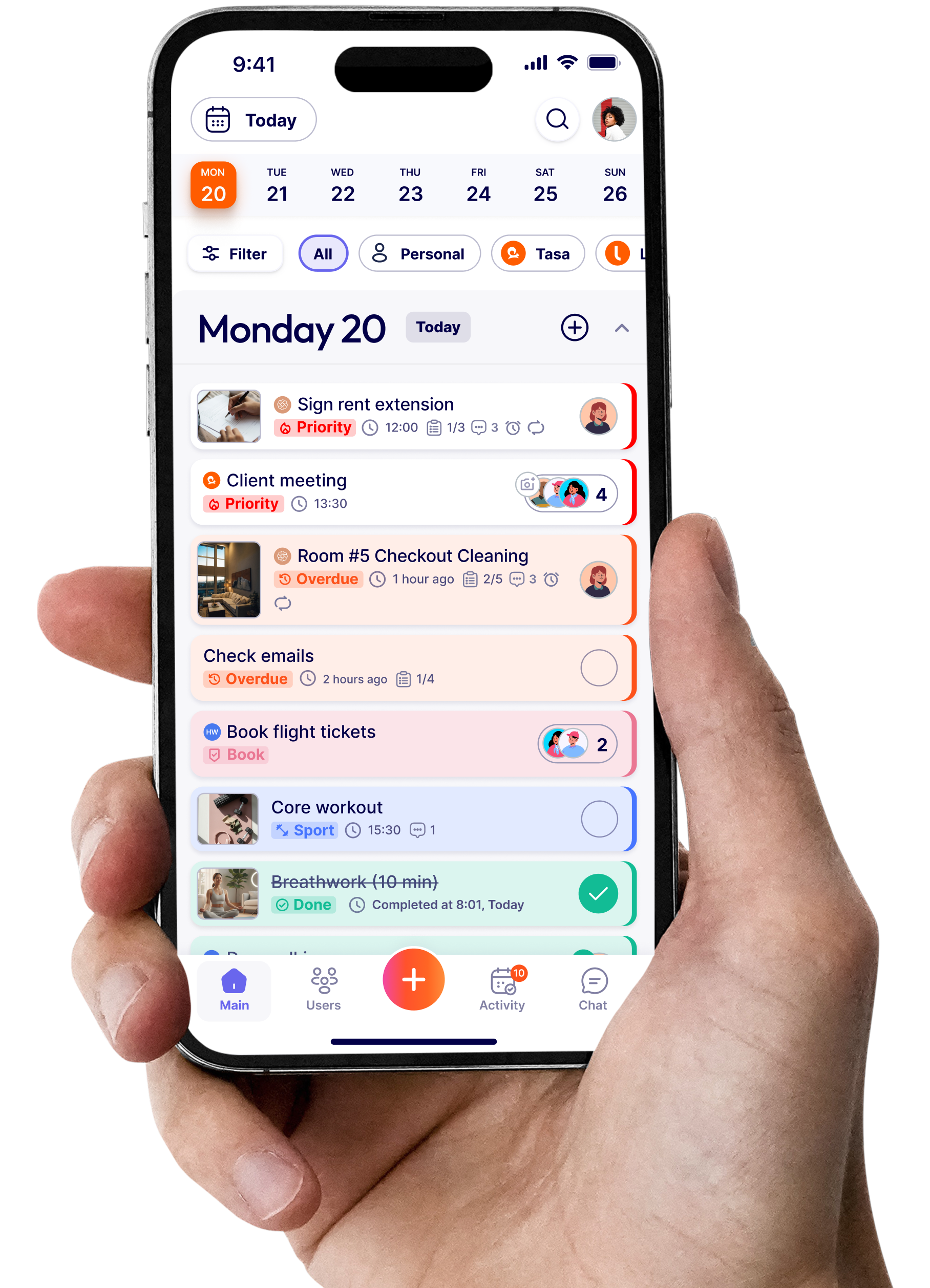
Where To Do organizes one person's text list, Tasa runs a whole crew on pictures. The difference shows up in the first five minutes: nobody has to be trained, configured, or translated for.
A photo says what a paragraph cannot
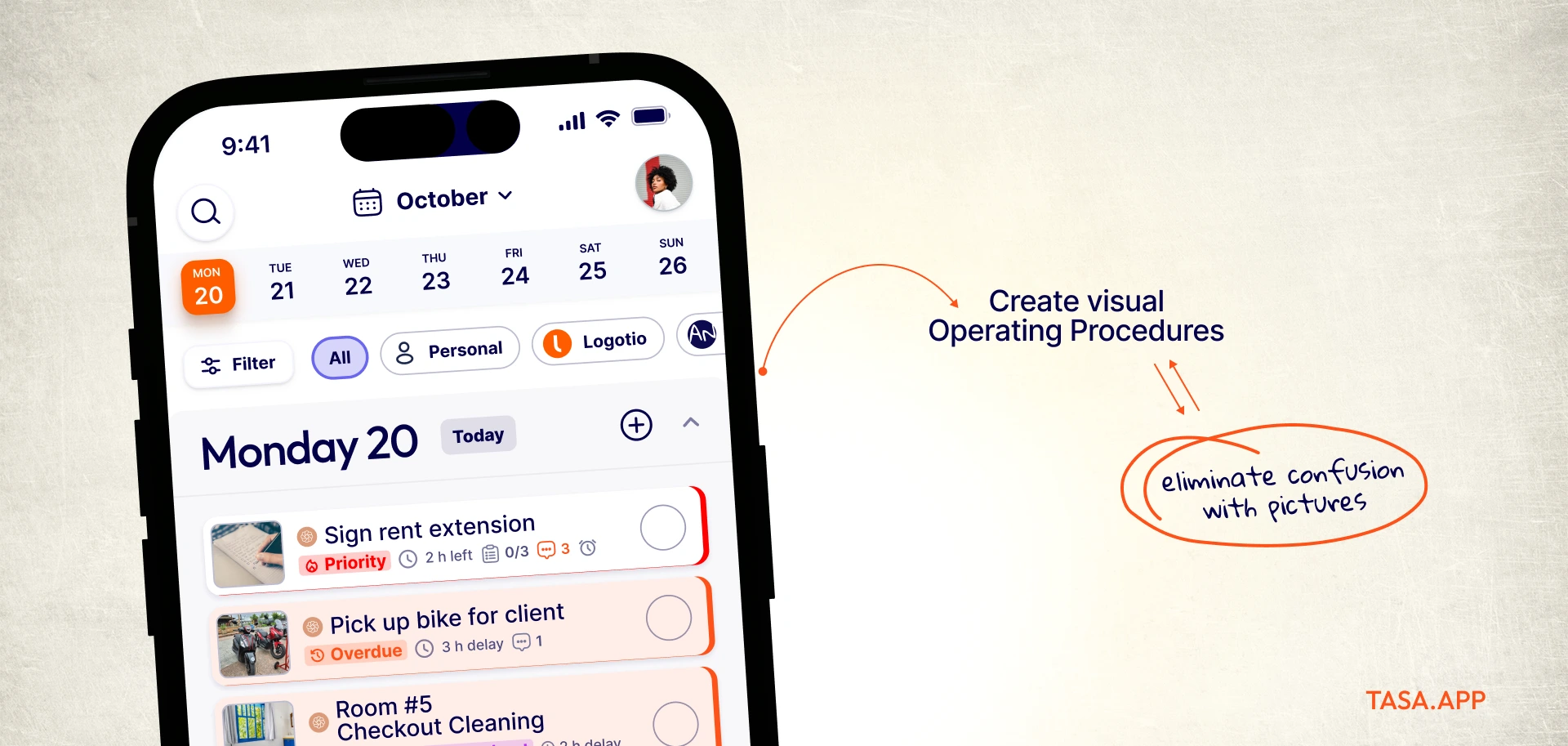
Create a task by photographing the result you want: the bed made to standard, the loading dock cleared, the bar restocked. The picture is the instruction. Housekeepers, cleaners, and stock teams understand it in seconds, whatever language they speak at home.
Proof that arrives on its own
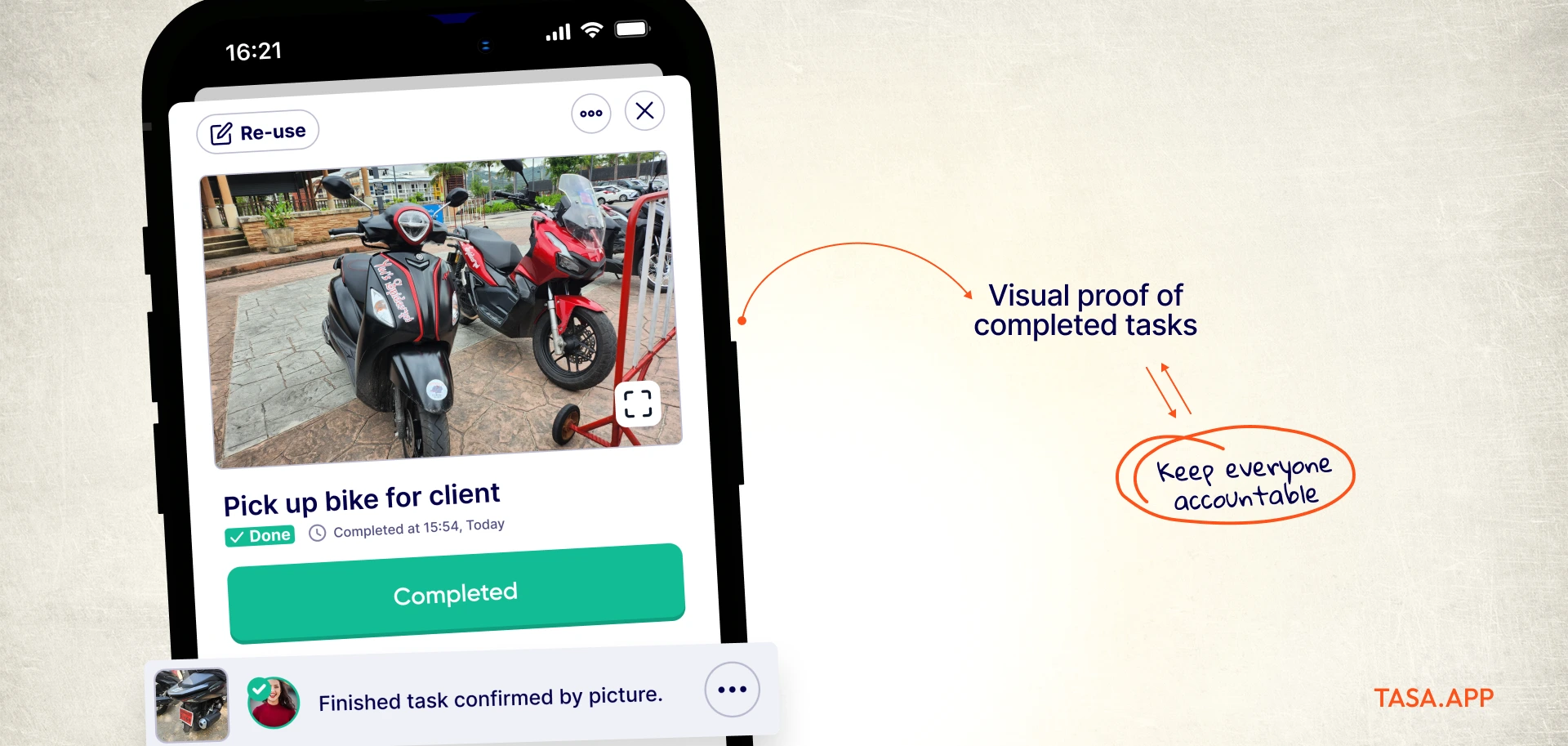
Finishing a task in Tasa means taking a live photo on the spot, and gallery uploads are blocked, so the evidence is genuine. Before and after pictures land in your feed with timestamps. Instead of asking "is it done?" on WhatsApp twelve times a day, you watch the answers appear.
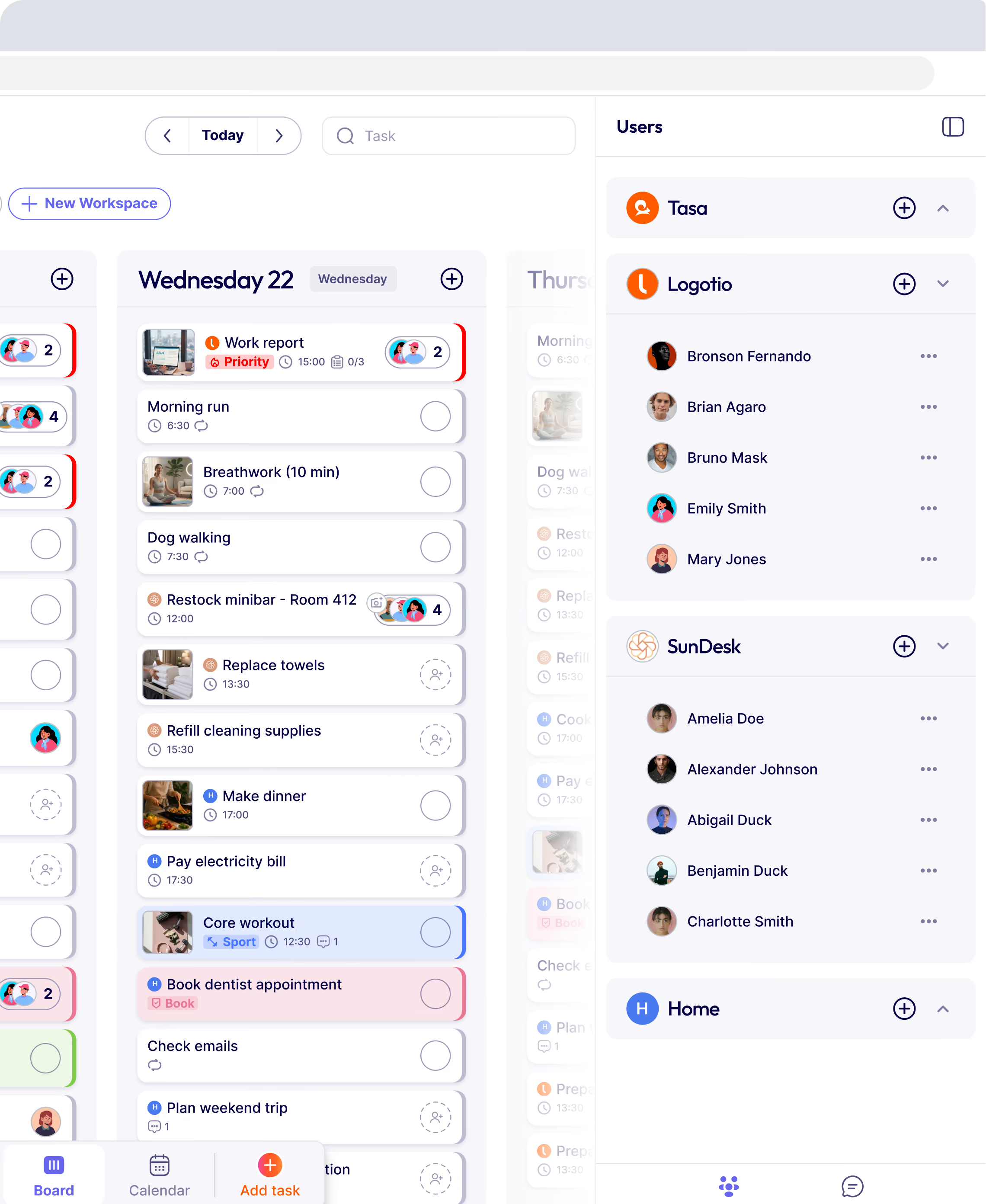
Every site, client, or property gets its own workspace with separate tasks and its own team. Your cleaners see their site, your rental team sees their units, and you see all of it from one account.
Translation and a voice note when words fail
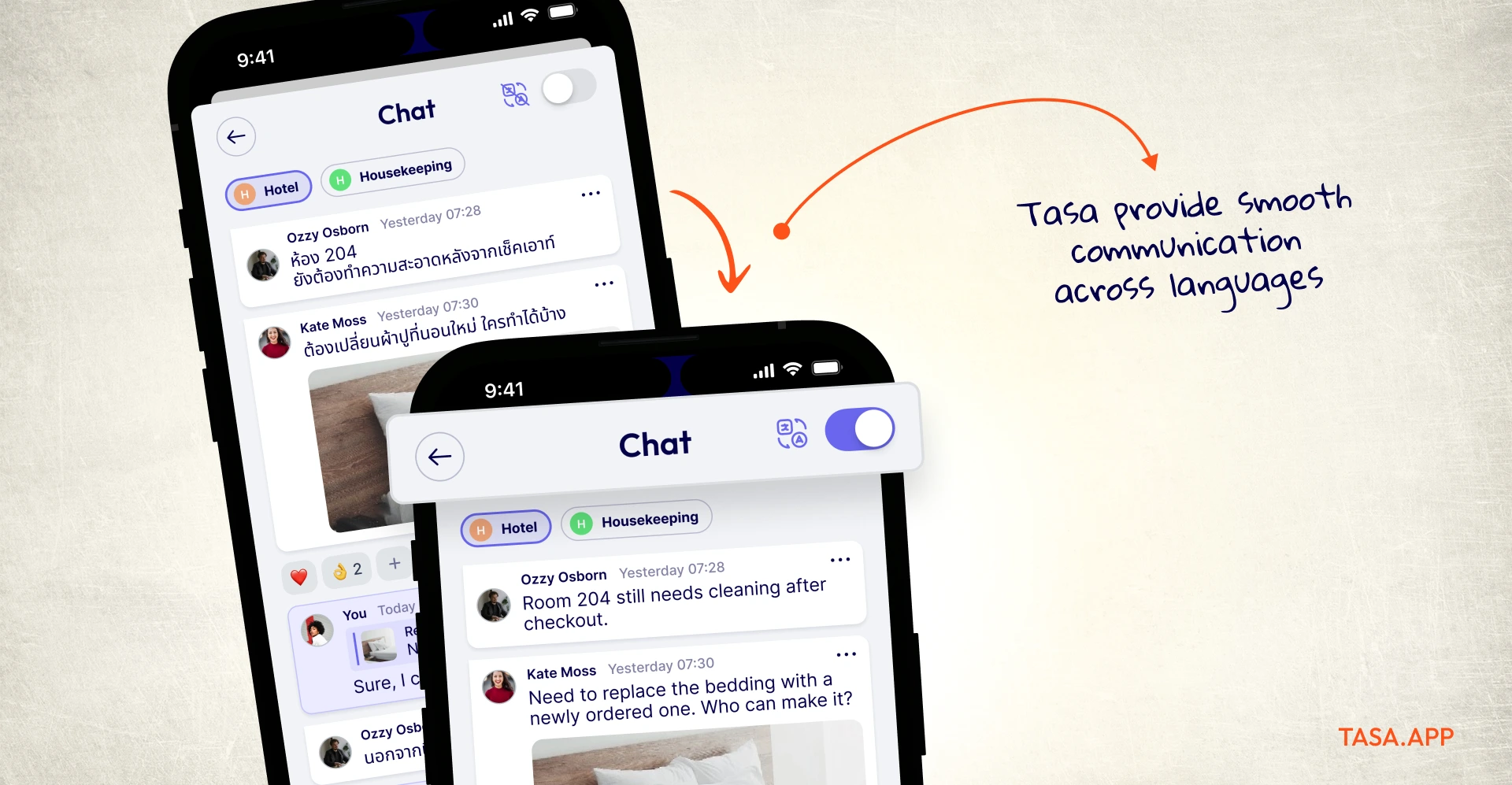
Tasa translates 100+ source languages into 14 in-app languages automatically: write in English, a Ukrainian colleague reads Ukrainian. There is a simplified view for staff with limited reading skills, and when typing is the bottleneck, people answer with voice or video messages directly on the task, or in the company chat.
Recurring work that runs itself
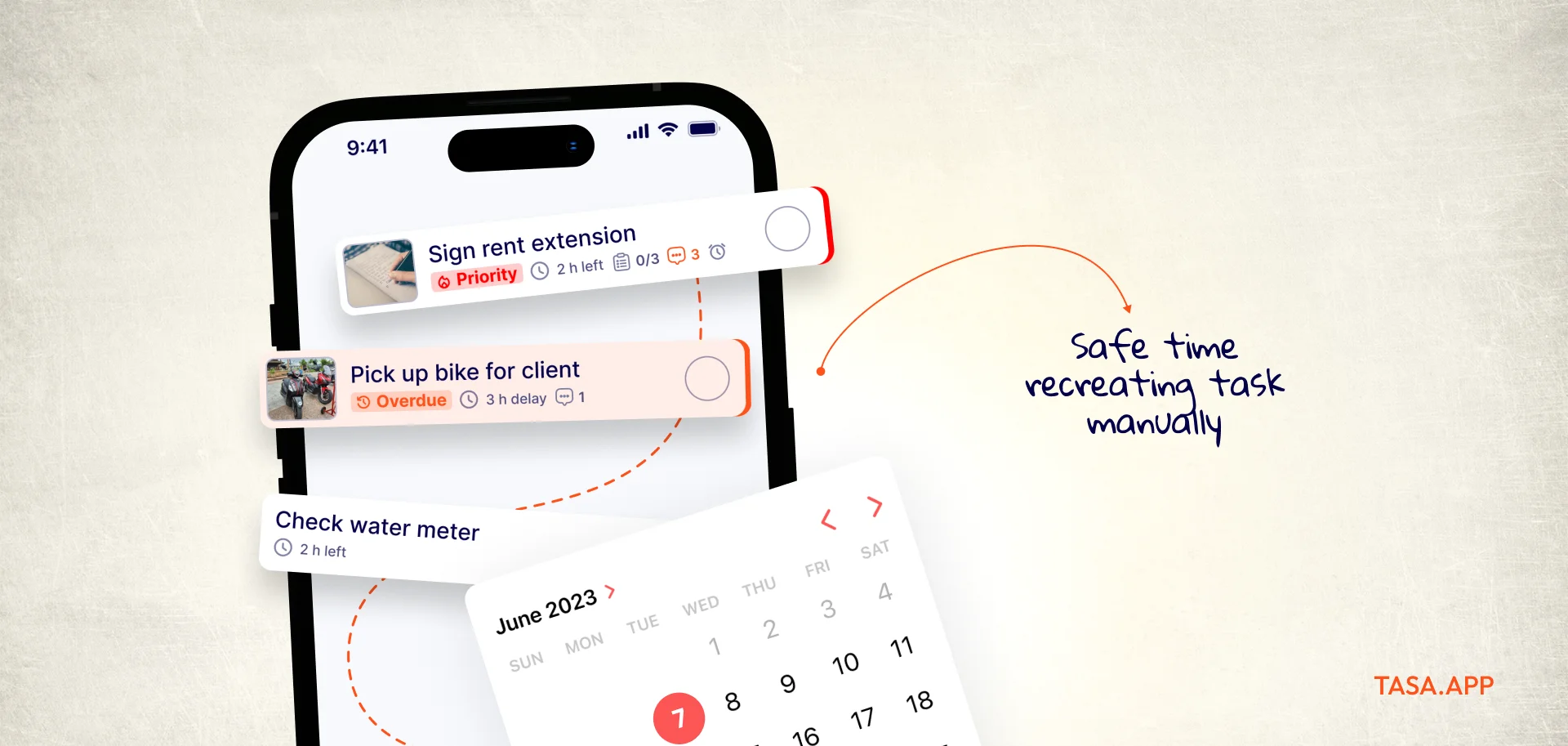
Set the Monday reset or the nightly close once and let repeat schedules carry it. Subtasks split a big job into steps, categories keep inspections, restocking, and turnovers apart, and reminders reach everyone in their own language. To Do can repeat a list item; Tasa repeats a whole team's week.
Pricing without a paywall maze
Personal use is free forever, and teams get their first 100 tasks free before $8 per user per month ($6.40 yearly) starts. No Microsoft 365 tenant, no admin console, just a QR code that gets a new teammate working in under a minute.
What To Do still does better
If you want a free personal list glued to Outlook and Windows, To Do wins that fight. It is native, it syncs flags, and it costs nothing. Tasa is not trying to be that app. It exists for the moment work leaves your desk and enters other people's hands.
Tasa vs. To Do comparison
What that looks like on a Monday morning
Picture a 40-room guesthouse. At 7:00 the housekeeping lead photographs two rooms that need extra attention after checkout chaos and assigns them with a note. By 11:30 both rooms come back with live photos: beds to standard, bathrooms spotless, towels folded the way the reference picture shows. The lead never walked upstairs to check, and nobody exchanged a single message about it.
The same loop runs in retail stores with opening and closing routines, in cleaning companies juggling several client sites, and anywhere work is easier to show than to describe.
Moving off To Do in one afternoon
Nothing exports and nothing needs to. Recurring work is quicker to rebuild than to migrate: photograph the five jobs that repeat every week, set their schedules, and scan the crew in with QR codes. Run Tasa next to To Do for a week and delete the old lists when nobody opens them anymore, which is usually day three.
Five more Microsoft To Do alternatives worth knowing
If your work stays personal and desk-based, these picks solve different To Do problems. Prices checked September 2026:
Todoist: the polished personal list
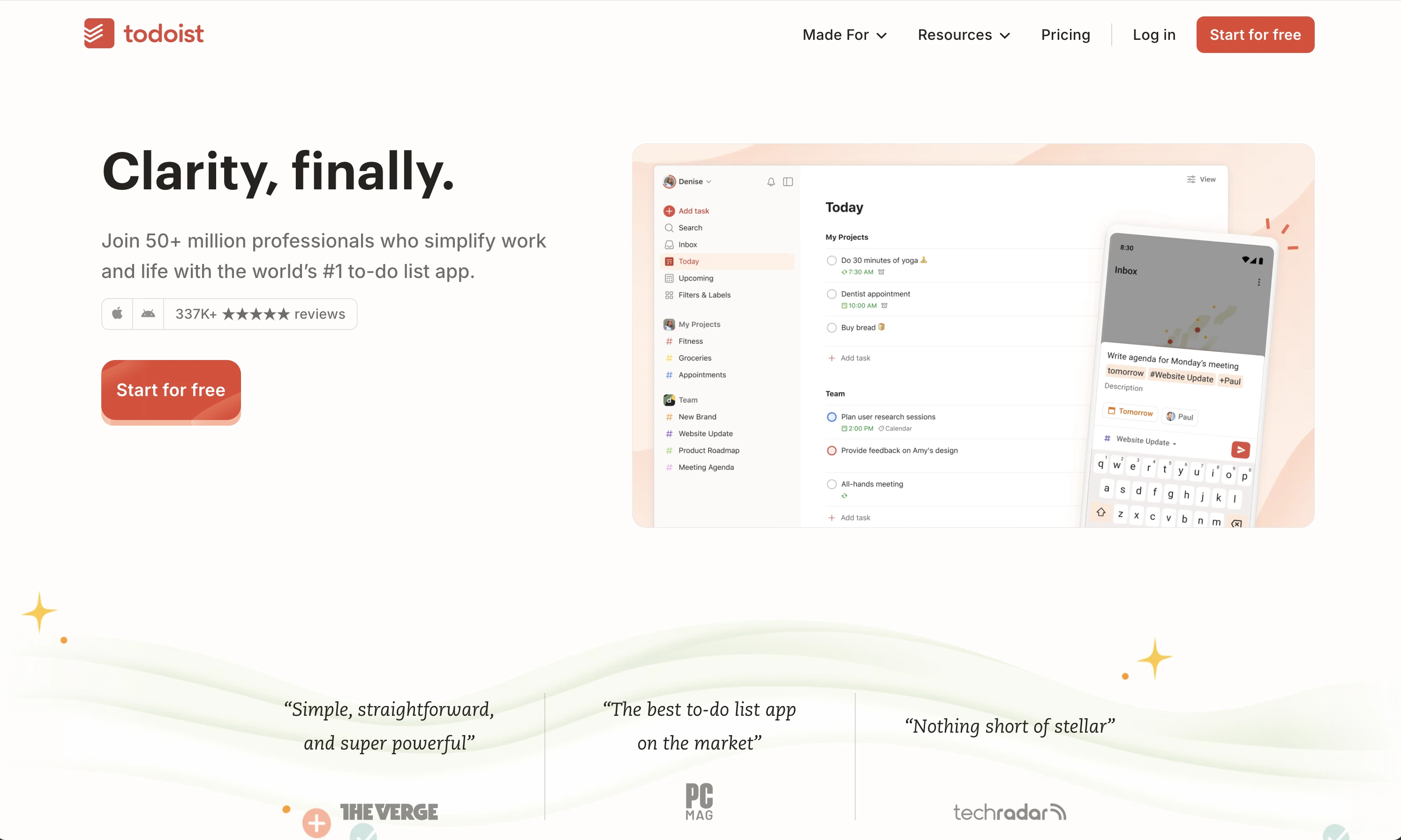
Todoist does what To Do does, a little better: quicker capture, natural language dates, cross-platform apps, and productivity stats. Free for the basics, Pro around $5 per month. If To Do's drift toward Planner pushed you out and you only manage yourself, this is the comfortable landing spot.
It remains a one-reader tool. Shared projects exist, but there is no proof of work and no answer for a crew that does not share a language.
TickTick: reminders with a calendar brain
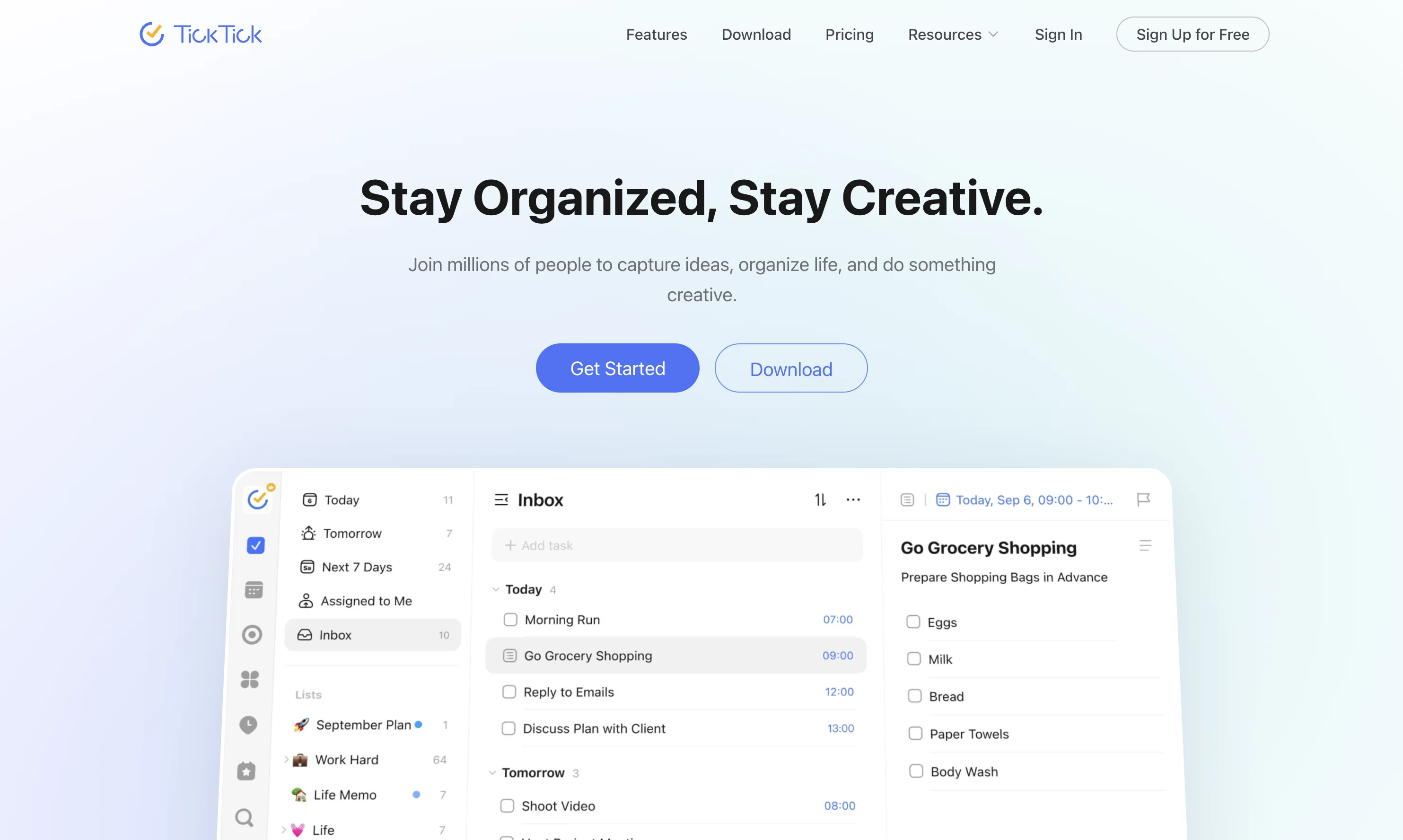
TickTick layers smart reminders, a proper calendar view, habit tracking, and a Pomodoro timer over a clean to-do list, and it syncs with Google and Outlook calendars. Premium sits around $3 per month billed yearly.
Great for a busy owner's personal rhythm, still text-first when the work belongs to other people's hands.
Google Tasks: the zero-effort default
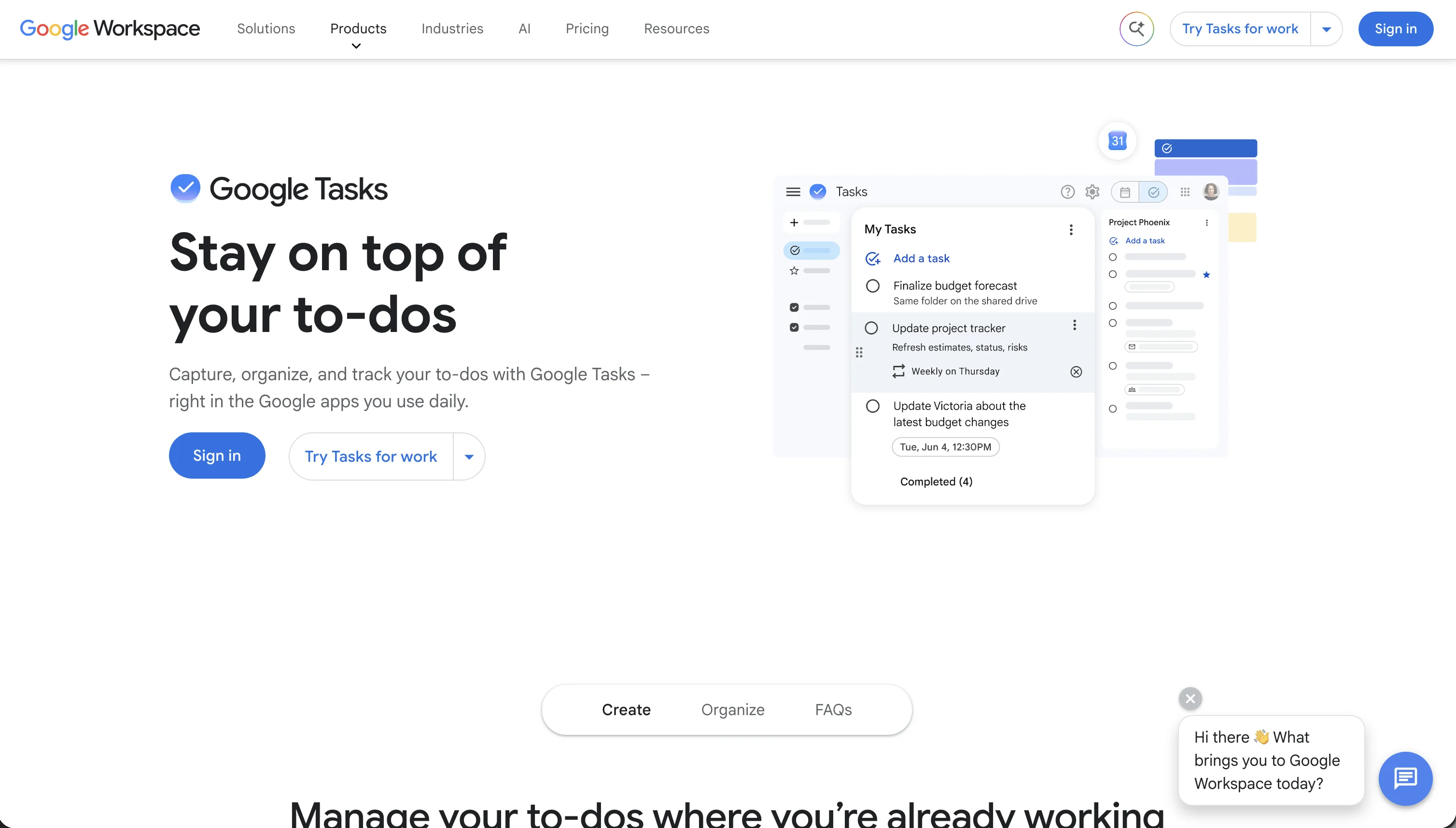
Google Tasks lives inside Gmail and Calendar: turn an email into a task, drag it onto a date, done. Free with any Google account.
If you left To Do because your world is Google's, this costs nothing and takes five minutes to adopt. Just expect To Do-level features, minus the My Day planning view.
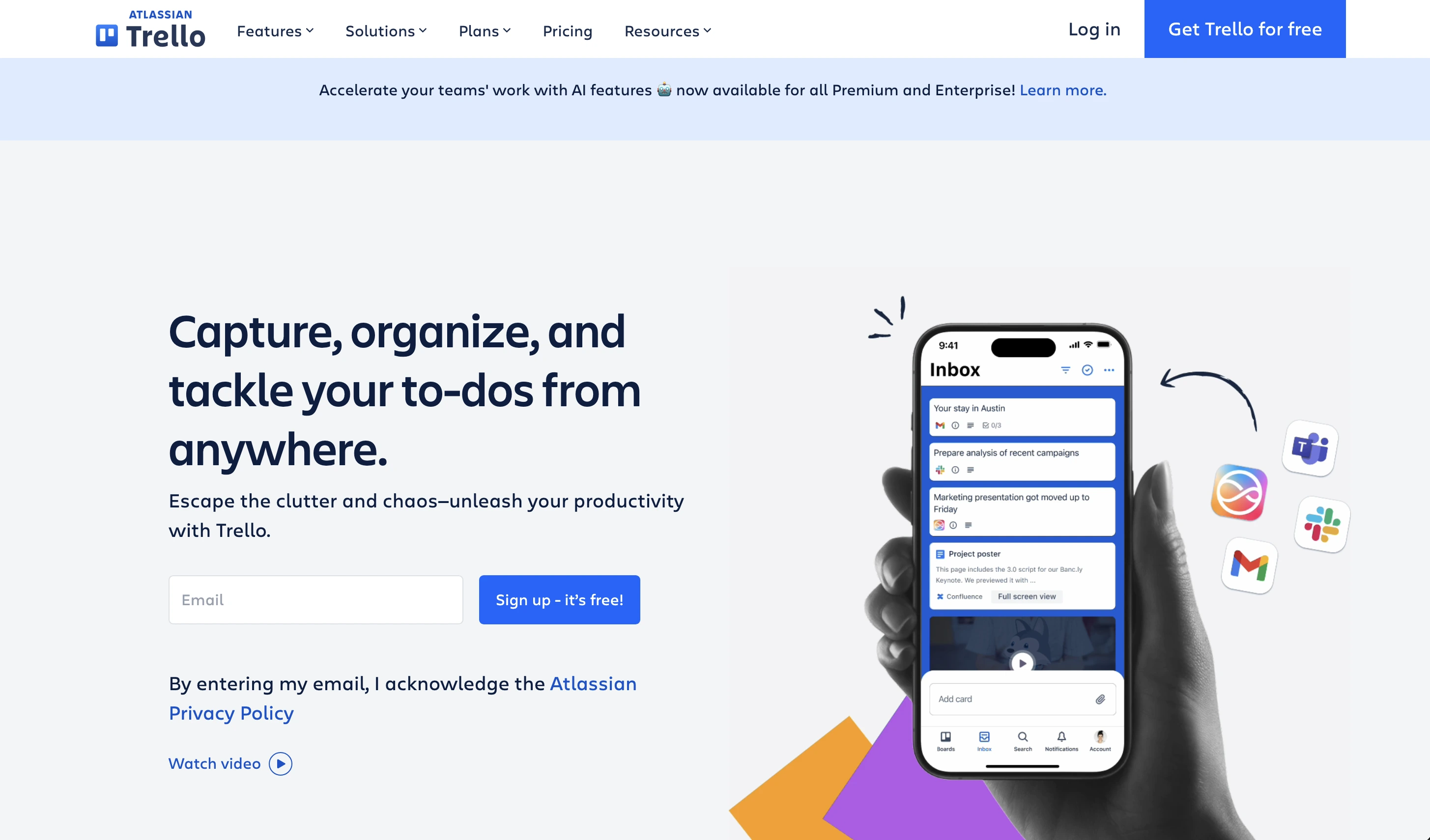
Trello: the board everyone understands
Trello turns work into cards you drag across lists, the fastest way for a small team to see status at a glance. The free tier is generous; Standard starts at $5 per user per month.
Cards hold attachments but verify nothing, and reading is still the entry ticket.
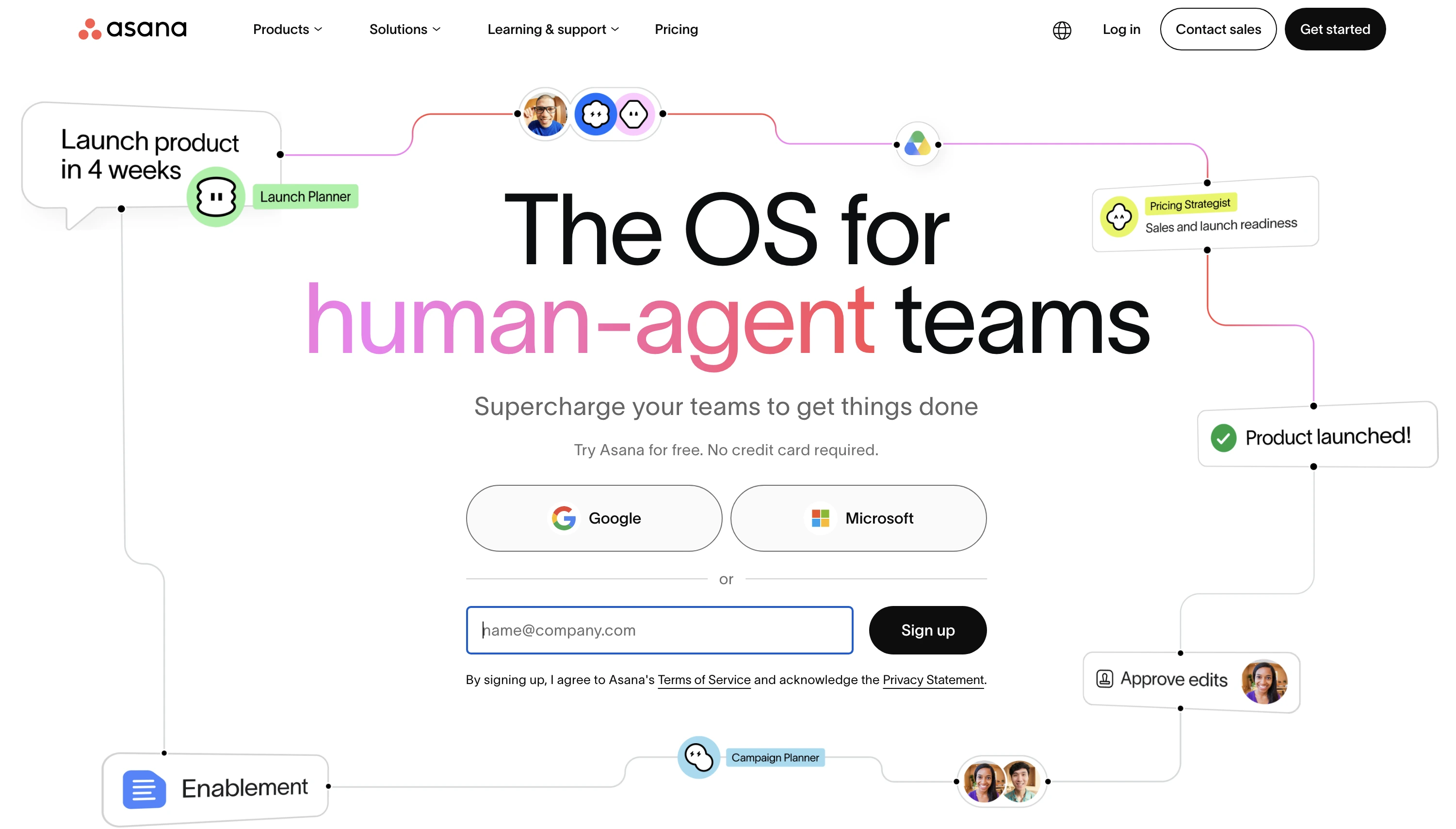
Asana: structure for coordinators
Asana adds timelines, dependencies, and reporting that To Do never attempted, aimed at teams with defined processes. Starter is $10.99 per user per month billed yearly.
Seat prices climb with headcount and the interface assumes desk jobs, so check the math before rolling it out to a crew.
So which Microsoft To Do alternative fits?
If it is just you, Todoist or TickTick polishes the To Do experience, and Google Tasks is the free path for Google households. If work happens through other people, especially people who do not share your language or read comfortably, Tasa is built for exactly that: the task is a picture, the proof is a photo, and the first 100 team tasks cost nothing to try.
Latest News

Have questions?
.svg)
Team management, simplified.

“It affects my personal life a lot. I can manage my team and my work remotely, so I have more time being a mother.”