.svg)
The Best Taskade Alternative for Frontline Teams in 2026: Why Tasa Comes First
Taskade started as a refreshingly simple task app. Somewhere along the way it became an agent-first workspace with agents, automations, an app builder, and monthly AI credits to keep track of. If you opened it recently to assign a cleaning schedule and found an agent dashboard instead of a task list, you are not alone. Searches for Taskade alternatives spiked in 2026, and the reasons are remarkably consistent.
If you run a frontline team or a small local business, a cleaning crew, a hotel housekeeping department, an Airbnb turnover operation, a retail store, a construction crew, this guide is written for you. First we show why Tasa beats Taskade for teams that work on their feet. Further down, we rank the other Taskade alternatives for 2026, so you can compare honestly.
Key Takeaways:
- Frontline teams are ditching text‑first apps like Taskade because AI bloat and complex interfaces make simple daily checklists harder, not easier.
- A visual task format (showing a photo of “done”) eliminates miscommunication instantly, without needing long paragraphs.
- Live photo capture (blocking gallery uploads) turns vague WhatsApp updates into timestamped, verifiable proof of completion.
- Built‑in auto‑translation across 100+ languages ensures every crew member, regardless of literacy or native tongue, understands their assignments.
- Desk‑oriented powerhouses (ClickUp, Asana, Notion) suit coordinators, but frontline operators need a frictionless, photo‑driven mobile tool.
- Always test any app with the people actually doing the tasks, if they can’t read the first screen, it’s the wrong choice.
Why frontline teams outgrow Taskade
Taskade is built for people who sit at a desk, read comfortably, and share one working language. That describes an office. It does not describe most crews:
- Your team does not share a language. A hotel in Berlin might employ Polish, Turkish, and Arabic speaking housekeepers on the same shift. A text-first workspace assumes everyone reads the same words the same way.
- Reading is not a given. UNESCO Institute for Statistics, 2025 counts 739 million adults worldwide who cannot read or write. Every text-based task app, Taskade included, walls them out.
- AI bloat slows the simple things. Sync issues and slowdowns are recurring Taskade complaints, and many users trace them to the growing AI layer running underneath everyday task management.
- Aggressive AI push. The workspace keeps steering toward AI generation even for people who just want to assign today's work.
- The lifetime deal reversal. Taskade sold lifetime deals on AppSumo, then moved to metered AI credits. Lifetime buyers describe unlimited AI access quietly replaced with strict credit limits, one reviewer called it "a breach of trust." Limits can change after you commit.
Tasa: the picture-first Taskade alternative built for frontline teams
Tasa asks the opposite question from Taskade. Taskade asks how an agent could help the workflow. Tasa asks "can a housekeeper who speaks no English understand this task in three seconds?" For frontline teams and small local businesses, that is the question that decides whether a task app gets used at all.
Tasks are pictures, not paragraphs
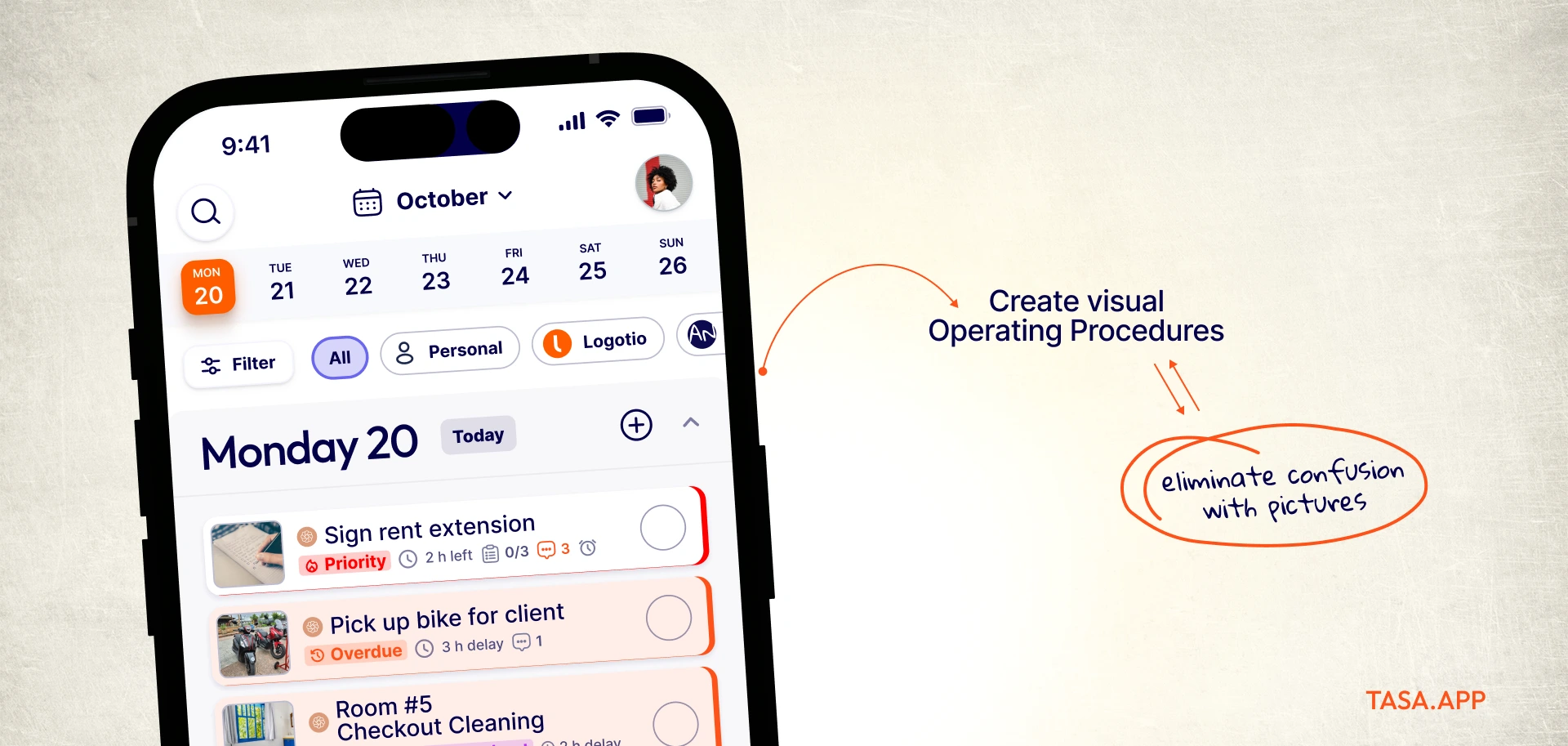
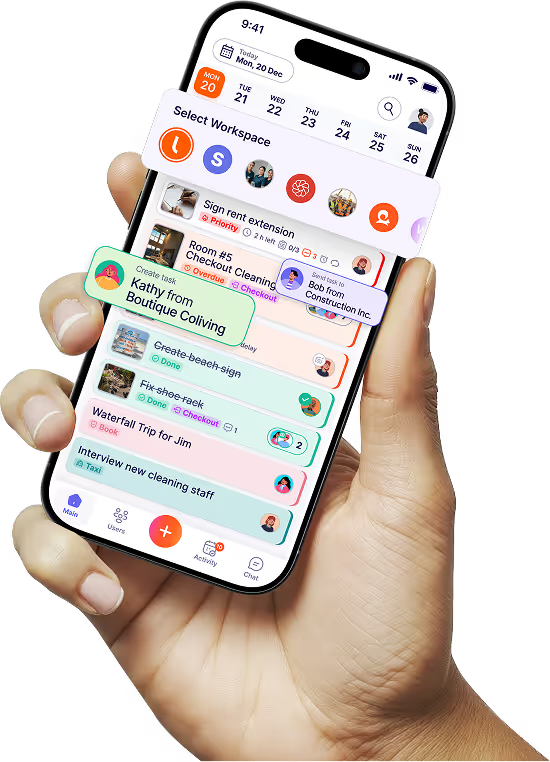
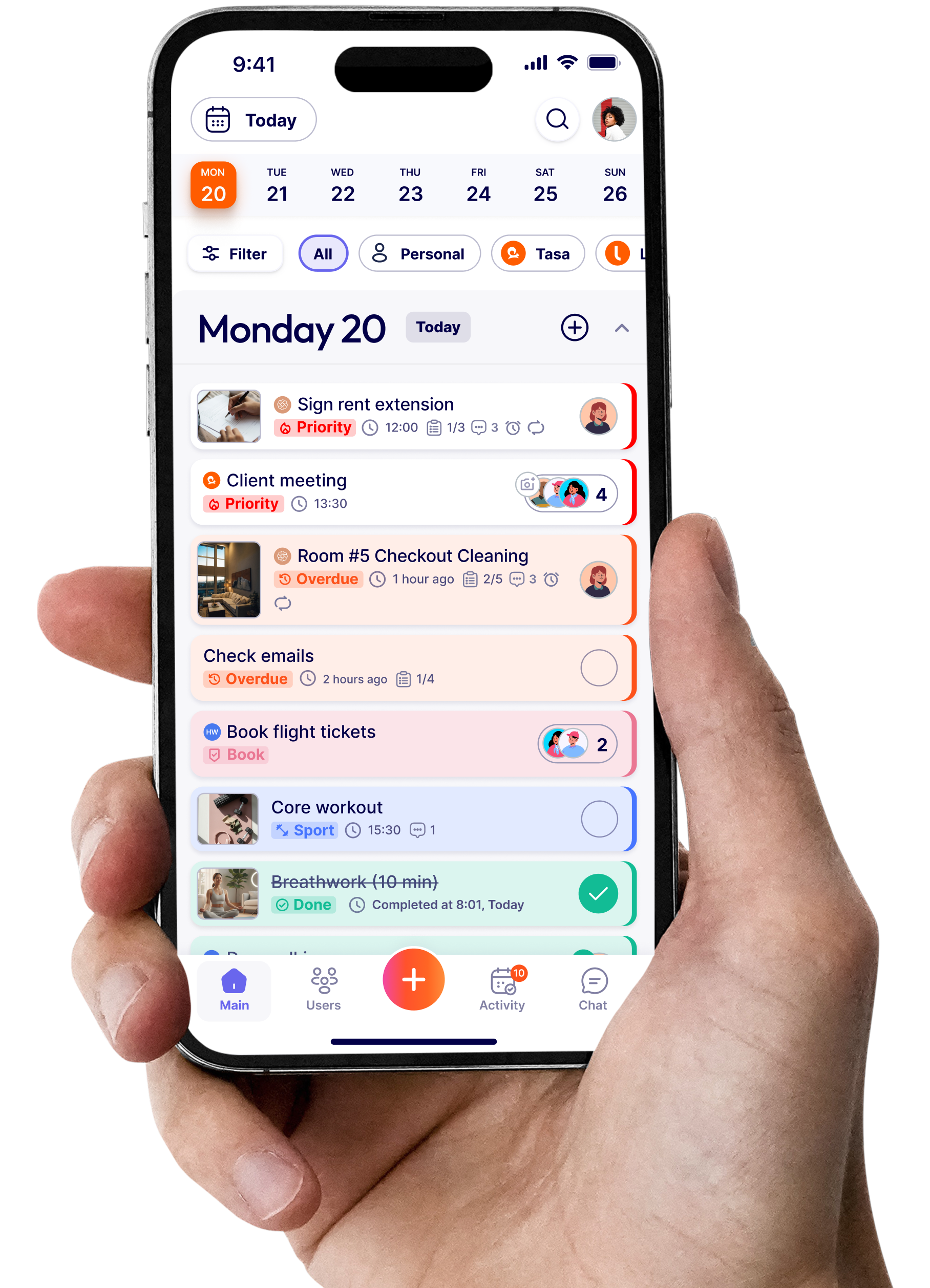
In Tasa, you create a task by taking or choosing a photo: the finished hotel bed, the cleaned bathroom, the stocked shelf, the safety hazard to avoid. Your team sees the picture and knows exactly what "done" looks like. No misread instructions, no translation of task descriptions, no back and forth.
Photo proof closes the loop
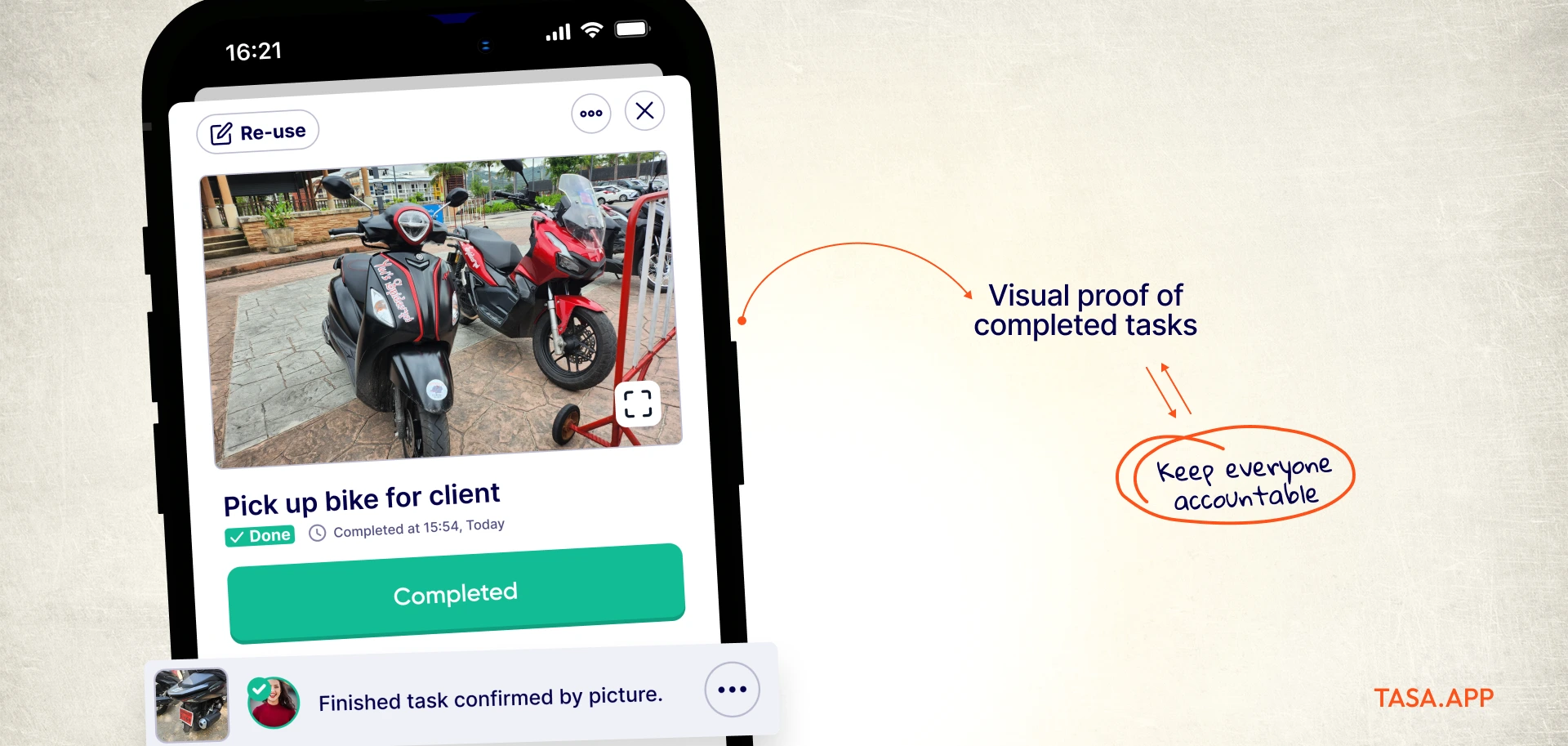
Completing a task means taking a live photo at the scene. Gallery uploads are blocked, so the proof is real. As an owner or manager you stop chasing status updates on WhatsApp: the before and after photos arrive in the app, time stamped, whether you manage one site or twelve. Photo proof, not phone calls.
Language barriers disappear
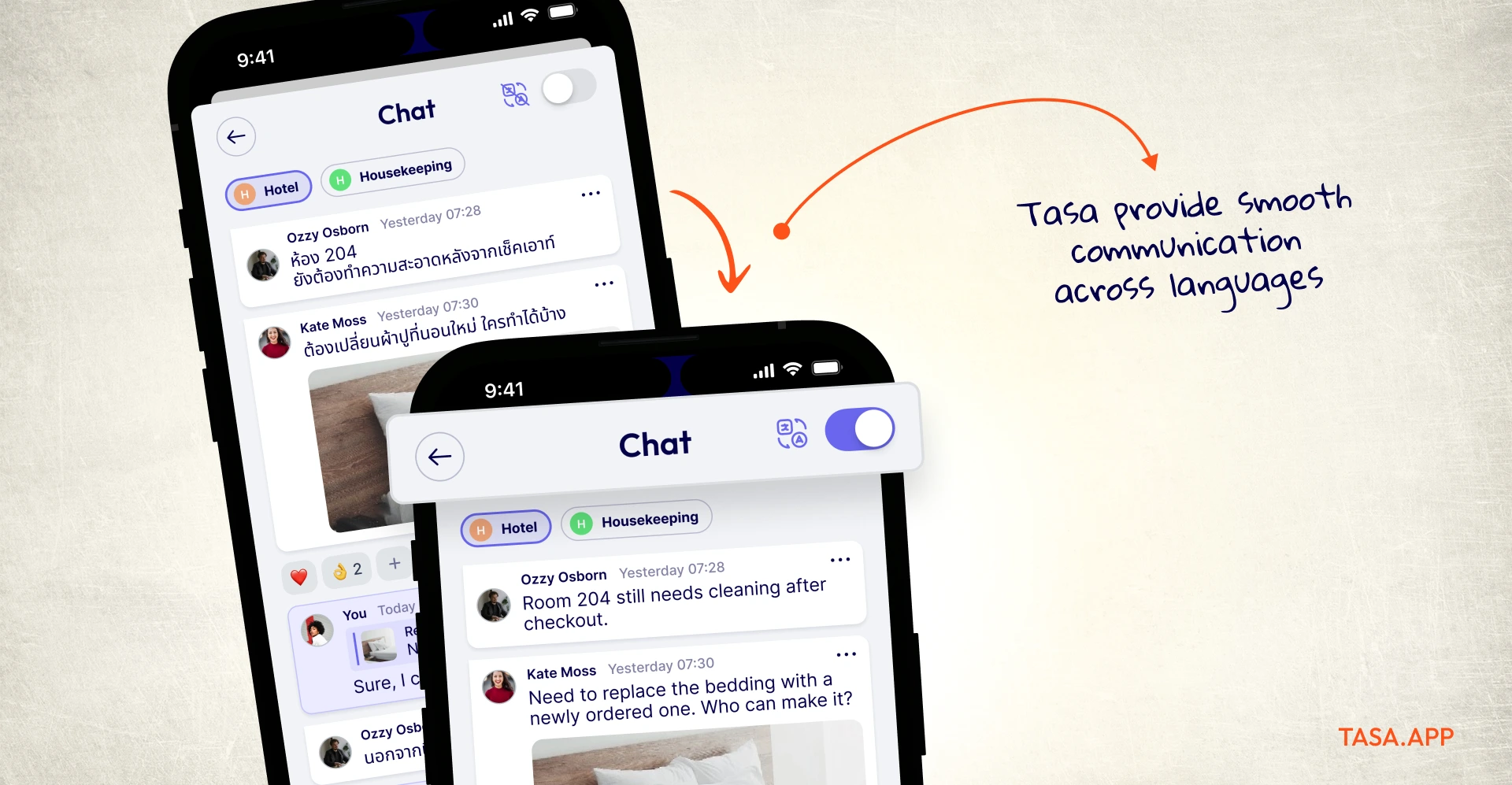
Tasa auto-translates across 100+ source languages into 14 in-app languages, including Spanish, Polish, Portuguese, Ukrainian, Arabic, Thai, and Burmese. Assign the task in German, your cleaner reads it in Portuguese. Combined with a simplified view for staff with limited reading skills, the whole crew can participate, not just the office.
No training, no AI credits, no surprises
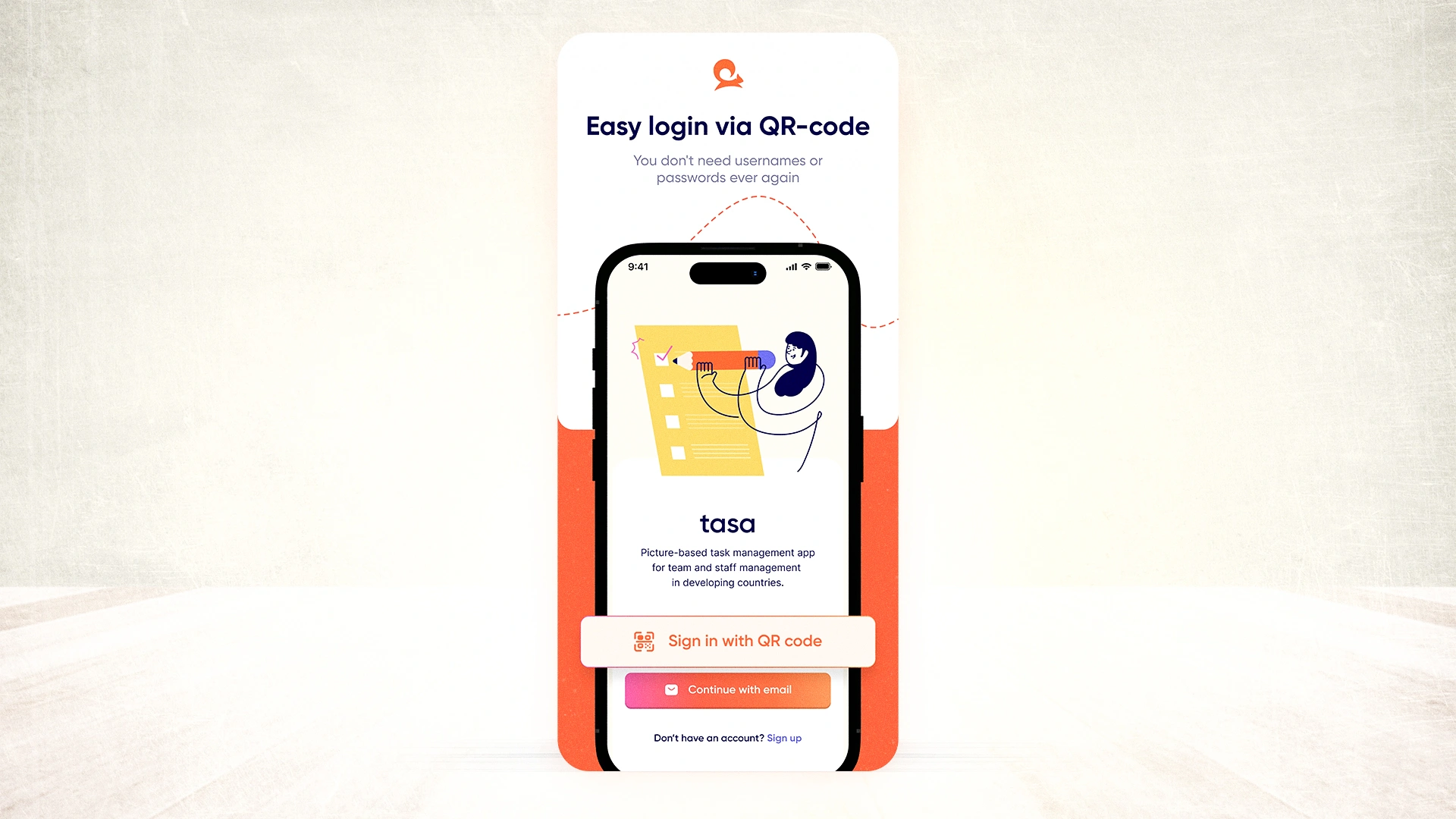
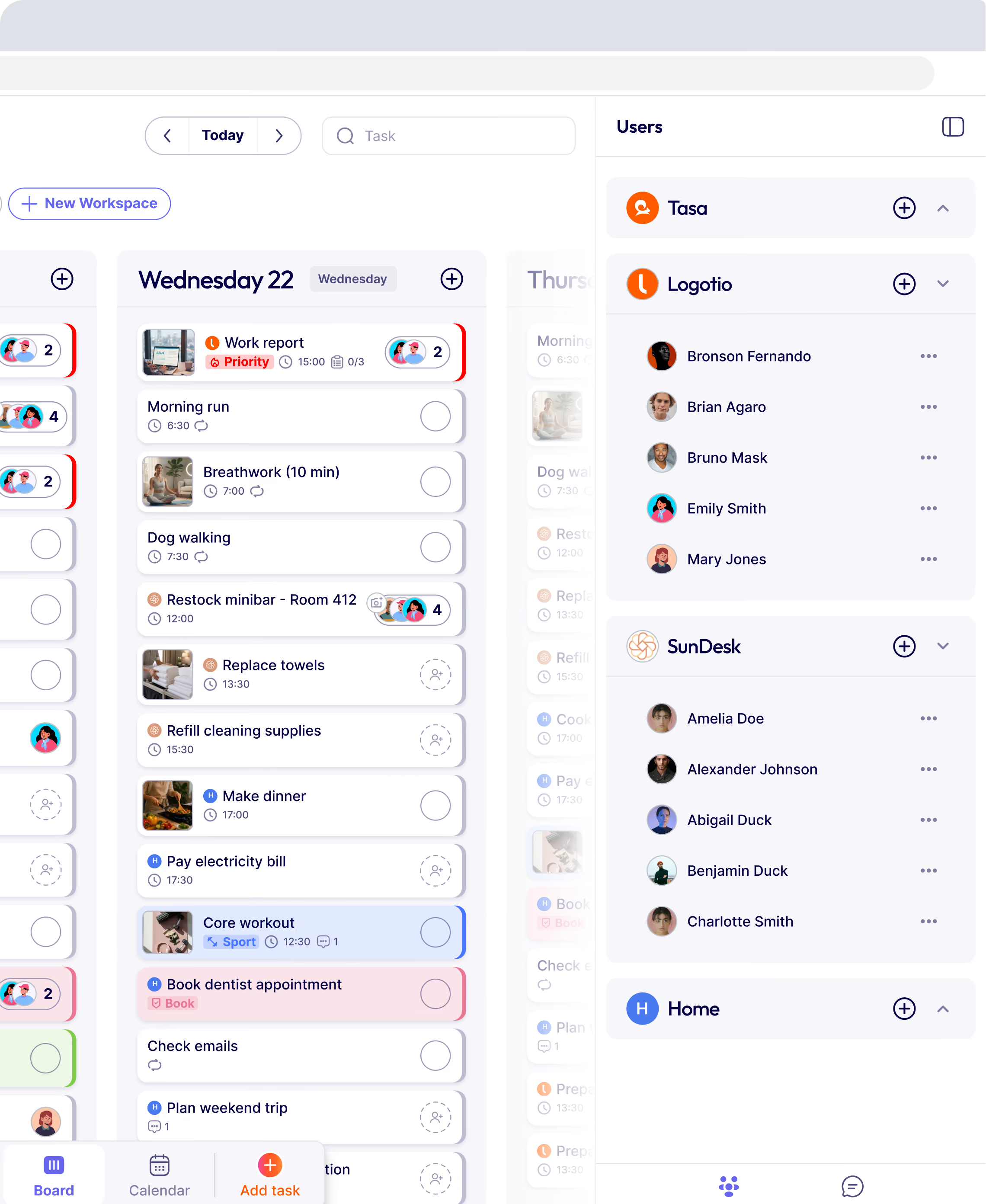
If your team can take a photo, they can use Tasa. There is no learning curve, no onboarding week, and no AI credit meter to watch. Small teams get a simple deal: personal use is free forever with all features, and team plans start with the first 100 tasks free, then $8 per user per month ($6.40 yearly). QR code login gets a new teammate working in under a minute, and updates land in real-time on every phone.
Where Taskade still wins
Honesty matters in a comparison. Taskade is the better pick if you want agents generating workflows, a doc database, mind map views, or the Genesis builder. For a solo founder or a marketing team at a desk, that toolbox has real value. Tasa deliberately does none of that. It is not an AI workspace trying to be everything: it does one thing, picture-based tasks that any team can execute, in any language mix, with proof.
Tasa vs Taskade for frontline teams (2026)
Frontline teams already running on Tasa
- Cleaning companies: photo checklists per site, before and after verification, quality scores up without inspector visits.
- Hotels, hostels, Airbnb turnovers: a picture of "ready for guests" beats a paragraph. Managers know every unit is done without walking it.
- Retail stores: opening and closing checklists, visual merchandising standards, restocking tasks anyone can follow.
- Construction and trades: site inspections, punch lists, and safety checks with photo documentation.
Every one of these teams was chasing people on WhatsApp before. Now the proof arrives on its own. Checkout other Tasa use cases.
Switching from Taskade to Tasa
There is no automatic migration between the two apps, and that is fine: most teams rebuild their recurring work in Tasa within an hour because tasks are photos, not text to retype.
Start with your five most repeated jobs, photograph what done looks like for each, invite the crew with a QR code, and run your first week alongside whatever you used before. The free plan and the first 100 team tasks cost nothing, so the switch is risk free.
Other Taskade alternative in 2026 (if Tasa is not your fit)
If your team works at desks, these six alternatives in 2026 each solve a different Taskade problem. Pricing verified as of September 2026:
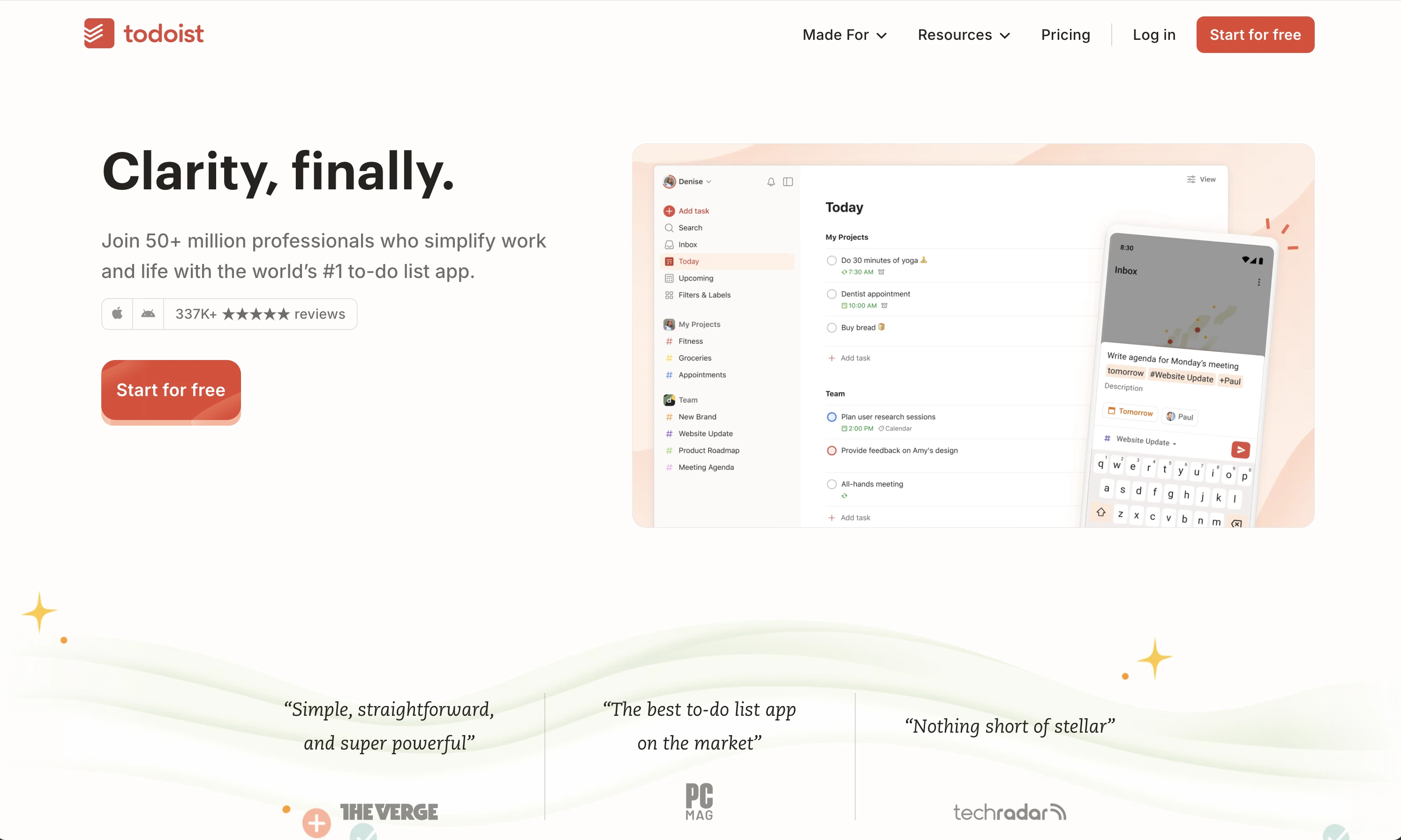
Todoist: best for simple personal task management
Todoist is a clean, fast to-do list with natural language input (type "clean room 12 every Friday" and it schedules itself), reminders, built-in productivity stats, and almost no learning curve. It is free for personal use, Pro around $5 per month. If your Taskade frustration is complexity, Todoist is the opposite extreme.
Where it falls short for teams: collaboration tops out at shared projects and comments. There is no photo verification, no proof a job actually happened, and no way around reading. It suits a solo owner or a desk pair, not a multilingual crew.
ClickUp: best for complex project management
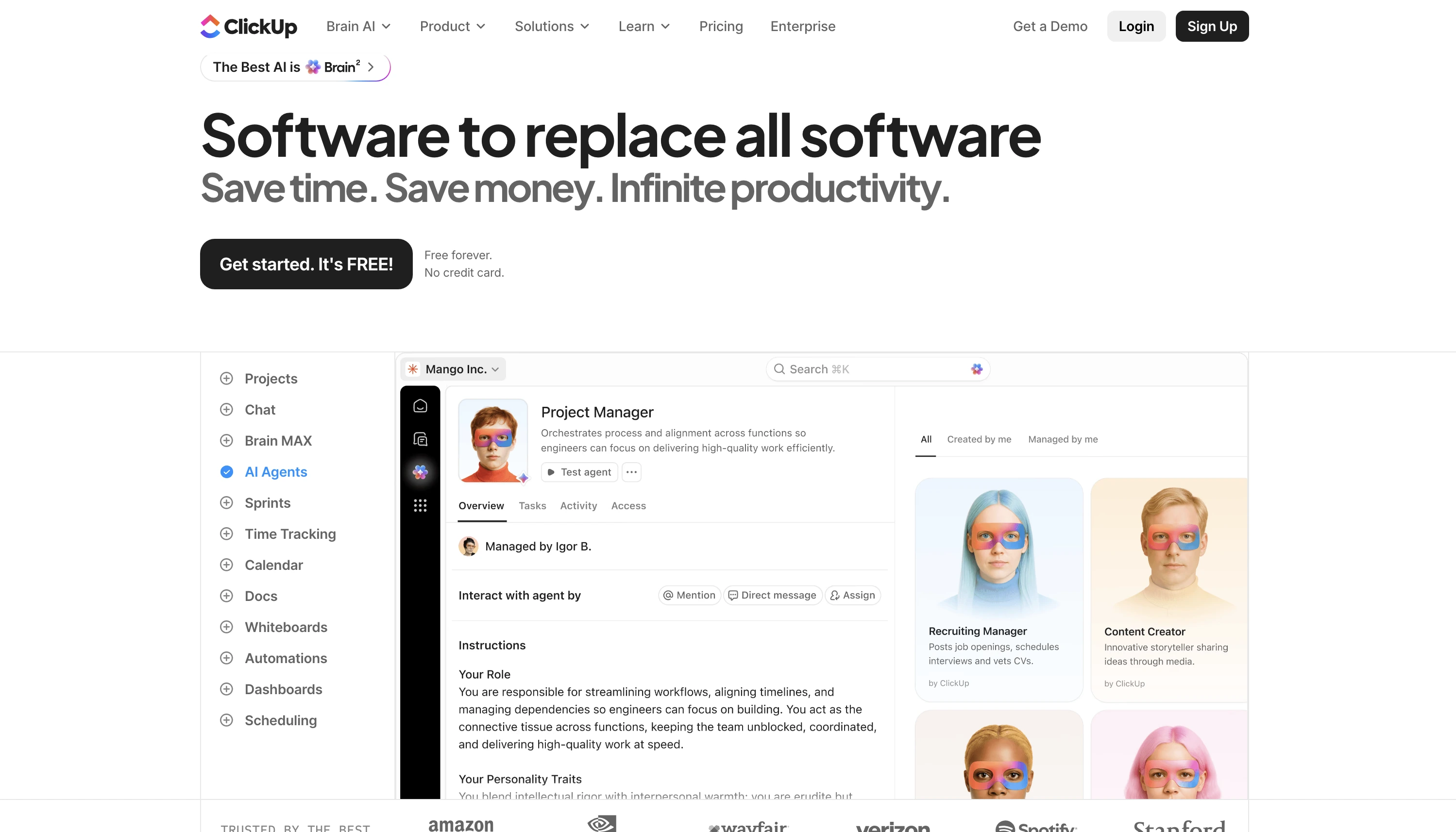
ClickUp is the everything-platform: tasks, docs, dashboards, Gantt views, sprint boards, automations, plus a deep API and GitHub integration for dev teams. Free plan available, Unlimited at $7 per user per month billed yearly ($10 monthly), Business at $12. If Taskade felt too small for your operation, ClickUp goes the other way.
It is famous for its learning curve, and setup plus admin time is real work before the team gets value. Users leaving Taskade over bloat will find more of it here. Strong for agencies and product teams; wrong tool for a housekeeping or cleaning crew that just needs today's jobs on a phone.
Notion: best all-in-one workspace for docs and knowledge
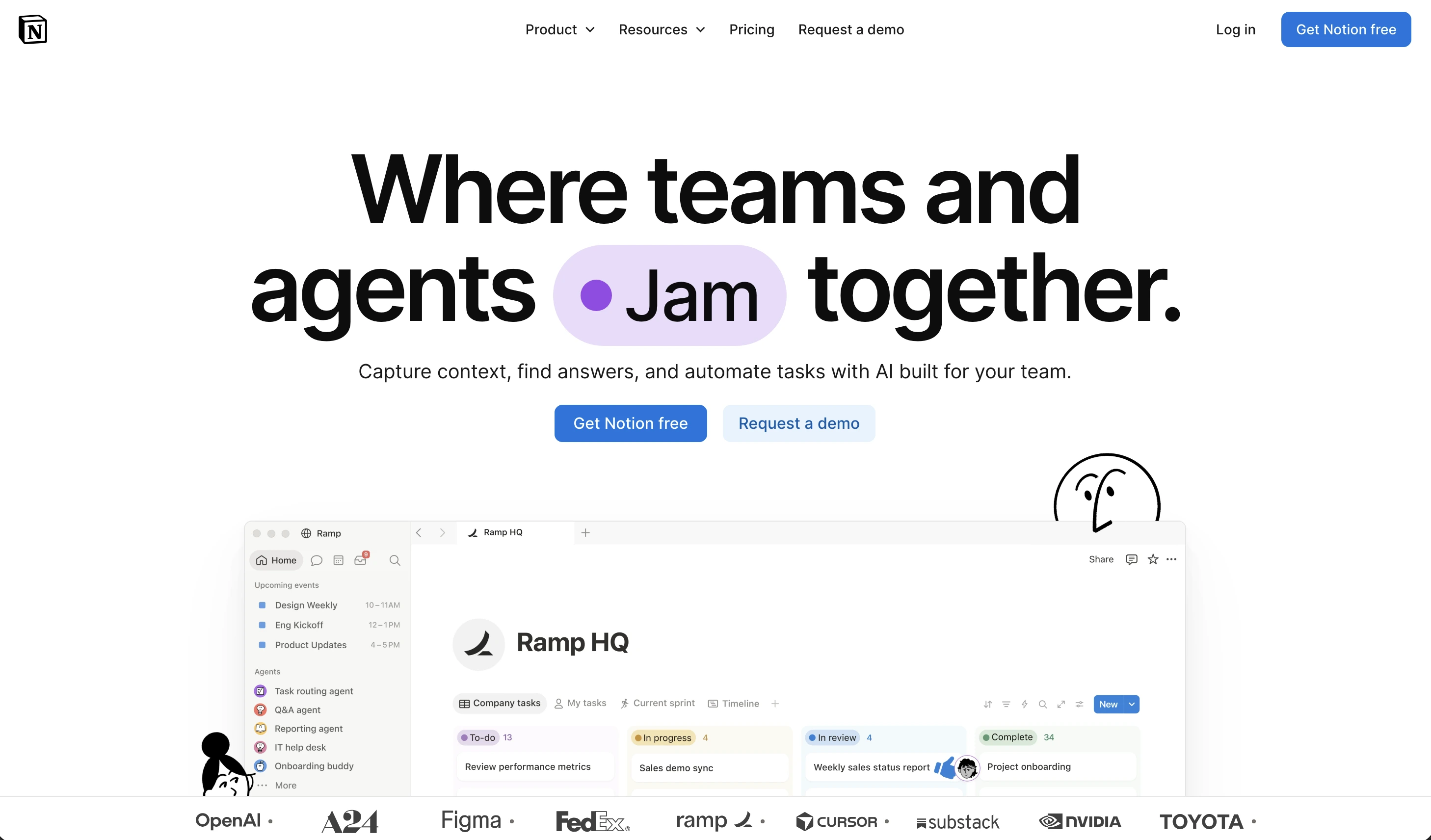
Notion gives you flexible docs and linked databases with project tracking, templates, and its own AI layer. Free to start, Plus at $12 per user per month. If what you lost in Taskade was a home for knowledge, SOPs, and company wiki next to your tasks, Notion does that better than almost anyone.
The catch: it must be built before it is useful, and it is text-first and desk-first. Non-literate or multilingual frontline staff are not its audience. Teams that try to run a crew from Notion usually end up back on WhatsApp within a month.
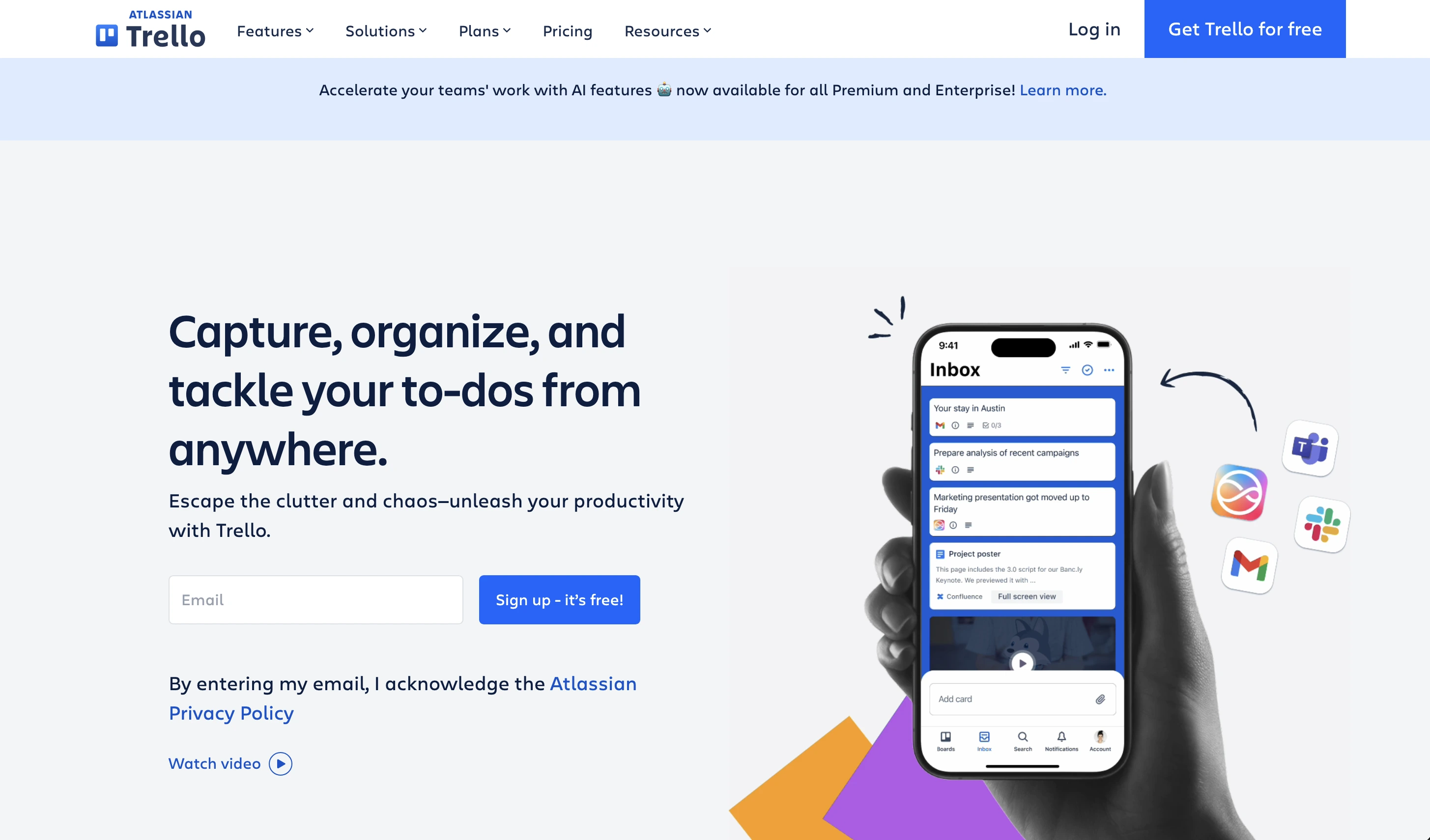
Trello: best for visual kanban boards
Trello is cards, lists, and drag and drop, the simplest way to see work move from to-do to done. Standard starts at $5 per user per month. Its free tier is generous enough for small teams, and after Taskade it feels like a deep breath.
Limitations: attachments are just attachments, there is no verification that work happened at the location, and price increases plus AI add-ons have irritated long-time users. Boards also assume everyone reads comfortably, so language-mixed crews still hit a wall.
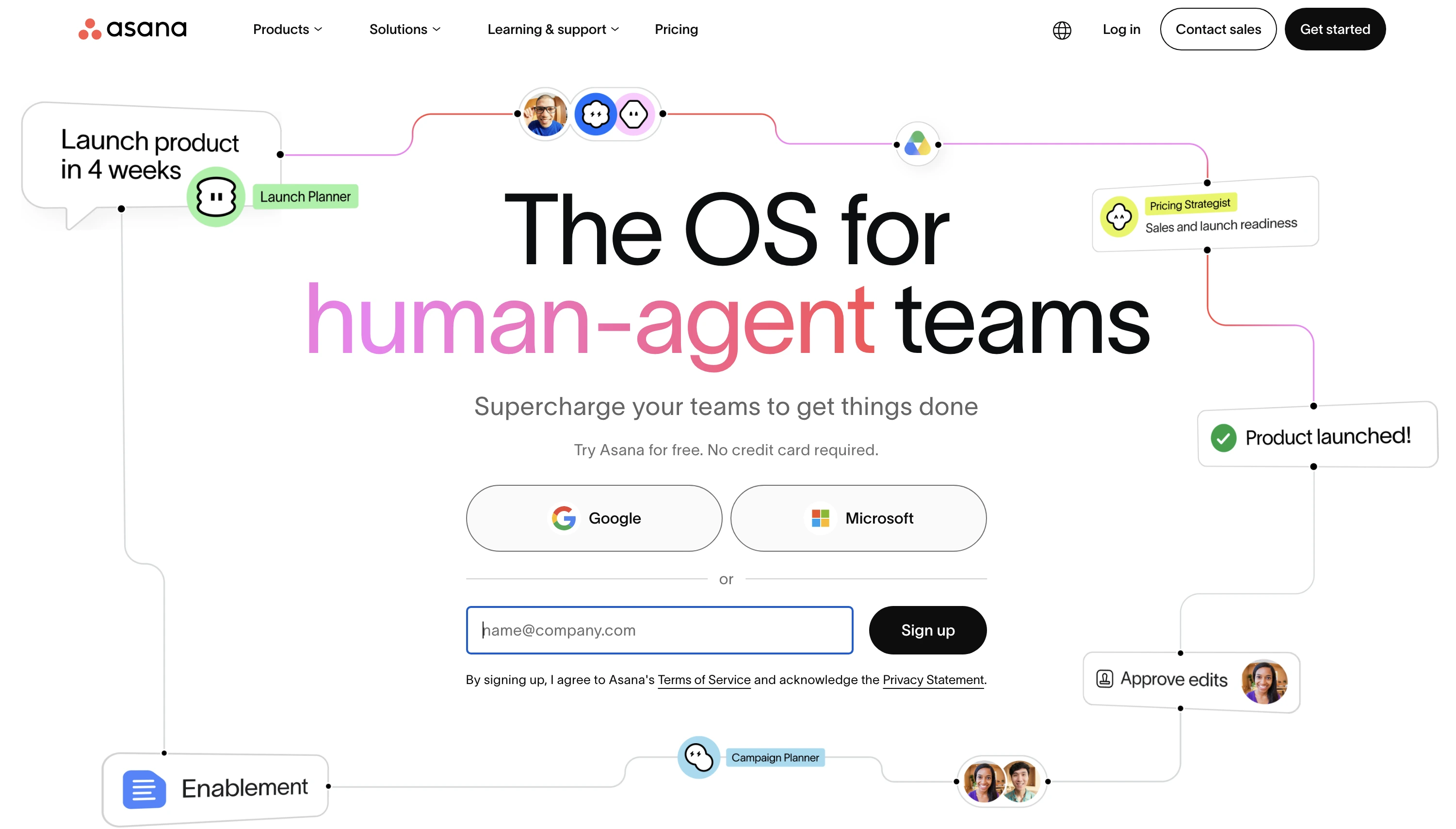
Asana: best for structured work management
Asana brings timelines, dependencies, workload views, portfolios, and reporting for mid-size teams with defined processes. Starter runs $10.99 per user per month billed yearly. For coordinators who need to see who is doing what across many projects, it is excellent.
Pricing climbs quickly as you add seats and tiers, and the interface is built for coordinators, not field staff. There is no offline-friendly, zero-reading mode for the people executing the work.
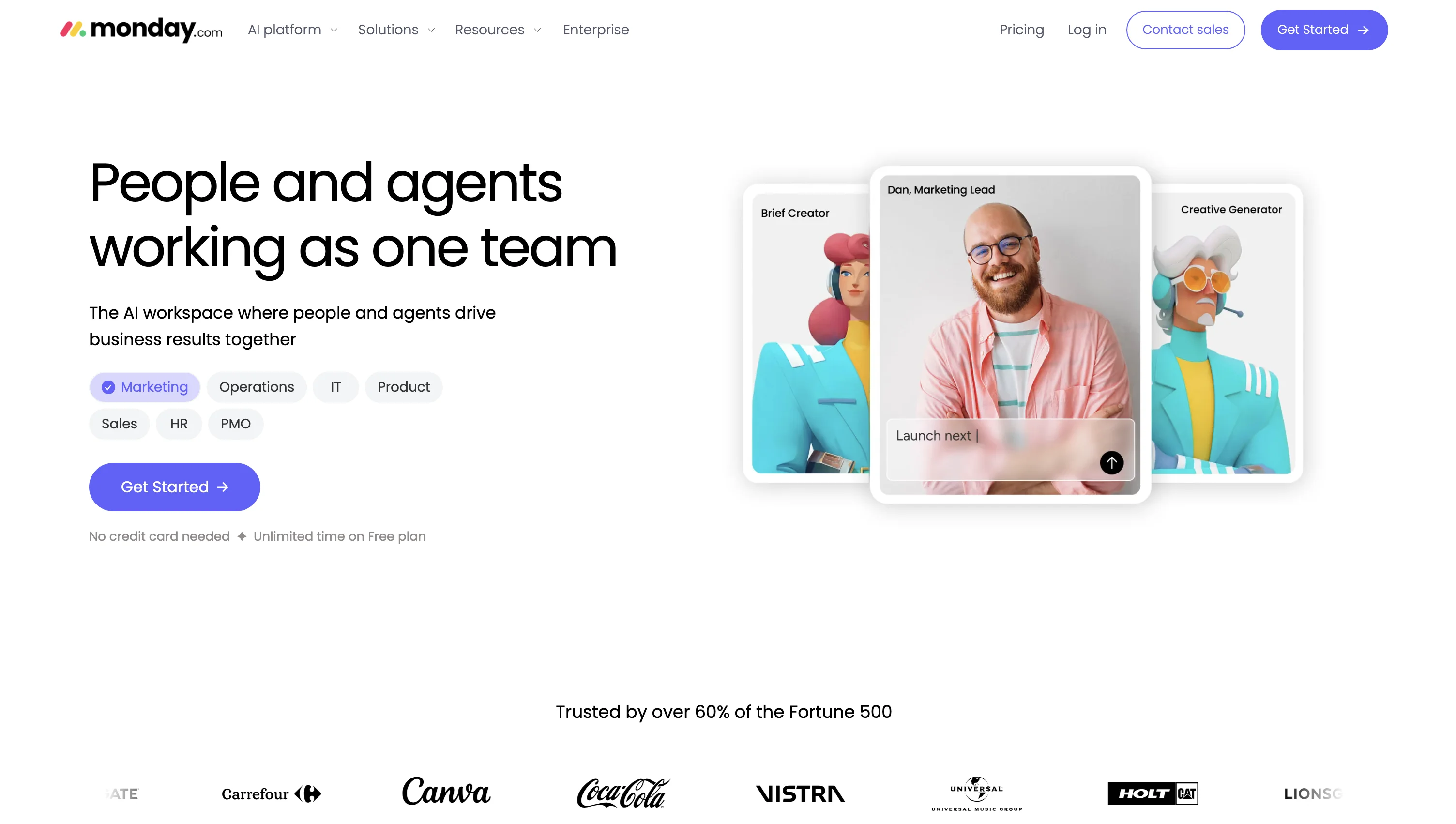
Monday.com: best for dashboards and automations
Monday.com builds visual dashboards and no-code automations across a whole business, from hiring pipelines to marketing campaigns, with dozens of ready templates. Basic starts at $9 per user per month billed yearly.
It is complex in its own way, per-seat costs add up for large crews, and it shares the text-first assumption of every other tool in this list. Like the others, it manages work; it does not prove work.
Which Taskade alternative should you choose?
Match the tool to the team, not the feature list:
- Frontline crew or small local business, any language mix: Tasa. Picture tasks, photo proof, translation built in, first 100 tasks free.
- Just your own tasks: Todoist or Tasa (free for personal use)
- Structured projects at a desk: ClickUp or Asana.
- Documents and databases: Notion.
- A simple board, nothing else: Trello.
- Dashboards and automations across a business: Monday.com.
Whatever you pick, test it with the people who will actually tap the tasks, not just the person assigning them. If half your crew would need help reading the first screen, you already have your answer: choose the app that shows the work in pictures.
Latest News

Have questions?
.svg)
Team management, simplified.

“It affects my personal life a lot. I can manage my team and my work remotely, so I have more time being a mother.”