.svg)
The Best Todoist Alternative for Frontline Teams in 2026: Why Tasa Comes First
You loved Todoist for the same reason everyone does: quick capture, natural language dates, and a clean to-do list that syncs everywhere. Then you hired people. People who clean apartments at 9 a.m., stock shelves before opening, and turn over rooms between guests.
And somewhere between the recurring "clean bathroom" reminder and the WhatsApp photo your cleaner sent at noon, Todoist stopped being the system that runs your business.
If that is your situation, this Todoist alternative guide covers why teams outgrow the app, what to look for instead, and where Tasa fits as the alternative built for people who work on their feet. Local and frontline teams are its home turf, not an afterthought.
Key Takeaways:
- Todoist excels at organizing one person's day; teams doing physical work across locations need task execution with proof, not a longer list.
- The recurring gaps: text-only instructions, no photo confirmation, no translation, and per-user pricing that scales faster than your margins.
- Verified September 2026 pricing: Todoist Pro $7/mo ($5 billed yearly), Business $10/user/mo; TickTick $35.99/yr; Things 3 one-time from $9.99 to $49.99 per Apple device; Any.do Premium $4.99/mo billed yearly.
- Tasa covers the frontline slice: picture-based tasks, AI translation into each worker's language, photo proof, and smart repeats, with a free plan for personal use.
- The 1/3/5 rule and other Todoist habits still work, but they organize a person, not a crew; routines assigned per location do the team version of the same job.
Why teams outgrow Todoist
Todoist is honest about being a personal task manager with task management features aimed at knowledge workers, collaboration bolted on. The friction shows up in four predictable places:
- Text is the interface. "Prepare room for check-in" means ten different things to ten people. Without a photo of the standard, quality depends on who reads the task.
- No proof of completion. A checked box tells you someone tapped a screen. It does not tell you the shelf was faced or the filter was changed. Owners end up driving to sites to verify what the app already marked done.
- One language, one literacy level. If your cleaner reads Portuguese and your handyman skim-reads in Polish, a shared English task list is a polite fiction. Translating every task by hand does not survive week two.
- Costs that track seats, not outcomes. Business at $10 per user per month is reasonable for an office. For a rotating crew of part-time frontline staff, per-seat pricing punishes exactly the people you need inside the system.
None of these are Todoist bugs. They are the difference between a productivity app and an execution system.
Tasa: the picture-first alternative for teams that don't sit at desks
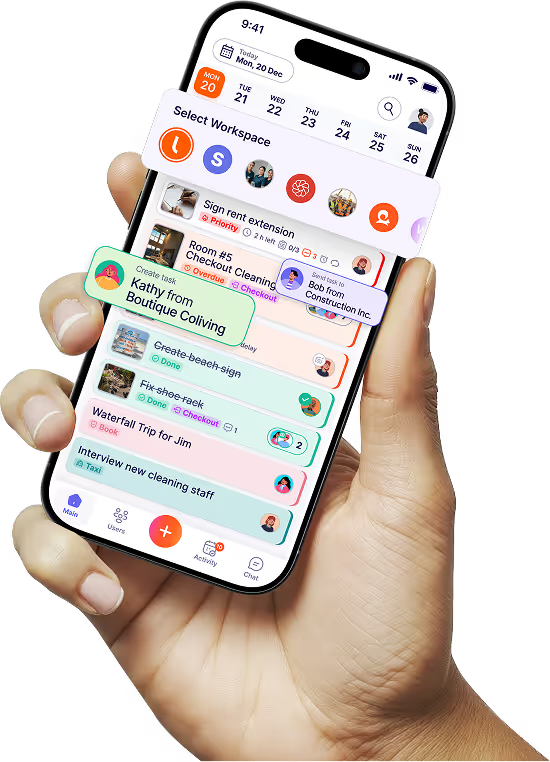
Tasa starts where Todoist stops: at the moment a task has to survive being handed to someone on a ladder, in a stockroom, or between two rentals.
Tasks are pictures with a few words, not paragraphs
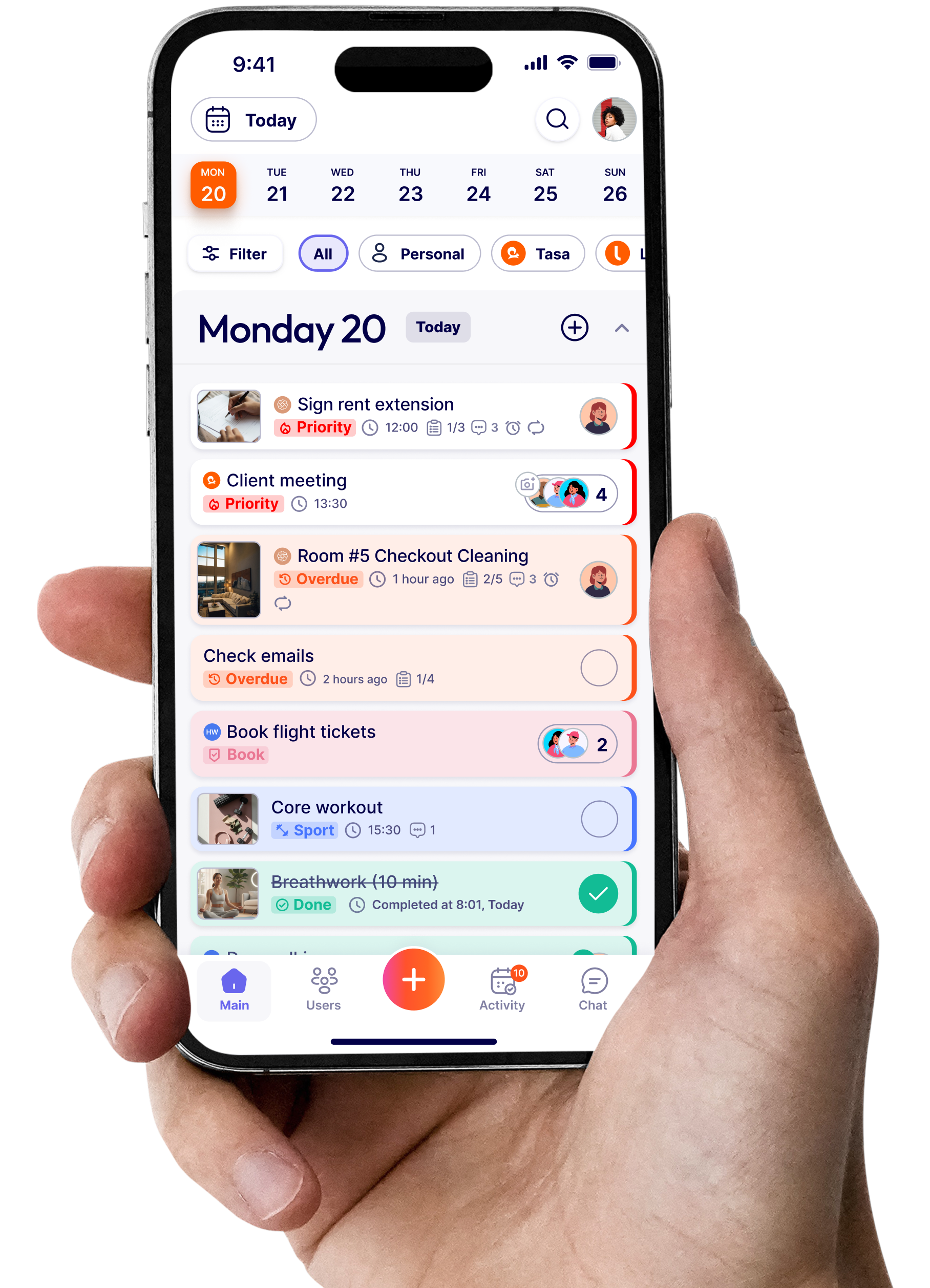
Every task carries one or more photos plus short text. The cleaner sees the finished bathroom, not a 200-character description of it.
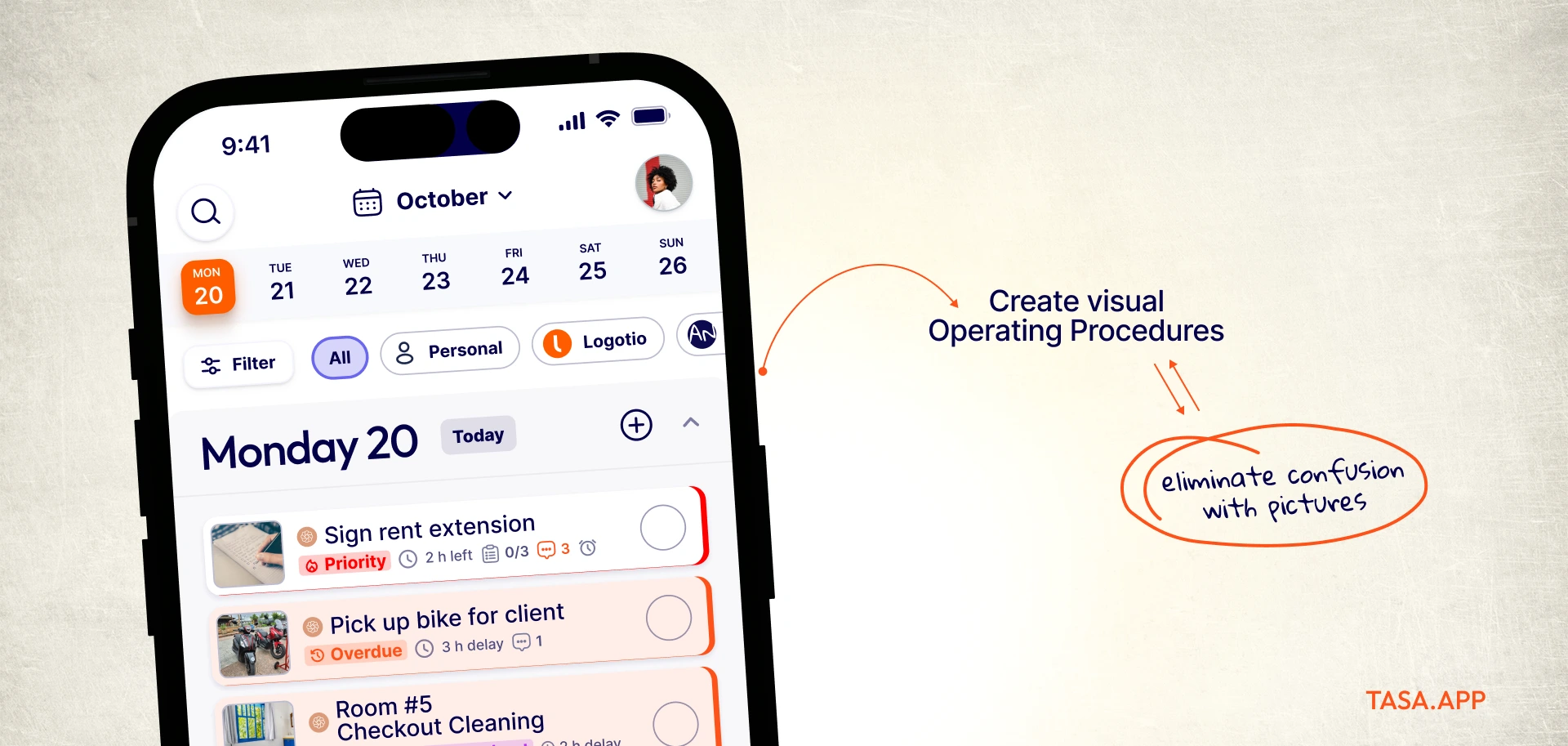
Comprehension stops depending on reading skills, and the standard stops drifting between people.
Photo proof closes the loop
Completion in Tasa means a photo of the result, attached to the task, visible to you immediately.
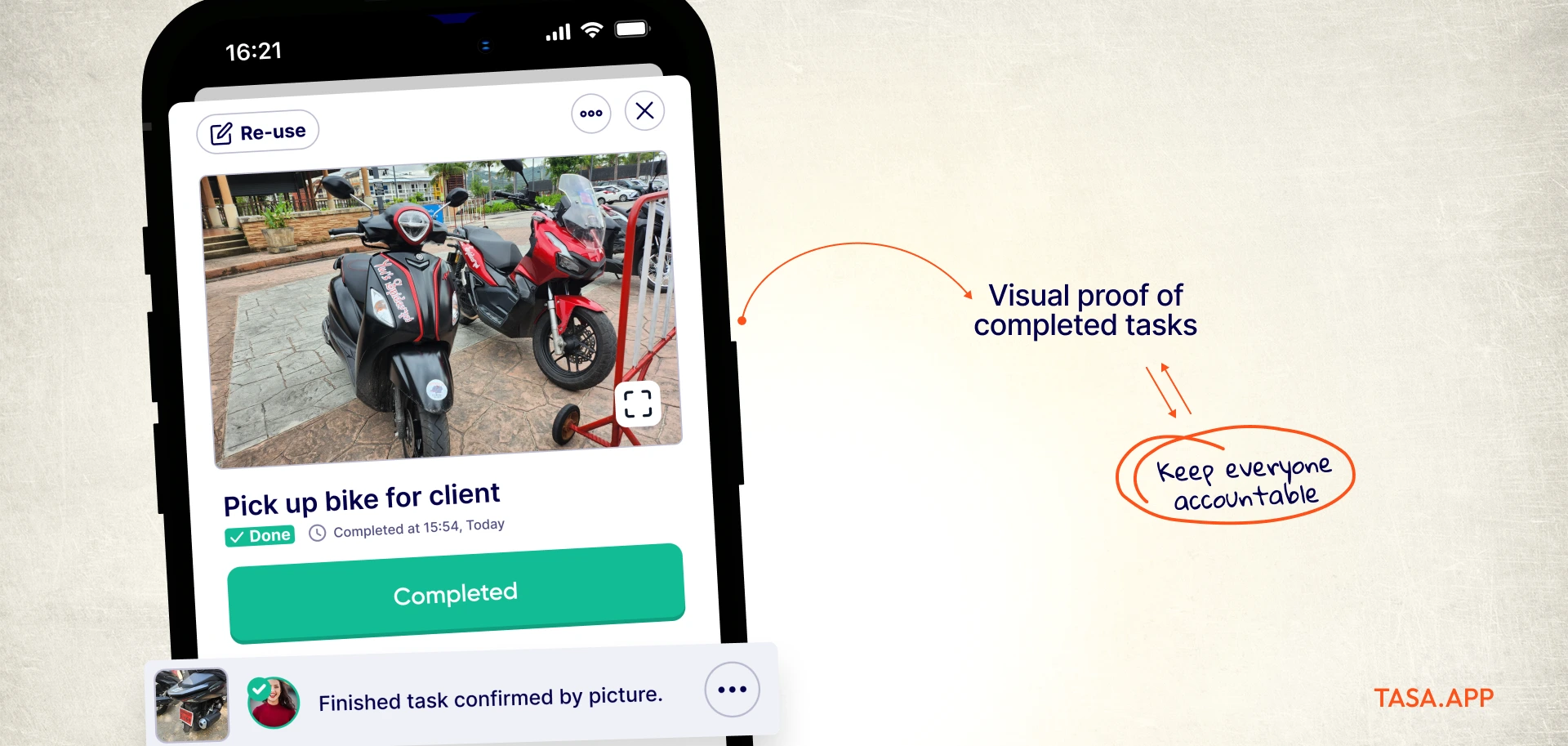
Your Monday is no longer a windshield tour of every location; the evidence arrives in the app instead. This is also what auditors and franchise standards ask for, quality control without micromanagement.
Every task in each worker's language
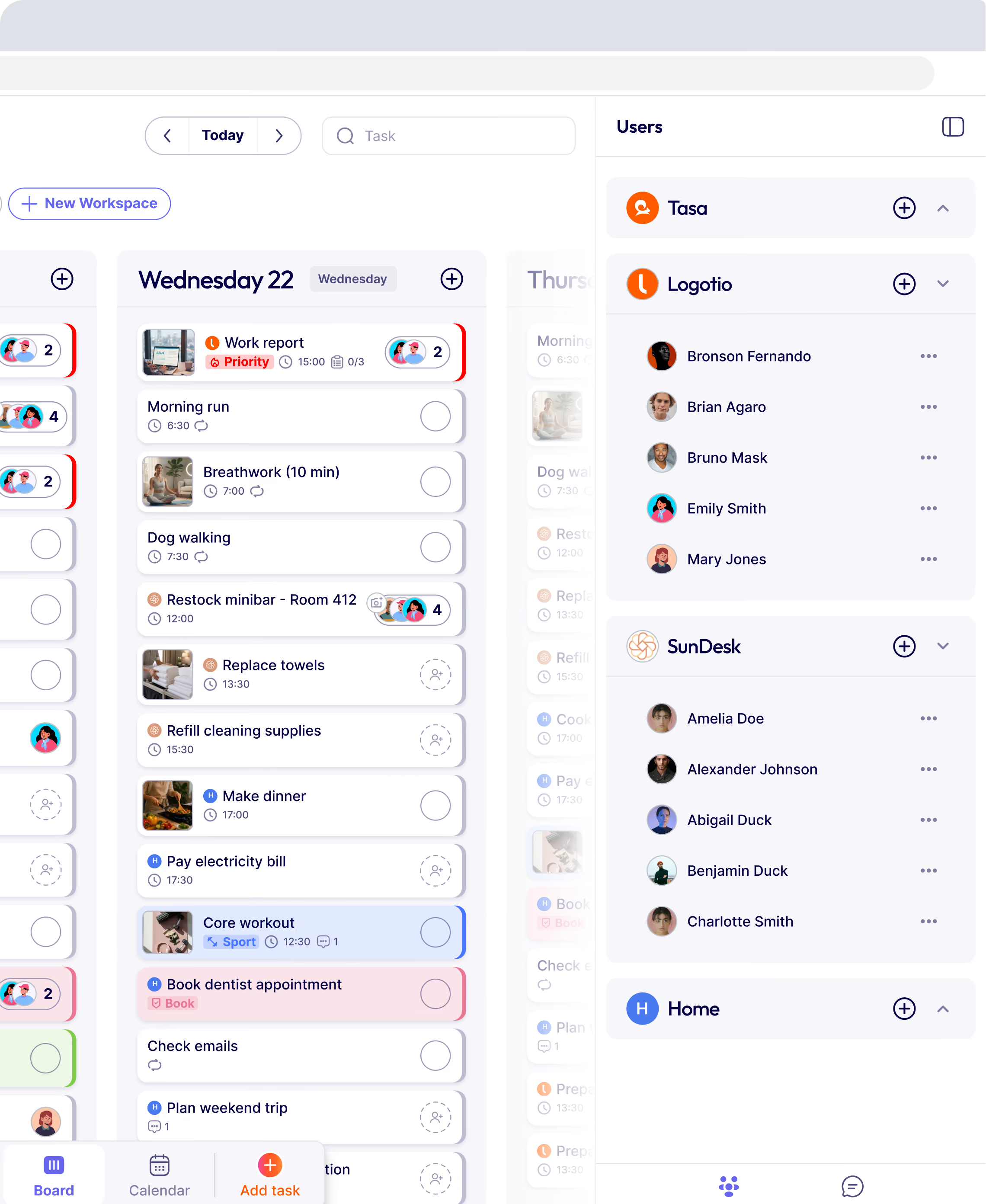
Tasa uses AI to translate instructions and comments automatically. Your Portuguese cleaner receives the turnover checklist in Portuguese; your Polish handyman gets the maintenance round in Polish.
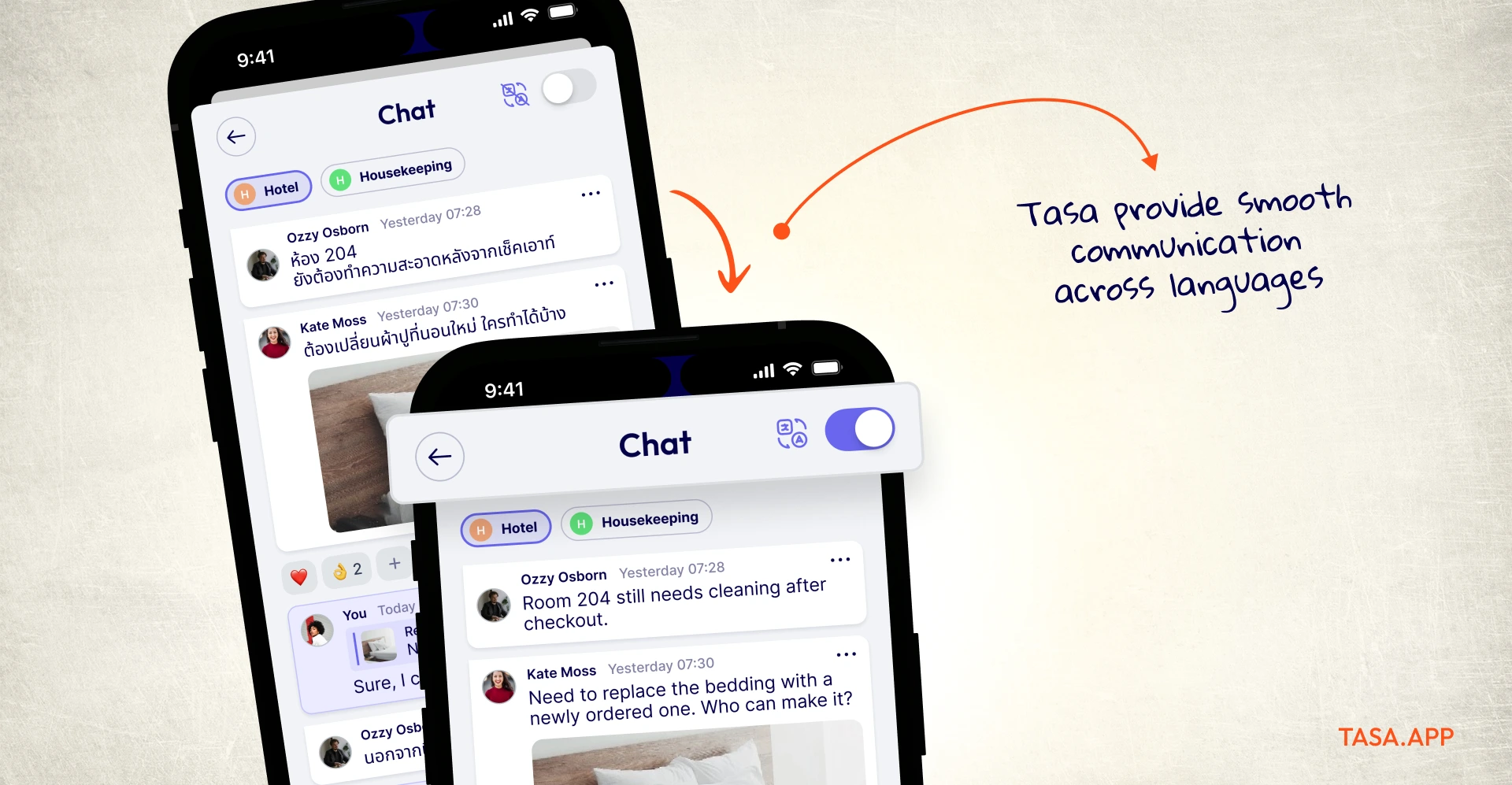
One system, no parallel documents, no bilingual manager in the middle. It is the practical answer to multilingual team communication.
Smart repeats do the scheduling
Daily opens, weekly deep cleans, monthly filter changes, seasonal checks: tasks return on the right days per location and per person without anyone re-creating them.
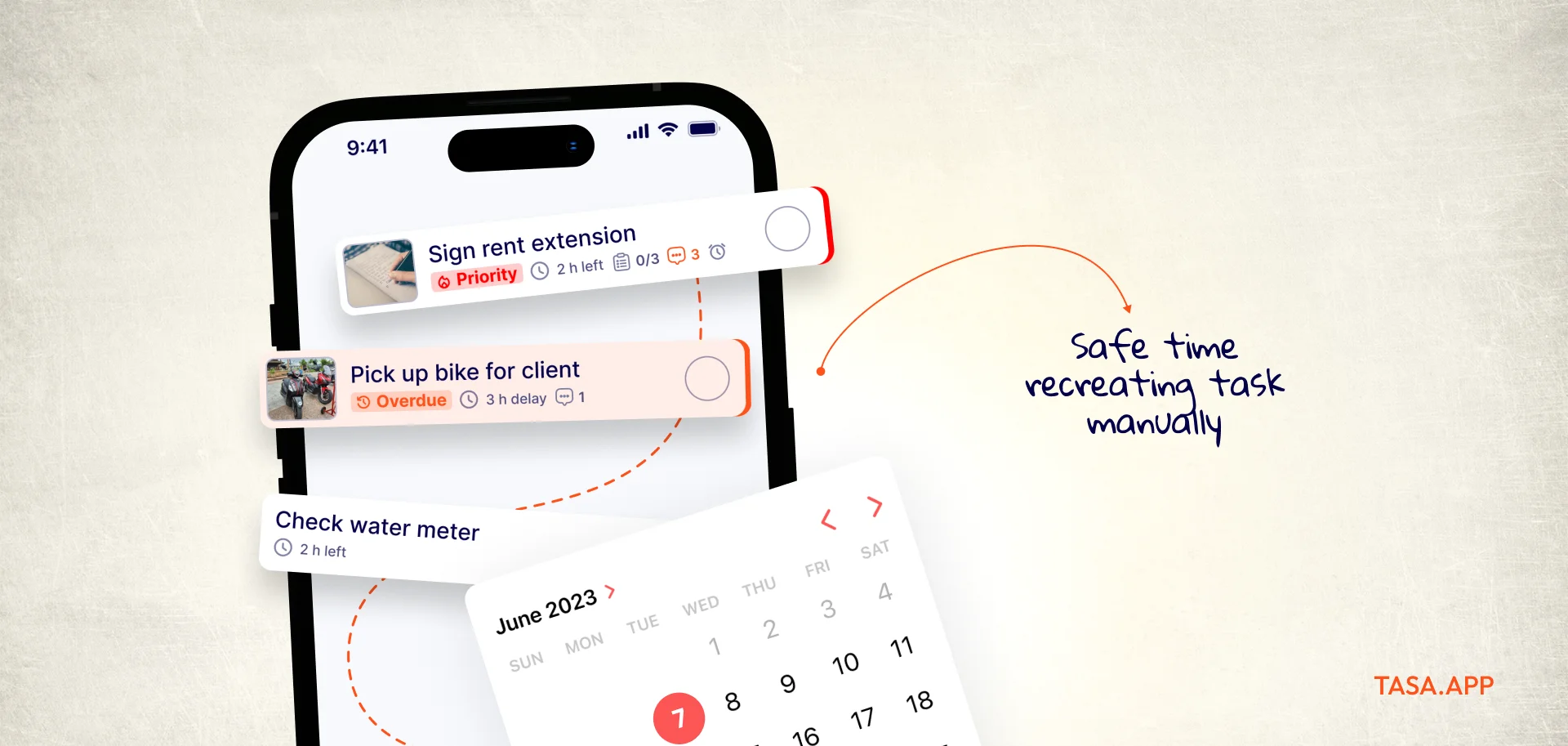
Recurring work is the backbone of local businesses, and repeats treat it that way.
QR onboarding in under a minute
New staff scan a code, see their tasks, and start. No account setup marathon, no training deck, and no app-store archaeology: the app opens already speaking their context.
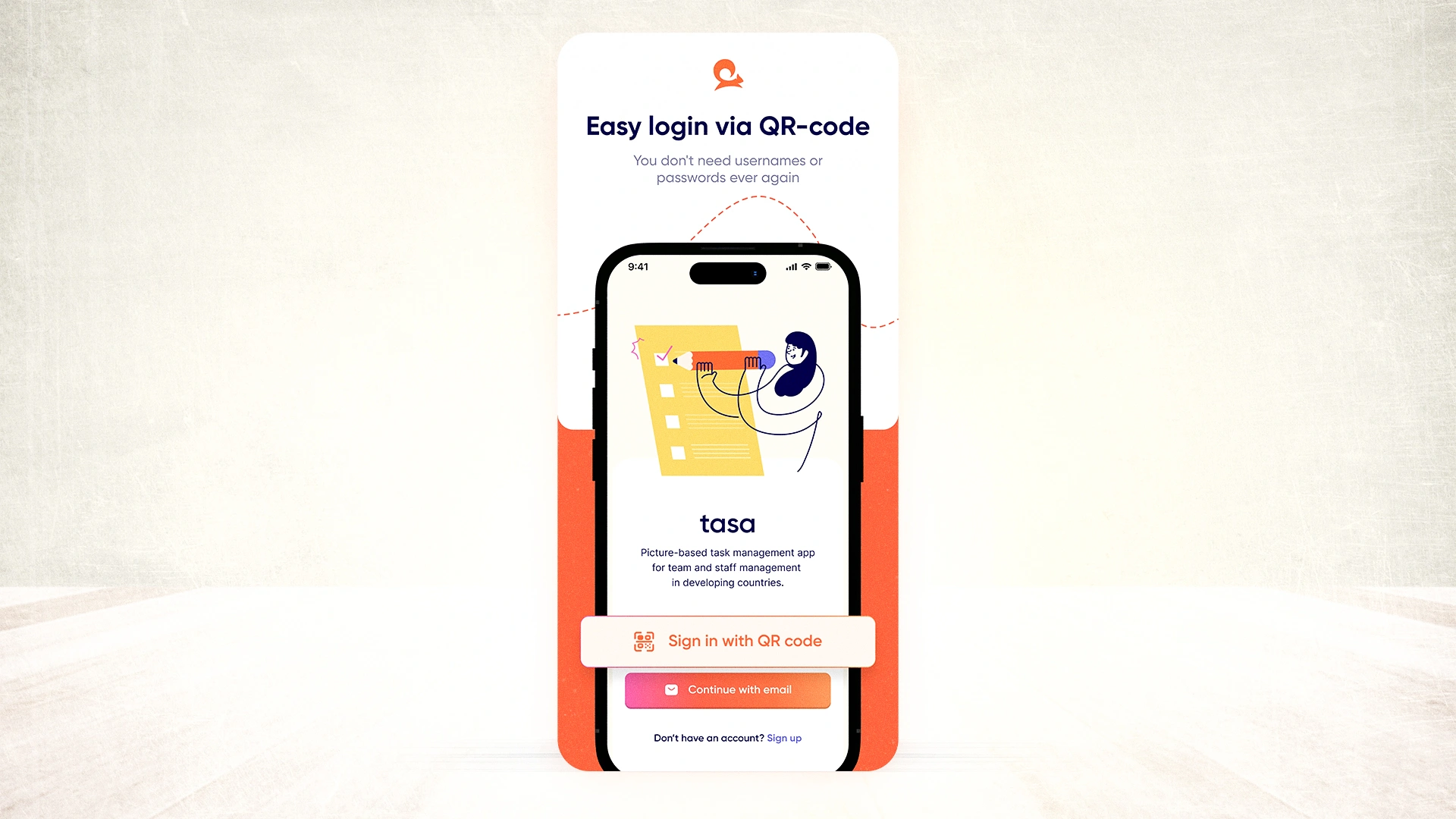
With the turnover local teams have, onboarding speed is a feature, not a nicety.
Where Todoist still wins
If your team is you, or knowledge workers who live in inboxes, the AI-assisted natural language capture in Todoist stays a great personal reminder engine, and its keyboard shortcuts and integration options genuinely boost desk-work productivity. Tasa is not trying to win that contest; it is built for teams whose office is a worksite.
Tasa vs Todoist at a glance
What the 1/3/5 rule gets right (and where it ends)
Todoist users often run their day on the 1/3/5 rule: one big task, three medium, five small, nine items total. As personal triage it is excellent; it forces a ceiling on the day and makes priorities explicit. But it is a single-player rule.
A housekeeping team on a turnover day has forty tasks that all must happen, in order, to the same standard, across several units. You cannot reshape that into nine tidy items, and you should not try.
The team version of prioritization is different: assign complete routines per person and per location, protect the sequence, and let the evidence flow back. Save 1/3/5 for your own desk; give your crew a system that shows the work.
Switching from Todoist to Tasa
The migration is intentionally small. Export your recurring work templates from Todoist, and rebuild each one as a Tasa task with photos of the finished standard, then set the repeat schedule per location.
Most owners start with one workflow: the daily open, or the room turnover. Staff scan the QR code, and the old checklist either survives as your own personal capture tool or retires quietly. You keep the habit that worked in Todoist; your team gains the layer it never had.
The best Todoist alternatives in 2026 (if Tasa is not your fit)
TickTick: best budget to-do app with a calendar view
TickTick Premium costs $35.99 per year ($3.99 month-to-month, with a 14-day free trial) and bundles calendar views, habit tracking, and a Pomodoro timer into a snappy app.
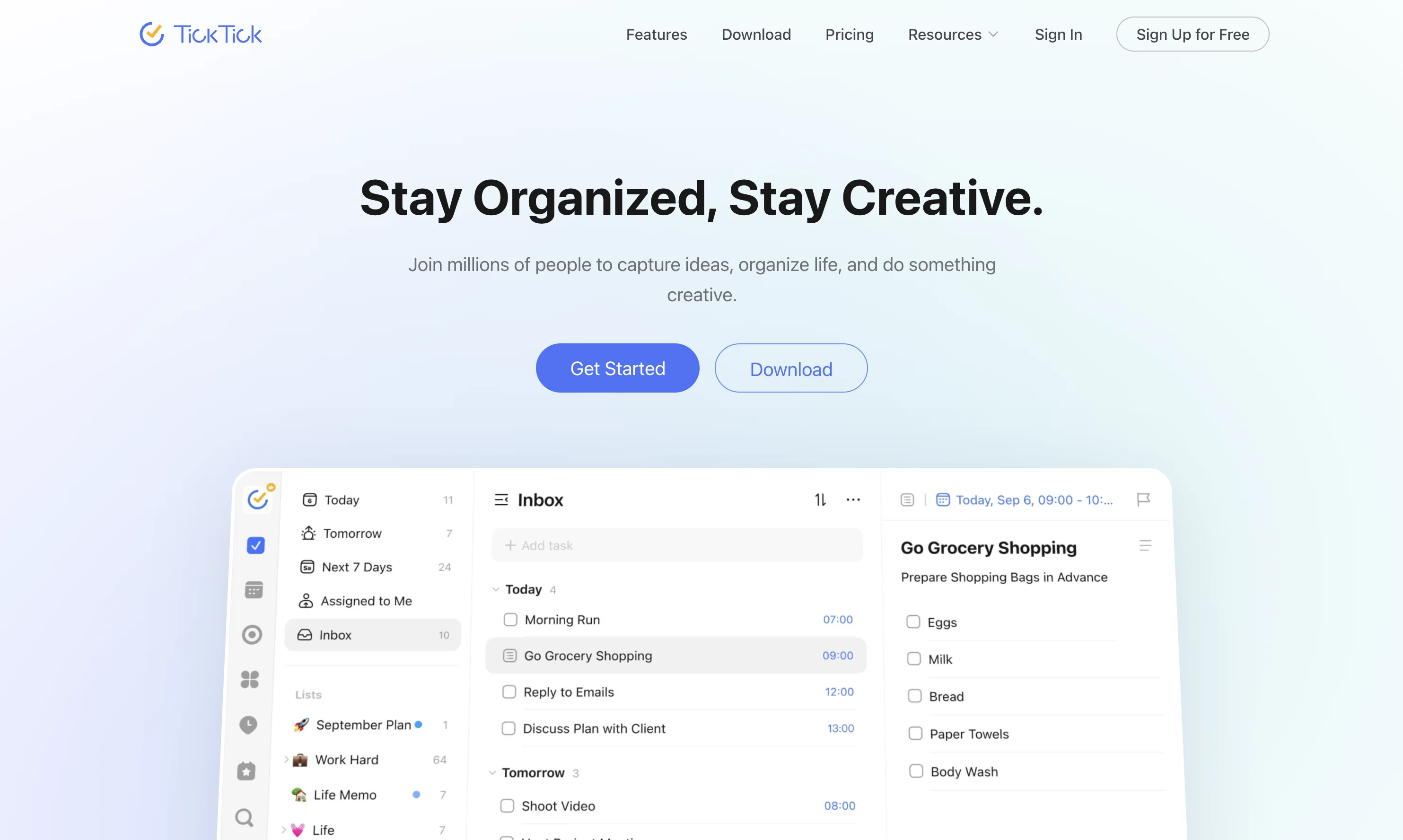
The limitation: it is a personal tool with light sharing, and like Todoist it assumes everyone reads comfortably in one language. ticktick.com
Things 3: best one-time purchase for Apple users
Things 3 charges once per device, $9.99 for iPhone and Watch, $19.99 for iPad, $49.99 for Mac, about $80 for the set, with free sync and no subscription.
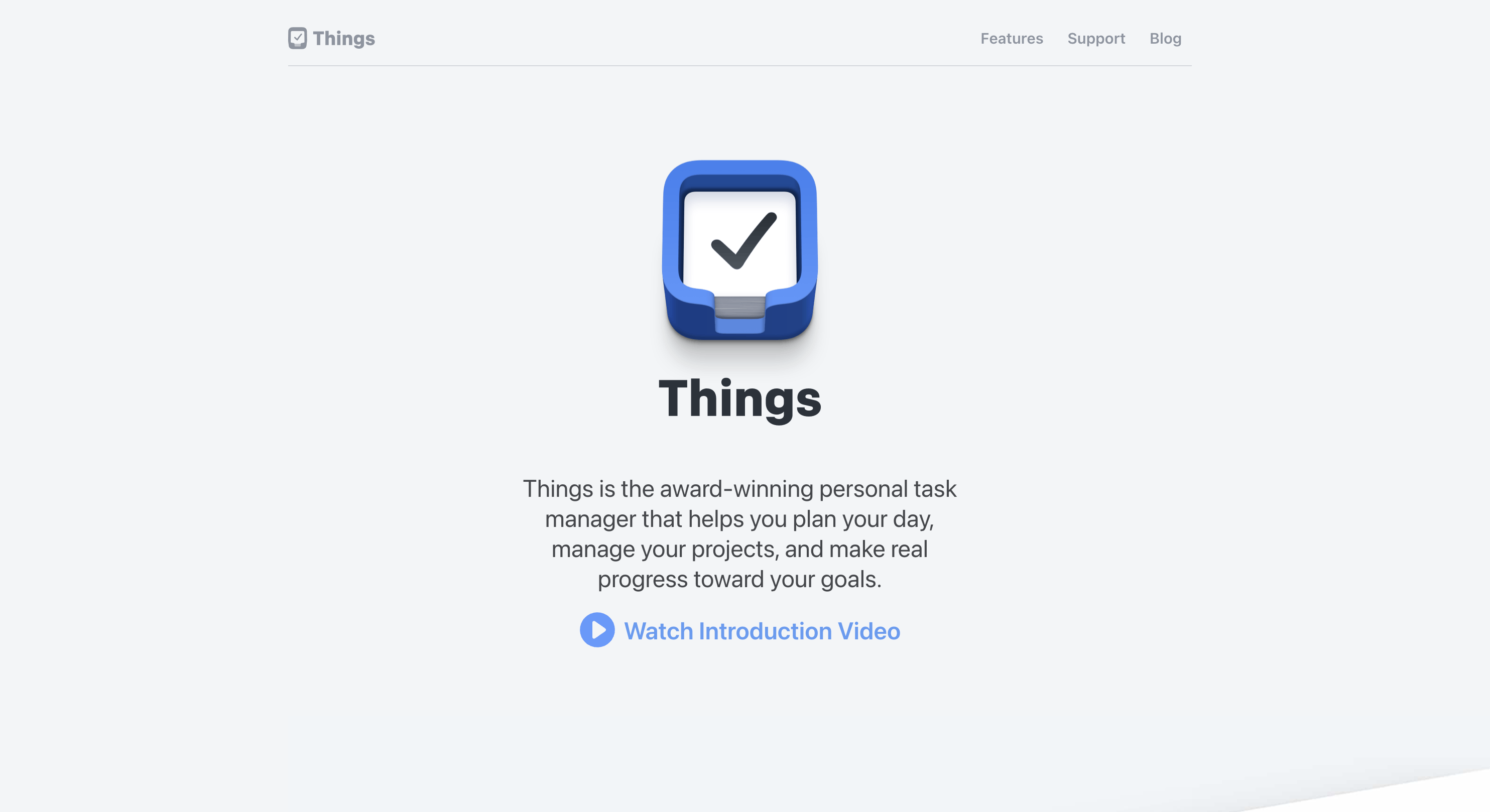
It is also Apple-only and strictly single-player: there is no team assignment at all. Beautiful for a founder's own week, wrong for the crew. culturedcode.com/things
Any.do: best for life-plus-work blending
Any.do Premium runs $4.99 per month billed annually ($7 monthly) with a capable free tier and family sharing at $8.33 per month for four members.
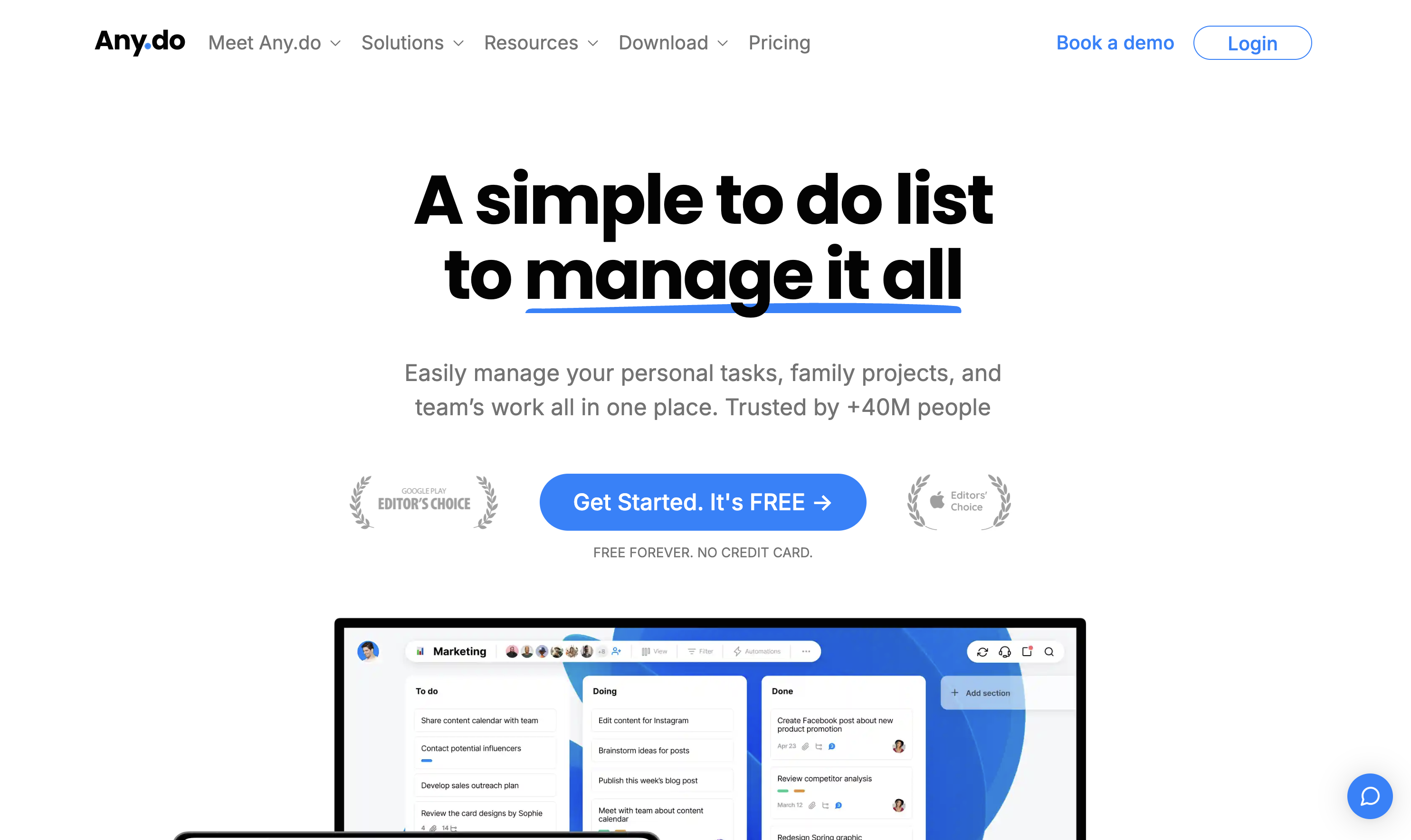
Its strength is merging groceries and gear procurement into one list; teams doing scheduled physical work will hit the same text-first wall. any.do
Microsoft To Do: best free baseline
Completely free, ties into the Microsoft 365 world, and does the simple to-do job. No cost, no proof, no translation. As a step up from paper for a solo operator it is fine; as a team system it stays a list. to-do.office.com
Asana or ClickUp: best for office-scale project management
When the work is briefs, approvals, and cross-team timelines, these are the right heavyweight project management tools, and we compare them honestly in our ClickUp and Asana piece. They are also the furthest from a cleaner's phone screen; complexity is the price of their power.
Which Todoist alternative should you choose?
One person organizing a knowledge workload: keep Todoist or grab TickTick for the calendar-habit bundle. An Apple loyalist who hates subscriptions: Things 3.
A team whose work happens in rooms, shops, and sites: that is Tasa's whole reason to exist, pictures for standards, translation for crews, photo proof for you. Start one workflow and judge it on the evidence.
Latest News

Have questions?
.svg)
Team management, simplified.

“It affects my personal life a lot. I can manage my team and my work remotely, so I have more time being a mother.”