.svg)
The Best When I Work Alternative for Frontline Teams in 2026 | Pitcure-based App
When I Work earned its place in thousands of local businesses by doing one thing well: drag-and-drop schedules, workforce communication, and time tracking that hourly teams actually read. If you run a café, a cleaning company, or a small retail chain, it probably saved you hours of employee scheduling every week. So why are you shopping for an alternative?
Usually it is one of three moments: the bill that doubled when you opened a second location, the realization that a perfectly built schedule still tells you nothing about whether the work got done, or a team whose languages and reading levels make a text-first app a quiet barrier.
This guide compares the honest options in 2026, including Tasa, the picture-based execution layer frontline teams run alongside or instead of a scheduler.
Key Takeaways:
- When I Work pricing (September 2026): Essentials $2.50/user/mo single-location, Pro $5/user/mo multi-location, Premium $8/user/mo; no free plan, trial only.
- The single-location to multi-location jump doubles your per-user cost overnight, and per-user billing punishes high-turnover hourly teams.
- Schedulers answer "who is where when"; they don't answer "was the work done to standard". Frontline teams increasingly pair scheduling with a task execution layer.
- Free options that exist: Connecteam free up to 10 users, Homebase free one location up to 10 staff, 7shifts Comp tier, Jibble free unlimited time tracking, Tasa free plan for small teams up to first 100 tasks.
- Budget scheduler picks: Sling from $1.70/user/mo, Deputy from $5/user/mo, Homebase from $24/location/mo.
Why teams start looking beyond When I Work
The complaints rarely start with the scheduling itself. They accumulate around it:
- The second-location cliff. At one location you pay $2.50 per user per month. Open a second and you are on Pro at $5 per user, for every user, everywhere. Growing teams feel that as a penalty for the growth the software was supposed to support.
- Per-user math with hourly turnover. Every new hire adds a line item to the monthly invoice, and in industries where the crew changes monthly, the bill tracks churn instead of value.
- Schedules don't execute themselves. When I Work tells Rosa she starts at 7. It doesn't show you whether the opening checklist happened, the shelves were faced, or the temperature logs were done. Owners still drive in to check.
- Text-first by design. Schedule apps assume everyone reads the language comfortably. Mixed-language frontline crews adapt by relaying instructions through one bilingual person, which is exactly the bottleneck you were trying to remove.
None of this makes When I Work a bad product. It makes it a scheduler. The question is what sits next to it.
Tasa: the execution layer When I Work doesn't have
Tasa is not trying to be your labor scheduler. It handles the half of the operation When I Work leaves untouched: the recurring work, the standards, and the proof.
Tasks are photos, not shift notes
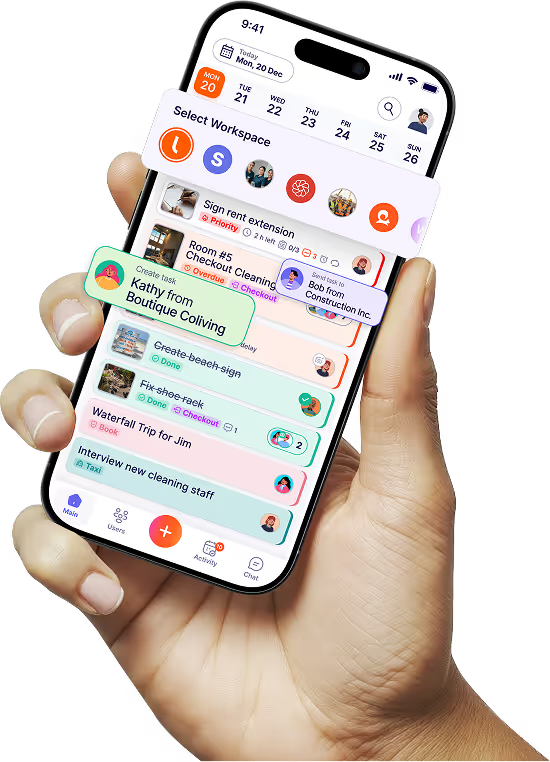
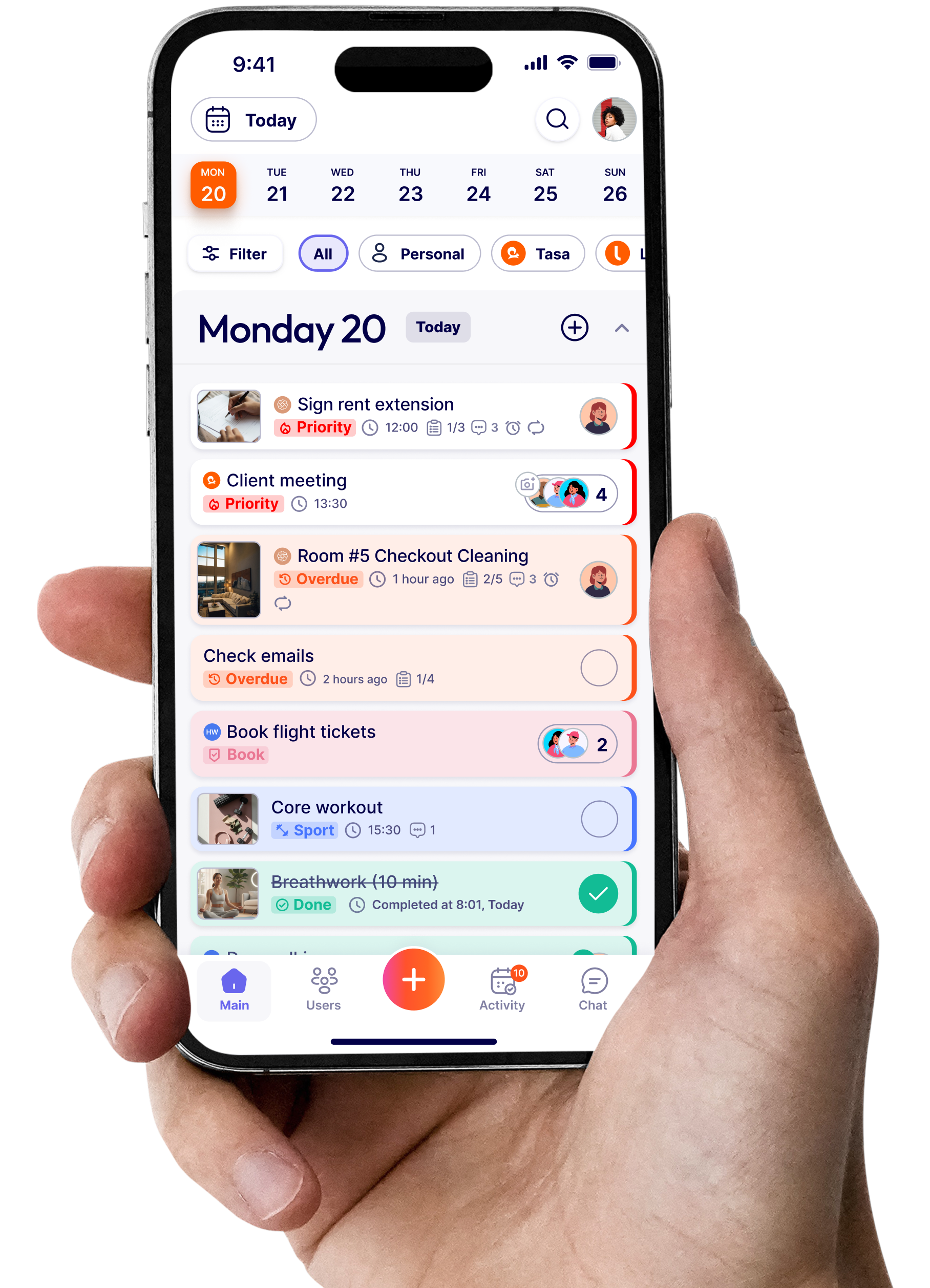
Every routine, the daily open, the turnover sequence, the weekly deep clean, becomes a picture-based task: photos of the finished standard plus short text. A new hire sees what "done" looks like instead of guessing what the closing duties paragraph meant.

Smart repeats replace the schedule's silent half
Tasks return on the right days, per location, per role: Tuesdays the delivery-facing routine, Fridays the food-safety round, the 1st of the month the filter change. The schedule says who works; Tasa's repeats say what the shift produces.

Photo proof instead of spot checks
Completion arrives as a photo attached to the task, timestamped, visible to you from anywhere. This is the feature owners switch for: evidence instead of windshield tours, and the audit trail that franchisors and certification schemes ask for.

Every worker in their own language
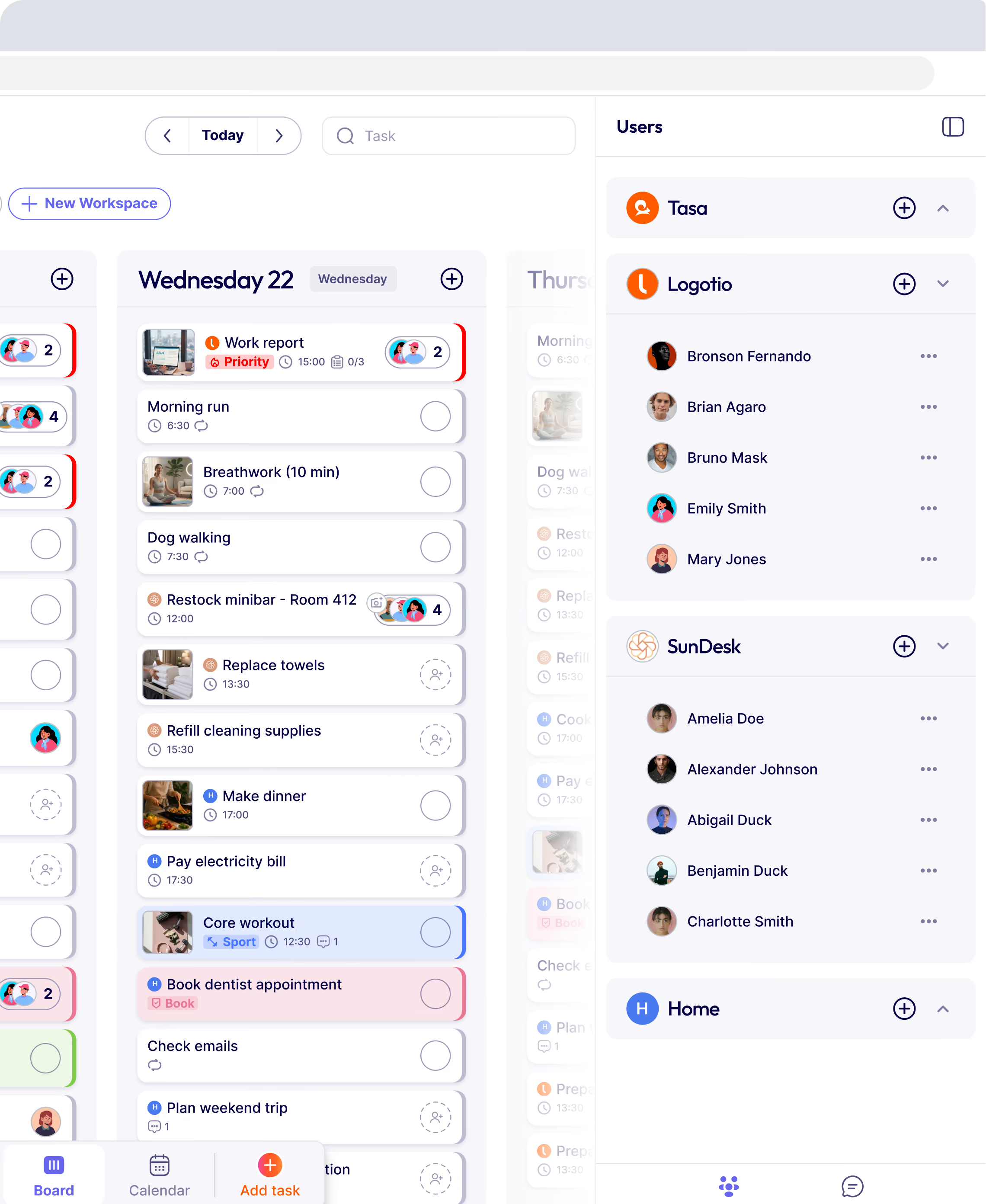
Tasa translates tasks and comments automatically, so your Polish opener, Portuguese cleaner, and Spanish line cook each work in their own language from one system. That is the practical fix for mixed-language crews that no scheduler offers.

Where When I Work still wins
Rostering, availability management, shift swaps, time tracking, and labor compliance are When I Work's core, and Tasa deliberately does none of them. Teams that live and die by labor law and overtime rules should keep a real scheduler. Many Tasa customers do exactly that: the scheduler handles who and when, Tasa handles what and whether.
Tasa vs When I Work at a glance
How much does When I Work cost in 2026?
From When I Work's own pricing page (September 2026): Essentials at $2.50 per user per month for single-location teams, Pro at $5 per user per month for multi-location scheduling with payroll and POS integrations, and Premium at $8 per user per month for complex, scaled operations.
There is no free plan, only a trial. Two numbers matter for comparison shopping: the $2.50 single-location rate is among the cheapest per-user entries in the category, and the jump to $5 at your second location is the single most common switching trigger we hear about.
Switching from When I Work
Export first: schedules, timesheets, and employee data all leave When I Work as CSV from the admin panel, and every serious alternative imports them. Then decide what you are actually replacing.
If the pain is scheduling software cost, move the roster to a cheaper scheduler and keep your export as the system of record.
If the pain is execution, keep or replace the scheduler, and stand up the work itself in Tasa: rebuild your small team's recurring routines as picture-based tasks with repeat schedules per location, onboard the crew by QR code, and run one site for two weeks.
The decision then makes itself based on the photo evidence, not a feature list.
The best scheduling software alternatives to When I Work in 2026 (if Tasa is not your fit)
Deputy: best for labor compliance at scale
Deputy costs $5, $6.50, or $9 per user per month (US pricing) with employee scheduling, a mobile app, time tracking, and strong fatigue and compliance guardrails, plus a payroll add-on.
It is the closest like-for-like upgrade path when the reason you're leaving When I Work is deeper compliance, not price. deputy.com/pricing
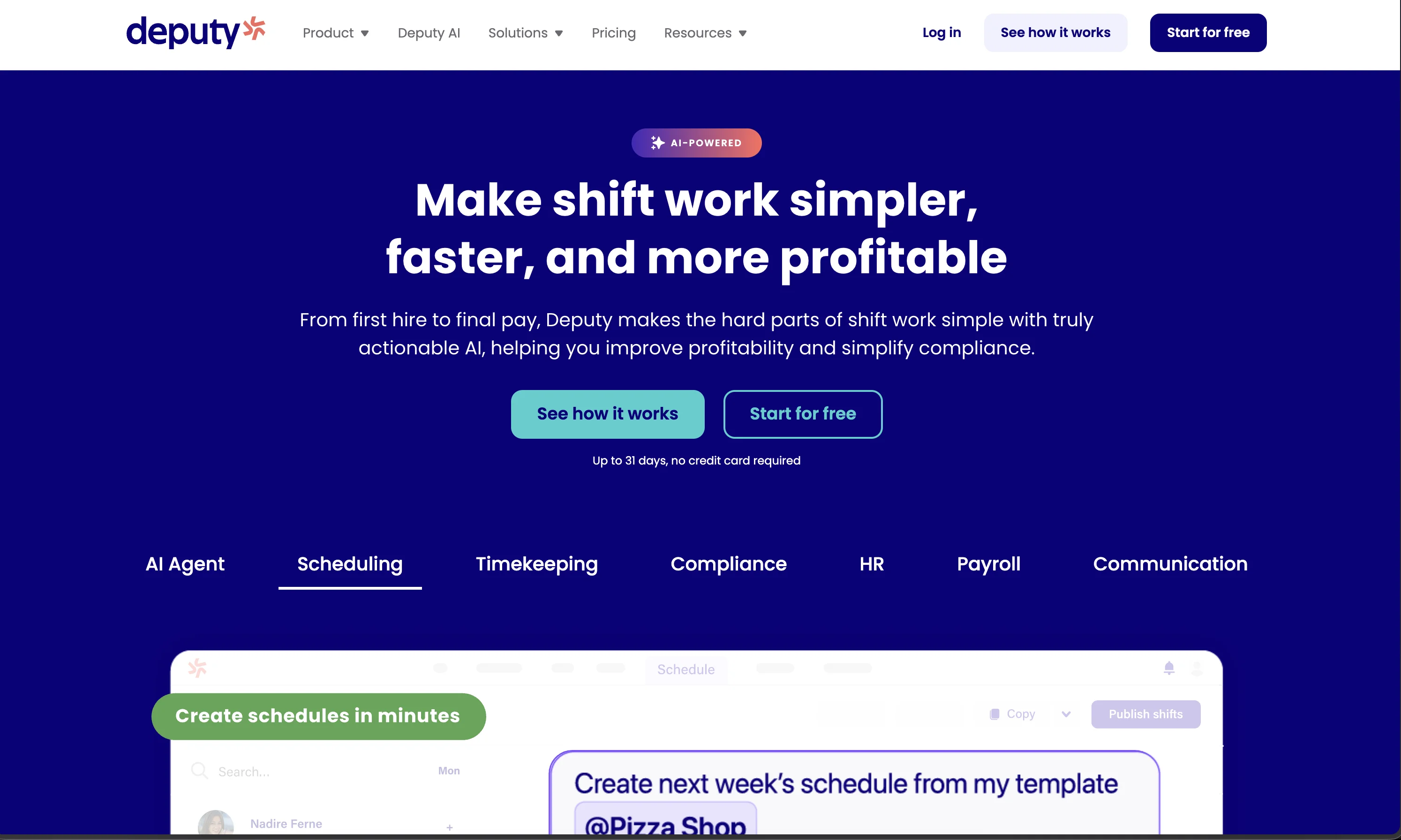
Connecteam: best free entry for small teams
Free for up to 10 users, then Basic at $29 per month for the first 30 users (annual billing), which is flat-rate rather than per-seat and changes the math for larger crews.
Scheduling, time tracking, and workforce communication in one mobile app; the trade-off is a heavier, desk-oriented interface for field standards. connecteam.com/pricing
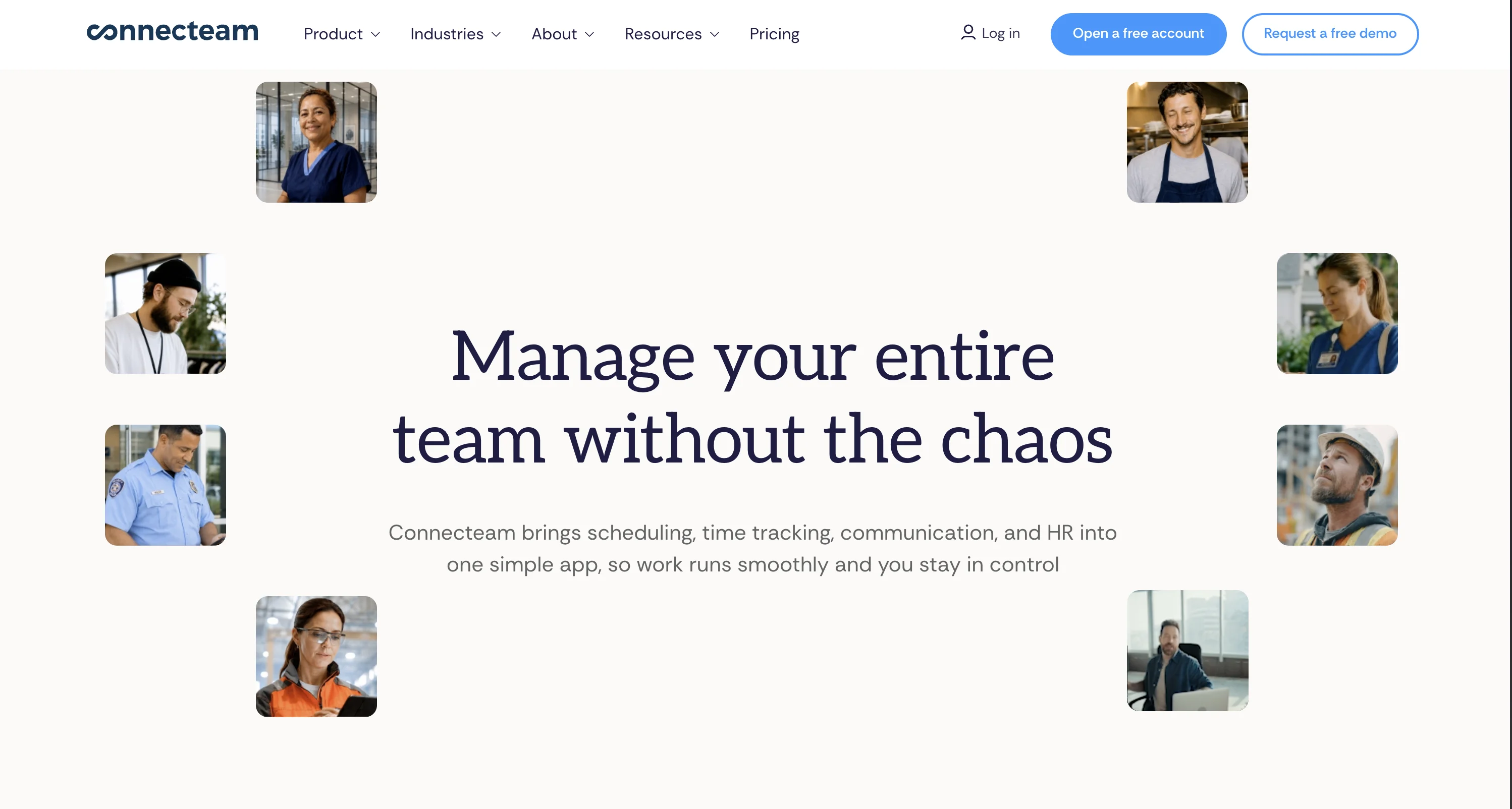
Homebase: best for one-location businesses going to two
Free for one location with up to 10 employees, then Essentials at $24 per location per month (annual billing) with unlimited employees, up through Plus at $99.
Because pricing is per location rather than per user, it is the structural opposite of the When I Work second-location cliff, which is exactly why switchers with stable teams but rotating staff pick it. joinhomebase.com/pricing
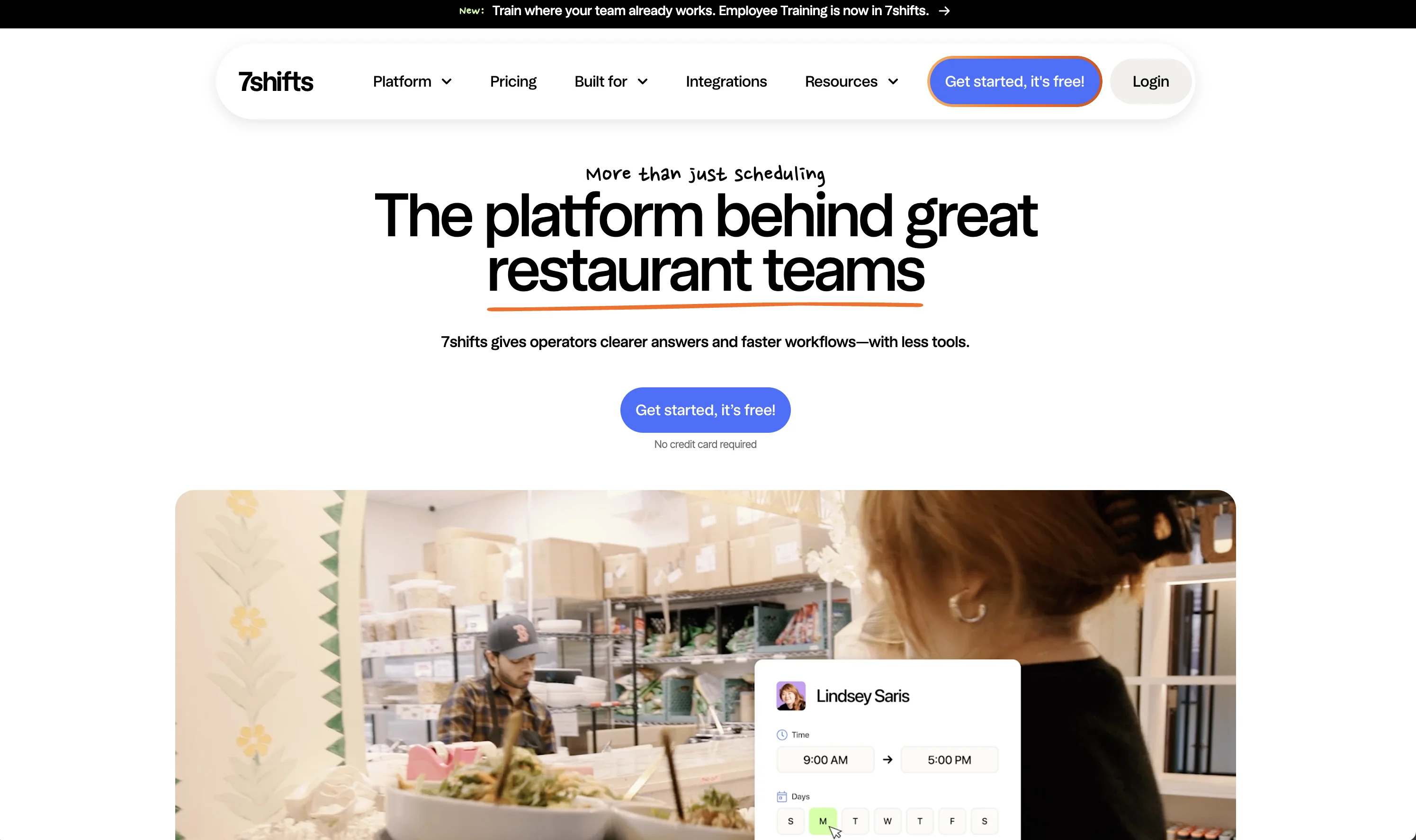
7shifts: best for restaurants
Built specifically for food service, with a free Comp tier and paid plans per location rather than per user (from $29.99 per location monthly, higher tiers annual-billed).
Tip management, tip pooling, and labor reporting against sales make it the restaurant-native choice; non-food businesses should look elsewhere. 7shifts.com/pricing
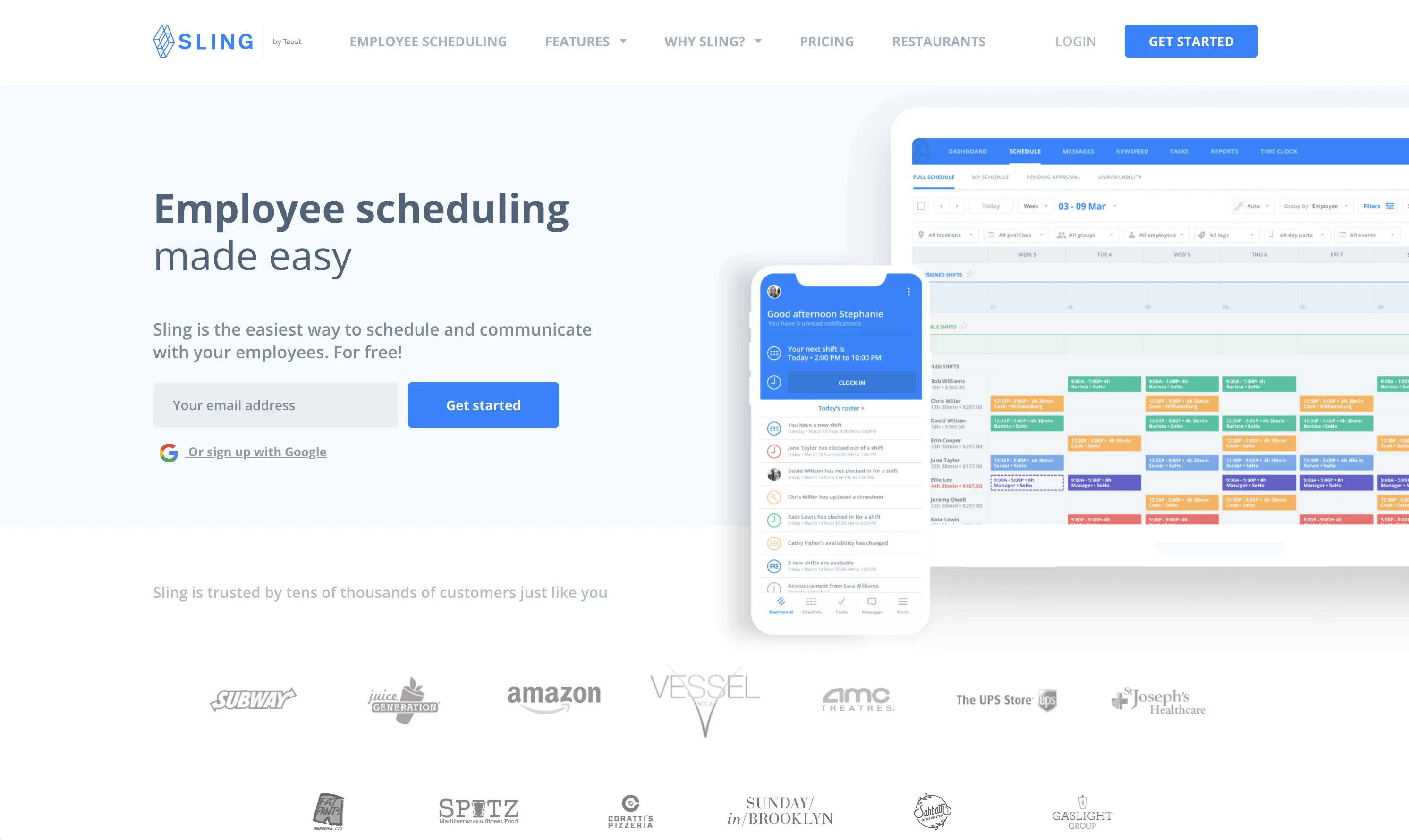
Sling: best budget scheduler
Now Sling by Toast, from $1.70 per user per month for Premium and $3.40 for Business, with a free plan underneath. The cheapest per-user scheduling on this list and genuinely good at shift planning and labor forecasts; execution and proof are not in its vocabulary. getsling.com/pricing
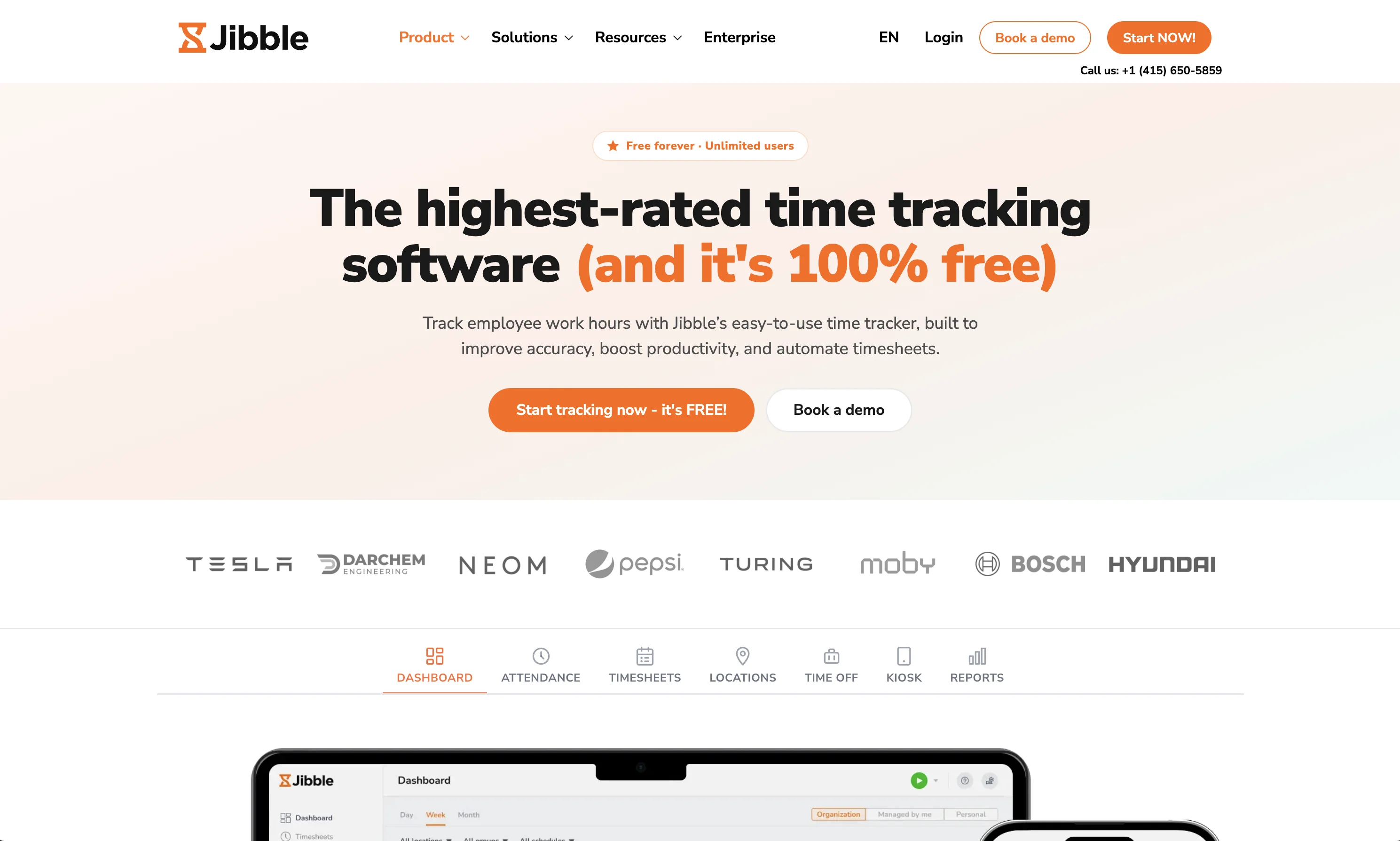
Jibble: best free time tracking
Free for unlimited users with facial-recognition clock-ins, Premium from around $4.49 per user per month.
If what you actually needed from When I Work was the time clock and not the roster, Jibble does that part for nothing and pairs cleanly with any scheduler or with Tasa for the work itself. jibble.io
Which When I Work alternative should you choose?
Restaurants should shortlist 7shifts first. Operations that forecast labor and fight overtime should trial Deputy. One location with a stable ten-person team is fine on When I Work Essentials, and if you outgrow it per-user, Homebase's per-location model is the counterweight.
And for the workflow half of your operation a scheduler never touches, whether the standard was met, in whose language, with what proof, that is Tasa's job: run your site(s) on the free plan (first 100 tasks) and let the photo evidence argue for the rest.
Latest News

Have questions?
.svg)
Team management, simplified.

“It affects my personal life a lot. I can manage my team and my work remotely, so I have more time being a mother.”