Try for free


.avif)

.avif)


Download, create your first tasks, and enjoy!

The best personal task manager is the one you actually open every day. Look for three things: capture has to take seconds, recurring tasks have to repeat themselves, and the interface has to feel light, not like homework.
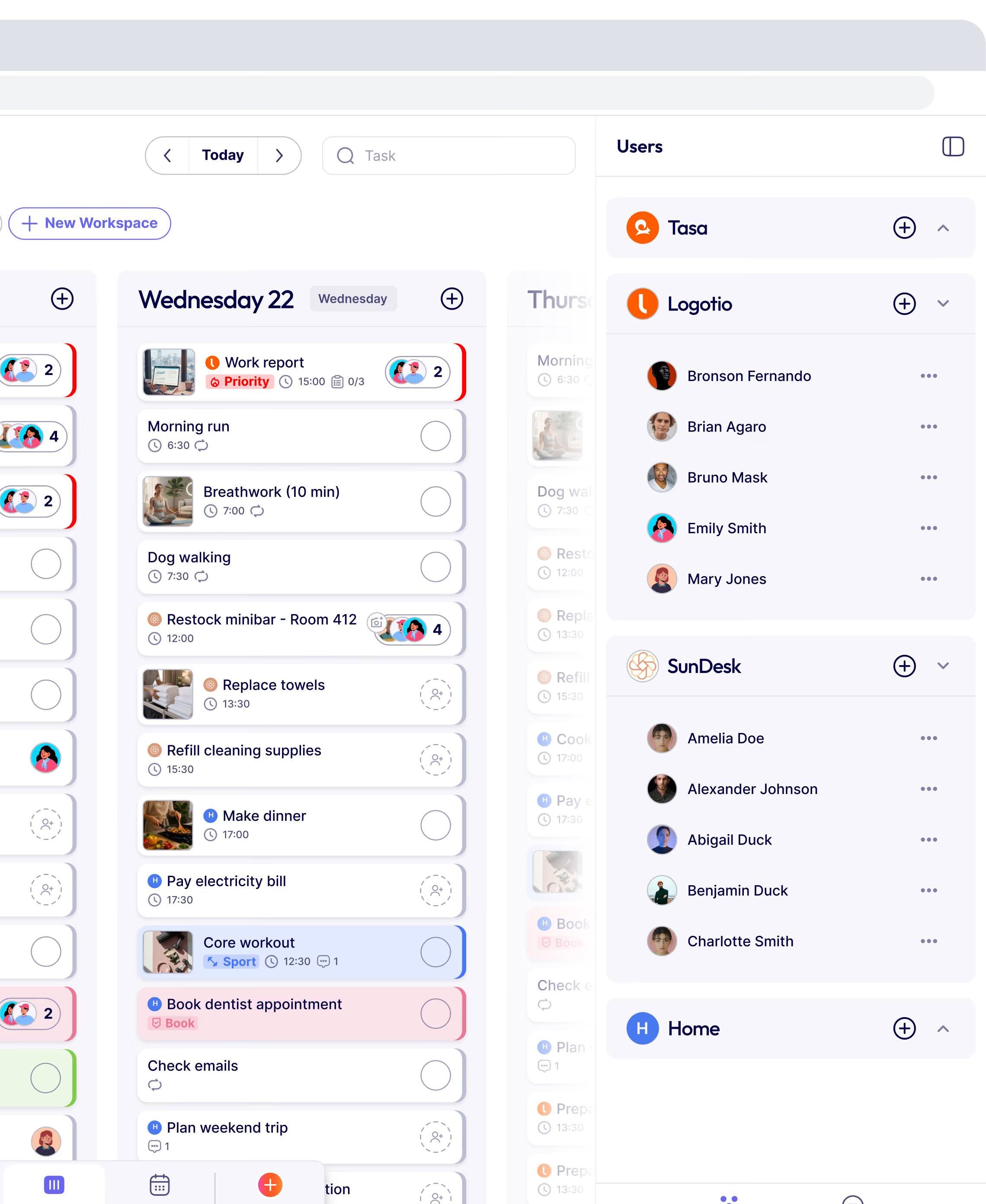
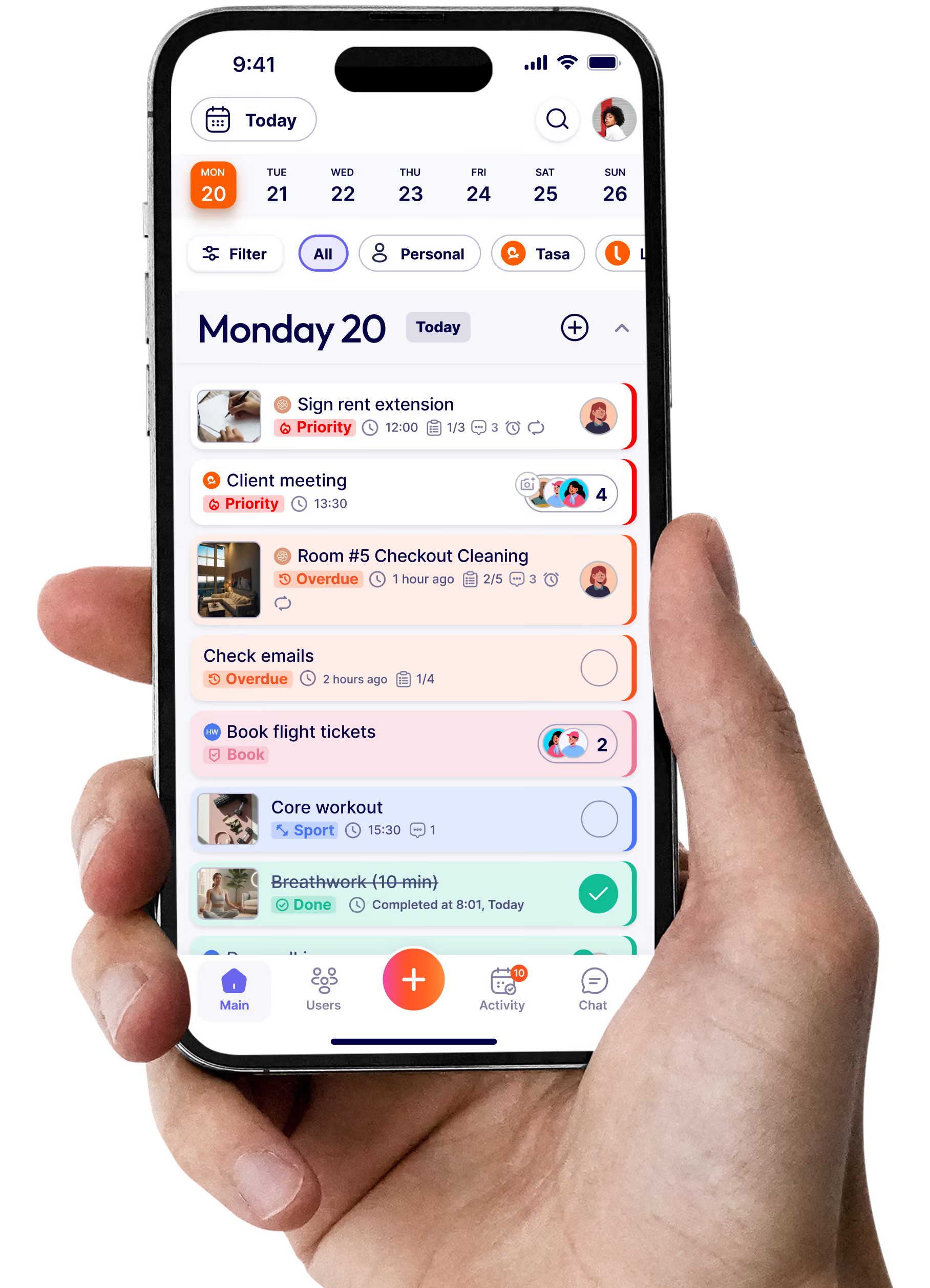
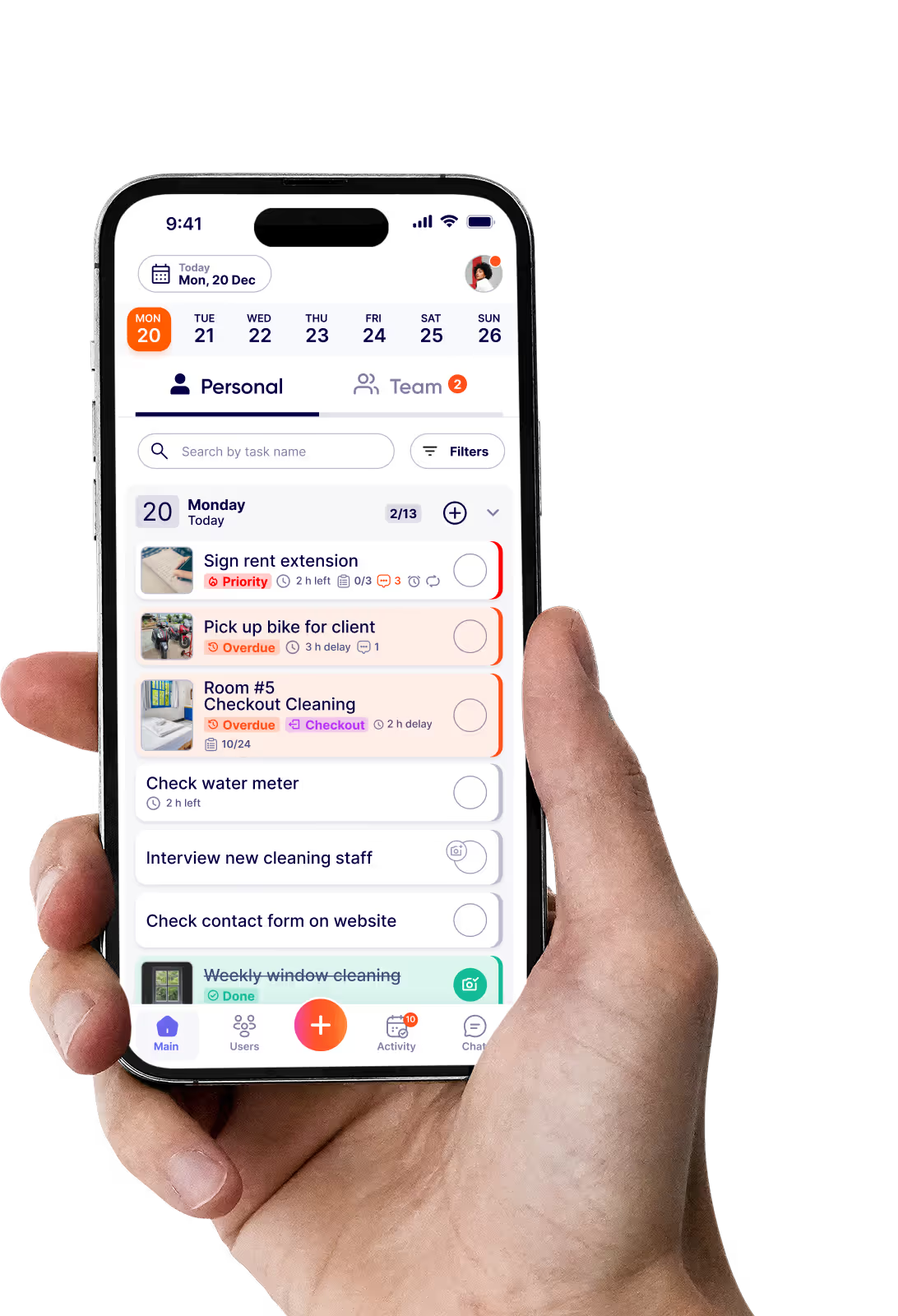
Tasa is built around those rules, with one addition most to-do apps skip: tasks can be pictures. If your brain prefers seeing over reading, that difference changes everything.
Personal task management software is any app that helps you capture, organize, schedule, and complete your own tasks: work errands, home routines, habits, and everything in between. It differs from team tools by focusing on your view of your life, not someone else's project plan.
Tasa adds personal task management software features most apps don't: visual spaces for each area of your life, custom repeat patterns for real routines, and photo tasks for things words can't describe.
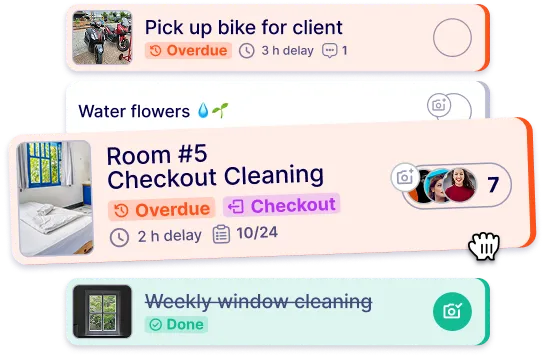
Yes, and that combination is quietly powerful. In Tasa, any task can carry a photo: the jacket you want tailored, the scratch on the rental car, the pantry shelf before grocery shopping, the before state of your closet reorganization.
Photos also work as proof to yourself: the finished garage, the repaired fence, the garden bed in April. Over a year, your completed tasks become a photo documentation app for your own life, a visual history of what you actually got done.
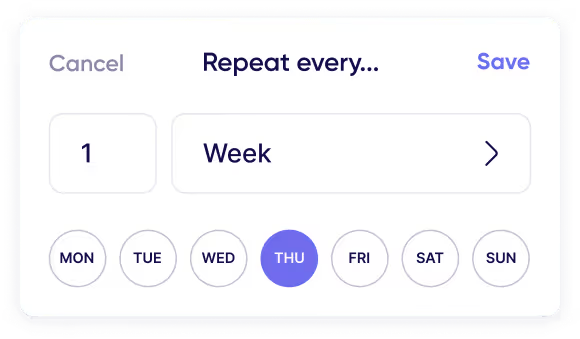
Stop trusting your memory with anything that repeats. Put each recurring task into Tasa once with its pattern: every Monday, the first of the month, every second Thursday, or a custom rhythm only your life understands.
From then on, the task appears when it's due and you tick it off with a tap. Unfinished items roll to the next day, so nothing silently disappears.
Spaces. Create one for work, one for home, one for the side project, one for the household. Each space has its own tasks and its own rhythm, so Monday morning shows you work without the guilt of the leaking tap at home.
You can share a space, like Family, with others while keeping the rest private. One app, clean boundaries.
Many users with ADHD tell us Tasa works where text-heavy apps failed. Picture tasks reduce the reading barrier, visual checklists show the whole job at a glance, and repeating patterns remove the need to remember anything.
We don't market Tasa as a medical tool, but offloading memory and friction is exactly what it's designed to do.
Yes. The free plan includes all features for solo use: unlimited picture tasks, repeating patterns, and multiple spaces. You only pay if you add team members, at $8 per user per month with two months free on yearly billing.
For most personal users, free is all they ever need.
Yes. Your tasks and photos live on your phone and sync when you're back online. Basement, airplane, dead zone: your to-dos still open and still get done.
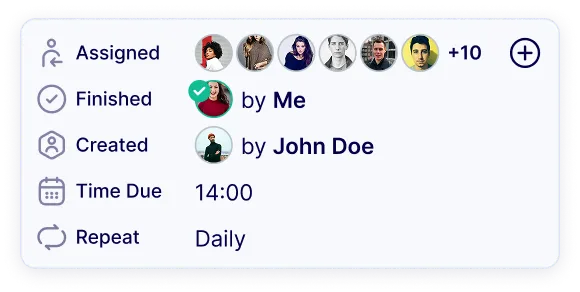
Yes. Share a Family space and tasks land on the right person's phone: one partner gets school pickup, the other gets the pharmacy run, each with a photo if needed.
The shared space keeps everyone's commitments visible without sharing your entire personal task manager.
Text-first apps assume you think in words. Tasa assumes you think in pictures. Task cards are visual, instructions can be photos, and completions can carry photo proof.
If you live by keyboard shortcuts and natural-language dates, Todoist is excellent. If you want to see your day instead of reading it, Tasa is the better personal task manager for you.
Lorem ipsum dolor sit amet, consectetur adipiscing elit, sed do eiusmod tempor incididunt ut labore et dolore magna aliqua. Ut enim ad minim veniam, quis nostrud exercitation ullamco laboris nisi ut aliquip ex ea commodo consequat. Duis aute irure dolor in reprehenderit in voluptate velit esse cillum dolore eu fugiat nulla pariatur.
Block quote
Ordered list
Unordered list
Bold text
Emphasis
Superscript
Subscript
βIt affects my personal life a lot. I can manage my team and my work remotely, so I have more time being a mother.β