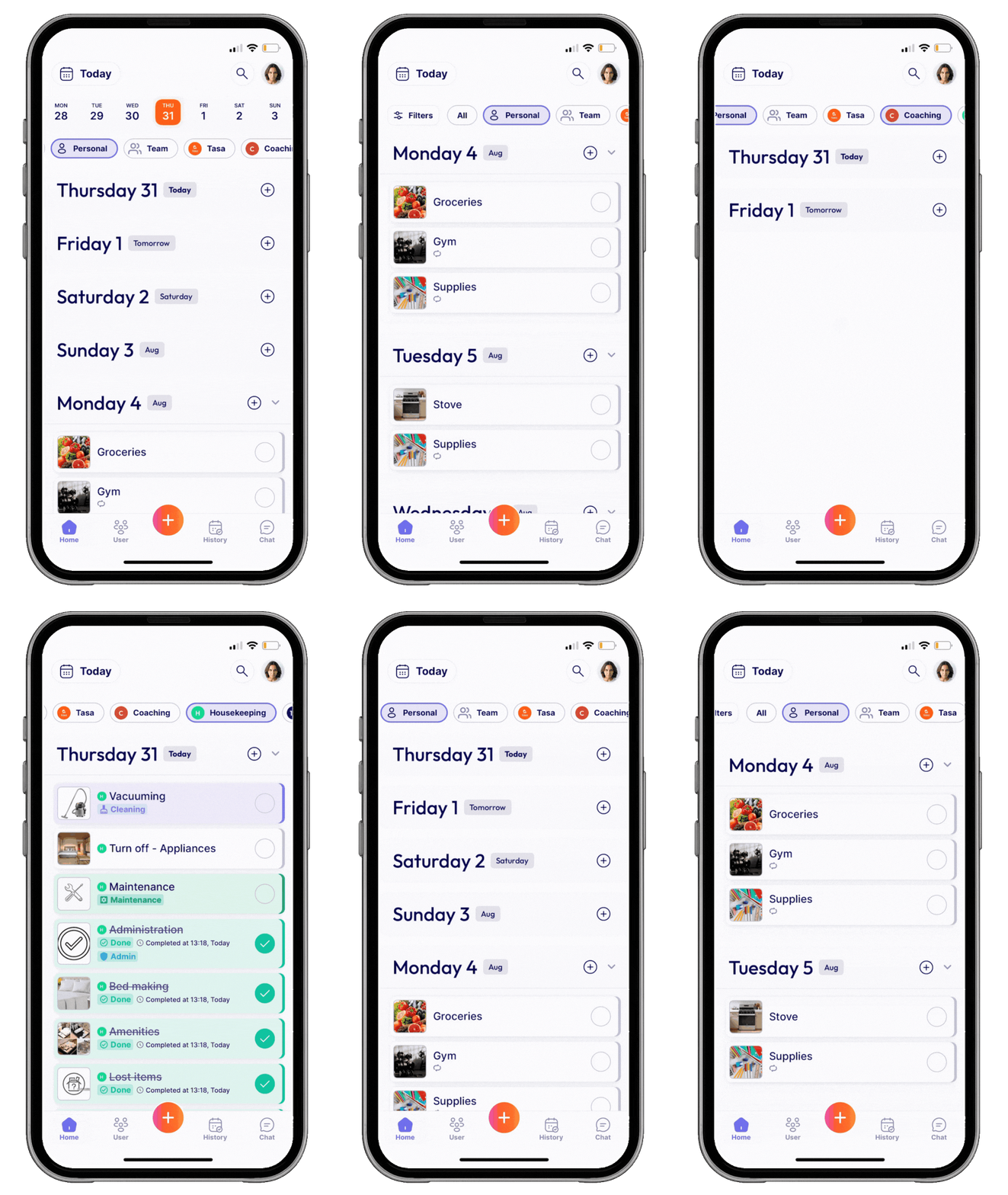
Tasa gives hospitality staff simple tools to follow instructions, confirm tasks with photos, and manage each area with its own workspace: no words needed.
Run every shift with picture-perfect clarity with Tasa
Spend less time checking and more time delighting guests
Tasa helps hospitality teams handle fast-paced work with picture-based clarity, team-specific spaces, and task proof in real time.
Reduce miscommunication, missed tasks, and long onboarding. Tasa gives hospitality crews clarity, accountability, and independence.
🗣️ Staff misunderstand task instructions
With Tasa’s picture-based task cards, your team sees exactly what to do, no language barriers or guesswork.
📞 Too many teams using the same checklist
Create separate workspaces for each department, so kitchen, housekeeping, and maintenance all have their own task flow.
🛠️ Managers can’t verify if tasks were completed
Staff send a picture back when each task is done, giving you instant visual proof without needing to inspect in person.
USES
Tasa to support:
🧾 Front desk duties
🧼 Housekeeping and deep cleans
🧳 Guest-ready final inspections
🛏 Room turnovers
🗂 Separate workspaces for every team
🔧 Maintenance checks
📸 Task confirmation with photos
🍳 Kitchen prep and closing tasks
and much more...
Best features to stand out
Tasa can help
Visual Proof
Send picture back as confirmation
Let your team show, not tell. Whether it’s a made bed or a stocked minibar, Tasa lets staff confirm each job with a photo: no second guessing, no walk-throughs.
New team member? No problem. Tasa’s clear, picture-based instructions mean anyone can get started right away with no manuals, no hand-holding, just tap, follow, clean.
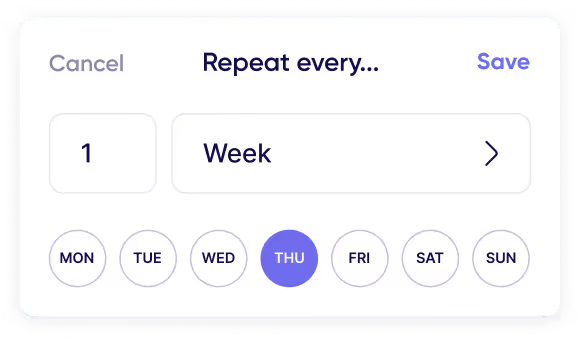
Unfinished tasks automatically roll-over to the next day.
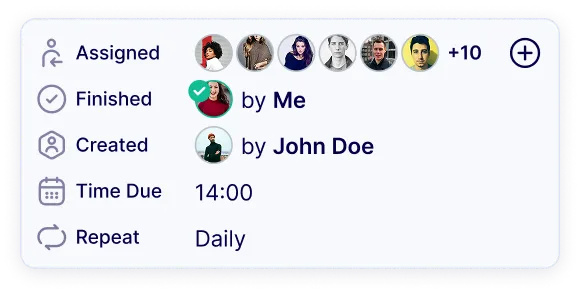
Checklists & Reminder
Making sure no one misses an important task.
Clear shifts. Happy guests.
Picture-based clarity across every floor, every shift.
No training manuals, just results your guests can feel.
Tasa helps your hospitality team stay sharp and accountable.
.svg)



















.avif)

.avif)



.svg)


.avif)