.svg)
Multi project management in 2026: Manage multiple businesses without burning out

If you’re an expat or small business owner, chances are you’re not just running one thing.
You might have a couple of short‑stay rentals, a cleaning or maintenance contract, a small shop or supermarket, a renovation project, or something similar.
Each of these is a project with its own tasks, money, people, and deadlines.
Multi project management is what you’re already doing, just maybe not in a structured way yet. This guide shows how to get intentional about it, so you can run multiple local businesses or projects without relying on memory, panic, and late‑night WhatsApp calls.
Key Takeaways:
- Multi project management is the practice of coordinating several projects that share the same people, budget, tools, and attention; for expats and small owners it usually means several local businesses running at once.
- The three recurring failure points are resource bottlenecks, weak prioritization rules, and lack of visibility across every site and team.
- A practical system fits in seven steps: central project list, shared resource map, written prioritization rules, realistic schedules, clear task handoffs, weekly review, and short retros.
- Desk tools (ClickUp, Asana, Notion) cover planning; picture-based execution tools like Tasa cover frontline teams who don't share an office, a language, or strong reading skills.
- The goal is not more software but a single view where every project, resource clash, and finished task is visible without you driving between locations.
What is multi project management?
Multi project management is the practice of coordinating several projects at the same time, all sharing some combination of people (you, your staff, your contractors), budget, tools and equipment, attention and decision-making.
Unlike managing a single project, multi project management is about balancing trade‑offs between projects, preventing one project’s delay from disrupting everything else, allocating limited resources so nothing critical is starved.
For expats and small owners, those projects often look like:
- Different branches or sites (e.g., three stores, five rentals)
- Different lines of business (cleaning + hospitality + consulting)
- Different client projects (multiple construction jobs or agency retainers)
What you need right now is a clear way to see, prioritize, and control everything in motion.
The hidden cost of poor multi project management
When you manage multiple projects reactively:
- One delay triggers a domino effect into other work.
- You constantly firefight the loudest problem instead of the most important.
- Staff feel like they’re always behind and never finishing anything properly.
You might recognize running from property to property on turnover days, swapping crews between sites mid‑day, patching over quality issues, forgetting key errands (like “buy paint” or “fix fridge”) until guests arrive.
Good multi project management doesn’t remove complexity, but it gives you a way to see and control it.
Key challenges in multi project management (for local operations)
Bottlenecks and resource overload
When the same people or tools are needed everywhere:
- One person becomes the bottleneck for the projects.
- Equipment (a van, a mixer, special tools) is never where it should be.
- Everyone feels busy but nothing finishes.
Example: Your best handyman is needed for two urgent jobs and an Airbnb issue on the same day. You choose on the fly and everything slips.
Weak prioritization
When everything is “urgent”:
- You jump between tasks and projects constantly.
- Important long‑term work (like preventive maintenance or marketing) gets ignored.
- Staff sense confusion and wait to be told what to do next.
Lack of visibility
If your system is a mix of un-synced calendars, paper notes, chat threads. You don’t really know which projects are on track, the one in danger, who’s overloaded.
Communication chaos with teams and clients
Across projects and locations:
- Tasks get lost in WhatsApp or email threads.
- Clients don’t know status, so they chase you.
- Internal staff don’t know the latest decisions.
Communication complexity grows as you add more businesses or contracts across dispersed teams. A shared system keeps communication clear while holding every team accountable.
A simple multi project management framework for owners and expats
Let’s make this concrete. Think of seven steps:
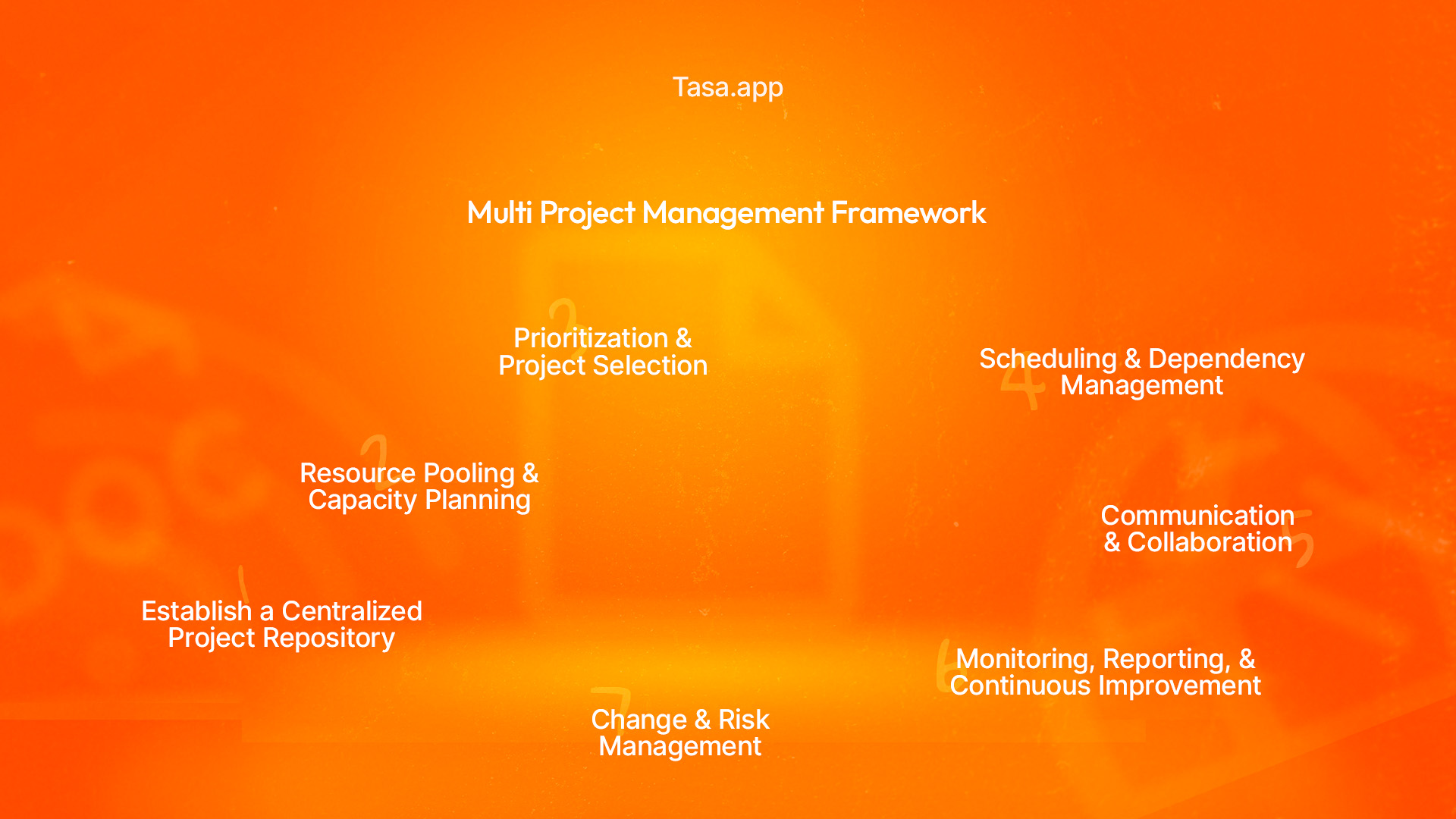
Step 1: Centralize your project list
First, get everything out of your head. List all active projects, for example:
- Airbnb – Marina view flat
- Cleaning contract – Office A
- Retail – New mini‑mart opening
Capture for each:
- Owner (who’s responsible overall)
- Key dates (launch, handover, renewals)
- Rough status (on track, risk, stuck)
Use a simple spreadsheet, or a project tool like ClickUp/Asana/Notion, or even a whiteboard that you update weekly.
The goal is to be able to see all your projects at a glance.
Step 2: Map your shared resources (people, tools, cash)
Next, identify your bottlenecks:
- Which people are pulled in multiple directions (often you, a manager, or a star worker)?
- Which tools or vans are used by multiple projects?
- Which clients or properties depend on the same cash flow?
Write these down. For a week or two, note who worked where and on what.
You’ll start to see patterns:
- “Mondays are overloaded for the cleaning crew.”
- “Our electrician is a bottleneck every month end.”
- “I am the only person checking all guest messages.”

Step 3: Decide your prioritization rules
You can’t manage multiple projects without deciding what wins when they clash.
Use simple criteria like: contractual deadlines or penalties, revenue or margin impact, strategic importance (exposure, new market, key client), safety and legal risk.
You don’t need a fancy model. Even a basic rule like:
Safety > Contracts > High‑value clients > Everything else will help you choose.
If you like structure, you can adopt simple frameworks:
- Eisenhower Matrix for daily tasks (Urgent vs Important).
- MoSCoW (Must, Should, Could, Won’t) for project features.
But the key is: write your criteria down so decisions are not random.
Step 4: Build realistic schedules & dependencies
For each project:
- Sketch a simple timeline (even on paper).
- Note key phases (e.g., “demolition, plumbing, finishing” for construction).
- Identify dependencies: “X cannot start until Y is finished.”
Then look across all projects:
- Are your key people double‑booked in the same week?
- Are you planning to use the same equipment or cash at the same time?
This is where a basic Gantt chart or calendar view helps, even in Excel or a simple tool.
Step 5: Turn plans into clear tasks for your teams
High‑level planning does nothing if your staff don’t know what to do today, how to do it, and what “finished” looks like.
For office/remote work: Use ClickUp or similar to create tasks with owners and due dates.
For local, frontline teams (cleaners, hospitality staff, store staff) avoid complex tools that assume strong reading skills and desktop usage and use a simple, visual, mobile‑first system.
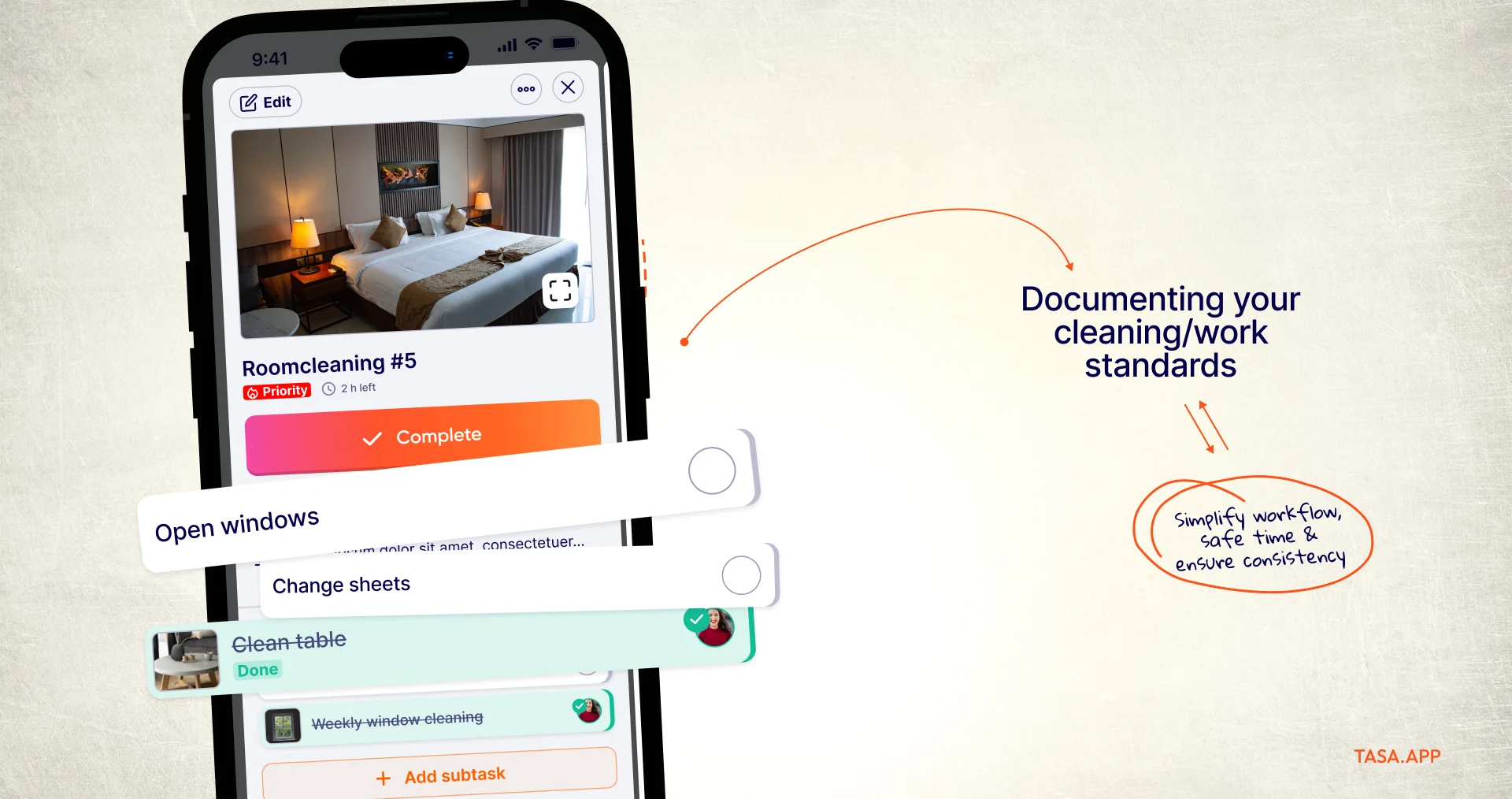
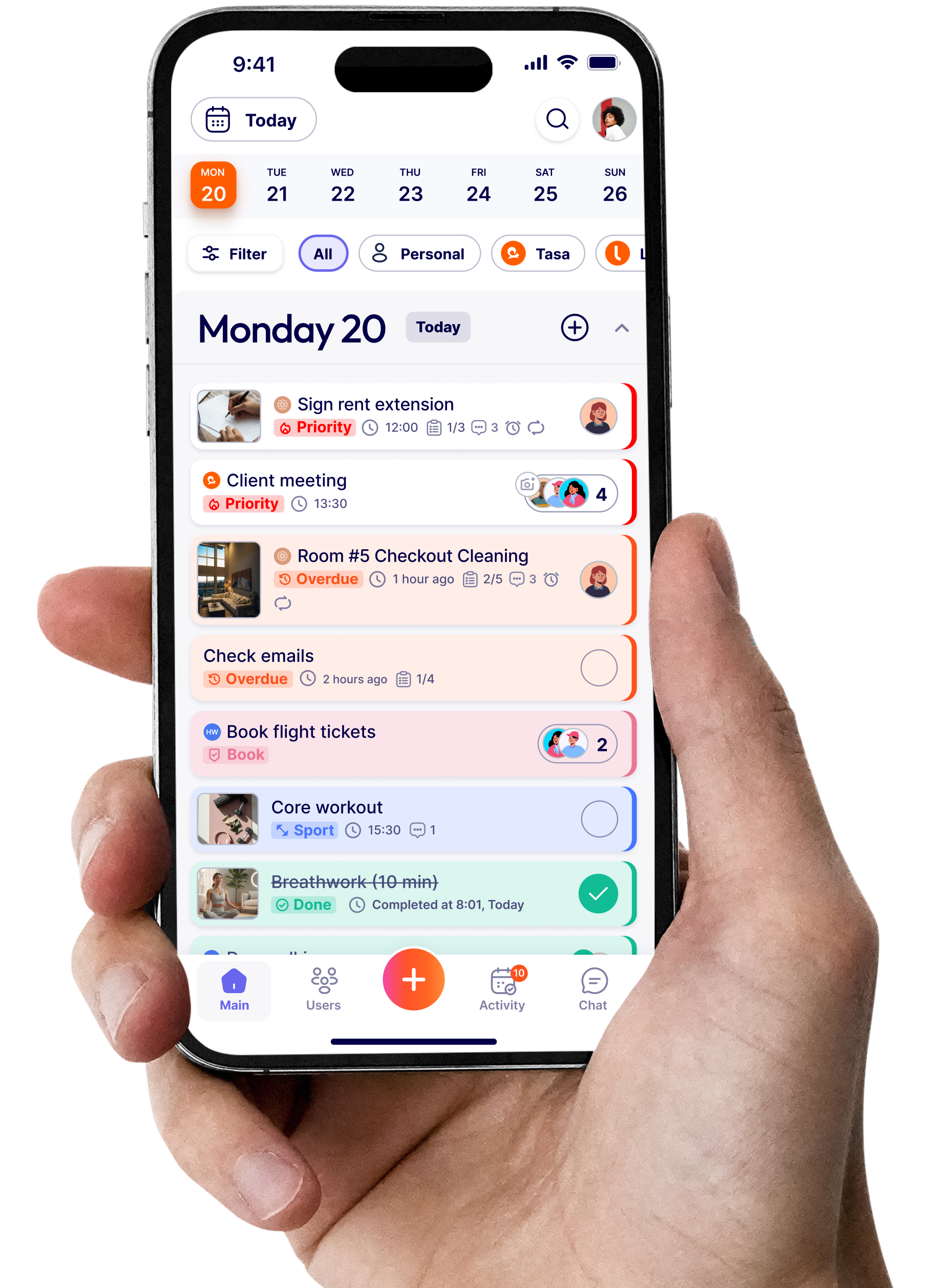
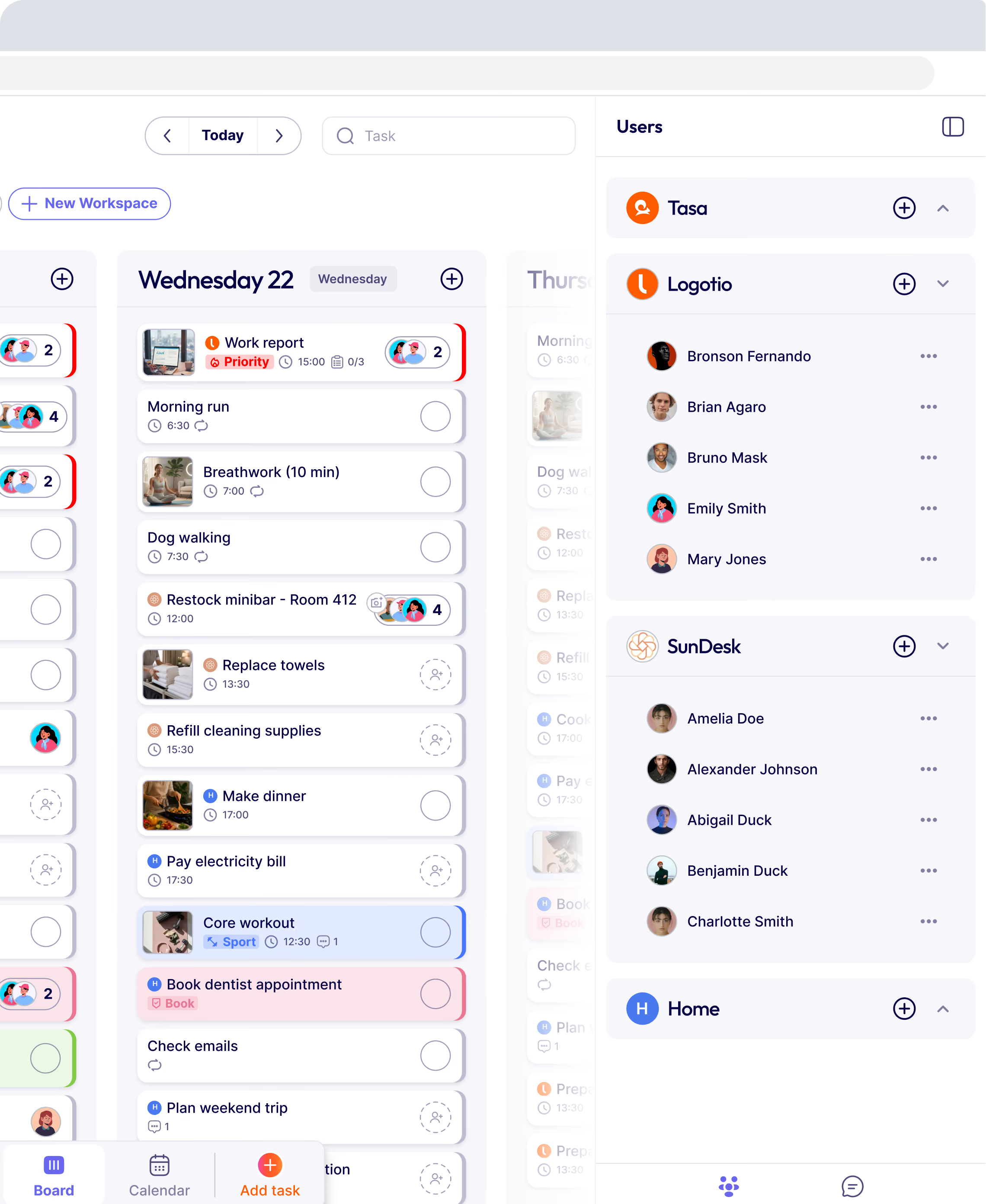
This is where Tasa is useful as a task execution layer:
- You define tasks visually (photos + short text).
- Tasks repeat on the right days for each project/site.
- Staff see tasks on their phones, often in their own language.
- They send back photo proof of what they’ve done.
For example: “Airbnb – Turnover for Flat A” → Tasa checklist with pictures of how each room should look.
Step 6: Monitor, report, and adjust
Multi project management is not “set and forget”.
At least weekly:
- Review each project’s status (on track, at risk, off track).
- Check resource usage (who is overloaded, who has slack).
- Look at key numbers (revenue, costs, deadlines).
Ask:
- “What changed this week?”
- “What needs to shift: people, money, time?”
- “Which promises must be protected at all costs?”
Update your central list and timelines accordingly.
Step 7: Run quick retros and improve
After major phases or projects:
- Take 30–60 minutes to debrief
- Ask: What went well? What didn’t? What will we do differently next time?
- Capture 1–3 specific improvements
Examples of improvements:
- Always assign one backup for our star technician
- All client‑facing timelines must be checked against the shared resource calendar
- Add a Tasa checklist for handovers so we stop forgetting small things
Over time, this turns your multi project management approach into a living system that gets better with each cycle.
Tools that help with multi project management
You don’t need dozens of tools. Think in layers:
Planning & coordination tools
For planning across all projects:
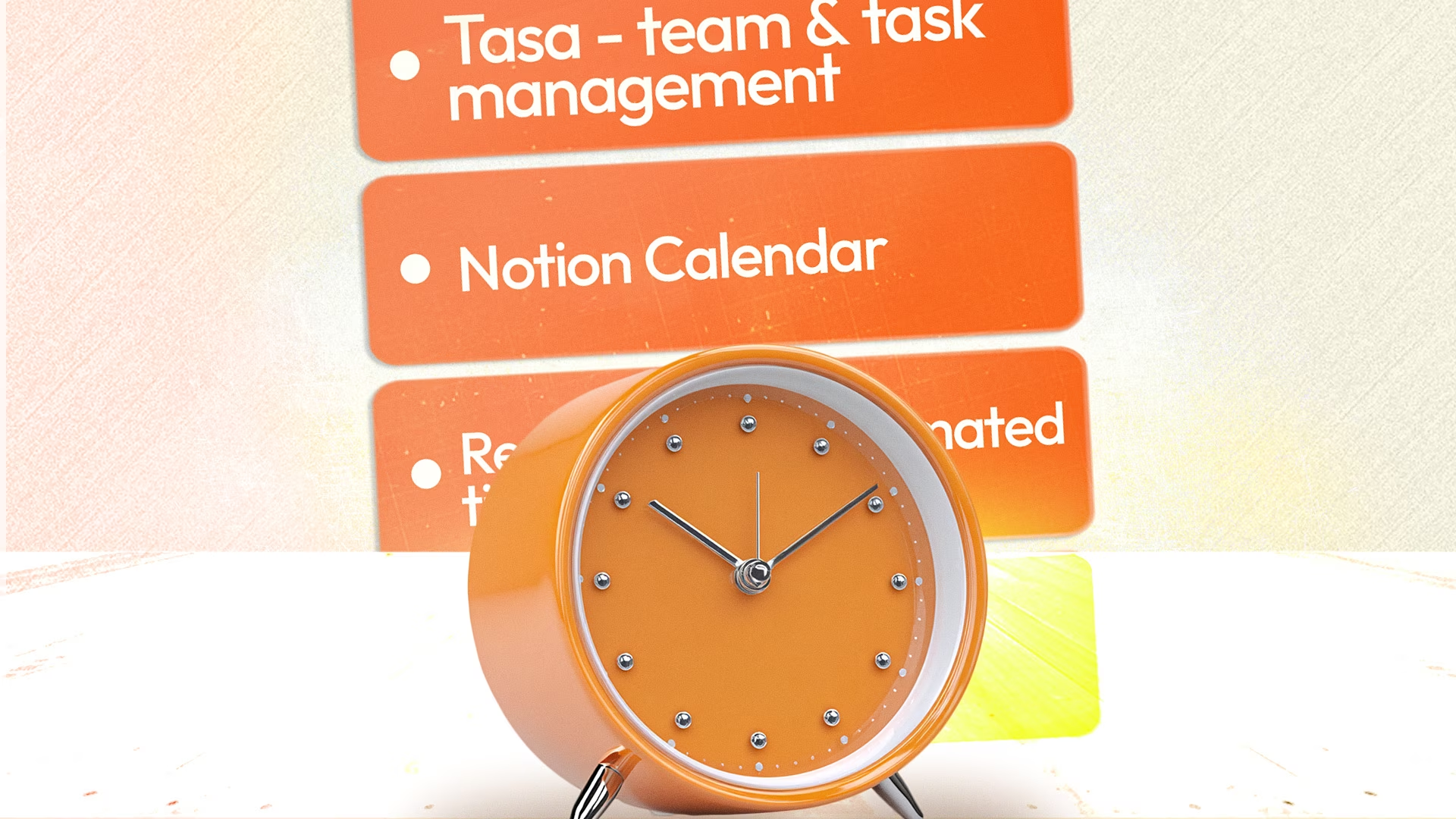
- ClickUp, Asana, or Notion for project overviews.
- Spreadsheets for high‑level budgets and resource calendars.
- Shared calendars (Google Calendar, Outlook) for key dates.
Execution tools for frontline work
For actual day‑to‑day work in local businesses:
- Tasa for picture-based, multilingual task management and photo proof.
- Good fit when you have: cleaners, hospitality teams, construction crews, store staff, field services.
Without structure:
- You constantly drive between sites.
- Guests message you at all hours.
- Staff call with questions you’ve answered 10x.
- A problem in one business kills a whole day you needed for another.
With basic multi project management:
- You maintain a central sheet or board listing all projects and key dates.
- You have a simple weekly planning ritual.
- Staff see their tasks for each site in Tasa (checklists, photos, repeats).
- You see proof of work without visiting every location.
- Bottlenecks become visible (e.g., “Tuesdays are too heavy for the cleaning team; shift one unit to Wednesday”).
“It is not enough to be busy; so are the ants. The question is: what are we busy about?”
Henry David Thoreau
What is the best way to organize and prioritize multiple projects?
Every system that survives contact with real operations comes down to the same four moves, whether you manage two projects or twenty:
The 80/20 rule (the Pareto principle) applies cleanly here: roughly 20 percent of your projects and tasks produce 80 percent of your results and risks. When everything cannot be done, the weekly review is where you deliberately starve the low-yield 80 percent, project by project, instead of letting urgency decide.
Multi project management vs. program management vs. project portfolio management
These terms get used interchangeably, but they mark real differences in scale: Most guides on how to manage multiple projects jump straight to portfolio thinking.
If you are also the project manager, the receptionist, and the person buying the paint, multi project management is the honest starting point: fewer moving parts, same discipline.
How to track the performance of multiple projects
Track three layers, one number each, weekly per project: A dashboard view helps, but a shared sheet reviewed weekly beats an abandoned dashboard every time.
For frontline execution, the layer that matters is finished work: tasks completed with photo proof per site and per day, which is exactly what Tasa reports back from every location without you visiting.
Which management software actually helps you manage multiple projects?
Search results for multi project management software in 2026 are full of enterprise recommendations.
For owners running local businesses, the honest split is: If you manage projects simultaneously across sites run by people who never open a laptop, adding another dashboard doesn't help. Pair one planning tool with one execution tool and stop there.
Latest News

Have questions?
.svg)
Team management, simplified.

“It affects my personal life a lot. I can manage my team and my work remotely, so I have more time being a mother.”
