.svg)
Quality control checklist app for frontline teams
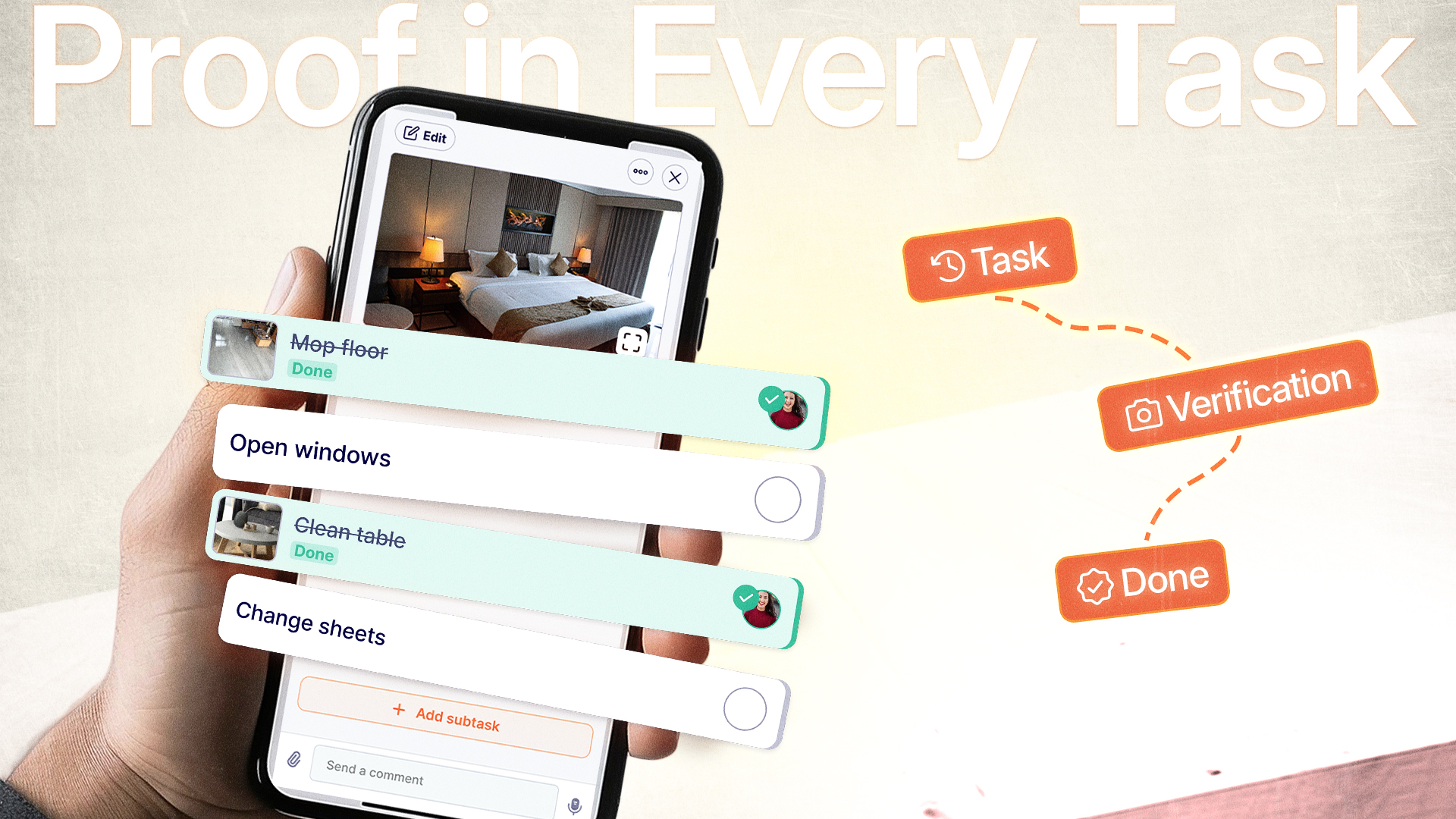
You hired quality inspectors. You created checklists. You explained the standards several times.
Yet you discover products shipped with defects. Compliance violations surface during an audit. A client dispute emerges without any visual evidence to back your team's claim they checked everything.
Paper checklists fail. Generic apps ignore language barriers. A quality control checklist app should offer picture based task for low literacy-team, photo proof on every critical checkpoint, and real-time translation to your team preferred language. Tasa delivers it all
Why 73% of checklists fail
Most checklists are not designed for quality control because of visual verification.
Your warehouse supervisor checks boxes claiming inspections happened. But without photographic evidence, you’re trusting memory, not proof. The consequences compound quickly:
- Faked inspections: Boxes checked, defects missed.
- Language gaps: Instructions in English misunderstood by a Spanish‑speaking inspector.
- Dispute nightmares: “He said, she said” with no visual record.
- Audit chaos: Hours searching for paper trails that don’t exist.
- Bad reviews: Unhappy clients result to bad reputation
A dedicated quality control checklist app solves these problems – but only if it has three non‑negotiable features.
3 must‑have features of a quality control checklist app
Not every checklist tool delivers accountability. Here’s what separates a genuine QC solution from a glorified form builder.
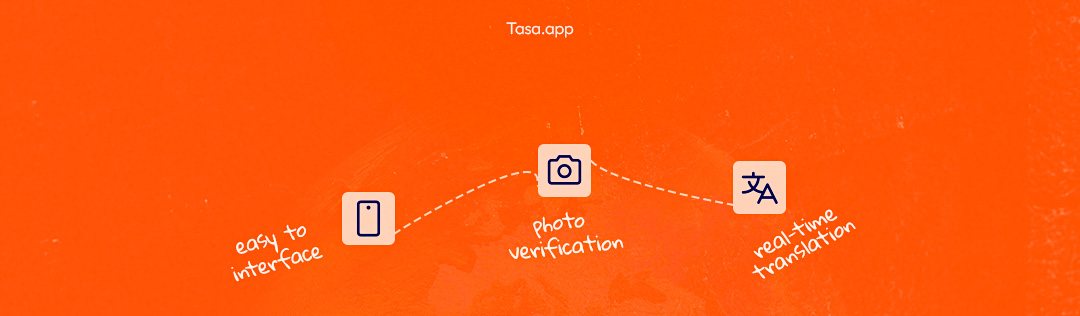
Mandatory photo verification
This is the cornerstone. Your app must allow you to require a photo on specific inspection points before the task can be marked complete.
You eliminate checkbox theater. Every claim of compliance comes with visual evidence.
AI‑powered multilingual support
For expat entrepreneurs, language barriers are the #1 source of quality failures. Your checklist instructions might be perfect in English, but your foreign team needs them in their own language.
You write checklists once. The app auto‑translates into each team member’s language. No bilingual supervisor required.
Simple, mobile‑first interface
Your inspectors are on their feet, not at a desk. The app must work on any smartphone with clear photo capture to ensure zero confusion.
Your least tech‑savvy team member learns in less than 5 minutes. No expensive training sessions with picture-based tasks.
What a photo‑based QC checklist protects
You stop hoping quality was done correctly. You know – because you see the proof.
How Tasa works as your quality control checklist app
Tasa was built for entrepreneurs managing multilingual or low-literacy teams in retail, and other frontline. Here’s how it delivers photo‑based QC without complexity.
Picture‑based Tasks:
Text-based tasks exclude people who cant read or write. Tasa solve this with picture-based tasks
Benefits:
- You stop explaining the same thing several times
- Low-literacy staffs knows exactly what to
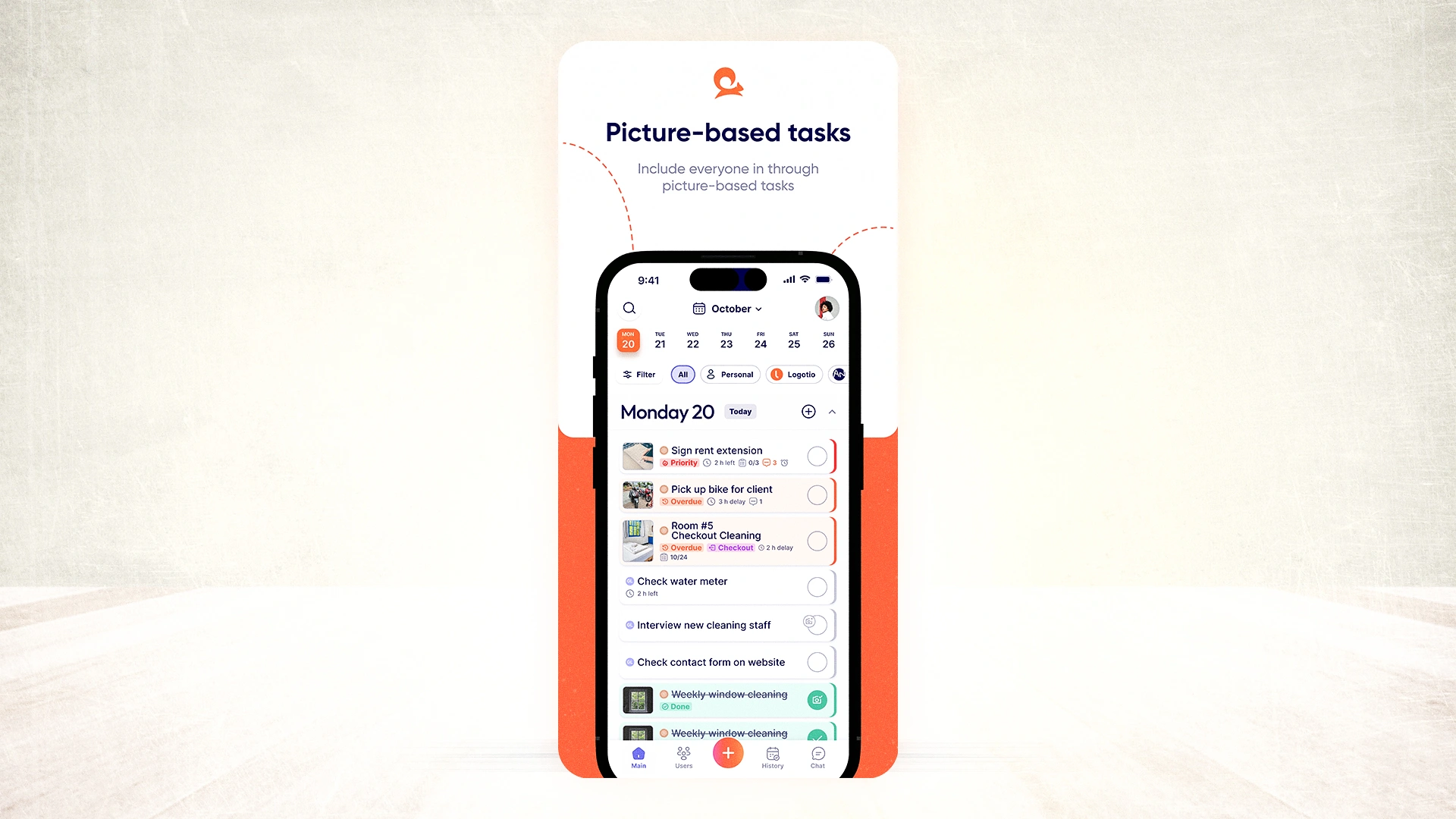
Picture‑based checklists
Each inspection checkpoint includes a reference photo showing exactly what to verify. Your team sees “good” vs. “bad” visually – no reading required.
Benefit:
- Zero misinterpretation.
- A picture of a correctly stacked pallet needs no translation.
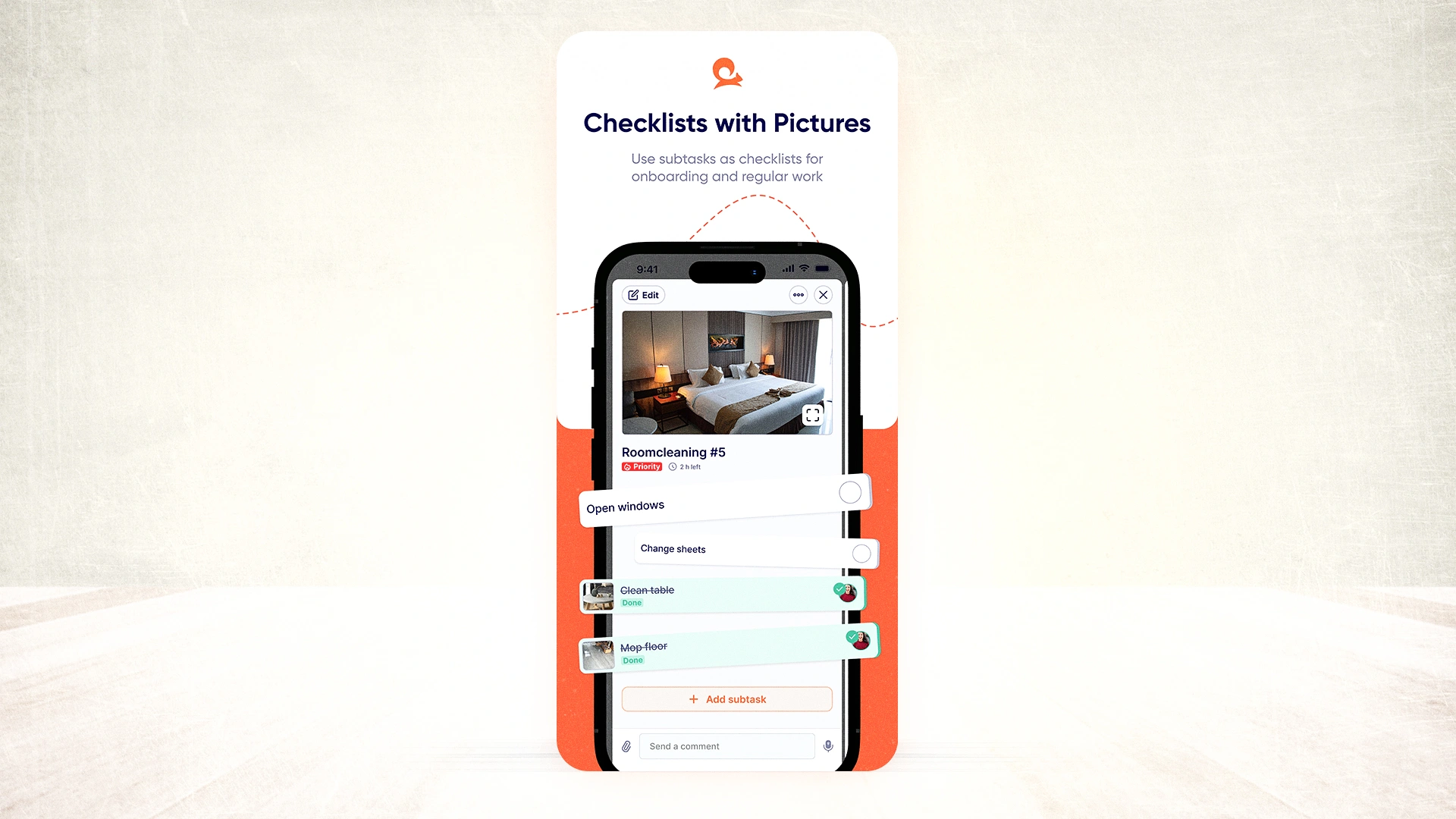
Photo submission
You decide which checkpoints require a photo. The inspector cannot mark the task complete without uploading a picture.
Benefit:
- Pictures don't lie. This keep everyone accountable
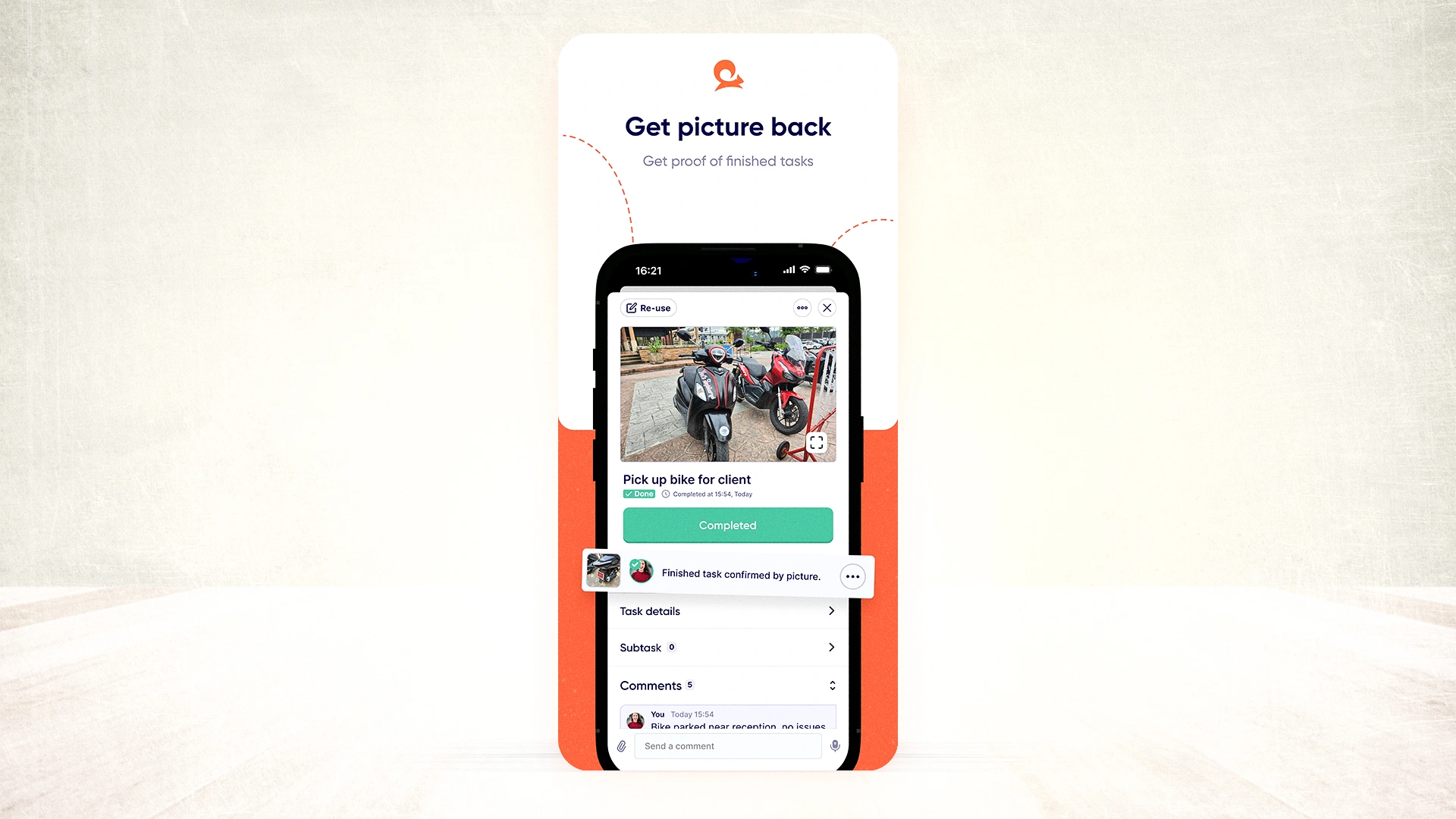
AI translation built into every task
Write your checklist once in English (or any language). Tasa automatically translates the task title, description, and comments into each team member’s preferred language.
Benefit:
- Each member read in their preferred language
- Everyone works from identical standards.
- Saves you time of manual translation.
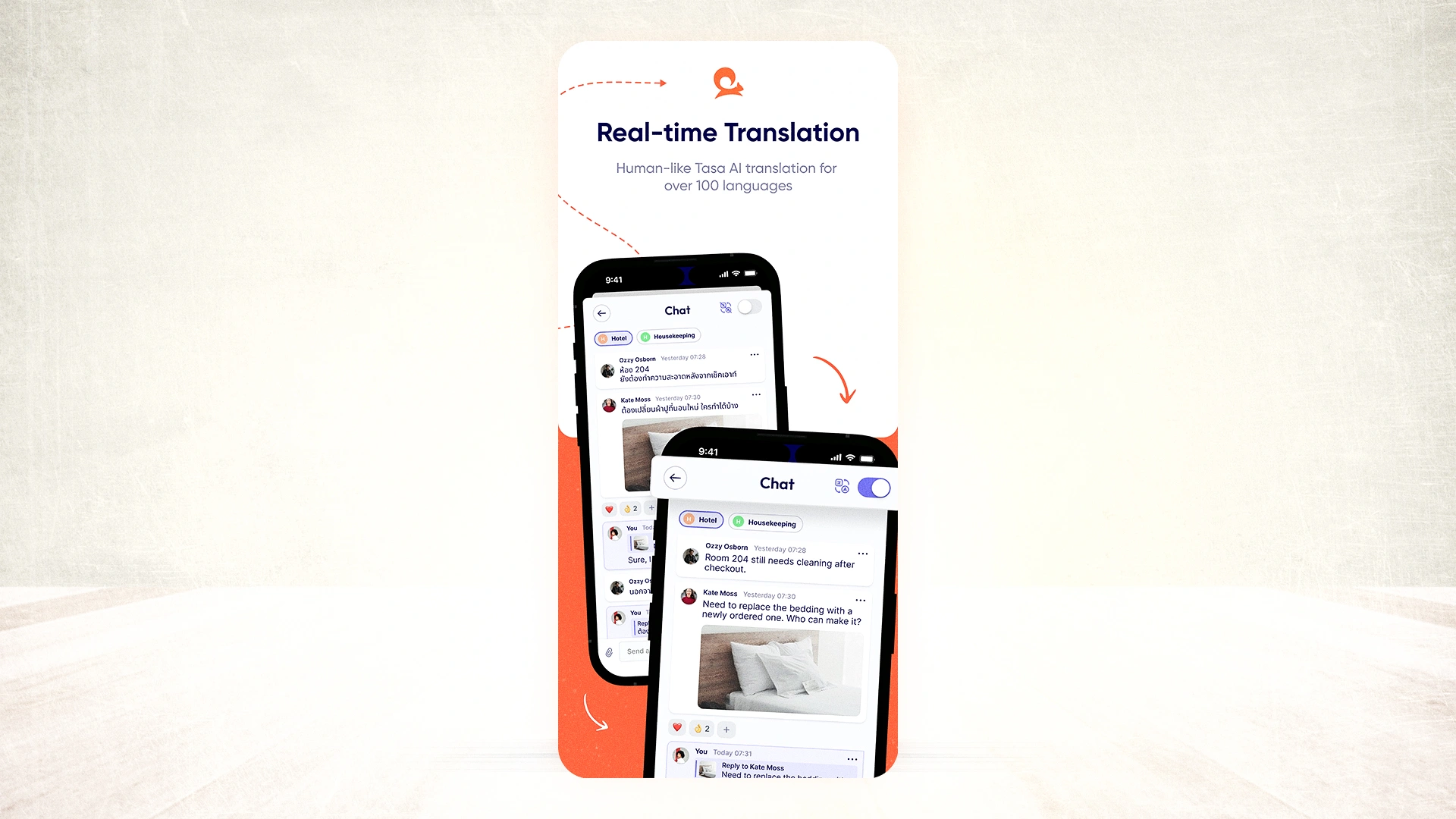
Review & approval
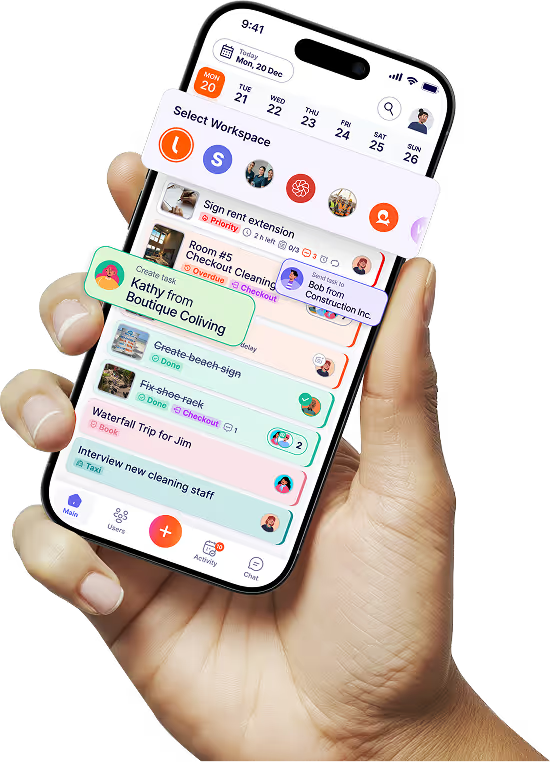
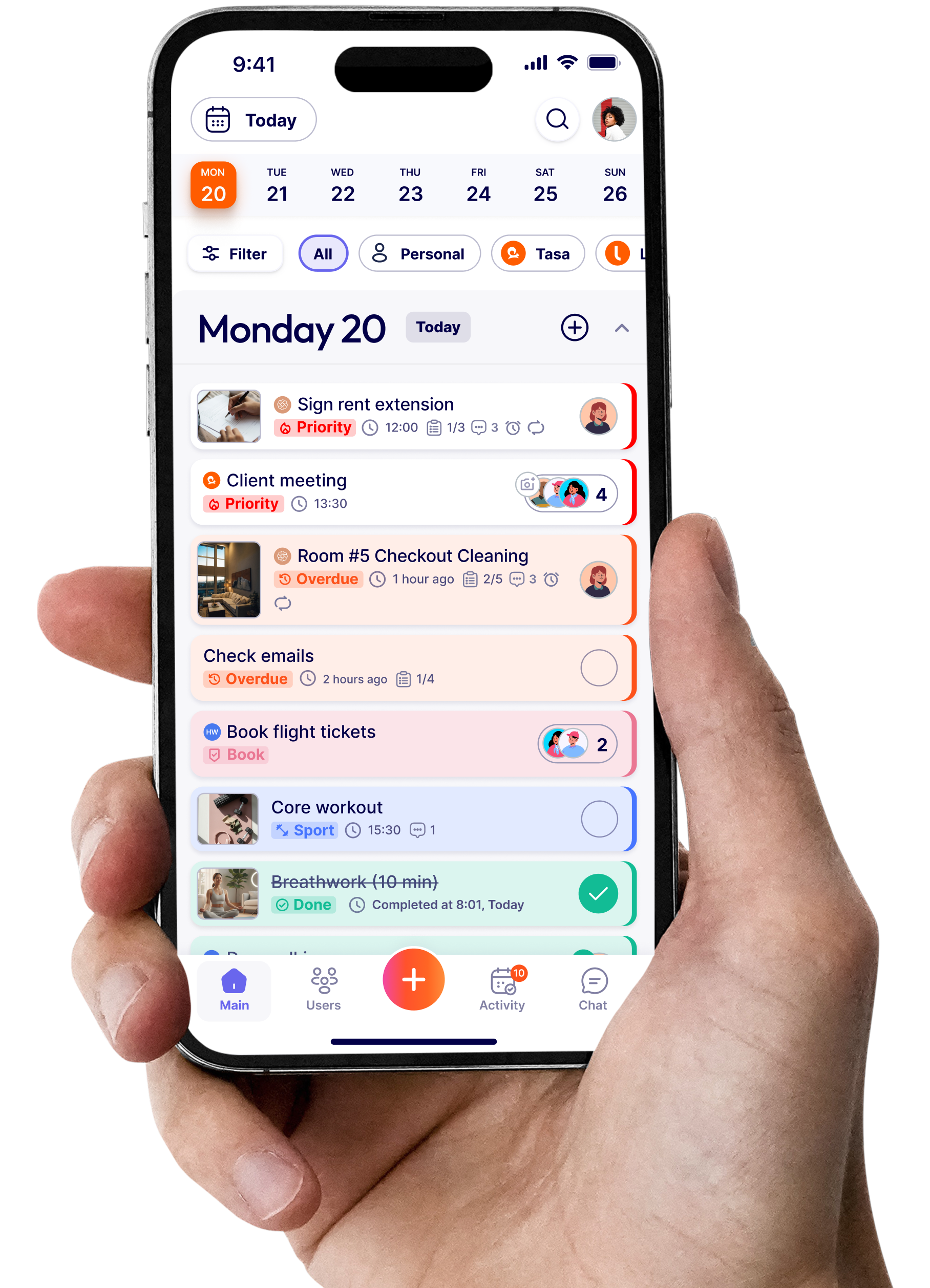
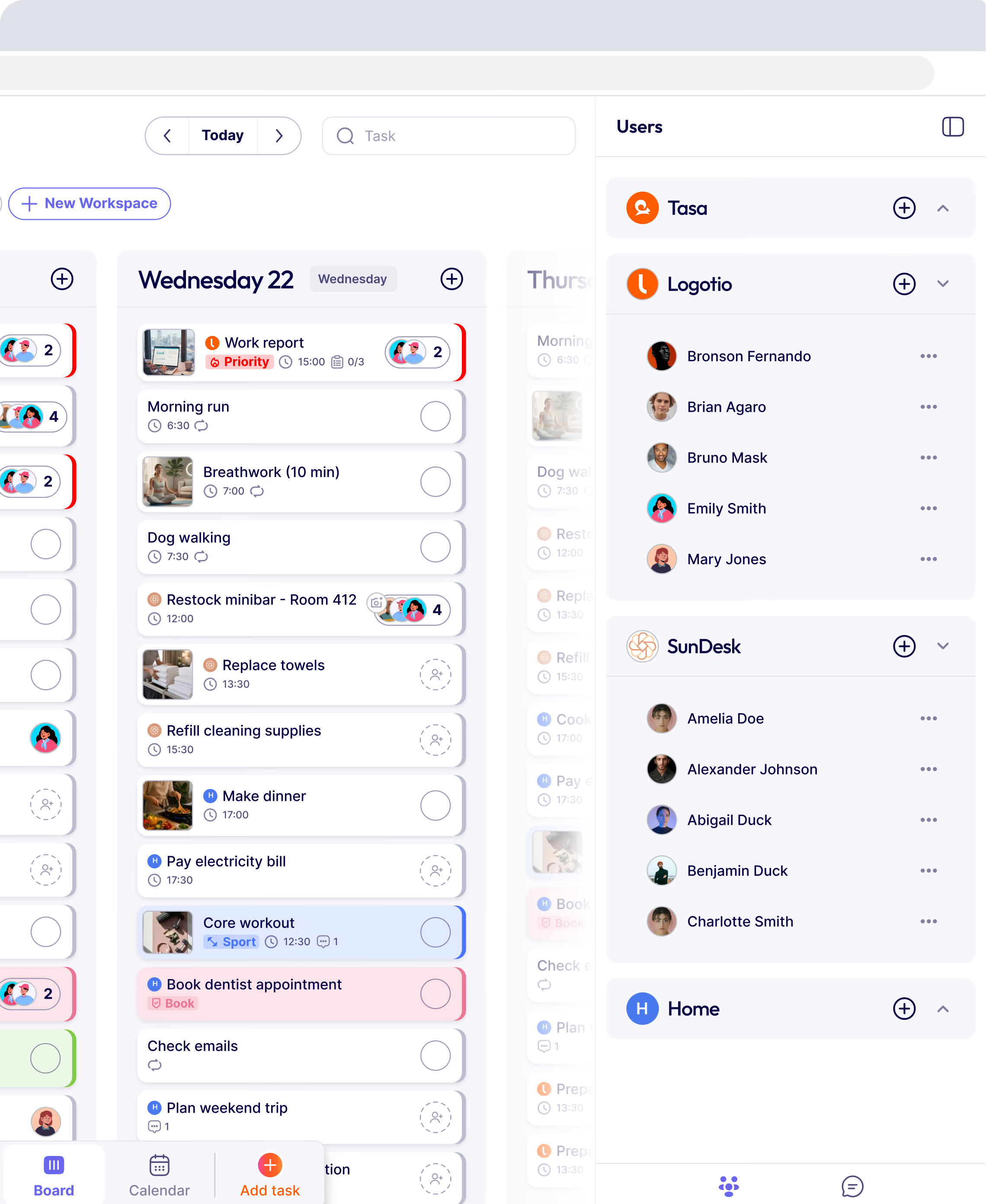
You see every completed tasks in one dashboard. Approve with one tap, or reject with a comment requesting a retake.
Benefit:
- You spot issues before they become customer complaints.
- A rejected photo today means a fixed problem tomorrow.
How to implement a QC checklist app in 5 steps
Step 1: Identify your top 3 defect types
Look at the last 6 months of customer complaints. Focus your first checklist on those exact failure points.
Step 2: Create a 6–8 item visual checklist
Take reference photos of “pass” and “fail” conditions. Write short captions (auto‑translated by Tasa).
Step 3: Pilot with 2–3 quality champions
Train them in 5 minutes. Run parallel paper and digital checklists for one week.
Step 4: Require mandatory photos on critical items
Set the most important checkpoints to “photo required.” Watch compliance improve immediately.
Step 5: Review completion photos daily
Reject unclear images with a comment. Within two weeks, you should have a positive feedback from your team.
Latest News

Have questions?
.svg)
Team management, simplified.

“It affects my personal life a lot. I can manage my team and my work remotely, so I have more time being a mother.”