.svg)
Visual field service solution for local & low-literacy teams
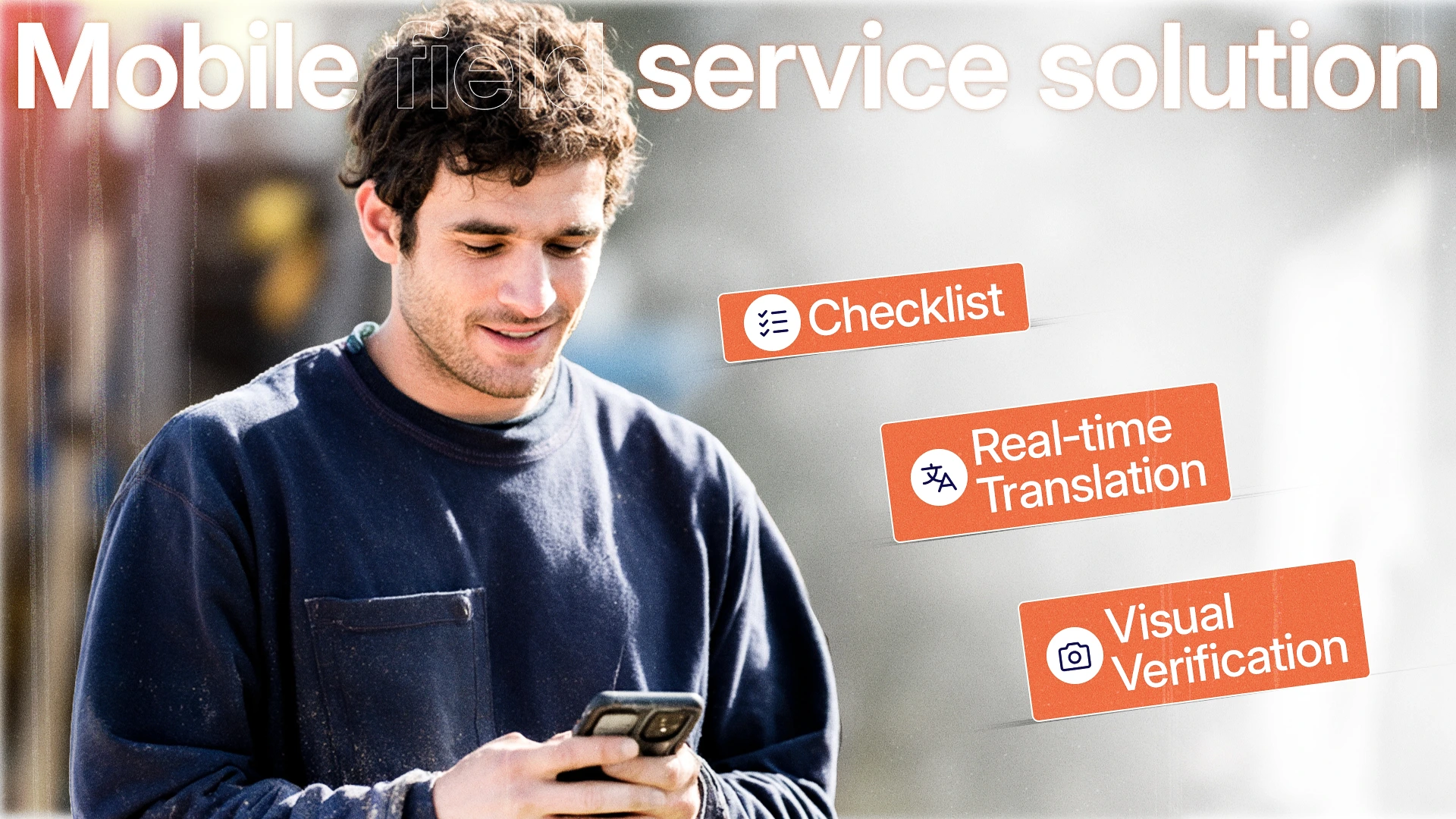
You’re spending 2–3 hours a day behind the windshield. Your reschedule rate is stuck at 23%. Your crews ignore the expensive “field service module” and default to WhatsApp.
The software vendors promised seamless coordination. What you got was a desktop-era experience squeezed onto a phone, a $15,000 annual subscription, and a training manual thicker than your service contracts.
The problem isn’t that you chose the wrong ERP. The problem is that your ERP was never designed to be a mobile field service solution for crews working in dust, heat, noise, and multiple languages.
What 93% of field service solutions get wrong
Most tools labeled “field service solution” are just office software with a mobile skin. They assume:
- Constant, high-speed internet
- Fluent English reading skills
- Hours of training time
- A desk to type on
But your world is different: half-built buildings, rural properties, multilingual crews, and phones with cracked screens. That’s why adoption hovers below 20% for traditional field service apps.
The real gap is visual + real-time translation + low-literacy support. It’s the same gap we see across construction team management and repair and maintenance teams: the office speaks one language, the field speaks another, and text-only instructions break somewhere in between.
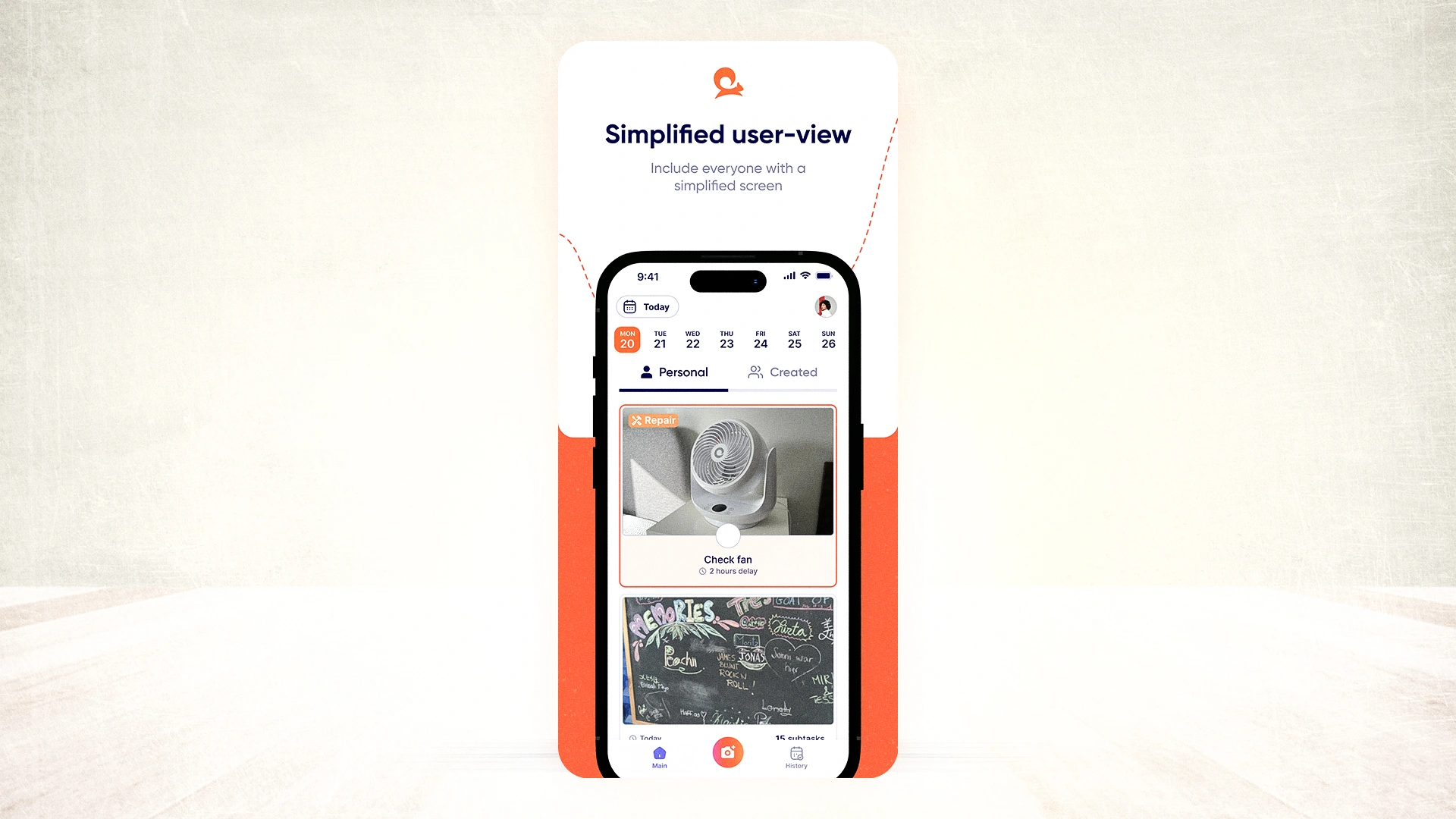
Non-negotiable features of a mobile field service solution
When evaluating any field service software, check for these six features. Missing even one will cost you in windshield time and rework.
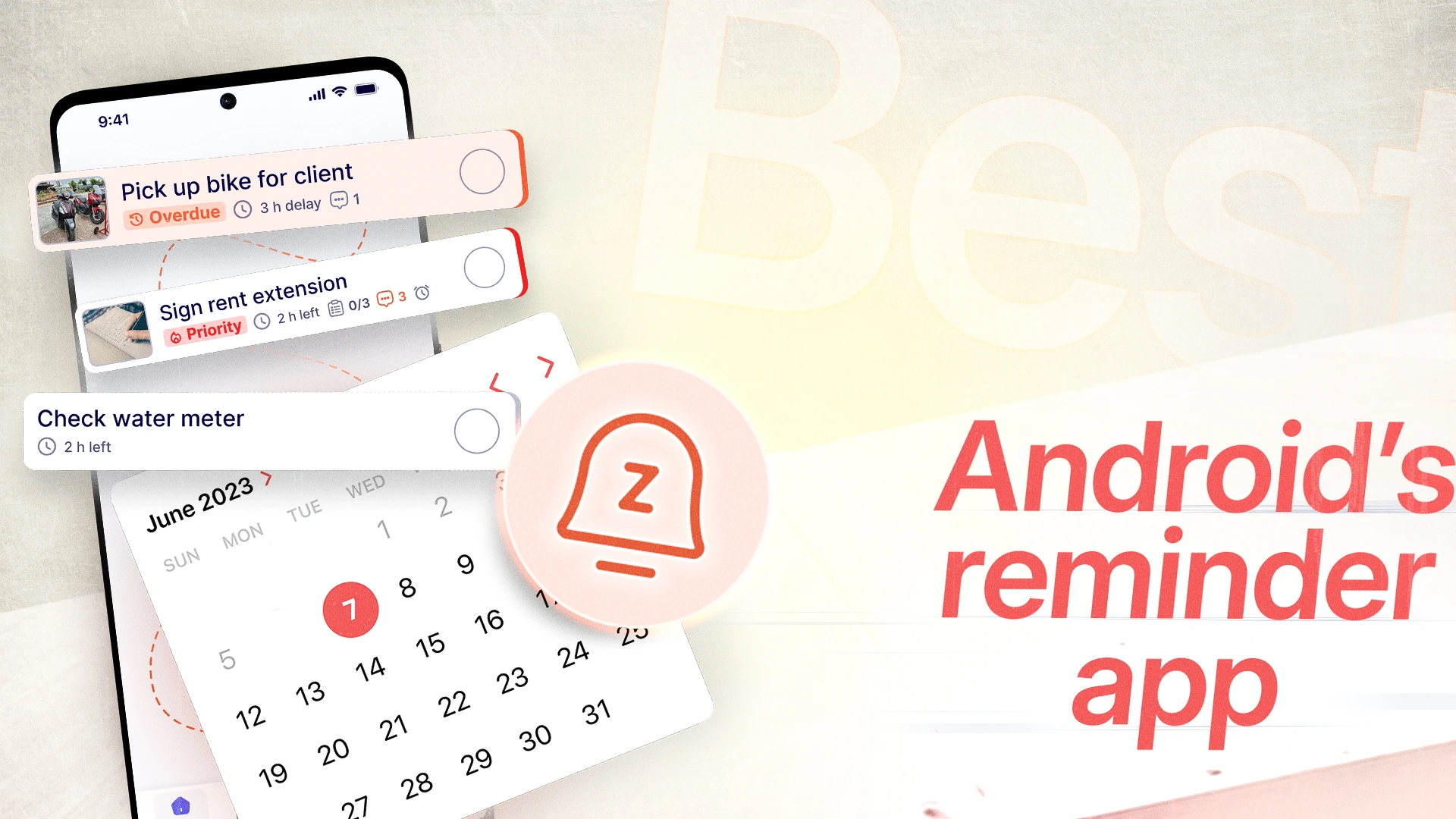
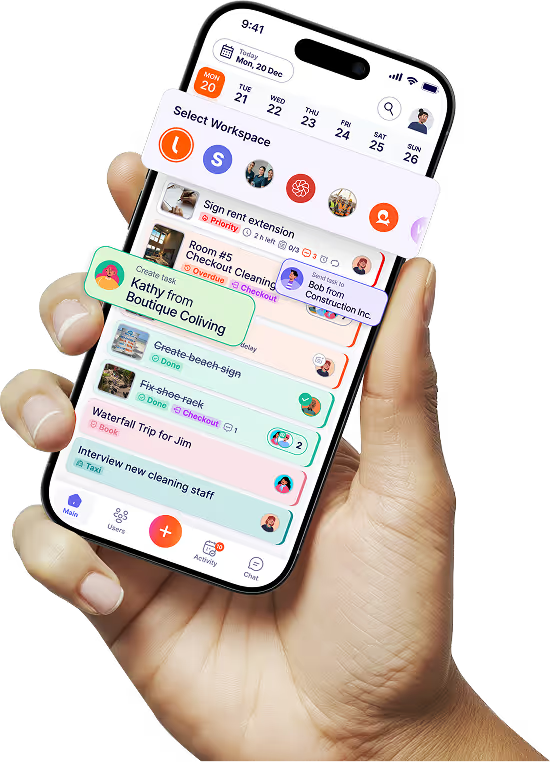
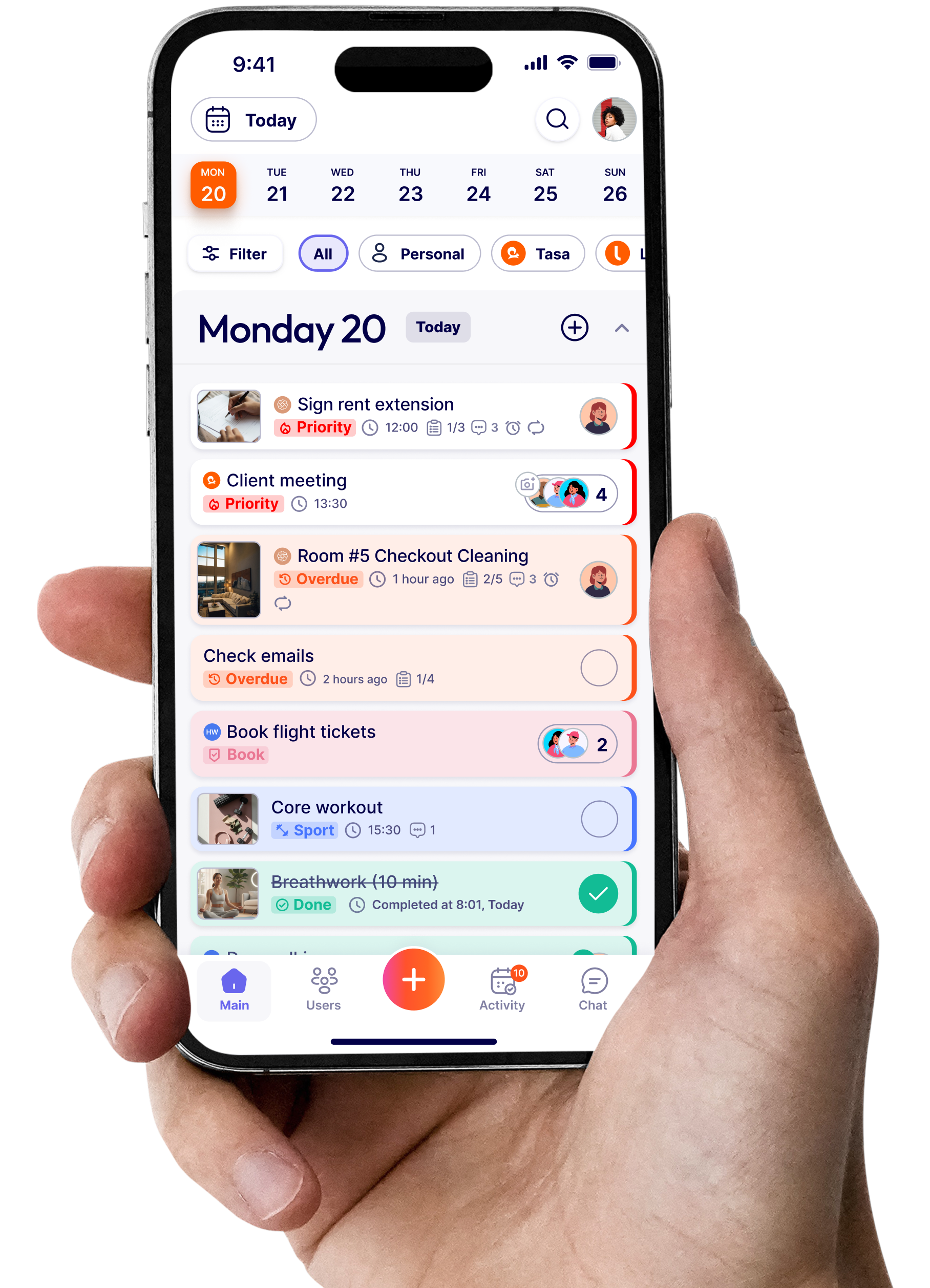
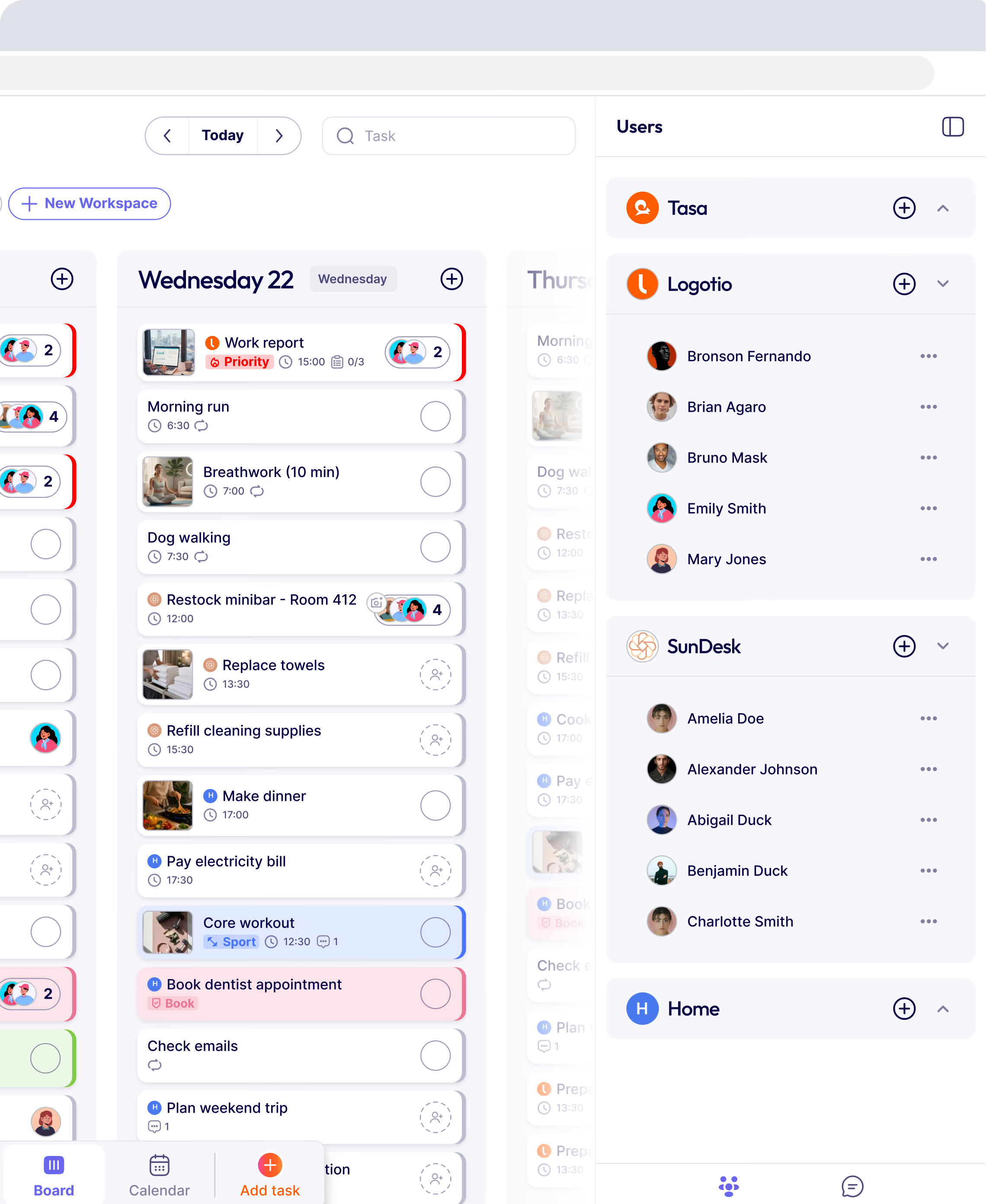
Picture-based task creation
A technician or staff sees exactly what is expected before starting. A great solution for low-literacy crew members.
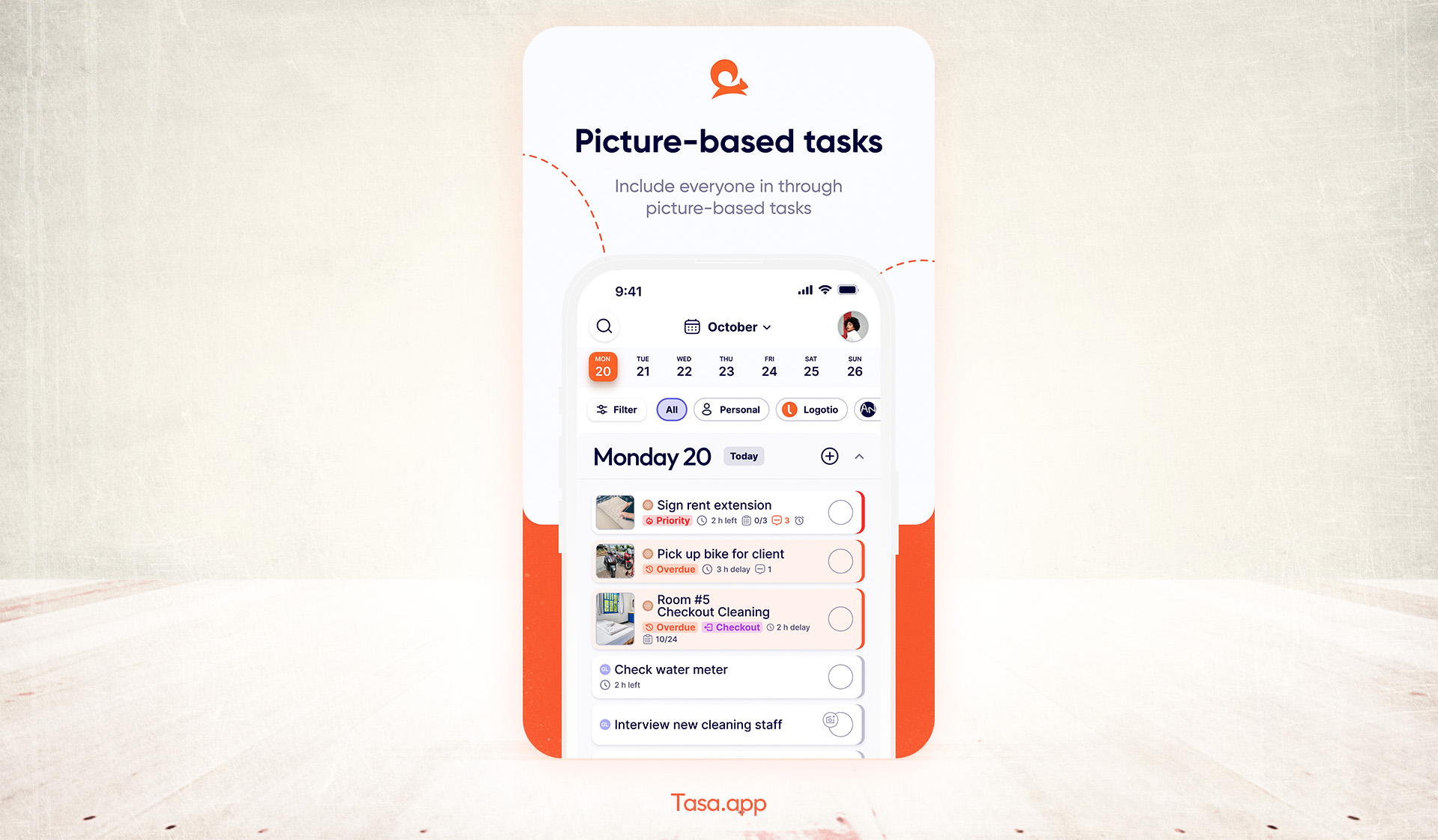
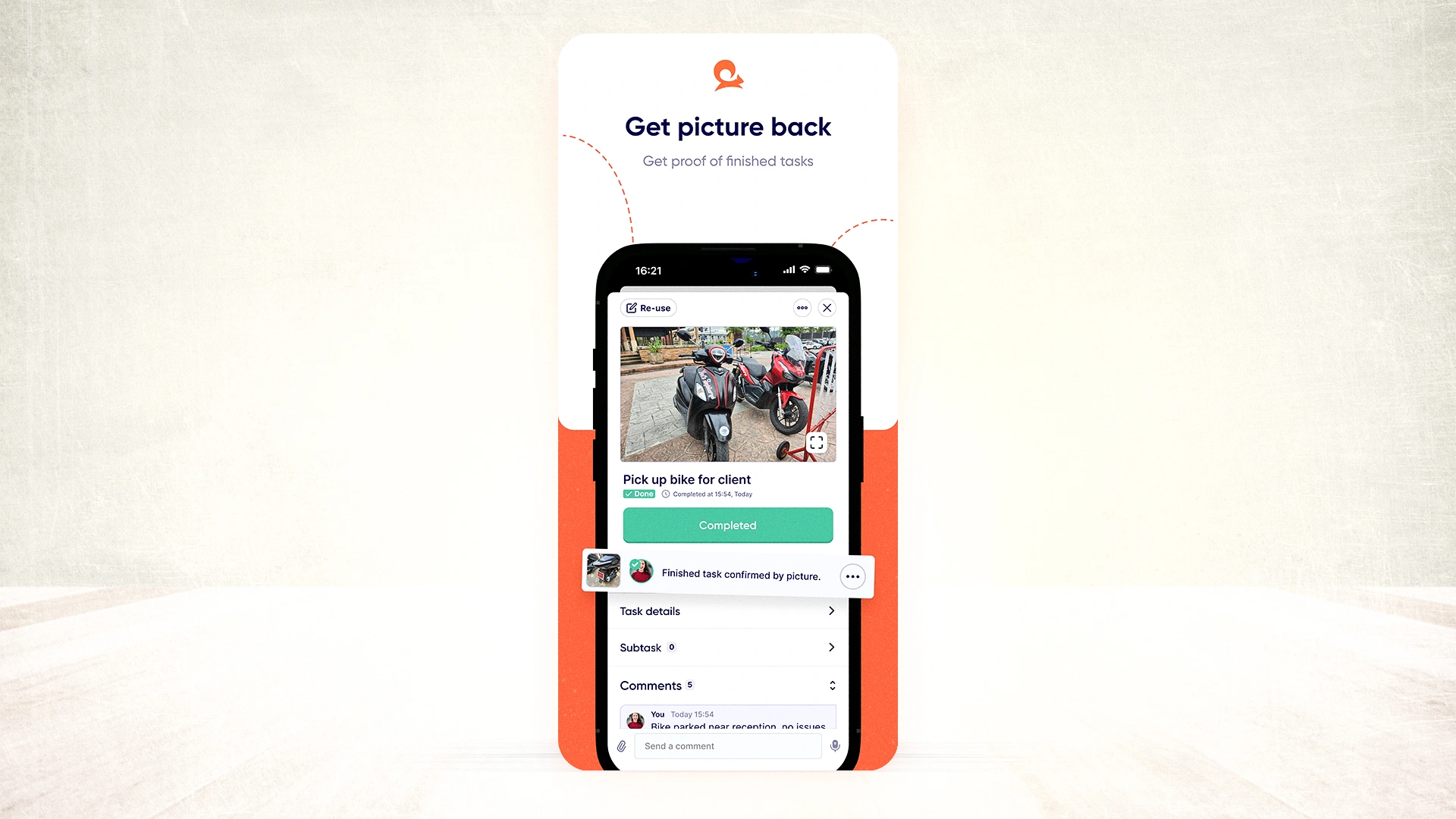
Photo verification for completion
Eliminate “I forgot” excuses. Approve work in seconds. Ensure every task meets the required standard from anywhere.
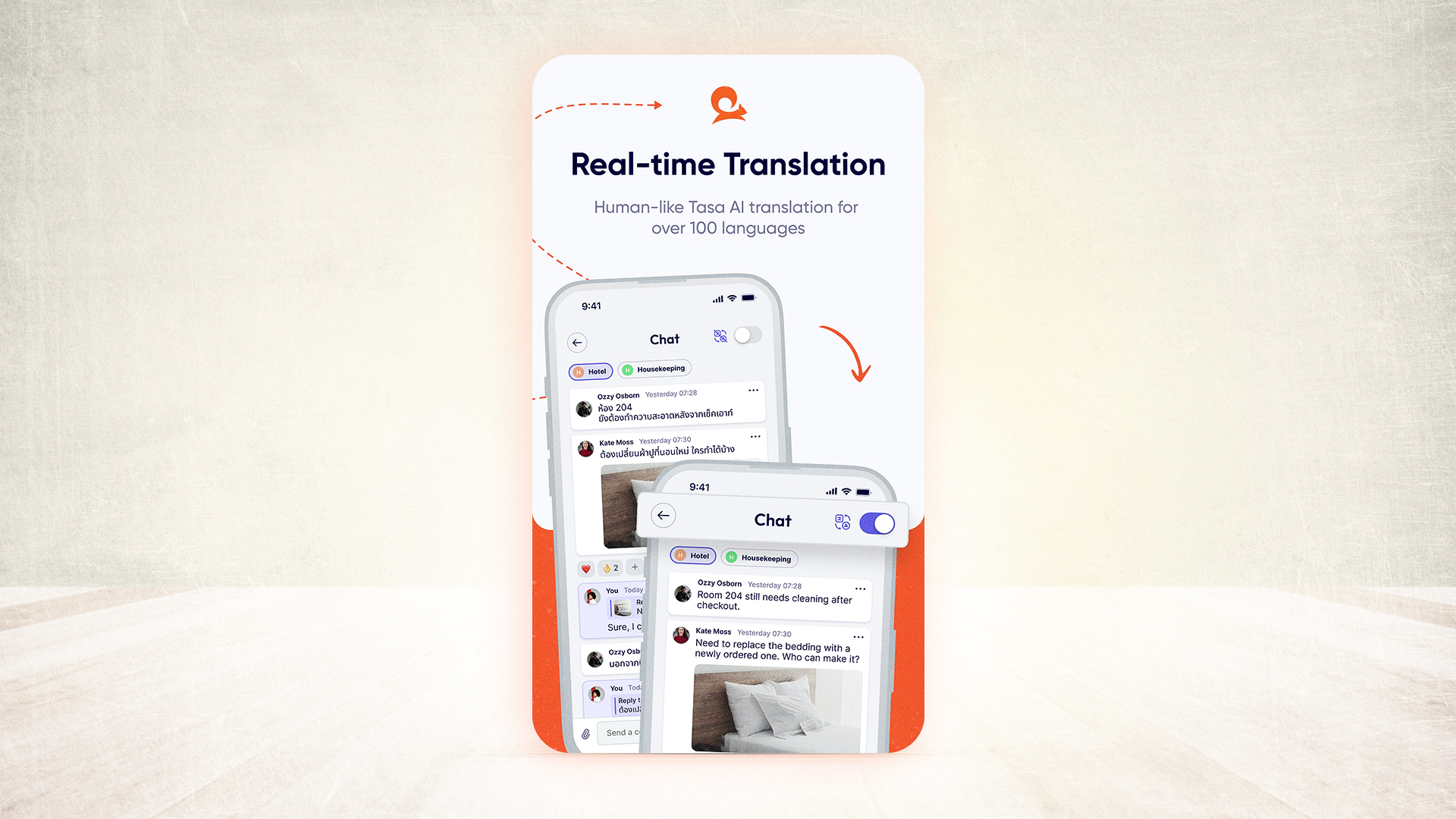
Real-time translation (100+ languages)
Each crew member reads tasks in their native language. No manual translation process.
Simple mobile interface (glove-friendly)
Your least experienced worker learns in 5 minutes and gets to work.
Cost comparison (ERP vs. visual field service solution)
Here is what the first year actually costs for a ten-person field team, comparing a traditional ERP field module with Tasa:
Why contractors choose Tasa
If you’re an expat entrepreneur managing teams in a country where you don’t speak the local language fluently, you face unique challenges:
- You’re the only bridge between English instructions and the local crew. Mistranslations cause costly rework.
- You can’t be on every job site to verify quality.
Tasa solves this with three expat-specific features:
- You create tasks in English (or your language). The AI translates them instantly into your crew’s language.
- Your crew replies in their language. You read it in English. No middleman.
- Photo verification means you see the finished work – no matter where you are.
How to implement a visual field service solution in 5 steps
Step 1: Audit your current field workflow
List every task your crews do daily. Highlight those that cause the most confusion or rework.
Step 2: Start with one crew or one job type
Pilot Tasa with your highest-volume, most error-prone task (e.g., “daily equipment inspection”).
Step 3: Create picture-based task templates
Take photos of the “before” state, annotate with arrows or circles, and write a short caption (auto-translated by Tasa).
Step 4: Assign and let the crew run
Share the tasks via QR code or link. Crews open Tasa on their own phones, see the pictures, do the work, and send photo proof back. No accounts to create, no training session needed.
Step 5: Review photo verifications for one week
Reject unclear photos with a comment. Within 7 days, your team will learn exactly what “done” looks like.
Pricing that makes sense for small operations
You're not a Fortune 500 company. You shouldn't pay Fortune 500 prices for software.
Tasa's pricing is designed for independent contractors, small business owners, and expat entrepreneurs building operations in emerging markets. Instead of paying per module, per integration, and per support call, you get everything you need in a straightforward subscription. The total cost for a ten-person field team is less than what most ERPs charge for a single user license.
How Tasa compares to other field service apps
The field service market splits into two camps: back-office platforms that manage quoting, invoicing, and scheduling from the office, and frontline execution apps that make sure the work on site actually gets done right. Most comparison lists only cover the first camp. This one covers both.
What is a mobile field service solution?
A mobile field service solution is software that lets field crews receive, execute, and prove work entirely from a phone, without office staff relaying instructions. At minimum it covers task assignment, mobile access for technicians, and some form of job completion proof. The best ones add photo verification, offline tolerance, and translation for multilingual crews.
The best field service apps at a glance
The full comparison above shows the pattern: back-office platforms manage the business around the work; Tasa manages the work itself. If quoting and invoicing are your bottleneck, pick a back-office platform. If execution quality, language barriers, and “is it actually done?” are your bottleneck, pick Tasa, or run both side by side.
Choosing a field service solution for your team size
- Solo operator, quoted work: TREVY or ServiceM8 for paperwork; add Tasa if subs don’t read your language.
- 2–10 person crew, recurring jobs: Tasa alone covers task execution and proof; Jobber adds invoicing when you need it.
- 10+ field staff with dispatchers: Housecall Pro or Jobber for dispatch, Tasa for the frontline layer they don’t reach.
- Multilingual or low-literacy crews at any size: Tasa, because no other option translates photo tasks in real time.
Latest News


Have questions?
.svg)
Team management, simplified.

“It affects my personal life a lot. I can manage my team and my work remotely, so I have more time being a mother.”