.svg)
Best construction scheduling software for 2026: 7 tools to keep every project on track

Juggling multiple construction projects, shifting deadlines, and keeping teams aligned can quickly spiral into chaos. As 2026 brings tighter timelines and growing demands for transparency, relying on spreadsheets and ad‑hoc calls isn’t enough.
That’s why construction scheduling software has become a non‑negotiable tool for builders and project managers.
In this guide, you’ll see how scheduling tools help you organize work, coordinate crews, and deliver projects on time and within budget. You’ll also see a crucial missing link most schedulers ignore: turning those plans into clear, verifiable tasks for crews on site.
Key Takeaways:
- The best construction scheduling software for 2026 spans every budget: Plaky from $3.99 per user per month, Float from $7, Smartsheet from $12 (free single-user plan), Fieldwire from $39 per user, Jobber from $29 per month, Buildxact from $169 per month, and quote-based Autodesk Build.
- Excel works for a single small project, but dedicated software wins once you juggle subcontractors, multiple sites, or compliance documents.
- AI scheduling features are arriving fast: Buildxact bundles AI estimating, and vendors are adding look-ahead planning helpers, but none yet removes the need for field verification.
- A schedule only creates value when crews execute it; photo-verified task completion (Tasa) closes the gap between the plan and the job site.
- Pick by bottleneck: resource clashes mean Float, documents and drawings mean Fieldwire, spreadsheet comfort means Smartsheet, residential estimating means Buildxact.
What is the need for construction scheduling software
Construction scheduling software is a specialized digital tool built to organize, track, and optimize the timeline of building projects. Unlike general project management apps, these platforms handle the unique chaos of construction, coordinating subcontractors, managing compliance documents, and tracking dozens of moving parts across multiple job sites.
Good scheduling tools are designed for the field as well as the office. Core capabilities usually include:
- Interactive Gantt charts to visualize each project phase and dependencies.
- Resource allocation to prevent double‑booking crews and equipment.
- Real‑time updates and notifications when dates, tasks, or assignments change.
- Mobile access so field teams and managers stay aligned from any site.
They also address common industry headaches:
- Keeping subcontractors, suppliers, and internal crews in sync.
- Ensuring work follows safety, quality, and regulatory requirements.
- Managing both on‑site and remote stakeholders without losing the thread.
The construction scheduling software market is projected to keep growing through the decade, reflecting how quickly digital scheduling is becoming standard rather than optional. Choosing the right platform can cut project management overhead, reduce overruns, and improve communication across everyone involved.
Top 7 best construction scheduling software for 2026
Juggling multiple job sites, shifting deadlines, and unpredictable team schedules is the daily reality for construction leaders. If you have ever lost sleep over missed milestones or scrambled to coordinate subcontractors, you are not alone.
Best construction scheduling software for 2026 table
Smartsheet
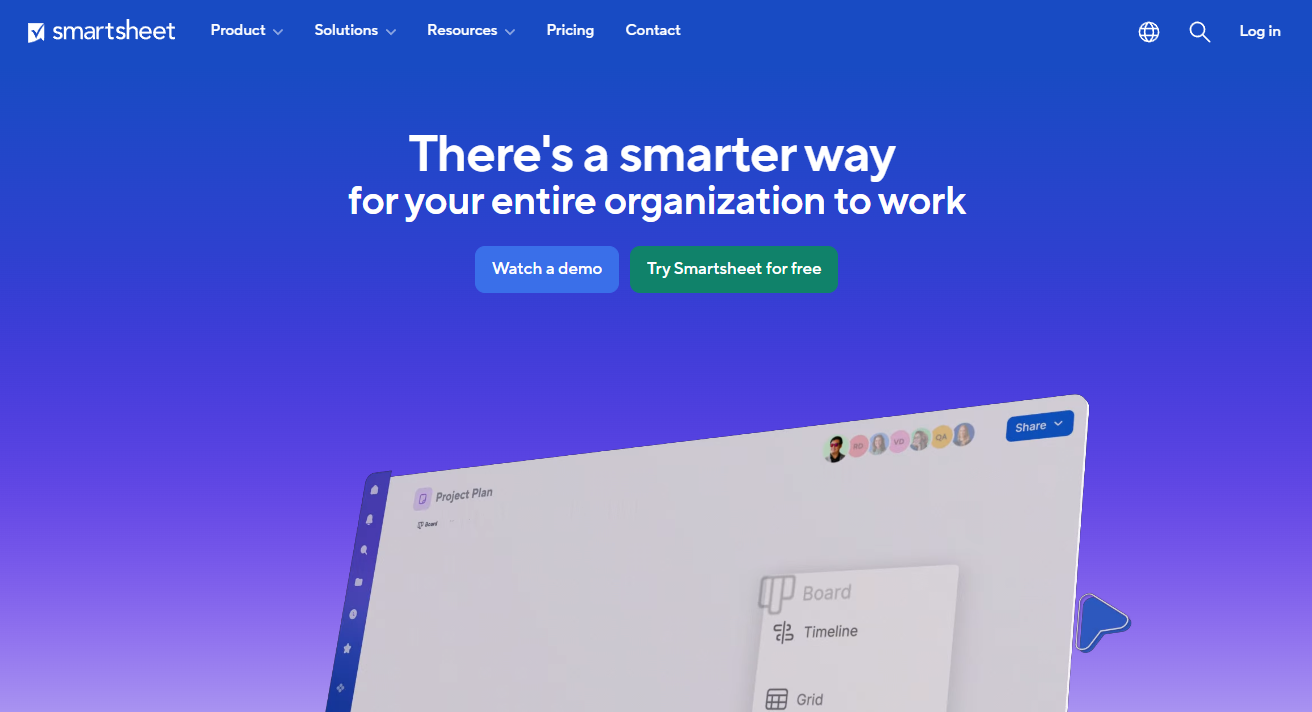
Smartsheet (from $12 per user per month, with a free plan for one user) is a great next step for teams outgrowing Excel. It keeps the familiarity of spreadsheets but adds powerful scheduling features.
Highlights:
- Gantt charts and project templates for construction timelines
- Automated workflows for approvals and notifications
- Resource management to reduce overbooking and idle time
- Cloud and mobile access so teams can update schedules from anywhere
Best for: Contractors evolving from manual spreadsheets; mid‑sized and larger firms that want flexibility.
Pros:
- Highly customizable
- Strong integration ecosystem
- Robust reporting and dashboards
Cons:
- Advanced features can have a learning curve
If you’re looking for scheduling that feels familiar but scales beyond Excel, Smartsheet is a strong contender.
Plaky
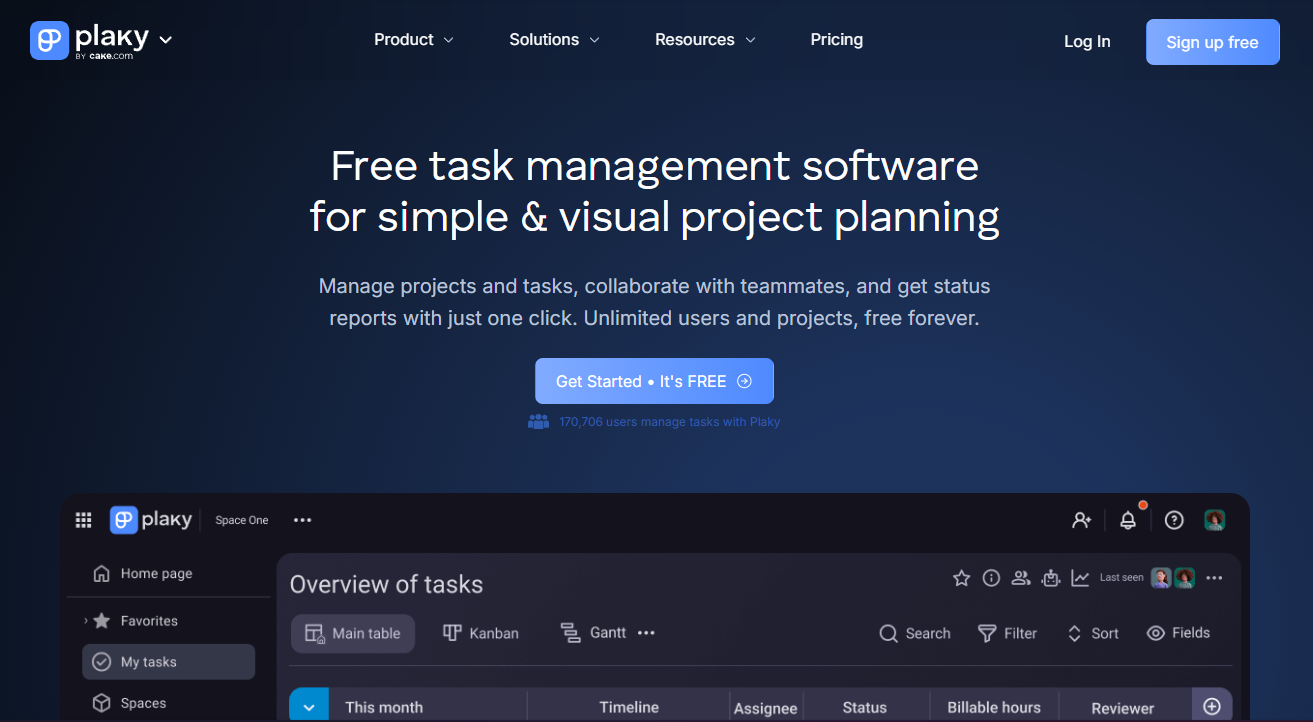
Plaky focuses on simplicity and speed. It’s well‑suited to smaller firms or teams taking their first step into digital scheduling.
Highlights:
- Visual boards and timelines that are quick to set up
- Customizable fields and statuses for your workflows
- Mobile app for basic on‑site updates
Best for: Small to mid‑sized construction firms that want a lightweight, easy-to-use tool.
Pros:
- Very user‑friendly
- Affordable, with a free tier
- Quick onboarding
Cons:
- Fewer deep integrations and advanced features than some competitors
If you need fast, straightforward scheduling without enterprise complexity, Plaky is worth a look.
Fieldwire

Fieldwire (Pro from $39 per user per month, with a free Basic plan) is designed with the job site in mind. It combines scheduling with plan viewing and punch list management.
Highlights:
- Task assignment linked to drawings and plans
- Real‑time updates for punch lists and inspections
- Mobile‑first design for foremen, crews, and subs
Best for: Field teams, specialty contractors, and documentation‑heavy projects.
Pros:
- Excellent for on‑site coordination
- Strong punch list and issue tracking
- Solid support and training resources
Cons:
- Higher price point than basic tools
- May be more than you need if most of your work is office‑based
If your biggest challenge is keeping on‑site work aligned with the schedule and drawings, Fieldwire is a good fit.
Buildxact

Buildxact (free Go plan to try, paid from $169 per month) is tailored for residential builders, remodelers, and smaller firms that want an all‑in‑one solution.
Highlights:
- Scheduling and project timelines
- Estimating and quoting
- Budget tracking and basic client communication
Best for: Residential builders, home renovation companies, and small general contractors.
Pros:
- Integrates estimating and scheduling in one system
- Saves admin time with streamlined quoting and job management
Cons:
- No free plan
- Higher starting price than ultra‑light tools
If you build or renovate homes and want scheduling tightly coupled with estimating and cost control, Buildxact can be a strong choice.
Autodesk Build
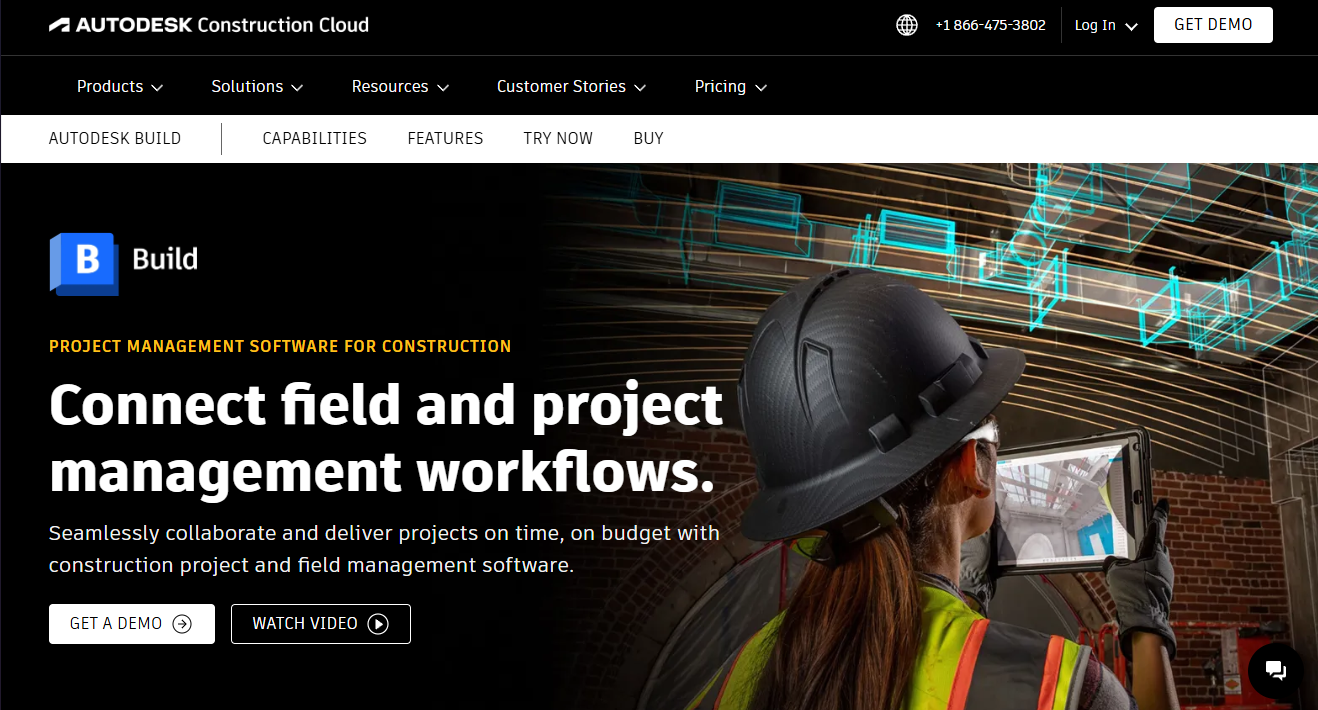
Autodesk Build targets larger contractors and complex, multi‑phase projects. It’s part of the wider Autodesk Construction Cloud.
Highlights:
- Schedule management tied to RFIs, submittals, and documents
- Strong integration with BIM and design workflows
- Enterprise‑grade security and compliance features
Best for: Large contractors, infrastructure projects, and complex commercial work.
Pros:
- Deep analytics and reporting
- Seamless connection to other Autodesk tools
Cons:
- Premium pricing
- Requires time investment to fully implement and train teams
If you’re running large, high-risk projects with demanding clients, Autodesk Build offers the depth and integration needed. For a wider field of options, see our full construction management software comparison.
Float
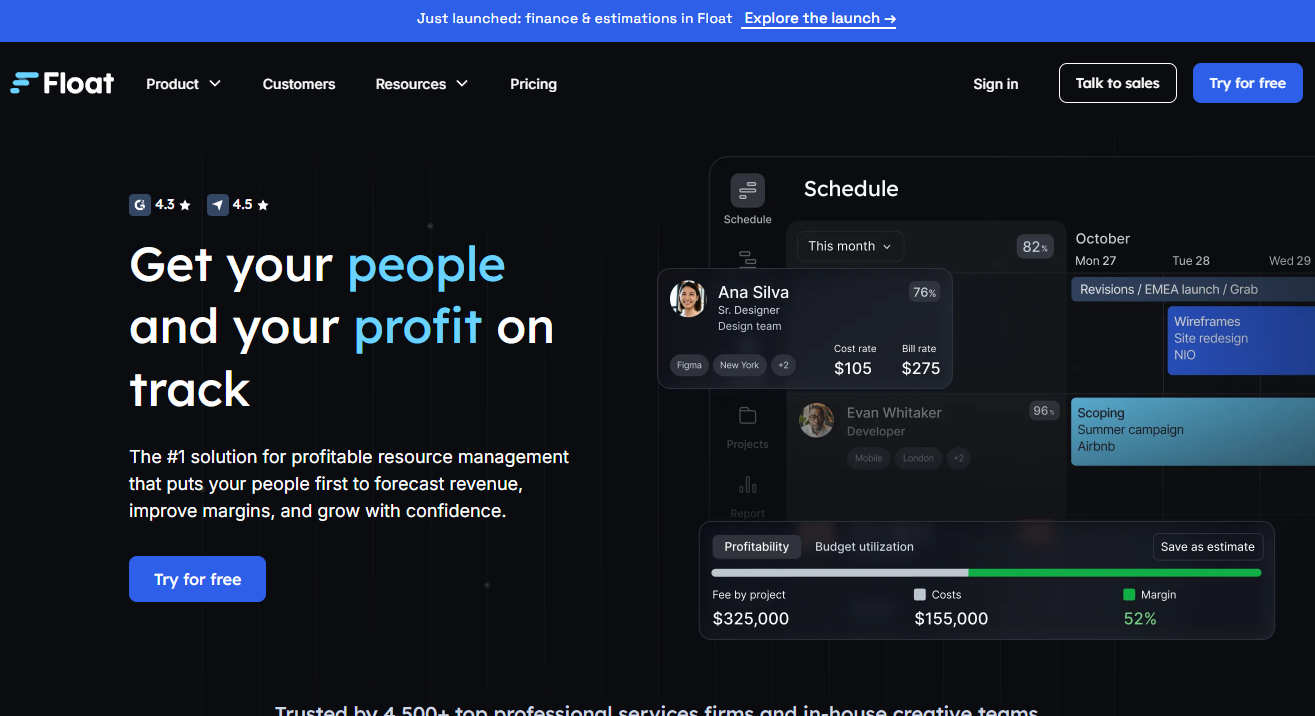
Float (from $7 per scheduled person per month) focuses on resource scheduling and capacity planning. It’s useful when your main pain is who is doing what, and when.
Highlights:
- Drag‑and‑drop resource planning
- Real‑time availability and workload views
- Time tracking and basic reporting
Best for: Teams that want to optimize labor and equipment allocation.
Pros:
- Intuitive interface
- Strong for quickly adjusting schedules as conditions change
- Useful analytics on utilization
Cons:
- Not construction‑specific in terms of documents and compliance
- Limited project documentation features
If your priority is resource allocation across projects rather than deep project documentation, Float is a good option.
Jobber
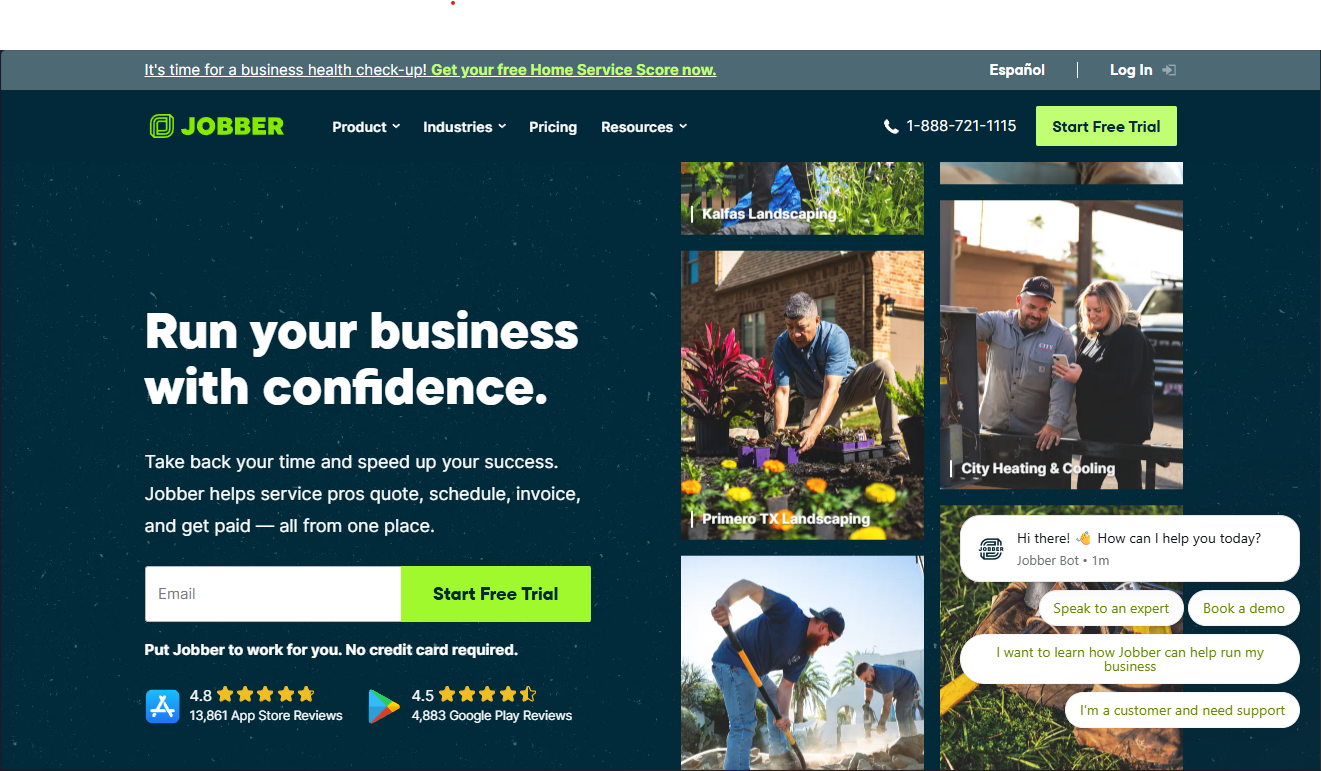
Jobber (Core from $29 per month) is built for small contractors and trades (plumbers, electricians, maintenance firms) who need simple, reliable scheduling plus job management.
Highlights:
- Job scheduling and route planning
- Client management, quotes, and invoicing
- Mobile app for crews to see job details in the field
Best for: Small service contractors and specialty trades.
Pros:
- All‑in‑one workflow from booking to payment
- Easy to set up and teach to crews
- Strong customer communication features
Cons:
- Less suitable for large, multi‑phase construction projects
- Fewer advanced project scheduling tools than enterprise systems
If you run a smaller service‑oriented business and want scheduling plus business operations in one tool, Jobber is a practical choice.
Schedules don’t build projects. Connected crews do.
A perfect Gantt chart in the office doesn’t guarantee progress on the job site. The real challenge isn’t drawing the schedule, it’s making sure every crew understands and executes it correctly, often across language and literacy barriers, and staying accountable.
Your scheduling software gives you the blueprint. You still need a way to turn that plan into verifiable, on‑site action.
The missing link: from schedule to proof
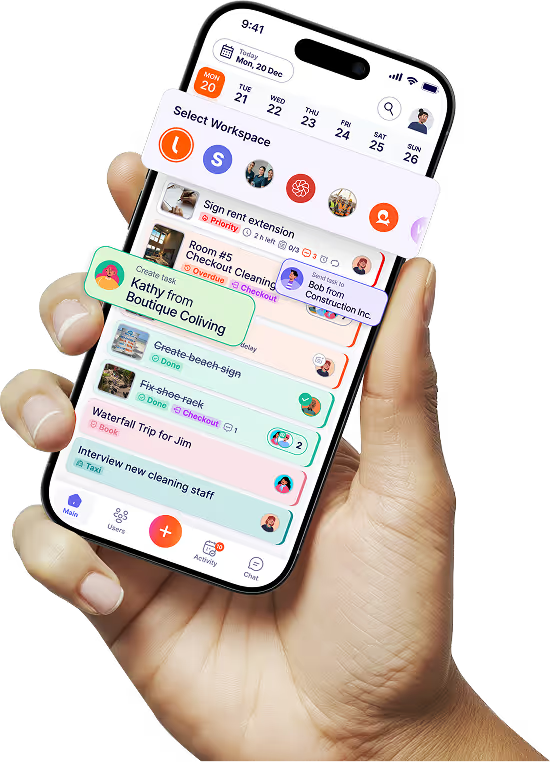
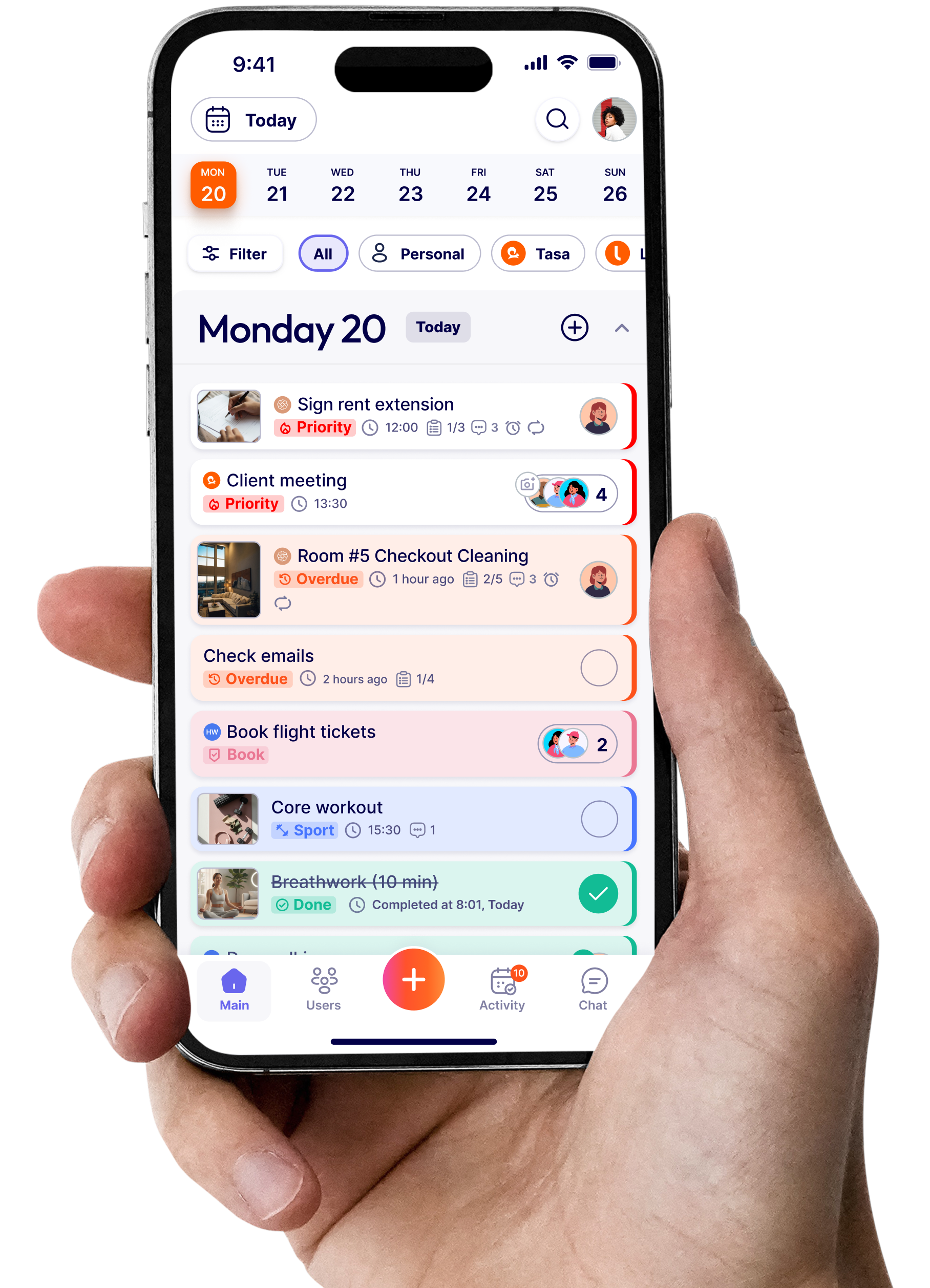
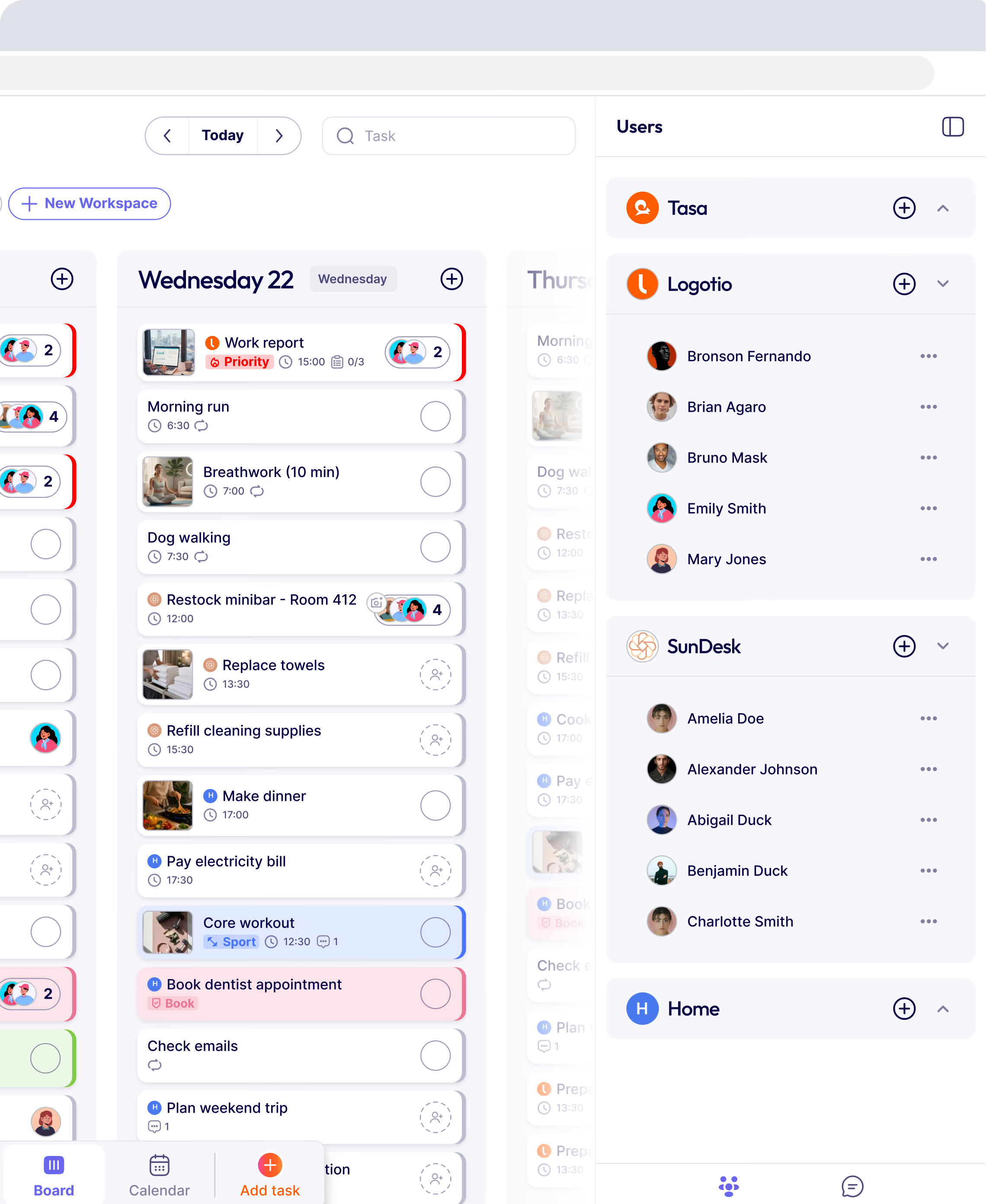
This is where Tasa comes in. It acts as an execution layer alongside your master schedule:
- Visual proof, not just status updates
Instead of checking a box, crews complete tasks by submitting photo evidence. You see that the foundation was poured, the rebar installed, or the drywall finished to spec. - Fewer costly misunderstandings
Tasa uses picture‑based tasks and built‑in translation so instructions are clear even when workers don’t all share the same language. - Simple daily coordination
Foremen and subcontractors receive a clear, mobile-friendly task list mapped to your schedule. They don’t need to decipher complex software: just see what’s next, do it, and send proof.
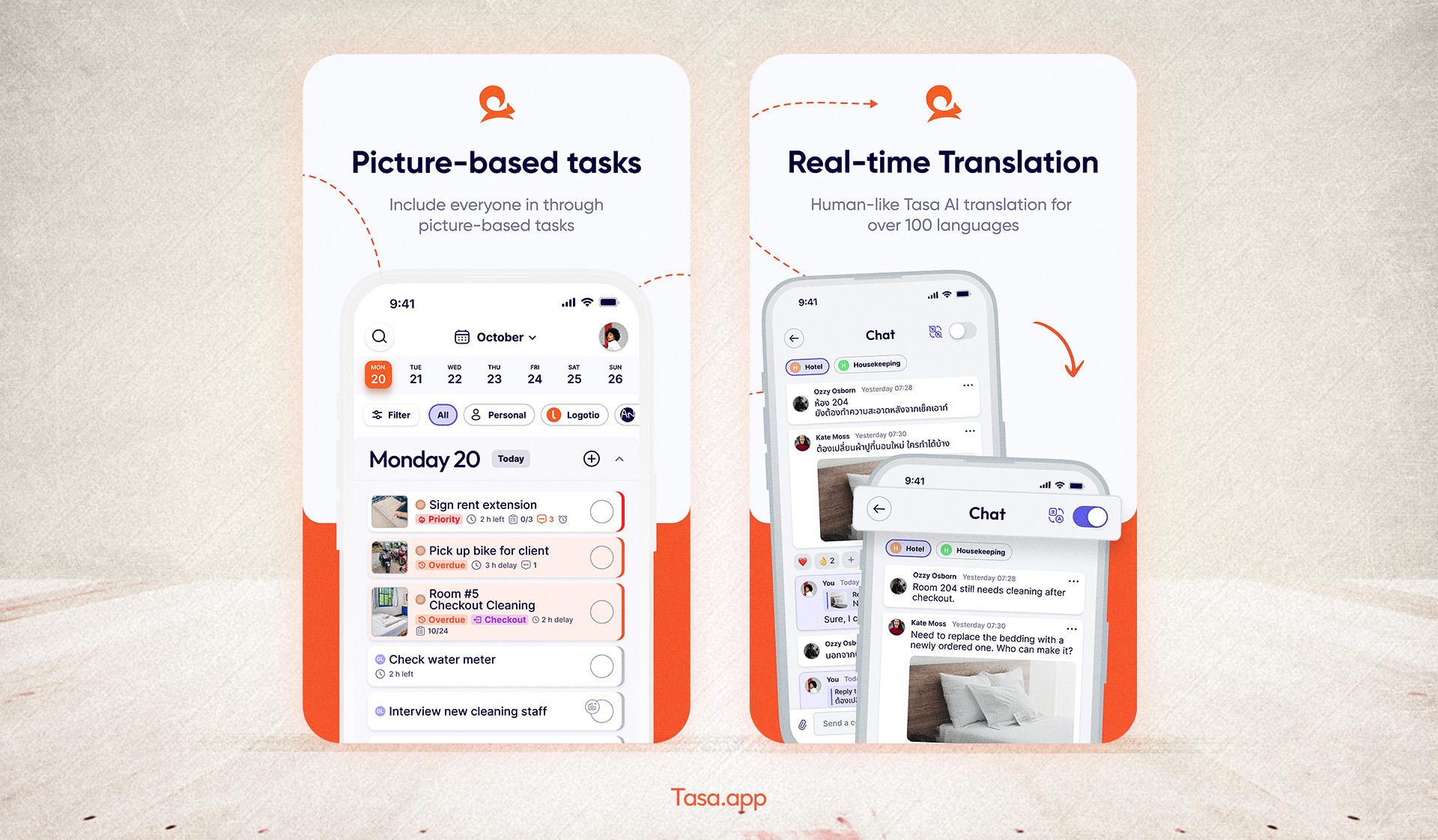
Used together, your main construction scheduling software handles planning, dependencies, and reporting, while Tasa ensures that what’s on the plan actually happens on site and can be verified.
The personal plan is free. Team features start with one hundred free tasks. Download Tasa app and create your first picture-based task in sixty seconds.
How much does construction scheduling software cost?
Verified from vendor pricing pages in September 2026, the market splits into three cost models. Per-user tools start low: Plaky Pro at $3.99 per user per month, Float Starter at $7 per scheduled person, Smartsheet Pro at $12, and Fieldwire Pro at $39 per user billed annually.
Flat monthly bundles price by company, not headcount: Jobber Core from $29 per month for one user, Buildxact Foundation at $169 per month billed annually with unlimited users, which often beats per-user pricing once a crew passes five people.
Enterprise platforms (Autodesk Build) are quote-only. Budget for the hidden layer too: onboarding time, integrations with accounting or BIM tools, and mobile licenses for field staff who expect real-time access, because those, not the sticker price, usually drive first-year cost.
Can you make a construction schedule in Excel, or is dedicated software better?
You can, and many firms do: a spreadsheet with task rows, start and finish dates, and a stacked bar chart is a workable Gantt substitute for a single small project with one crew. Excel breaks down at exactly the point construction gets hard.
Change one date and every dependent task on the critical path must be updated by hand; two people editing the same file produces version conflicts; and there is no mobile workflow for a foreman who needs real-time updates on site.
Dedicated scheduling software earns its fee the day you coordinate multiple subcontractors, run more than one job at a time, or need anyone outside the office to see changes in real time.
A practical middle path many small builders use: keep planning in a familiar tool, and add a light field-execution layer so crews receive the tasks you assign and return photo proof, instead of phoning status updates back for re-entry into the sheet.
What is the best AI software for construction scheduling?
As a planning tool category, AI in scheduling is real but narrow in 2026. Buildxact ships AI estimating (its Blu add-ons generate and review estimates), several platforms suggest schedule optimizations and flag risky task sequences, and look-ahead planning helpers draft the coming weeks from templates.
What AI does not yet do is know what actually happened on site yesterday; it optimizes the plan it is given. That is why the strongest 2026 setup pairs a scheduling platform with photo-verified execution: the AI plans and re-plans, and picture-based task completion feeds it ground truth instead of optimistic checkboxes.
What is the most used construction scheduling software?
By installed base, the industry splits by company size. Among large commercial and infrastructure contractors, Autodesk Construction Cloud (including Autodesk Build) and Oracle Primavera P6 are the long-standing standards for complex schedules.
Among small and mid-sized firms, Excel is still the most used scheduling tool of all, which is exactly why spreadsheet-shaped tools like Smartsheet convert so well, and why lightweight options like Plaky and Fieldwire grow fast.
Most used is the wrong question for a specific business, though: the right question is which project management tool matches your project complexity, crew literacy, and budget, which is what the sections above are designed to answer.
How to choose the best construction scheduling software
Many construction professionals have tried tools that were too complex, missing key features, or simply a bad fit. If you’ve ever wasted hours wrestling with clunky software or lost track of schedule changes, you’re not alone.
Finding the right fit means going beyond marketing claims and asking how well a system matches your real projects, people, and workflows.

Scalability and usability
Start by evaluating scalability. The best construction scheduling software should grow with your business, adapting to both small renovations and multi-site builds. Ask yourself if the system can handle more projects or users as your company expands.
Usability is just as crucial. If your team cannot pick up the software quickly, productivity suffers. Look for intuitive dashboards, clear navigation, and minimal training time. A platform that feels familiar, like a spreadsheet interface, often eases the transition.
Checklist for scalability and usability:
- Can the tool manage both small and large projects?
- Is the interface user-friendly for all team members?
- Does onboarding take hours, not weeks?
Integration and mobile functionality
Integration ensures your chosen software works seamlessly with existing accounting, BIM, and communication platforms. This prevents data silos and double entry. Mobile functionality is non-negotiable for construction teams who need real-time updates from the field.
Consider platforms that offer robust mobile apps and cloud access. Your team should be able to update schedules, upload photos, and check progress from any job site.
Key integration and mobility questions:
- Does it connect to your other business software?
- Are mobile features fully functional and easy to use?
- Can field and office teams collaborate in real time?
Customization, support, and security
Every construction company has unique workflows. The best construction scheduling software lets you tailor templates, fields, and reports to fit your needs. Customization reduces busywork and aligns the tool with how your team already operates.
Support and training resources matter, especially during rollout. Look for vendors with strong onboarding, responsive help desks, and active user communities.
The best scheduling software fits your team’s workflow, not the other way around.
Security and compliance are critical. Your software should offer role-based access, encrypted data, and compliance with industry standards to protect sensitive project information.
What are the benefits of using construction scheduling software
Adopting a dedicated scheduling tool delivers visible, real‑world benefits:
- Streamlined communication: Centralized schedules and automated notifications in one platform cut down on confusion and keep everyone on the same page.
- Improved resource allocation: Real-time visibility helps prevent double-booking crews and equipment, while reducing costly idle time.
- Enhanced project transparency: All stakeholders can access live project updates, which boosts accountability and trust.
- Data-driven decisions: Built-in analytics and reporting identify bottlenecks, enabling smarter adjustments and faster project delivery.
- Reduced delays: Automated alerts and clear task dependencies help teams avoid missed deadlines, project delays, and last-minute surprises.
Industry surveys consistently find that companies using modern scheduling and collaboration tools see fewer overruns and less rework. In a margin‑sensitive industry, those gains matter.
Do not forget to close the communication gap with Tasa. Download Tasa app and create your first picture-based task in sixty seconds.
Latest News

Have questions?
.svg)
Team management, simplified.

“It affects my personal life a lot. I can manage my team and my work remotely, so I have more time being a mother.”