.svg)
Top retail task management software picks for 2026
The retail world is evolving fast, and 2026 is a landmark year for retailers who take task execution seriously. As operations span more stores, more SKUs, and more languages, keeping everyday work on track is no longer something you can manage with WhatsApp groups and spreadsheets.
This guide goes beyond a simple list of apps. It gives you a strategic blueprint for choosing the right retail task management software, including:
- An in-depth look at 7 platforms, from enterprise-heavy tools to innovators solving language and literacy barriers.
- The crucial 2026 features: why visual proof, AI translation, and mobile‑first design are now non‑negotiable.
- Data and examples showing how the right system cuts training time, reduces costly errors, and locks in brand and safety compliance across locations.
If operational friction is slowing down your retail strategy, this is how you remove it.
Key Takeaways:
- Retail task management software coordinates store work across locations, shifts, and languages; generic to-do apps cannot.
- The features that matter most in 2026: recurring checklists, shift-based assignment, photo verification, and multilingual interfaces.
- Of the eight tools compared here, Tasa is the only one built picture-first with automatic AI translation, which matters when your floor staff do not share one language.
- Pricing ranges from free plans (Tasa personal, Homebase 1 location, Xenia starter) to custom enterprise quotes (YOOBIC, StoreForce, ZetesAthena).
- Pilot one or two tools for 2-4 weeks in a few stores before committing to a chain-wide rollout.
What is retail task management software
Retail task management software is purpose‑built to coordinate store operations across locations, shifts, and teams. Unlike generic project or to‑do apps, these platforms are designed for the fast, repeatable, detail‑heavy workflows that define retail.
Definition and core functions
Retail task management software is a digital platform that lets retailers:
- Assign tasks to specific people, roles, or shifts
- Track progress in real time across multiple stores
- Verify completion with checklists, photos, or digital signatures
- Automate recurring routines like opening and closing, promos, and compliance checks
Example: a store manager creates a checklist for a new product launch, attaches reference photos for endcaps, and requires photo proof when displays are done. Headquarters sees status from all stores in one place and can step in where tasks are late or incomplete.
What are the key features to look for in retail task management software
Modern retail task management software must solve three core problems:
- Execution gaps between HQ plans and store reality
- Fragmented communication between managers and frontline staff
- Inconsistent standards across locations and shifts
To do that, the strongest platforms share a common set of features.
Features to prioritize
- Customizable, recurring checklists
Standardize daily routines (opens, closes, cleaning, audits) so every store follows the same playbook. - Shift‑based assignments
Assign work by role, shift, and location, not just by name. This is critical in high‑turnover environments. - Photo and media uploads
Staff attach photos or videos to prove a task is done correctly, which is essential for merchandising, cleanliness, and safety. - Mobile-first built‑in communication
Comments, Q&A, and announcements live inside the tasks themselves, not buried in separate chat threads. - Reporting and analytics
Track completion rates, find bottlenecks, and see which stores or teams need support. - Integrations
Connect with scheduling, POS, HR, or payroll systems if you need a more unified stack. - Multilingual and accessible interfaces
Support diverse teams, including workers with limited reading skills. This is the core of communication on multilingual sales floors.
Why these features matter
Logile’s 2025 survey of 500 U.S. retail workers found that 77% of retail associates say their store regularly loses sales due to poor scheduling or staffing decisions. Poor staffing and poor task execution are deeply linked: when tasks aren’t clear or tracked, the right work doesn’t get done at the right time.
Platforms that combine visual instructions, mobile delivery, and real‑time tracking help close these gaps and keep the store floor aligned with the plan.
Top 8 retail task management software picks for 2026
Below are eight notable retail task management software options, each with different strengths. The common thread: they help retailers align store‑level work with HQ strategy. You can also see how Tasa fits daily store routines on the supermarket and retail team use case page.
Tasa
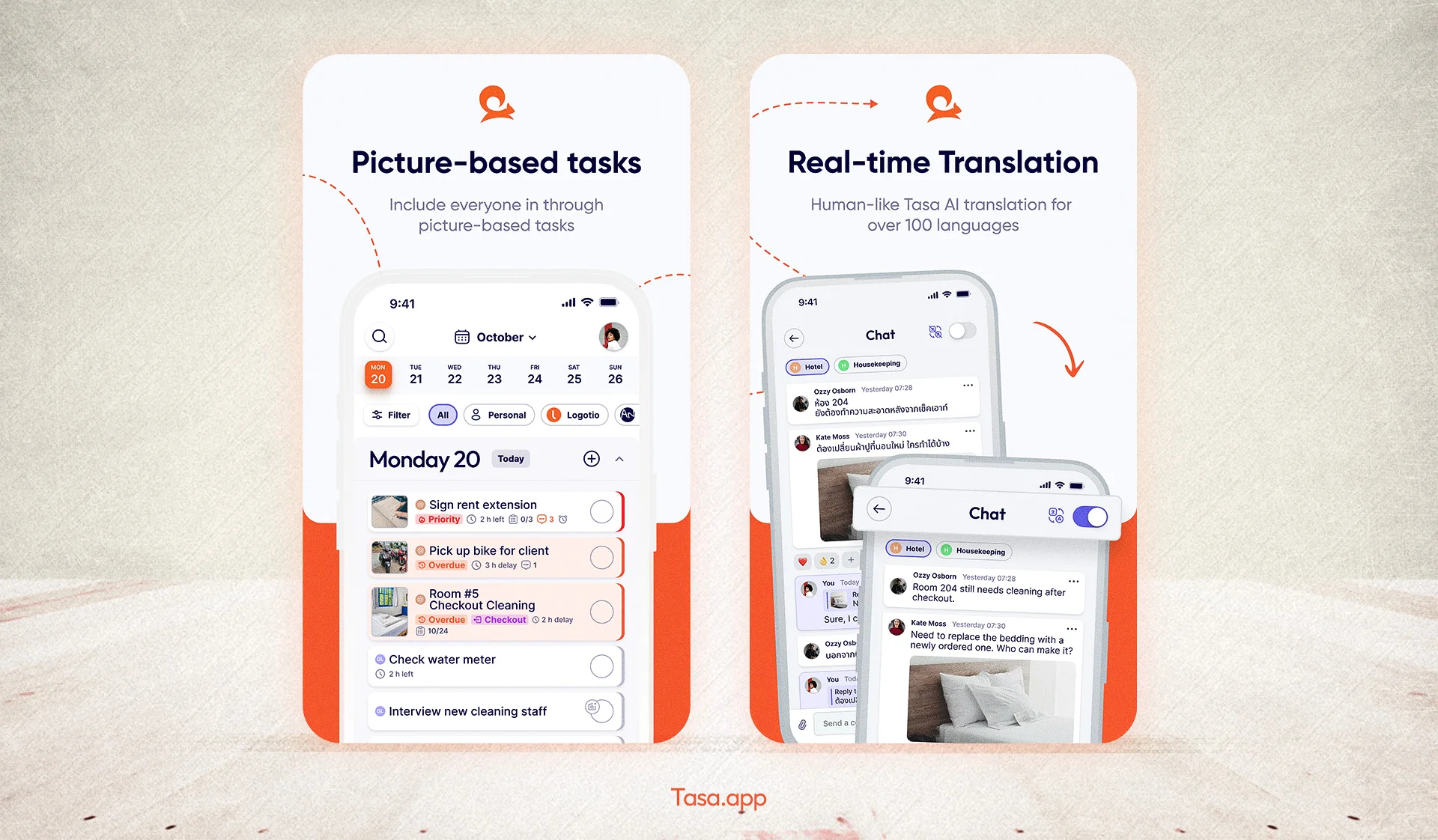
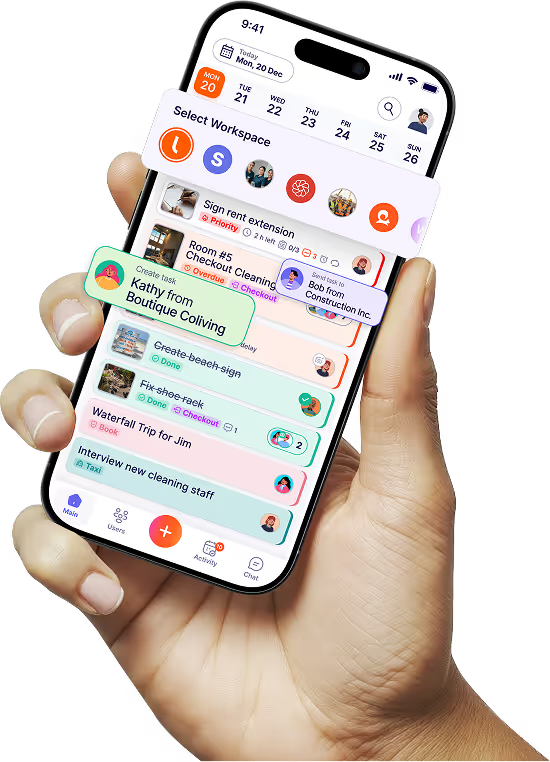
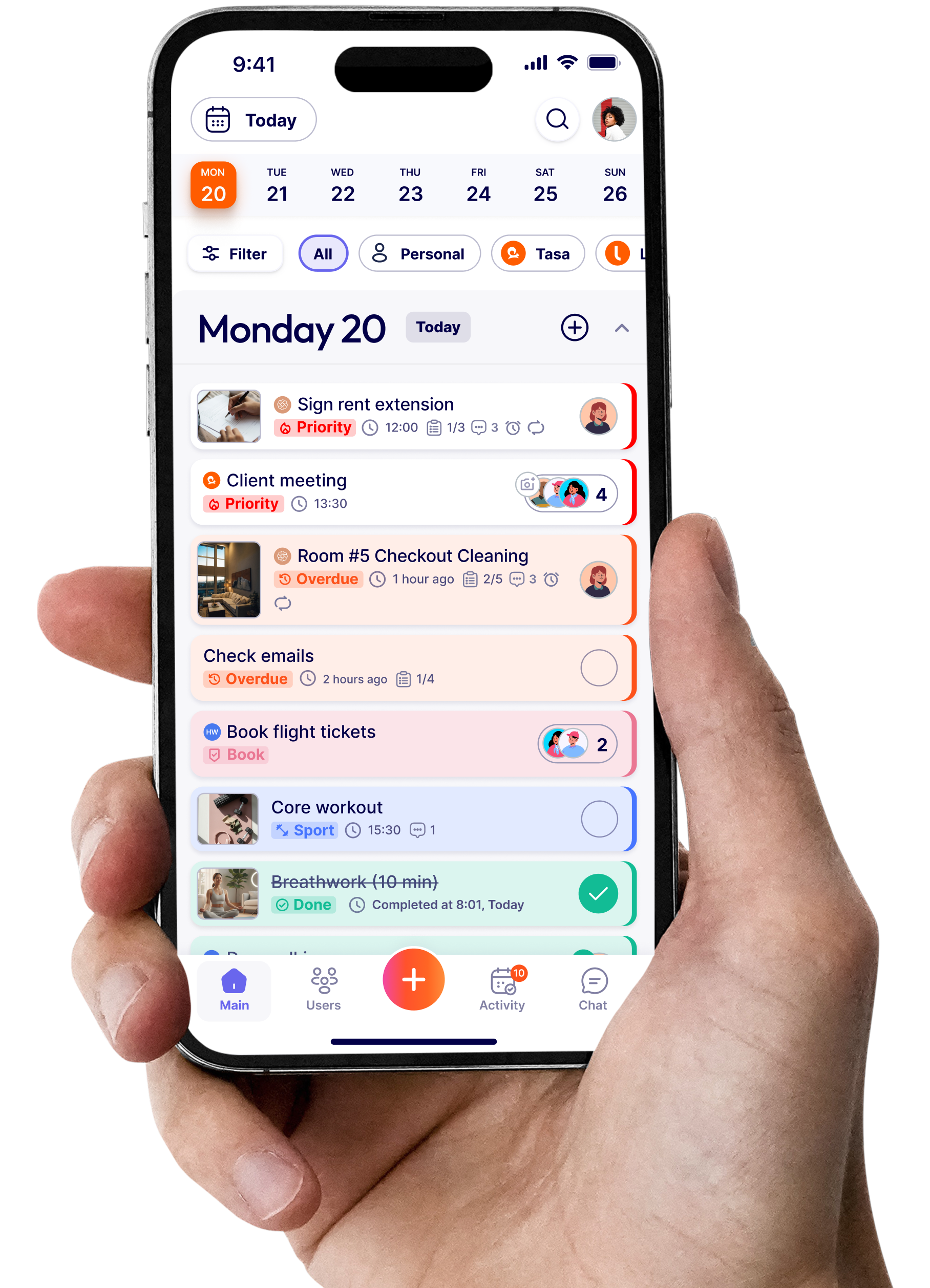
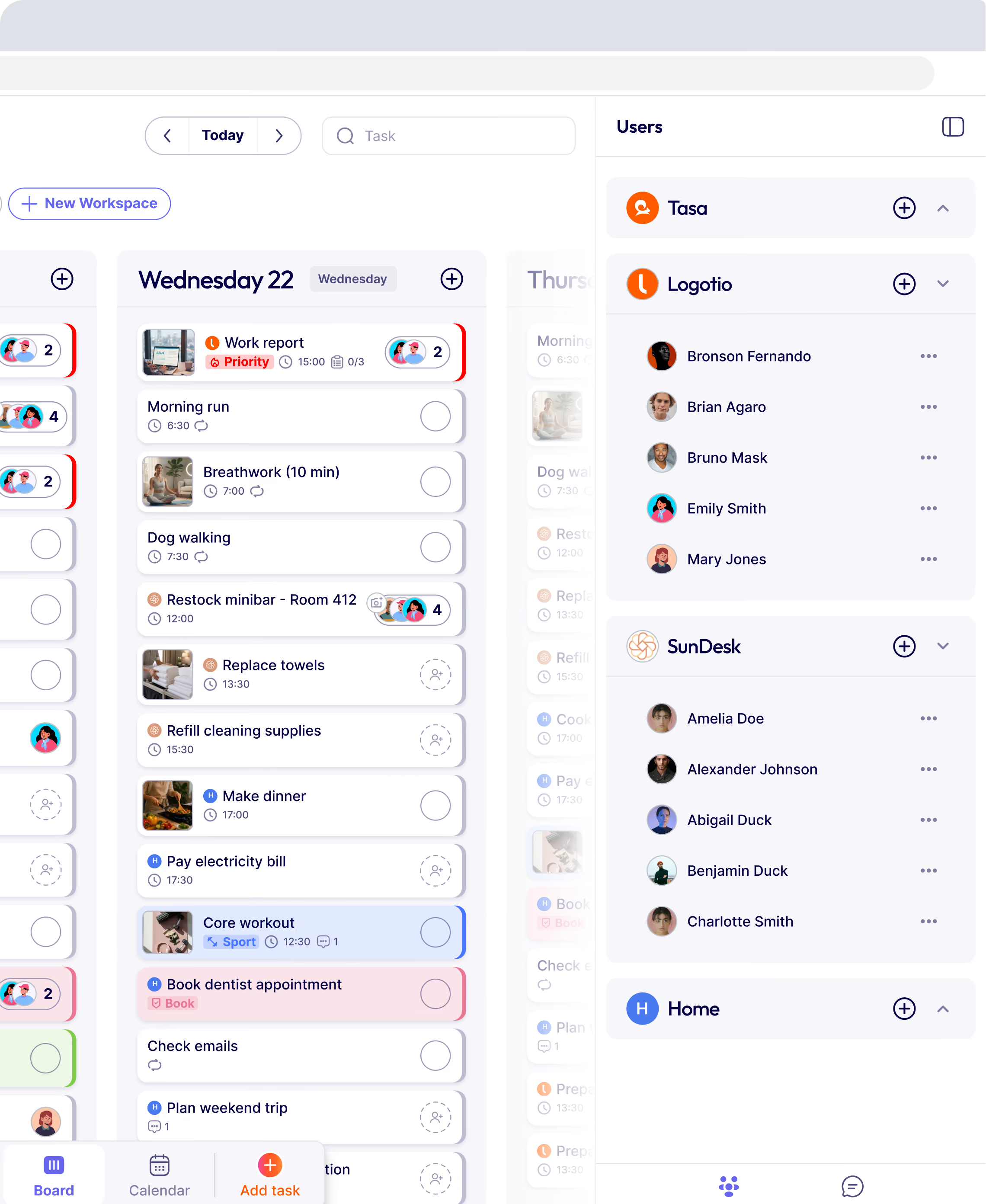
Tasa rethinks retail task management software for frontline teams with language and literacy challenges operating in a local business. Instead of assuming everyone reads long checklists in one language, Tasa is built around pictures and real-time translation.
Core idea: show work, don’t just describe it.
Key features
- Picture‑based checklists
Tasks are defined with images and short text, so workers see exactly what “ready” looks like. - AI translation for 100+ languages
You create tasks once. Staff see them in their own language automatically. - Photo verification
Completion requires uploading photos, so managers see proof, not just checkmarks. - Designed for on‑the‑floor, low‑connectivity environments.
- QR‑code login
Workers sign in by scanning a QR code, and get task started in 60 secs.
Best for
- Retailers with multilingual or non‑literate frontline teams
- Hospitality, supermarkets, and convenience stores
- Expat entrepreneurs running local teams remotely
Pros
- Extremely inclusive and easy for staff with limited reading skills
- Very fast onboarding, so workers can be productive in minutes
- Ideal for dispersed, multilingual teams local business where miscommunication is common
You can check out Tasa use cases to see how beneficial it is to your retail and frontline team, or browse our rundown of apps for retail teams for daily store routines.
YOOBIC
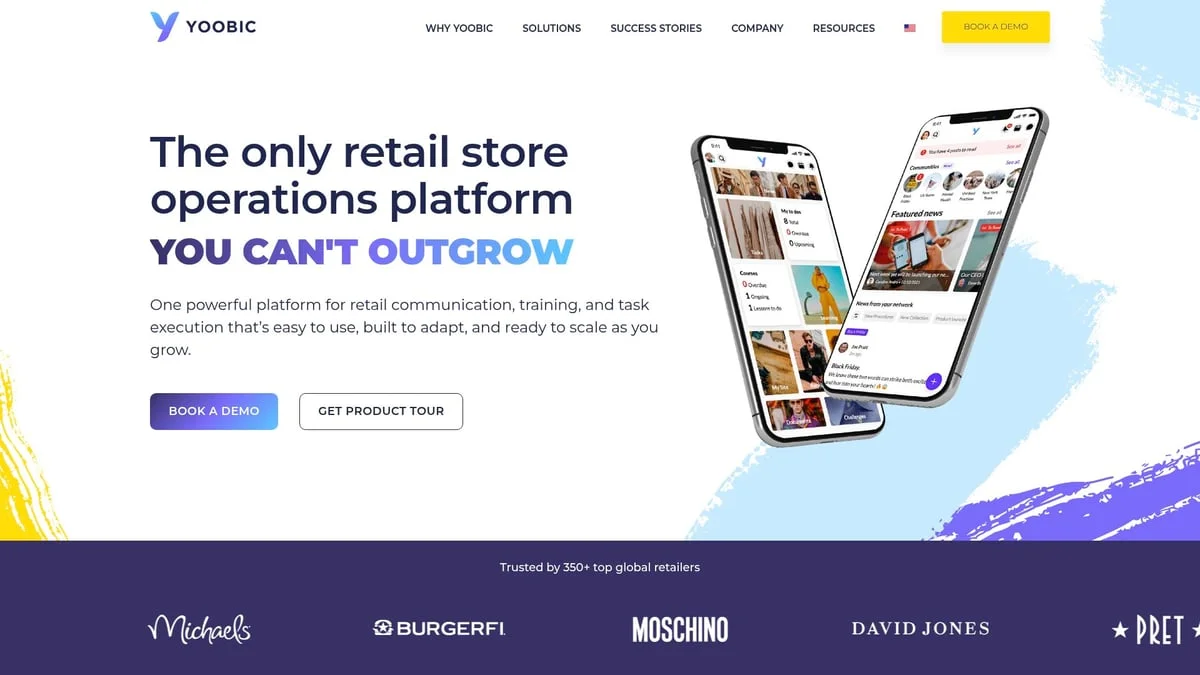
YOOBIC is a mobile‑first platform aimed at large, multi‑site retailers who care a lot about brand standards and visual merchandising.
Strengths
- Visual merchandising checklists
- Photo‑based proof of execution
- Digital training modules and micro‑learning
- Internal communications tools for HQ → store messaging
Best for
- Large fashion, beauty, or specialty chains
- Brands where visual standards are critical across hundreds of locations
Homebase
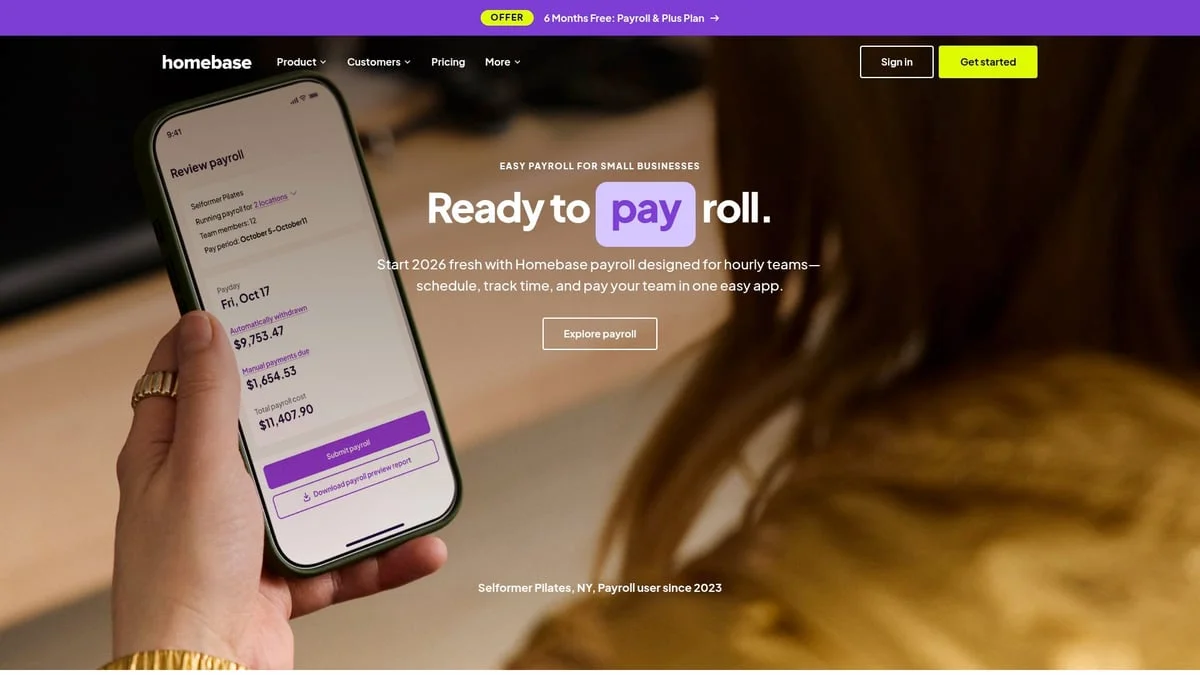
Homebase is best known for scheduling and time tracking, but it also includes lightweight task management that works well for smaller retailers and restaurants.
Strengths
- Employee scheduling and time clocks
- Shift‑based task assignment
- Team chat and announcements
- Payroll integrations
Best for
- Small to mid‑sized retailers and foodservice businesses
- Stores where scheduling + basic tasking in one app is the main need
Xenia
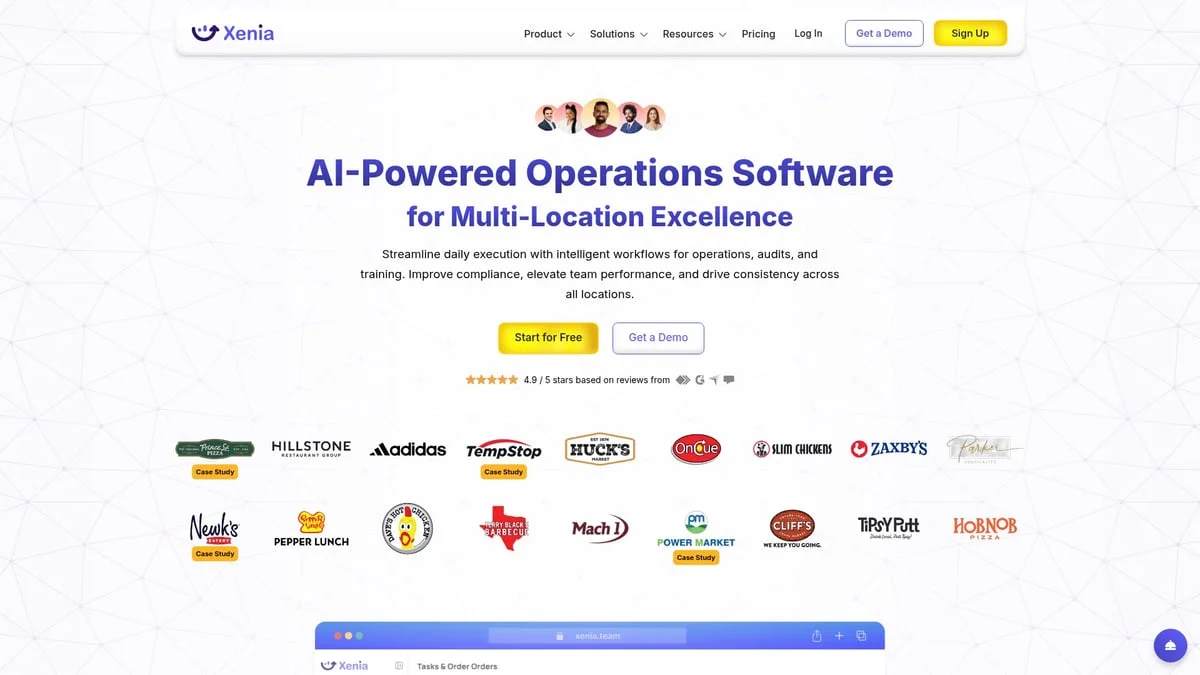
Xenia focuses on SOPs, compliance, and training. It’s useful when you need documented procedures and proof of execution. Pricing is now free to start with paid plans by custom quote (as of September 2026), so budget a conversation with their sales team.
Strengths
- Digital SOP builder
- Recurring checklists and inspections
- Learning modules and training assignments
- Analytics for compliance and productivity
Best for
- Multi‑unit retailers with strong compliance, safety, or audit requirements
- Operations with complex back-of-house tasks and procedures
StoreForce
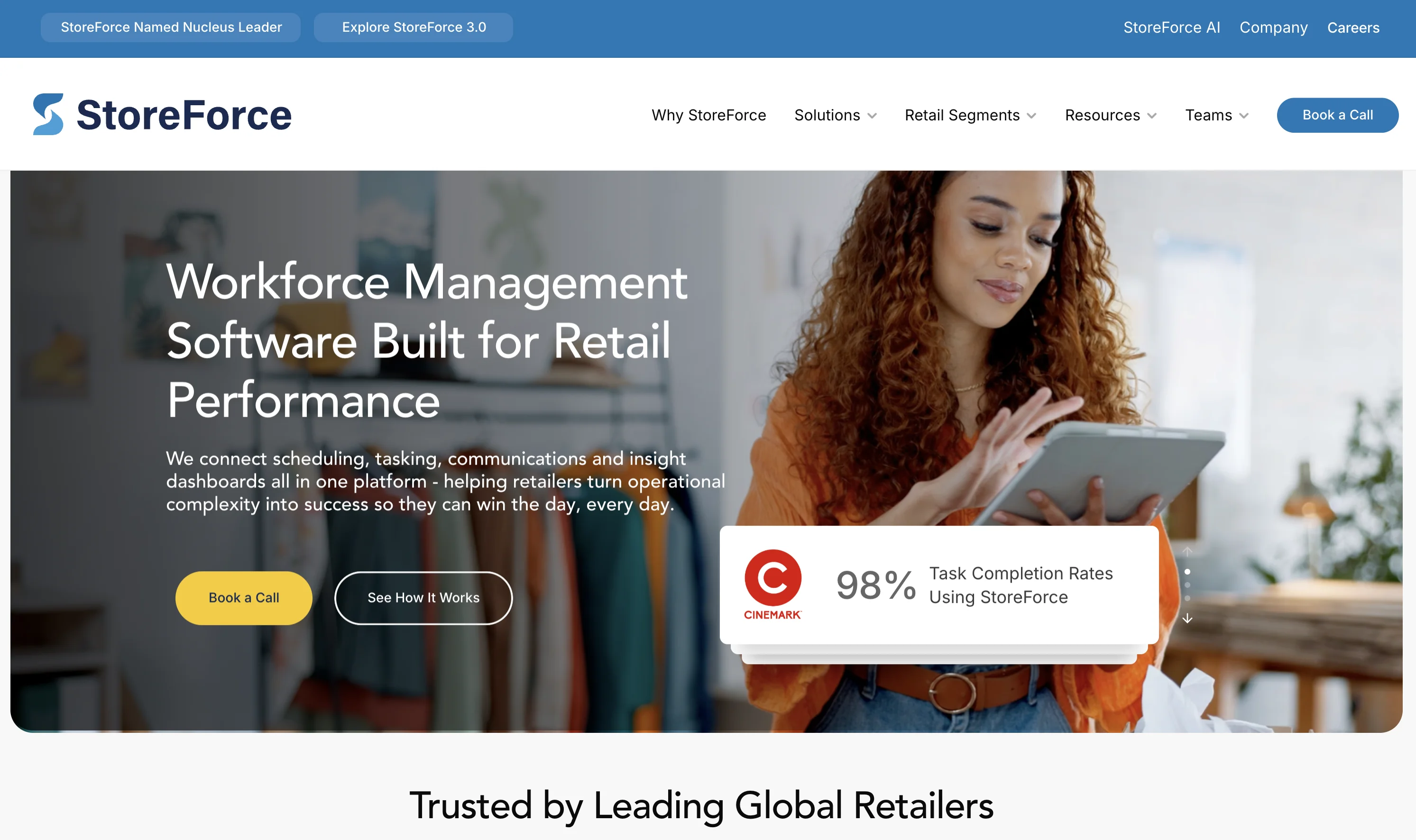
StoreForce blends workforce management with task execution and analytics, tying store work directly to sales performance.
Strengths
- Labor planning and scheduling
- Real‑time KPI dashboards
- Task execution tied to sales goals
- Permission‑based data access
Best for
- Retailers who want to see how store execution affects sales in real time
- Chains with a strong culture of performance tracking
CompliantIA (Bindy)
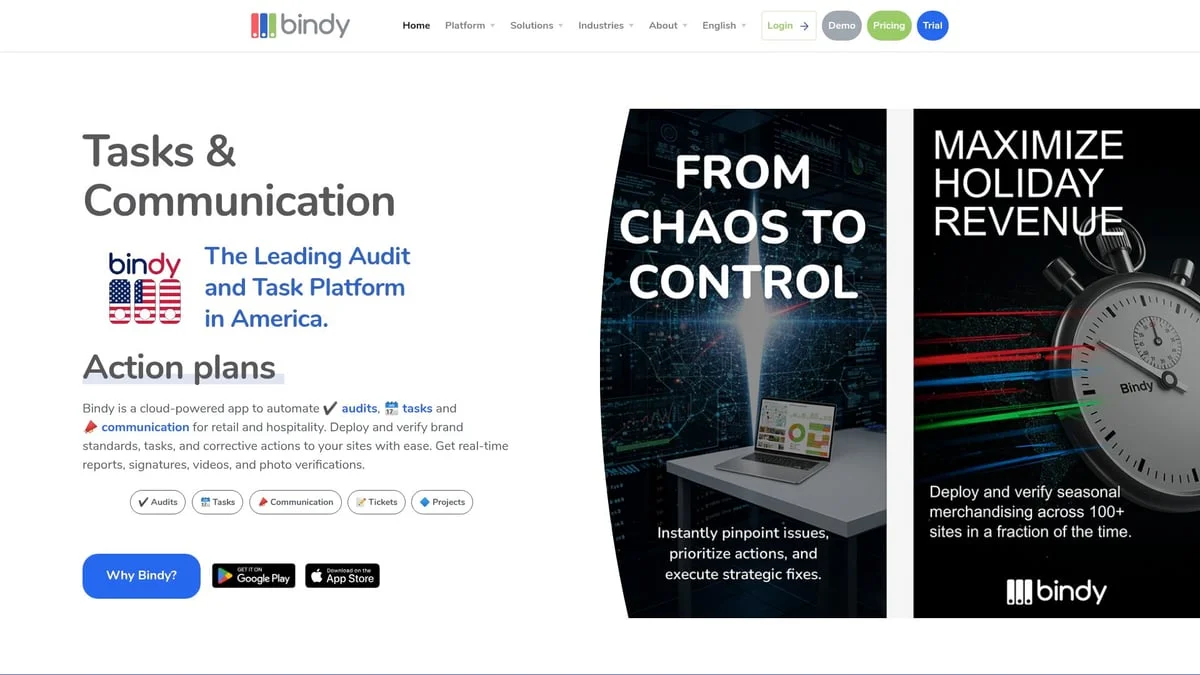
CompliantIA, (now part of Bindy) is focused on inspections, audits, and compliance-heavy retail environments.
Strengths
- Customizable inspection and audit checklists
- Photo verification
- Action plans and follow‑ups
- Map views and dashboards for field teams
Best for
- Multi‑location retailers with heavy brand, safety, or regulatory requirements
- Field or regional managers doing frequent site visits
ZetesAthena
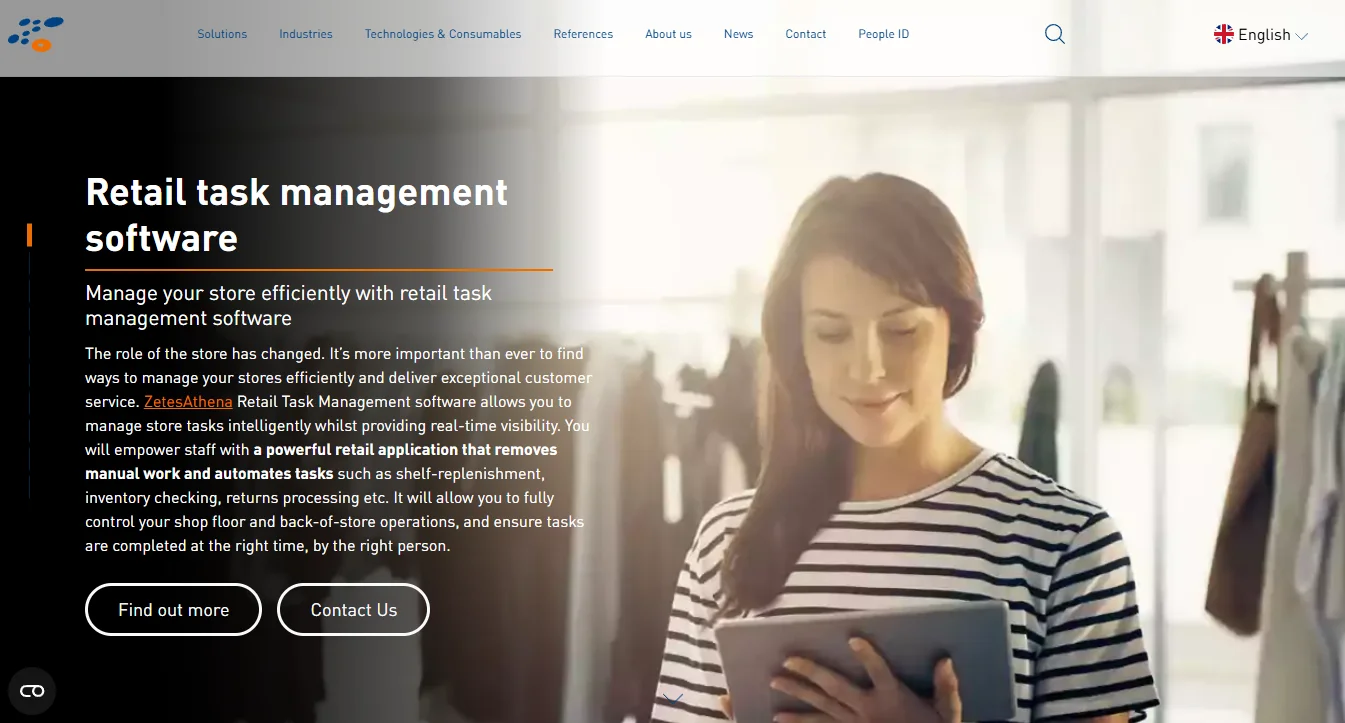
ZetesAthena is a European‑focused retail task management and store operations platform, with strong inventory and click‑and‑collect support.
Strengths
- Real‑time store and inventory tracking
- Task management tied to stock and order flows
- Hardware + software integrations for back‑of‑house operations
Best for
- European grocery and general merch retailers
- Operations where inventory and task execution are tightly linked
How much does retail task management software cost in 2026
Budgets for retail task software usually follow one of three models: per user, per location, or custom enterprise quote. Here is what the tools in this guide cost as of September 2026, so you can match the pricing workflow to how your retailer actually grows:
- Tasa: free personal plan; Team Work at $8 per user per month ($6.40 yearly), first 100 tasks free.
- Homebase: free for one location with up to 10 employees; paid plans from $24 per location per month.
- CompliantIA: from $99 per month.
- Xenia: free plan to start, then custom quote for teams.
- YOOBIC, StoreForce, ZetesAthena: custom quotes based on store count, users, and modules; these management systems are priced per retailer negotiation.
For a single store or a small chain with a multilingual store team, the per-user model wins: a five-person crew on Tasa costs $40 a month and includes picture verification and AI translation in 100+ source languages. Enterprise management platforms pay off when a retail business needs labor planning, sales analytics, and ERP integrations across dozens or hundreds of stores, and their quotes reflect that scale.
Watch for hidden costs that do not appear on pricing pages: onboarding and training for high-turnover staff, per-location fees that grow as you open stores, and admin seats charged separately from frontline seats. A tool your floor staff can actually use without training is cheaper than a cheaper tool nobody adopts. The right platform gives a retailer visibility into store performance without adding a reporting workload on top of the daily routine.
How to choose the best retail task management software for your business
With so many options, how do you pick the right one?
Start with your reality, not a feature checklist
- How many locations do you have?
- How multilingual is your staff?
- What’s the average tech comfort level on the floor?
- Are you more worried about merchandising, compliance, speed, or all three?
Prioritize usability for frontline teams
- Mobile‑first?
- Simple, visual screens?
- Easy onboarding (QR login, simple navigation)?
Check whether it fits your people
- If you manage multilingual or lower‑literacy teams, Tasa’s picture‑based, AI‑translated tasks will matter more than complex reporting.
- If you’re an enterprise chain, deep integration and automation (StoreForce) may matter more than ultra‑simple UX.
Pilot before committing
- Run 1–2 tools in a small group of stores for 2–4 weeks.
- Measure completion rates, quality, and how quickly staff “get” the tool.
- Talk to store managers: does it actually make their life easier?
Think long term
- Can it scale to more stores?
- Does it support your future needs (languages, regions, new concepts)?
- What happens when you add new staff every month?
Which retail task management software should you choose?
The fastest way to decide is by your biggest bottleneck. This quick-picks list condenses the full comparison above:
- Multilingual or mixed-literacy floor teams: Tasa, the only picture-first option with built-in AI translation.
- Scheduling plus basic tasking for one or a few stores: Homebase.
- Visual merchandising execution across a large chain: YOOBIC.
- Documented SOPs, audits, and compliance training: Xenia or CompliantIA.
- Enterprise task automation tied to ERP and reporting: StoreForce.
- European grocery retailer with tight inventory links: ZetesAthena.
Two more reads before you decide: if compliance walkthroughs are your main pain, see how a store inspection checklist app replaces paper audits, and how picture-based quality control checklists keep standards identical across every branch. If your deeper problem is communication, our guide to frontline employee communication covers the language side of store operations and turns daily chat chaos into one traceable workflow.
If you mostly need deep reporting, scheduling, and ERP integration at a huge scale, one of the more enterprise‑oriented solutions may be the right backbone.
If your biggest pain is miscommunication, language barriers, and uneven execution across local or multilingual teams, then a visual, multilingual, verification‑first tool like Tasa would be a better fit than a heavy enterprise suite.
The personal plan is free. Team features start with $6.80 per month.
Latest News

Have questions?
.svg)
Team management, simplified.

“It affects my personal life a lot. I can manage my team and my work remotely, so I have more time being a mother.”