.svg)
10 best accountability apps for frontline teams | 2026 In-depth guide
If you lead a team today, whether it’s a fully frontline teams, a dispersed retail operation, local business or you manage multiple businesses, you don’t need a new plan.
You need people to do what they said they would do.
That’s why “What are the best accountability app has quietly become one of the most important management questions of 2026. Not because you want to spy on your team, but because friction, forgetfulness, and scattered tools are killing execution.
The problem: most accountability apps fall into two extremes:
- Personal habit trackers built for individuals, not teams.
- Heavy project management suites built for PMs, not everyday workers.
In between is where real work happens: multilingual and frontline teams who need a simple, visual, mobile‑first way to stay accountable to each other and to shared goals and an expat who need to manage different team remotely.
This guide breaks down the kinds of accountability apps that actually work in that space and shows how Tasa’s picture‑based task system brings them together in one app.
Key Takeaways:
- An accountability app only works for frontline teams if every worker, whatever their language or reading level, understands and completes tasks without training.
- Most tools miss this: habit trackers are built for individuals, project suites for desk-based PMs.
- Photo-verified task completion replaces status meetings and “did you do it?” chasing with visible proof.
- Tasa is free for one user; team plans are $8 per user per month with no minimum seats.
- For complex desk workflows, Asana, Monday.com or Connecteam remain strong picks; for multilingual frontline execution, picture-based tools win.
Why accountability is so hard to identify for local & frontline teams
For local and frontline teams, accountability is rarely about bad intentions. It’s about systems that make it too easy to drop the ball.
Common patterns:
- Work lives in 6+ tools: email, Slack/WhatsApp, docs, spreadsheets, calendars, task apps.
- People commit to tasks in meetings, then never see them again in context.
- Managers chase updates manually: “Did you do this yet?” especially if managing multiple businesses
- Frontline staff can’t access half the tools because they don’t sit at computers.
Research on workplace communication shows a clear link between fragmented information and productivity drops—when people don’t know where to find what they need, they slow down, duplicate work, or simply disengage.
Accountability apps are supposed to fix this. Too often, they are not specifically built for most scenario.
What best accountability app needs to do
Instead of asking “Which brand is best?”, it’s more useful to ask: What jobs should an accountability app do for a modern frontline team?
For local or frontline teams, the best accountability app share a few core traits:
- Turn goals into specific, visible tasks
- Make it easy to log completion, ideally with proof
- Show progress in a way that motivates
- Work on phones
- Handle multilingual, mixed‑skill teams without friction
Different tools cover different slices of that. You might combine:
- A communication platform (for discussion and decisions)
- A light project/task tool (for planning)
- A dedicated execution layer like Tasa (for daily accountability, proof, and multilingual delivery)
Use this table to match your team's needs with the best tool.
The best apps for accountability help distributed teams overcome communication barriers, help experts keep his team accountable by ensuring task are completed.
Let’s look at these categories and then zoom into how Tasa acts as the “accountability spine” for teams.
Category 1: Communication apps (necessary, but not sufficient)
Tools like Slack, Microsoft Teams, or WhatsApp are great for:
- Fast questions
- Announcements
- Real‑time coordination
But as accountability systems, they break down quickly:
- Commitments are buried in chats.
- No structure: tasks, discussions, and jokes all coexist.
- New people can’t see what they’re supposed to do without scrolling forever.
Verdict: essential for connection, weak for structured accountability.
Category 2: Project management and planning tools
ClickUp, Asana, Trello, Notion, Jira these are good at:
- Planning projects and milestones
- Breaking work into tasks
- Assigning owners and deadlines
For knowledge workers, they’re often the first accountability app people think of. But for others (local or frontline teams) especially where some staff are in warehouses, stores, or field roles, they can be:
- Too complex for everyday, on‑the‑go use
- Too text‑heavy for multilingual or lower‑literacy teams
- Doesn’t prove tasks get done
Verdict: good for planning; need a companion layer for execution and proof.
Category 3: Visual, mobile-first execution apps
This is where Tasa come in with focus on:
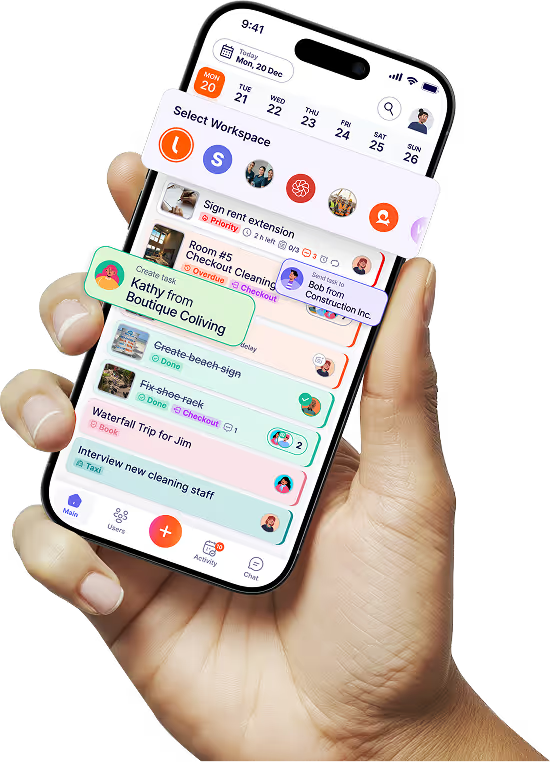
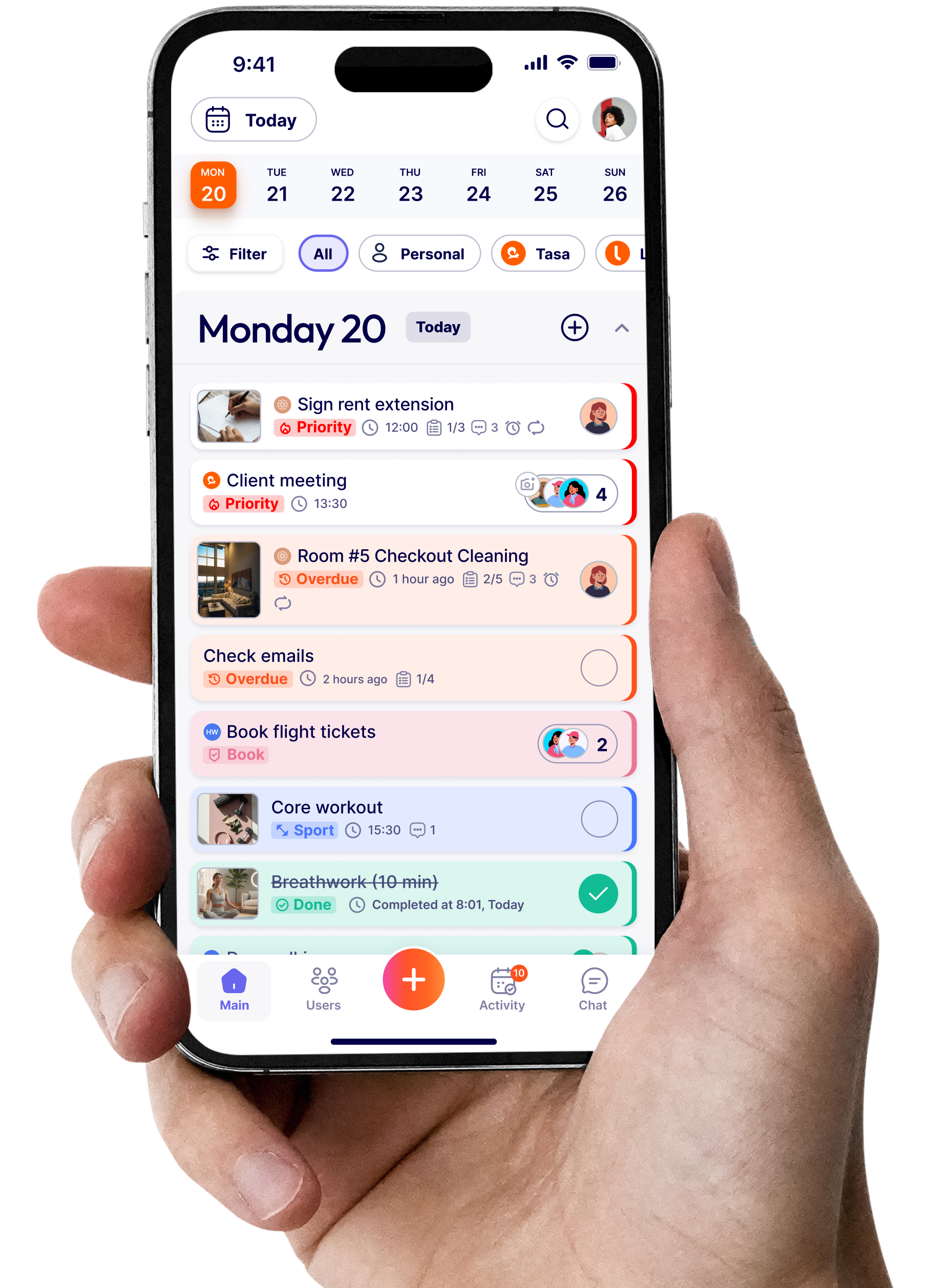
- Delivering clear, visual tasks to people’s phones
- Making “done” visible with photos and timestamps
- Allowing expats to manage multiple business effectively
- Supporting multilingual communication by default
You can keep your planning tool for roadmaps. Tasa becomes the fabric of daily accountability.
How Tasa works as an accountability app for frontline team
Tasa is a picture‑based task app built for multilingual and offline teams (hospitality, construction, cleaning, supermarkets, and expat‑run businesses).
Core ideas:
- Show tasks visually so there’s no confusion.
- Require proof (photos, media) where it matters.
- Let people see each other’s work to create positive peer pressure.
- Work in any language.
Visual tasks: clarity without long explanations
In Tasa, tasks can include pictures, short text, and even media files. For accountability, that means:
- Everyone sees exactly what “done” looks like without the need to guess.
- New staff can follow along without reading long SOPs.
- Remote managers see proof of work done
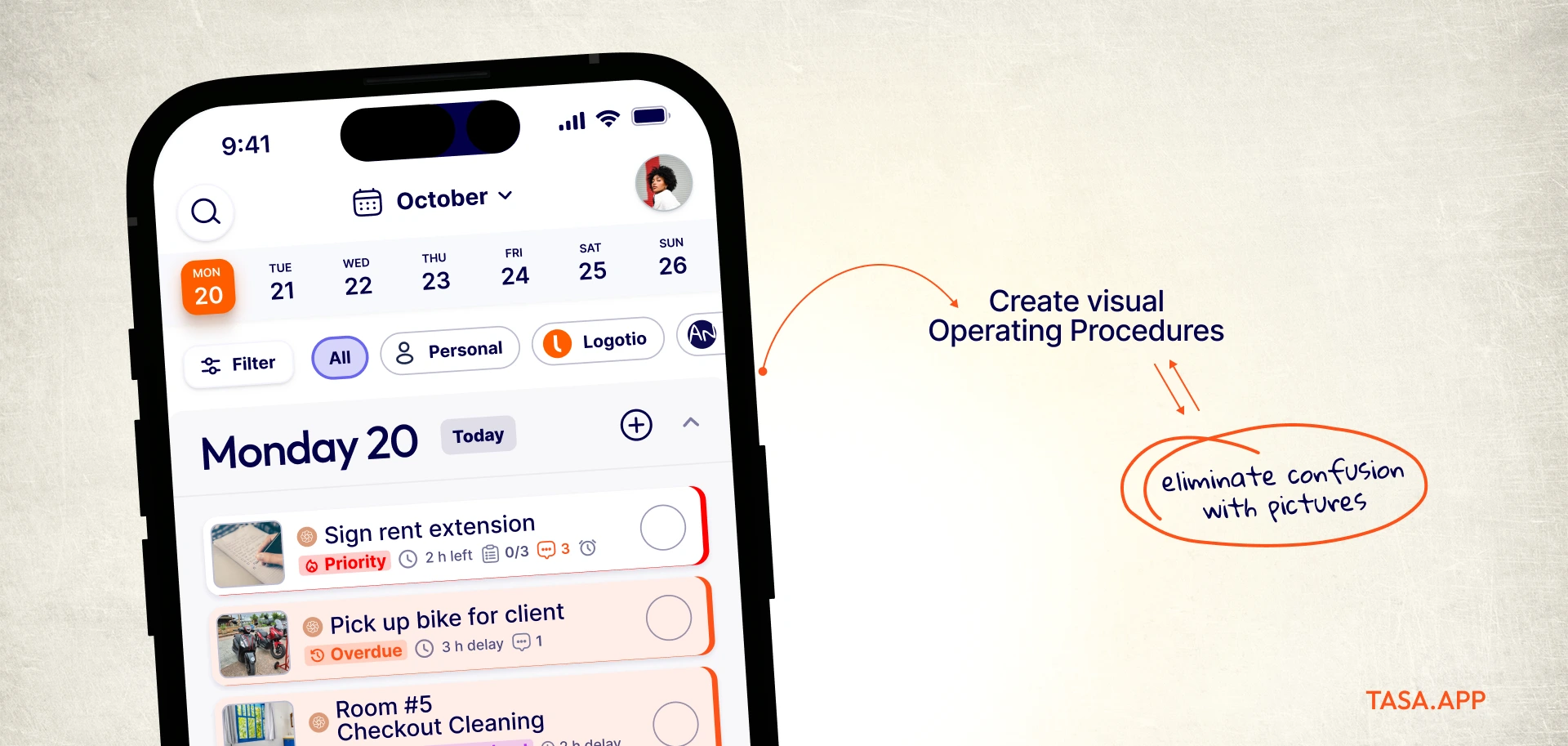
Examples:
- Retail: a photo of a correctly merchandised endcap.
- Hospitality: images of a “ready for check‑in” room or table setup.
This is especially useful where literacy, language or distance is a barrier. Tasa mission is to include workers who struggle with reading and writing, not exclude them.
Photo verification: proof, not just promises
One of the strongest accountability mechanisms in Tasa is photo confirmation:
- Tasks can require a photo before they’re marked complete.
- Photos are stored with timestamps and who submitted them.
- Managers (and, if configured, teammates) can see these in real time.
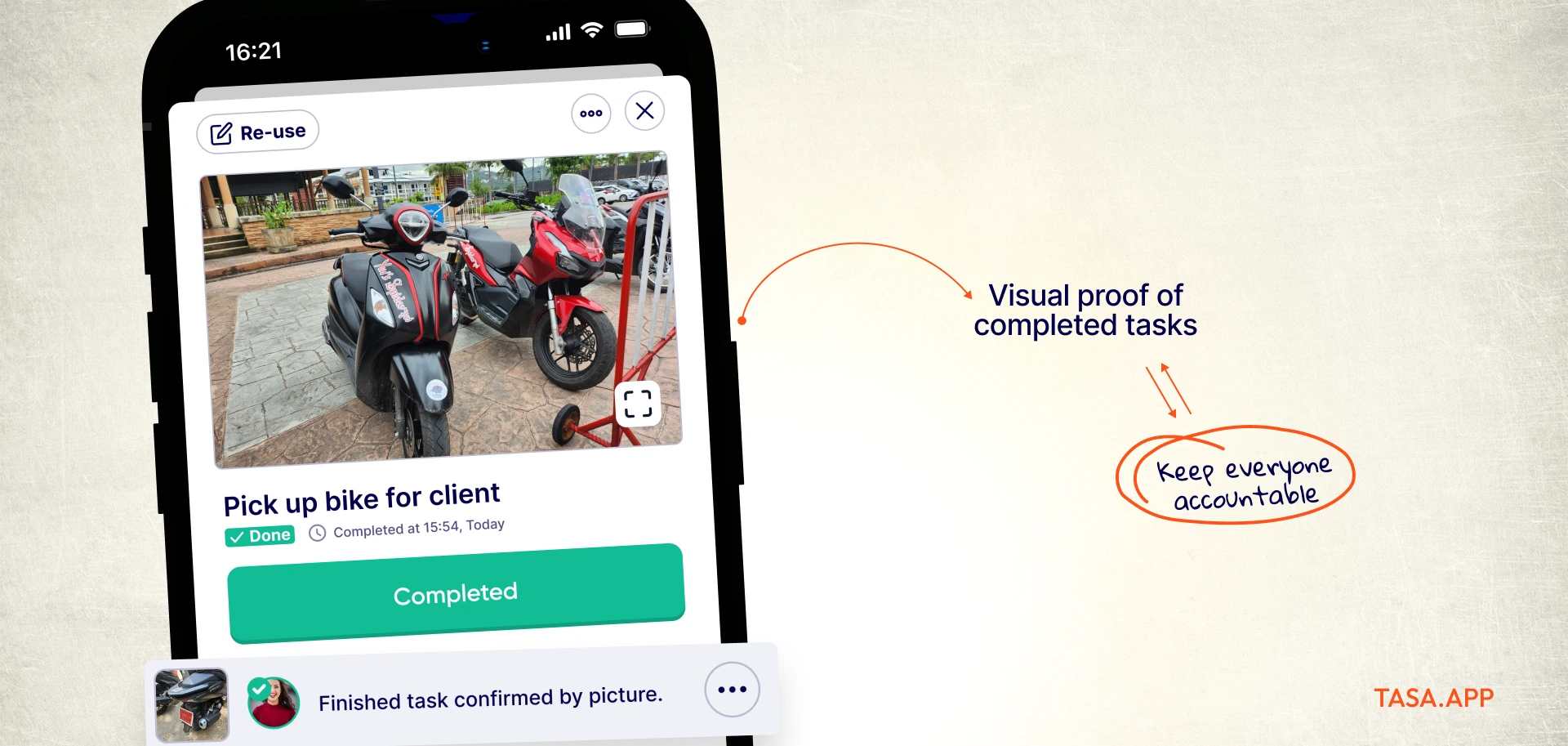
This replaces: “Yeah, I did it” “We checked that yesterday” “I thought someone else handled it” with concrete evidence. Tasa walks you through this in field team management settings
Shared visibility: accountability as a group sport
The best apps for accountability shouldn't just tell you what you need to do, they help everyone see that they’re part of an effective system.
Tasa supports:
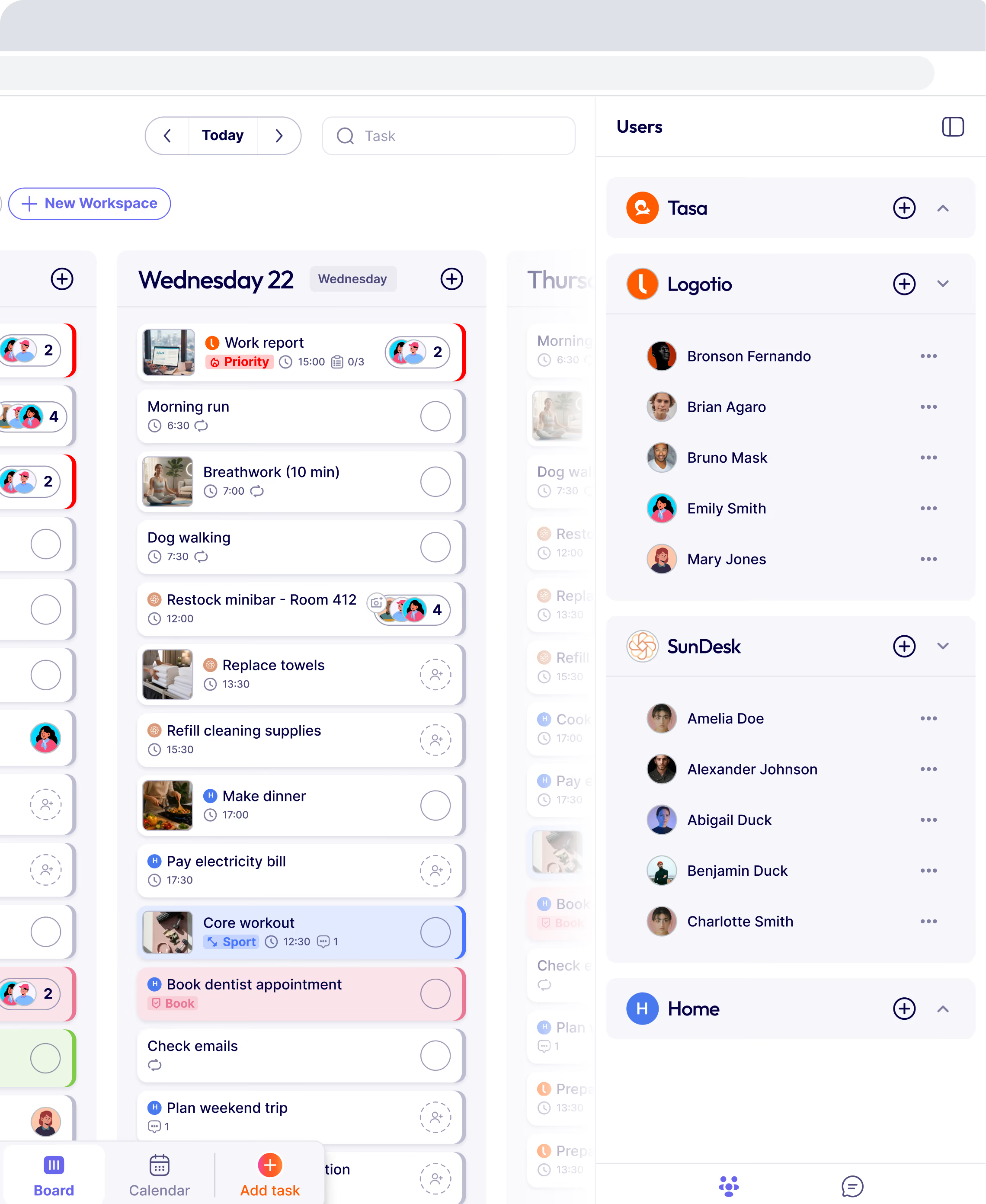
- Workspace‑level views where people can see their tasks and, where appropriate, teammates’ tasks.
- Group‑level progress that makes momentum visible.

This is powerful for:
- Cleaning teams rotating through routes; everyone sees the day’s workload.
- retail team daily non‑negotiables become a shared rhythm.
- Coaches, shared visibility keeps coachees motivated & accountable
Multilingual and accessible by design
Experts and frontline teams are rarely monolingual. Tasa addresses this with:
- 14+ interface languages (Arabic, Burmese, English, French, German, Indonesian, Italian, Polish, Portuguese, Russian, Spanish, Thai, Ukrainian, Vietnamese)
- A simplified staff view that requires minimal reading and minimal clicks.
- Real-time translation to you desired language
- Visual proof for completed tasks
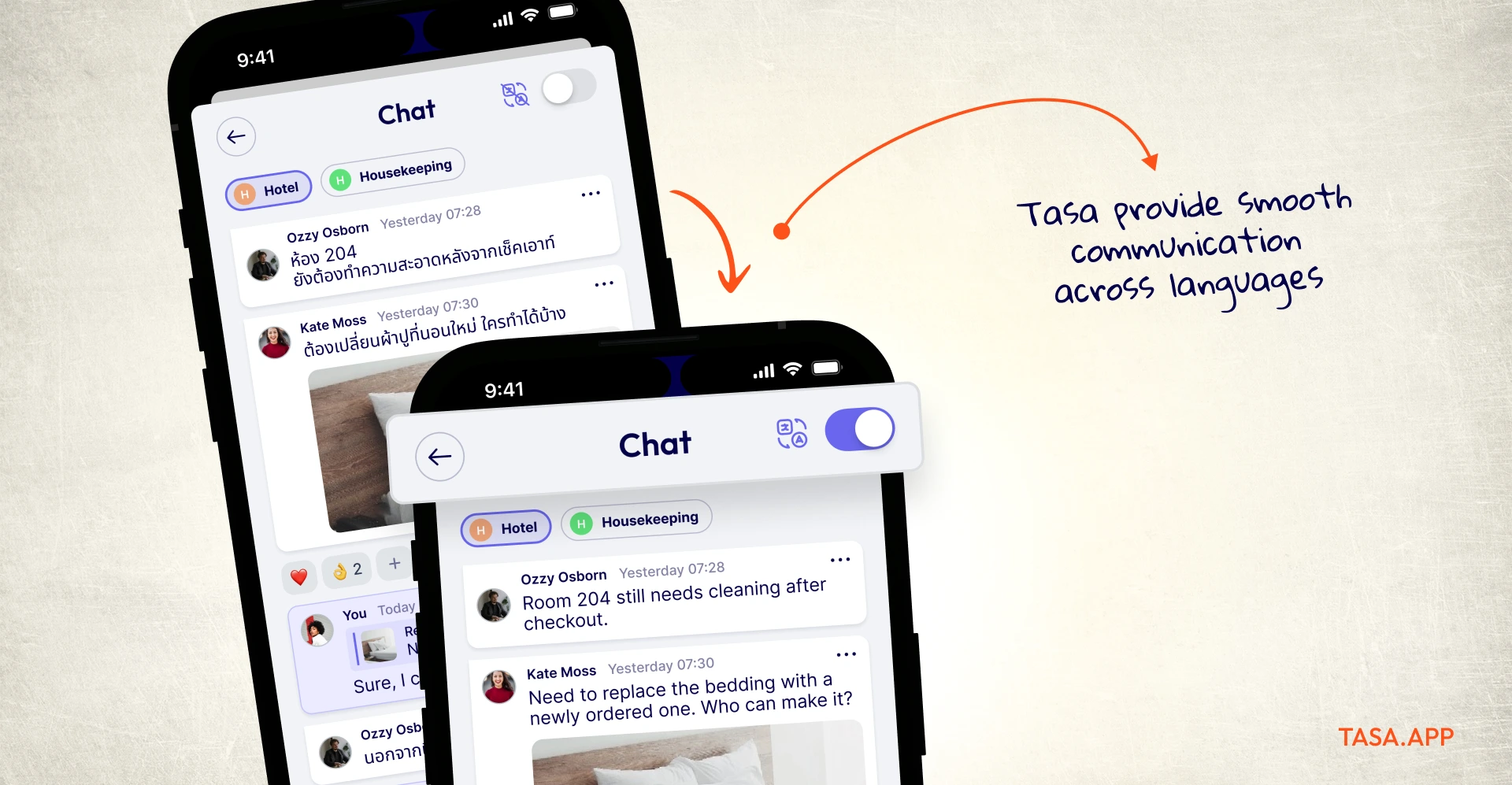
This aligns with current research on multilingual workplaces: poorly managed language diversity is a major source of operational friction and stress; tools that reduce language load improve both performance and engagement.
Mobile‑first
Accountability breaks down when the app itself doesn’t work where people are.
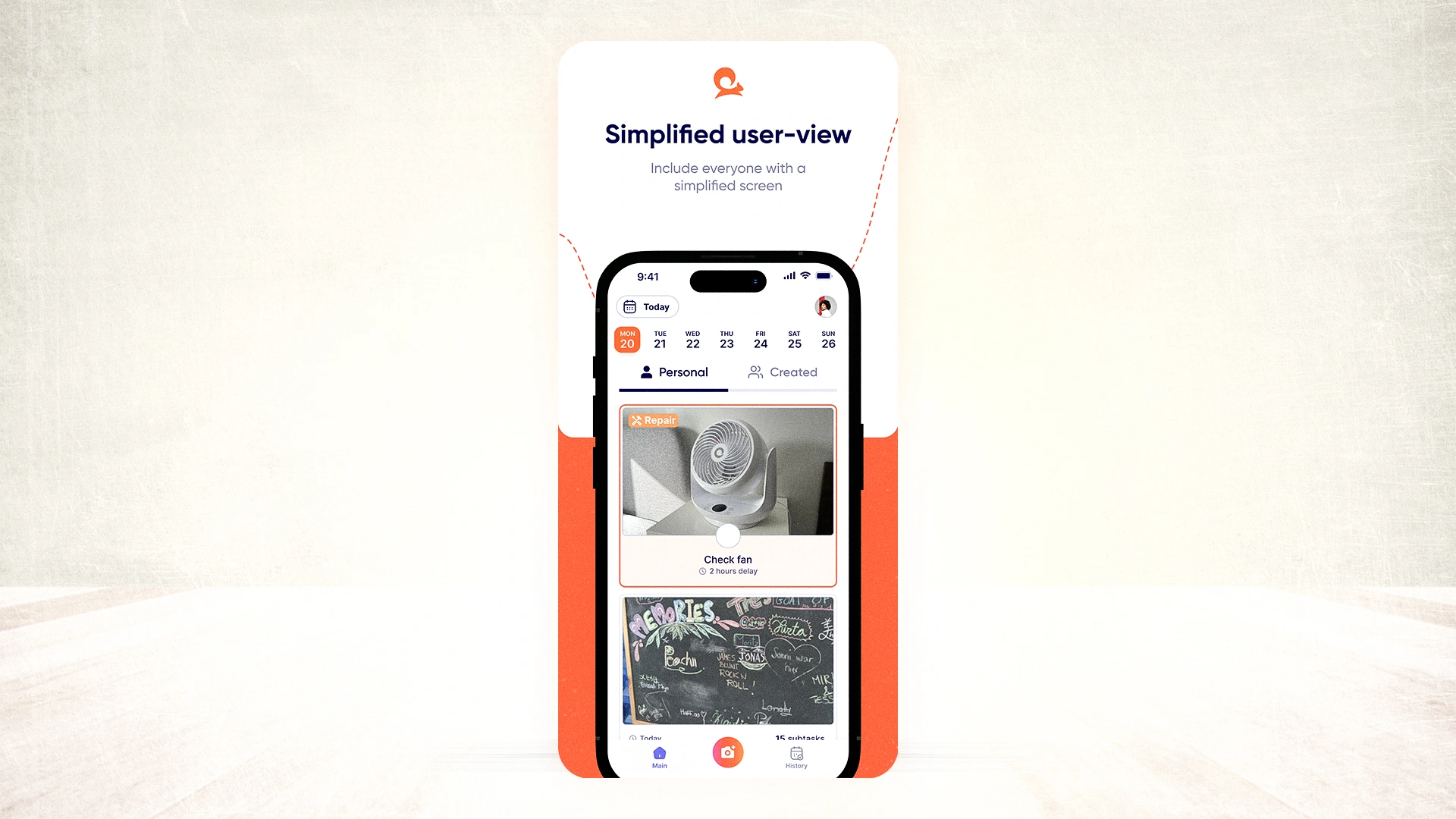
Tasa’s mobile app is designed to:
- Run on standard smartphones
- Keep the UI very simple for field and frontline environments
If your accountability app requires a desktop, it’s not an accountability app for frontline or distributed work.
How to combine Tasa with your existing tools
You don’t have to replace everything you use today. A pragmatic 2026 stack for accountability might look like:
- Plan the work in your PM tool.
- Translate key actions into Tasa tasks with photos and patterns.
- Staff complete tasks in Tasa, sending photos where needed.
- You review dashboards and photos instead of chasing updates.
This lets each tool do what it’s best at, with Tasa acting as the bridge between plans and reality, seamlessly connected through APIs and MCP servers.
Why Tasa belongs in any list of best apps for accountability
Putting it all together, if someone asks:
“What are the best apps for accountability for remote and frontline teams?”
A credible answer looks like:
- Use a communication app for conversation.
- Use a planning tool for roadmaps.
- Use Tasa when you need execution and accountability:
visual tasks & work done proof, multilingual, offline, group visibility & real‑time progress
You’re not just tracking work, you’re making it much easier for people to do and prove the right work, every day.
The personal plan is free. Team features start with one hundred free tasks. Download Tasa app now and create your first picture-based task in sixty seconds.
How Tasa compares to other accountability apps for frontline teams
Google returns dozens of lists of accountability apps, but almost all of them quietly assume one thing: that your team reads English (or at least reads). Below is the honest field. Prices are verified from each vendor’s own site as of September 2026.
What is an accountability app?
An accountability tool is any app that makes commitments visible and verifiable: who was asked to do what, by when, and whether it was actually done. For office teams that usually means comments, checklists and status fields. For frontline teams it has to mean something you can see at a glance on a phone, in the first ten seconds, without training, which is why the tools below score so differently depending on who holds the phone.
1. Connecteam
Connecteam is the most complete deskless workforce suite on this list: time clock, scheduling, chat, forms and checklists in one app, with a genuinely generous free plan for up to 10 users. Paid hubs start at $29 per month for the first 30 users (billed annually), then about $0.80 per additional user.
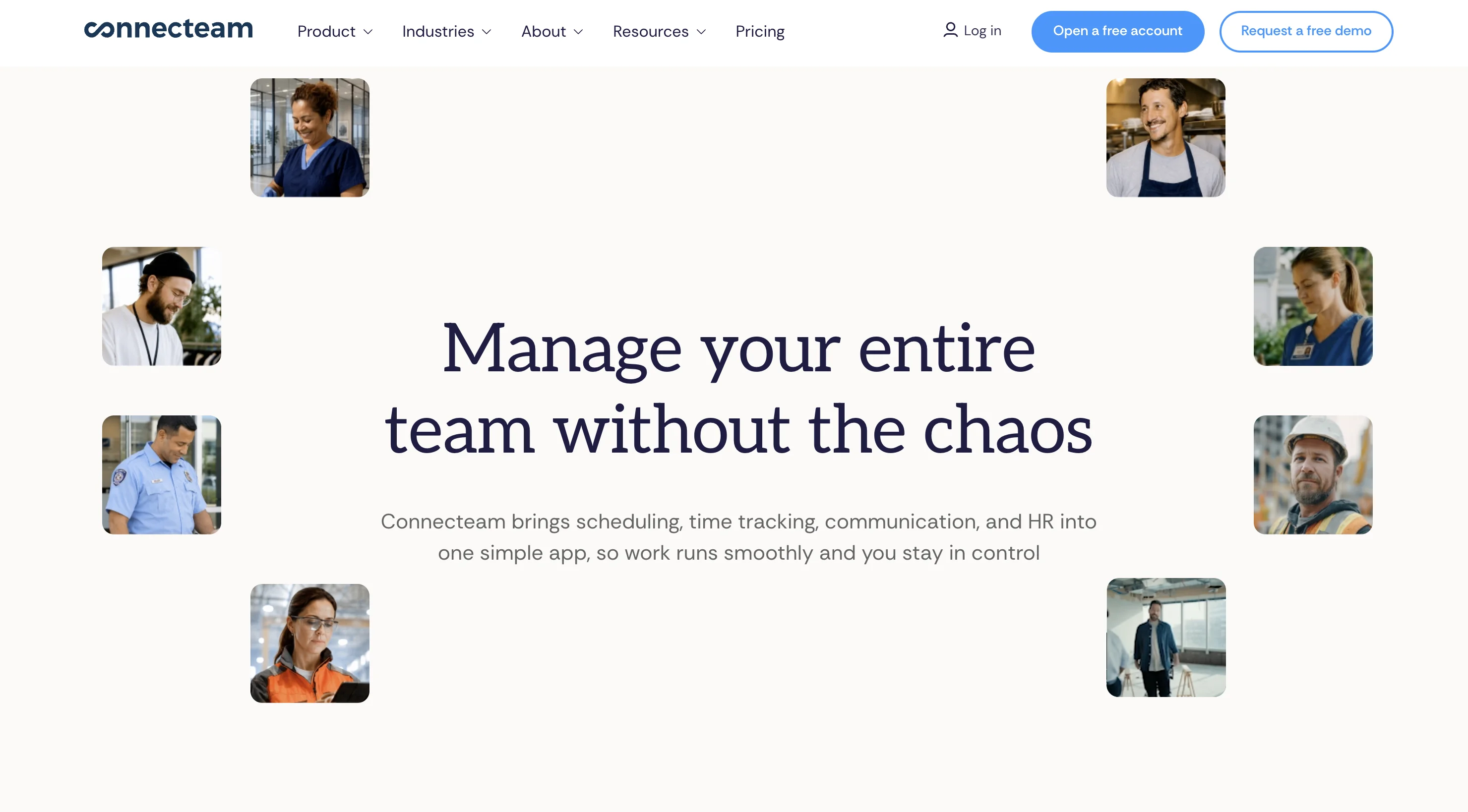
Where it falls short for frontline accountability: the interface is text-first. Tasks and forms assume the assignee reads the interface language comfortably, and there is no photo-proof-of-completion loop designed for zero-literacy users. For operations managers who want one HR-plus-ops platform and have literate staff, it is a strong pick.
2. When I Work
When I Work is a scheduling-first tool: shift planning, time clocks and team messaging from $2.50 per user per month for single-location teams ($5 for multi-location). If accountability for you mainly means “who showed up to which shift”, it does that well.
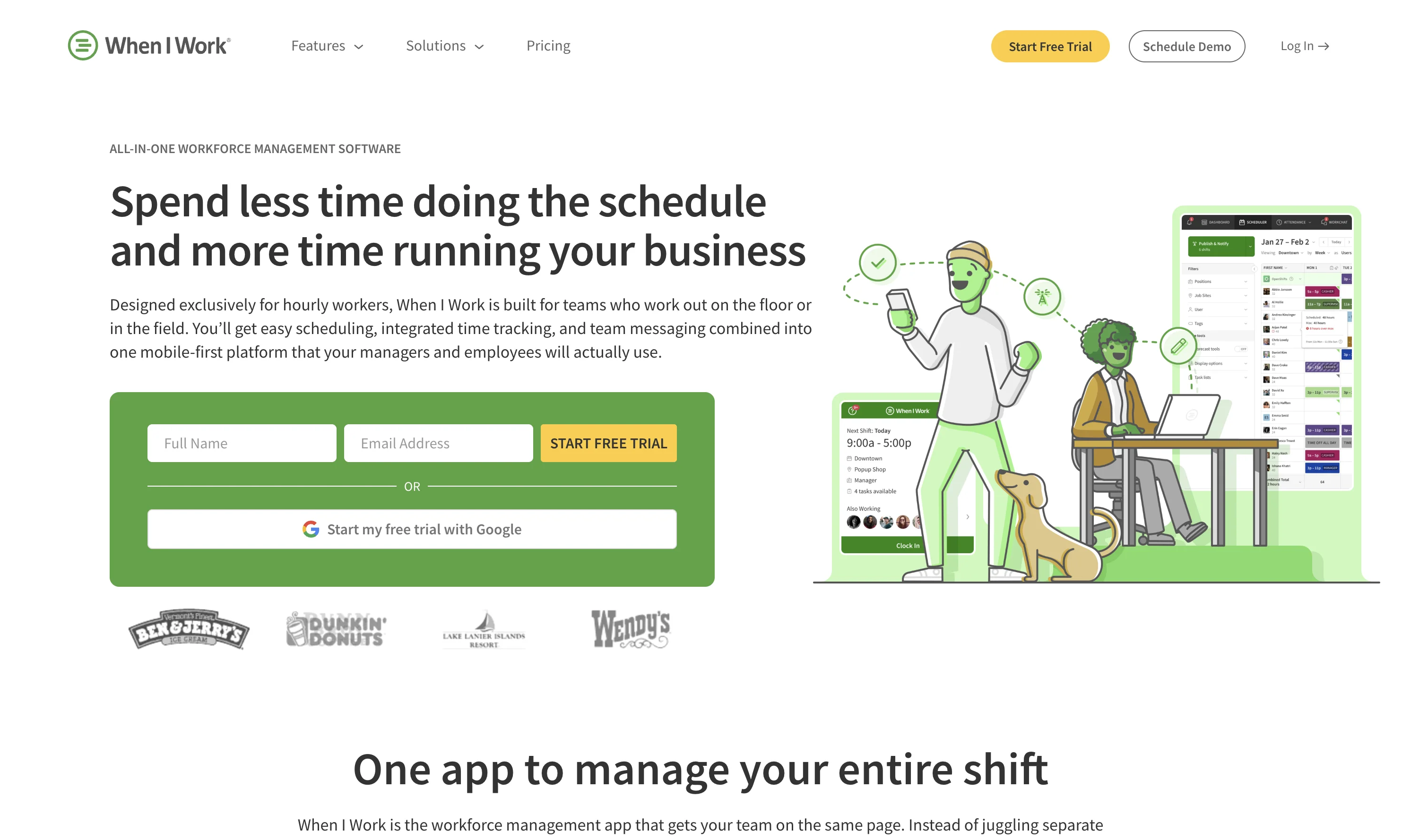
Task accountability is secondary. There is no built-in way to verify that the assigned work inside a shift was done to standard, and everything runs on text in one interface language, so mixed-language crews lose the thread.
3. Deputy
Deputy pairs strong scheduling with time tracking from about $5 per user per month (US pricing, higher tiers add advanced tools at $6.50 and $9). It supports multiple interface languages, which helps multilingual teams up to a point.
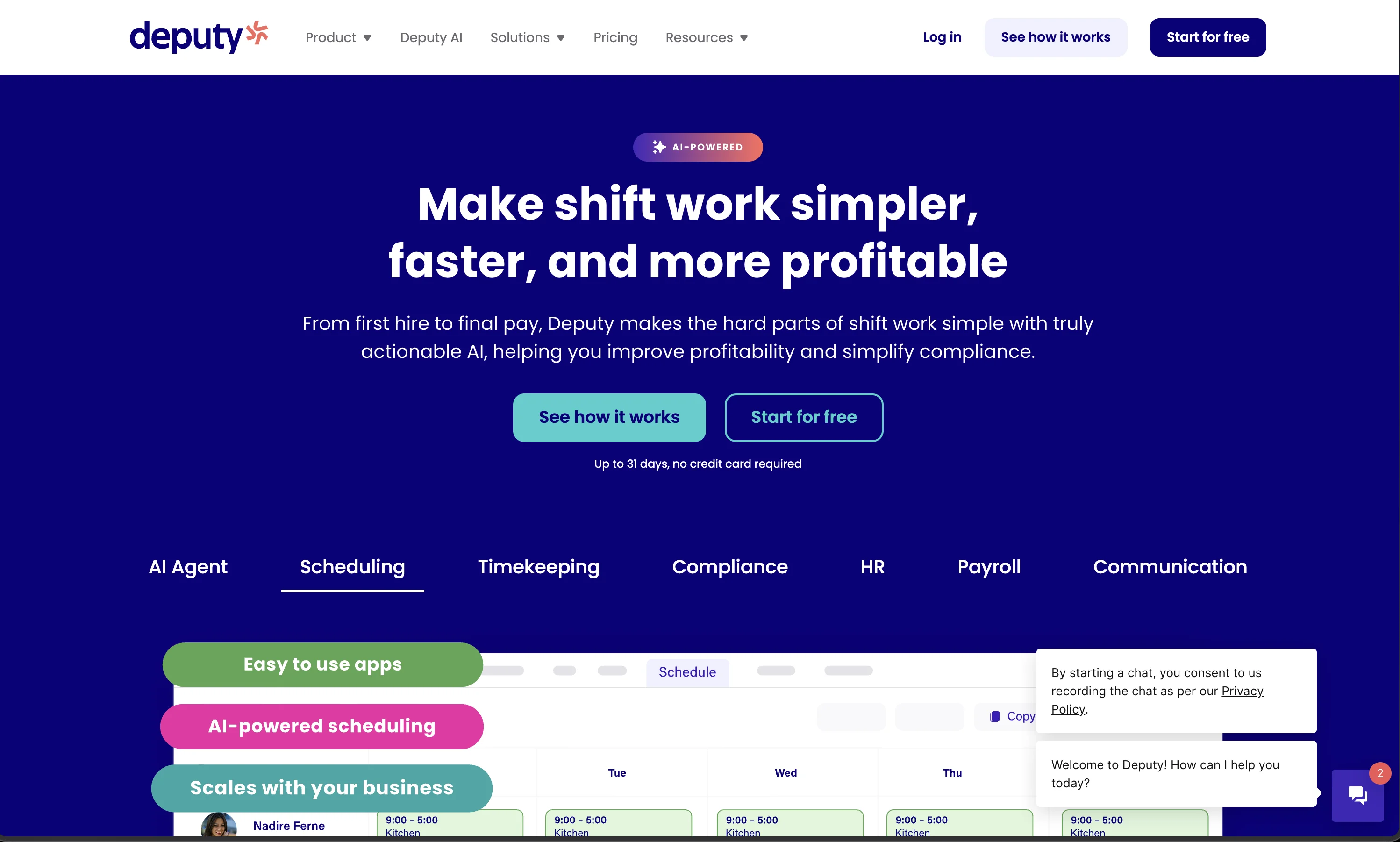
But multi-language is not the same as language-agnostic: every task and announcement still has to be read. Deputy keeps a roster accountable; it does not give a supervisor photo evidence that the refrigerated aisle was actually faced and cleaned.
4. Todoist
Todoist is one of the best personal task managers ever built, closer to a habit tracker and to-do list than a team tool, and the Beginner plan is free; Pro is $7 per month ($60 per year) and Business $10 per user per month. For a manager’s own to-do list, it is excellent.
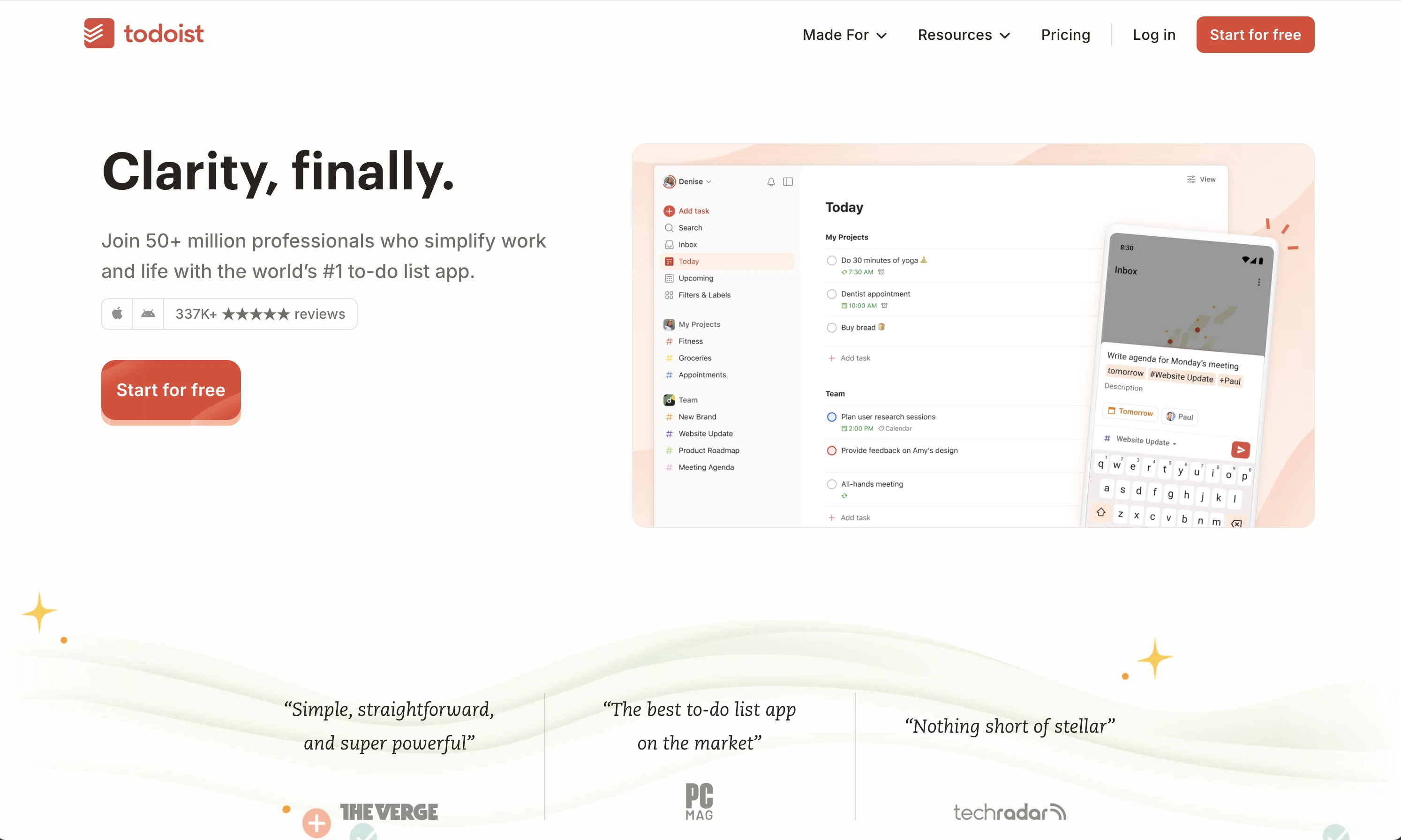
It is built around typed tasks, labels and filters for individuals. Assigning cleaners or site crews in Todoist means writing text instructions they must read, with no visual reference of “done” and no proof at completion. Great for desk work, weak for frontline accountability.
5. Asana
Asana is a heavyweight for structured project work: timelines, boards, approvals and automations, free for individuals with Starter at $10.99 per user per month billed annually. If your accountability problem is “did marketing ship the campaign”, Asana answers it.
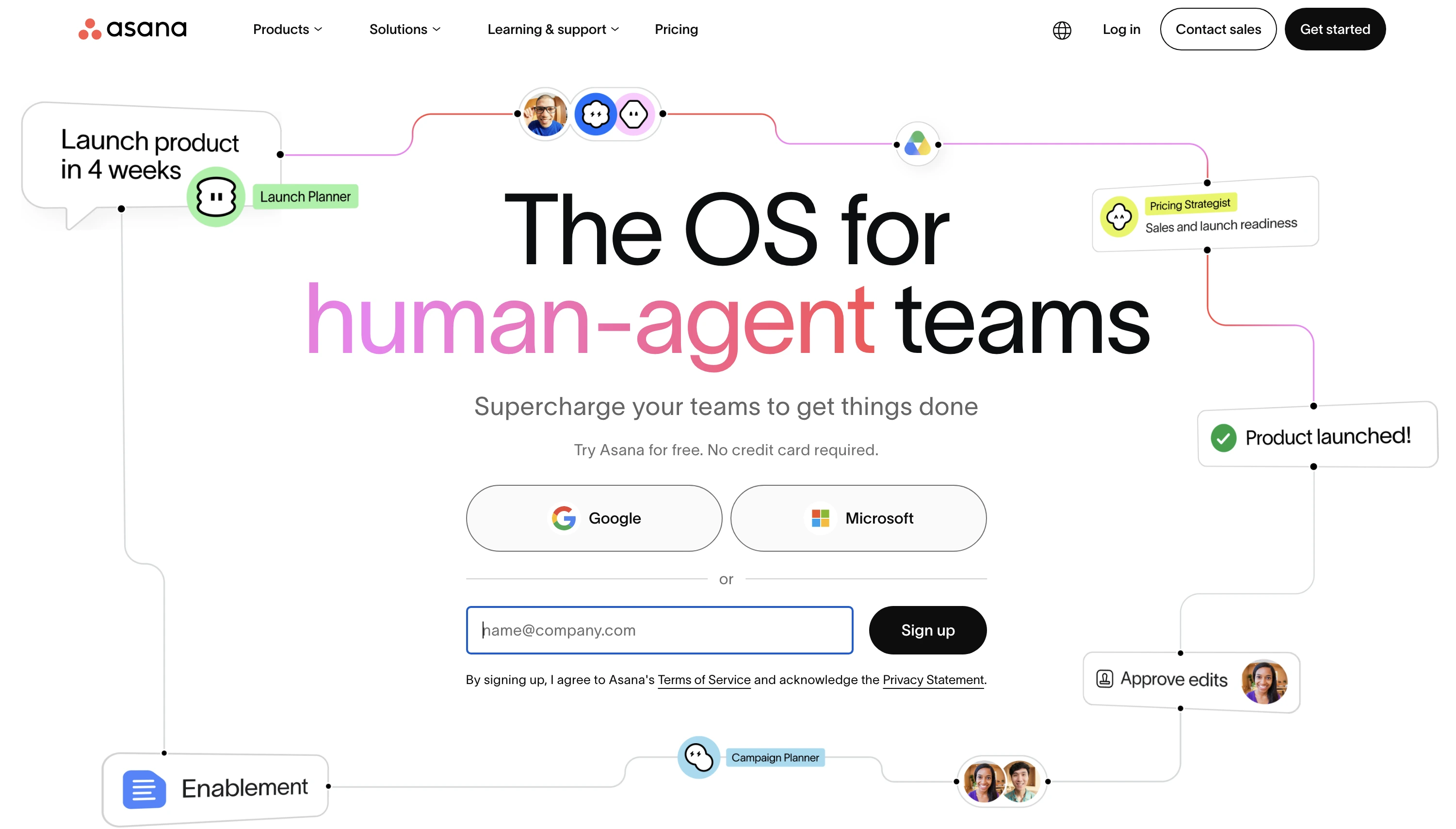
For frontline teams it inverts the problem: onboarding takes days, the app assumes literacy and office context, and the mobile experience is a compressed version of a desk tool. Most field workers abandon it within weeks.
6. Trello and Monday.com
Trello keeps things visual with kanban cards and is free at the basic level; Monday.com builds highly customizable boards from roughly $9-12 per seat per month. We compare them in depth in our Tasa vs Trello and Tasa vs Monday.com breakdowns.
Both still center on text-heavy cards designed at a desk. They work well when the whole team sits in one language and one office; on a multilingual cleaning or construction crew, cards full of typed detail quietly stop being read.
Which accountability app should you choose for your team size?
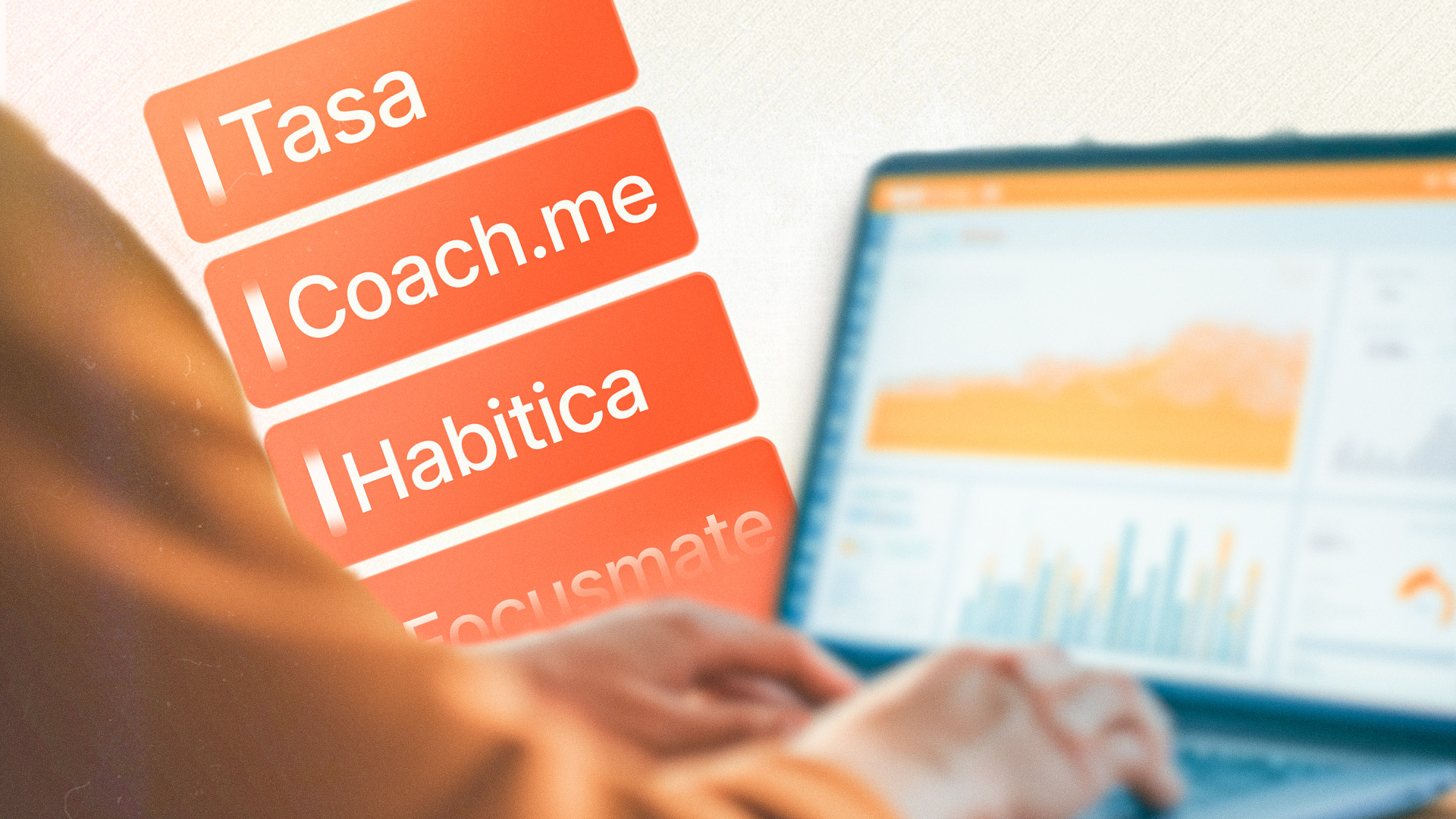
- Personal goals, fitness or study accountability: a habit tracker like the ones in the table above (Habitica, Streaks, Coach.me) or a dedicated partner app; for work tasks, read on.
- Just you, or you plus a partner: Tasa free plan or Todoist Beginner. Both cost nothing; pick Tasa if your tasks are physical and benefit from photos.
- 2-15 frontline workers, mixed languages: Tasa Team at $8 per user per month, no minimum seats. Photo tasks and live photo confirmation keep everyone accountable without a shared language.
- 15-50 workers and you also need scheduling and time clock: When I Work or Deputy for scheduling, with Tasa running task execution and proof alongside.
- Larger deskless operations wanting one all-in-one platform: Connecteam, accepting a text-first interface and per-hub pricing from $29 per month.
- Office/knowledge teams: Asana or Monday.com are the right answer; do not force them onto a field crew, and do not force a field crew onto them.
Whichever you pick, test it with your least confident user, not your most confident one. If that person cannot receive, understand, complete and prove a task in under a minute, the app will not create accountability, it will create notification fatigue and screenshots you chase people about
Latest News

Have questions?
.svg)
Team management, simplified.

“It affects my personal life a lot. I can manage my team and my work remotely, so I have more time being a mother.”
