.svg)
Field staff management | complete guide for accountability, and multilingual teams

Good field staff management means you can answer three questions at any moment:
- Who is working on what
- Where they are in the process
- Whether work was done to the expected standard
This now requires more than attendance sheets and phone calls. You need clear processes, data you can trust, tools that work in the field and across languages, and leadership that treats people like partners.
Key takeaways
- Field staff management means always knowing who is working on what, where it stands, and whether it met standard; attendance sheets and phone calls no longer get you there.
- Field employee tracking software (GPS, geofencing, time clocks) is its own category with real demand; it answers "where are people", not "was the work done right".
- Tracking tools start around $5 per user/month (Hubstaff), with free tiers for small teams (Connecteam); proof-of-work done tool (Tasa) cover quality, multilingual instructions, and compliance instead.
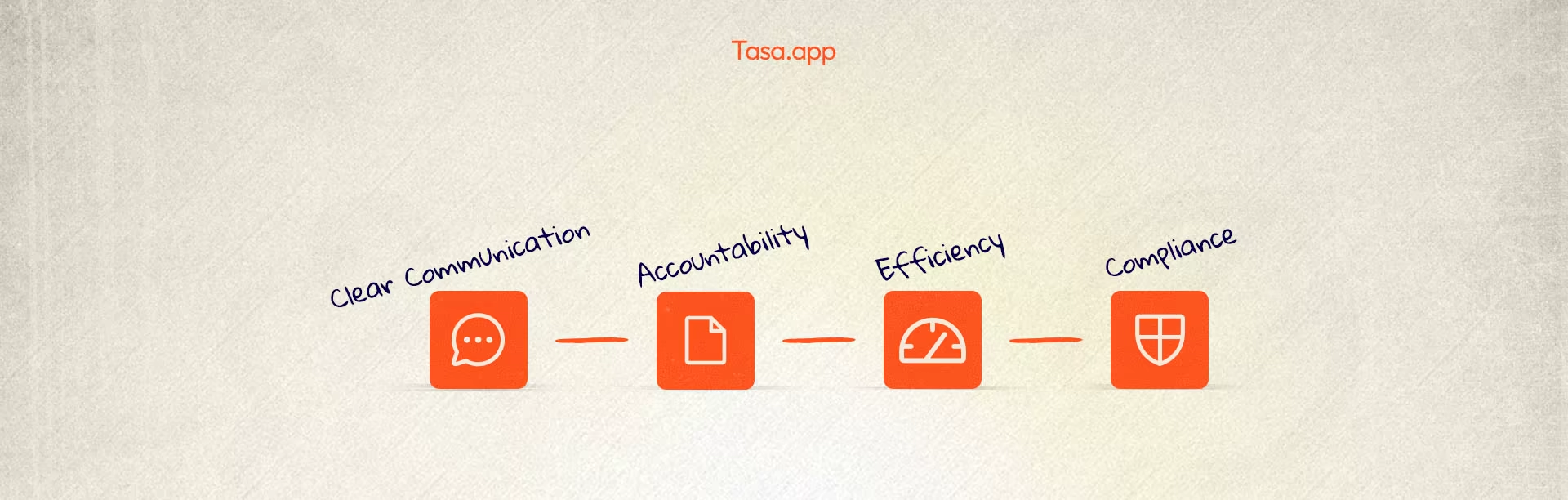
- The four pillars stay the same regardless of tools: visibility, communication, process and compliance, and people.
The real problems most field teams face
Common problems in field staff management:
- Lack of accountability
- High absenteeism and unreliable attendance
- Miscommunication across languages and literacy levels
- Scattered instructions (WhatsApp, paper notes, and phone calls)
- No clear view of who is overloaded and who is underused
- Safety and compliance steps skipped because they feel like “extra work”
When these pile up, you get angry customers and bad reviews, rework and repeat visits, lost revenue and rising costs, and managers stuck on the phone instead of improving the business.
This guide focuses on practical ways to fix those patterns.
What is field staff management in 2026?
Field staff management is the way you plan, coordinate, and control work done outside the office, including cleaning, maintenance, repair crews, and other frontline teams.
Core pillars of effective field staff management
It includes four pillars:
- Visibility
- Communication
- Process and compliance
- People and leadership
Visibility: from guesswork to live information
You do not need to watch every move, but you do need a trusted picture of who started which job and when, what has been completed today, and where delays are happening.
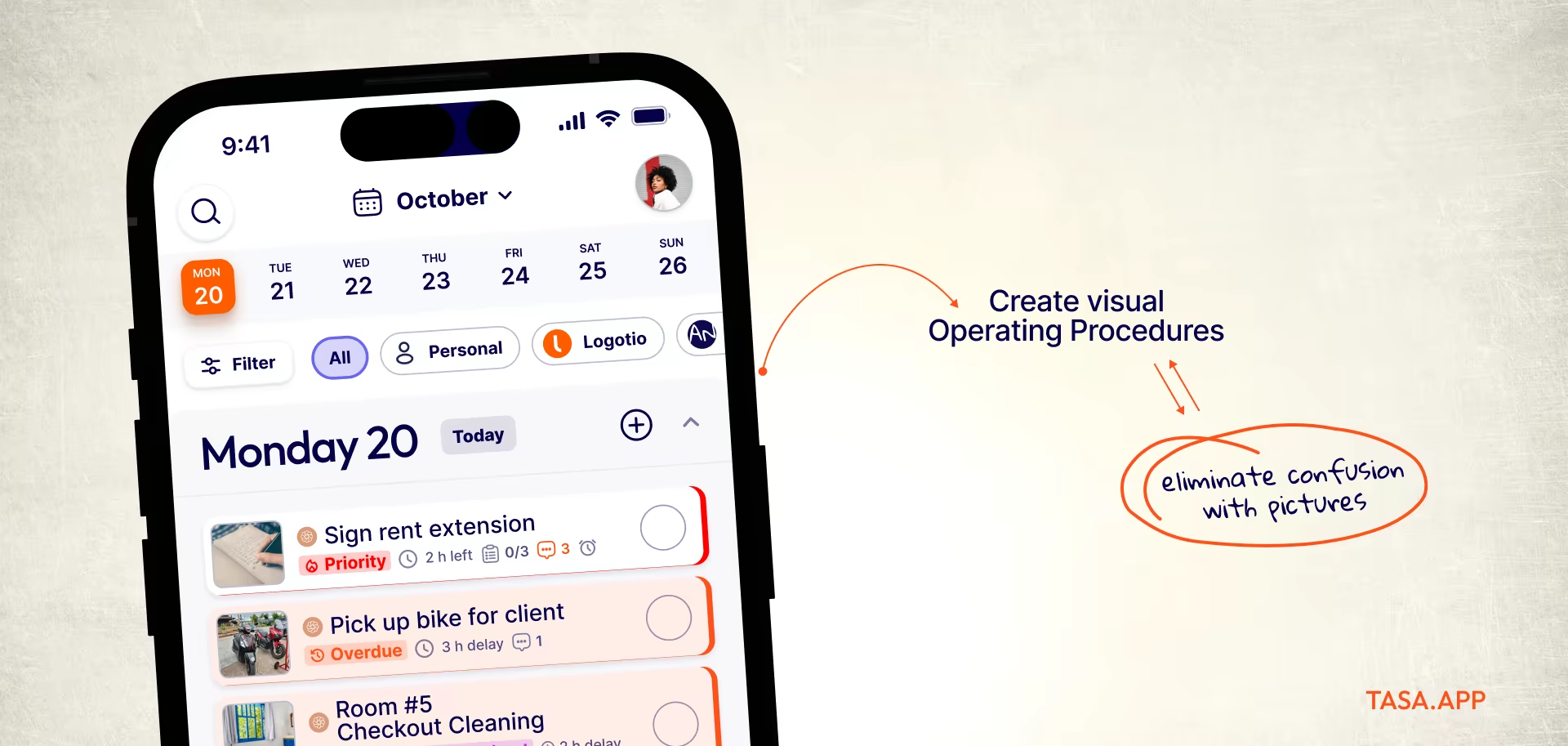
Ways to increase visibility:
- Dynamic scheduling and task assignment tools that automate routine job allocation
- Simple check-in and check-out flows (even if manual but consistent)
- Dashboards that show today’s jobs, overdue work, and pending approvals
- Photo or video updates from the field for critical tasks
GPS and geofencing can help, but they are not enough alone. Many top operators use a mix of:
- Calendar or scheduling software (see our frontline mobile app overview)
- A field staff management app for tasks and status
- Reporting routines (daily summaries, shift reports)
Communication: fixing multilingual and frontline gaps
Most field operations involve multilingual teams, staff with different literacy levels, and managers who may be expats or remote owners.
You cannot rely only on long text messages. To avoid mistakes:
- Use plain language for instructions
- Turn complex jobs into short steps
- Use visuals (photos, icons, short clips) to show what “done” means
- Where possible, use tools with AI translation so staff see tasks in their own language (see our multilingual communication essentials)
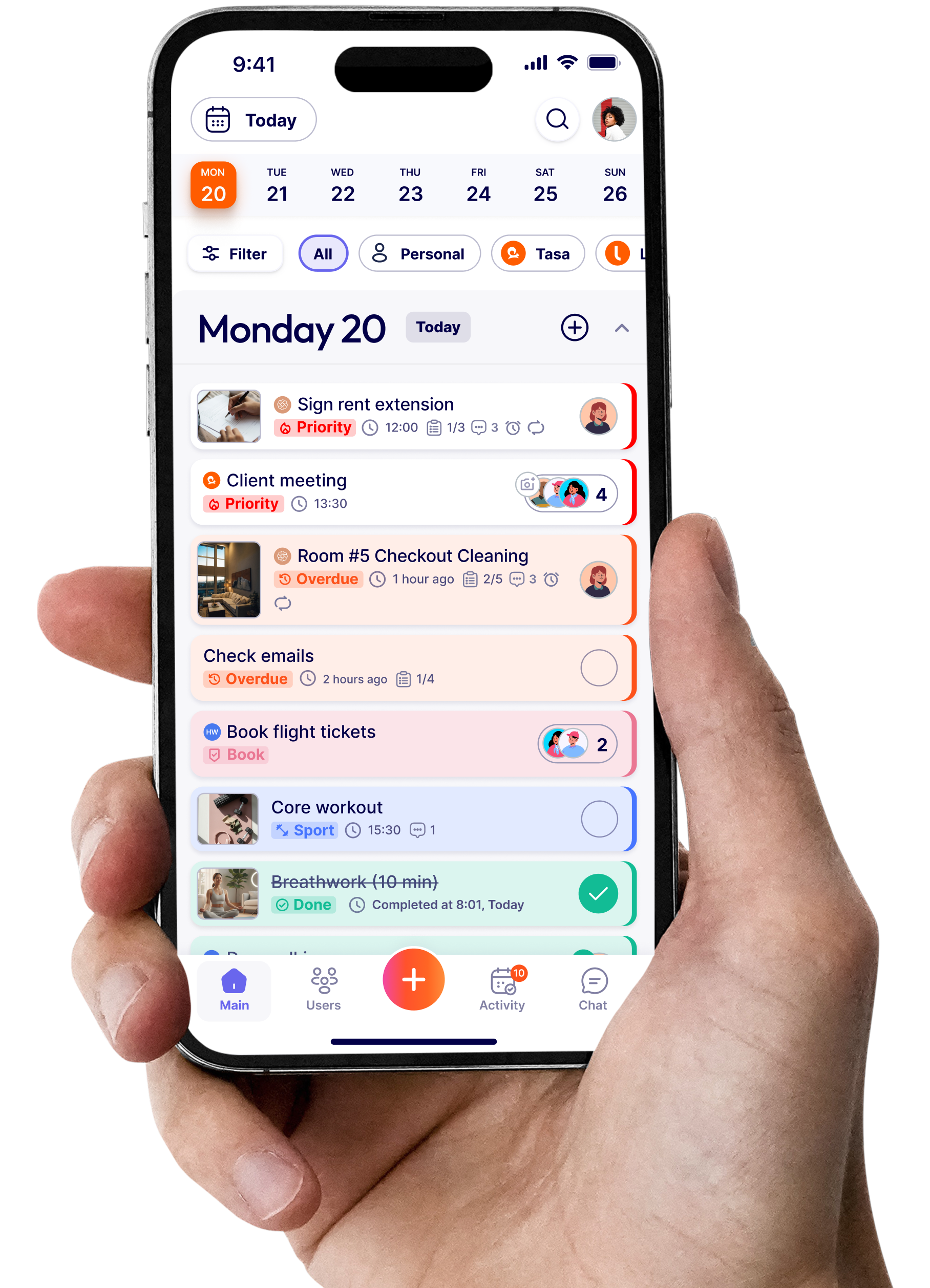
This is where visual task management and apps like Tasa help. Instead of sending “Clean the pool and check chemical levels”, you:
- Attach photos of a properly cleaned pool
- Show a picture of the chemical test strip result that is acceptable
- Let the worker reply with a photo of their final state
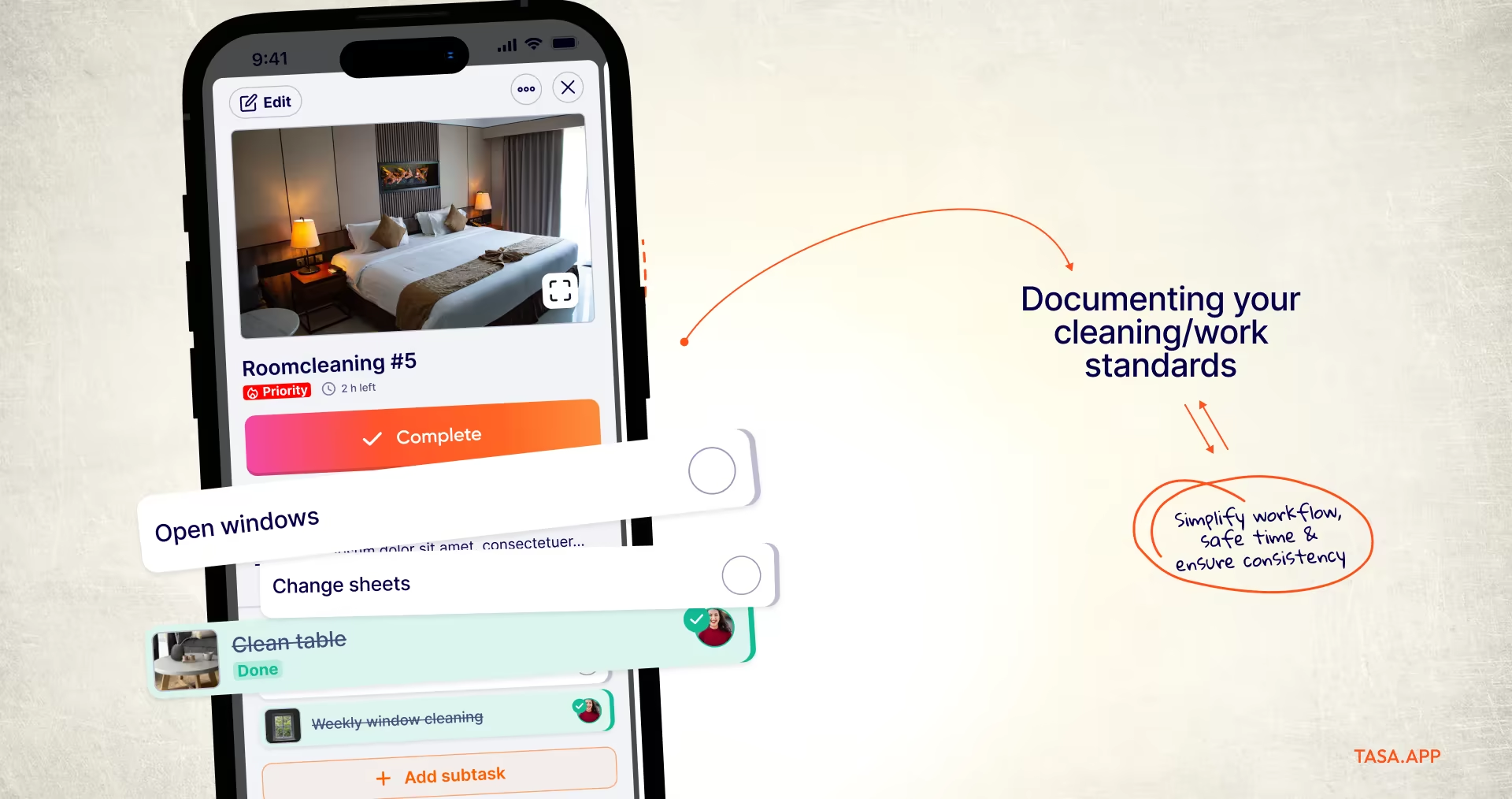
Language becomes less of a barrier when the task is visual.
Process and compliance: building repeatable quality
Strong field staff management systems make it easier to do the right thing than to improvise.
Key elements:
- Standard operating procedures (SOPs) turned into checklists
- Safety and compliance steps built into daily routines, not separate documents
- Required proof (photo, signature, reading, test result) at important checkpoints
- Simple templates for common workflows (room turnover, site safety inspection, equipment maintenance)
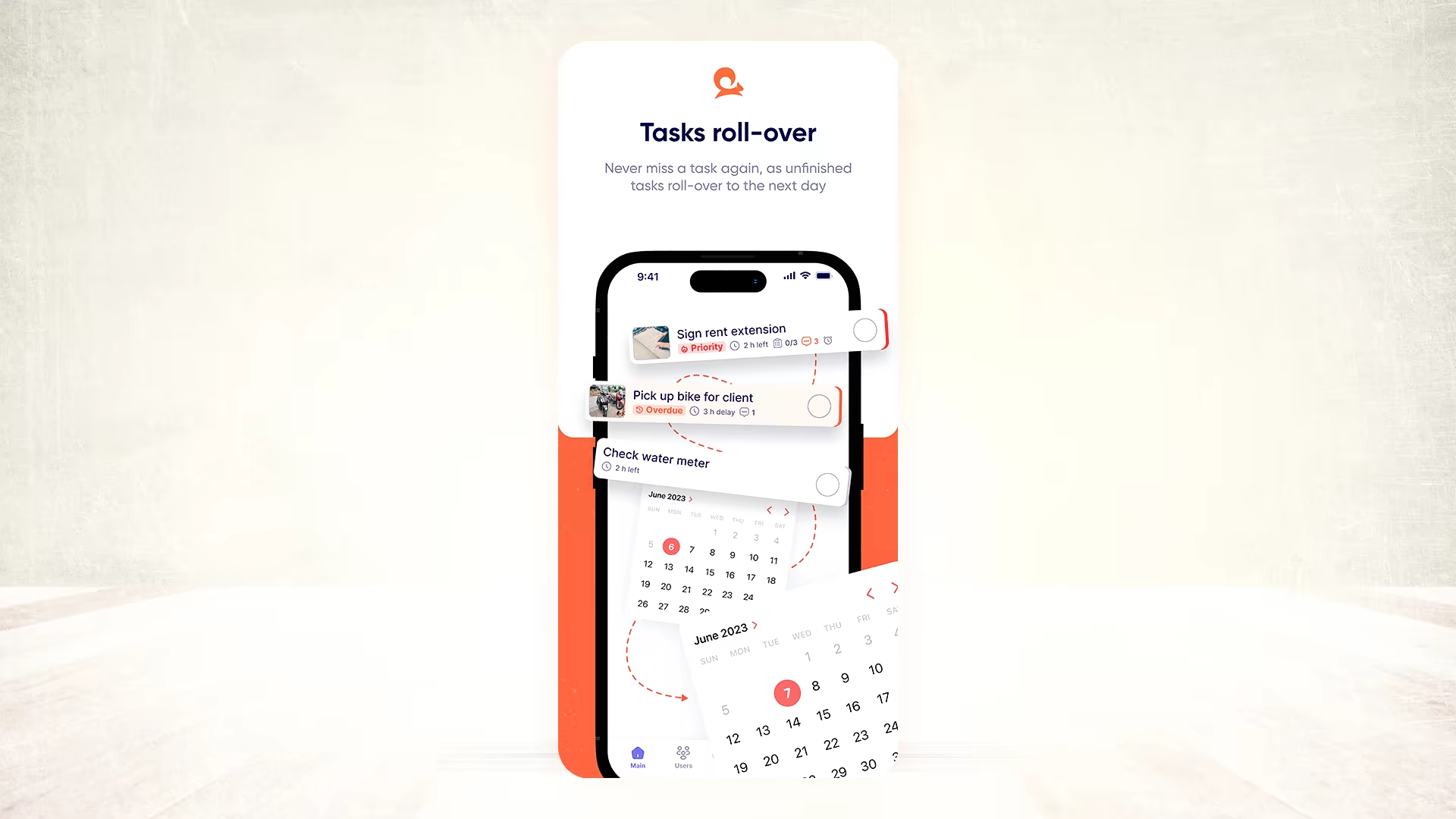
These should live in something more practical than a PDF on someone’s laptop. A good field manager puts them in staff phones, in the language they understand, and in a format they can follow step by step.
People and leadership: engagement, fairness, and support
Tools do not fix everything. Staff show up and perform when workloads are fair, expectations are clear, good work is noticed and they feel safe to ask questions.
Leadership practices that support field staff:
- Short, regular check-ins instead of only calling when something is wrong, the habit behind good frontline employee communication
- Transparent targets for response time, quality, and safety
- Recognition for teams that hit their KPIs or improve
- Access to simple training: micro-videos, buddy systems, visual guides
A people-first mindset reduces absenteeism and turnover, which are major hidden costs.
How to choose tools for field staff management
You will see many categories when you search for a management solution:
- Field service management software (heavier, with dispatch, contracts, billing)
- Field staff management apps (lighter, focused on tasks, checklists, and updates)
- Time and attendance tools for shift management and payroll hours
- Communication tools (chat, video, email)
When choosing, focus on where your biggest pain is today, what your staff can realistically use, and how much you can spend and support.
For multilingual and mixed-literacy teams, key features are:
- Mobile-first design
- Visual task support
- Simple login (QR codes, links)
- AI-powered translation in-app
- Ability to attach photos, audio, and files
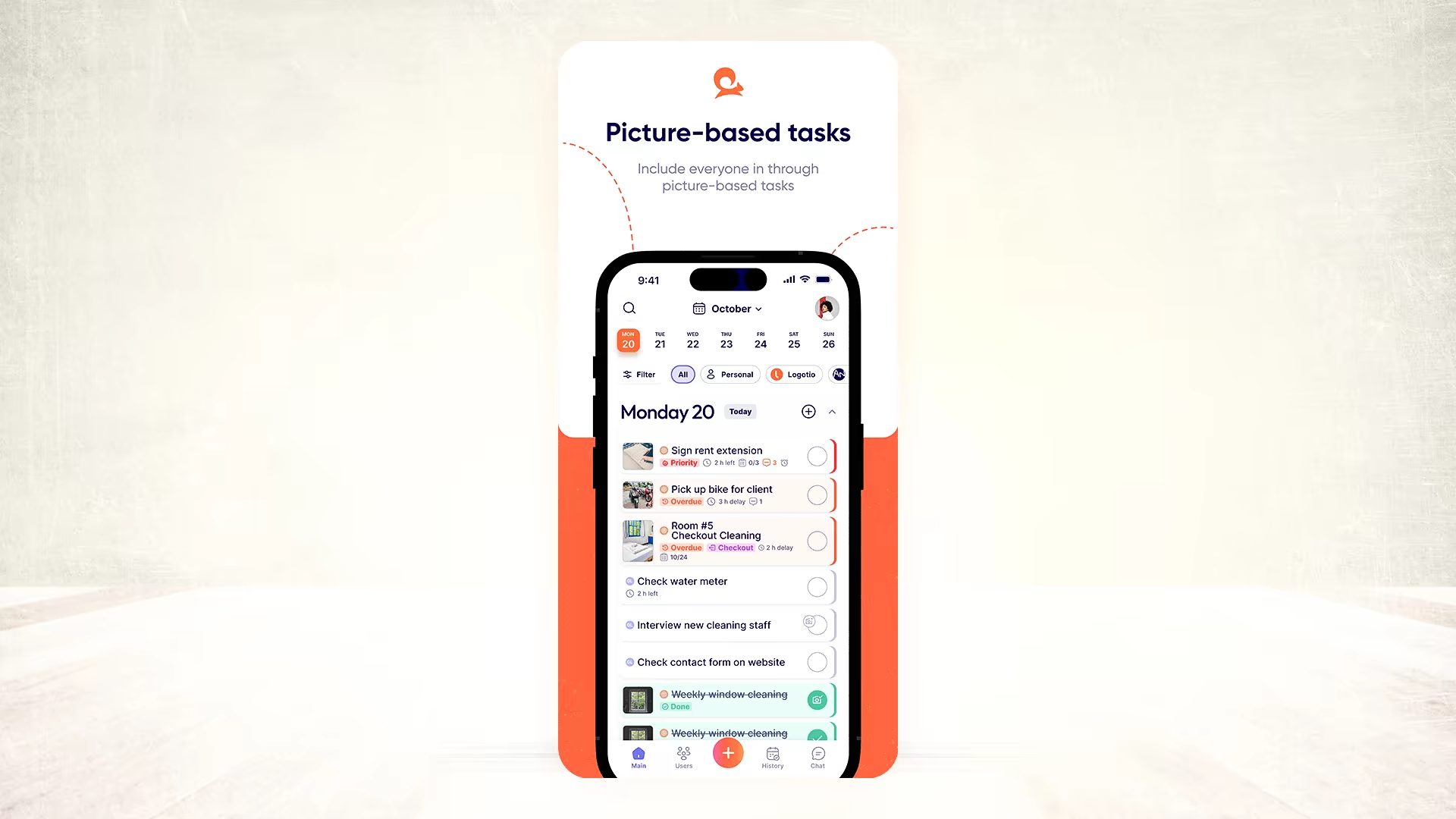
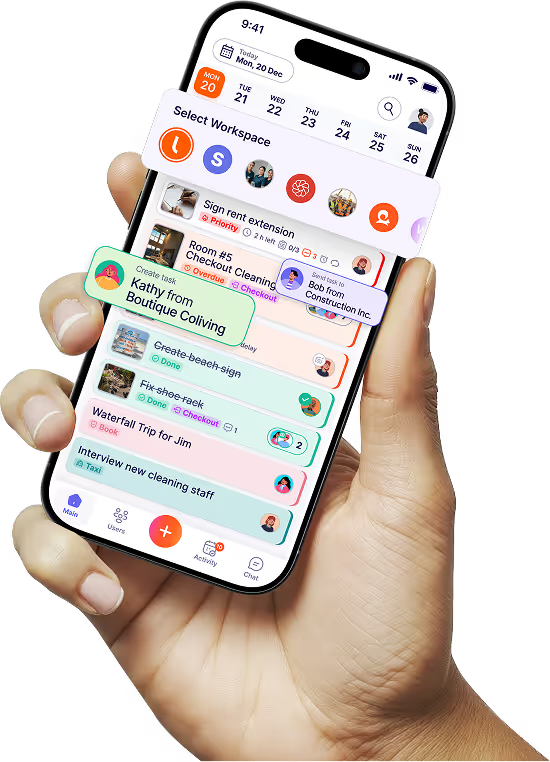
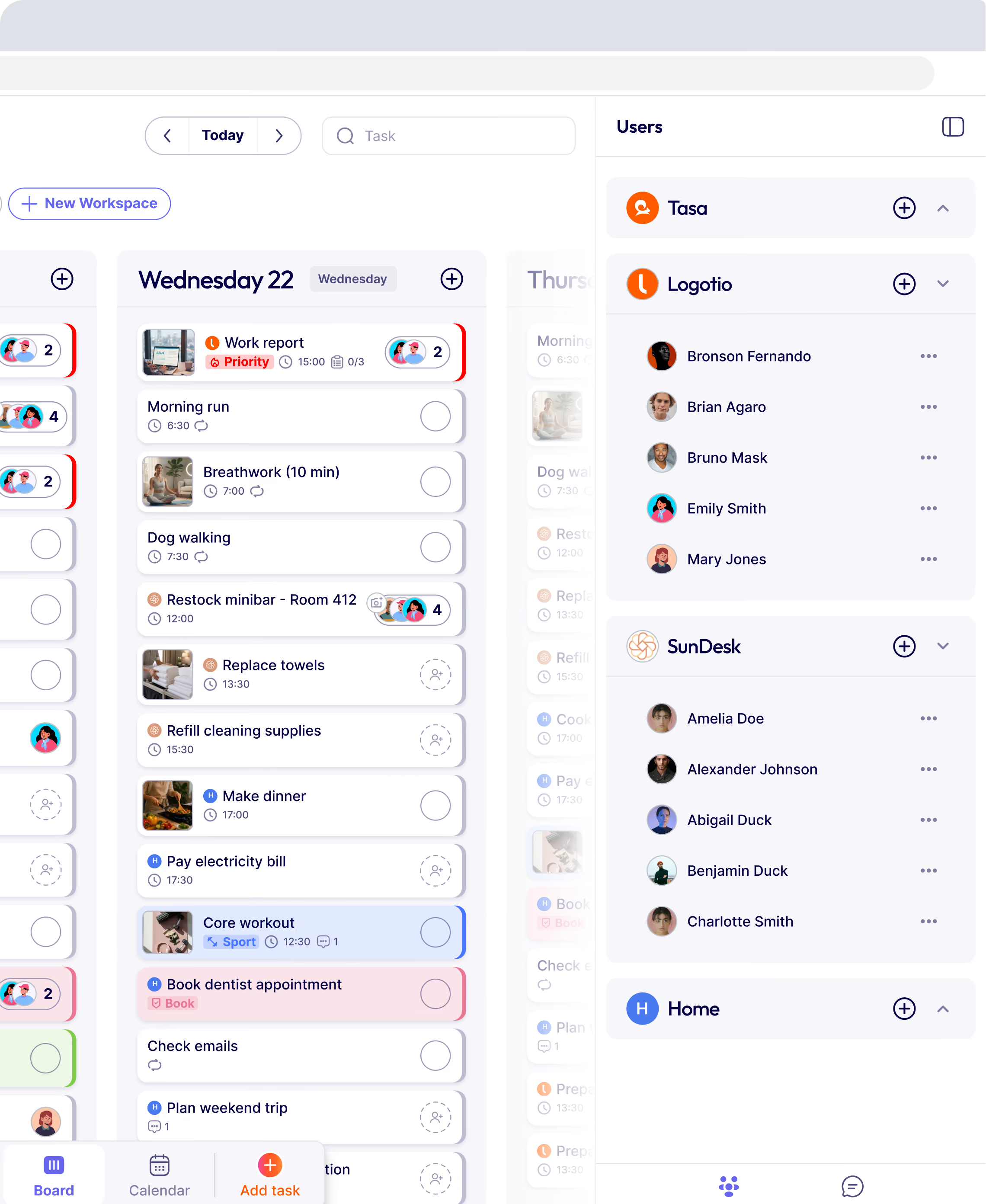
Tasa fits into the second group as a picture-based task management app for local, offline teams and expat-run businesses. While it is not a time management app or GPS tracker (yet), you can create separate workspaces for your teams or businesses and switch between them and your personal workspace.
For many small and medium operations, combining a scheduling or time management app and Tasa for visual tasks and proof is more practical than a very heavy all-in-one platform.
Field employee tracking software: what it does and when you need it
Field employee tracking software is the most-searched category in this space, and it is a different question from task management. Tracking tools answer "where are my people and how long did they work". Task execution tools answer "was the job done correctly". Most field businesses eventually need a clear answer to both.
How field employee tracking software works
These apps run on each field worker's phone and typically combine GPS location tracking with time tracking: a crew member clocks in on arrival, the app records real-time location against the job site (often with geofencing that triggers automatic alerts when someone arrives, leaves, or wanders off route), and work hours sync straight into timesheets and payroll, so the whole mobile workforce shows up in one view. Some add route optimization for multi-stop days and dashboards that show the whole field team on one map.
Popular field tracking options with 2026 pricing
- Hubstaff: GPS plus time tracking plus screenshots, from about $4.99 per user/month (as of September 2026). The best-known option for desk-plus-field mixes.
- Connecteam: free for up to 10 users, then per-user tiers; combines GPS time clock with scheduling and task checklists.
- hellotracks: real-time GPS built for route-heavy teams, plans from roughly $12 per user/month.
- Dedicated field service platforms (Jobber, Housecall Pro): tracking bundled with dispatch, quoting, and billing, at higher price points.
Is it legal to track field employees?
Generally yes for company-owned devices and working hours, with conditions that vary by country and US state: employees must be informed, tracking should be limited to work time, and data should not be used for anything beyond operations. Constant location tracking outside working hours is where employers get into legal and trust trouble.
The bigger practical constraint is cultural: surveillance-heavy setups corrode the trust that field teams run on, which is why many owners prefer proof of work over proof of location.
What Tasa covers instead
Tasa is not a GPS tracker, and we say so plainly. What it does give you is proof of execution: picture-based task checklists, photos of completed work, timestamps on completion, and AI translation for multilingual crews.
For many cleaning, hospitality, maintenance, and property businesses, "here is the photo of the finished room" settles the question a GPS dot cannot: did the work meet standard? If you genuinely need location and hours too, pair Tasa with a time tracking tool like Hubstaff or Connecteam rather than forcing one tool to do both jobs badly.
Key features to look for in field staff management software
- Mobile-first design that works on any phone, including offline patches in remote areas
- Simple access: QR login or links, not password rituals in work gloves
- Visual task support: photos, icons, and short videos rather than text walls
- Automatic translation so instructions reach every worker in their language
- Proof capture: photos, signatures, or readings at critical checkpoints
- If you need it: GPS tracking, geofencing, and timesheets with payroll export
- Job details visible to the assigned worker: location, steps, standard, deadline
- Alerts when a job is overdue or a compliance step is skipped
- Sane pricing per user, not per feature
KPIs to track in field staff management
To know if you are improving, track a small set of field KPIs:
- Attendance rate and on-time starts
- First-time completion rate (no rework)
- Response time from job assignment to start
- Jobs completed per day per technician or crew
- Customer satisfaction (a simple 1-to-5 rating after jobs)
- Safety or compliance incidents
You can log these in spreadsheets at first or use dashboards inside your tools, then review them weekly with supervisors.
Link your KPIs to actions:
- High rework? Improve checklists and training.
- Slow response? Improve scheduling and communication.
- Poor satisfaction at one site? Investigate instructions and supervision there.
Field staff management is not effective by yelling into phones and hoping for the best. It is about:
- Clear processes
- Visual, language-friendly instructions
- Real proof of completion
- Data that tells you where to improve
- Leadership that treats frontline workers as partners
Use a planner or scheduling system to decide when things happen and a focused field staff management app like Tasa to control what happens and how well it is done.
Latest News

Have questions?
.svg)
Team management, simplified.

“It affects my personal life a lot. I can manage my team and my work remotely, so I have more time being a mother.”