.svg)
Visual work instruction software for frontline teams
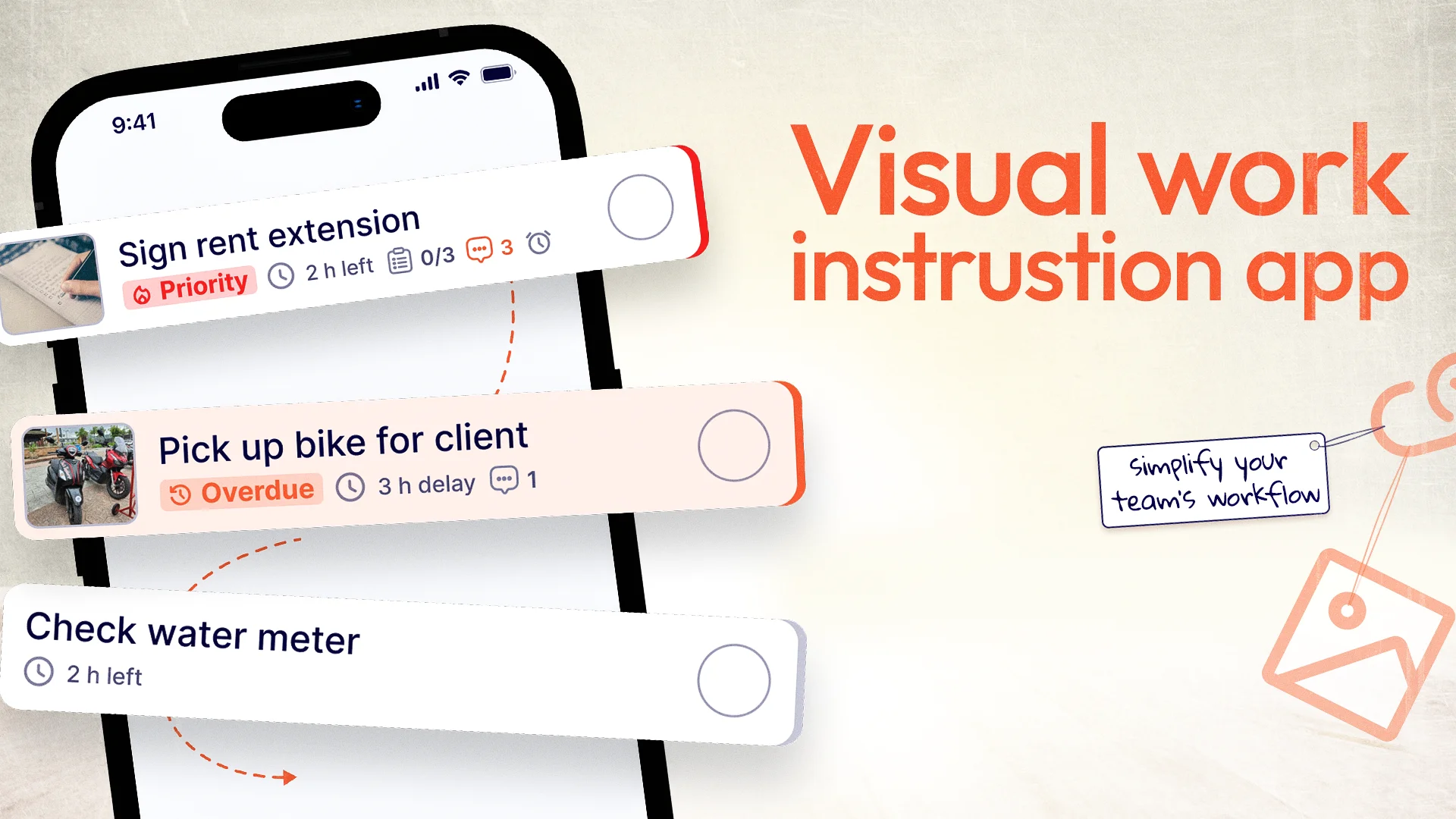
Visual work instruction software is a digital tool that replaces lengthy text-based procedures with picture-based, step-by-step instructions for frontline workers.
Instead of handing employees a 20-page manual or expecting them to remember verbal instructions, managers create visual guides that show exactly what needs to be done.
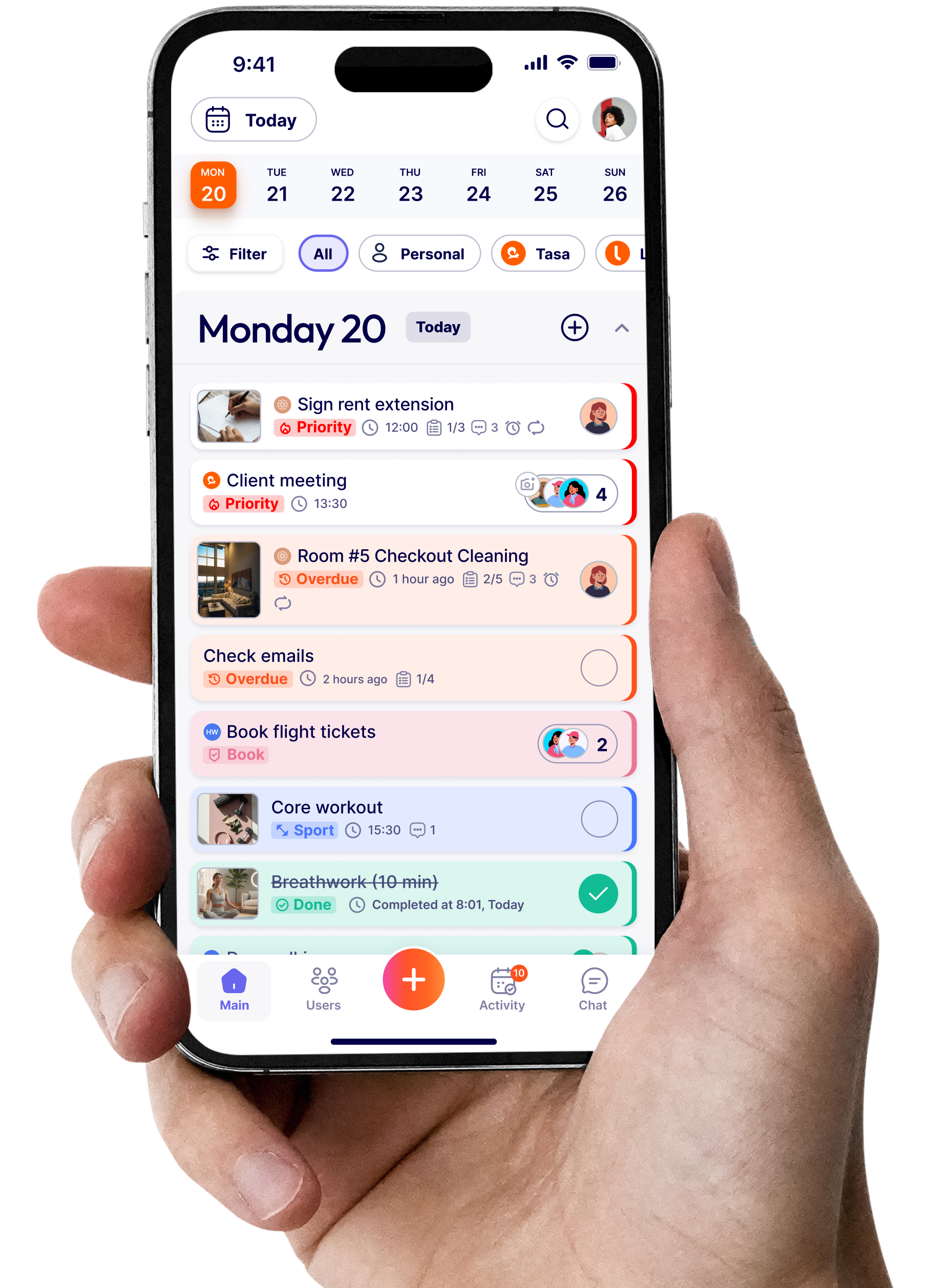
Staff see photos of the desired result, follow image-based steps, then confirm task completion with photos.
This approach works because it matches how humans naturally learn and process information.
Key Takeaways
- Human brains process images 60,000 times faster than text, making visual instructions the natural way frontline teams learn.
- Visual work instructions reduce training time from weeks to days by showing exactly what done looks like.
- Photo proof of completed work creates accountability and eliminates the guesswork of whether tasks were done correctly.
- Visual instructions transcend language barriers, allowing multilingual teams to work from the same standards without translation delays.
- Recurring task automation ensures routine work never gets overlooked and managers don't waste time recreating checklists.
- Mobile-first visual task software gives frontline workers instant access to instructions exactly when and where they need them.
Why frontline teams learn faster with images
Human brains process images faster than text. This biological reality explains why visual instructions work better for frontline teams.
The Traditional Standard Operating Procedures (SOPs) filled with written instructions assume the reader understands complex text and technical terms. This assumption fails for many frontline workers, especially low-literacy teams.
How the brain processes images vs text:
- The brain processes images 60,000 times faster than text
- Visual information is stored in long-term memory more effectively
- People remember 80% of what they see compared to 20% of what they read
- Images communicate meaning across language barriers
The impact on frontline team learning:
- Visual instructions reduce the time needed to understand a task
- Staff can reference photos as they work (no memorization needed)
- Visual memory helps staff recall procedures days or weeks later
- Mistakes decrease when staff have a clear visual reference
For frontline workers who may not be confident readers, visual instructions remove a major barrier to learning and performing tasks correctly.
Essential features to look for in visual work instruction software
Not all visual instruction tools solve the same problem. Here are the features that matter most for frontline teams.
Image-based task creation
The software should make it easy to create tasks using images.
What to look for:
- Easy photo upload from a mobile device
- Ability to add minimal text to images
- Images as the primary instruction (text should be secondary)
- Ability to organize images by task, room, or workflow
Why this is necessary: If it's hard to create tasks, managers won't use the software. The process must be simple and fast.
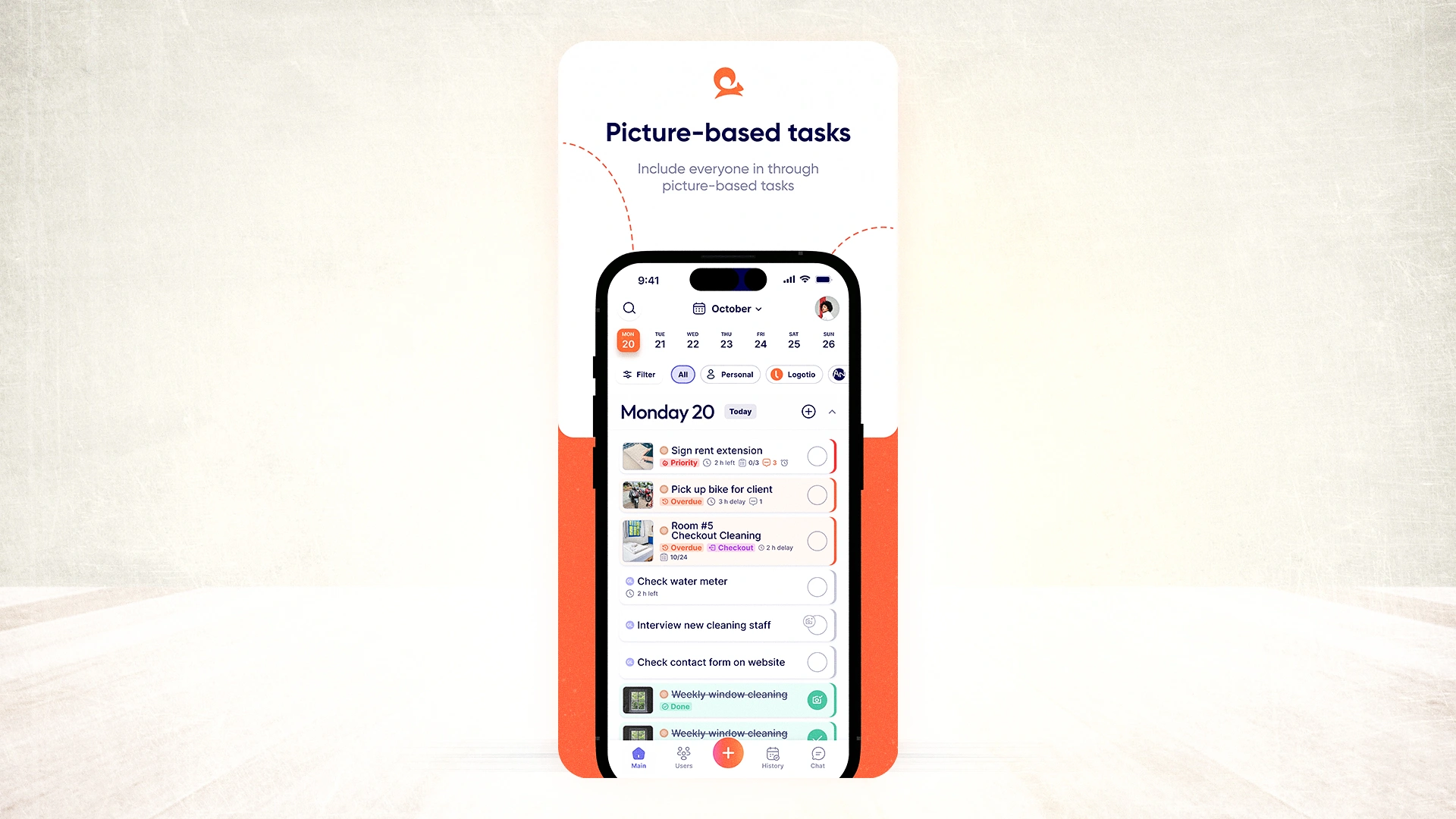
Mobile-first accessibility
Frontline workers use phones. The software needs to work on mobile devices.
What to look for:
- iOS and Android apps
- Works without a computer
- Photos upload from the phone
- Easy to use interface
- Quick access for workers
Why this is necessary: Workers don't sit at desks. They use phones, therefore, the software must be optimized for mobile use.
Real-time translation capabilities
For multilingual teams, translation is essential.
What to look for:
- Automatic translation of tasks and comments
- Support for multiple languages
- Staff see tasks in their preferred language
- Managers read responses in their language
Why this is necessary: Without translation, visual instructions are less effective for multilingual teams. Translation removes language as a barrier.
.webp)
Photo proof of completed work
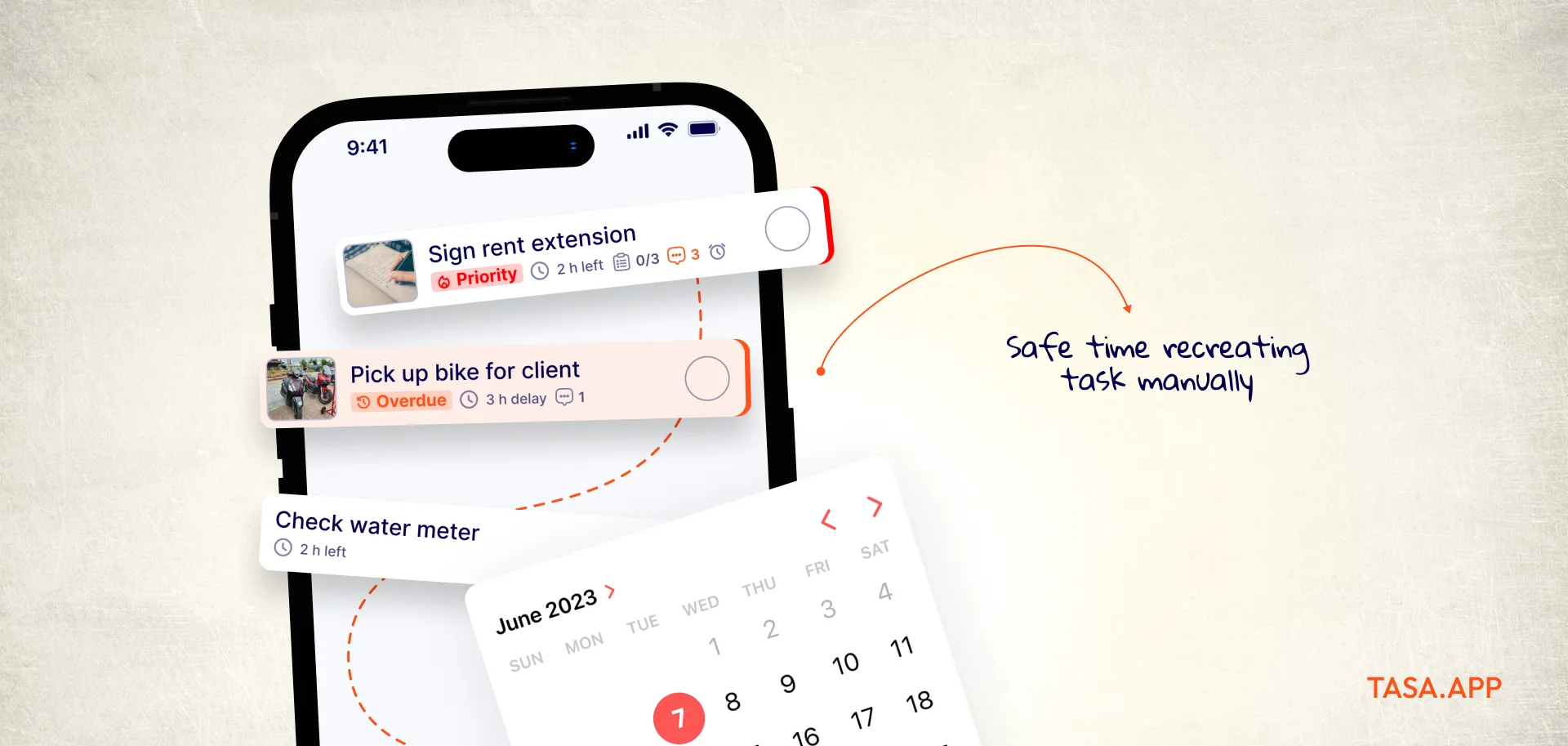
Photo proof verifies that work was completed correctly.
What to look for:
- Staff cannot mark tasks complete without taking a photo
- Photos are attached to each task
- Managers can review photos from anywhere
- Photos are stored for audit and reference
Why this is necessary: This is the most important verification feature. Without photo proof, managers still can't verify work.
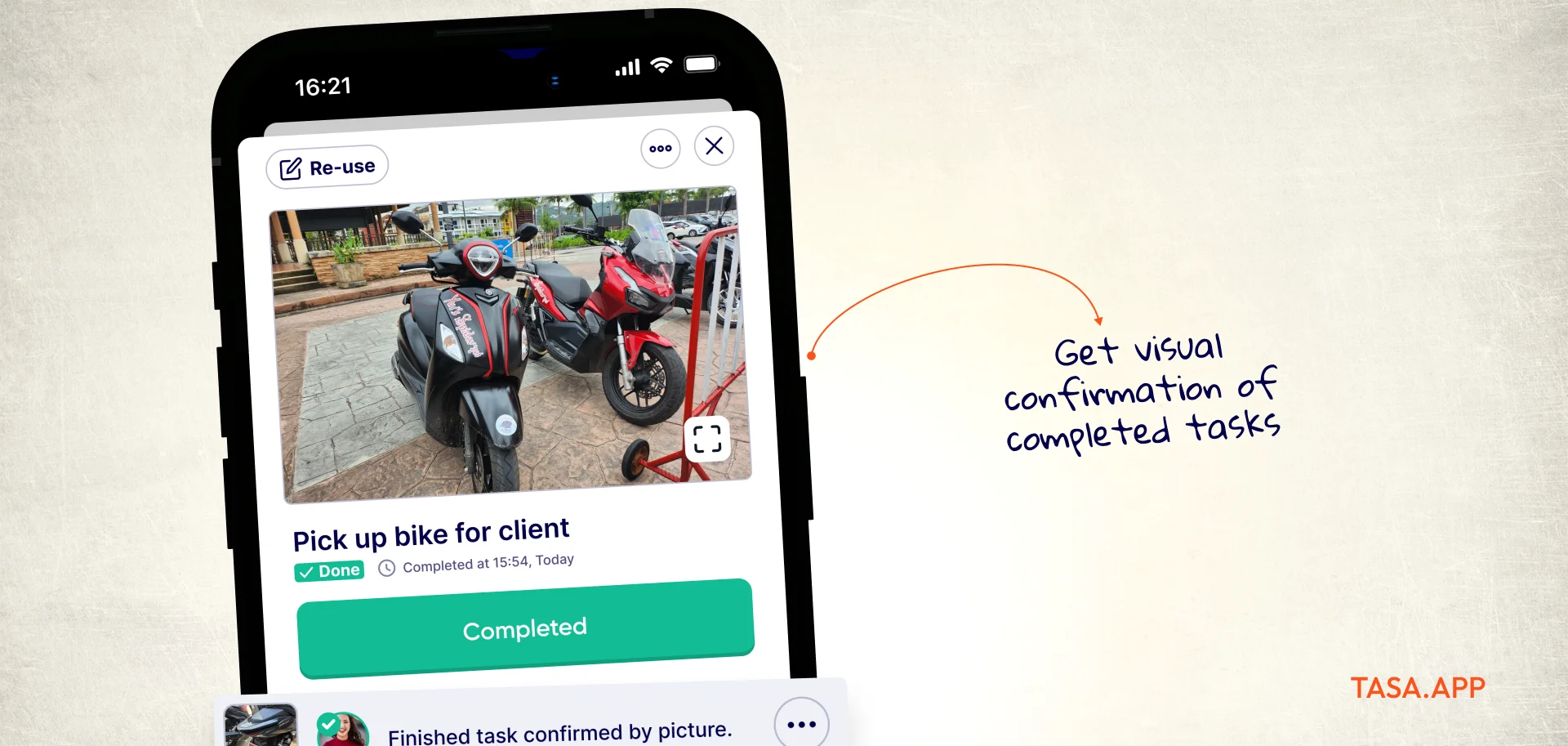
Recurring task automation
Recurring tasks should be created automatically.
What to look for:
- Set tasks to repeat daily, weekly, monthly
- Custom repeat patterns
- Automated task creation
- No need to recreate tasks manually
Why this is necessary: Frontline work often involves recurring tasks. Automation saves time and reduces errors.
How visual work instruction software improves employee training
Training is where visual work instruction software makes a huge difference.
Faster onboarding for new hires
New hires can start contributing quickly when visual instructions are available, this makes onboarding easy.
How onboarding improves:
- New staff spend less time shadowing
- They can reference visual guides independently
- Training is consistent (everyone learns the same way)
- Managers spend less time explaining
Reducing supervisor dependency
Managers shouldn't have to answer the same questions repeatedly.
How visual instructions reduce dependency:
- Staff find answers themselves
- They don't need to ask how to do tasks
- Managers focus on higher-value work
- Employees are more independent
Improving retention of procedures
Visual memory is stronger than text memory. Staff remember visual instructions better.
How retention improves:
- Visual images stay in memory longer
- Staff recall procedures without needing to check
- Better retention means fewer mistakes
- Training investments pay off longer
Scaling training across multiple locations
Visual instructions make training scalable.
How scaling works:
- The same visual standards work for all locations
- Training is consistent regardless of location
- New locations train staff the same way
- Quality is consistent across locations
What makes visual work instructions more effective?
Image or video based instructions work because they align with how humans learn, communicate, and work.
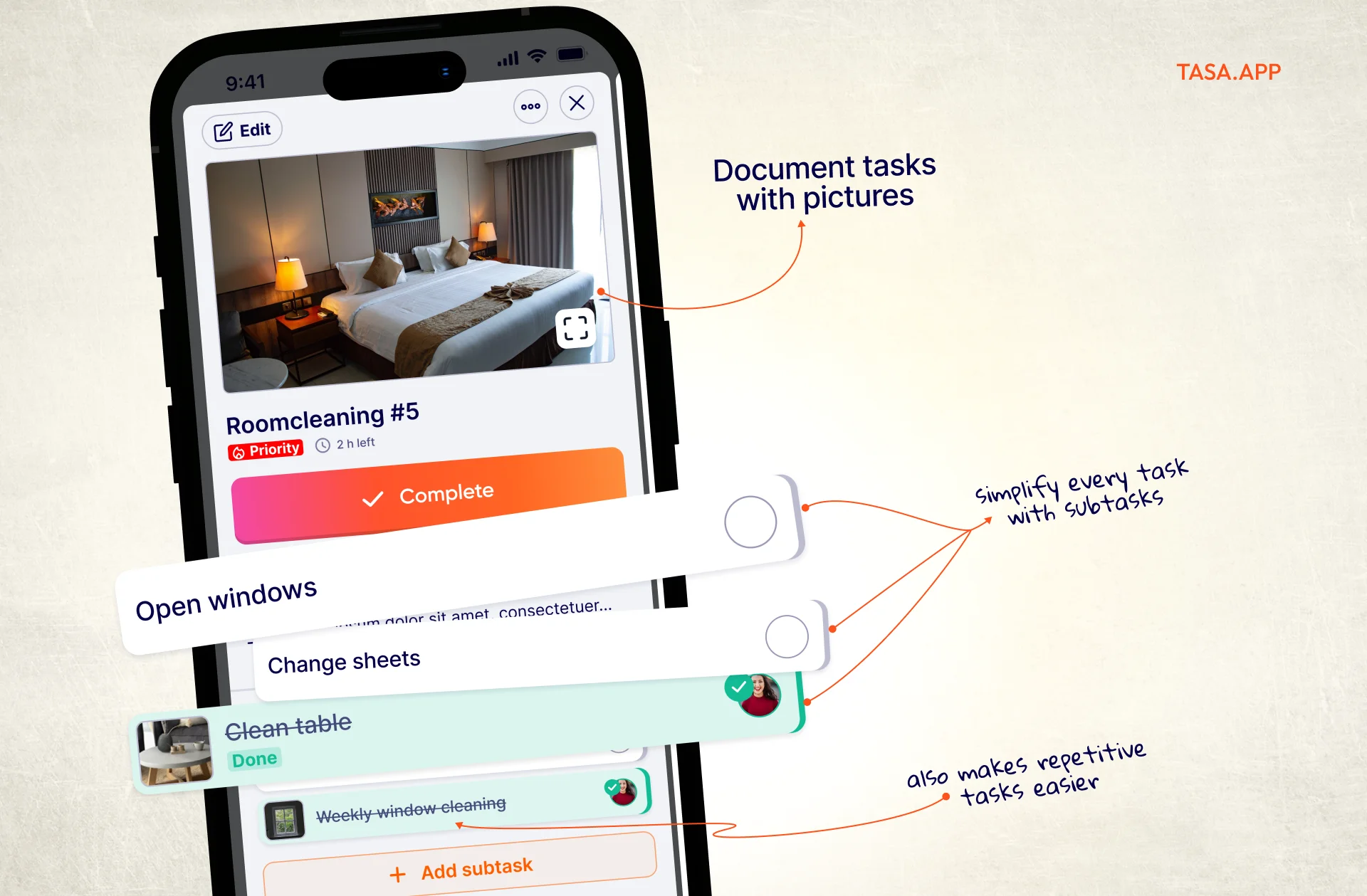
Faster comprehension and task execution
Visual instructions reduce the time between receiving a task and completing it correctly.
- Photos communicate information instantly
- Staff can see what they're aiming for
- No confusion with expectations
- Reference photos guide the worker in real time
Reduced training time
Training time drops significantly when visual instructions replace text-based ones.
How training time decreases:
- New staff can start working with less shadowing
- Visual guides serve as a reference during training
- Less time is spent explaining expectations
- Staff don't need to memorize procedures
Training time comparison:
- Text-based training: 2-3 weeks to fully onboard
- Visual instruction training: 3-5 days to full independence
Fewer operational mistakes
Mistakes decrease when employees have clear visual references. Because
- Employees know exactly what "done" looks like
- Ambiguity is eliminated
- Staff can check their work against photos
- Photo verification catches errors before they affect quality
Improved consistency across teams
Visual standards create consistency because everyone works to the same reference.
- All staff use the same visual references
- Different shifts follow the same standards
- Training is consistent across locations
- Quality is predictable
Better support for multilingual workforces
Visual instructions transcend language barriers.
How visual instructions support multilingual teams:
- Photos communicate across languages
- Minimal text is needed (and can be translated)
- Staff see what's expected regardless of their language
- Translation can be built into the platform
Common problems visual work instruction software solves
Visual work instruction software addresses specific operational problems that text-based systems cannot solve.
Inconsistent task execution
The problem: Different workers perform the same task differently. Quality varies. Standards drift.
How visual software helps:
- Everyone follows the same visual standards
- Photos show exactly what's expected
- No room for interpretation
- Results are consistent across teams
Employee onboarding challenges
New employees take weeks to learn procedures resulting in inconsistent training and managers spend too much time training.
How visual software helps:
- New staff can learn independently using visual guides
- Training time is reduced significantly
- Consistency is built into the training
- Staff can reference guides as needed
Communication across multiple languages
In a workspace in which staff speak different languages or have different literacy levels, instructions need to be translated to reduce execution errors.
How visual tool helps:
- Photos communicate across languages
- Text can be translated automatically
- Staff see instructions in their own language
- No language barrier to understanding
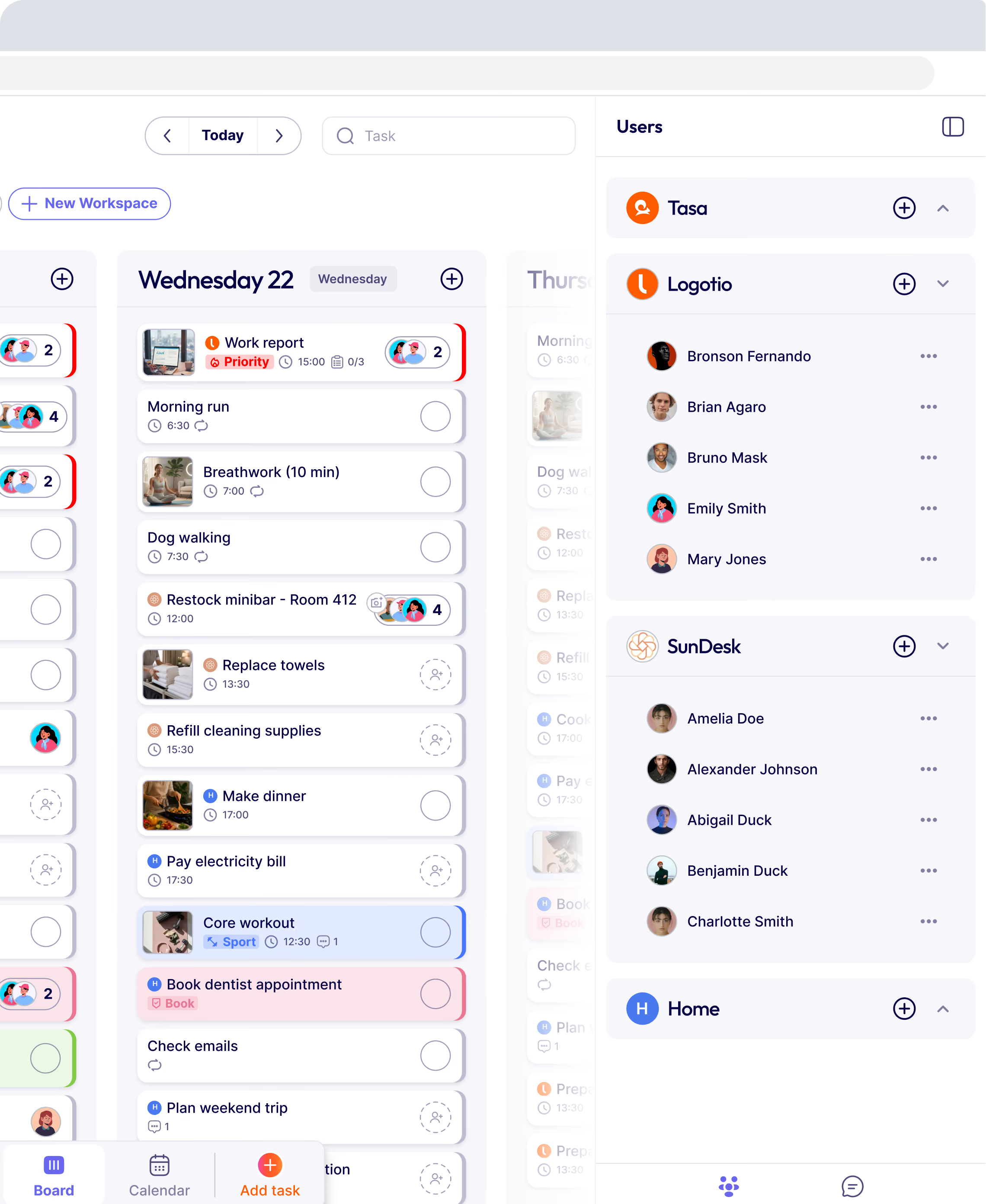
Apps like Tasa auto translate text to every team member's preferred language by default.
Lack of accountability in field operations
The problem: Managers can't verify that work was done correctly. Field workers have no accountability.
How visual software helps:
- Photo proof is required to complete tasks
- Managers see completed work from anywhere
- Accountability is built into the system
- No more "I didn't know" excuses
Difficulty managing remote teams
The problem: Managing remote workers is difficult without visibility. Communication difficulty equals delayed task execution.
How visual software helps:
- Managers see task status in real time
- Communication is built into the platform
- Photo proof shows completed work
- No need to be on-site for verification
Quality control issues
The problem: Quality slips without consistent verification. Mistakes go unnoticed until it's too late.
How visual software helps:
- Photo proof catches quality issues early
- Standards are documented visually
- Managers can review work remotely
- History shows what was done
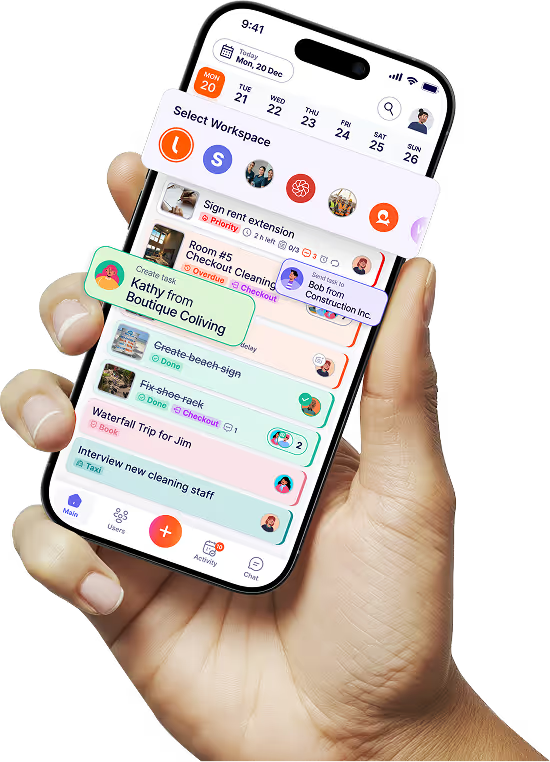
Tasa is a task management app built to help you manage your frontline team smoothly while providing easy execution for your team.
Latest News

Have questions?
.svg)
Team management, simplified.

“It affects my personal life a lot. I can manage my team and my work remotely, so I have more time being a mother.”
