.svg)
Planner for small business owner: your 2026 guide to turning chaos into a clear plan & action

As a small business owner, your typical day probably looks like: customer calls and messages, staff task clarificaton, supplier requests, invoices and cash flow worries, personal and family obligations.
Without a clear planner, everything lives in your head, in random chats, or on loose notes. That leads to missed opportunities, late payments and forgotten tasks and constant firefighting instead of deliberate growth
A modern planner for small business owner is your operating system: the place where plans, tasks, money, and team responsibilities are captured and made visible.
What should a planner for small business owner actually do?
A useful planner for small business owner should help you:
- See your priorities at a glance
- Bridge the gap between big goals and daily actions
- Coordinate tasks across people, locations, and tools
- Track money, projects, and performance over time
Practically, that means your planner needs space (or structure) for:
- Business goals (year / quarter / month)
- Daily and weekly task plans
- Finances (income, expenses, invoices, cash flow)
- Marketing and sales activities
- Operations (inventory, orders, schedules)
- Team responsibilities and deadlines

Three ways to build your planner (with pros and cons)
Different businesses need different planner setups. Here is how the most common options compare.
Paper planner
This can be notebook, bullet journal or printed weekly calendar.
Good for: Quick notes, no tech required, satisfying to write by hand. Works well for owners who prefer analog tools and have a small operation.
Bad for: Sharing with your team, automatic backups, reminders, collaboration. If you lose the notebook, you lose your plan.
Digital PDF or template
This can be fillable PDF, Google Doc or spreadsheet.
Good for: Structure, printable, searchable. You can design exactly what you need and keep it in your Drive.
Bad for: Real time updates across multiple people, mobile friendly input for frontline staff, automatic task creation from repeats.
Notion or similar all in one workspace
Good for: Highly customizable, combines notes, databases, calendars, and tasks. Works well for owners who enjoy building systems.
Bad for: Learning curve. The mobile experience can be slow. Your frontline staff will likely find it too complex.
Calendar apps
This can be Google Calendar, Outlook or Apple Calendar.
Good for: Appointments, deadlines, meeting scheduling. Syncs across devices. Sends reminders.
Bad for: Task details, checklists, team execution, photo proof, translation across languages.
What matters most is that you choose something you’ll use consistently and fits the way you already work.
Even the best planner has limits, which is team work execution. Your planner tells you what needs to happen and when. It does not tell your team how to do the work to your standard. It cannot prove the work was done.
These gaps are not failures of planning. They are gaps that planning tools were never built to fill. That is why you need a separate task management tool for team execution.
How a local business owner organize her day
Maria runs a cleaning company with twelve staff. She uses three tools together.
For strategy and finances, she uses a Google Sheet. She tracks quarterly revenue goals, monthly expenses, and client contracts. She updates this every Monday morning from her laptop.
For appointments and deadlines, she uses Google Calendar. Client meetings, vendor calls, and her kids school events go here. She blocks two hours each Friday for planning the next week.
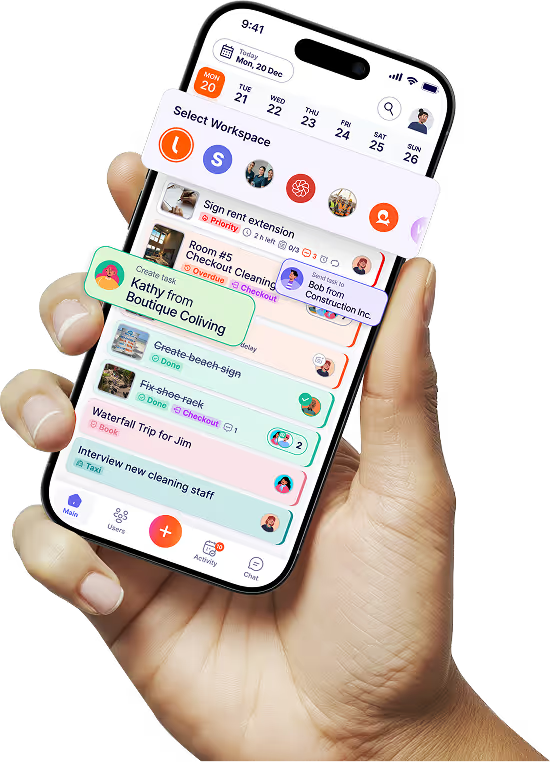
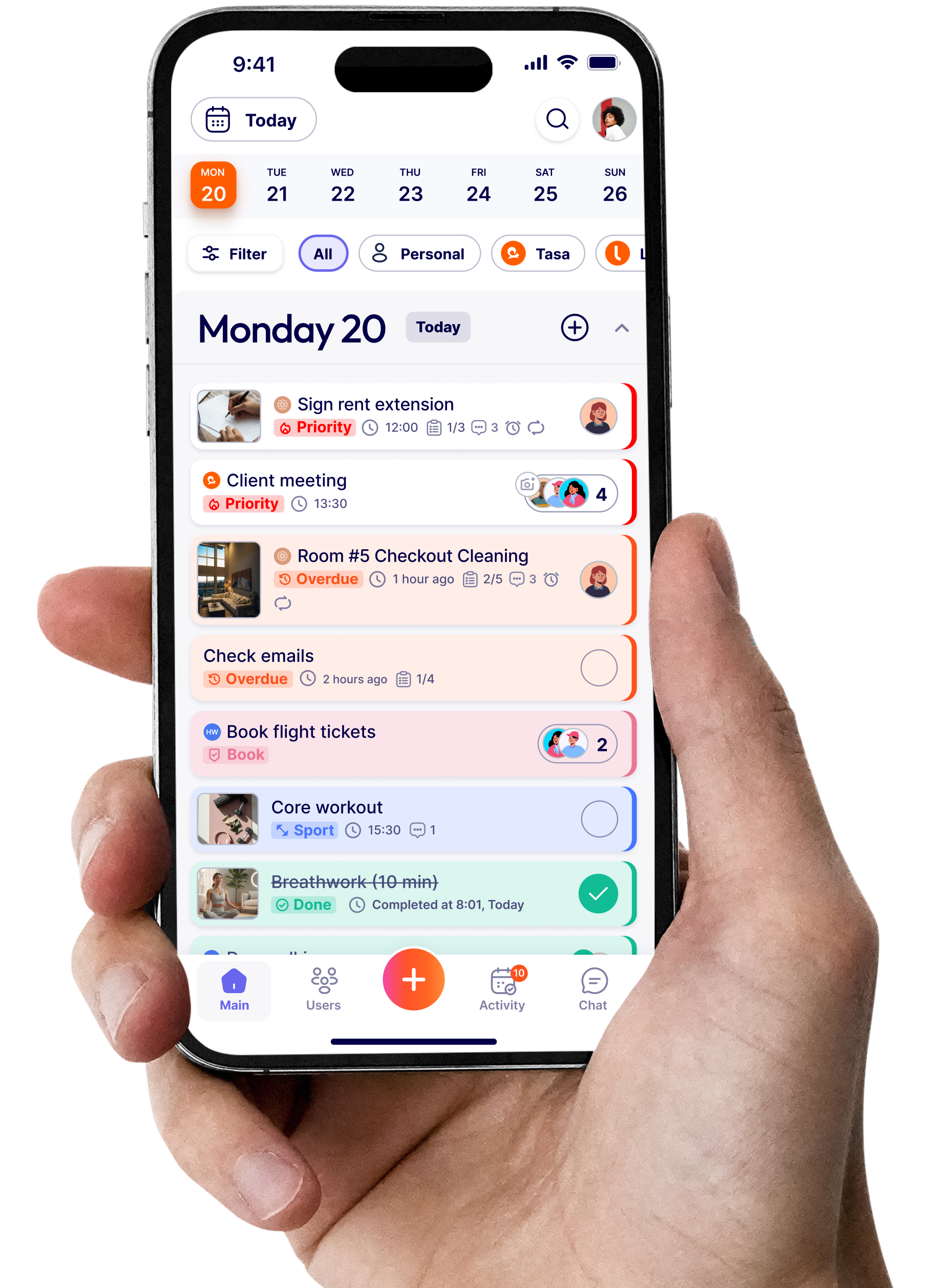
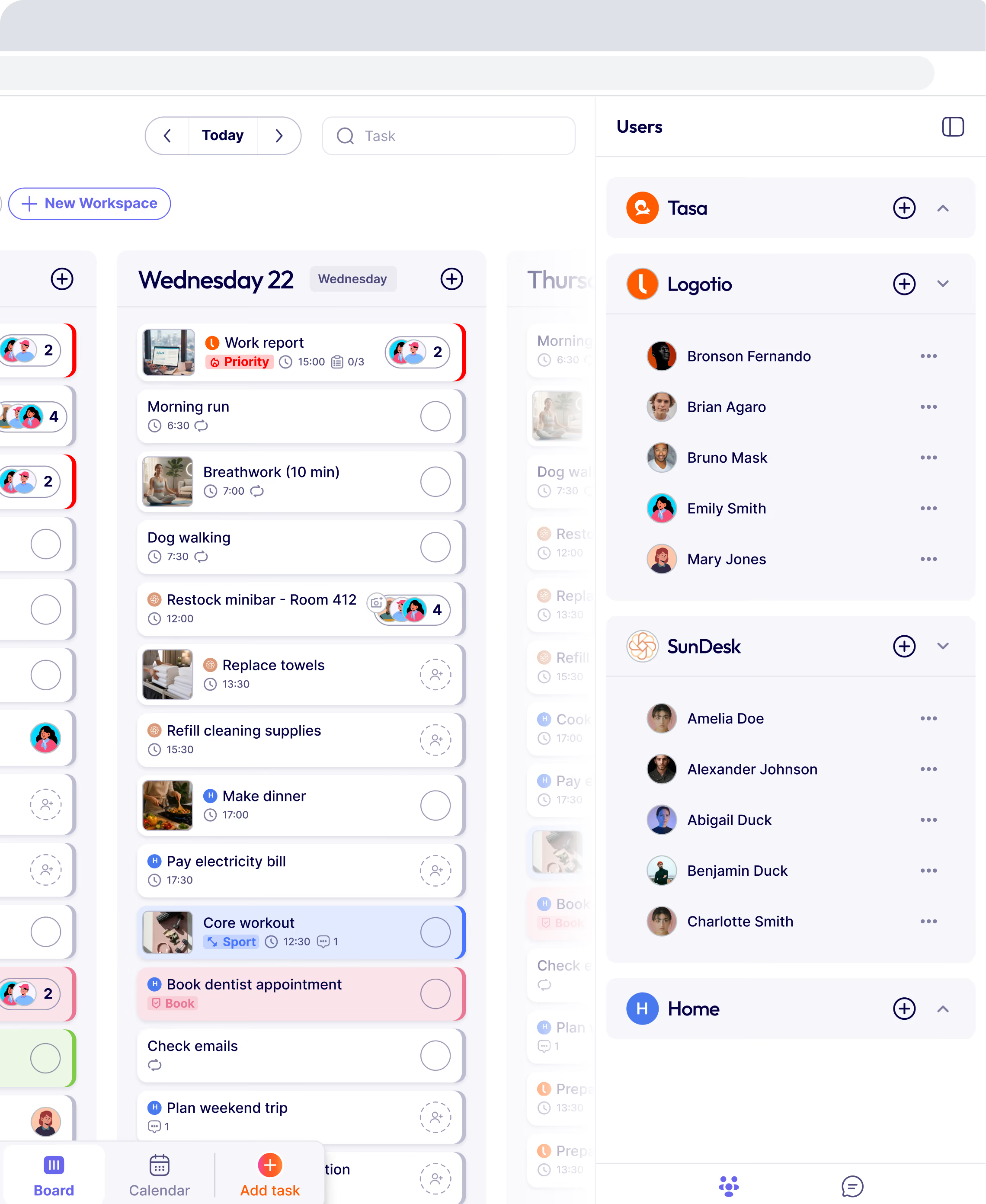
For daily team execution, she uses Tasa. Every cleaning job becomes a picture task. The checklist shows exactly what a clean bathroom looks like. The crew sends back photos of finished work. The app translates her English instructions into Spanish and Arabic for her staff. She reviews the photos from her phone while waiting for her kids at practice.
Her planner is not one tool. It is three tools that each do one job well. Tasa handles the part that her calendar and spreadsheet cannot.

Start with the tools you have.
You do not need to buy a new planner if you already have a great one. Use what already works for you.
- If you use a paper notebook, keep using it for goals and high level planning.
- If you use Google Calendar for appointments
- If you use Notion or spreadsheets for tracking
Keep using them add an execution app (Tasa) for your team task management and quality control
Latest News



Have questions?
.svg)
Team management, simplified.

“It affects my personal life a lot. I can manage my team and my work remotely, so I have more time being a mother.”
