.svg)
System for small business in 2026: Guide for owners who hate chaos
A system for small business used to be: software for accounting and maybe a point-of-sale. In 2026, it means the full set of tools and workflows that run your company: from acquiring new customers (marketing, CRM), to serving them (operations, field teams, service delivery), to tracking your earnings (invoicing, payments), to team coordination (tasks, communication, scheduling).
The right system for small business should:
- Reduce manual work
- Increase visibility (you know what’s going on)
- Lower errors and miscommunication
- Make it easy to grow without rebuilding everything every year
Key takeaways
- A small business system in 2026 is a connected stack: POS and payments, accounting, CRM, payroll, ecommerce, communication, and frontline operations.
- Most core tools have a free tier or start around $14-38 per month; a realistic starter stack costs under $150/month before add-ons.
- Choose by biggest pain point first, not by feature count: adoption fails more often than software.
- Frontline and multilingual teams need their own layer: picture-based tasks, photo proof, and automatic translation (Tasa, free for personal use).
Essential systems for small business in 2026
Square POS (sales & payments)
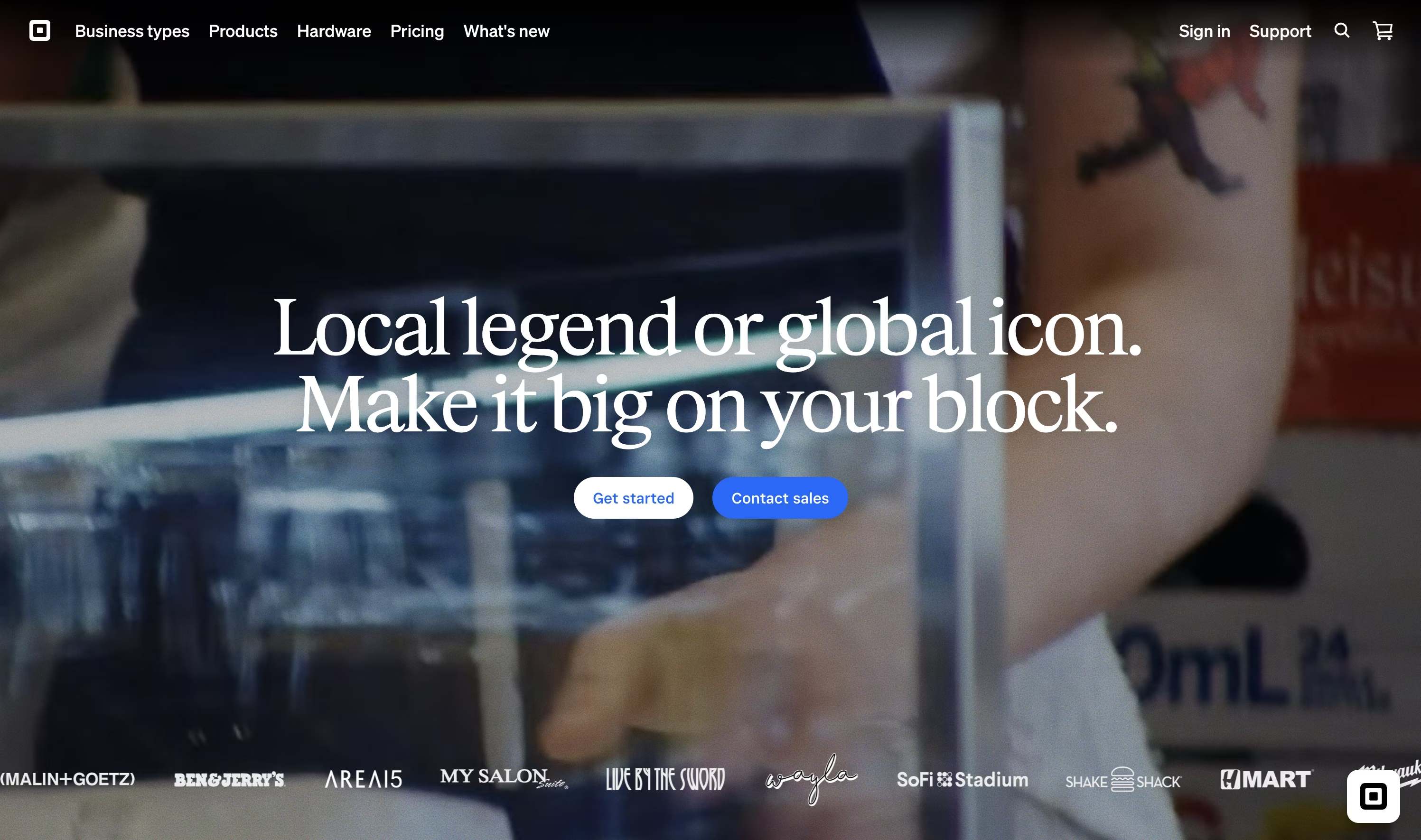
Square has become a go‑to system for small business that sells in person (and often online). Pricing (as of September 2026): the core POS is free with per-transaction fees, Square for Restaurants Plus is $69/month, and Retail Plus is $79/month. It offers:
- In‑person and online payments
- Real-time inventory management
- Basic customer insights and loyalty features
- Free tier for essentials, with paid options for more features
Best for: small retailers, cafés, salons, and service providers who need a fast, integrated way to accept payments and track stock.
QuickBooks Online (accounting & finance)
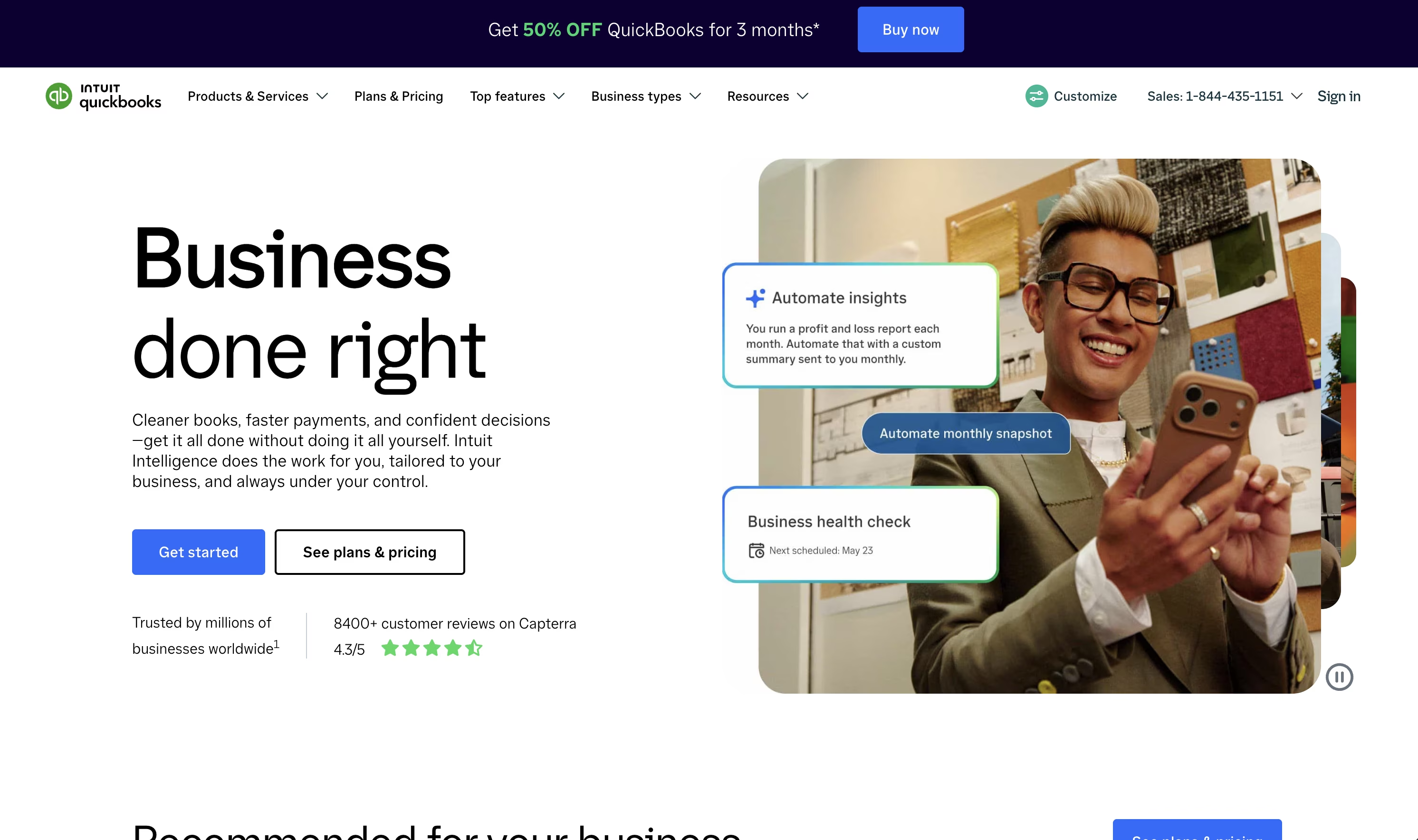
QuickBooks Online remains the standard accounting software for small business. Pricing (as of August 2026): a free plan for very light use, Solopreneur $20/month, Simple Start $38/month, Essentials $75/month, Plus $115/month (Intuit usually discounts the first months). Used for:
- Automated bookkeeping and invoicing
- Expense tracking and basic reporting
- Payroll integration (as an add‑on)
- Bank and payment processor integrations
Best for: freelancers, consultants, and small business owners who want to avoid spreadsheets while staying tax‑ready.
Zoho CRM (customer & sales management)
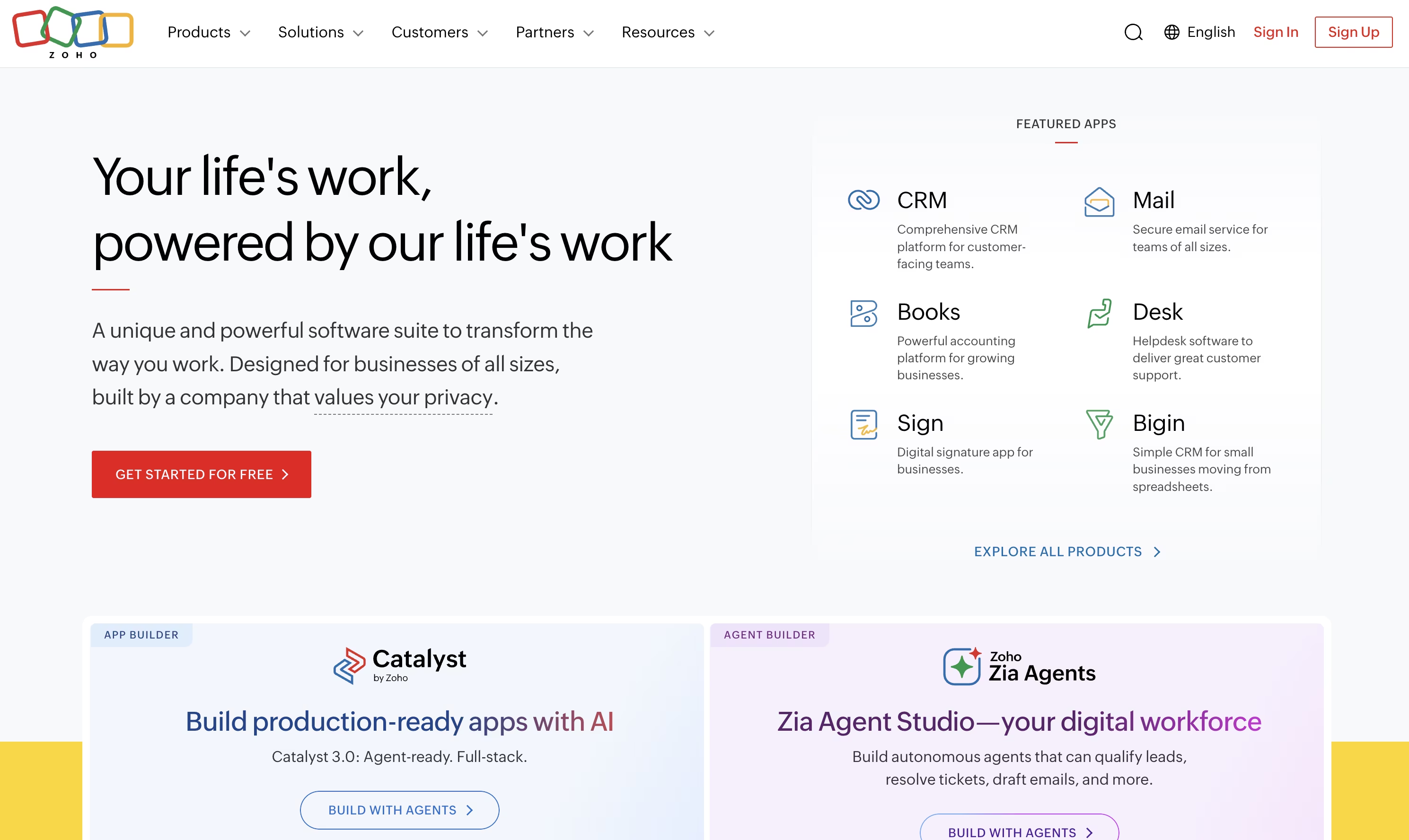
Zoho CRM is a flexible system for small business CRM needs. Pricing (as of September 2026): free for up to 3 users, Standard $14, Professional $23, Enterprise $40 per user/month:
- Lead and pipeline tracking as a management tool for sales
- Task automation and follow‑ups
- Customizable dashboards and reports
- Integrations with email, telephony, and other Zoho tools
Best for: agencies, service businesses, and sales-driven teams that need to organize leads and deals without enterprise complexity.
Gusto (payroll & HR, US-focused)
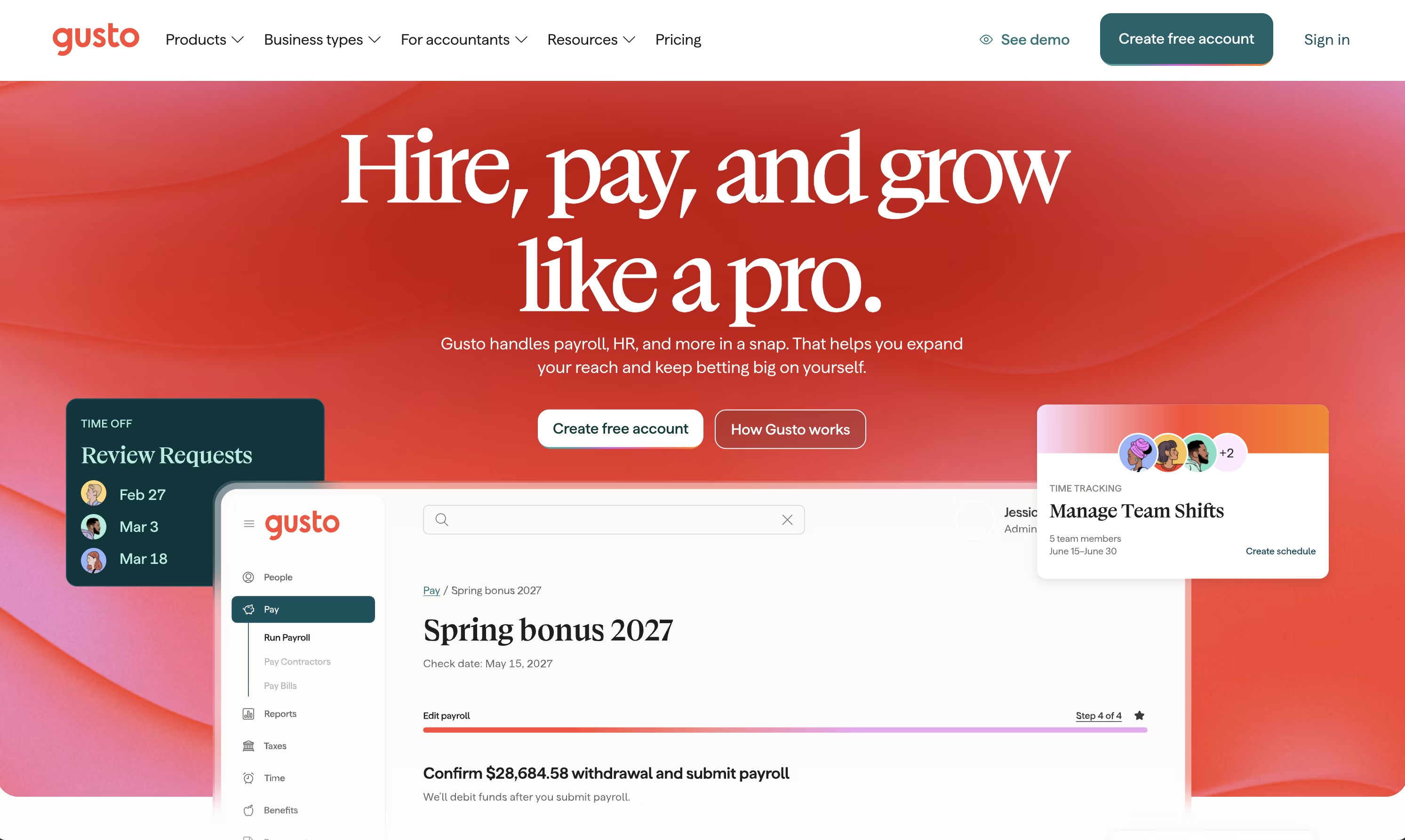
Gusto is designed as a small business HR and payroll system. Pricing (as of August 2026): Simple from about $49/month plus $6 per person, Plus $80/month plus $12 per person. Used for:
- Payroll processing and automated tax filings
- Benefits and basic HR workflows
- Employee self-service portal
Best for: small US-based businesses that want compliance handled and payroll simplified.
Shopify (Ecommerce & online stores)
Shopify powers many small business websites and online shops. Pricing (as of September 2026, EUR pricing shown in many regions): Basic about €27/month, Standard about €79/month, with a Starter plan around €4-8/month for simple link-in-bio selling. It offers:
- Drag‑and‑drop store builder
- Project management for product launches and seasonal campaigns
- Secure payment processing
- Inventory and shipping tools
- App ecosystem for marketing and customization
Best for: product-based businesses going online or running both online and physical stores (omnichannel).
Slack (internal communication & collaboration)
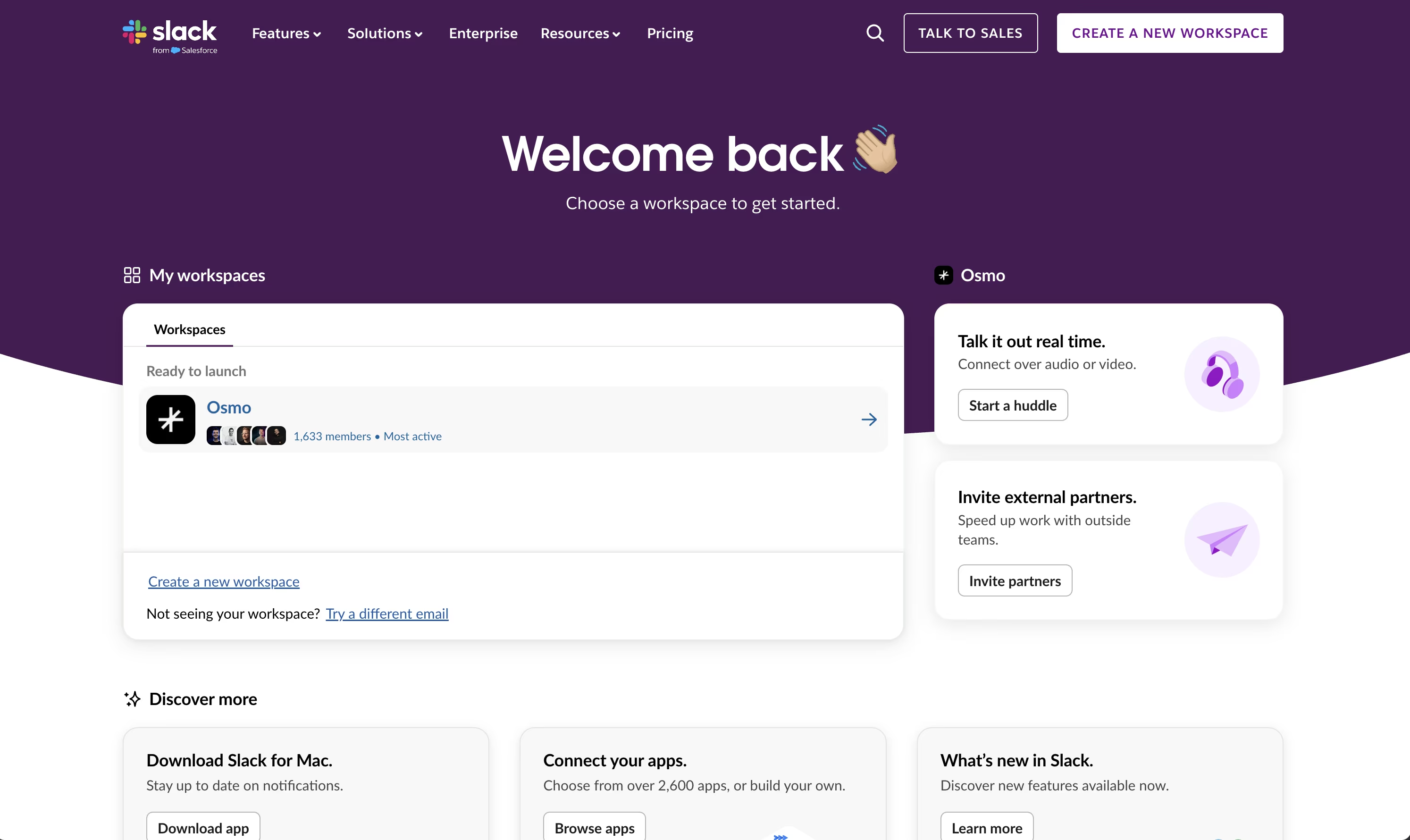
Slack is widely used as a system for small business communication. Pricing (as of September 2026): a free tier, Pro about €8-9 per user/month, Business+ about €15-18 per user/month:
- Channels organized by team/topic
- Direct messaging, file sharing
- Integrations with tools like Google Drive, ClickUp, and more
Best for: teams that need real-time communication and organized discussions, especially in remote or hybrid setups.
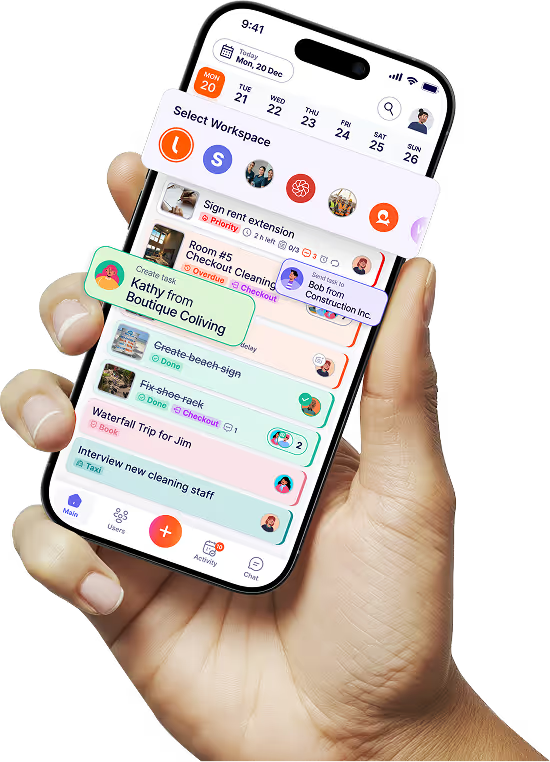
Tasa (operations & frontline team coordination)
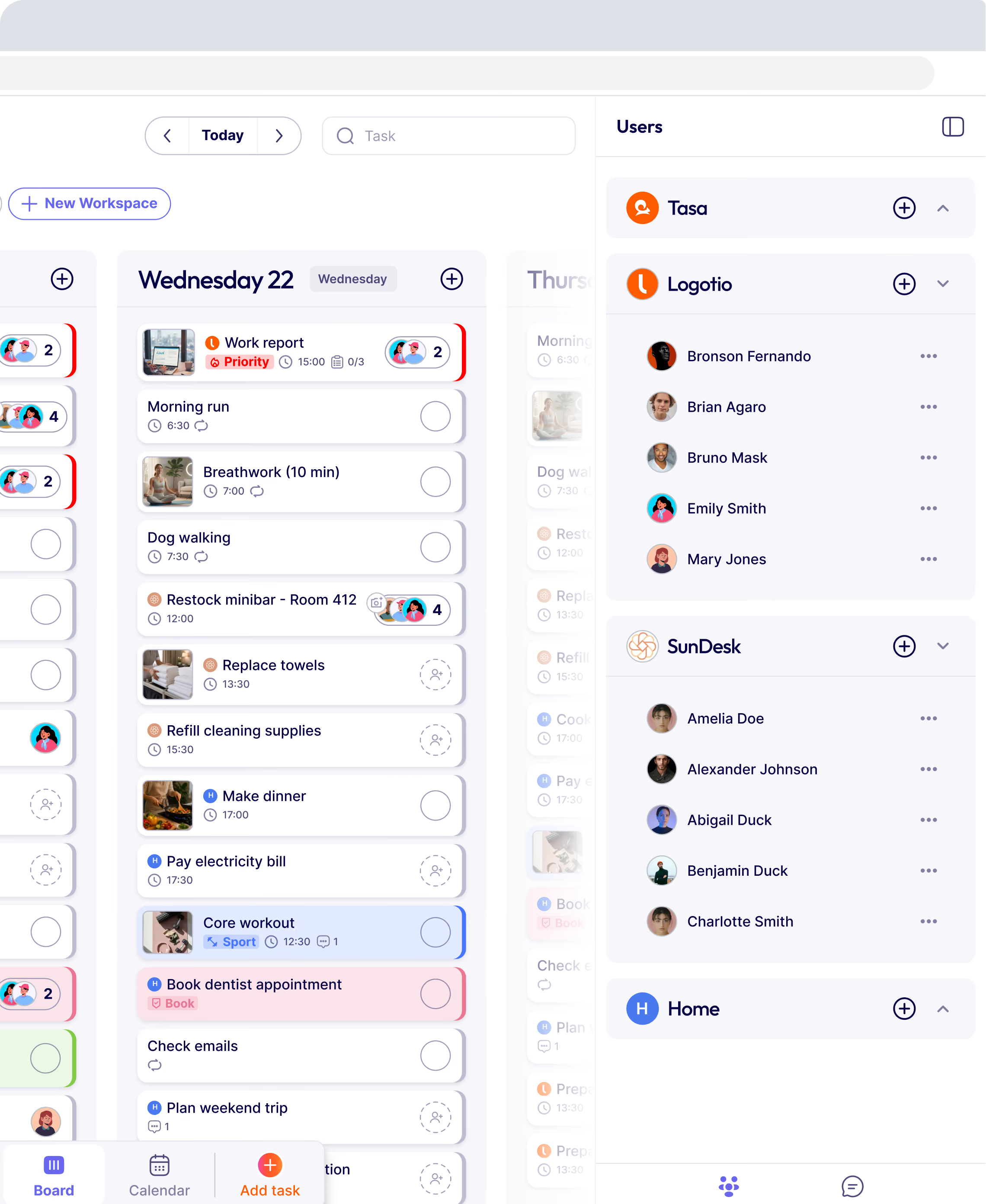
Tasa is where your real-world operations live for frontline teams especially when you have multilingual or low-literacy staff.
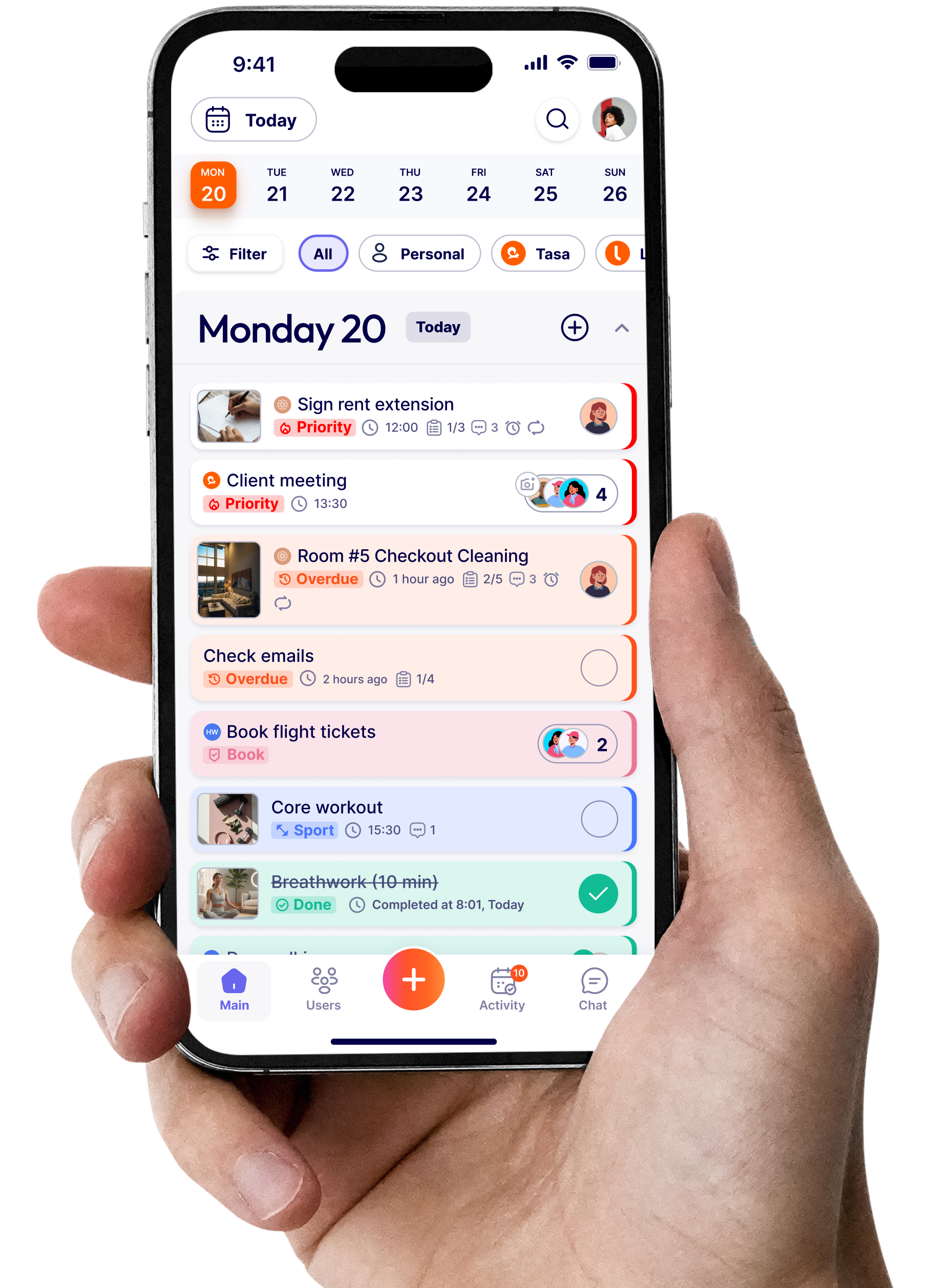
It helps you collapse scattered tools (checklists, reminders, timers and recurring routines, WhatsApp messages and voice notes) into one mobile communication app
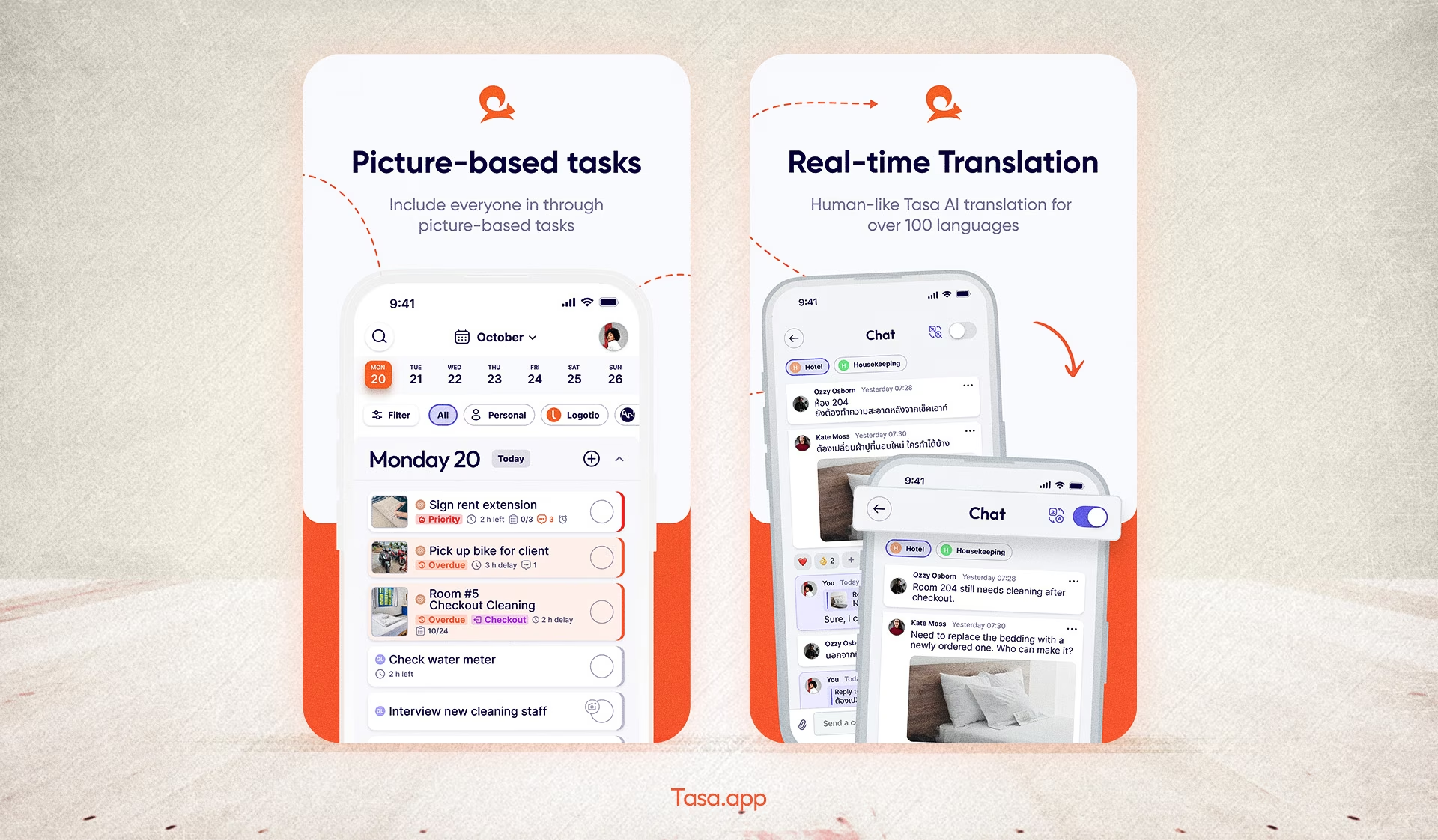
Instead of bouncing between all of those, Tasa gives you:
- Picture-based tasks and checklists that show exactly what “done” looks like
- Photo proof so tasks aren’t finished until you see them
- In‑app chat with AI translation across 100+ languages
- Separate workspaces for different teams, clients, or locations
- QR-code login and simplified view for workers with low literacy or limited tech experience
Pricing: free for personal use, and the team plan is $7.40 per user/month.
Best for multilingual, local and frontline teams
Common challenges small businesses face with systems
Even knowing all this, implementing a good system for small business isn’t easy.
Typical hurdles include:
- Limited budgets and small teams
- Overwhelm from too many software options
- Fear of complex onboarding or migration
- Staff resistance to new tools (“we’ve always done it this way”)
The way through is not to get involved in everything at once, but to:
- Start with the biggest pain point (e.g., finances, operations, or communication)
- Choose tools that are simple enough to adopt quickly
- Add integrations and extra apps only when they clearly pay off
How to choose the right system for small business
A practical decision framework helps you avoid shiny objects and focus on what matters.
When evaluating tools, look at:
- Scalability: Will this still work as your business grows and you double your team or locations?
- Ease of use: Can non-technical staff use it with minimal training?
- Support and training: Does the vendor provide real help and good docs?
- Integration options: Does it work with your existing or future stack?
- ROI: Will it save time, reduce errors, or increase revenue clearly enough to justify the cost? Match each tool to real business needs, not imagined ones.
Always:
- Use the free version of each tool before paying
- Read peer reviews from businesses like yours
- Talk to your team about what they need to succeed
What is the best system for a small business?
There is no single best system for small business, because "system" spans categories that no one product covers well. The honest answer by job:
- Best free starting point: Square for selling, QuickBooks Free or Solopreneur for books, Slack free tier for chat, Tasa free plan for personal use.
- Best all-in-one accounting: QuickBooks Online ($38/month Simple Start) for tax-ready books and payroll add-ons.
- Best for organized selling: Zoho CRM at $14 per user/month is the cheapest credible paid CRM on the market.
- Best for teams that don't sit at desks: Tasa, because the tools above all assume staff read English comfortably, and many local teams don't.
A common trap is buying an all-in-one "business management" suite early. Most small businesses do better with 3-5 focused tools that each do one job, connected by integrations, than one heavy platform everyone half-uses.
What software do you actually need to run a small business?
Strip it to the essentials and the map looks like this:
- Sell: a POS or online store (Square, Shopify)
- Get paid and stay tax-ready: accounting (QuickBooks)
- Find and keep customers: CRM and marketing (Zoho CRM)
- Pay the team: payroll and HR (Gusto, US)
- Talk internally: chat (Slack)
- Get the work done to standard: operations and task execution (Tasa)
Notice the last layer is the one most stacks miss. Everyone has accounting and chat; almost nobody has a system that proves the actual work happened, which is exactly where small service businesses leak margin.
How much should a small business budget for systems?
A realistic monthly budget for a 5-person small business, using the list prices above (as of late 2026):
- Square POS: $0 base plus transaction fees
- QuickBooks Simple Start: $38
- Zoho CRM Standard (2 sales users): $28
- Gusto Simple (5 people): about $79
- Slack free tier: $0
- Tasa team: $6.40/month
That is roughly $185/month for the whole operation, under $2,300/year. Budget one more line: the hidden costs. Per-transaction payment fees, payroll add-ons, premium integrations, and the extra seat you are forced into when you outgrow a tier. If a tool saves fewer hours per month than it costs, drop it.
Can you run a small business on free software only?
Mostly yes, at the start. Square's core POS is free, QuickBooks has a free plan for very light invoicing, Zoho CRM is free for up to 3 users, Slack's free tier covers small teams, and Tasa is free for personal tasks.
The free stack breaks in predictable places: when you hire (free plans cap users or payroll), when you grow inventory (free POS tiers lack advanced stock tools), and when compliance starts (free accounting tiers don't do what your accountant needs). Use free tiers deliberately as a trial phase, and expect to start paying in the categories where your growth actually happens.
Latest News

Have questions?
.svg)
Team management, simplified.

“It affects my personal life a lot. I can manage my team and my work remotely, so I have more time being a mother.”
