.svg)
Tasa vs. Asana: which is best for your local or frontline team?
Asana is one of the most capable project management tools available. If you are coordinating a product launch across various departments, Asana can handle that complexity in ways most tools cannot.
But if you are managing frontline teams such as a hospitality team, a cleaning company, a construction crew or a team with mixed literacy, a tool built for knowledge workers starts to create more friction than it removes.
The features that make Asana powerful for a marketing team become noise for a worker who just needs to know what a clean room looks like.
This comparison looks into what each does well, where each falls short, and how to figure out which one actually fits your team.
What is Asana?
Asana organizes work into tasks, sections, projects, and portfolios. You can switch between list view, board view, calendar view, and timeline view. You can assign due dates, add followers, track dependencies, and run reports. It is genuinely impressive software.
Best for: mid-sized teams, complex projects, cross-functional work
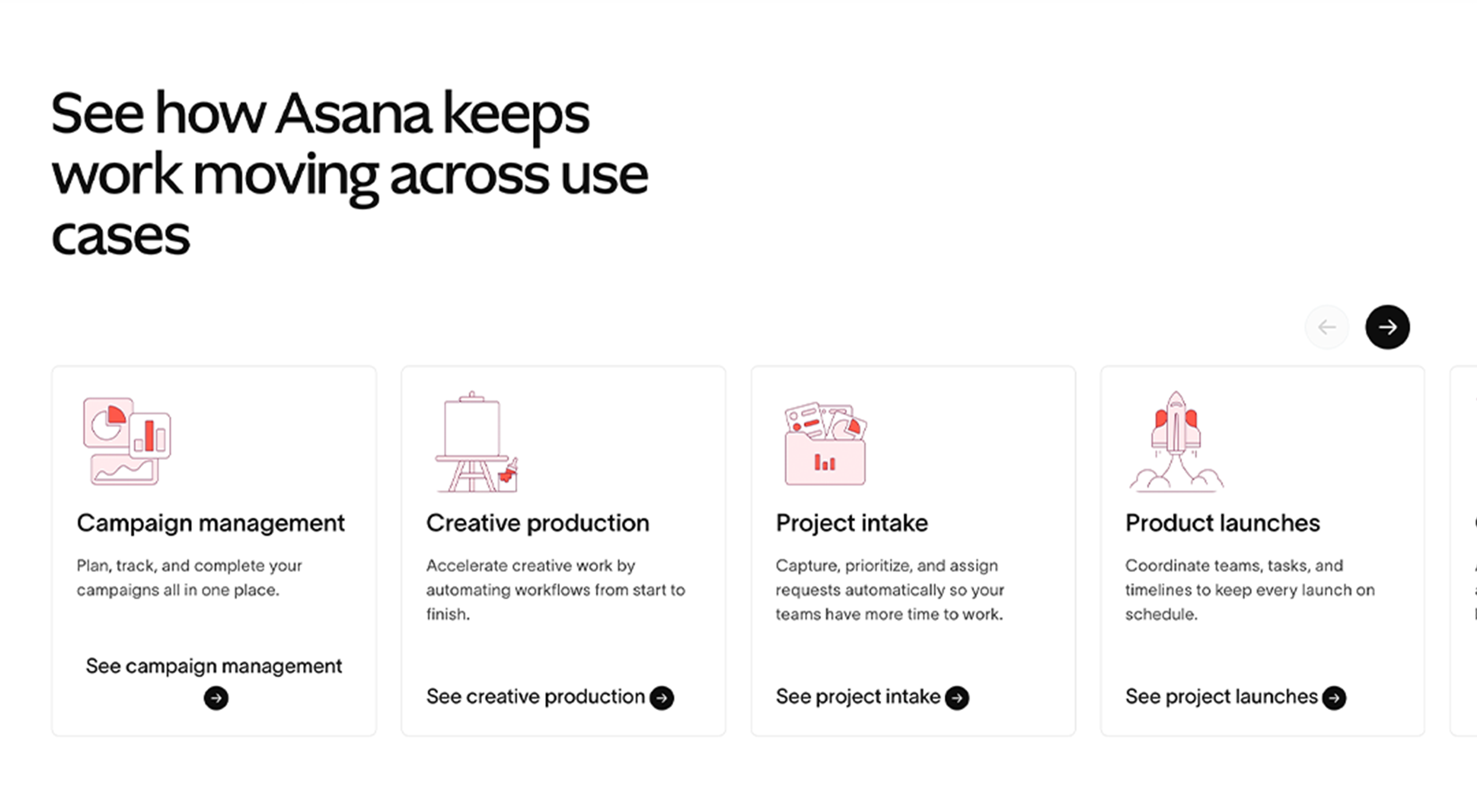
Asana performs best when your team has multiple departments or roles, projects have many steps and sequential dependencies, and everyone reads and writes in the same language at a computer for most of the day.
Where Asana wins:
- Free tier supports up to fifteen users
- Timeline view for managing deadlines across a whole project
- Strong dependency tracking; one task cannot start until another finishes
- Robust search, reporting, and progress visibility for managers
- Integrates with Slack, Teams, Google Drive, and hundreds of other tools
If you run a software team or coordinate multi-department projects, Asana is a strong choice and there is no need to apologize for it.
Where Asana runs into limits for frontline teams:
- No built-in translation for multilingual crews
- Interface is text-heavy and assumes strong reading ability
- No way to require photo proof of task completion
- Workers need accounts and email access to get started
- The range of features; views, subtasks, dependencies, portfolios, can overwhelm staff who simply need to see a job and do it
The issue is not that Asana is too complicated. It is that it was designed for a specific type of team. Frontline workers are a different context entirely.
What is Tasa?
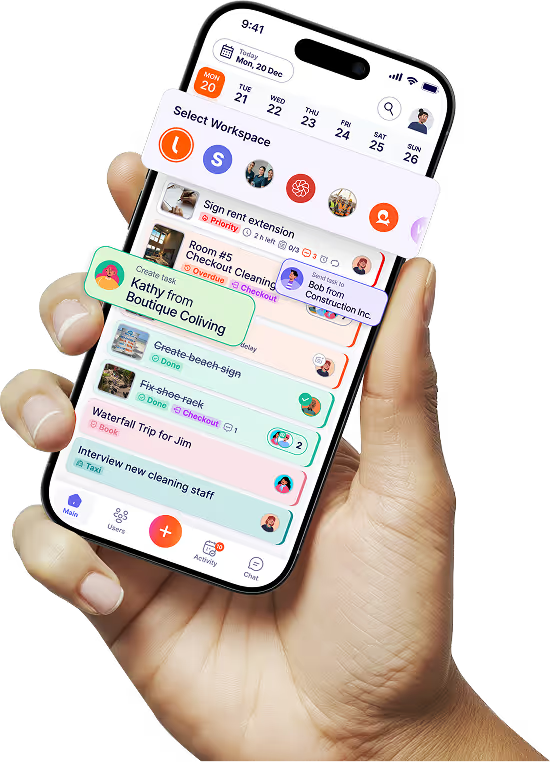
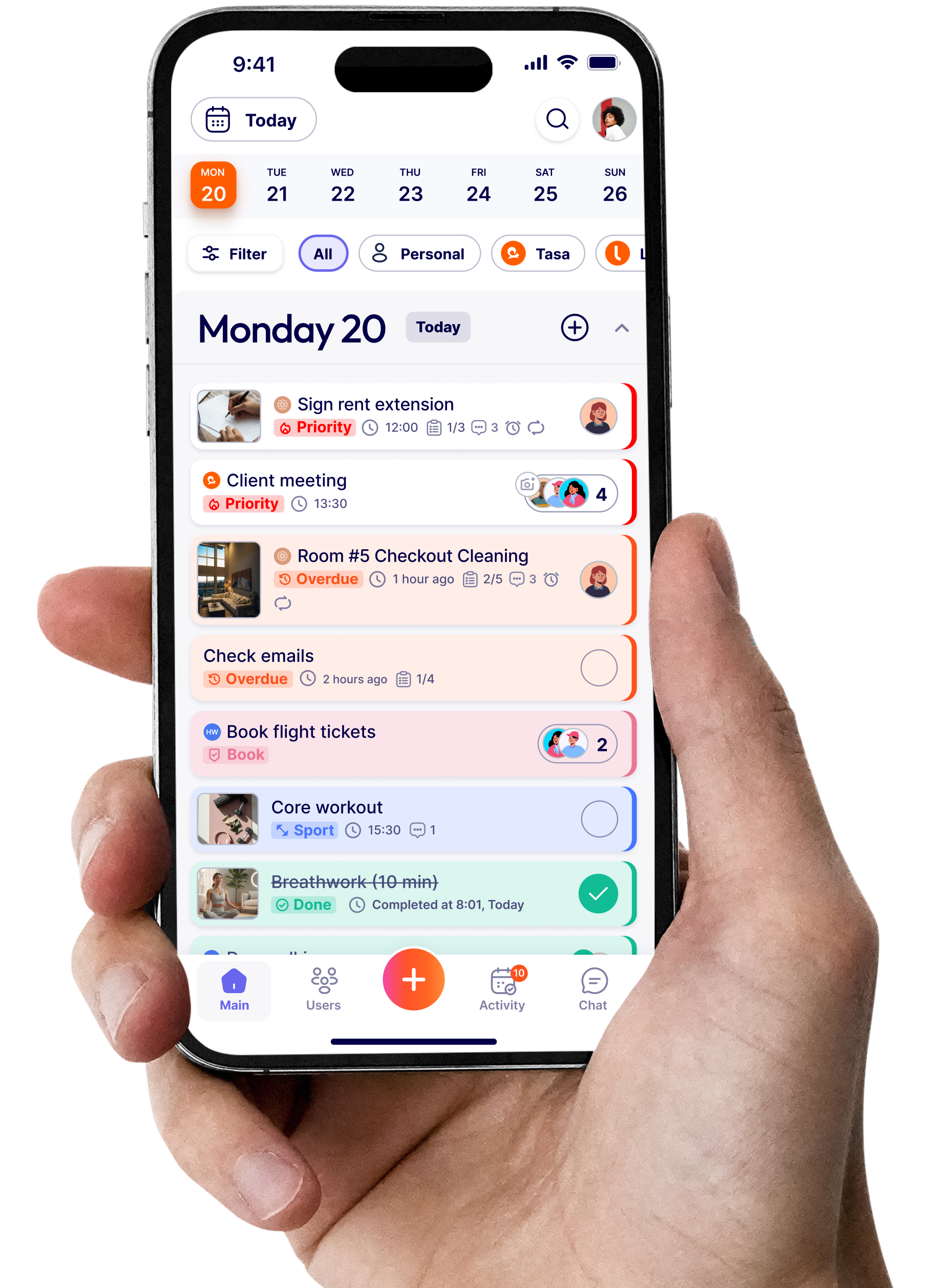
Tasa is a mobile-first, picture-based task app designed for frontline teams, multilingual crews, and local businesses where workers are on their feet rather than at a desk.
Picture-based task creation: You create a task by taking a picture. Show a stocked shelf, a repaired pipe, or a clean bathroom. The staff member sees the picture and knows exactly what to do. No written explanation needed.
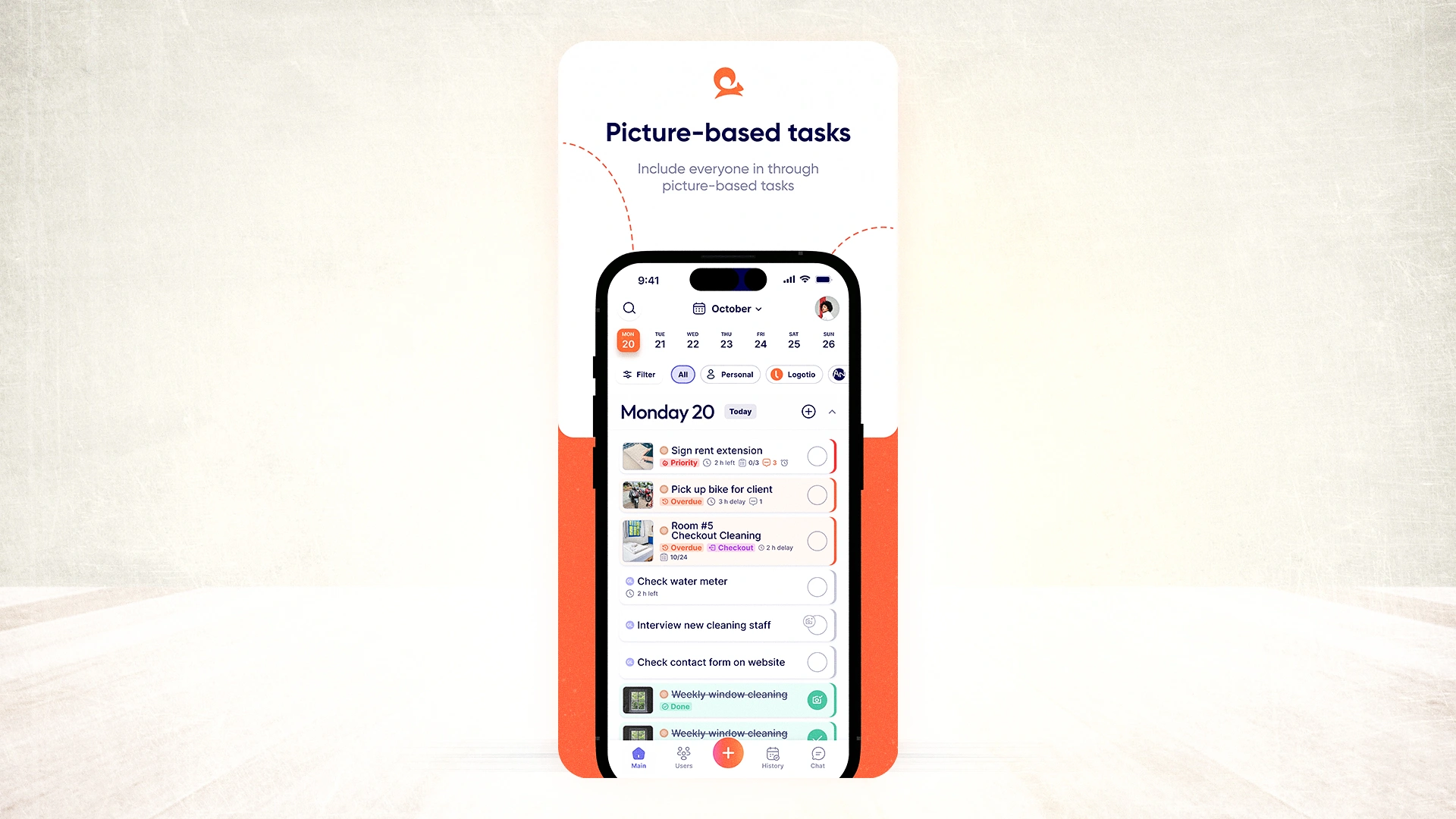
AI live translation in 100+ languages: When you write instructions, Tasa translates them automatically. A manager writes in English. A worker reads in Ukrainian, Thai, or Arabic. Comments and replies translate the same way. No switching to Google Translate mid-conversation.
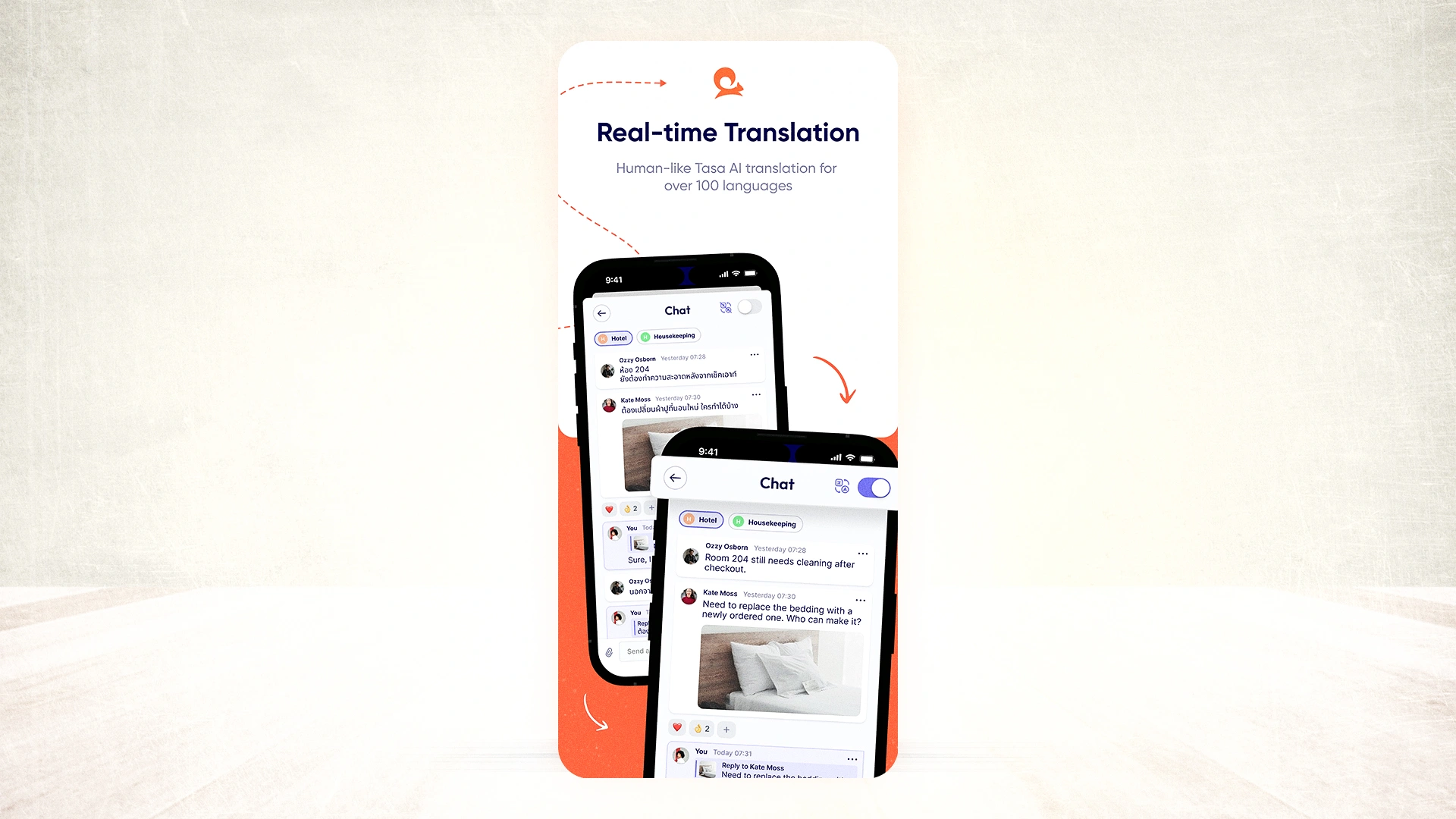
Photo confirmation as proof of completion: Staff cannot close a task until they photograph the finished work. That photo is stored with the task. You verify remotely, without visiting the site.
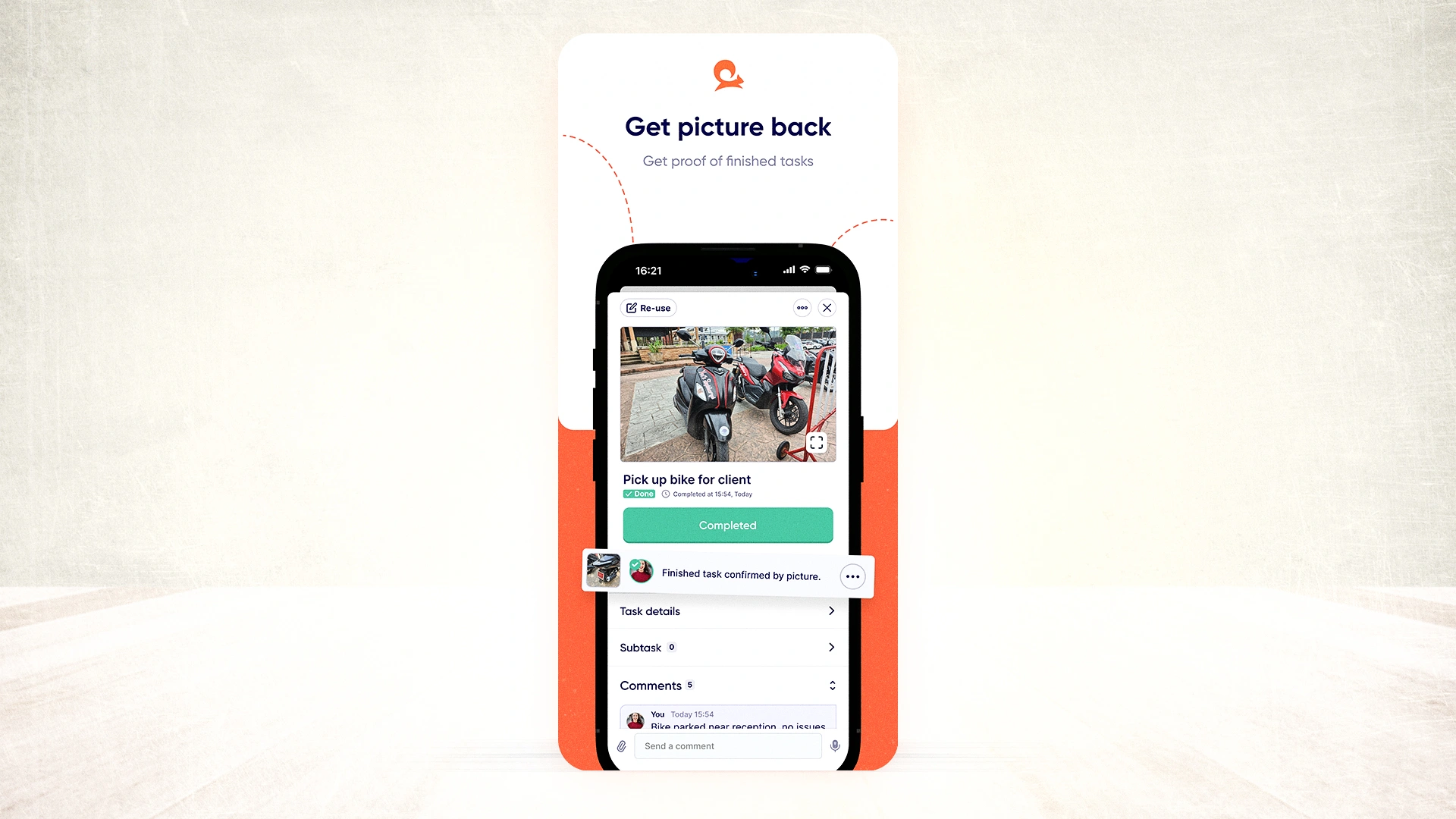
QR code onboarding: Workers log in by scanning a code. No email, no account setup, no learning curve. Sixty seconds from download to first task.
Tasa vs Asana feature comparison
Use cases: how each tool handles frontline situations
Repeating turnovers without rebuilding tasks (Airbnb host)
You manage four Airbnb properties. Every checkout triggers the same checklist; clean bathrooms, replace towels, restock supplies, photograph each room before the next guest arrives.
With Asana, you either rebuild the task list manually each time or spend time setting up automation rules to recreate it. When your cleaner changes, you go through account creation and onboarding again. If they speak a different language, you are back to copying and pasting into Google Translate.
With Tasa, the turnover checklist repeats automatically with each booking cycle. New cleaners scan a QR code and are ready in sixty seconds. Instructions appear in their language without any extra steps from you. Every completed room comes with a photo confirmation before the task closes. You see it all from your phone, whether you are at the property or not.
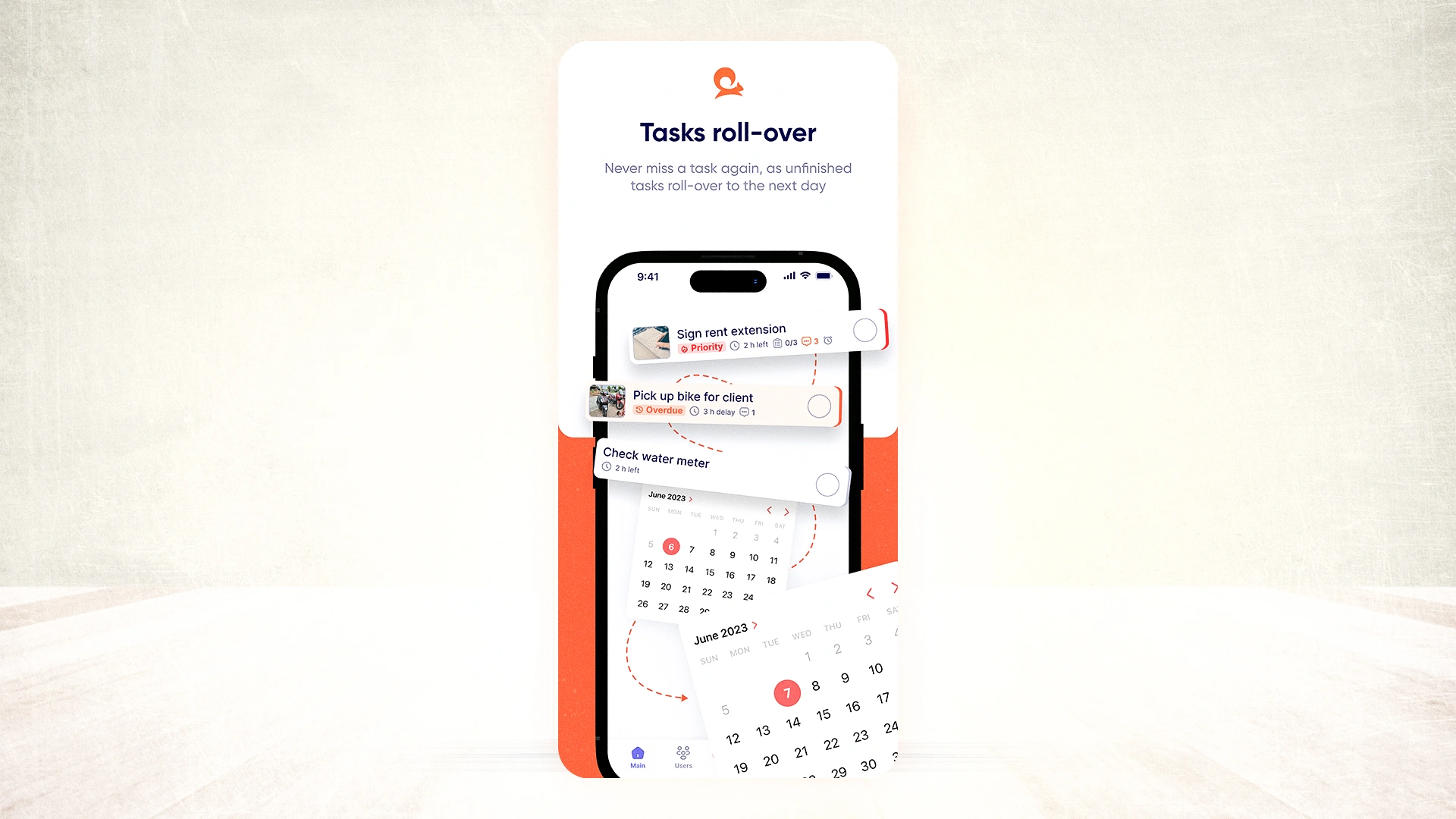
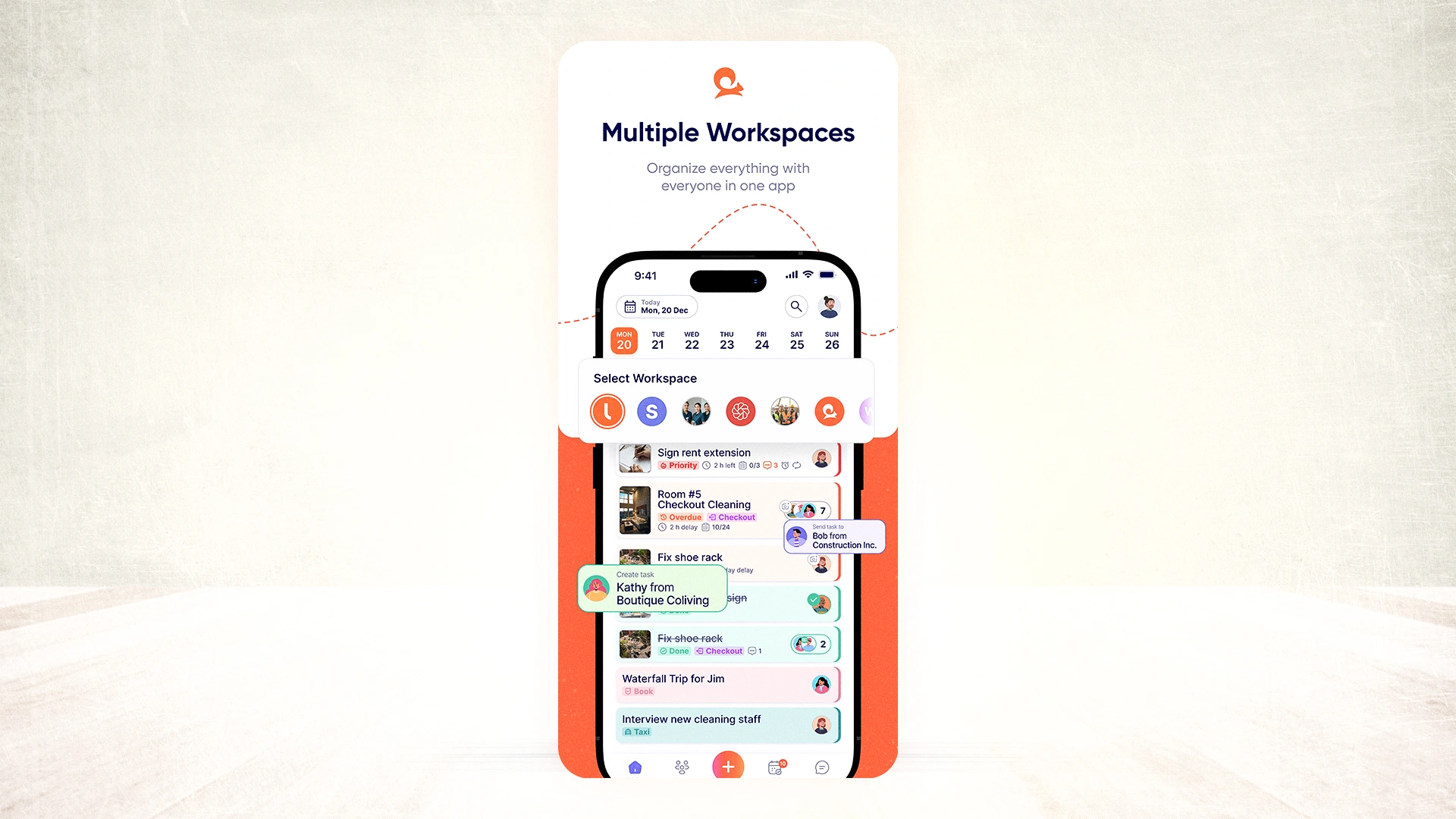
One app, separate workspaces (Expat managing multiple businesses)
You run a short-term rental in Portugal and a small cleaning company in Germany. Both businesses have different teams, different tasks, and different languages.
Asana handles multiple projects, but its structure; organizations, teams, projects, sections, was built for one company with multiple departments, not one person managing entirely separate operations. Mixing them means either paying for separate Asana accounts or building workarounds to keep teams from seeing each other's work.
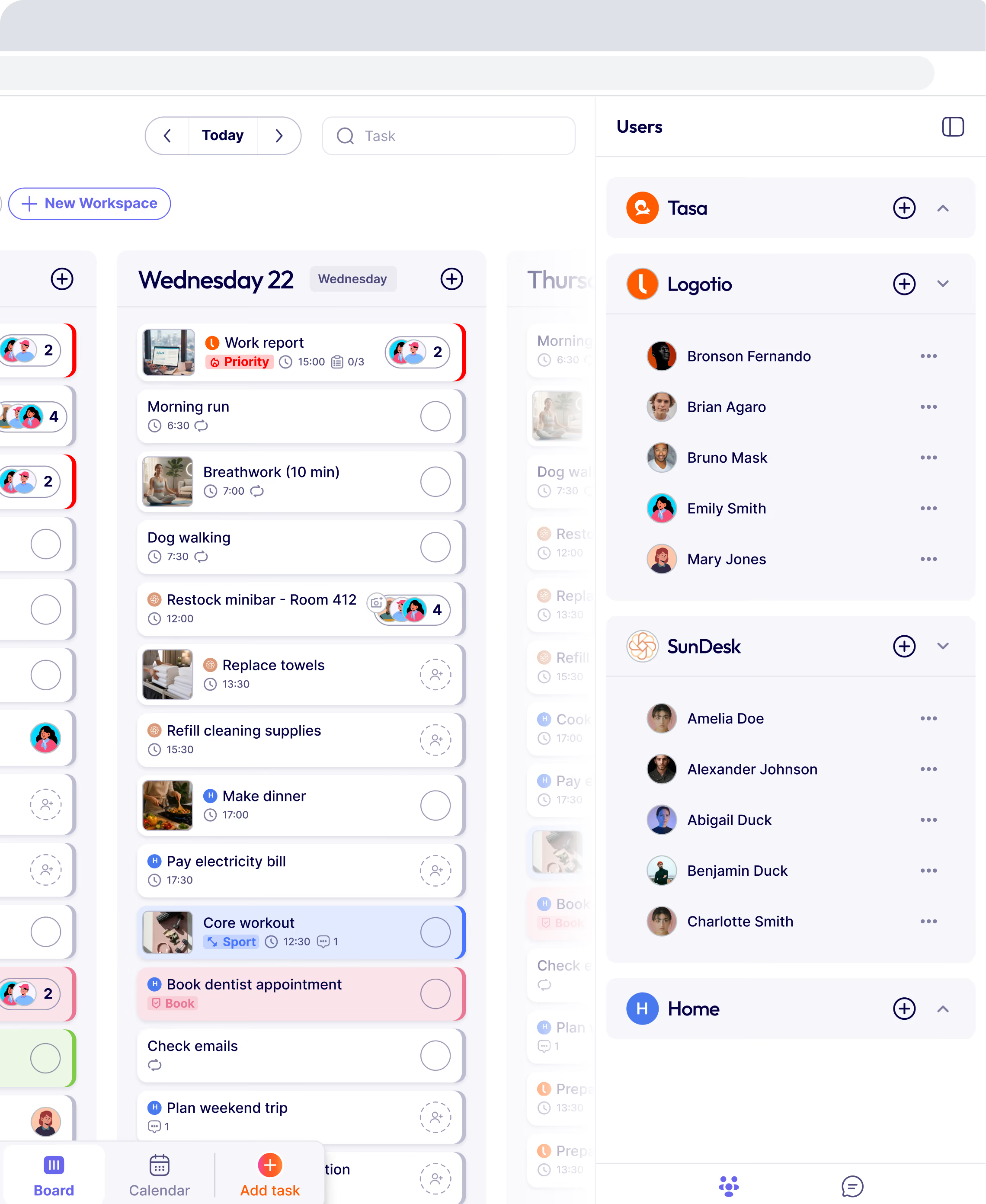
Tasa gives you separate workspaces for each business inside a single account. Your Portugal team sees only their tasks in their language. Your Germany team sees only theirs. You switch between them in one tap. No overlap, no confusion, no duplicate accounts.
Shared visibility and accountability (Coaching clients)
You coach clients on fitness and nutrition. Each client has daily tasks: drink water, walk ten thousand steps, eat five servings of vegetables.
Asana lets you assign tasks to each client individually. But clients do not see each other's progress. Each person works in isolation. Some forget to update tasks — and because everyone is in their own private view, the social motivation that drives habit change is completely absent.
Tasa puts all clients in one workspace. Everyone sees everyone else's tasks. When one person posts a photo of their lunch prep and another sees it, something shifts. They do not want to be the only one not following through.
That peer pressure, positive, voluntary, visible is often more effective than any reminder notification. You stop chasing individuals. The group does that work for you.

Checkout our other ways Tasa is beneficial to your frontline team.
Does Tasa handle project dependencies like Asana?
No. Asana's dependency tracking, where one task cannot begin until another is marked complete, is a genuinely useful feature for complex project sequences. Tasa does not replicate this. If you are managing a product roadmap or a multi-phase marketing campaign, Asana's dependency system is valuable.
For frontline work, however, most tasks are not sequential in that way. A housekeeper cleaning room 204 does not depend on room 203 being finished first. A cleaning crew's tasks are parallel, not chained.
The dependency structure that makes Asana powerful for desk teams adds complexity that frontline workers do not need and should not have to navigate.
When Asana is the right choice
Asana is genuinely the better tool when:
- Your team works at computers and manages multi-step, multi-department projects
- You need to track task dependencies; one thing must finish before another begins
- Everyone reads and writes in a shared language
- You want detailed progress reporting and portfolio-level visibility
- Your team has the time and tech confidence to learn the platform properly
If that fits your team, use Asana. It is built for that context and does it well.
When Tasa is the right choice
Tasa makes the most difference when:
- Your team speaks two or more languages and translation currently causes delays or errors
- Staff have low reading ability or are not comfortable with technology
- You need visual proof of completed work; for clients, compliance, or remote management
- Workers are on their feet, not at desks
- You operate in hospitality, cleaning, construction, repair, farming, or a similar hands-on industry
What Tasa users say
"Instead of asking someone on my staff to translate and going back and forth, I send pictures of work to my foreign language speaking staff directly.
This allows me to work remotely and spend more time with my family."
— Magdalena Herrmann, founder of SunDesk
"Tasa is a remarkable to do list app that has become an indispensable tool for managing my daily workflow and facilitating seamless communication and task exchange within my team."
— Manale, host at SunDesk
Tasa users report finishing repair jobs up to 40% faster and 70% fewer communication errors from language barriers.
Try the right tool for your team
If your team sits at desks, speaks one language, and manages complex projects with dependencies, Asana is a strong, well-supported choice. The free tier is useful for small teams.
If your team work on the field, speaks different languages, a different level of literacy, or needs proof that work was done, try Tasa. The personal plan is free. Team features start with one hundred free tasks.
Latest News

Have questions?
.svg)
Team management, simplified.

“It affects my personal life a lot. I can manage my team and my work remotely, so I have more time being a mother.”
