.svg)
Frontline employee communication: why text fails and what works in 2026
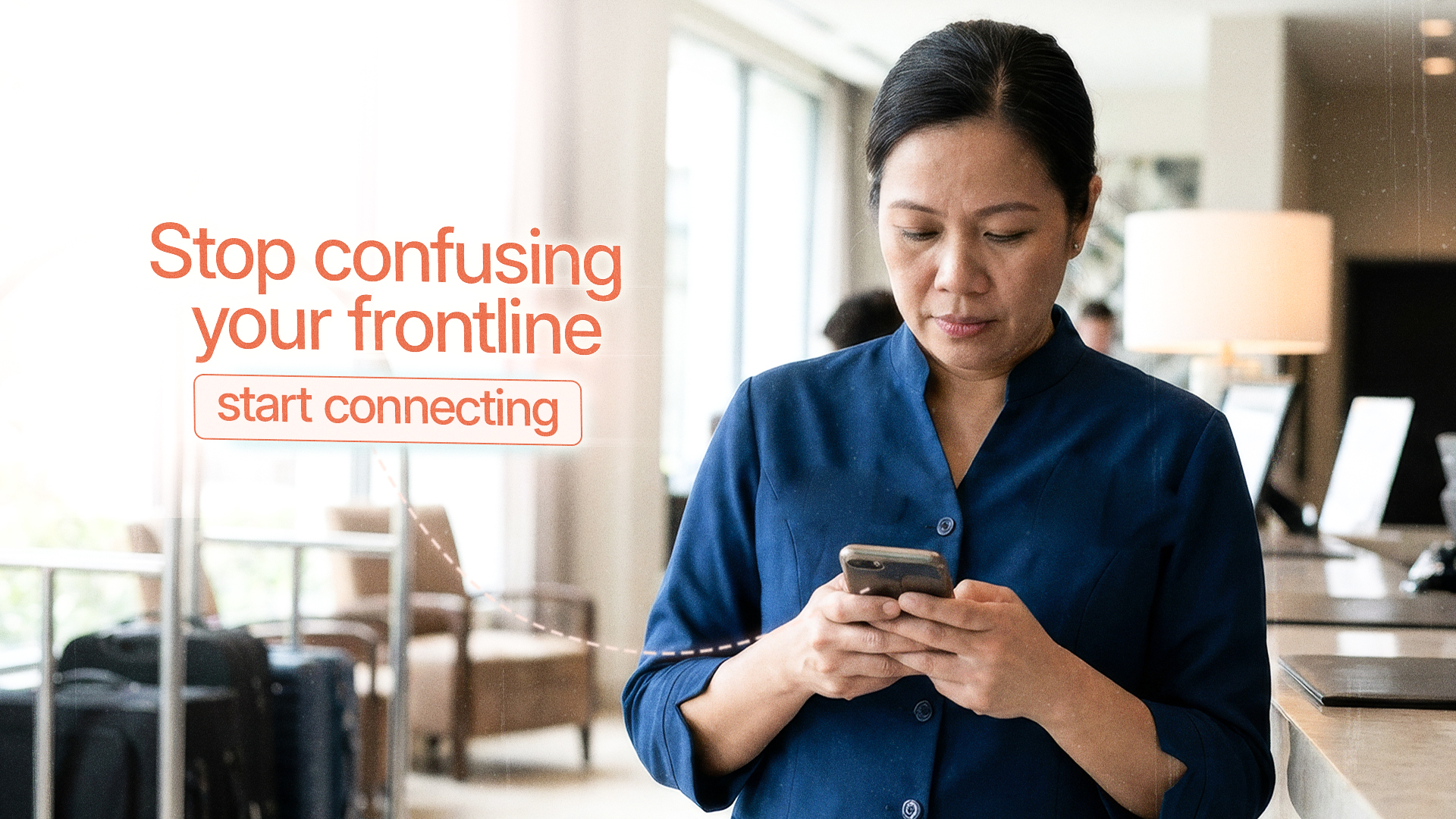
You’re running a hotel in Bali, a construction company in Mexico City, or a restaurant chain in Manila. Your team speaks 3-4 languages, works shifts across different sites, and rarely sits in front of the desk.
Meanwhile, you’re still sending critical updates via email and hoping everyone reads them.
They won’t.
Multiple industry surveys indicate that most organizations still rely on email for internal communication, yet a huge share of deskless, frontline workers have limited or no email access. That’s not a communication strategy. That’s hoping for miracles while your operations bleed efficiency through small, constant misunderstandings.
If you’re a local business owner or expat entrepreneur managing frontline or dispersed employees, you need a different approach to frontline employee communication, one built around phones, photos, and multiple languages. That’s where Tasa makes your local team effective and efficient.
Key Takeaways:
- Frontline employee communication fails when office tools (email, PDFs, intranets) are used for deskless workers who live on phones, patchy internet, and multiple languages.
- What works is visual: picture-based tasks, AI translation into each worker's language, and photo proof that closes the loop from instruction to verification, all in one mobile app.
- Two-way beats one-way: letting frontline staff create tasks upward reduces manager mental load and catches problems early.
- Roll out in 3 steps: capture your 10 to 20 key standards visually, pilot with one team for 1 to 2 weeks, then expand and standardize.
Why traditional frontline employee communication fails
The mismatch is simple: you’re trying to run a field-based workforce with office tools.
Typical frontline reality:
- No personal computers, only shared or old devices
- Patchy internet on sites, in villas, or on farms
- Staff using WhatsApp more than email
- Mixed literacy levels and multiple native languages
- Rotating shifts and high turnover
But your communication stack is: long email chains, static PDFs of procedures, and chat groups mixing personal and work messages
Email was built for desks, not for frontline employee communication.
What apps work effectively for frontline employee communication
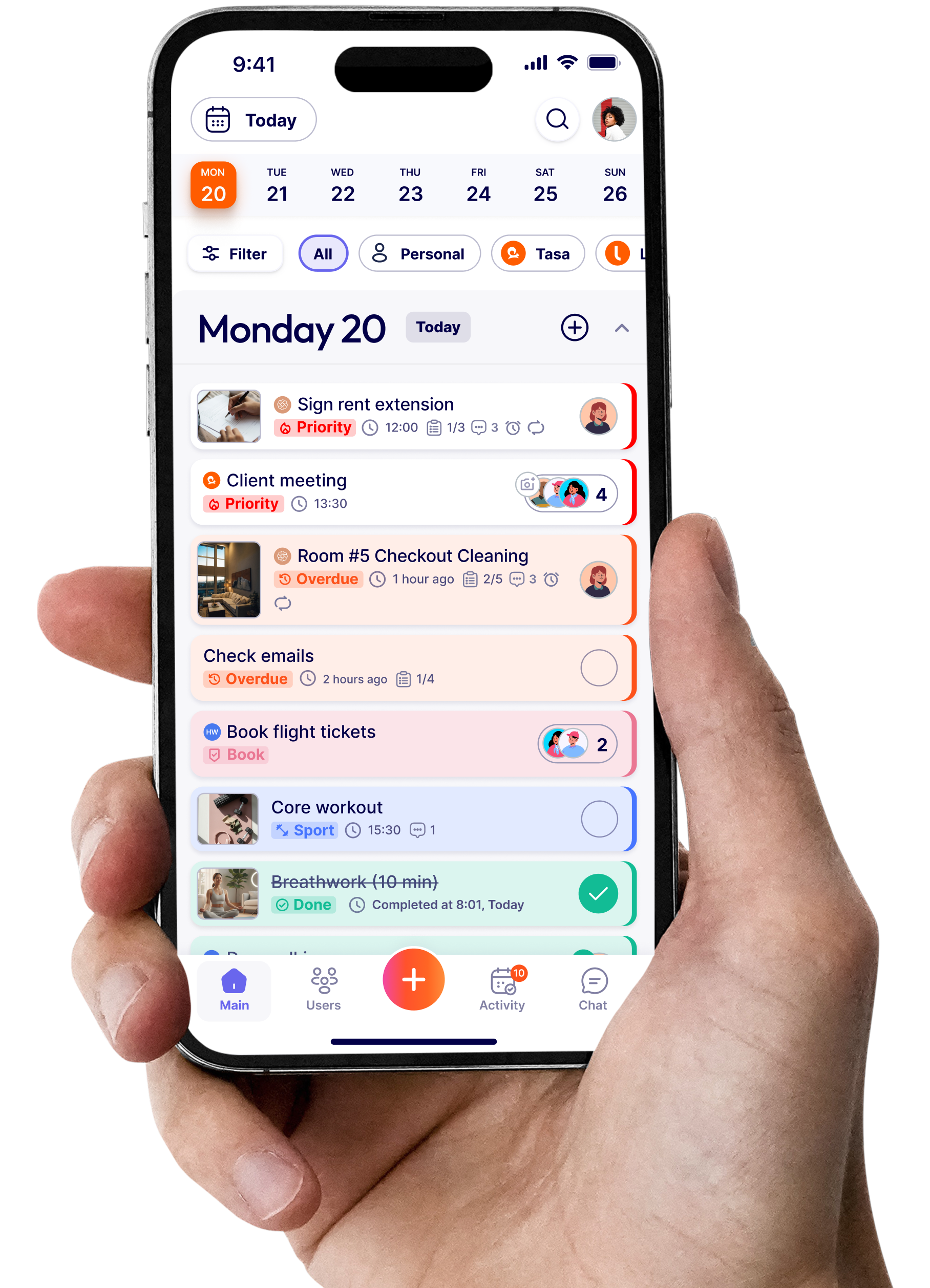
Tasa was designed as a mobile-first application with visual tasks and built-in verification, making it a strong choice to manage frontline employees and avoid communication barriers between dispersed employees at all literacy levels.
Mobile-first, visual-first communication
For your frontline team, mobile phones are their primary device. So instead of sending long written instructions that leads to confusion, your communication should look like:
- Tasks with step-by-step photos showing what “done” looks like
- Simple, short text captions under each image
- Icons to indicate actions (clean, repair, restock, inspect)
- Push notifications for new tasks or updates
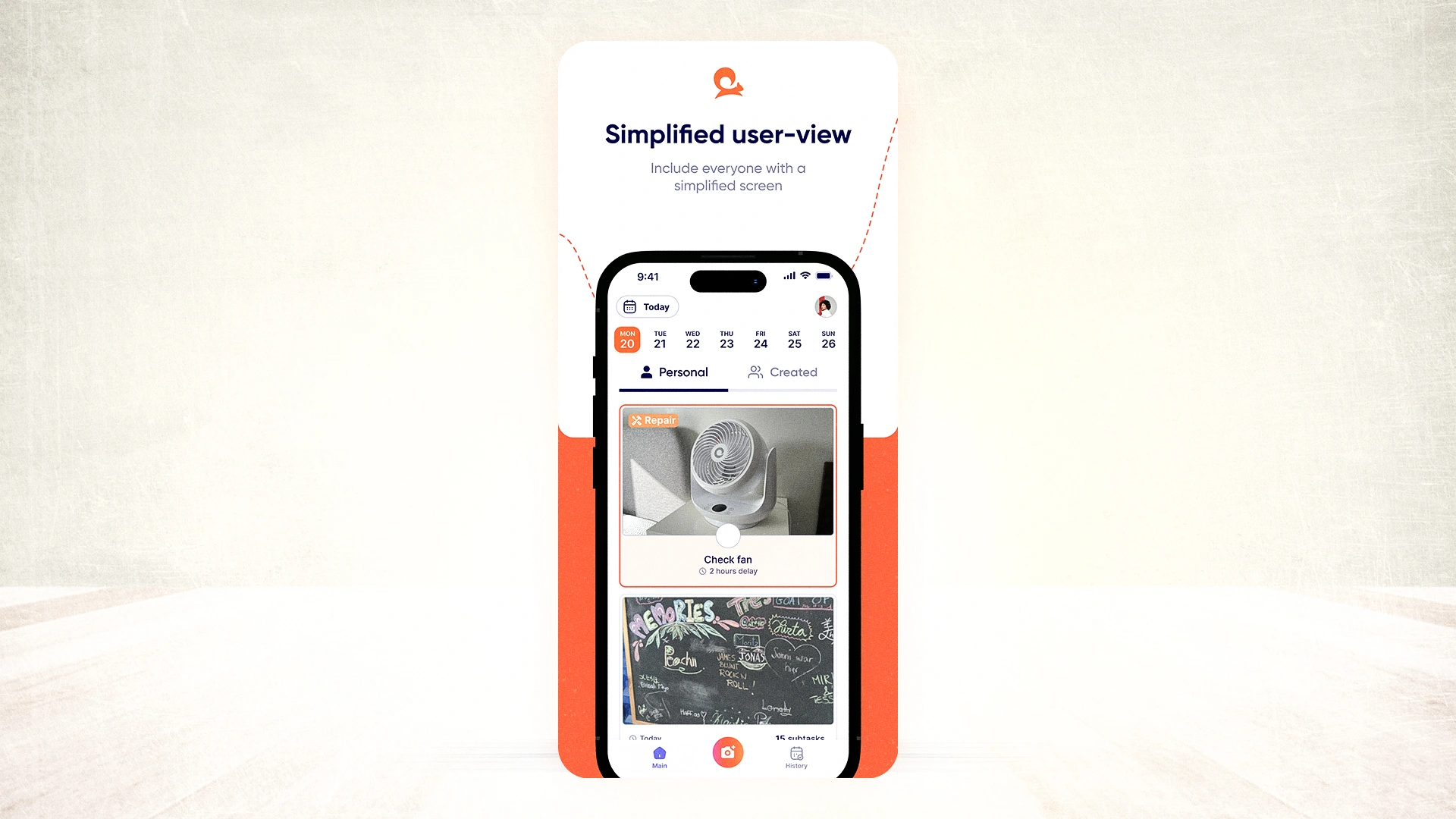
In Tasa, tasks are picture-based by default. A housekeeper won’t read a long email about “cleaning procedures”; they see exact photos of what a ready room looks like. A construction worker doesn’t get a text-only list, they need reference images for correct installations.
Bridging the language barrier with AI translation and pictures
For many expat entrepreneurs, language is the biggest frontline communication problem. You think in English, your supervisor might speak English and Spanish, your frontline workers speak Spanish, Tagalog, Thai, Portuguese, or something else entirely.
Sending emails or text in one language shuts people out. Sending them in three languages quickly becomes chaos.
Tasa handles this differently:
- You create the task once, in your language.
- The app displays it in each worker’s preferred language automatically.
- Workers can ask questions and leave comments in their language.
- You see those messages translated back into yours.
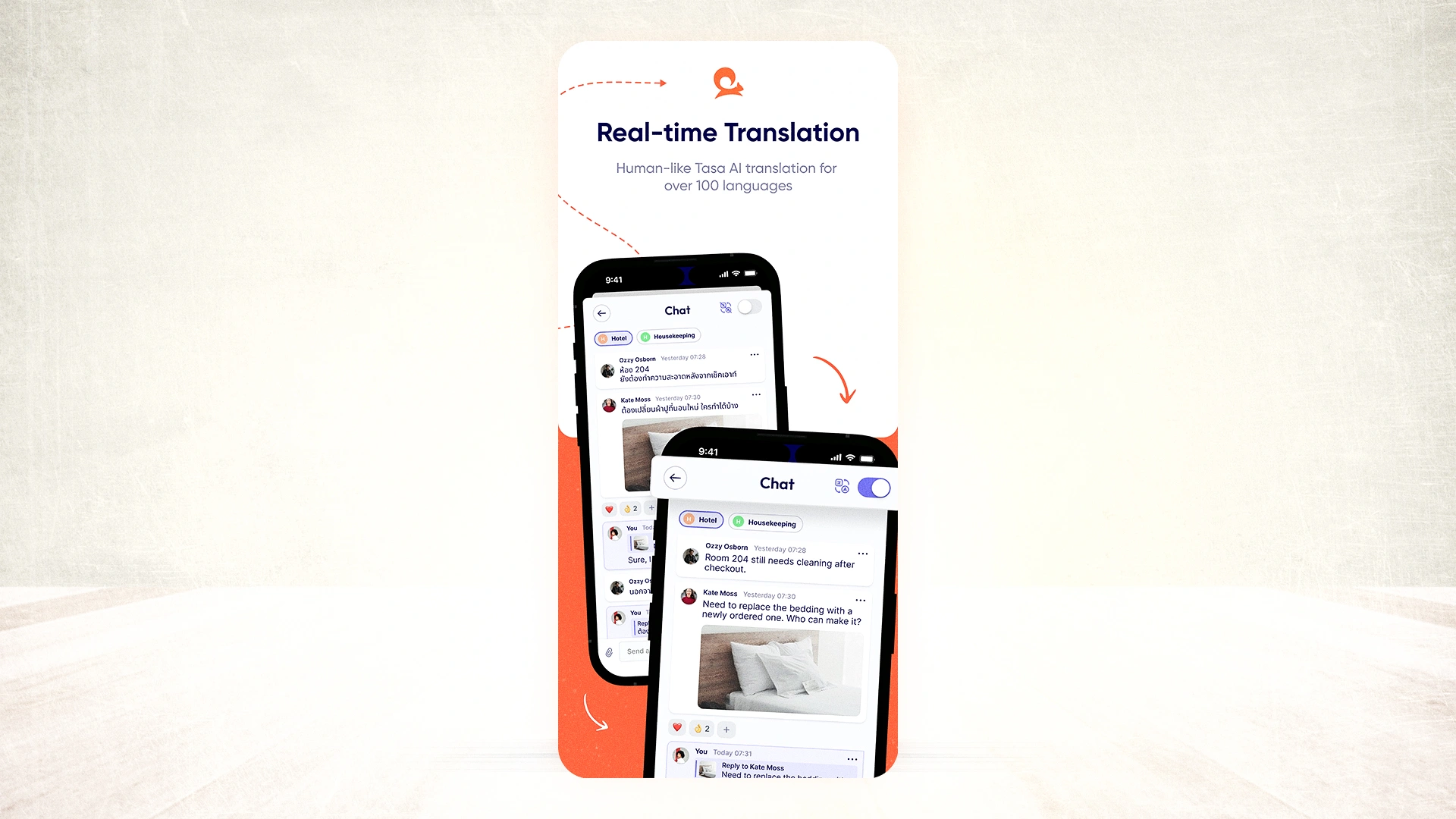
This is integrated AI translation, not copy-paste into a separate tool and it works across tasks, comments, and chat. Combined with photos, it means your frontline employee communication stops depending on everyone reading and writing perfect English.
Reduce manager stress through bottom-up task creation
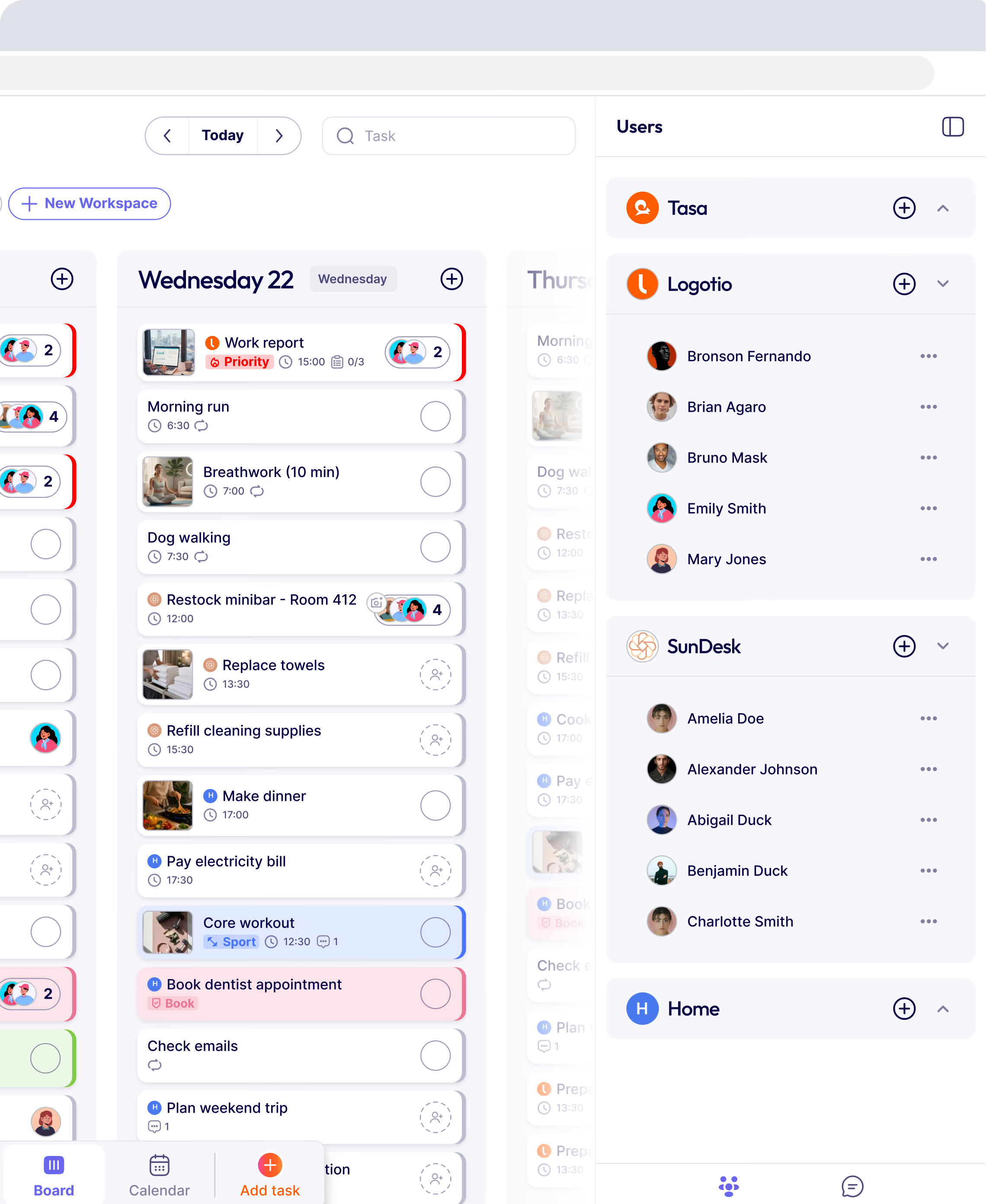
Effective frontline communication shouldn’t be only you sending all the instructions; it’s also about letting tasks flow back up to managers when needed. With Tasa, frontline staff can create tasks for other staff members or even for managers.
For example, logging a “Buy paint for Room 304” task.
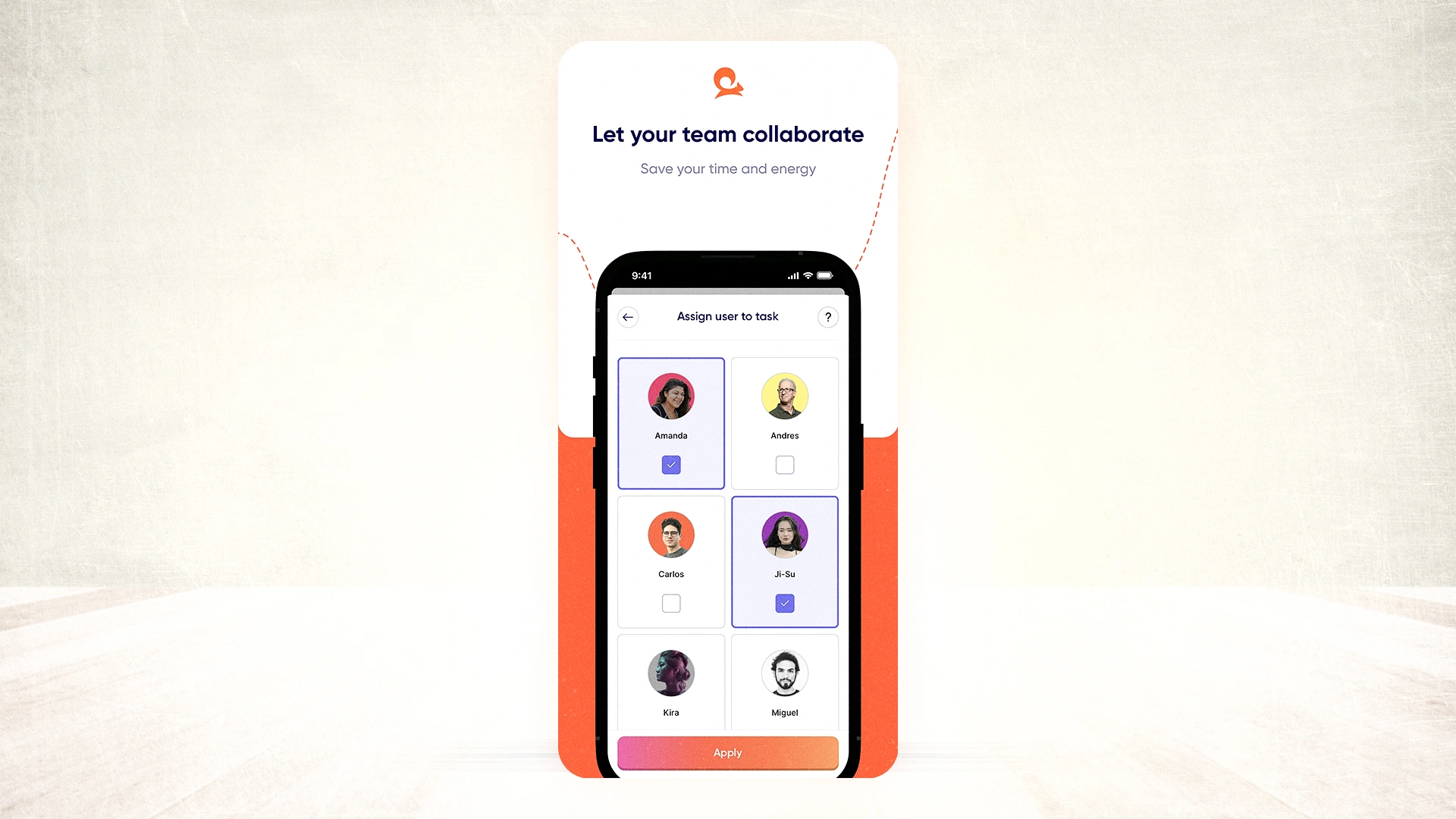
Over time, as your team gets used to creating structured tasks rather than unrecorded requests, a few things happen:
- Managers feel less mental load because they’re not carrying every reminder in their head.
- The hierarchy becomes less “top-down only” and more collaborative.
- Staff participate actively in keeping operations running smoothly instead of waiting to be told what to do.
This kind of bottom-up task creation turns the frontline workflow into a smooth communication system.
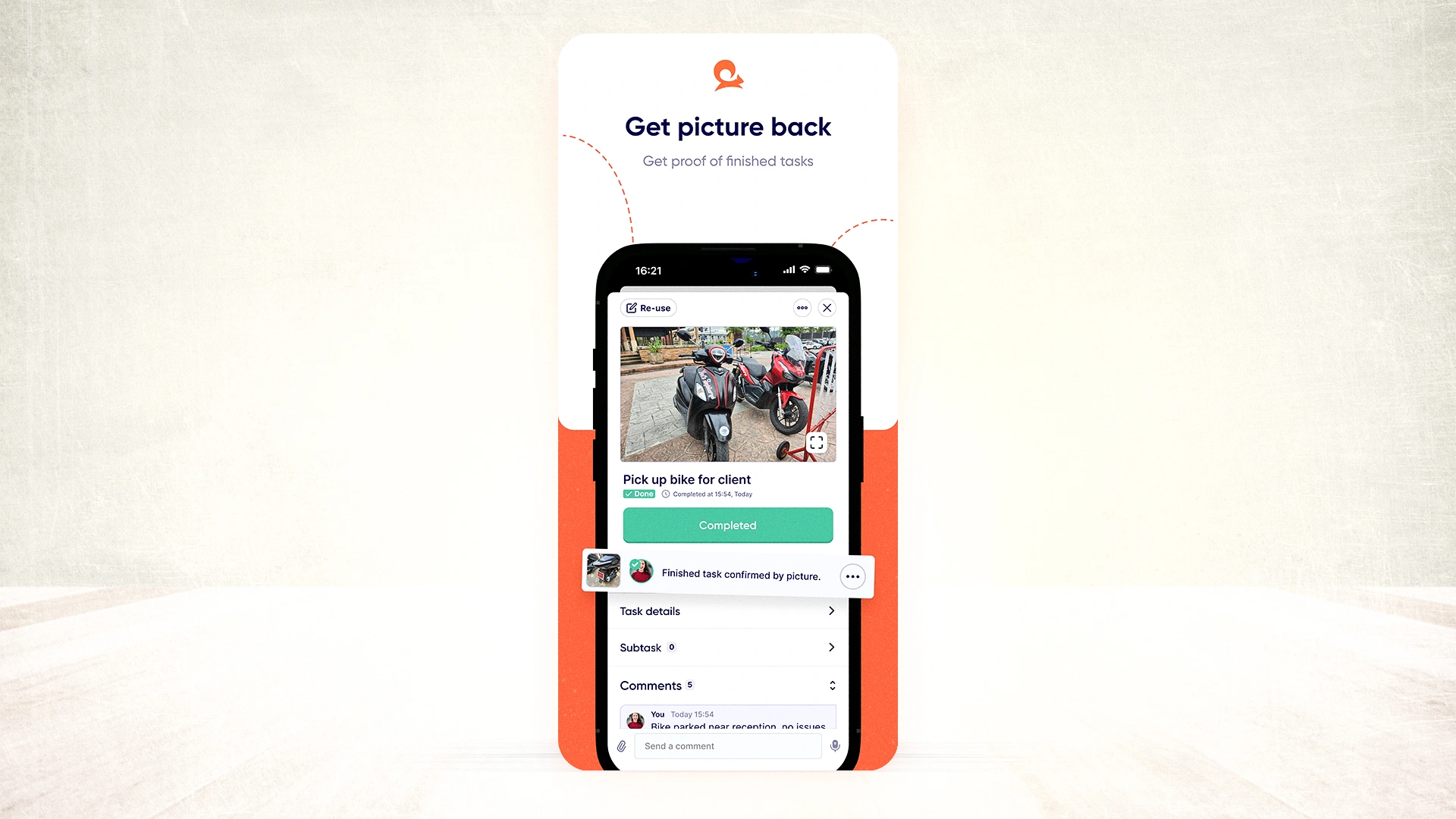
Photo verification: communication that proves work was done
Traditional communication apps are not built to eliminate communication barriers for frontline employees through visual verification.
That’s the power of Tasa app:
- Tasks can require one or more photos before they are marked complete.
- Staff take photos of cleaned rooms, serviced equipment, stocked shelves, or finished repairs.
- Those photos appear in your dashboard with timestamps and who submitted them.
This changes the relationship between you and your team:
- Fewer text conversations
- Faster correction when something is off (you see it in the photo)
- Objective records to resolve client disputes or quality complaints
Frontline employee communication in one system, not seven
The biggest hidden cost in frontline communication is fragmentation: part of a process lives in email, part in WhatsApp, part on a paper checklist taped to a wall.
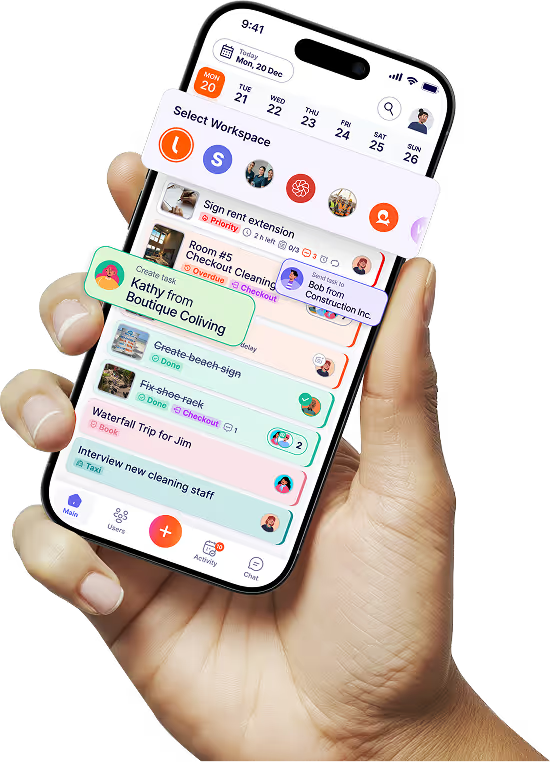
A unified, visual system like Tasa pulls communication and execution together. Each task contains:
- The instruction (with photos)
- Translated versions in each worker’s language
- A comment thread for questions and clarifications
- Photo evidence of completion
Instead of hunting across channels, your frontline workers and managers know: this task card is the source of truth.
This is the kind of streamlined, context-rich communication modern research recommends for deskless and frontline workers
How Tasa turns frontline employee communication into remote control
Let’s look at how frontline employee communication plays out with and without a tool like Tasa.
This is the difference between broadcasting and closing the loop.
Frontline employee communication becomes a full cycle:
Instruction, understanding, execution, verification, feedback.
Implementing better frontline employee communication in 3 steps
You don’t need a big transformation plan. You need a focused rollout. Before the steps ensure you've downloaded the app
Step 1: Capture your standards visually
Pick your 10 to 20 most important recurring tasks (room turnovers, line openings, maintenance checks, restocking, safety routines). For each:
- Take photos showing this is correct
- Add very short text instructions if needed.
Create these as templates in Tasa.
Step 2: Launch with one team or location
Choose a frontline team (e.g., a hotel or store)
- Give them QR logins.
- Walk them through viewing tasks and sending completion photos.
- Run this for 1 to 2 weeks, collecting questions and adjusting templates.
Step 3: Expand to other teams and standardize communication
Once you’ve refined templates with real worker feedback:
- Roll out to other locations or crews.
- Retire old email- or paper-based instructions for those tasks.
- Use the Tasa dashboard to monitor completion, photo verification, and patterns.
Over time, your frontline employee communication becomes simpler, clearer, and more repeatable as your visual task library grows.
Why this matters for expat entrepreneurs and local business owners
If you’re running a local or international business from another city or country, frontline employee communication is the difference between a business that only works when you’re there and one that works reliably when you’re not
Tasa lets you:
- Onboard new hires faster
- Maintain consistent quality across locations
- Reduce rework and customer complaints
- Spend less time chasing updates and more time on strategy
This is how you move from day-to-day firefighting to true ownership.
If your team works in the field, speaks different languages, has different literacy levels, or needs proof that work was done, give Tasa a try.
What is frontline employee communication?
Frontline employee communication is the exchange of work information between an organization and its deskless workforce: the retail staff, warehouse pickers, housekeepers, construction crews, and field technicians who serve customers directly and rarely sit at a desk. It covers task assignments, shift and safety updates, procedure changes, feedback, and recognition. Classic internal communication channels (email, intranet, newsletter, town halls) were built for office employees; frontline communication lives on mobile apps, chat, notice boards, and shift briefings, which is why it needs its own strategy and tooling. The distinction that matters most is one-way versus two-way: broadcasting announcements at staff is one-way, and it is where most communication programs stop. Two-way communication, where workers can ask, confirm, and flag problems back in real time, is what actually reduces errors, protects the employee experience, and lowers turnover.
Who counts as a frontline employee?
Examples of frontline employees: retail sales staff and cashiers, warehouse and logistics workers, housekeepers and hotel staff, restaurant and kitchen crews, cleaners, security guards, construction and trade workers, delivery drivers, farm workers, and healthcare support staff. The common thread: they are physically at the point of service or production, they are hourly or shift-based, often high-turnover, frequently multilingual, and their phone (not a company laptop) is their work device.
The 7 C's of communication, applied to the frontline
The classic 7 C's of communication are clear, concise, concrete, correct, coherent, complete, and courteous. They map almost one-to-one onto frontline work when you translate them from "writing" to "instruction design": a picture-based task is concrete (it shows the outcome), concise (a photo beats a paragraph), and correct (the reference photo is the standard, not an interpretation of wording). For engagement, the commonly cited 5 C's (care, connect, coach, contribute, congratulate) describe the leadership behaviors that keep frontline teams motivated; tools only support them. A communication app that lets staff ask questions in their own language and contribute tasks upward operationalizes several of these C's at once, which is why generic broadcasting tools do not move the needle on employee engagement scores no matter how often you send the newsletter. Add a pulse survey or two and onboarding alerts for new hires, and the organizational picture completes itself.
Latest News

Have questions?
.svg)
Team management, simplified.

“It affects my personal life a lot. I can manage my team and my work remotely, so I have more time being a mother.”