.svg)
Tasa vs. Monday.com: which is best for your local or frontline team?

Monday.com calls itself an AI work platform and “work OS”. That description matches what it is becoming: a broad, configurable system that helps teams plan projects, manage pipelines, and automate workflows across multiple departments.
Tasa is very different.
It is a mobile‑first, picture‑based task app built for people doing hands‑on work: cleaners, housekeepers, construction workers, farm staff, supermarket teams, and other frontline roles.
Both tools help teams organize work. They are not aimed at the same users.
This comparison focuses on one question: if your team consists of multilingual, low-literacy, field, or frontline workers, which product fits your needs?
What is Monday.com?
Monday.com is a cloud-based work management platform. Teams build custom workflows using boards with rows and columns. Data can be shown as tables, kanban boards, calendars, timelines, or Gantt charts. There are automations, dashboards, and a growing suite of AI features.
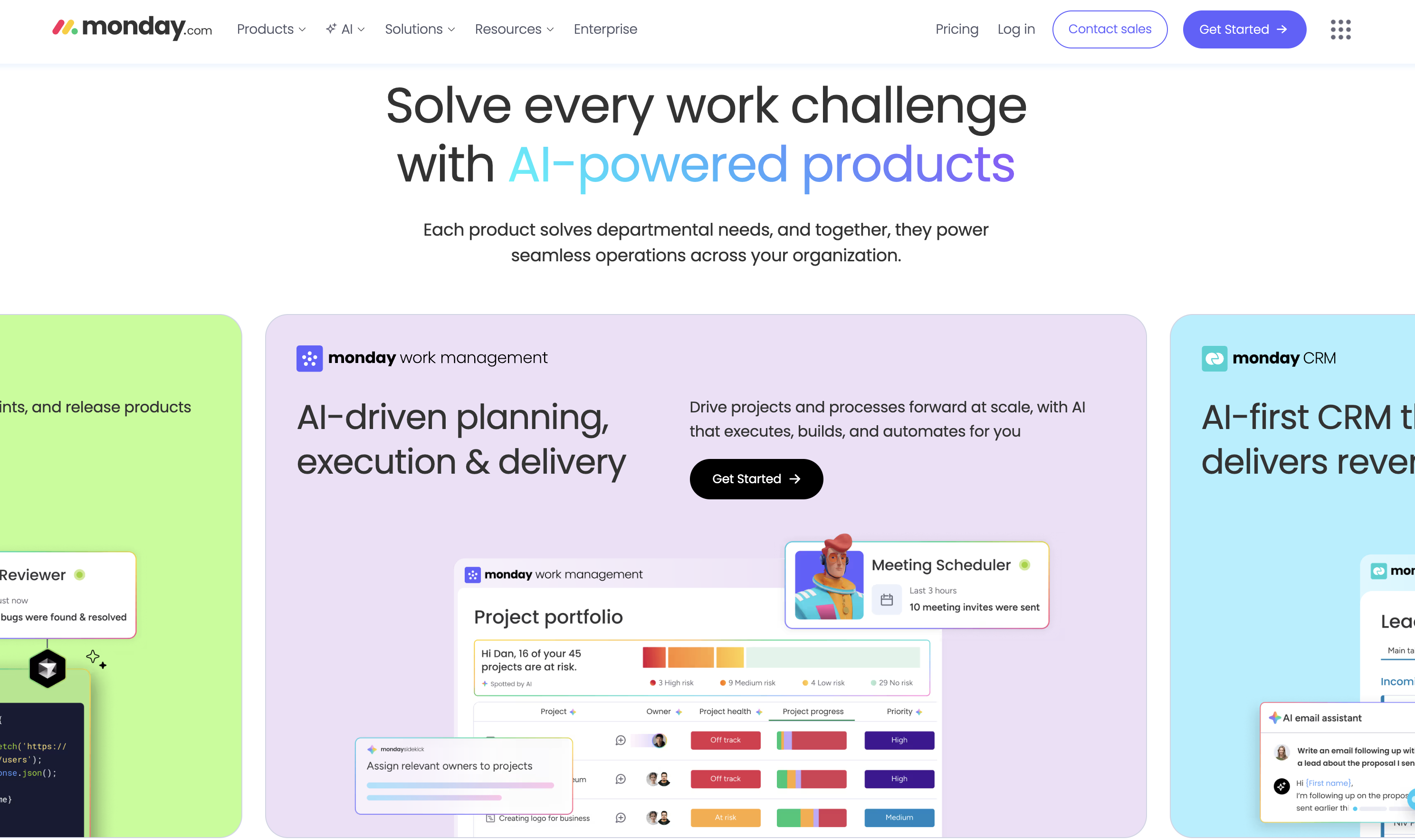
Today, Monday.com also promotes:
- AI assistants and agents that help create plans, analyze data, and draft content
- AI‑powered products for work management, CRM, service, dev, and marketing
- Integrations with many other tools and data sources
Best fit for Monday.com:
- Mid‑sized and larger teams
- Teams with multiple departments (operations, marketing, sales, product, IT)
- Work that lives mostly on laptops, with people comfortable setting up and maintaining boards
- Leaders who want one central system to plan, track, and report on work across the company
Where Monday.com is strong for these teams:
- Very configurable workflows for many different use cases
- Automations that reduce manual status updates
- Multiple views (timeline, kanban, calendar, Gantt)
- Integration with Slack, Google Workspace, and many other apps
- Increasingly, AI features that help with planning, routing, analysis, and content creation
If you are a project manager, PMO lead, or head of operations coordinating cross‑functional work, Monday.com can be a powerful control center.
Where Monday.com struggles for frontline and multilingual crews
For frontline or low-literacy teams, you have a different challenge:
- Many workers are not used to complex software
- Some do not have company email accounts
- Several may not be fluent in the same language
- Most work happens on phones, in motion, not behind a desk
In that context, Monday.com runs into limits:
- The board + columns interface assumes people are comfortable reading and working in text-heavy tables
- There is no built‑in live translation layer for tasks and comments
- Photo proof is not required by default; someone can mark a task “done” without evidence
- Each worker needs an account and email, which is not always realistic for casual or seasonal staff
- The mobile experience is designed as a companion to desktop, not the primary way of working
The deeper issue is focus. Monday.com’s AI and workflow power is aimed at people who design and monitor processes: managers, coordinators, analysts. It is not designed around the constraints of a housekeeper who cannot read English well, or a farm worker who only ever uses a phone.
What is Tasa?
Tasa is a mobile-first, picture‑based team task app for frontline, low-literacy and multilingual teams. It focuses on execution rather than planning Gantt charts.
Key ideas:
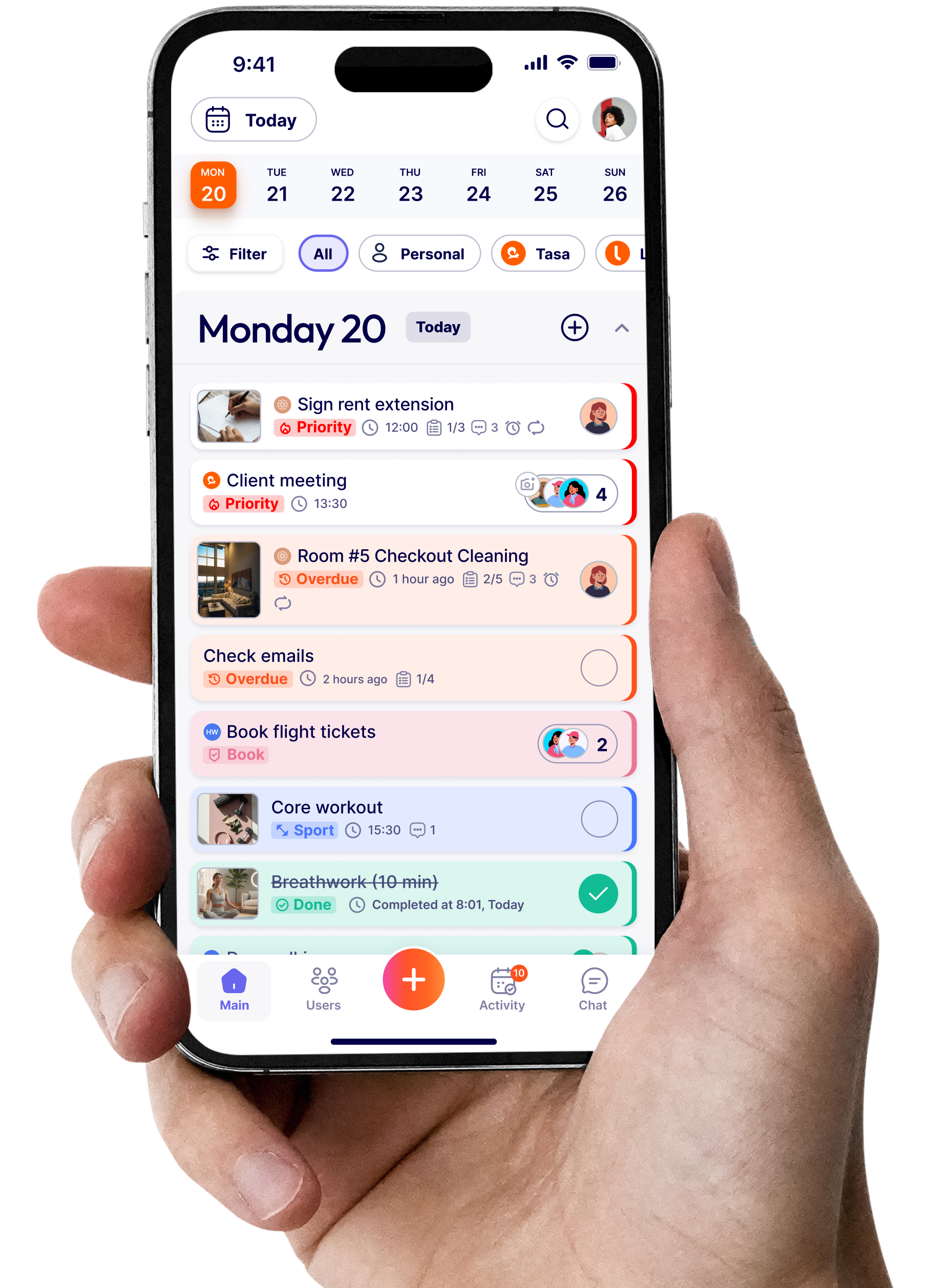
- You create tasks with photos, not just text
- The app translates instructions and comments into each worker’s language
- Workers prove completion by sending photos back
- Logging in is as simple as scanning a QR code
Tasa is used in hospitality, cleaning, construction, repair, supermarkets, farms, family and domestic work, and coaching. In all of those cases, most of the work happens offline, on foot, and across languages.
Tasa vs Monday.com feature comparison
Tasa core features
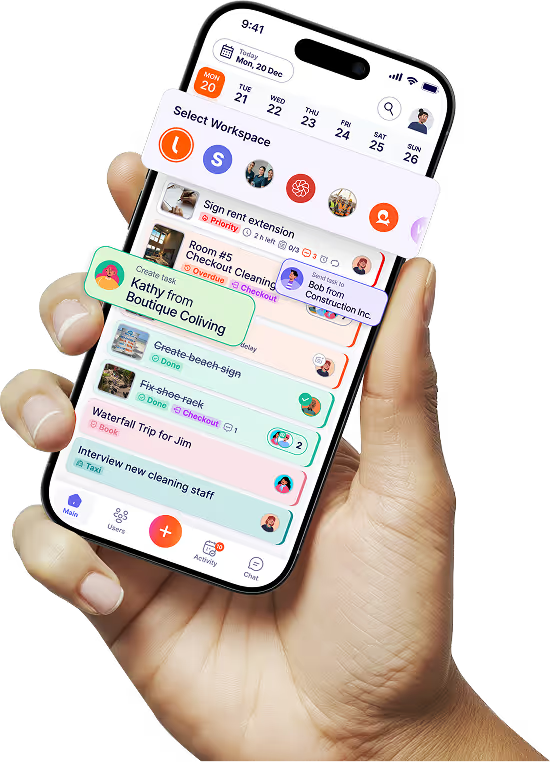
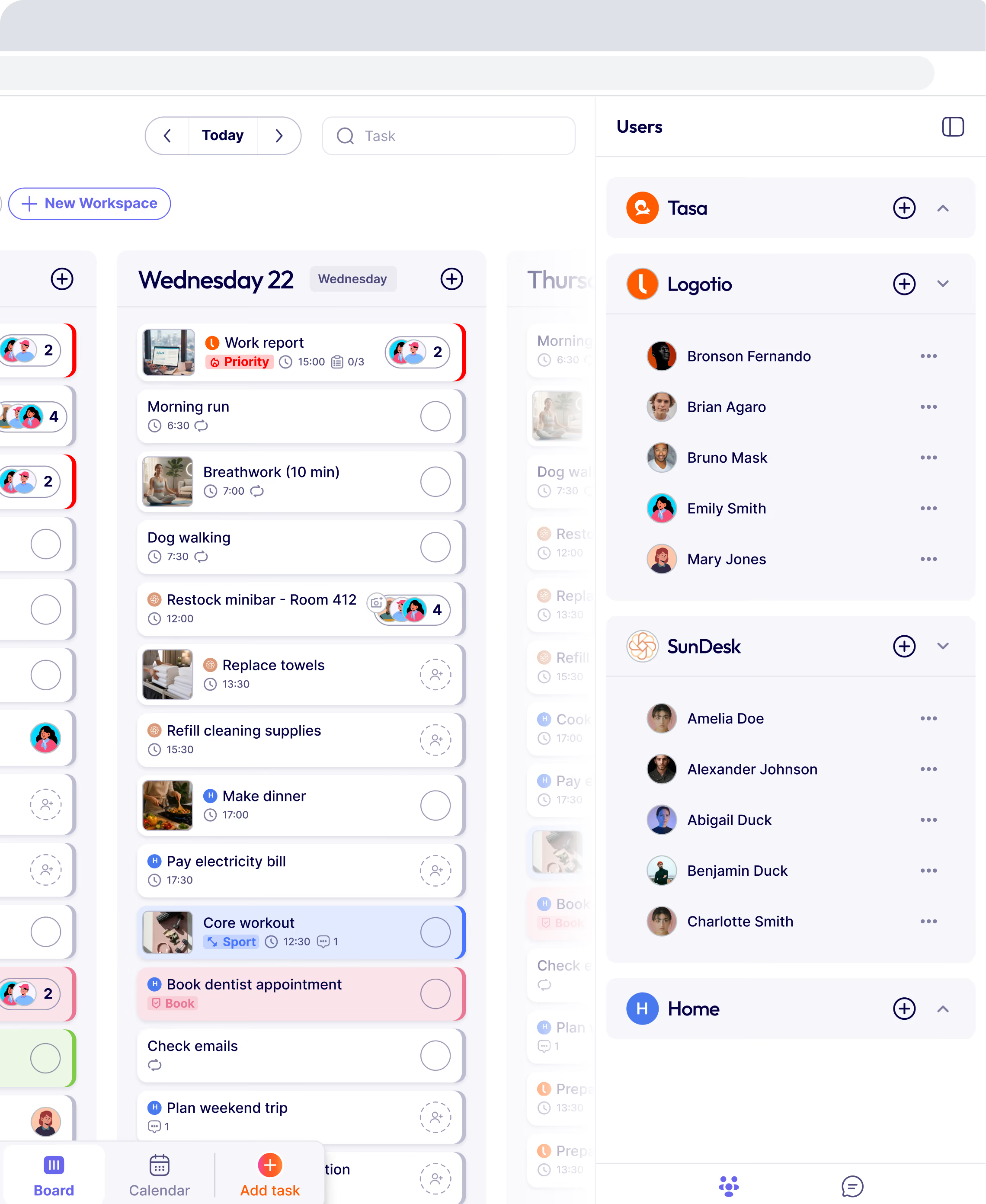
Picture‑based task creation
You can create a task by taking or uploading a photo. For example:
- A fully cleaned bathroom
- A correctly stocked shelf
- A gate repaired to the required standard
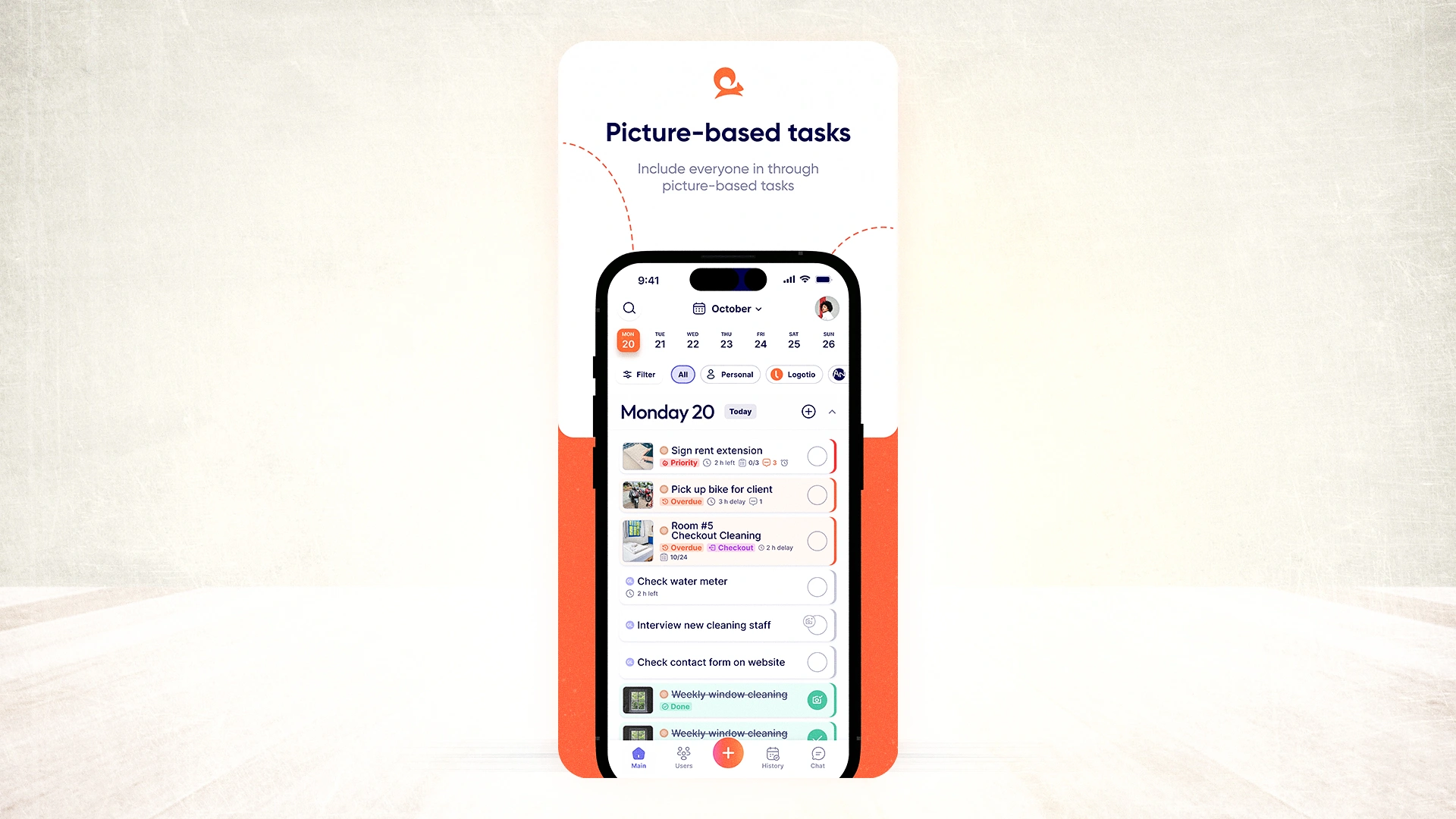
Each task shows this picture, plus an optional short text instruction. A worker sees the picture and knows what the outcome should look like. This reduces the need for reading and detailed explanations.
Real-time AI‑powered translation
When you write instructions in Tasa, the app can translate them into over 100 languages. A manager writes in English. Workers see tasks in Spanish, Portuguese, Vietnamese, Arabic, Thai, and many other languages.
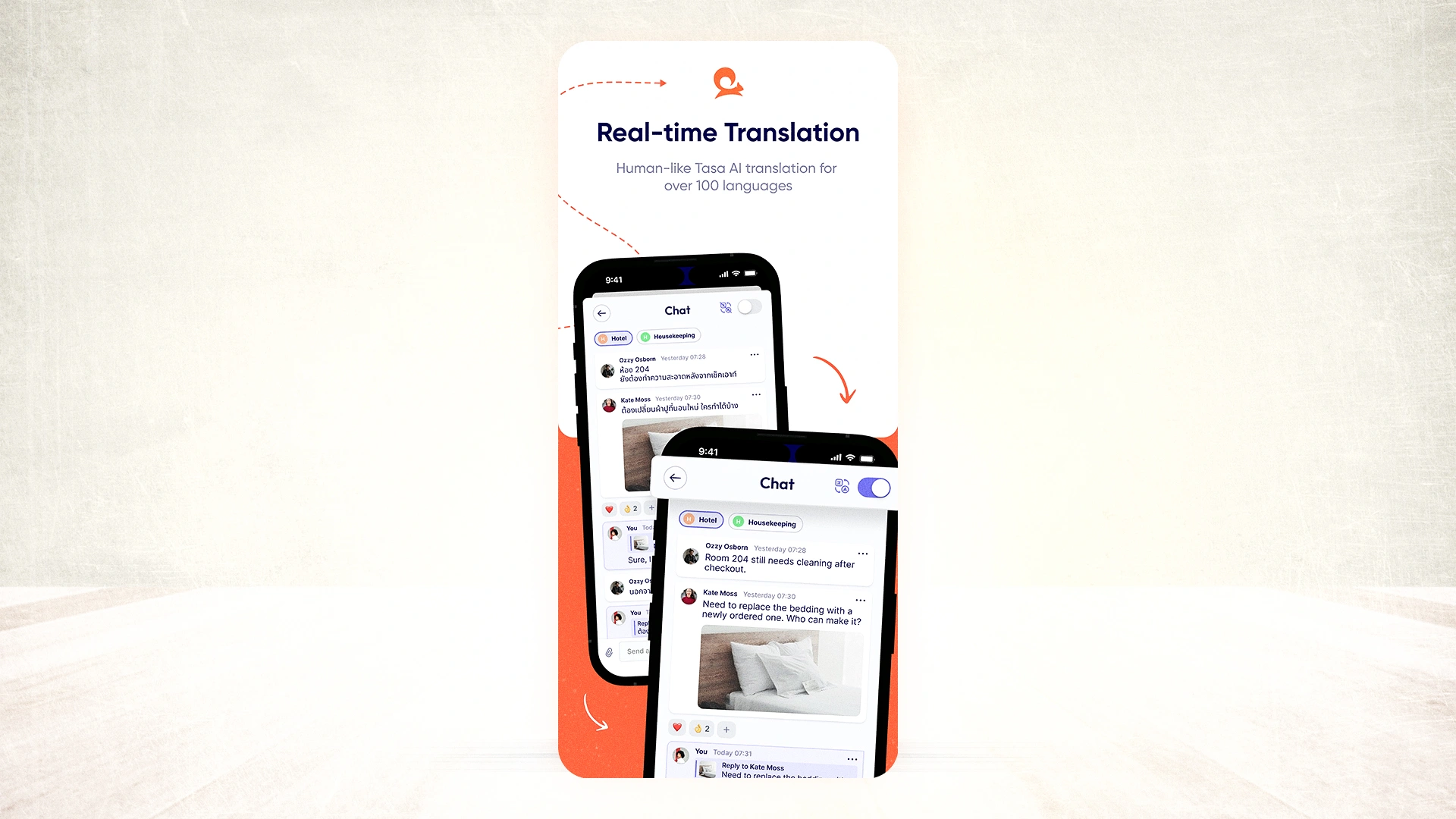
The same applies to comments:
- Worker asks a question in their language
- Manager reads it in theirs
- Manager replies in their language
- Worker sees it in theirs
This is “AI” aimed directly at communication between human beings on the ground, not just for reporting or number crunching.
Photo confirmation as proof of completion
In Tasa, you can require workers to upload photos before a task can be closed.
- A cleaner takes a picture of the finished room
- A technician takes a photo of a repaired unit
- A supermarket worker captures the fridge temperature log and shelf facing
Those photos are stored with the task. Managers and clients can verify work without being on site. This is especially important for:
- Quality control
- Regulatory or audit trails
- Client reporting in service contracts
QR code onboarding
Workers do not need to create a traditional account or use an email address.
- You generate a QR code for a worker or a role
- They scan it with their phone
- They are logged in and see the tasks relevant to them

This is designed for:
- Seasonal and casual workers
- People with low tech confidence
- Environments where nobody wants to spend 20 minutes creating accounts
Tasa vs Monday.com: where each tool fits
If you compare Tasa and Monday.com by “which is better work platform,” Monday.com will always look bigger. It has more features, more products, and more AI building blocks.
But if you narrow the question to “who is actually going to use this every day, on the job?”, the picture changes.
Monday.com is better when:
- Your team sits at desks or works mainly from laptops
- You want to design detailed workflows across many departments
- You have tech‑comfortable staff who can maintain boards and automations
- You want AI to help with planning, risk detection, data analysis, CRM, or software development workflows
- Everyone reads and writes the same main language
Tasa is better when:
- Your team works with their hands: cleaning, construction, repair, farming, stocking, housekeeping, etc.
- You have multiple languages on the team and need tasks to be understood by everyone
- Some workers have limited reading ability or are new to smartphones
- You need visual proof that tasks were completed correctly
- Phone is the main or device used on the job
Use cases: how Tasa handles frontline team situations
Shift-based recurring tasks for rotating staff (Supermarket)
A supermarket manager needs daily coverage of shelf restocking, cleaning rounds, temperature logs, and waste checks. The staff doing these tasks rotate. Some are part-time. Some have just started. The tasks themselves never change.
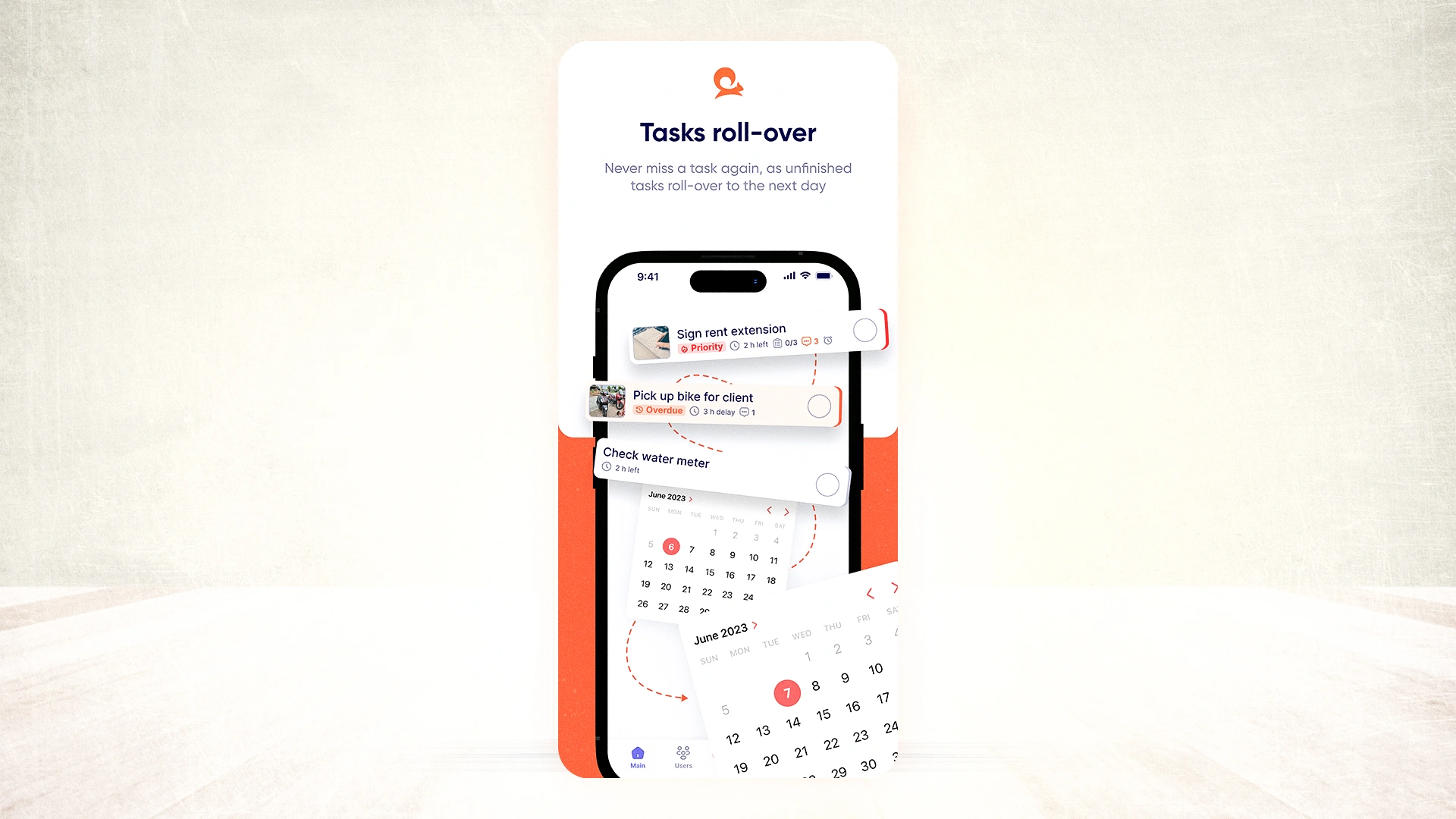
Tasa recurring tasks are set once and repeat automatically. Each task has a photo showing exactly what the completed job looks like; a fully faced shelf, a mopped aisle, a correctly labeled fridge log. A new hire on their first shift can follow picture tasks without anyone walking them through it.
Visual safety checks across a multilingual crew (construction site)
A construction foreman manages a crew that speaks three different languages. Each morning, workers need to complete safety checks and log specific tasks before starting work.
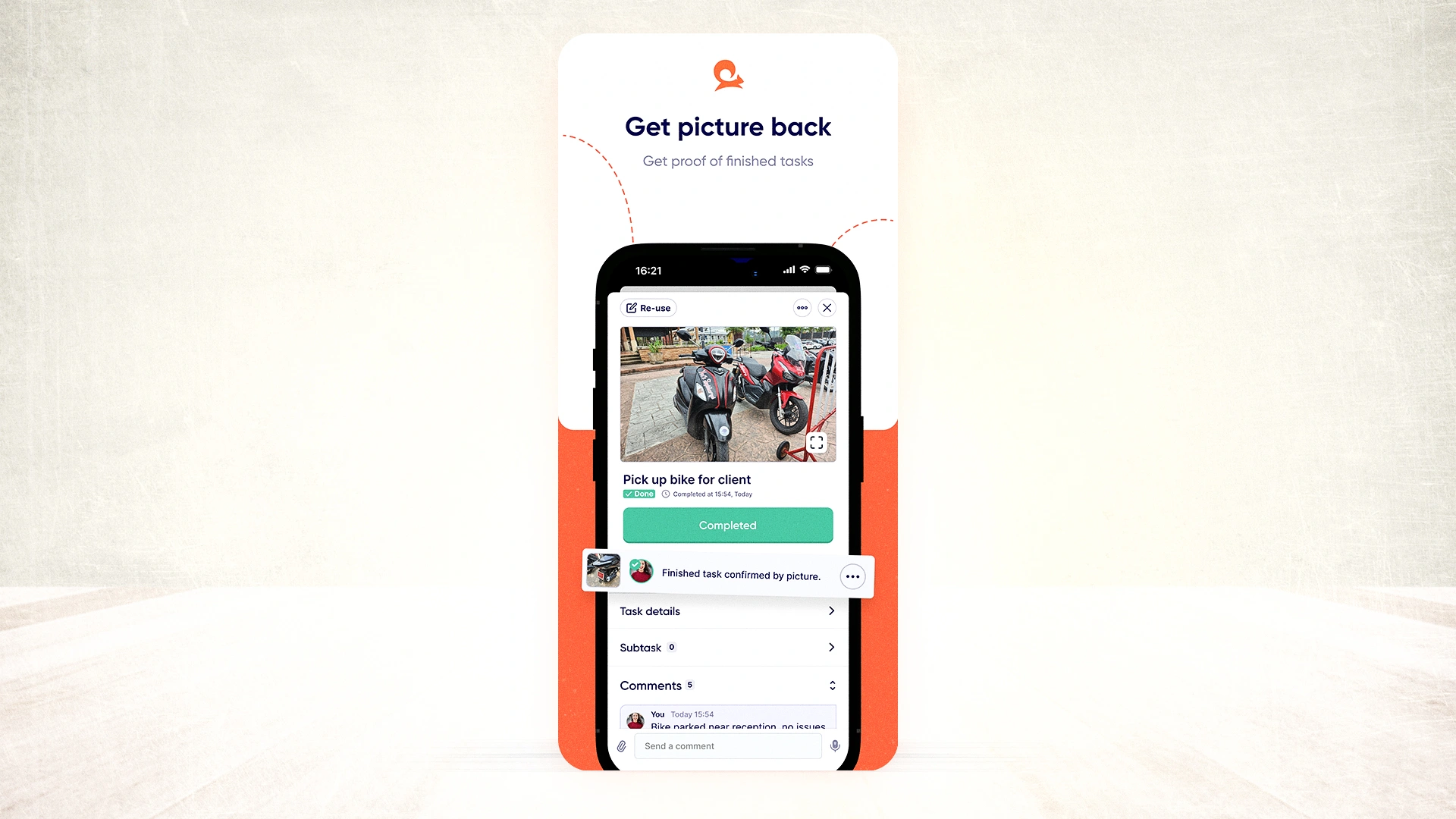
With Tasa, the foreman sends picture tasks showing exactly how equipment should be set up and what a completed section looks like.
Workers photograph their work and send it back. No translator needed. No written reports. The foreman sees photographic confirmation from anywhere on the site.
Daily routines and quality checks with rotating staff (farm or warehouse)
A farm manager needs to track feeding schedules, equipment maintenance, and harvest quality across a seasonally rotating crew. Workers speak different languages and have varying tech experience.
Tasa automates daily feeding tasks with advanced repeat patterns. The manager attaches photos of the correct feed amounts and equipment state.
Workers match the photos, complete the task, and photograph the result. New workers are onboarded with a QR code scan. No setup needed, no training session needed.
Checkout our other ways Tasa is beneficial to your frontline team.
What Tasa users say
"Instead of asking someone on my staff to translate and going back and forth, I send pictures of work to my foreign language speaking staff directly. This allows me to work remotely and spend more time with my family."
— Magdalena Herrmann, founder of SunDesk
"Tasa is a remarkable to do list app that has become an indispensable tool for managing my daily workflow and facilitating seamless communication and task exchange within my team."
— Manale, host at SunDesk
Tasa users report finishing repair jobs up to 40% faster and 70% fewer communication errors from language barriers.
Try the right tool for your team
If your team sits at desks, speaks one language, and needs customizable workflows with strong automation, Monday.com is a capable platform. The paid plans are worth it for complex operations management.
If your team works with their hands, speaks multiple languages, or needs proof that work was done, try Tasa. The personal plan is free. Team features start with one hundred free tasks.
Latest News

Have questions?
.svg)
Team management, simplified.

“It affects my personal life a lot. I can manage my team and my work remotely, so I have more time being a mother.”
