The cleaning schedule app that replaces chasing with photo proof
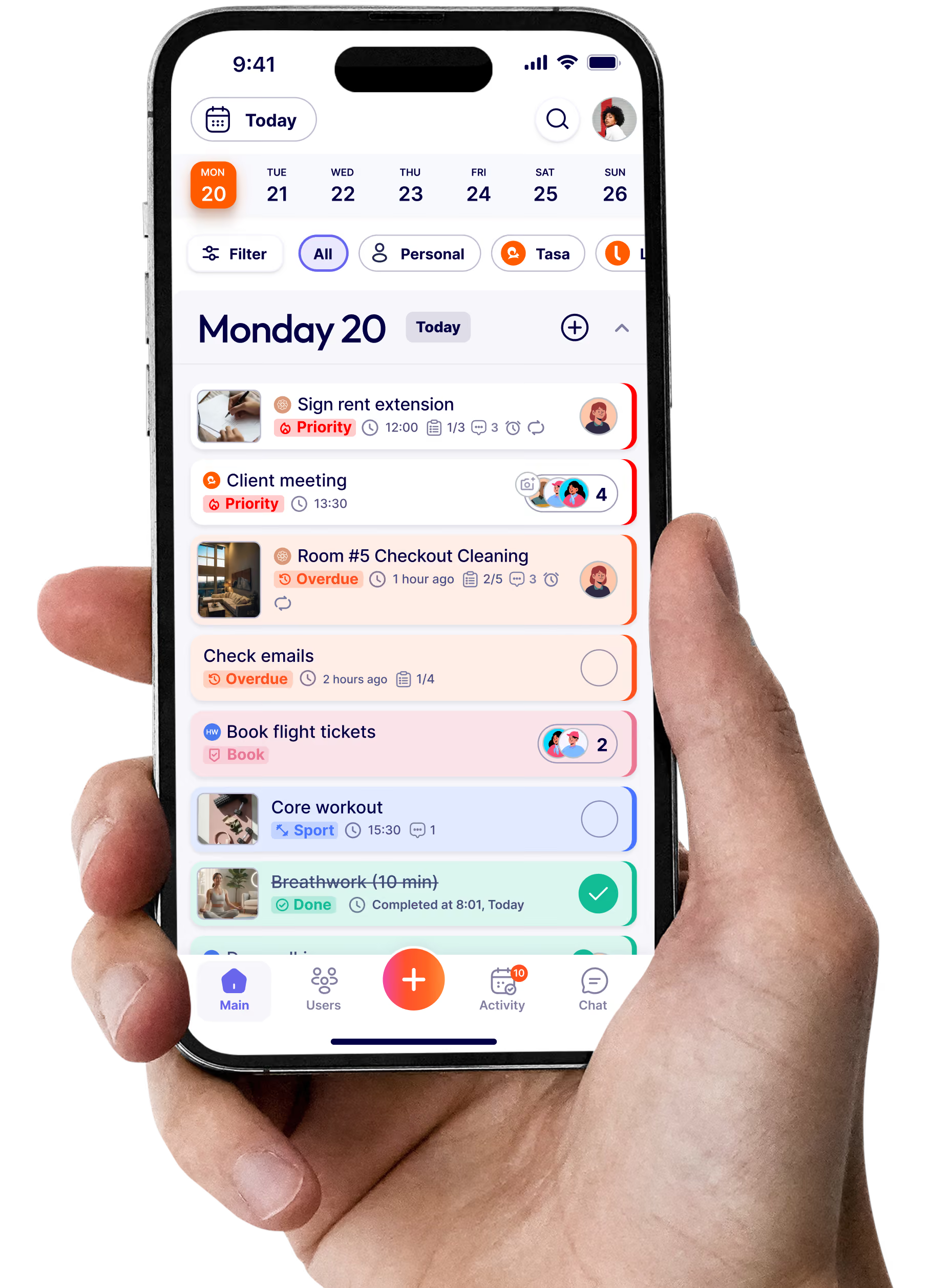
You shouldn't have to chase your cleaners on WhatsApp to find out if the job is done. Tasa is the cleaning company app that closes the loop: every job arrives as a picture task, every completion comes back with a photo. Photo proof, not phone calls, from the first site to the fiftieth.
Deliver consistent results without confusion, across every client site and every crew
Cleaning teams need clear tasks and proof of work, not more group chats.
Tasa gives your staff a simple way to follow, complete, and confirm every job, without confusion. The cleaning schedule app that works for the team you actually have, whatever languages they speak.
🗣️ Instructions get lost or misunderstood
Texted instructions scroll away, and half the details vanish by the second site. Tasa's picture-based tasks show exactly what to do at each address. No reading required, no language fluency needed.
📞 No proof tasks were completed properly
With send picture back, your team confirms jobs with photos, so you can check work without being on site. The home cleaning services app pattern that turns trust-me into see-for-yourself.
🛠️ Staff churn demands fast on‑site onboarding
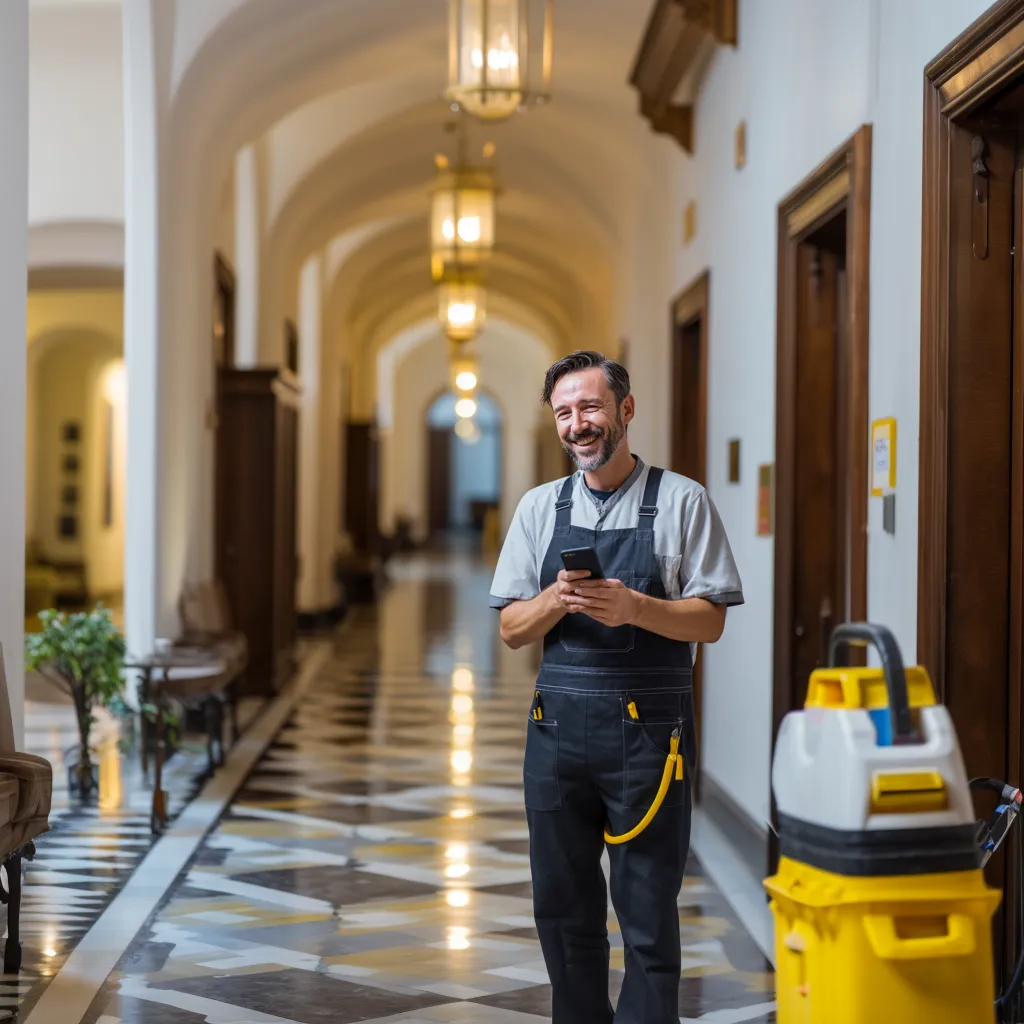
Cleaning teams rotate, and new hires must get up to speed quickly. Tasa's picture-based checklists and easy onboarding get a new cleaner working independently on day one, at your standards, not their guesses.
USES
Tasa to support:
🏠 Hospitality turnovers
🏢 Office cleaning rotations
📋 Checklists
📸 Proof-of-work photos
🚪 Final checks before client handoff
🛁 Bathroom deep-clean tasks
🧼 Staff training with visuals
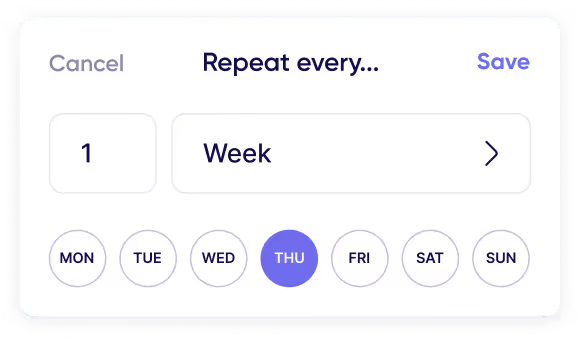
🧽 Recurring cleaning
and much more...
Best features to stand out
Tasa can help
Visual Proof
Send picture back as confirmation
Don't rely on words: get visual proof. Your cleaners send a picture back after each task, giving supervisors and clients instant confirmation of a job done to standard.
No reading, no confusion. Tasa uses picture-based task cards that show exactly what needs to be done: ideal for fast-paced teams and multilingual crews.
New staff? No problem. Tasa's clear, picture-based instructions mean anyone can get started right away. No manuals, no hand-holding. The onboarding a high-turnover cleaning company app needs.
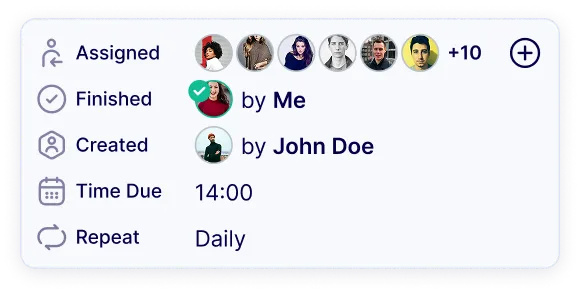
Unfinished tasks automatically roll-over to the next day.
Checklists & Reminder
Making sure no one misses an important task.
Photo proof, not phone calls.
No micromanaging needed. Less explaining, more cleaning.
Clients trust cleaners who deliver results and evidence. Your team knows what to do, and proves it, at every site.
.svg)

















.avif)

.avif)



.svg)


.avif)