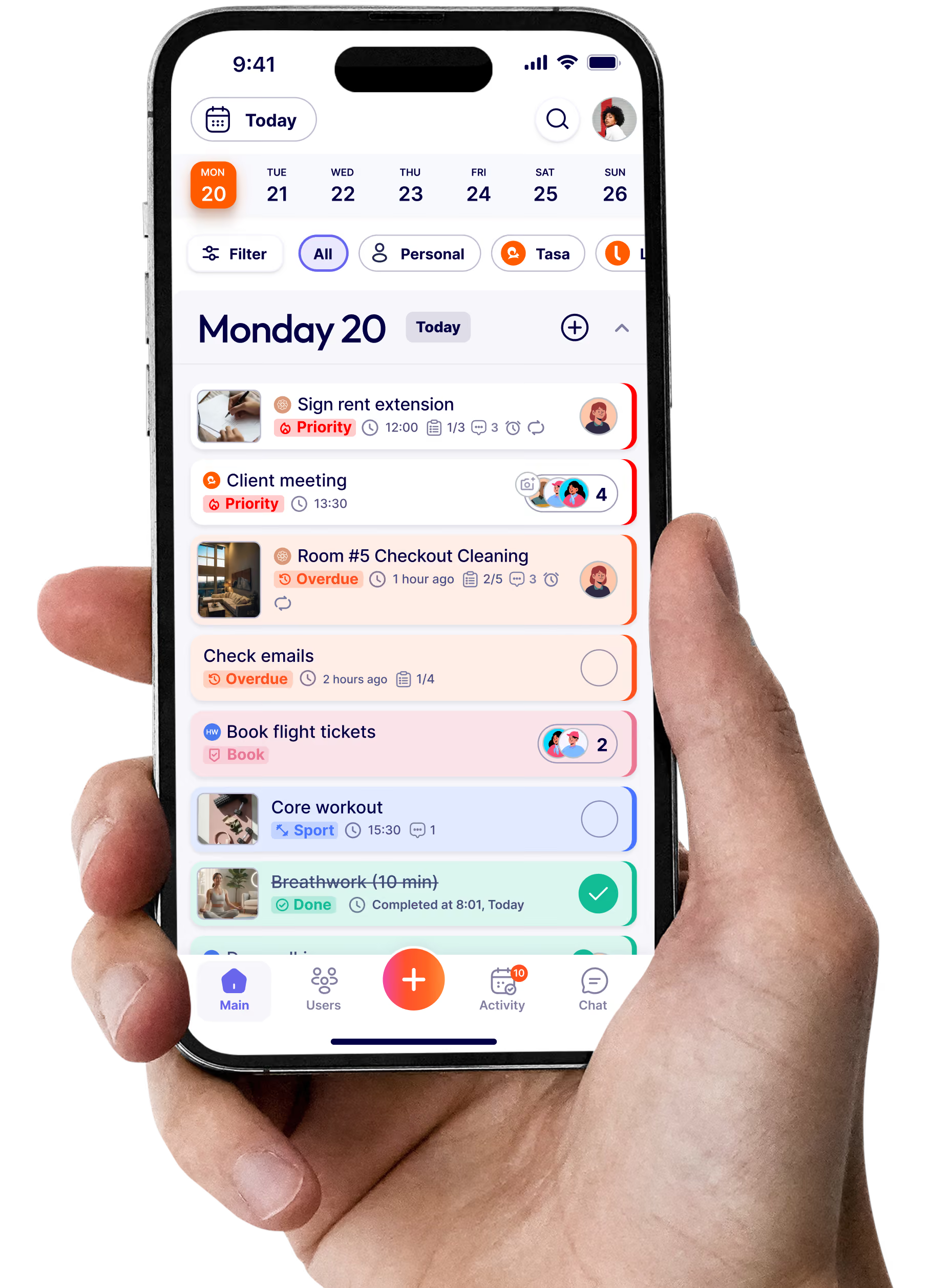
πŸ”§ Tasa for Repairmen

The field workforce management app that shows the job, not just tells it

Whether you're fixing a sink or wiring a panel, Tasa helps you understand tasks at a glance, ask questions in any language, and confirm your work with photos. Your techs see exactly what to fix. You see exactly what's done. Every job, every crew, every language: one app.
Tasa admin view
Manager
view
Tasa's admin mascot
Send
picture
Staff
view
Tasa staff view
Tasa's staff mascot
A Tasa mobile apps with Tasa's mascots
Repair technician receiving a picture task in a field workforce management app
Your pocket
assistant
Happy electrician using Tasa
As Seen ON

Clear fixes. Faster jobs. Happier clients.

Avoid errors, communicate across languages, and deliver work clients can trust, every time

Tasa helps repair teams follow instructions, communicate across languages, and show proof of completed work, fast and clearly.

No more misread orders, lost notes, or awkward language gaps. Tasa gives you the tools to complete and confirm jobs with confidence: the field workforce management software that works as hard as your crew does.
πŸ—£οΈExplain the task twice, then drive back to verify
Phone directions get lost in translation and memory. Tasa's picture-based task cards show exactly what to fix and what the finished result looks like, so your tech gets it right the first time. A great job tracking app for busy repair crews.
πŸ“ž Your techs can't read orders, so they guess or call you
Guessing costs call-backs. Interrupting you costs your day. Tasa's tasks are pictures, not paragraphs, and its AI chat translates questions into 14 languages. Every tech understands every job, whatever language they speak.
πŸ› οΈ Clients want proof that the job is done
Just snap and send a photo when the job's complete. Tasa makes visual confirmation part of every task, so clients see the finished work and you close the job with proof, not promises.
USES

Tasa to support:

🧰 Work in multilingual crews
🧭 Need clear, step-by-step jobs
πŸ”§ Handle maintenance calls
πŸ”Œ Do electrical or plumbing work
πŸ“Έ Need photo confirmation
πŸ“± Use mobile devices on-site
🏒 Serve large buildings
🌍 Work abroad
and much more...
Best features to stand out
Tasa can help
Repairman following picture task instructions on his phone while repairing a shower
Tasa picture based user interface preview
Task Simplicity
Picture-based task interface
No reading, no confusion. Tasa uses picture-based task cards that show exactly what needs to be done: ideal for fast-paced teams and multilingual crews. This is field workforce management software your techs actually open (not avoid).
Visual Proof
Send picture back as confirmation
Don't rely on words: get visual proof. Your techs send a picture back after each job, giving supervisors and clients instant confirmation. The photo evidence trail that makes software for handyman teams actually pay off.
zz
Repairman smiling at photo proof of his completed tap replacement
Photo proof of shower replacement
Repair team boss smiling at his phone as new technicians onboard with picture-based tasks
Easy onboarding training with Tasa - Better turnover
Seamless Training
Easy team onboarding
New staff? No problem. Tasa's clear, picture-based instructions mean anyone can get started right away. No manuals, no hand-holding. Just tap, follow, fix.

Even more powerful Tasa features for your success

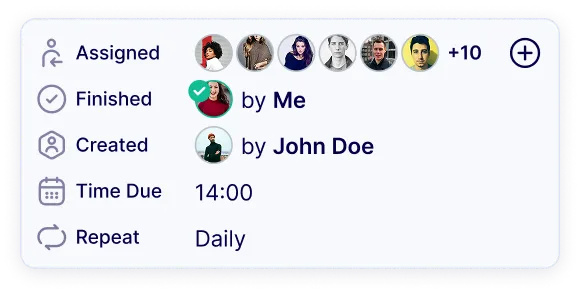
Easy overview for everyone
See not only your tasks, but also the tasks of everyone else. Together strong.
Kate
7+ types of notifications
Only receive the notifications you need.
Tasa.app
1m ago
Don't forget your task!
Weekly team meeting" starts in
15 minutes.
3 more notifications
Easy Communication
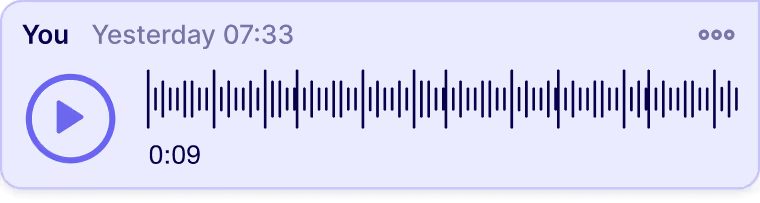
Use audio-, video-messaging and files, when pictures are not enough.
Hello!
Hej!
14 languages included
Arabic, Burmese, English, French, German, Spanish, Indonesian, Italian, Portuguese, Polish, Russian, Thai, Ukrainian, Vietnamese.
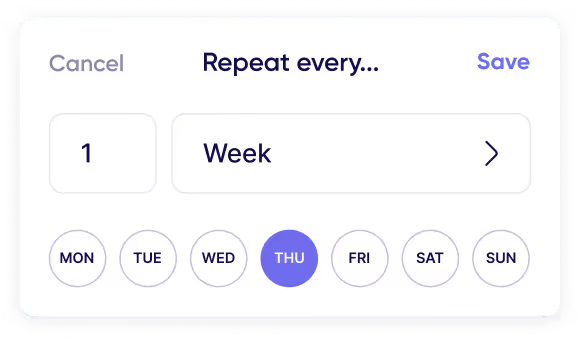
Advanced repeat
Complex patterns to cover all repeated tasks.
Task roll-over
Unfinished tasks automatically 
roll-over to the next day.
Checklists & Reminder
Making sure no one misses an important task.

See the job. Do the job. Prove the job.

Up to 40% faster job completion with visual tasks. 70% fewer communication errors across language barriers. One tool, every task, all confirmed with photos.
60%
Improved success rate after switching to Tasa
35%
Client satisfaction rate after switching to Tasa

Pricing & Plans

Pay monthly or yearly, and cancel at any time.
Bill Yearly -20%
Bill Monthly
2 months
free
Tasa for One
My personal to-do-list
Free
Get Started Now
What’s included:
Free for personal use
All features for one user
Picture based to-do-list
Tags and categories
Team Work
Easy-to-use task app for your team
First 100 tasks free
$8.00
/ user / month
$6.40
/ user / month
20% Discount
Free for now
Get Started Now
What’s included:
Everything from the Free plan
Onboarding Support
Team collaboration & multiple teams
Comments, Voice & Video Messages
Company Chat
Easy login for staff via QR-Code
Simplified view for staff with limited reading and writing abilities
Enterprise
Organize your corporate processes
Contact Us
Personal offer
What’s included:
Everything from the Free & Team plans
Personal Onboarding Manager
Company branding
Dedicated Customer Service
Top part of acorn

Start your easier life here

Download, create your first tasks, and enjoy!

Bottom part of acorn
What is a field workforce management app?
How does a field workforce management app work?
What should software for handyman businesses include?
Can I manage a multilingual repair crew with one app?
How do I prove a repair job was completed without being on site?
How fast can new technicians learn Tasa?
Does Tasa work offline at job sites?
Can each technician see only their own jobs?
Can clients receive photo proof of the work?
Is Tasa a good Jobber alternative for small repair teams?
How can Tasa help to keep my coaches accountable?
Download Now
Tasa web based user interface viewTasa mobile task management tool preview
Tasa app

Get started in 60 seconds

Click to get started with Tasa:

β€œIt affects my personal life a lot. I can manage my team and my work remotely, so I have more time being a mother.”

Magdalena from Sundesk
Magdalena Herrmann
Founder of SunDesk

Book a demo

Thank you! Your submission has been received!
Oops! Something went wrong while submitting the form.