πŸ‘·β€β™‚ Tasa for Construction Teams

The construction daily report app that writes itself

Your day ends at 6, and the daily report still isn't written. Tasa is the construction daily report app that flips the work: your crew confirms tasks with photos as they go, and by closing time the report is done. Every photo lands as a time-stamped record of what was built, by whom, and when.
Tasa admin view
Manager
view
Tasa's admin mascot
Send
picture
Staff
view
Tasa staff view
Tasa's staff mascot
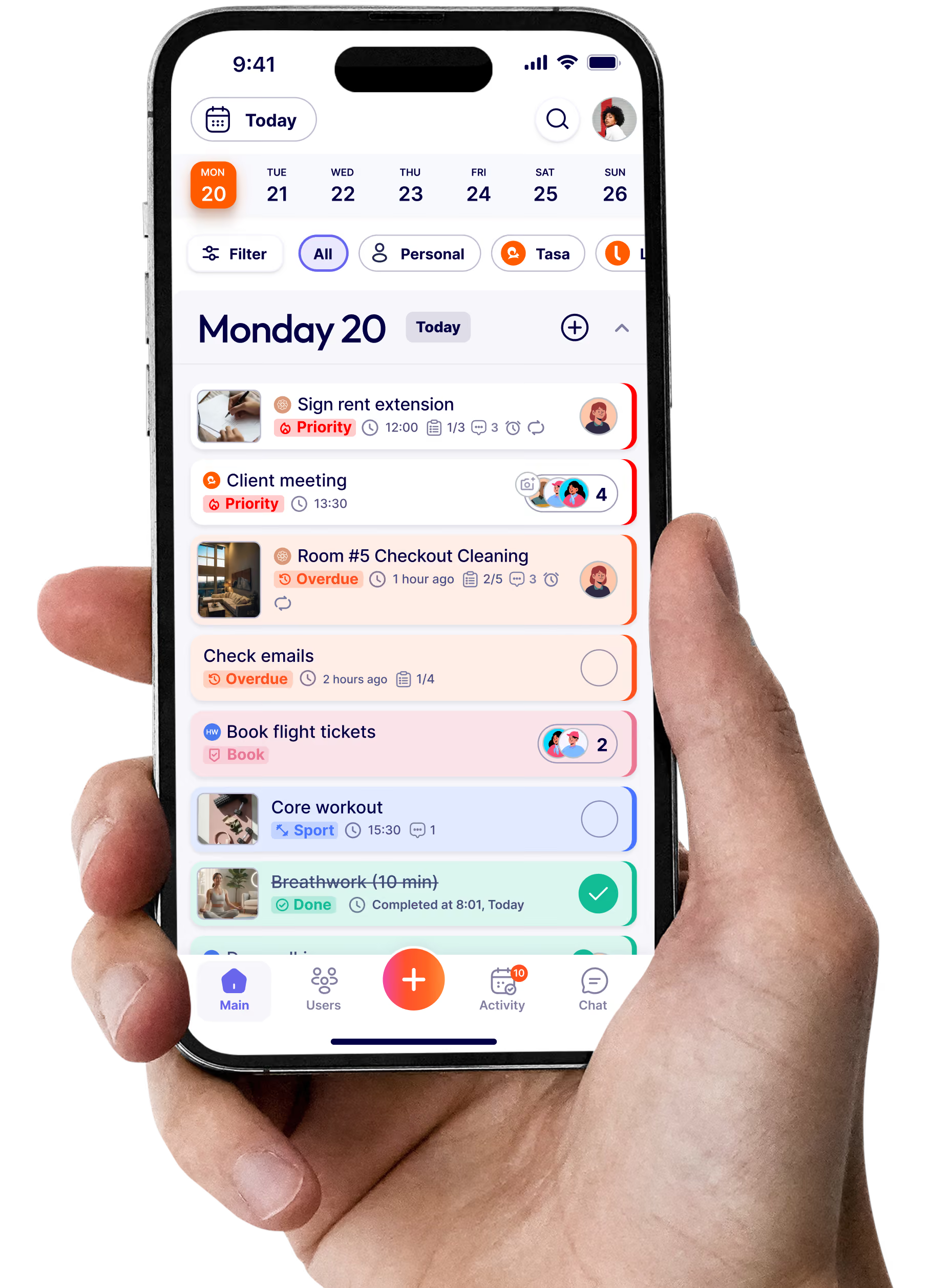
A Tasa mobile apps with Tasa's mascots
Construction supervisor reviewing photo confirmations in a construction daily report app
Your pocket
assistant
Happy supervisor using Tasa
As Seen ON

Tasa is your crew's job site accountability tool

Managing crews and sites, simple and reliable, from first pour to final punch list

Construction chaos hurts reputation: use job site task management

Tasa is a task and photo documentation app for construction crews that brings clarity to every task, keeps workflows moving, and builds client confidence in the work you deliver.
πŸ—£οΈ Task issues from message and language gaps
Instructions get garbled between languages, and rework follows. Tasa's real-time AI translation eliminates confusion between you and your crew, and picture tasks need no translation at all. Everyone works from the same visual plan.
πŸ“ž Material shortages and errors
Surprises at the material yard cost money and days. Tasa logs material arrivals and usage with images: preventing reorders, waste, and costly arguments about what was delivered, and when.
πŸ› οΈ Lack of real-time progress visibility
You can't be on every floor of every site. Tasa's picture-based checklists give you live check-ins from your crews, keeping them aligned, clients informed, and your daily report assembling itself as work happens.
USES

Tasa to support:

πŸ—οΈ Projects
πŸ‘· Multilingual workers
πŸ“… Deadlines
πŸ“Sites
πŸ” Daily Logs
πŸ” Snags
🚚 Logistics
πŸ›  Maintenance
🧾 Compliance
and much more...
Best features to stand out
Tasa can help
Construction foreman using live translation with a multilingual crew
Get message translation in your preferred language with Tasa real-time AI translation
AI Real-Time
Live translation for multilingual crews
Break language barriers on the job site with instant chat translations powered by human-like AI, even for niche languages. Your crew reads instructions in their language; you read confirmations in yours.
Receive Picture Back
Send picture back for task confirmation
Workers reply to tasks by sending photo proof: no extra apps needed. Every photo builds your project's visual record, the core of what a construction photo documentation app should do.
zz
Worker sending photo proof in a construction photo documentation app
Worker sending picture proof of completed work with Tasa
Construction crew following a picture-based checklist on site
Tasa picture-based user interface preview
Picture Based Checklist
Simplified view picture-based checklist for every site
Super simple visual checklists help crews see exactly what's done and what's next. New crew members, subcontractors, seasonal hires: everyone follows the same pictures, on every site.

Even more powerful Tasa features for your success

Easy overview for everyone
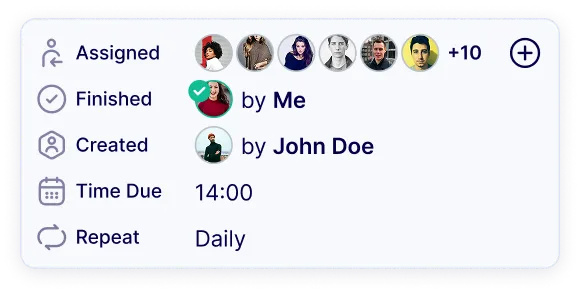
See not only your tasks, but also the tasks of everyone else. Together strong.
Kate
7+ types of notifications
Only receive the notifications you need.
Tasa.app
1m ago
Don't forget your task!
Weekly team meeting" starts in
15 minutes.
3 more notifications
Easy Communication
Use audio-, video-messaging and files, when pictures are not enough.
Hello!
Hej!
14 languages included
Arabic, Burmese, English, French, German, Spanish, Indonesian, Italian, Portuguese, Polish, Russian, Thai, Ukrainian, Vietnamese.
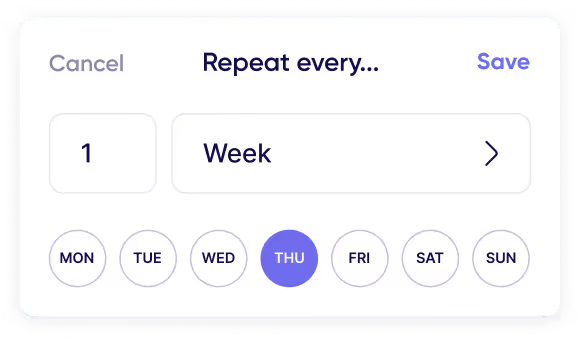
Advanced repeat
Complex patterns to cover all repeated tasks.
Task roll-over
Unfinished tasks automatically 
roll-over to the next day.
Checklists & Reminder
Making sure no one misses an important task.

The report writes itself.

Deliver work your clients can see and trust. Show progress with photos, keep everyone aligned, and leave the site on time with a complete visual record of every job.
60%
Improved success rate after switching to Tasa
35%
Client satisfaction rate after switching to Tasa

Pricing & Plans

Pay monthly or yearly, and cancel at any time.
Bill Yearly -20%
Bill Monthly
2 months
free
Tasa for One
My personal to-do-list
Free
Get Started Now
What’s included:
Free for personal use
All features for one user
Picture based to-do-list
Tags and categories
Team Work
Easy-to-use task app for your team
First 100 tasks free
$8.00
/ user / month
$6.40
/ user / month
20% Discount
Free for now
Get Started Now
What’s included:
Everything from the Free plan
Onboarding Support
Team collaboration & multiple teams
Comments, Voice & Video Messages
Company Chat
Easy login for staff via QR-Code
Simplified view for staff with limited reading and writing abilities
Enterprise
Organize your corporate processes
Contact Us
Personal offer
What’s included:
Everything from the Free & Team plans
Personal Onboarding Manager
Company branding
Dedicated Customer Service
Top part of acorn

Start your easier life here

Download, create your first tasks, and enjoy!

Bottom part of acorn
What is a construction daily report app?
What should a construction daily report include?
How does photo documentation work in construction?
Why is construction photo documentation important?
How long should construction photos be kept?
Can Tasa handle multilingual construction crews?
Can I use Tasa for punch lists and snag lists?
Does Tasa work offline on job sites?
How do clients and stakeholders see progress?
How much does Tasa cost for a construction crew?
How can Tasa help to keep my coaches accountable?
Download Now
Tasa web based user interface viewTasa mobile task management tool preview
Tasa app

Get started in 60 seconds

Click to get started with Tasa:

β€œIt affects my personal life a lot. I can manage my team and my work remotely, so I have more time being a mother.”

Magdalena from Sundesk
Magdalena Herrmann
Founder of SunDesk

Book a demo

Thank you! Your submission has been received!
Oops! Something went wrong while submitting the form.