Try for free


.avif)

.avif)


Download, create your first tasks, and enjoy!

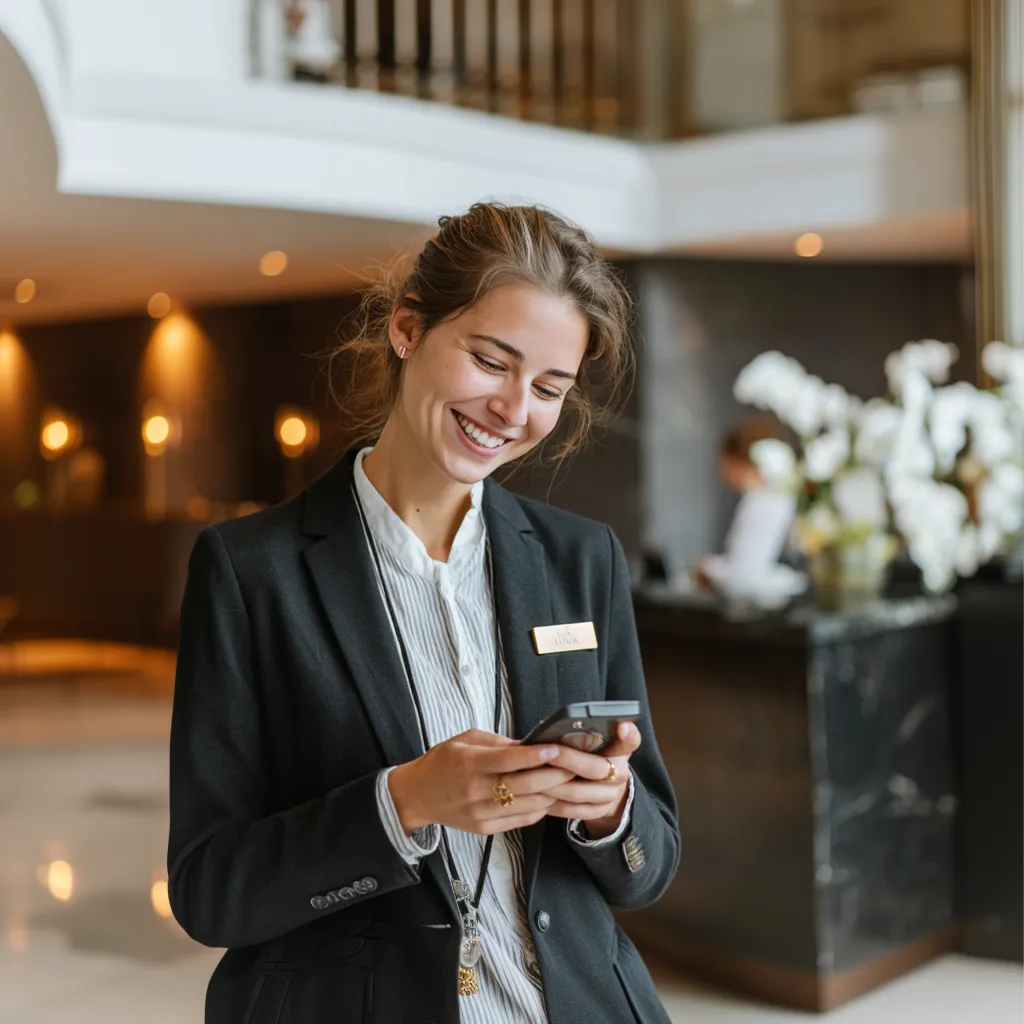
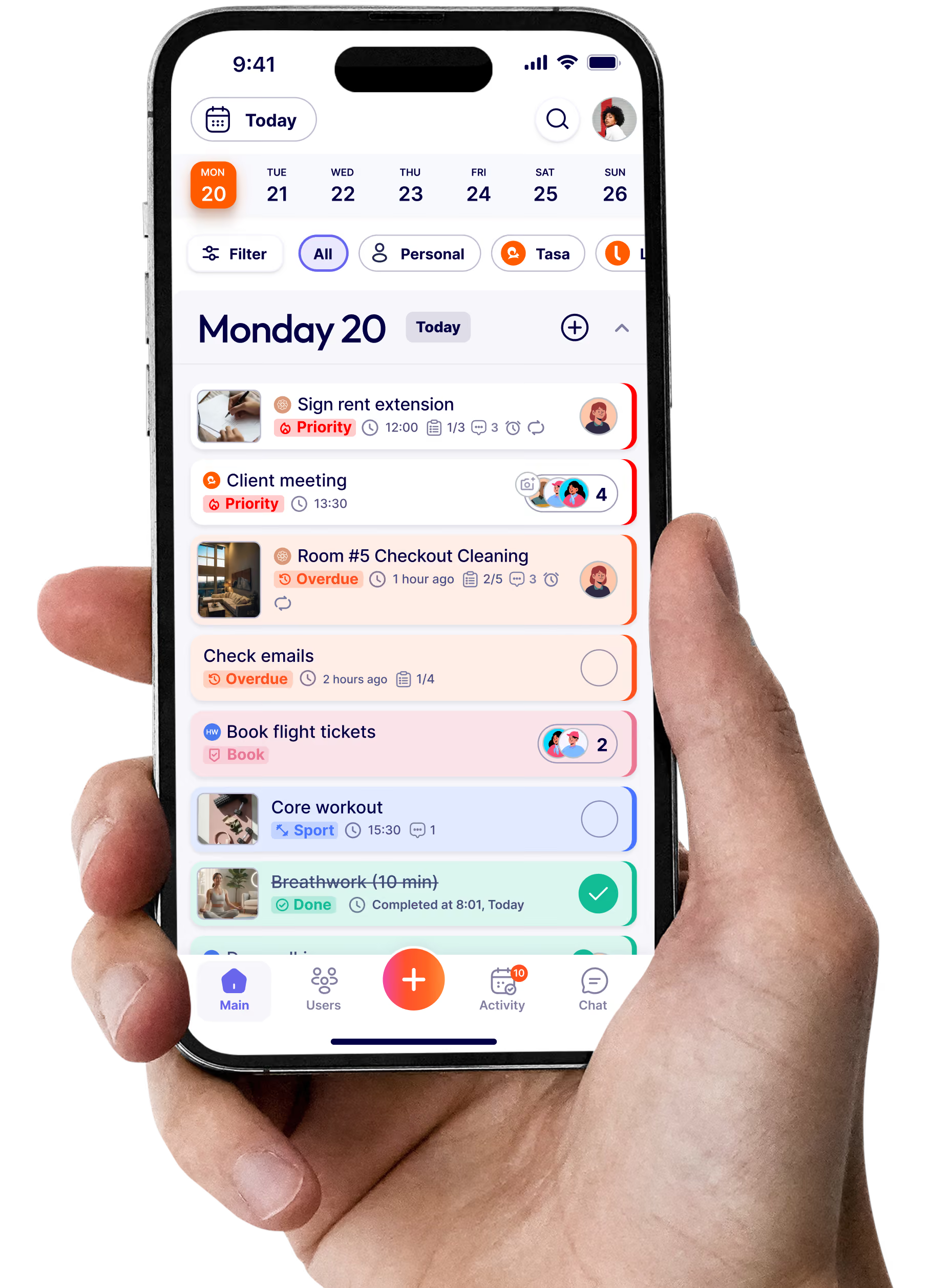
A hotel housekeeping app is a mobile tool that lets housekeeping staff receive cleaning assignments, follow task instructions, and confirm completed work from their phone or tablet.
Unlike paper checklists or WhatsApp groups, a housekeeping app gives managers real-time visibility into which rooms are done, which are in progress, and which still need attention.
Tasa adds one thing most apps don't: picture-based tasks that work for teams who don't share a language.
A manager creates a task with a photo showing what done looks like: a made bed, a cleaned bathroom, a restocked minibar.
The housekeeper receives it on their phone, follows the visual instructions, and sends a photo back when finished.
The manager sees the photo and confirms the room is ready. No calls, no walk-throughs, no is-it-done-yet messages.
A thorough hotel room inspection checklist covers bed linens and pillow arrangement, bathroom cleanliness and supplies, towel count and placement, minibar inventory, floor and carpet condition, mirror and glass surfaces, trash removal, lighting and air conditioning function, safe operation, and final room presentation.
With Tasa, each item on your hotel room inspection checklist becomes a photo prompt: the inspector sees what the standard looks like and confirms with their own picture.
Industry standard is a two-step inspection after every guest checkout: the room attendant self-inspects during cleaning, then a housekeeping supervisor performs a separate quality check before the room is released.
Hotels running brand standard audits typically add monthly or quarterly deeper inspections on top of daily room checks.
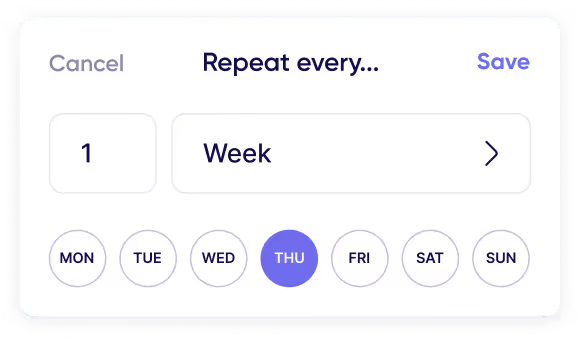
Tasa supports both: daily photo-confirmed tasks for turnover and repeat-pattern inspection schedules for deeper audits.
When an inspector finds a problem, a missed surface, a damaged fixture, a missing amenity, the room stays out of service until it is fixed.
With Tasa, a failed item becomes a new task with a photo of the issue, assigned to the right person. The fix gets photo-verified before the room is released. No sticky notes, no radio calls, no rooms quietly released with problems still open.
Tasa's picture-based interface means no one needs to read instructions: tasks are shown visually and clearly. The app also auto-translates chat and comments into 14 languages, so managers and staff can communicate even when pictures are not enough.
Yes. Use multiple workspaces to keep departments like housekeeping and front desk organized with their own task lists. Each team sees only what matters to them.
Absolutely. Staff send a photo when a task is complete, so you can verify work instantly without walking the floor. Each photo is time-stamped and tied to the specific room and task.
Most users onboard in minutes. Tasa is built for visual learning, even on first use. New staff see a photo of what to do, do it, and send a photo back. No training session required.
Yes! Tasa works on any smartphone or tablet. Housekeepers update room status from the floor, managers check progress from anywhere, and everything syncs in real time. Perfect for on-site updates and task tracking during a busy shift.
Lorem ipsum dolor sit amet, consectetur adipiscing elit, sed do eiusmod tempor incididunt ut labore et dolore magna aliqua. Ut enim ad minim veniam, quis nostrud exercitation ullamco laboris nisi ut aliquip ex ea commodo consequat. Duis aute irure dolor in reprehenderit in voluptate velit esse cillum dolore eu fugiat nulla pariatur.
Block quote
Ordered list
Unordered list
Bold text
Emphasis
Superscript
Subscript
βIt affects my personal life a lot. I can manage my team and my work remotely, so I have more time being a mother.β