.svg)
Sling Scheduling Alternative 2026: Free Calendars vs Work Actually Done
Sling (now Sling by Toast) built its name on a generous promise: an employee schedule builder that starts free. The free plan covers shift scheduling, time-off requests, open shifts, news sharing, and messaging for teams up to 30 users, so a manager can build a full week's schedule without paying, and that combination genuinely changed what small managers could expect from a free scheduling tool.
So why is anyone shopping for a Sling scheduling alternative? Because a free schedule covers the calendar, not the work.
The paid tiers (Premium at $2 per user per month, Business at $4, billed annually) add time tracking, labor cost control, and shared-device clock-ins, but the deeper question remains once the schedule is published: will every shift on that schedule actually be done to standard, and how would you know?
This guide compares the real alternatives with pricing verified as of September 2026, and shows where Tasa fits: a picture-based task app that pairs with any scheduler, answering the question no schedule template can.
Key Takeaway
- Sling's free plan covers scheduling, leave requests, and messaging for up to 30 users; Premium adds time tracking at $2 per user monthly ($1.70 billed annually), Business adds reports and kiosk clock-ins at $4 ($3.40).
- Teams switch when they need deeper time tracking, payroll integration, labor compliance, or proof that scheduled work was completed, not just scheduled.
- Verified alternatives: Homebase free for one location then $24 monthly, Connecteam from $29 per month for 30 users, When I Work from about $2.50 per user, Deputy from $5 per user with a $30 monthly minimum.
- Tasa is complementary, not a scheduler: picture-based tasks with photo proof of completed work, automatic translation, free for personal use.
Is Sling a good scheduling app?
Yes, especially for the price. The schedule editor builds a week fast, the mobile app is solid and the desktop view is clean, and shifting news posts and private messages into the same tool reduces app sprawl for small teams. Restaurant and retail managers with mostly fixed shift patterns get a lot from the free tier.
The honest limits appear as operations grow. Time tracking, overtime alerts, and labor analysis sit behind Premium. Shared-device clock-ins, payroll-ready reports, and no-show tracking sit behind Business. Deeper HR features, payroll processing, and compliance tooling were never the focus, and the Toast acquisition raises fair questions about where development attention goes for non-restaurant teams.
Sling is a good schedule app; it is not a work-execution platform.
Why teams look for a Sling scheduling alternative
- The free tier schedules; it does not verify. Publishing a flawless schedule says nothing about whether the closing checklist ran that same night, the room was cleaned to standard, or the delivery was staged. Managers still discover problems from customer complaints.
- Costs arrive in layers. Free covers scheduling, but time tracking needs Premium and reports need Business. A 20-person team on Business pays $68 per month, and managers who initially chose Sling because it was free end up on a paid plan for features competitors bundle lower.
- Labor compliance and payroll depth. Complex overtime rules and award interpretation rarely fit a simple schedule builder. Teams with union rules, overtime law exposure, or complex payroll integration needs find Sling light for the compliance side of workforce management.
- Text-first instructions in multilingual crews. Sling messages and schedule notes are text. For kitchens, cleaning companies, and hotels where the crew speaks three languages, written instructions are where standards quietly leak.
Tasa: the execution layer scheduling apps leave open
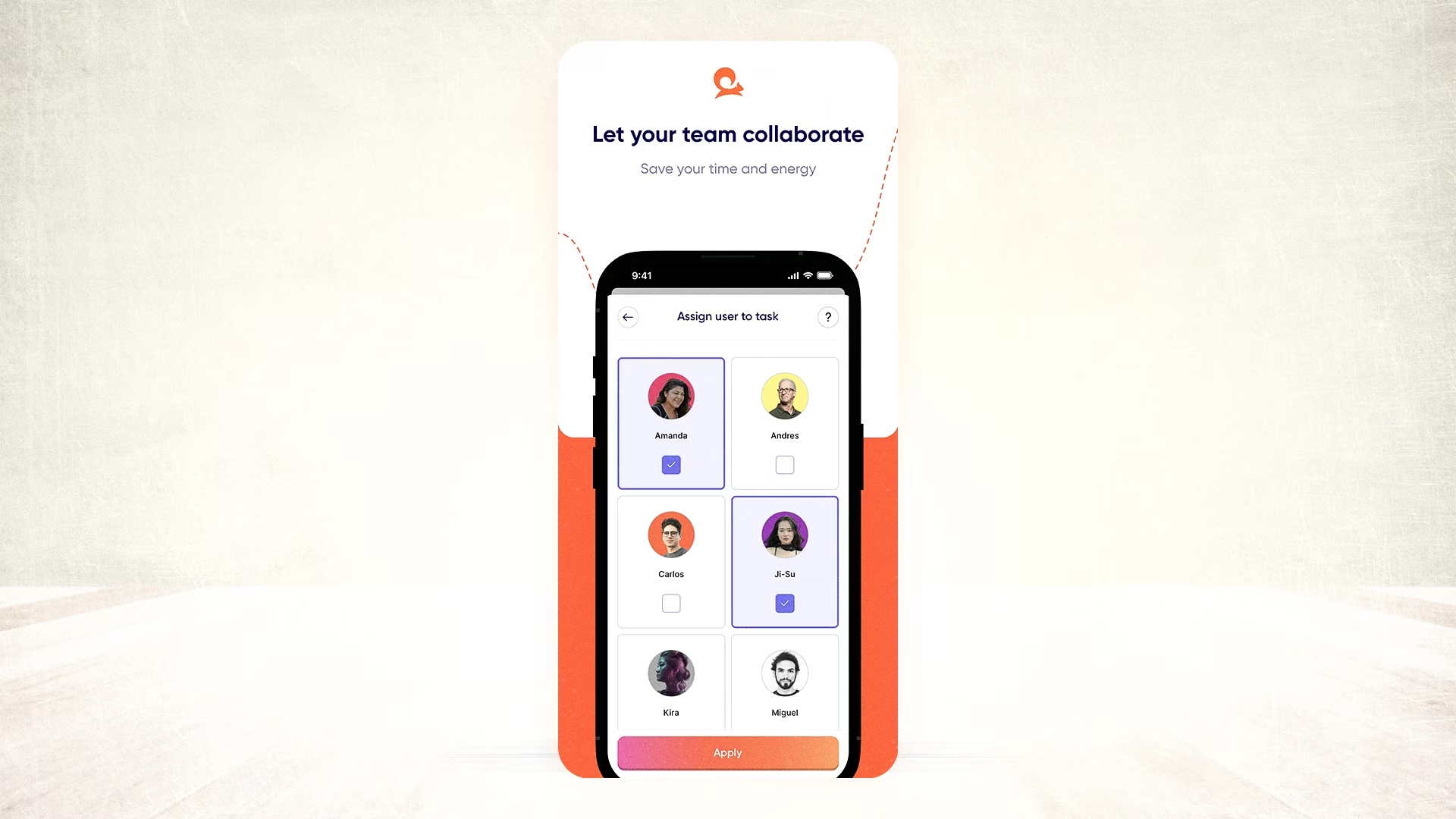
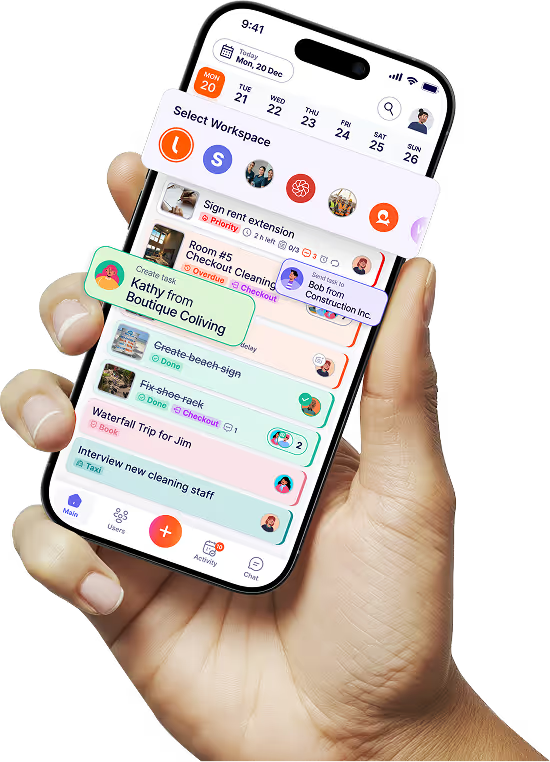
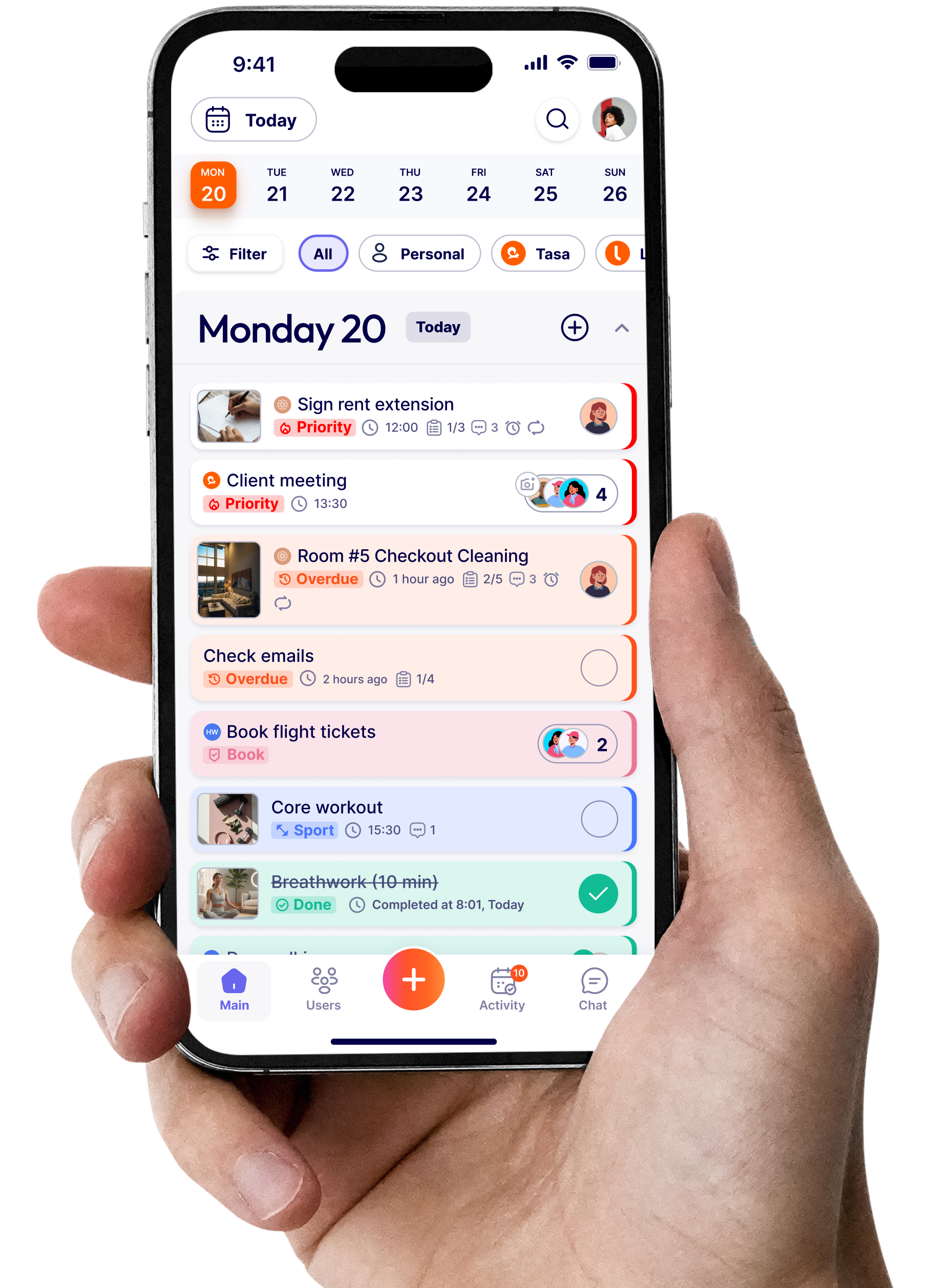
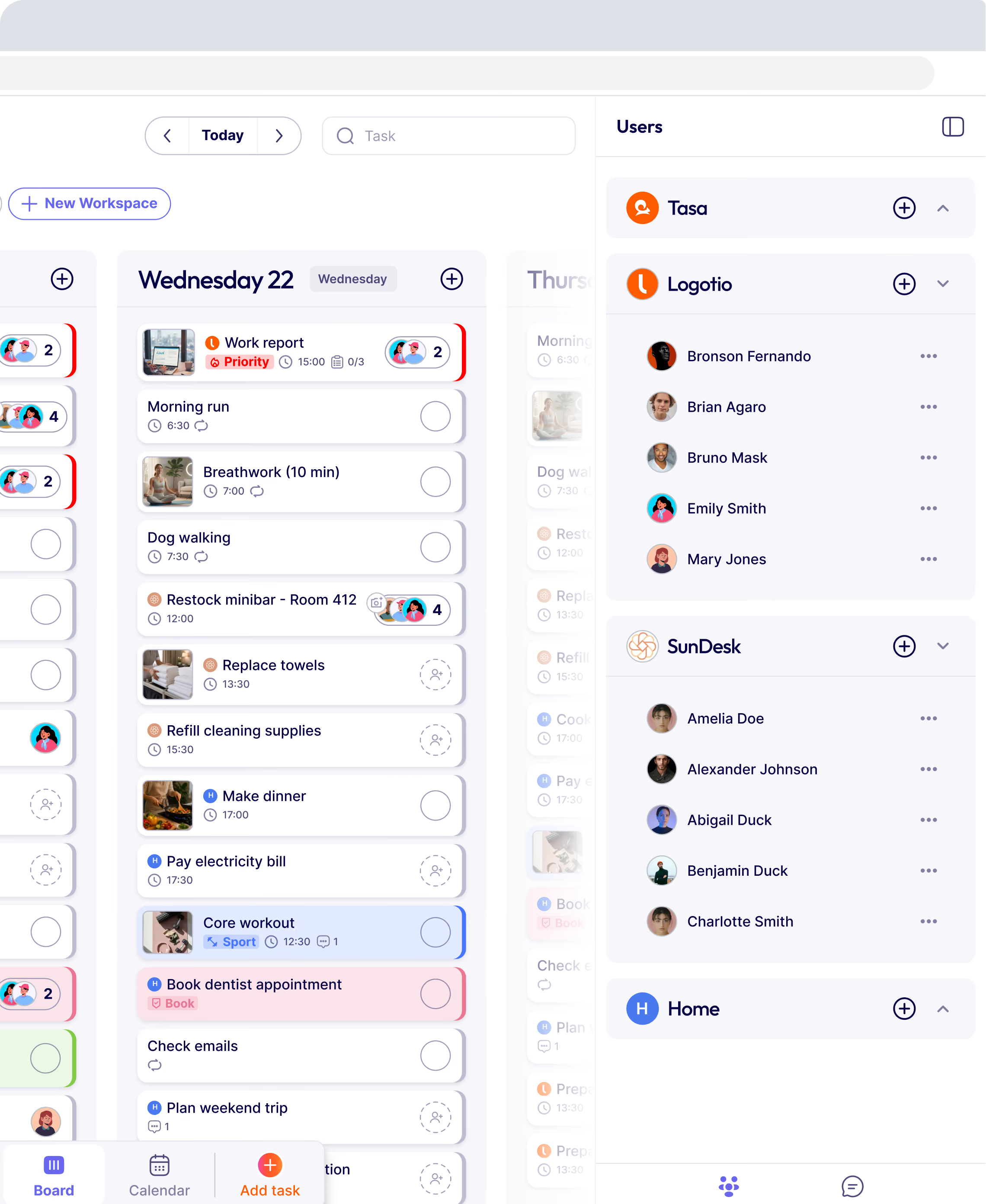
Tasa does not build shift calendars and will not replace your scheduler. It handles the part after the schedule is published: turning each shift's work into picture-based tasks that return photo evidence when done.
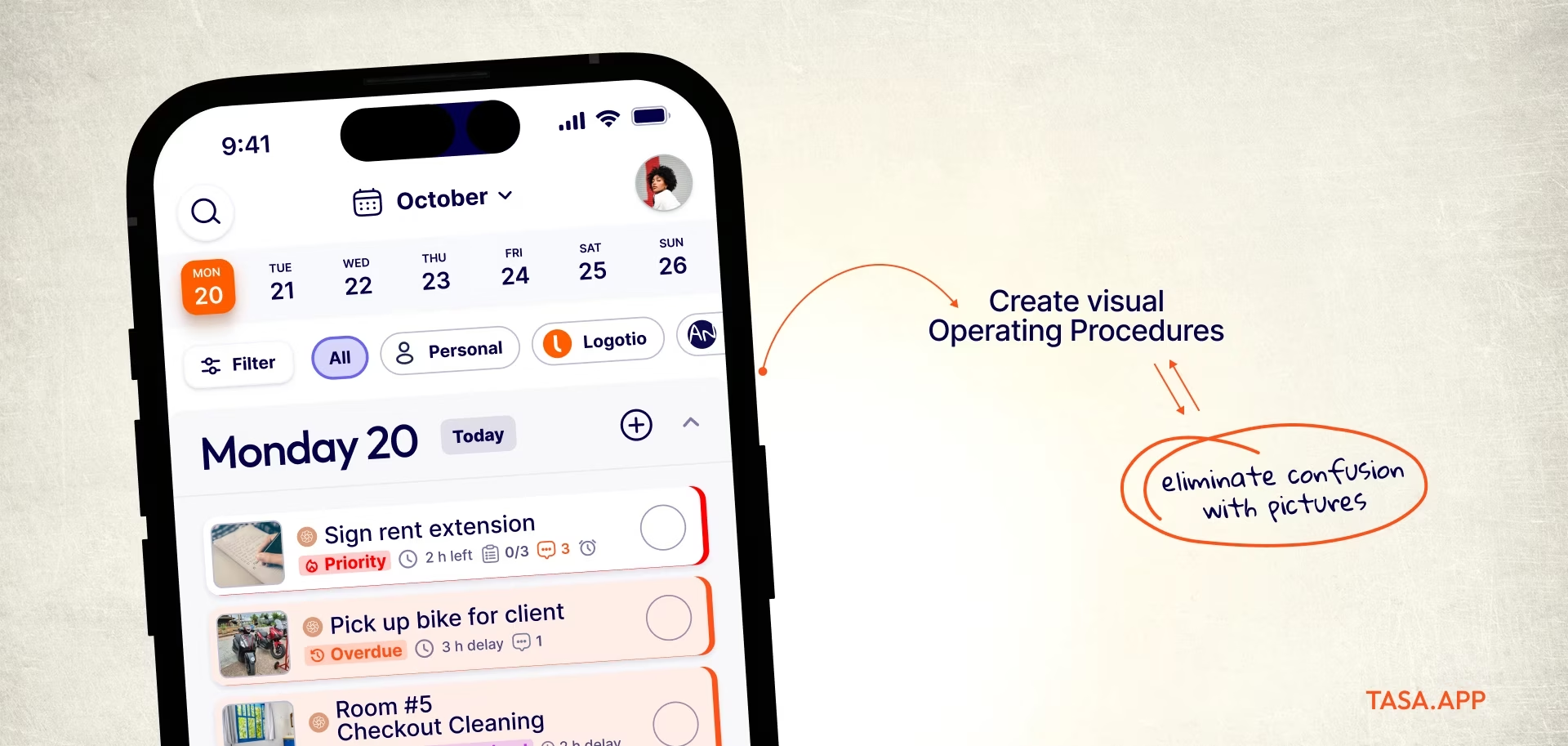
Picture tasks instead of text memos
Every task carries reference photos of the standard, so the evening crew on any given schedule knows exactly what "ready for tomorrow" looks like.
Completed tasks come back with photo proof and timestamps, which settles quality disputes and ends the manager ritual of driving between locations to check work.
Automatic translation for mixed-language teams
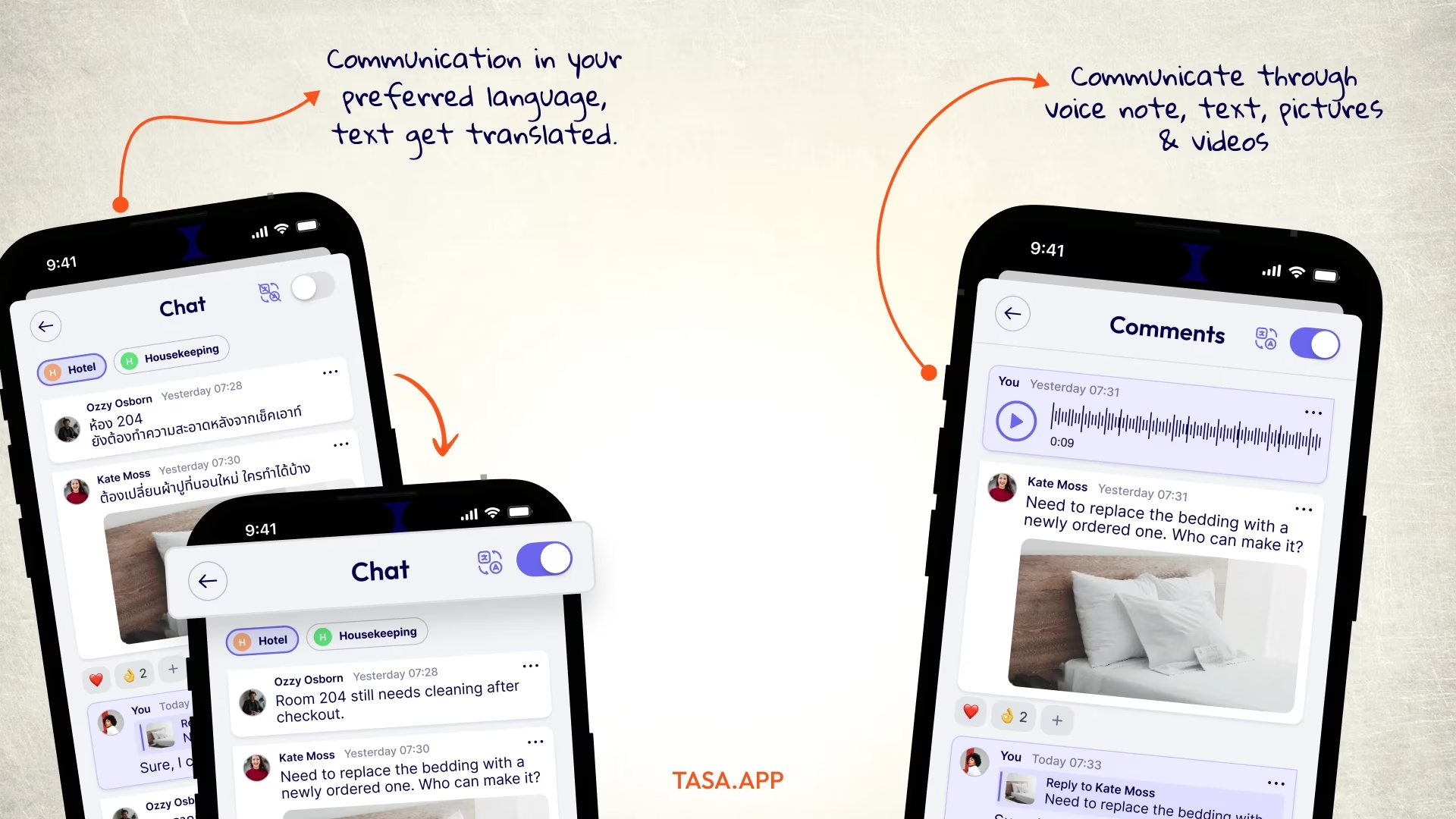
Sling's messaging assumes a shared language. Tasa translates tasks and comments automatically, with voice and video comments for crew members who prefer speaking. One visual standard, written once, executes across any language mix.
Free tier against free tier
Sling's free plan and Tasa's free plan cover different halves: scheduling versus execution. Tasa for personal use is free, Team plan is $6.40 per user per month.
Where Sling still wins
Unambiguously Sling for the calendar: drag-and-drop schedule building, availability management, open-shift filling from the published schedule, and cost views in the paid tiers. If your bottleneck is building the schedule faster, Tasa does not help and will not claim to.
Tasa vs Sling at a glance
What should I look for in a Sling alternative?
- Schedule depth: fast editing of the weekly schedule, schedule templates for repeating weeks, open-shift claiming, and swap approvals are the daily schedule features that decide whether managers actually save time.
- Time clock and timesheets: mobile clock-ins, a shared-device kiosk, and overtime flags. Check which tier includes them; this is where a free schedule tool starts charging.
- Payroll and integration surface: direct payroll integration or clean exports, plus POS or accounting integrations, determine the back-office value.
- Labor cost visibility: comparing scheduled hours against sales needs decent reporting. Lightweight tools show you hours; better ones show you cost per shift.
- Team messaging built in: one app for the schedule and the conversation beats three, as long as the messaging does not bury task instructions.
The best Sling scheduling alternatives in 2026
Connecteam: the operations suite
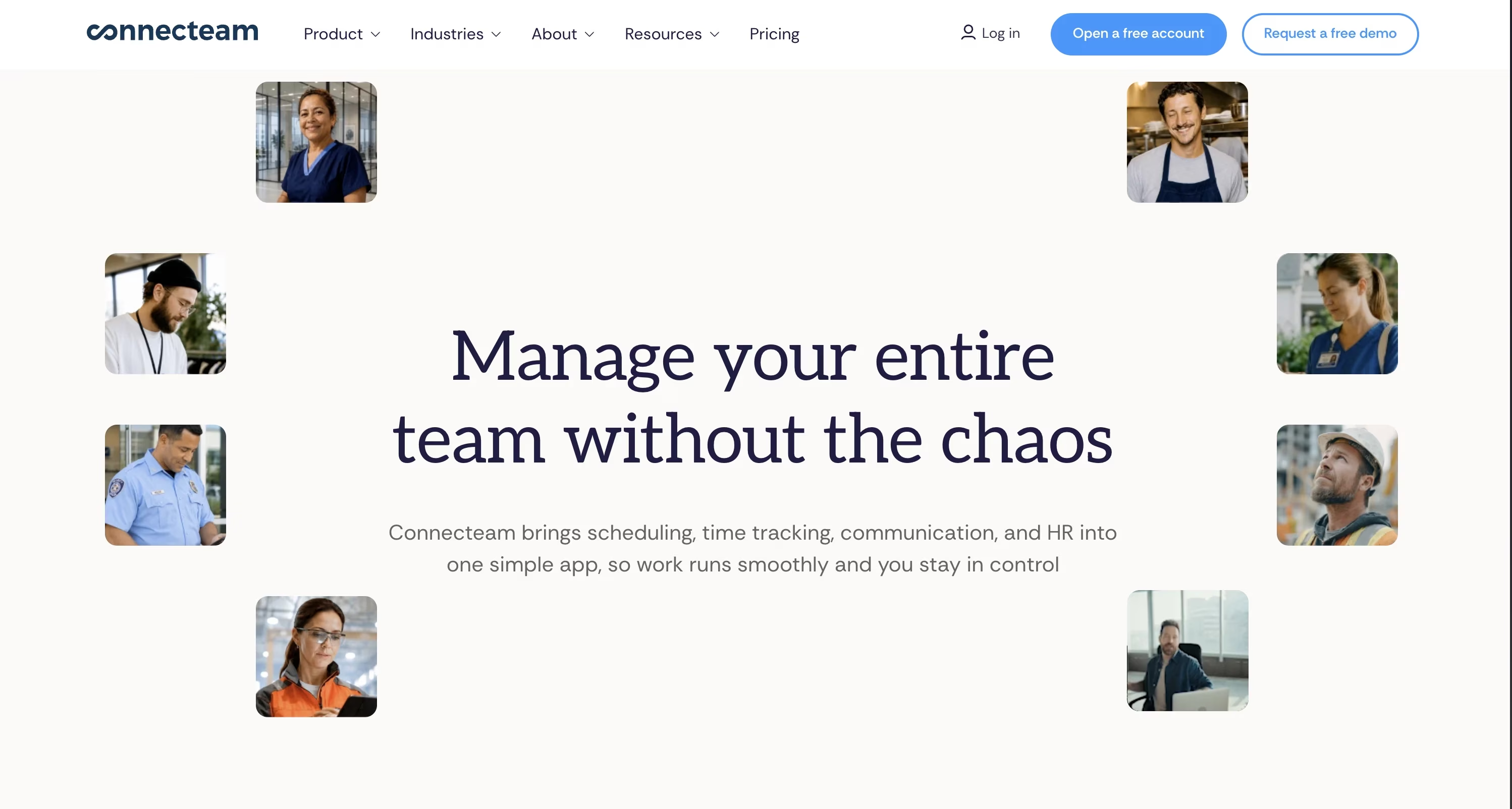
Free for up to 10 users, then from $29 per month covering the first 30 users (additional team members at $0.80 each). Bundles a time clock, scheduling, forms, and task management. The closest all-in-one upgrade path from Sling, with more depth per dollar once you pass the free tier. connecteam.com
Homebase: per-location pricing for hourly teams
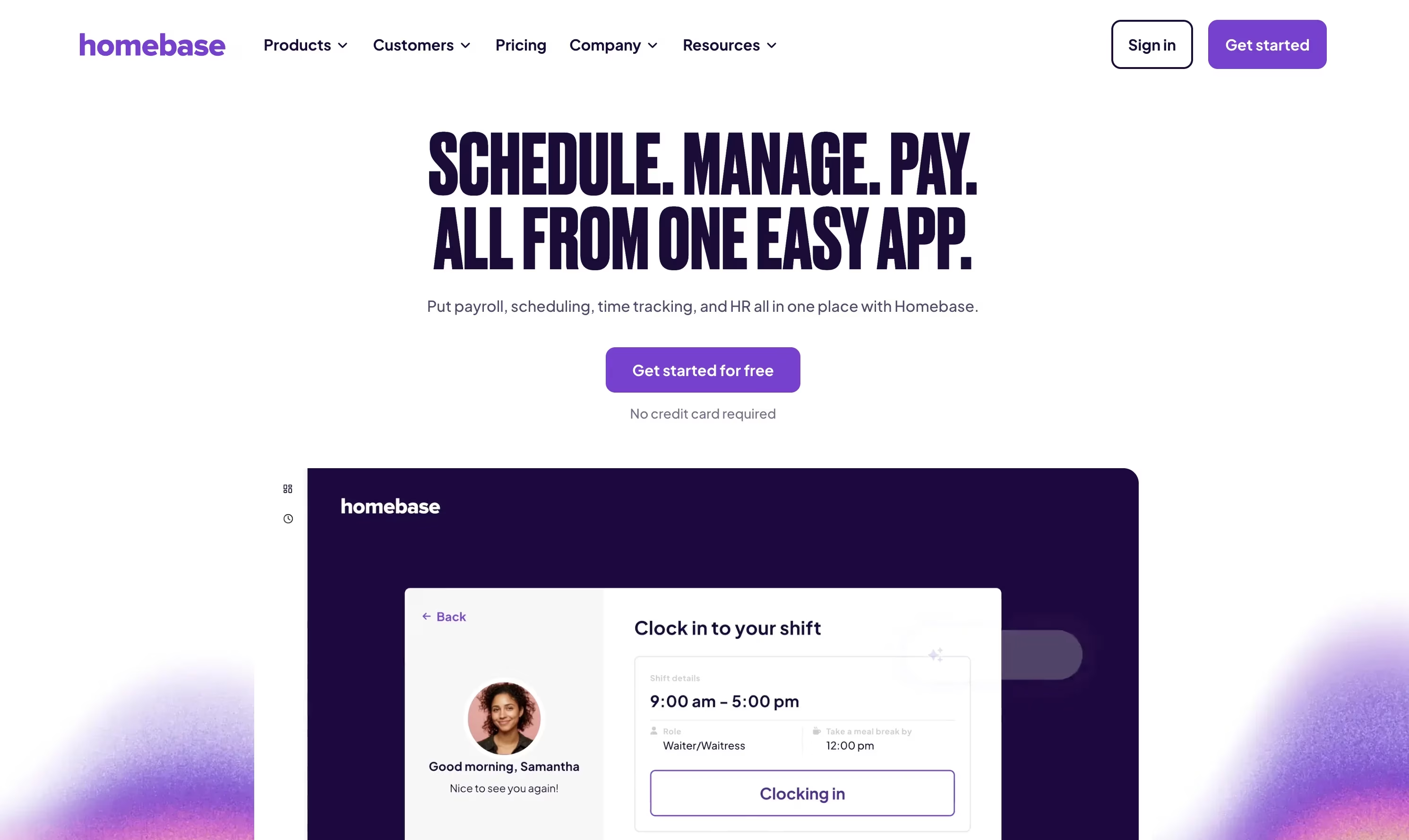
Free for one location (no free trial needed) with unlimited employees, Essentials at $24 per location per month billed annually, Plus at $56. Strong for restaurants and retail where one subscription covers the whole site, with built-in HR and payroll add-ons. joinhomebase.com
When I Work: scheduling-first simplicity
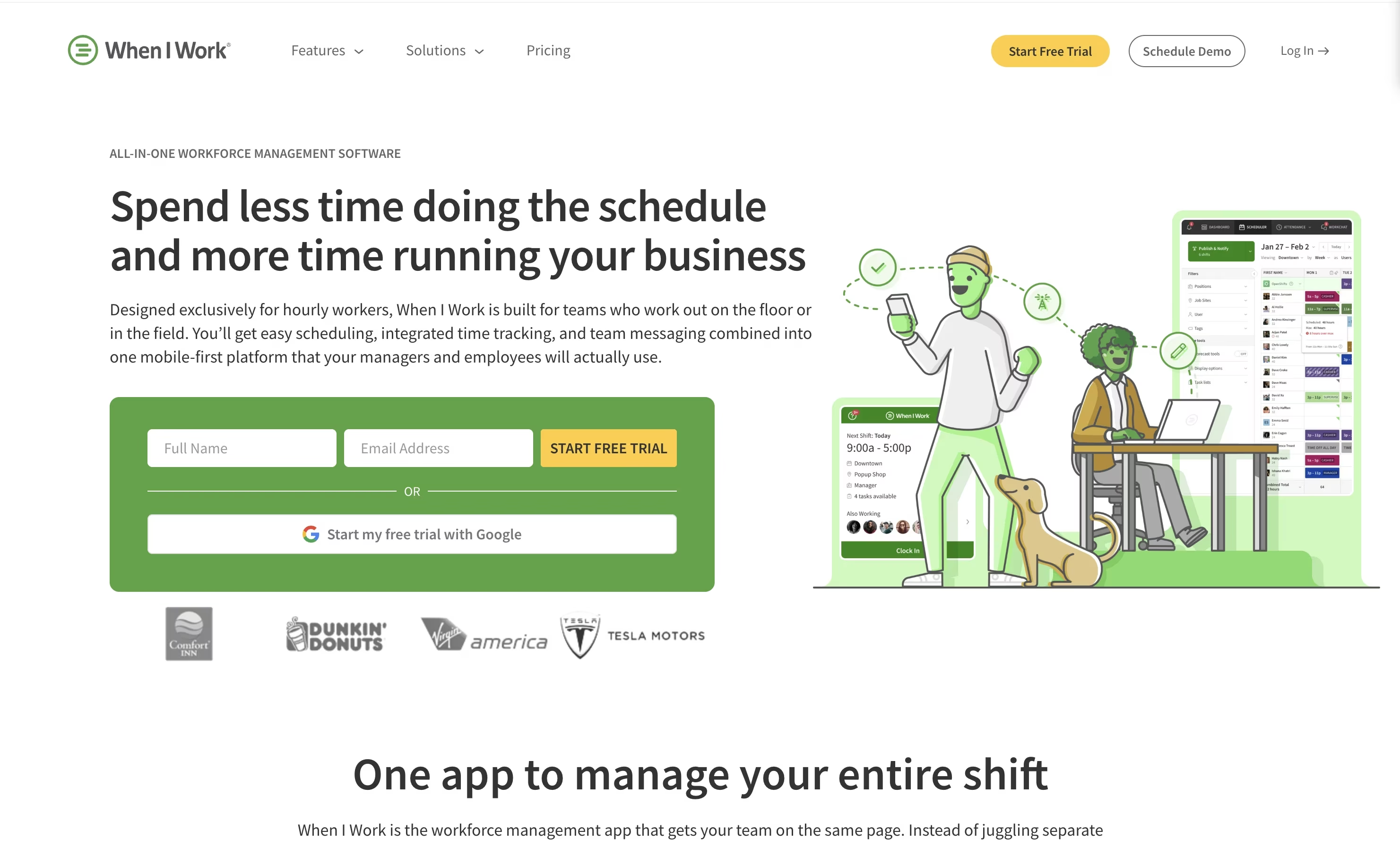
From about $2.50 per user monthly, aimed squarely at scheduling and attendance for hourly teams. If Sling's direction under Toast worries you, this is the closest like-for-like scheduler culture. wheniwork.com
Deputy: compliance-heavy workforce management
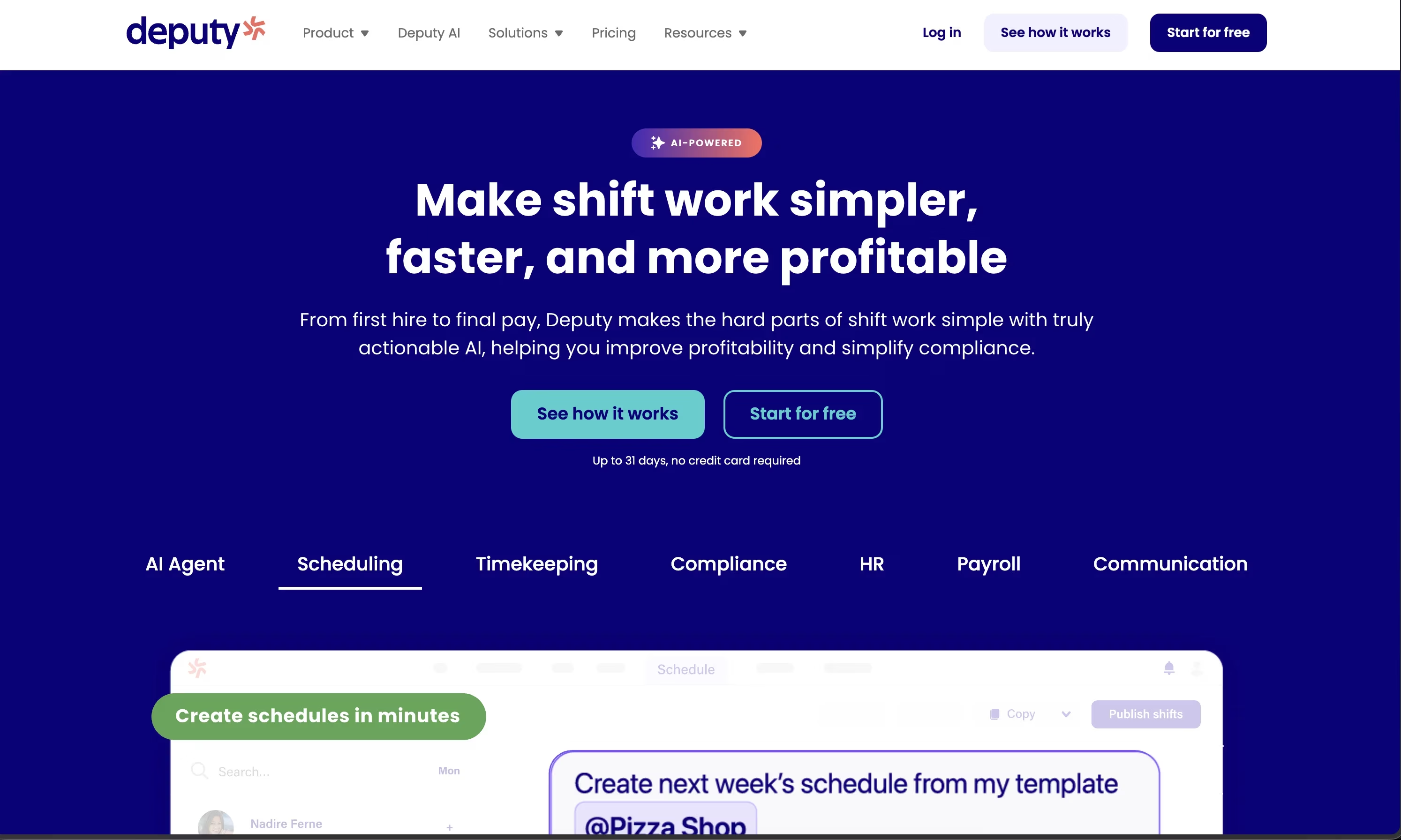
From $5 per user per month (Lite) with a $30 monthly minimum, up to $9 for Pro. Deeper on attendance, award compliance, and payroll integration than Sling, at a higher effective price. deputy.com
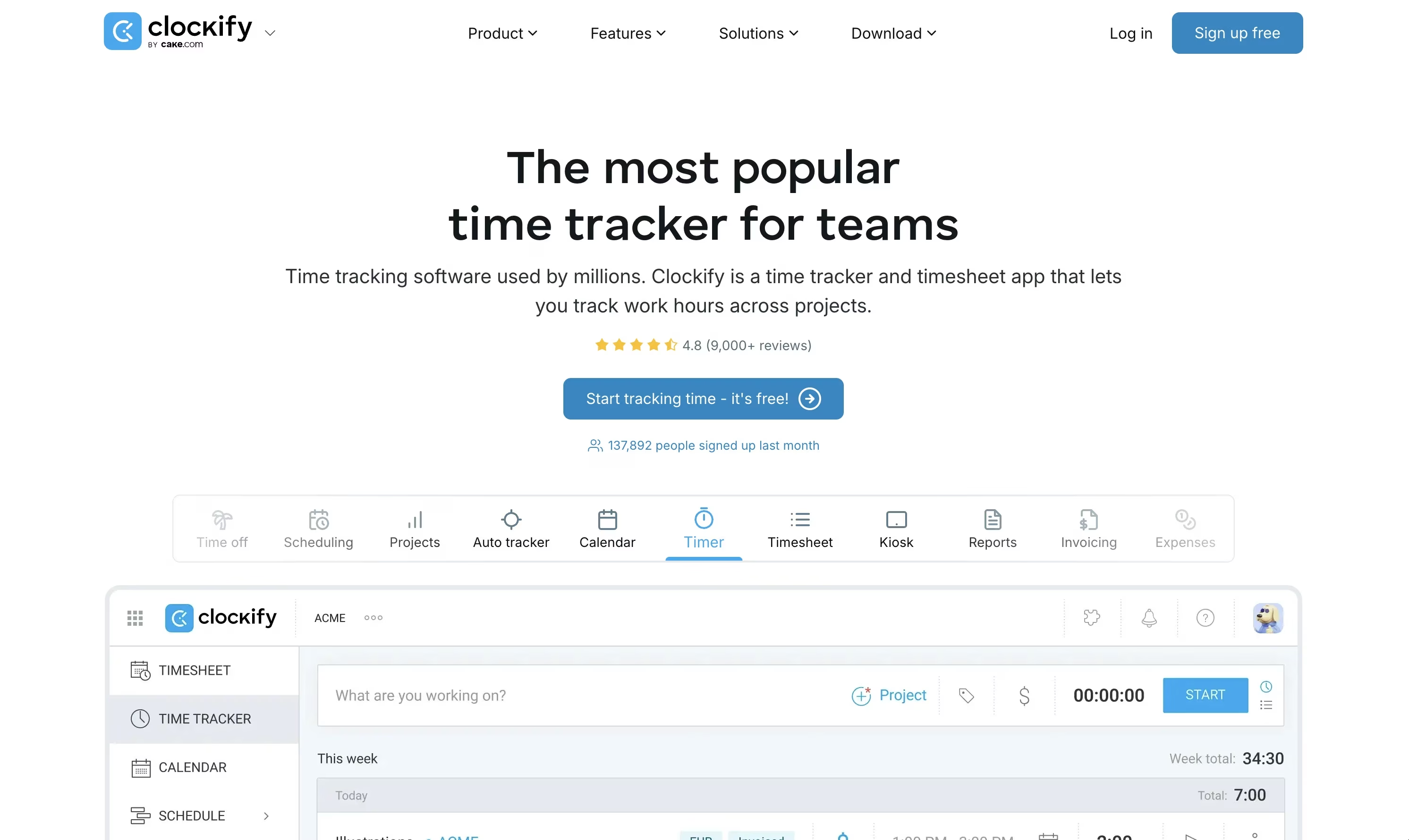
Clockify: free time tracking only
Completely free time tracking with reporting, no scheduling. Pairs with any scheduler (including Sling's free tier) when all you lack is a time clock. clockify.me
Which Sling alternative should you choose?
If you want one suite instead of a scheduler plus add-ons, Connecteam. If you run a single-location restaurant or shop, Homebase. If you want a pure schedule-first culture closest to Sling, When I Work.
Deputy, if compliance is the exposure, and whatever app you use to schedule shifts, if your gap is getting crews to execute visual standards across languages with proof, add Tasa next to it. It will show you what photo evidence does for quality arguments.
Schedule anywhere, prove everything with Tasa.
Latest News


Have questions?
.svg)
Team management, simplified.

“It affects my personal life a lot. I can manage my team and my work remotely, so I have more time being a mother.”
