.svg)
Deputy Alternative Guide 2026: Attendance Tools vs Proof of Work
Deputy is one of the most established names in workforce management: shift scheduling, time tracking, wage integration, and compliance tools for shift-based teams. If your problems are rosters, hours, and attendance, it genuinely solves them.
But businesses search for a Deputy alternative for predictable reasons. The per-user pricing plus a $30 monthly minimum adds up for small crews.
The GPS tracking and activity monitoring features raise privacy conversations with staff. And some owners discover that knowing who clocked in is not the same as knowing whether the work was done well.
This guide covers free and paid options with pricing verified as of September 2026, plus where Tasa, a picture-based task app, fits: attendance answers who was present; photo proof answers what the work looked like.
Key Takeaway
- Deputy has no free version: Lite is $5, Core $6.50, and Pro $9 per user per month, plus a $30 monthly minimum and paid add-ons like Payroll ($8 per user plus a $49 base) and HR ($2).
- No-cost alternatives exist: Jibble's time tracking is free forever for unlimited users, Homebase has a free tier, and Clockify tracks time at no cost.
- Verified paid alternatives: Buddy Punch from $4.99 per user plus a $19 base fee, Homebase Essentials $24 per location monthly, Connecteam from $29 per month for the first 30 users.
- Tasa covers a different layer: picture-based tasks and photo proof of completed work. It does not replace a time clock.
Why businesses look for alternatives to Deputy
- The minimum spend bites small teams. Deputy bills per user per month but enforces a USD $30 monthly minimum per invoice. A team of four pays the minimum anyway, which roughly doubles the effective per-user cost compared to the sticker price.
- Costs stack through add-ons. Payroll enabled by Paycor adds $8 per user per month plus a $49 monthly base. HR adds $2, Messaging+ adds team messaging at $1.95, Analytics+ $1.50. The schedule you evaluated is rarely the bill you receive.
- Location tracking concerns. Deputy offers GPS tracking and geofenced check-ins. Owners like the accountability; employees sometimes read it as surveillance. If monitoring friction is hurting retention, it is a switching trigger, not a feature.
- Timesheets show hours, not quality. Deputy proves attendance, hours, and wage compliance. It cannot show what the cleaned room looked like or whether the closing checklist was actually finished. Teams that need proof of work, not just proof of presence, start looking elsewhere.
None of this makes Deputy a bad product. It makes it a workforce compliance tool, priced and shaped for employers whose risk lives in hours and wages.
Is there a free version of Deputy?
No free plan exists, only a free trial. Deputy Lite costs $5 per user per month, Core $6.50, and Pro $9, with a $30 monthly minimum per invoice.
If free is the requirement, real options exist: Jibble's free-forever plan covers time tracking for unlimited users, Homebase's free tier handles basic scheduling for one location, and Clockify tracks hours at no cost. Free rarely means full workforce management, but for time tracking alone it does.
Does the Deputy app track employee location?
Yes, optionally. Deputy supports GPS tracking and geofenced clock-in, so employers can verify where someone was when they started a shift. It is a compliance feature, and a legitimate one for dispersed teams.
The tradeoff is cultural: some staff experience location monitoring as distrust, and managers inherit the conversation.
Any alternative decision should weigh whether you need location verification, time verification, or work verification, because different tools answer different ones.
Tasa: the Deputy alternative for proving work, not hours
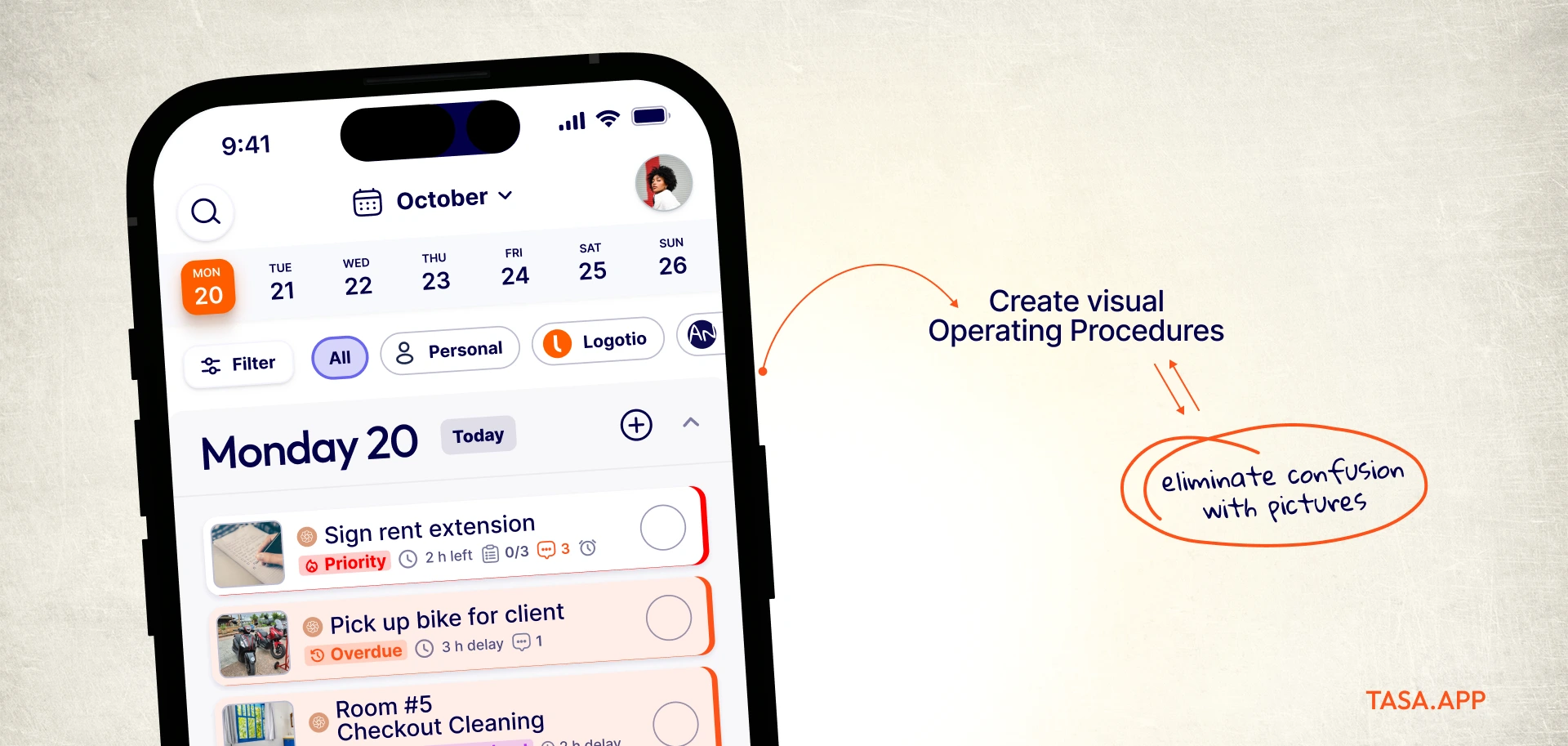
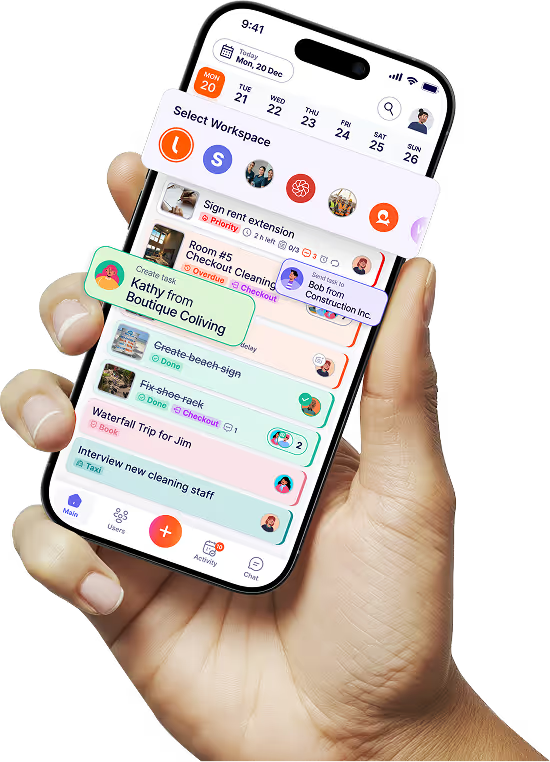
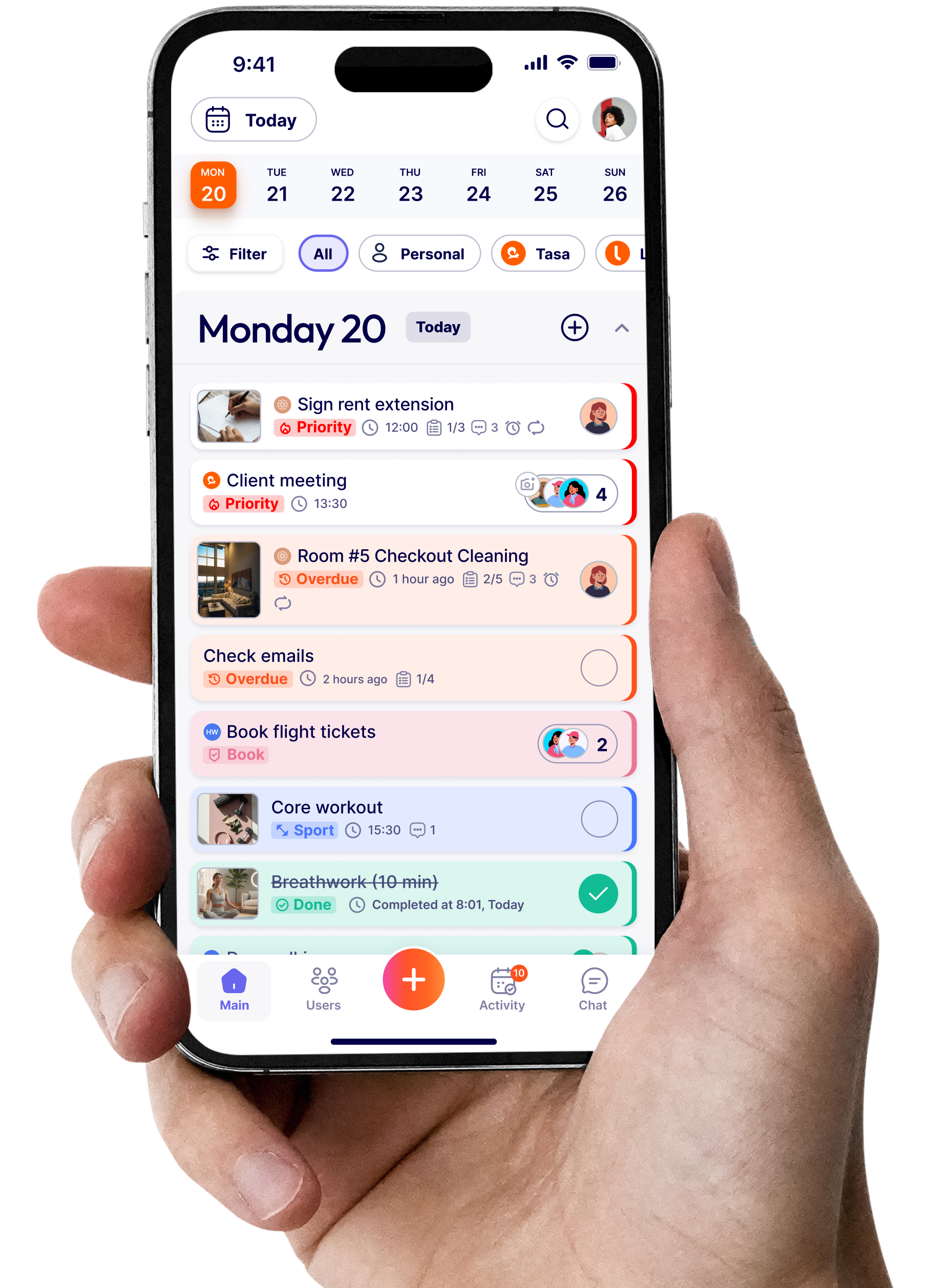
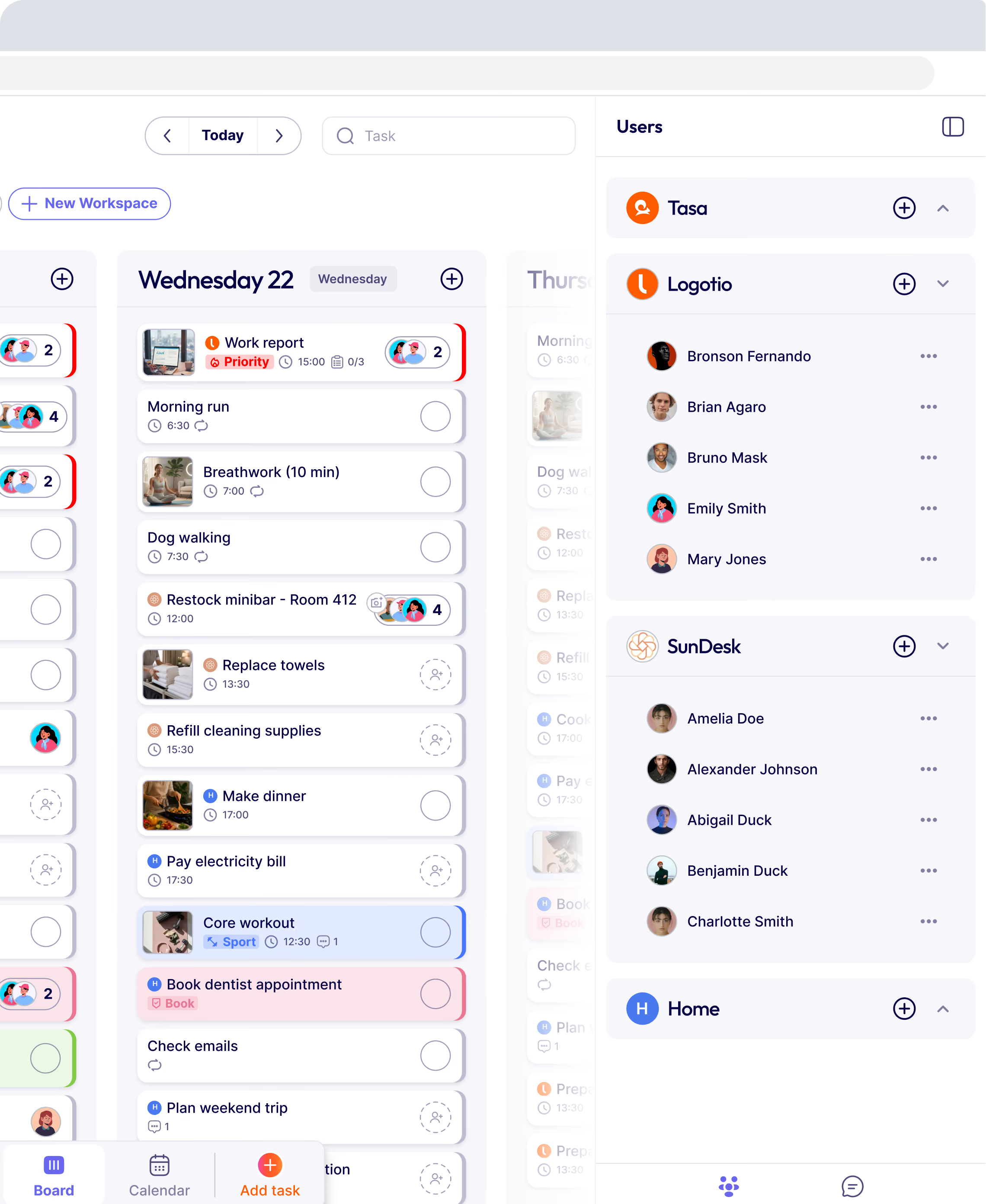
Tasa does not schedule shifts, track hours, or handle payroll, and it will not pretend to. It answers the question Deputy cannot: was the work done to standard? Every task is a picture-based instruction, and completion returns photo evidence with timestamps.
Photo proof per task
A timesheet line says someone was on site for four hours. A Tasa task shows the finished room, the completed install, the restocked shelf. Owners verify remotely, disputes with customers end in seconds, and new staff learn standards from reference photos instead of paragraphs.
Automatic translation across the crew
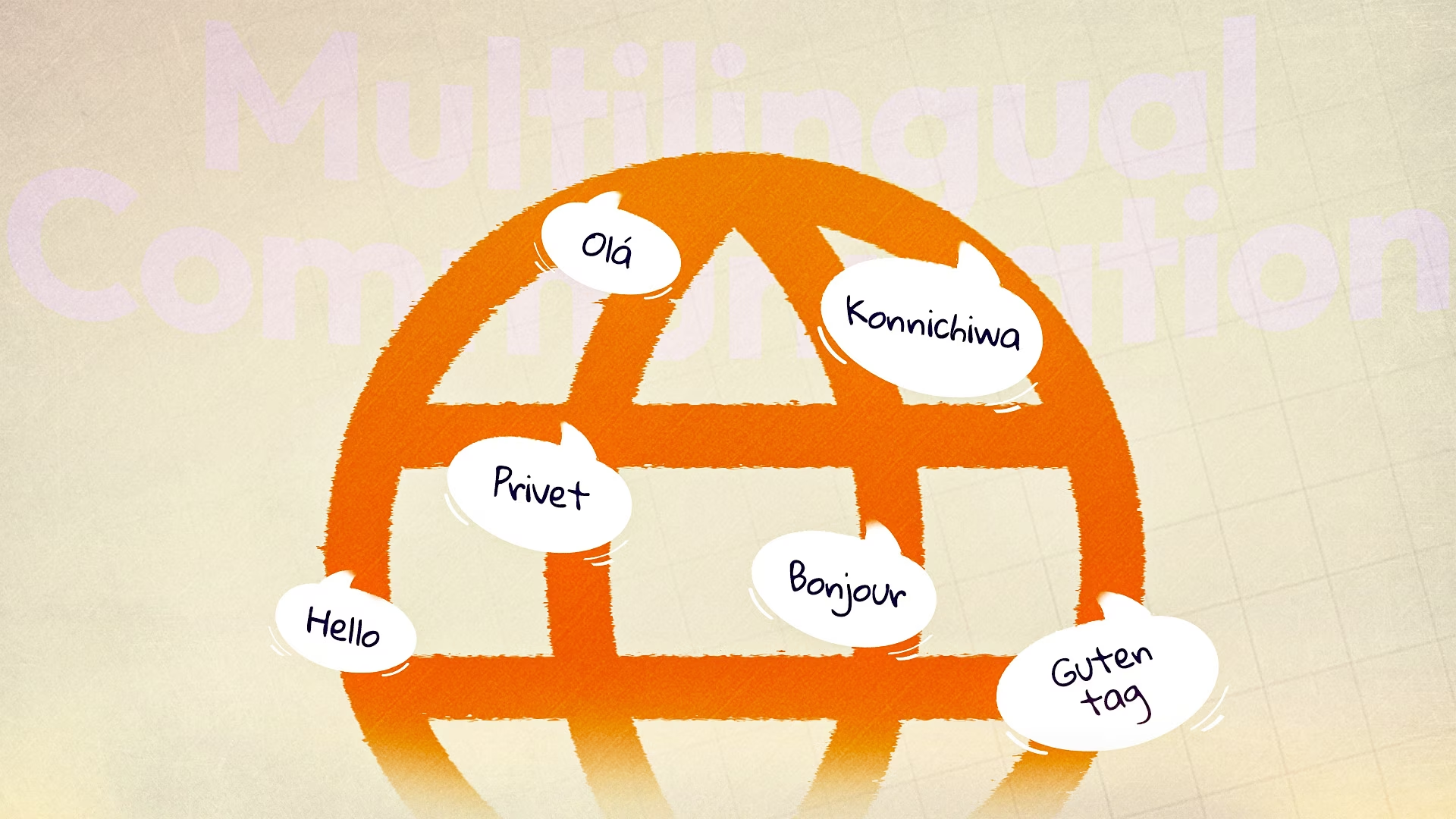
Shift-based workforces are disproportionately multilingual. Tasa translates tasks and comments automatically, with voice and video comments for people who prefer speaking to typing. A checklist written once executes across any language mix.

Pricing without a minimum
Free for personal use. Team requires payment of $6.40/user/mo. No monthly minimum, no add-on ladder: a five-person team pays the same per user as a fifty-person one.

Where Deputy still wins
Clearly Deputy for scheduling, attendance, award compliance, and payroll integration. If your exposure is labor law and wage compliance, Tasa does not touch that problem. Many teams run both: Deputy for hours and wages, Tasa for the work itself.
Tasa vs Deputy at a glance
What features should I look for in a Deputy alternative for business needs?
- Scheduling depth: shift swaps, schedule publishing, availability management, and fatigue rules matter more than pretty calendars. Test with your messiest week.
- Time tracking and payroll integration: check-in methods, GPS options, overtime rules, and export paths to payroll and CSV decide the compliance value.
- Team messaging: built-in team communication reduces app sprawl, but check whether it replaces or merely duplicates what your crew already uses.
- Pricing structure: per-user, per-location, minimum spends, and base fees change the math dramatically at team sizes of five or fifty. Model your actual roster.
- Mobile app quality: shift workers live on phones. A clumsy mobile app means missed check-ins and angry calls to management.
Best Deputy alternatives in 2026 (if Tasa is not your fit)
Jibble: free time tracking forever
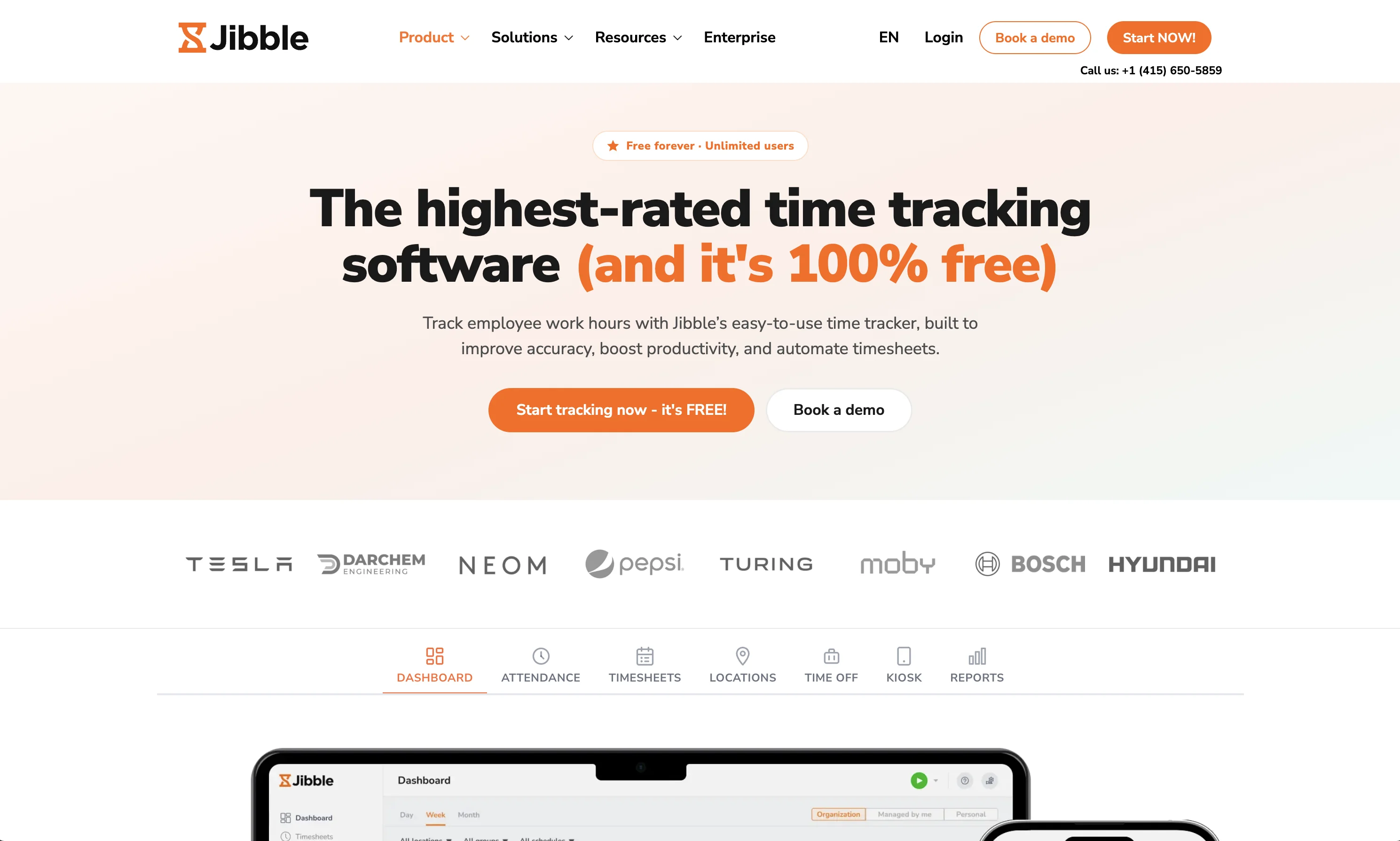
Free forever for unlimited users with facial recognition and GPS verification, plus paid tiers for advanced features. The closest thing to a free Deputy Lite, strongest for teams whose core need is hours, not scheduling complexity. jibble.io
Buddy Punch: simple time tracking with a base fee
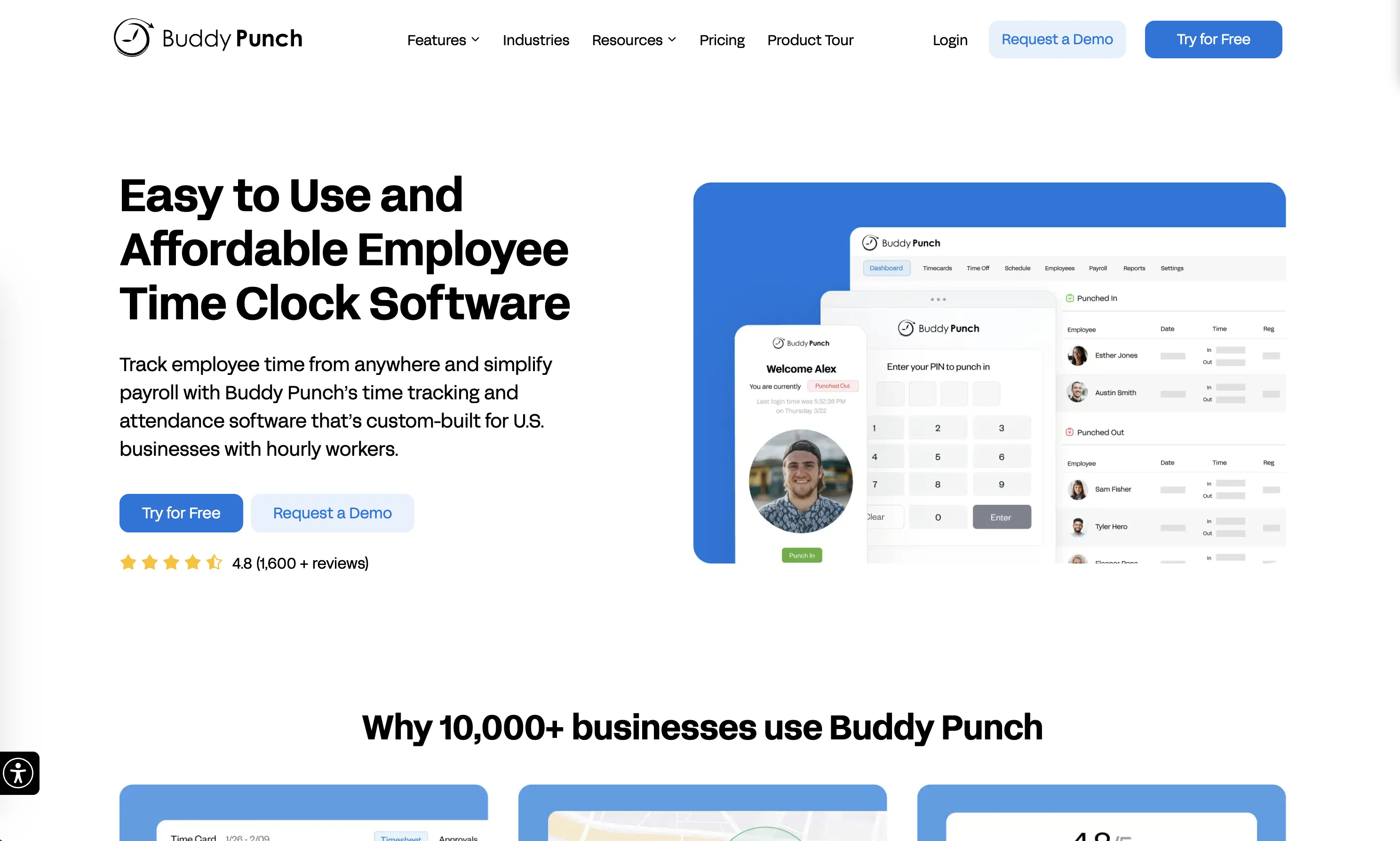
Starter at $4.99 per user per month plus a $19 base fee, Pro at $6.99, Advanced at $12.99. Punch-in, PTO, payroll export, customer support, and a direct message line to managers without workforce-management depth. buddypunch.com
Homebase: schedule-first, per location
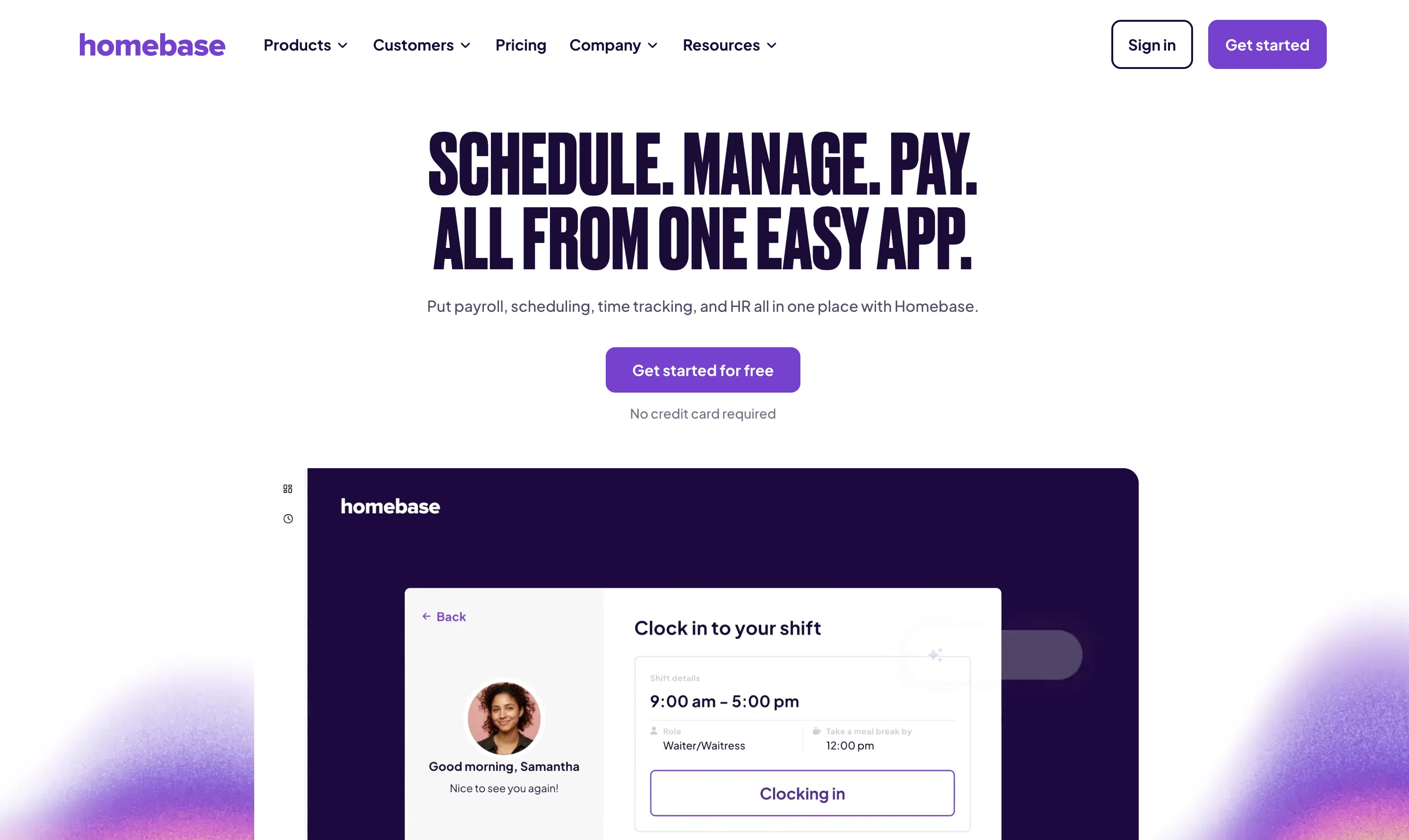
Free tier for one location, Essentials at $24 per location per month (billed annually) with unlimited employees, Plus at $56. The per-location model beats per-user for large teams at a single site, and restaurants are its home turf. joinhomebase.com
Connecteam: operations suite for frontline teams
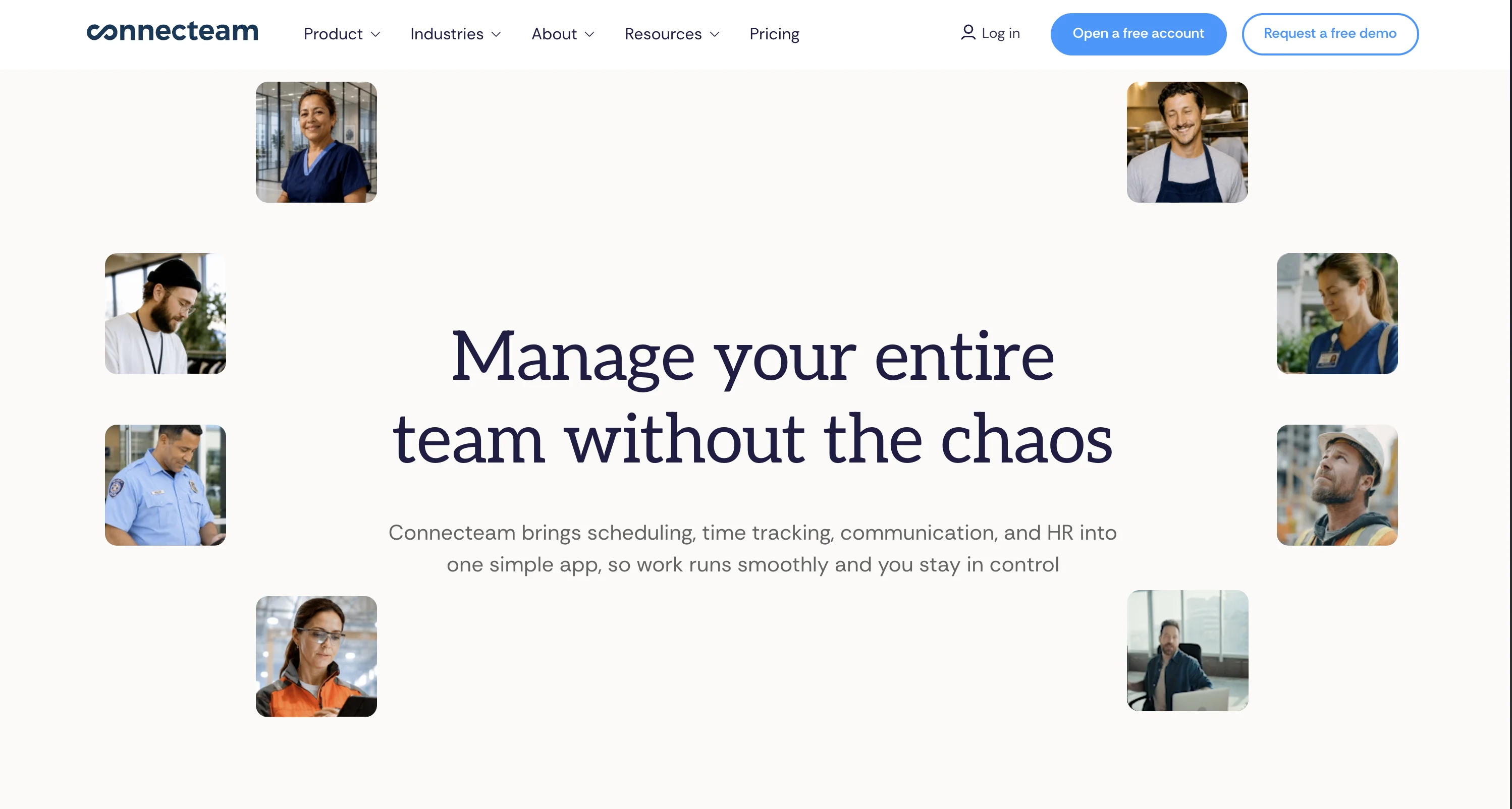
Free for up to 10 users, then from $29 per month for the first 30 users with additional users at $0.80. Bundles time clock, scheduling, forms, and task management. The closest all-in-one Deputy competitor, at the cost of some depth in each area. connecteam.com
When I Work: pure scheduling focus
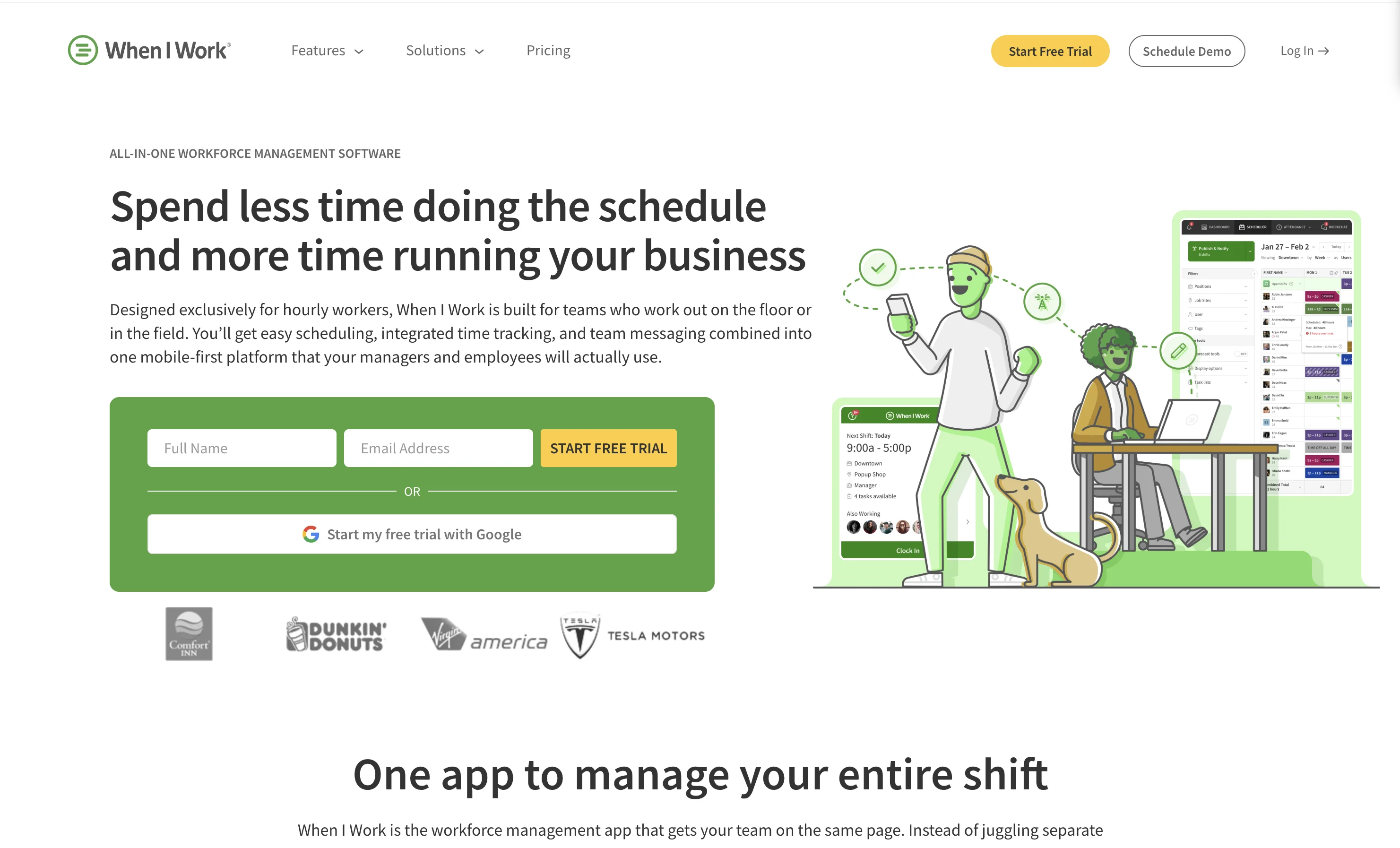
Scheduling-first pricing from around $2.50 per user monthly, aimed at teams whose pain is the roster rather than compliance. See our full When I Work alternative breakdown for details.
Switching from Deputy: which alternative should you choose?
If time tracking is the whole problem, Jibble free. If you run a single-location restaurant, Homebase. If you want an all-in-one frontline suite, Connecteam. If the schedule is the pain, When I Work.
And if your real gap is not hours but work quality, crews executing visual standards across languages with proof, pair Deputy (or any of these) with Tasa: keep the timesheet, add the evidence.
Prove the work, not just the hours.
Latest News

Have questions?
.svg)
Team management, simplified.

“It affects my personal life a lot. I can manage my team and my work remotely, so I have more time being a mother.”
