.svg)
Best time management app for local business owners

Many local business owners think they have a time management problem. Meanwhile, they often have an execution problem. As a local business owner running a cleaning company, hotel, restaurant, supermarket, or repair business, your day is rarely predictable.
You are constantly balancing customer calls and walk-ins, staff scheduling, supplier coordination, last-minute changes, quality checks, personal and family commitments.
What should a time management app for local business owners do?
A time management app for local business should help you see your day and week at a glance, coordinate bookings, meetings, avoid double‑booking and forgotten commitments
Most importantly, it should reduce chaos, not create more of it.
Time management apps that work well for local business owner
Notion Calendar
Your all-in-one planning tool for individuals and teams. Notion Calendar combines scheduling, notes, and task organization in one place.
It works well for local business owners who need calendar blocking, recurring schedules, meeting coordination, project visibility or synced planning across devices
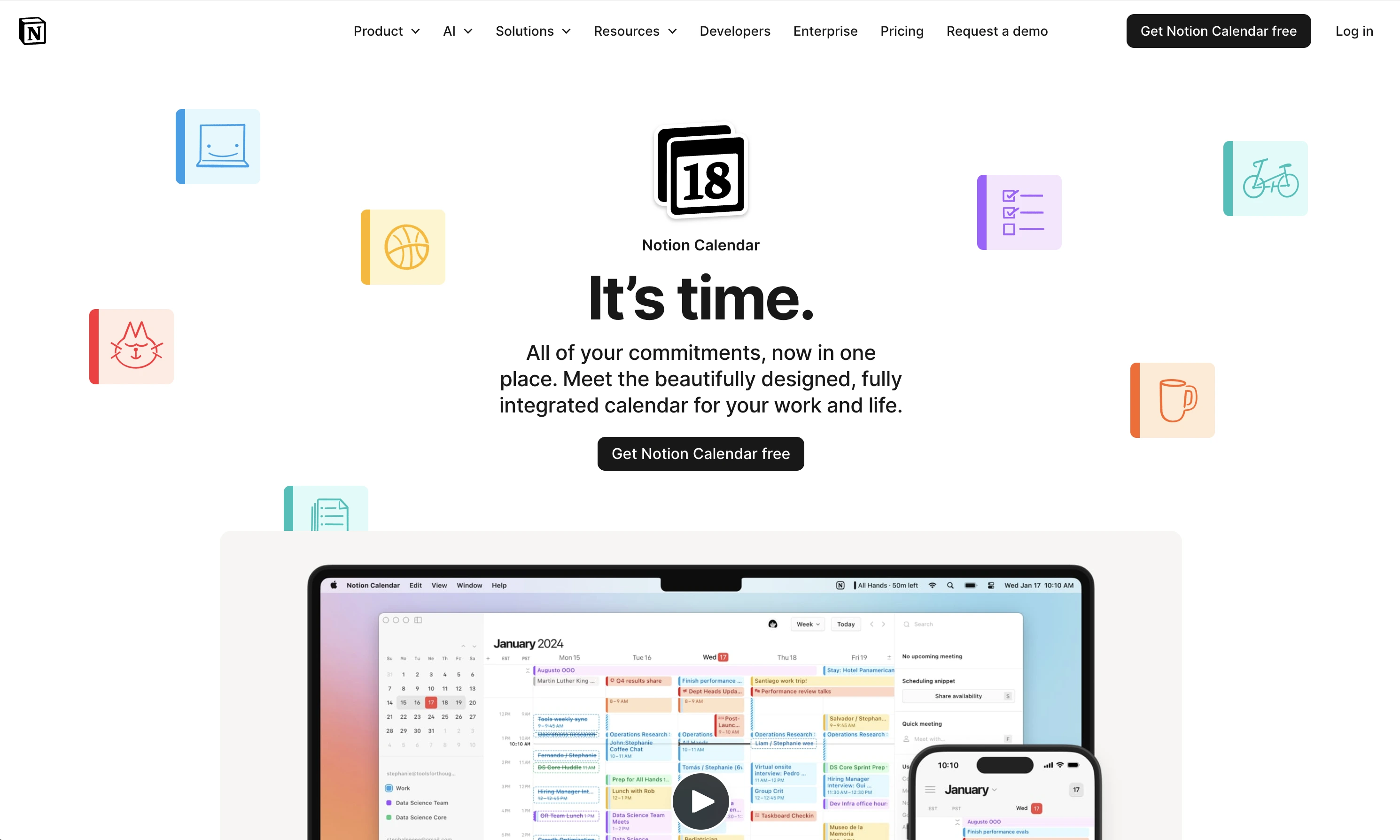
Best for service businesses, managers handling multiple schedules, organized operational planning
Strengths:
- flexible workflows and integrates with Notion workspace
- combines notes and scheduling together
Limitations:
- takes time to learn
- better suited for planning than frontline execution
Microsoft To Do
Simple shared task coordination. Microsoft To Do is useful for local businesses that want lightweight scheduling and reminders without complexity.
It helps with daily task reminders, shared lists, recurring duties, staff coordination, personal and work planning
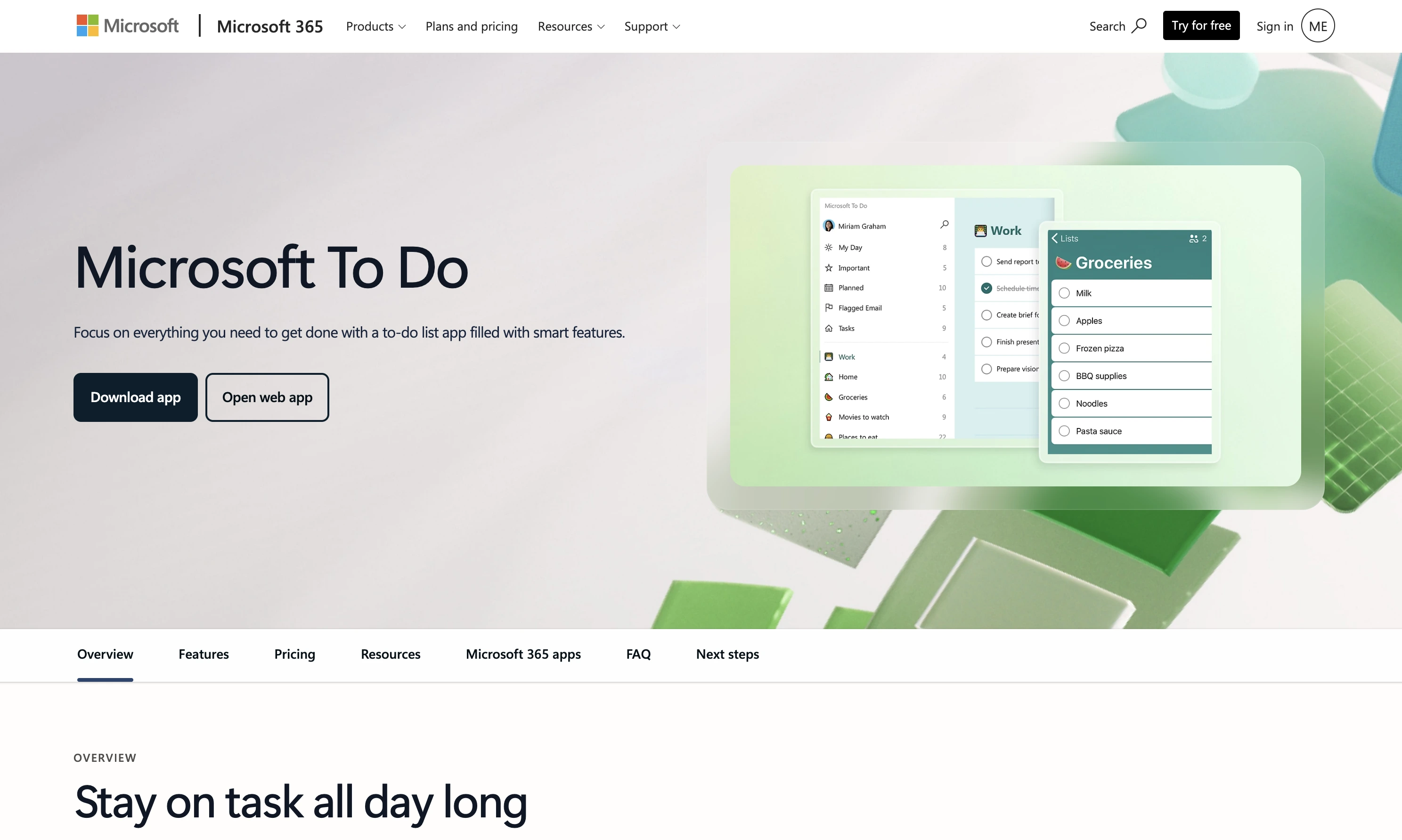
Best for small local teams, family-run businesses, simple recurring operations
Strengths:
- easy onboarding
- cross-device syncing
- integrates with Outlook and Microsoft 365
Limitations:
- limited operational visibility
- not built for field teams or quality control
RescueTime
Automatic time tracking and productivity insights. RescueTime focuses more on analyzing how you spend time on daily. It automatically tracks digital activity and highlights time drains.
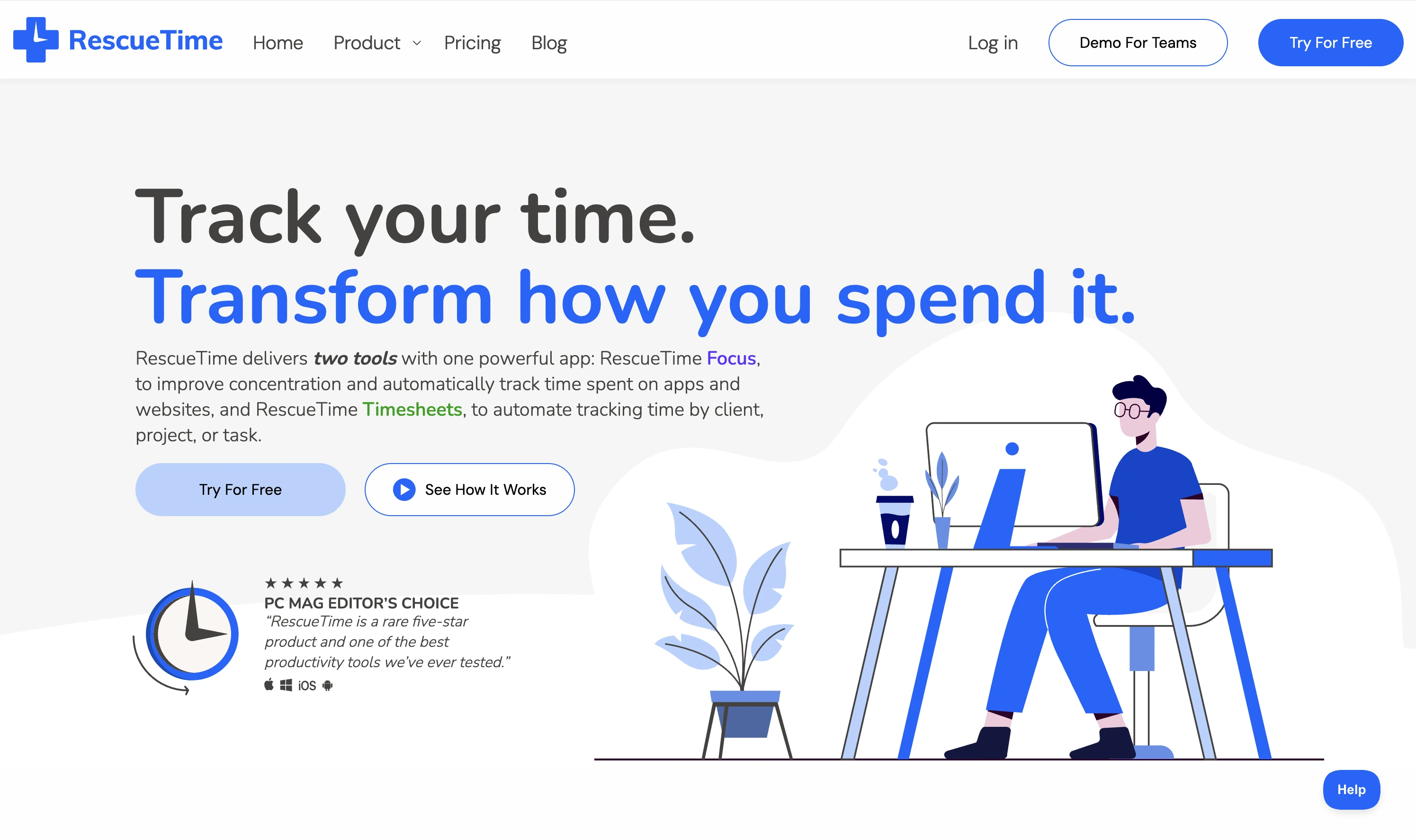
Best for office-based work, managers working heavily on computers or personal productivity improvement
Strengths:
- automatic tracking
- productivity reports
- distraction monitoring
Limitations:
- less useful for offline operational businesses
- limited support for frontline team coordination
Use one primary time management app or Google Calendar to control your time and schedule. Then layer a dedicated task management app to control work quality.
Why local business owners or manager lose time daily
Local businesses rarely lose time because of bad calendars alone. They lose time because daily operations constantly break down.
Some of the biggest hidden time drains include repeating instructions to staff due to unclear responsibilities, checking if work was completed, fixing avoidable mistakes, inconsistent work quality
Over time, these small interruptions consume hours every week.
Why scheduling alone is not enough for local businesses
A calendar or time management app can tell you when work should happen. It cannot confirm the work was actually completed properly.
This is where many local business owners struggle with time and task management.
For example: you can easily schedule room turnovers but you can't confirm the task is perfectly done unless you're there in person. The scheduling system alone does not solve the real problem which raise the need for an execution or task management app.
Why local businesses need a task management app
Many local businesses operate through recurring operational tasks. Which can be hotel turnovers, cleaning routines, opening and closing checklists etc.
These tasks require more than reminders. They require clarity, accountability, and confirmation.
This is the problem Tasa solve for local business owners and managers.
What is Tasa used for?
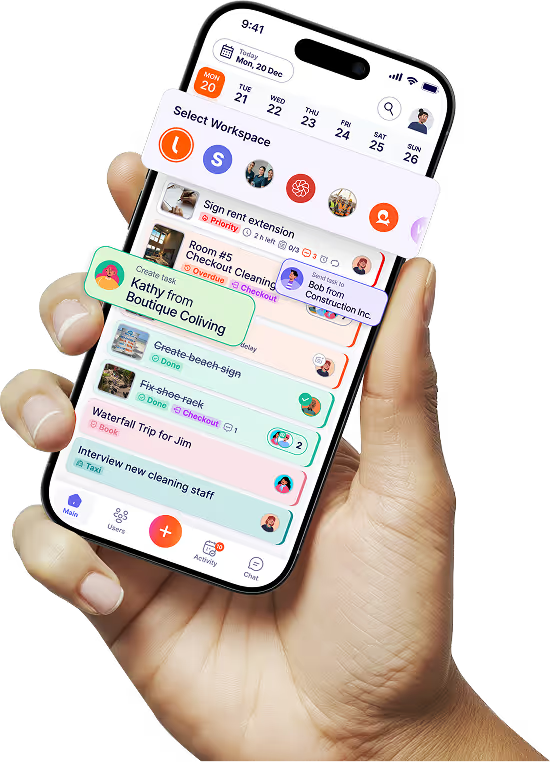
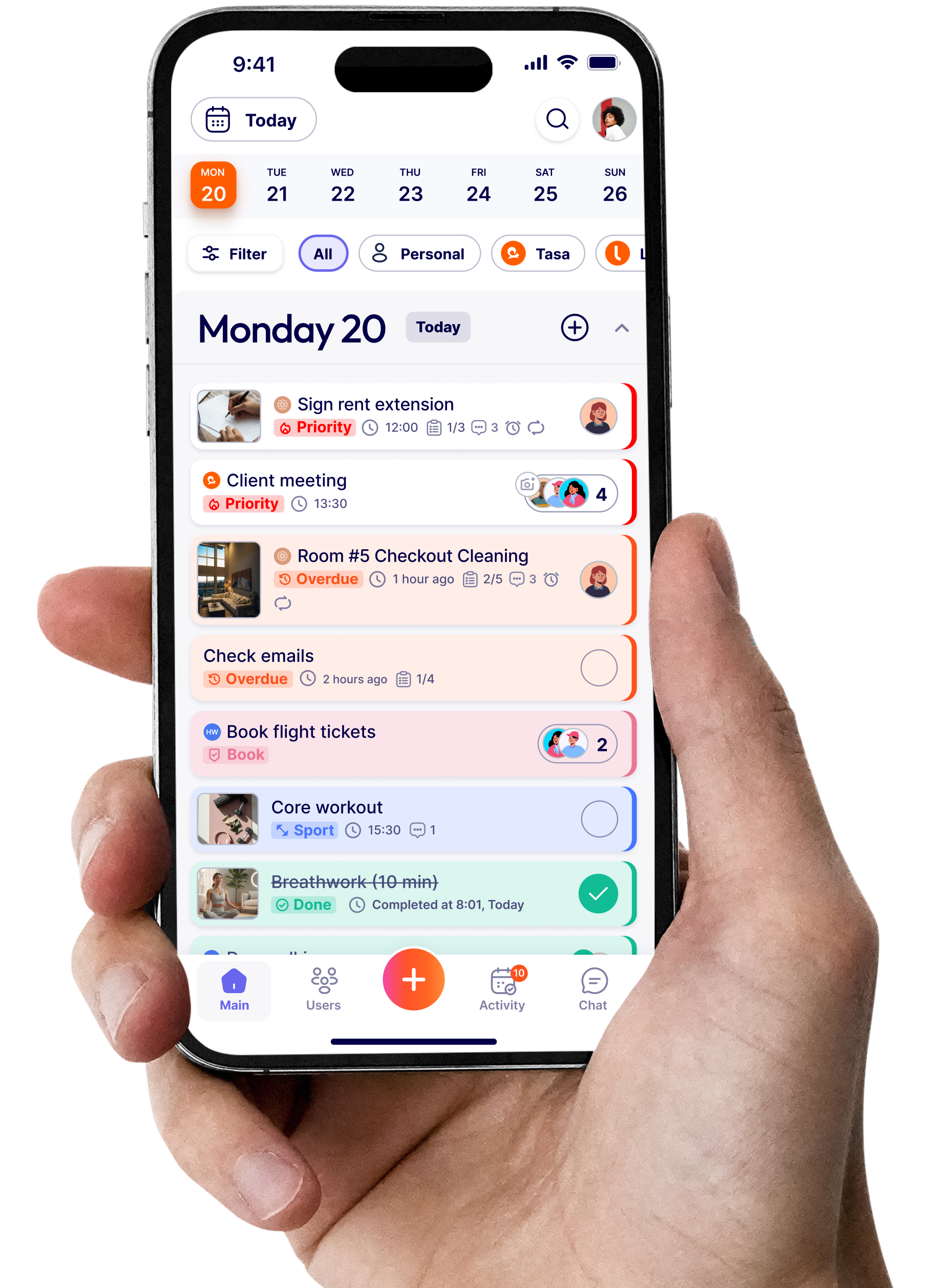
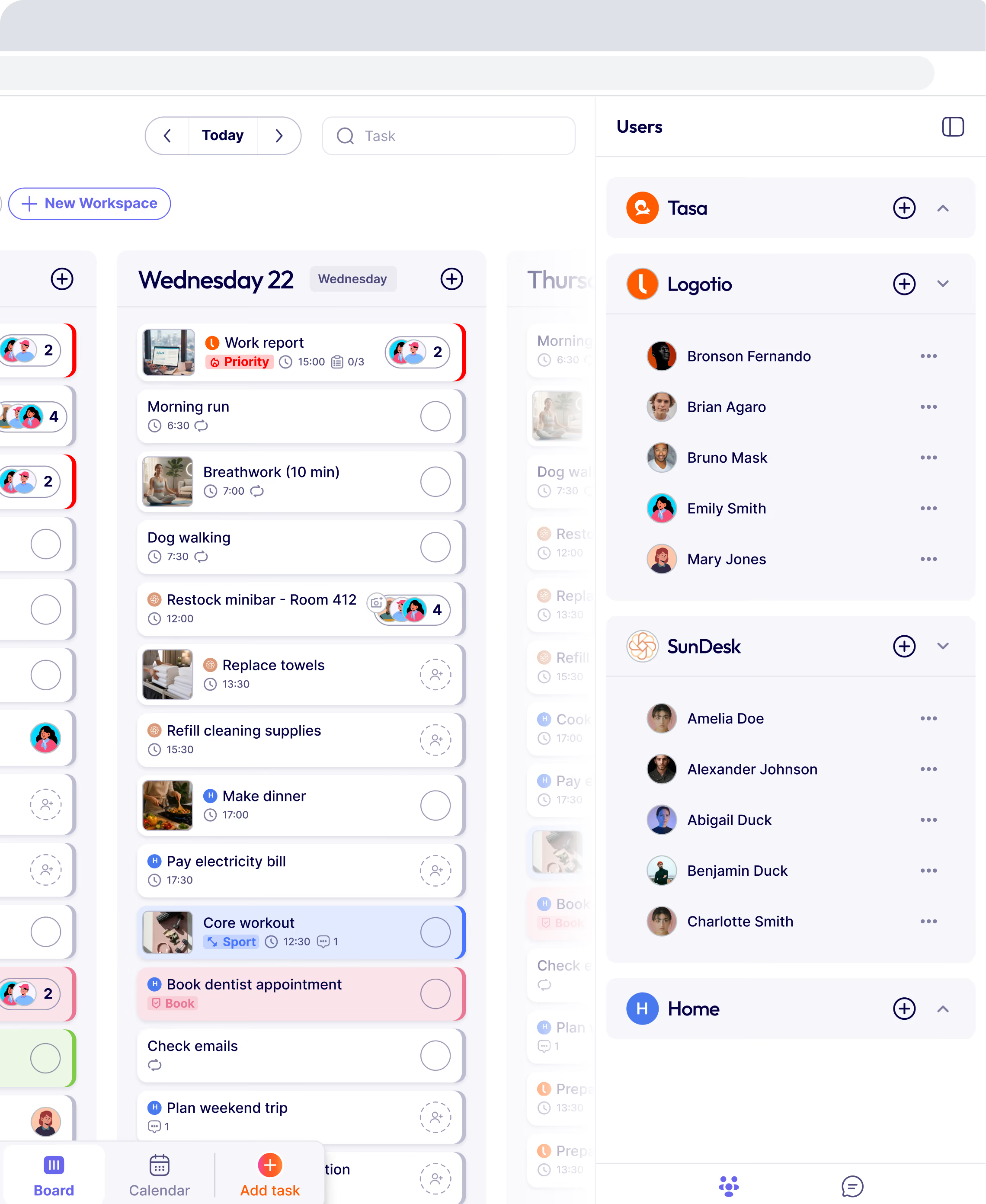
Tasa is a visual task management platform built for local operational teams. Instead of relying only on text instructions. Tasa helps businesses coordinate work through picture-based checklists, AI translation, visual task instructions, photo confirmation, recurring operational workflows and real-time task tracking.
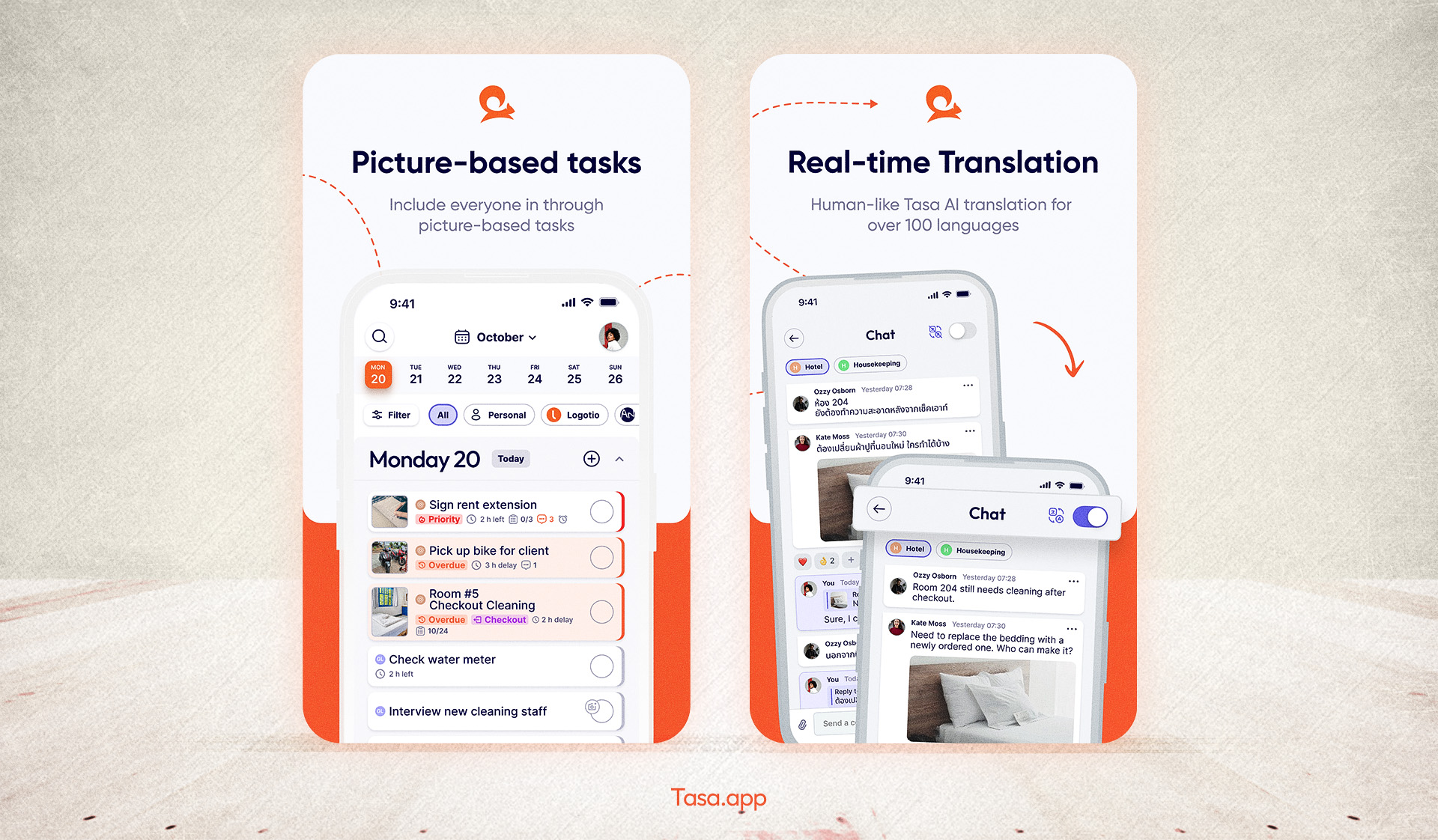
This is very useful for cleaning companies hotels and Airbnb teams, retail and maintenance crews or multilingual frontline teams.
The best system for local business owners
The best setup is often:
Together, they give your local businesses control over both time and execution.
The businesses that save the most time are usually the ones that standardize recurring work, reduce repeated communication, simplify delegation and verify completed work clearly
Time management matters. Execution management matters just as much.
Latest News



Have questions?
.svg)
Team management, simplified.

“It affects my personal life a lot. I can manage my team and my work remotely, so I have more time being a mother.”
